How we make this list: we compare pricing pages, product documentation and public user reviews. Rankite is independent; if a vendor ever pays for a featured spot, that listing is clearly labeled Partner.
Key takeaways
- There are two kinds of screen recorders: local tools that save a file to your computer (OBS, ShareX, Bandicam) and hosted tools that give you a share link (Loom, Tella, Vmaker). Pick the workflow first, then the tool.
- OBS Studio remains the only fully free option with no watermark, no time limit, and no account. The price is your time: setup takes real effort.
- Loom's free plan looks generous until you hit the 25-video lifetime cap. Regular users land on Business at $18 per user per month fast.
- For tutorials that need editing, Camtasia ($179.88/year) and ScreenPal (from $3/month) are the record-and-edit pairing to compare. Camtasia edits deeper; ScreenPal costs far less.
- Snagit at $62.99 one-time is the screenshot king that also records short clips. If your work is 90 percent screenshots, start there instead of a video tool.
Quick comparison
| Tool | Best for | Starting price | Free plan |
|---|
 OBS Studio OBS Studio | Full-control local recording and streaming | Free | Yes |
 Camtasia Camtasia | Tutorials that need recording and editing together | $179.88/year (Essentials) | Free trial (watermarked exports on the free editor) |
 Loom Loom | Quick async videos with instant share links | $18/user/month (Business) | Yes |
 Snagit Snagit | Screenshots plus short annotated clips | $62.99 one-time | Free trial (15 days) |
 ScreenPal ScreenPal | Budget all-rounder for courses and training | $3/month (Solo Deluxe, billed annually) | Yes |
 Movavi Screen Recorder Movavi Screen Recorder | Simple scheduled recordings with light editing | $44.95/year (or $74.95 lifetime) | Free trial (7 days, watermarked) |
 Bandicam Bandicam | High-FPS game and application capture | $33.26/year (Personal, 1 PC) | Free trial (10-minute cap, watermark) |
 ShareX ShareX | Power users who want capture plus automation | Free | Yes |
 Tella Tella | Polished product demos with AI editing | $13/user/month (Pro, billed annually) | Free trial (7 days) |
 Vmaker Vmaker | Free unlimited basic recording with an AI editor | $7/month (Starter) | Yes |
Is your product missing or out of date?
We review this list regularly. Vendors can request a listing, send updated pricing or ask about featured placement.
The best video screen capture software
Starting priceFree
Free planYes
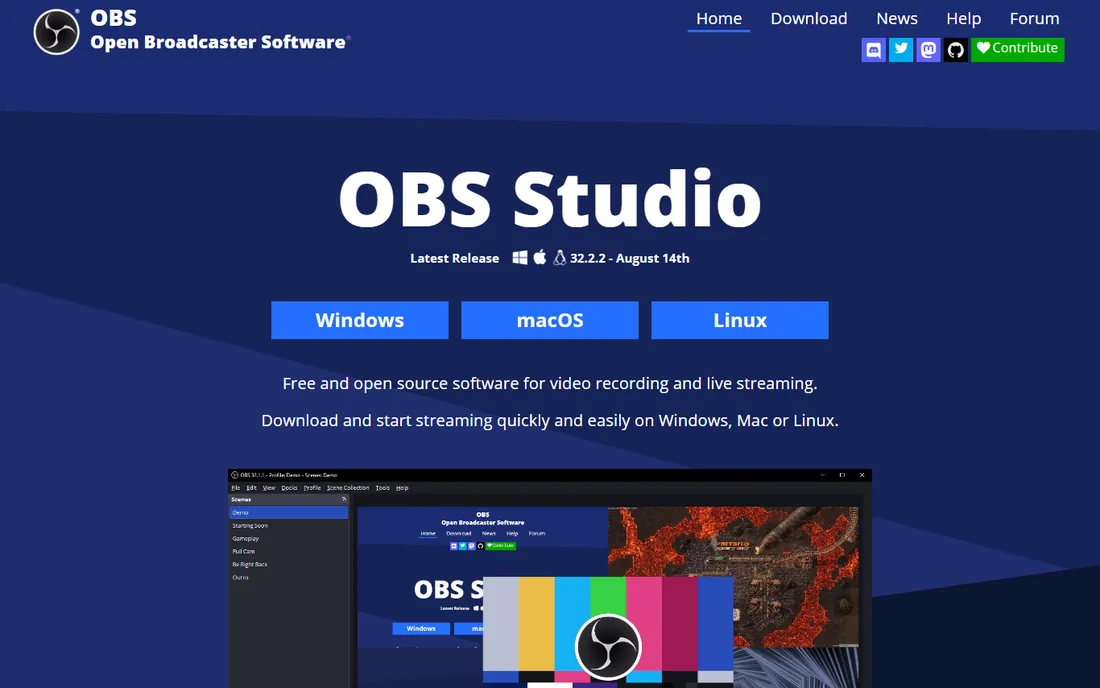
OBS Studio is the free, open-source standard for screen recording and live streaming, and nothing else at $0 comes close to its capability. You can capture displays, windows, webcams, browser sources, and capture cards, mix them as scenes, and record locally or stream to YouTube, Twitch, and other platforms. It runs on Windows, Mac, and Linux, and the file stays on your machine with no account and no watermark.
The cost is configuration. First-time users face a wall of settings for encoders, bitrates, and audio routing, and a misconfigured session can produce a silent recording with no support team to call. For a business with someone technical on staff, it is the most powerful free option available.
What we like- Unlimited recording with no watermark or time limit
- Scenes, sources, and transitions for multi-input setups
- Large free plugin ecosystem
Watch out for- Steep learning curve with settings that overwhelm beginners
- No built-in video editor
- No hosting, you manage files and sharing yourself
Starting price$179.88/year (Essentials)
Free planFree trial (watermarked exports on the free editor)
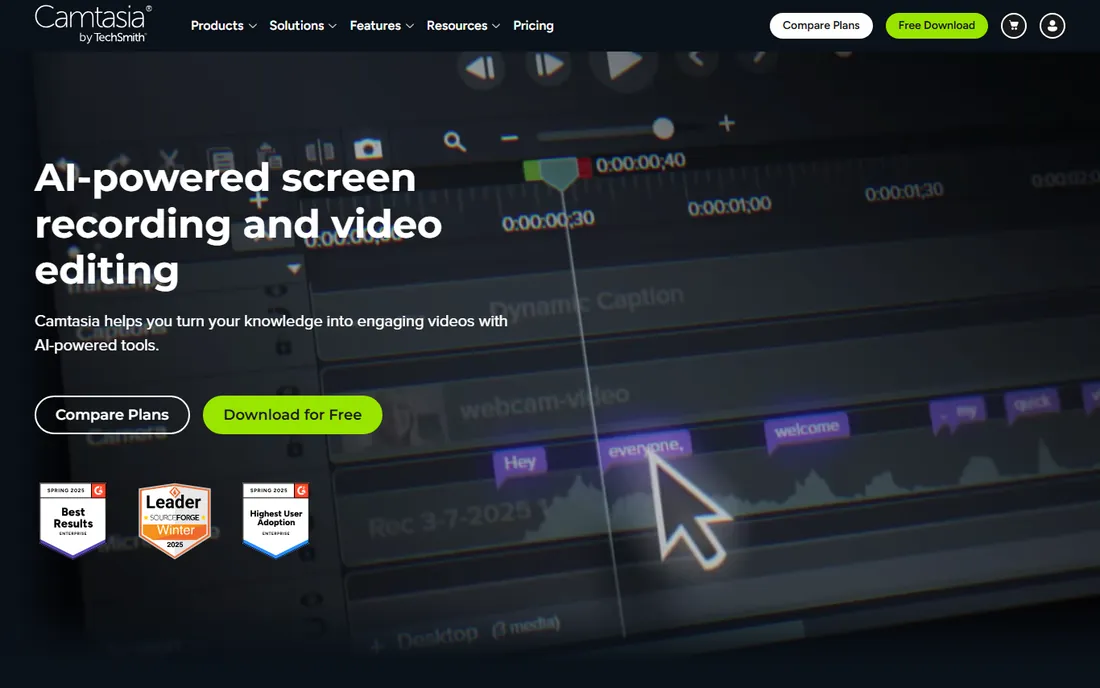
Camtasia has been the default answer for software tutorials for years, and the current version pairs screen recording with a genuinely capable editor. You record screen, webcam, mic, and system audio on separate tracks, then edit with transitions, annotations, cursor effects, and AI features like text-based editing, filler-word removal, and voiceover generation. Training teams get quizzes and SCORM export for their LMS.
Pricing is now subscription-based: Starter at $39 per year covers capture with watermarked exports, Essentials at $179.88 per year includes the full editor, and Create ($249) and Pro ($599) add AI voiceover, avatars, and stock libraries. TechSmith also lets you download the full editor free; exports carry a watermark until you pay. If you produce tutorials weekly, Camtasia pays for itself in saved editing time. If you record occasionally, ScreenPal or OBS plus a cheap editor covers the same ground for less.
What we like- Recording and a full editing timeline in one app
- SmartFocus auto-zooms and cursor effects polish tutorials fast
- Captions, quizzes, and SCORM export for training teams
Watch out for- Essentials at $179.88 per year is a real budget line
- Heavier on system resources than simple recorders
- Now subscription-only, no perpetual license
#3
Loom
Best for: Quick async videos with instant share links
Visit loom.com
Starting price$18/user/month (Business)
Free planYes
Loom won the async-video category by removing every step between recording and sharing. You hit record, capture screen and camera, and get a link you can drop into Slack or email. No rendering, no uploading, no file management. For internal updates, sales outreach, and support replies, that speed is the whole product. Transcripts in 50+ languages, comments, and viewer insights round out the team workflow.
The pricing catches people off guard. Starter is free but limited to 25 videos total with a 5-minute cap per recording, which regular users exhaust in weeks. Business at $18 per user per month ($15 billed annually) removes the limits and adds 4K, branding, and downloads. The AI features Loom advertises, like filler-word removal and edit-by-transcript, sit on Business + AI at $24 per user per month. If you only need a handful of short videos ever, the free plan works; for ongoing use, budget for Business.
What we like- Fastest path from recording to a shareable link
- Strong integrations with Slack, Gmail, and Notion
- Transcripts and viewer analytics built in
Watch out for- Free plan caps you at 25 videos lifetime and 5 minutes each
- Videos live on Loom's platform, which creates lock-in
- AI editing features need the pricier Business + AI tier
Starting price$62.99 one-time
Free planFree trial (15 days)
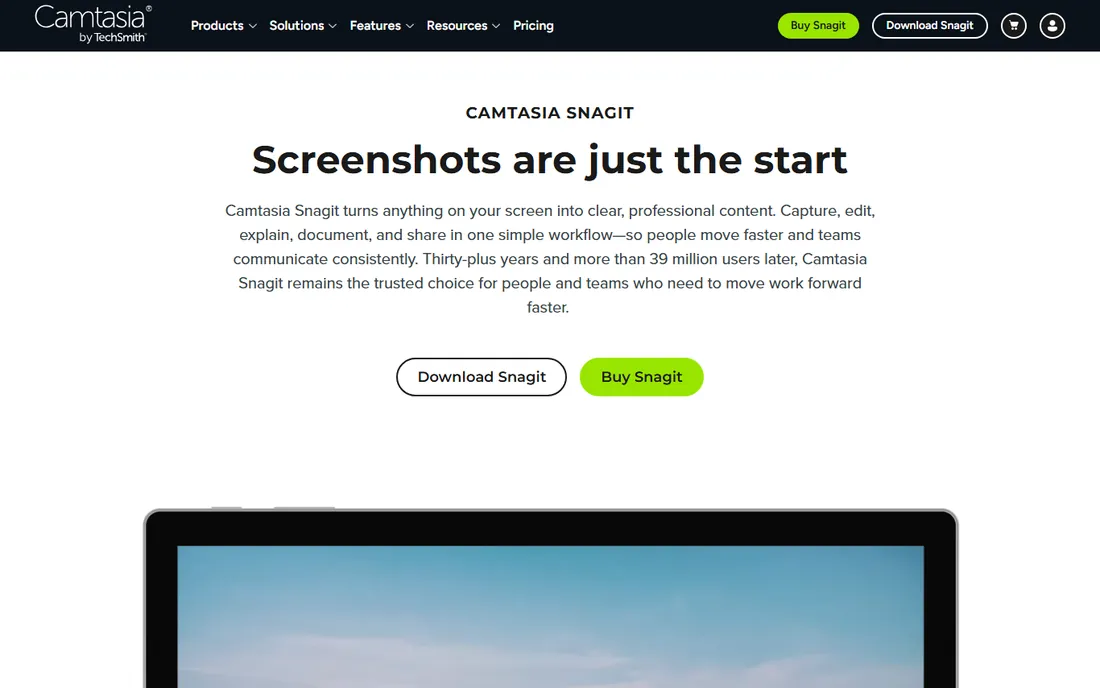
Snagit is primarily a screenshot tool that happens to record video, and for teams that live in screenshots it is worth every cent of the $62.99 one-time license. Capture a region, window, or scrolling page, then annotate with arrows, numbered steps, callouts, and smart redaction that blurs sensitive data automatically. Step Capture turns a click-through into a documented guide without manual screenshots.
The screen recording covers short clips with webcam and audio, trimming, and noise reduction, which is enough for quick walkthroughs and bug reports. It is not a Camtasia replacement for produced tutorials. But most business screen capture is screenshots with explanation, not video, and Snagit is faster at that job than any video-first tool.
What we like- Best-in-class screenshot annotation with arrows, steps, and blur
- Scrolling capture for full web pages
- One-time purchase, no subscription
Watch out for- Video recording is basic compared to dedicated recorders
- Not a video editor
- Overkill if you only need plain screenshots
Starting price$3/month (Solo Deluxe, billed annually)
Free planYes
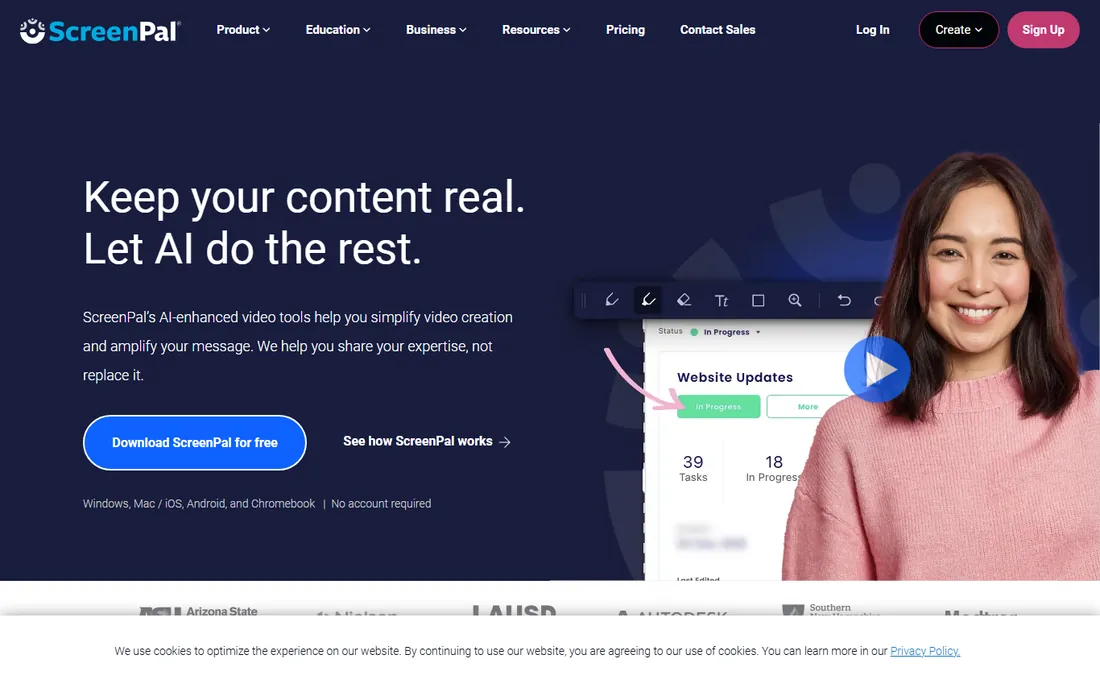
ScreenPal, formerly Screencast-O-Matic, is the value pick of this category. The free plan gives you 15-minute recordings with basic editing and hosting, which covers occasional use. Solo Deluxe starts at $3 per month billed annually and removes the time limit and watermark while adding the full editor, unlimited hosting, and AI captions. Solo Max at $10 per month adds quizzes, 4K, and advanced analytics.
For course creators, educators, and small teams making training content, it hits the sweet spot between free-but-limited tools and Camtasia's price tag. The editor handles trimming, text, and overlays without a learning curve. At $36 per year, the Deluxe plan is hard to argue with for straightforward tutorial work.
What we like- Recorder, editor, and video hosting in one cheap package
- Generous free tier for casual use
- Easy enough for non-technical educators
Watch out for- Free plan caps recordings at 15 minutes with a watermark
- Editor is simpler than Camtasia's
- Interface feels dated next to newer tools
#6
Movavi Screen Recorder
Best for: Simple scheduled recordings with light editing
Visit movavi.com
Starting price$44.95/year (or $74.95 lifetime)
Free planFree trial (7 days, watermarked)
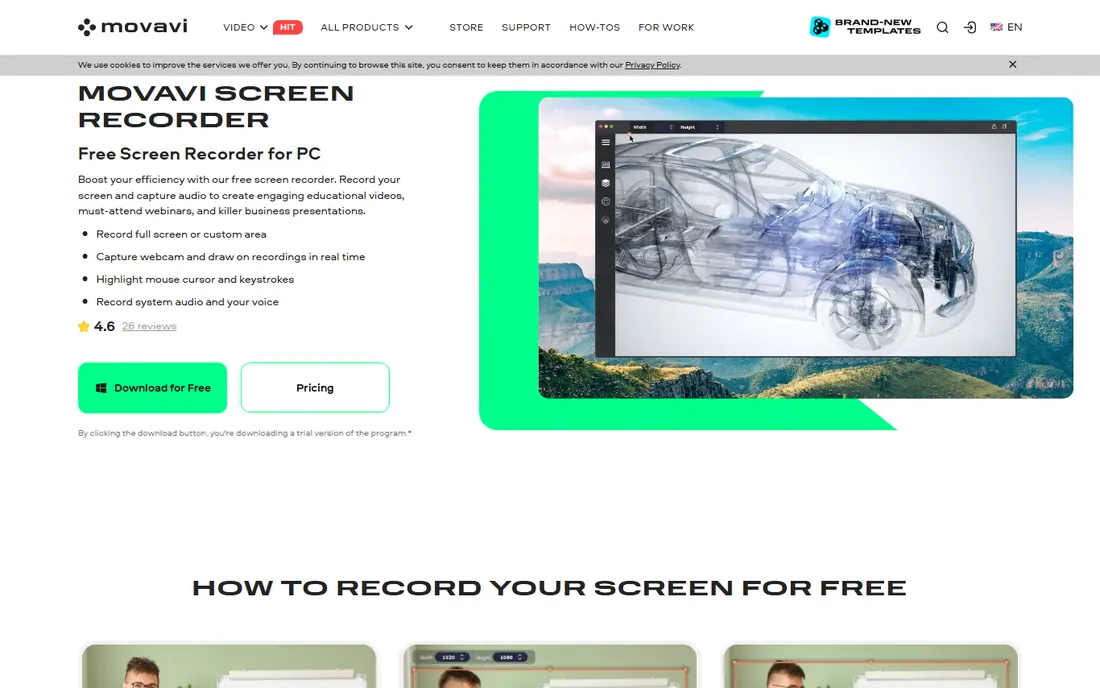
Movavi Screen Recorder targets the user who wants to press record and get a clean file without learning video production. It captures full screen or custom areas with webcam overlay, system audio, and mic, plus real-time drawing, mouse-click highlights, and scrolling screenshots. The standout feature is the scheduler: set a date and time and it records a webinar or stream unattended.
Pricing is $44.95 per year or $74.95 for a lifetime license, which is reasonable for a set-and-forget tool. The 7-day trial watermarks everything, so treat it as a demo. Note this is not a game recorder, and the editing is limited to trimming. For business presentations and support recordings, it does the job with minimal fuss.
What we like- Recording scheduler captures webinars while you are away
- AI noise reduction cleans up mic audio
- Straightforward interface with drawing tools
Watch out for- Trial watermarks exports and lasts only 7 days
- Not built for game capture
- Movavi upsells its other products regularly
Starting price$33.26/year (Personal, 1 PC)
Free planFree trial (10-minute cap, watermark)
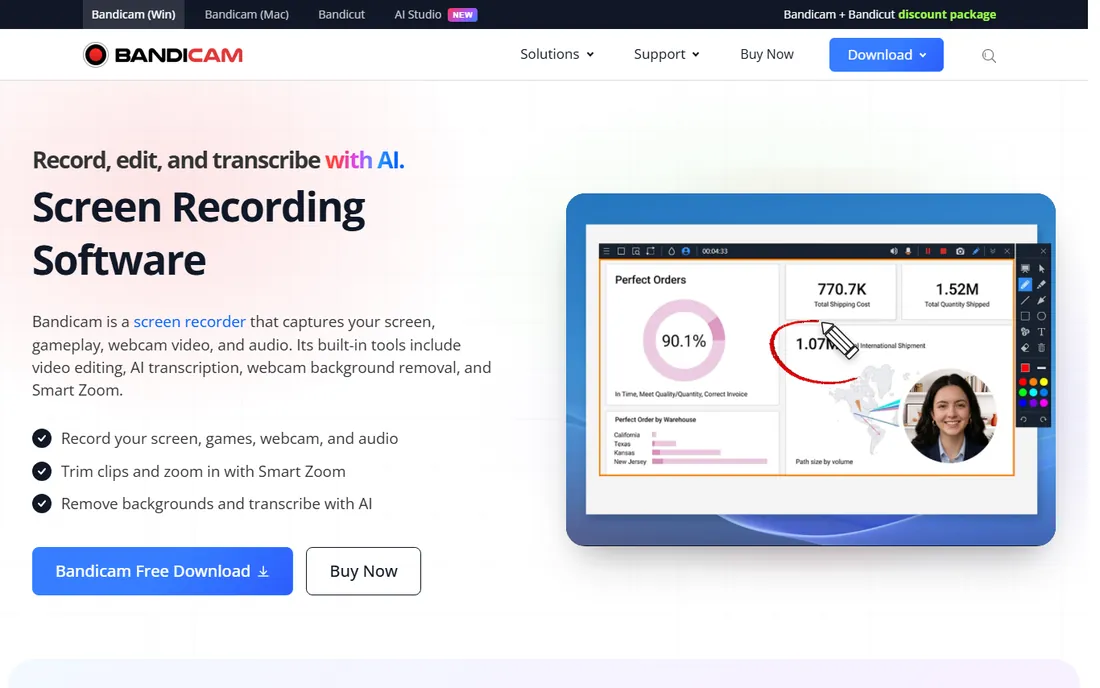
Bandicam is a specialist: it records games and applications at high frame rates without tanking performance, using DirectX, OpenGL, and Vulkan capture with hardware encoding. For gameplay videos, software demos with heavy graphics, and CAD walkthroughs, it is more efficient than OBS for users who do not want to tune settings. Recent versions add AI transcription, background removal, and Smart Zoom.
The free version caps recordings at 10 minutes with a watermark, so it functions as a trial. Paid licenses start at $33.26 per year for one PC, with a one-time $53.90 option and business licenses from $49.46 per year. For business screen capture that is not games, OBS or ScreenPal usually make more sense.
What we like- Records games at up to 480 FPS with low performance impact
- Hardware acceleration keeps files manageable
- Device recording for webcams and consoles
Watch out for- Interface feels dated
- No real video editor included
- Free version is too limited for serious use
Starting priceFree
Free planYes
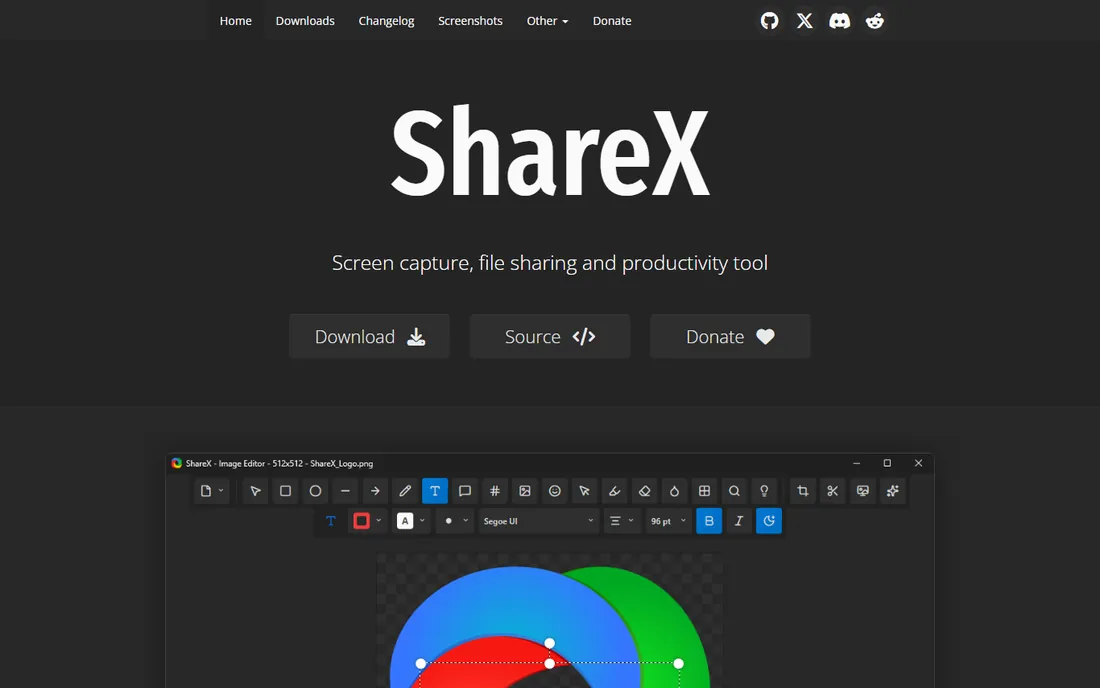
ShareX is the power user's capture tool: press a hotkey, grab a region, and the file is annotated, uploaded, and the link copied before you lift your finger. It records video and GIFs, extracts text with OCR, picks colors, and chains custom after-capture tasks. Developers, support teams, and QA testers love it because it turns repetitive capture work into a reflex.
It is free, open source, and has no advertisements or accounts. The trade-off is complexity: the settings panels are dense enough to scare off anyone who just wants a record button, and there is no editing beyond annotation. It is also Windows-only. If your team captures dozens of screenshots and clips daily, ShareX is unmatched at any price.
What we like- Completely free and open source with no ads
- Hotkey-driven capture, GIF recording, and OCR
- Automated upload workflows to dozens of destinations
Watch out for- Windows only
- Settings are overwhelming for casual users
- No video editor, just capture and share
Starting price$13/user/month (Pro, billed annually)
Free planFree trial (7 days)
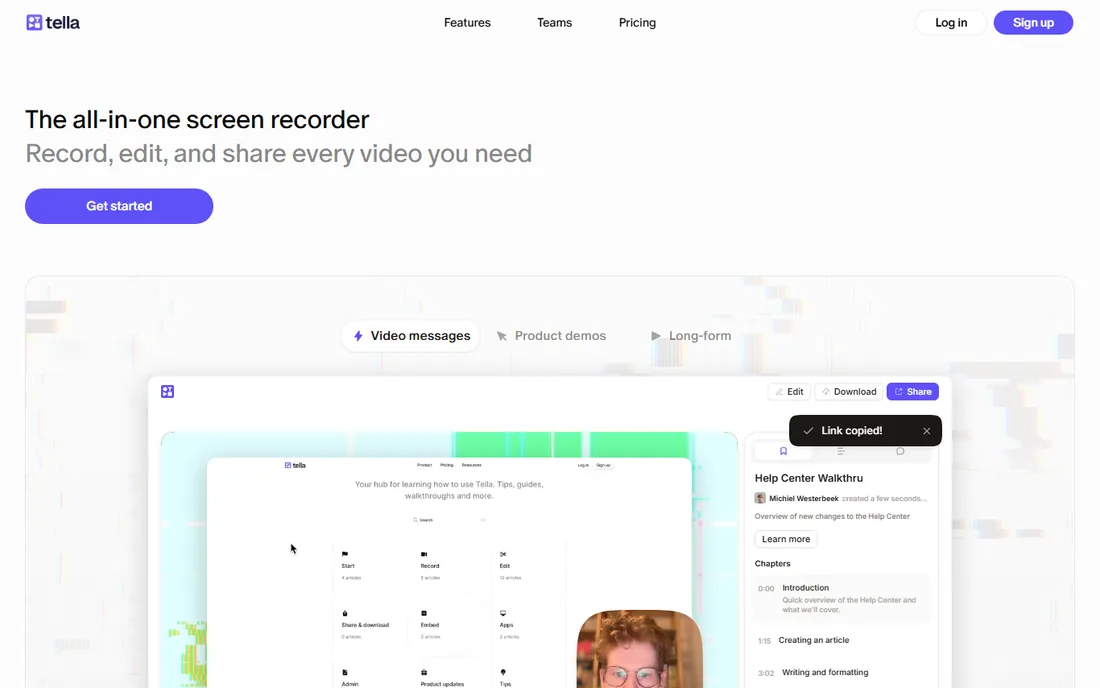
Tella is what you get when a screen recorder is designed by people who hate re-recording. You capture in clips, so a flubbed section gets re-shot alone instead of tanking the whole take. Then you edit from the transcript: delete a sentence of text and the video follows, with filler words and silences removable in clicks. Layouts, auto-zoom, and background cleanup make the result look produced without timeline skills.
Pro costs $13 per user per month billed annually and includes unlimited videos, 4K export, and hosting with analytics. Premium at $19 adds white-labeling, custom domains, and 60 FPS. For founders, marketers, and course creators making customer-facing demos, Tella's clip workflow saves more time than any feature list suggests.
What we like- Record in separate clips and rearrange without re-recording
- Text-based editing removes mistakes from the transcript
- 4K export, layouts, and auto-zoom
Watch out for- No free plan after the 7-day trial
- Subscription only
- Less suited to complex multi-track productions
#10
Vmaker
Best for: Free unlimited basic recording with an AI editor
Visit vmaker.com
Starting price$7/month (Starter)
Free planYes
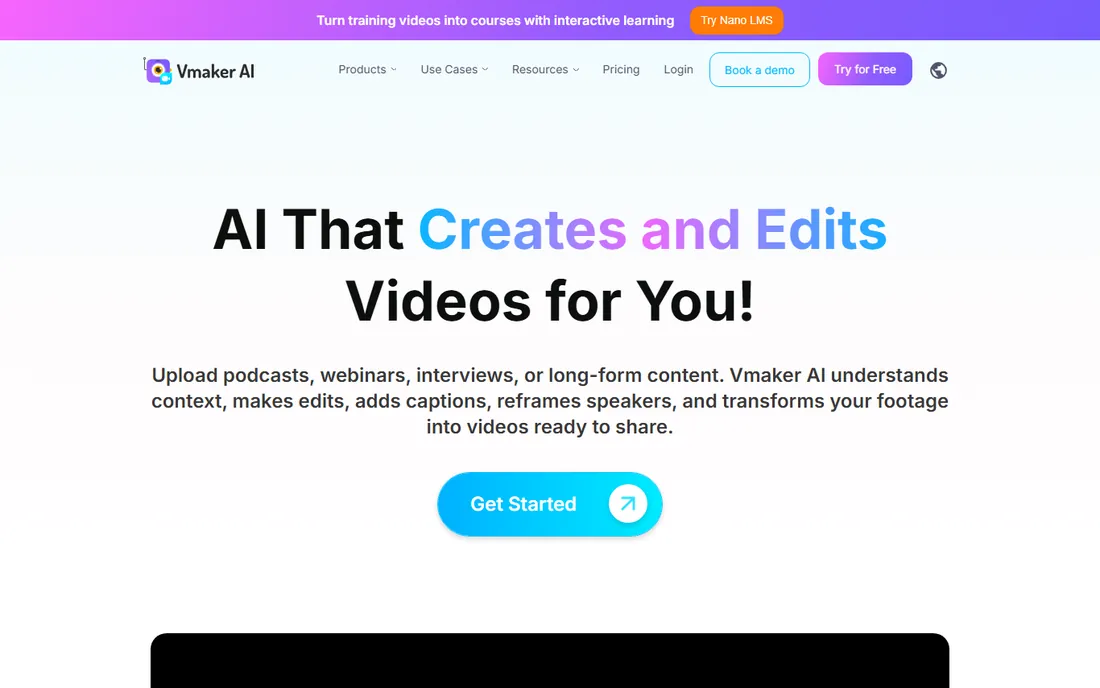
Vmaker's pitch is simple: a genuinely useful free plan. The Lite tier costs nothing and includes unlimited recordings without watermarks, which already beats Loom's 25-video cap and Bandicam's 10-minute limit. Paid plans start at $7 per month for Starter ($84 billed annually), adding 4K recording, custom branding, virtual backgrounds, and the AI video editor that assembles subtitles, transitions, and B-roll from raw footage.
It records on Windows, Mac, Chrome, and iOS, with cloud hosting and share links. The AI editor is the differentiator at this price: it turns a rough screen recording into something publishable with minimal manual work. For a small team that wants Loom-style convenience without per-seat costs, the free plan is worth testing first.
What we like- Free Lite plan with unlimited watermark-free recordings
- Built-in AI editor adds subtitles, B-roll, and transitions
- 4K recording on paid plans
Watch out for- Younger vendor with a smaller track record than Loom or TechSmith
- Advanced features and branding locked behind paid tiers
- Some users report occasional upload quirks
What matters when you compare screen recorders
Start with where the video lives. Hosted tools like Loom, Tella, and Vmaker give you a link seconds after recording, which is ideal for async communication. Local tools like OBS, ShareX, and Bandicam save a file you own outright, which is better for produced content, compliance-sensitive material, and anyone who dislikes platform lock-in. Camtasia, ScreenPal, and Movavi sit in the middle with local recording plus optional hosting.
Next, check the limits that actually bite. Free tiers almost always cap something: Loom limits total videos, ScreenPal limits recording length, Bandicam watermarks, and Movavi's trial expires in 7 days. Read those limits against your real usage before committing. Then consider editing. If you publish tutorials, a built-in editor (Camtasia, ScreenPal, Tella) saves hours versus recording in one app and cutting in another.
Finally, count the seats. Per-user pricing like Loom's $18 or Tella's $13 multiplies fast across a team, while one-time licenses (Snagit, Movavi lifetime, Bandicam one-time) and free tools (OBS, ShareX) keep costs flat. For a five-person team recording daily, the difference between per-seat SaaS and a flat-cost setup can be thousands per year.
How we chose
We focused on tools that businesses actually buy for screen capture: local recorders, hosted async-video tools, and record-and-edit combos. For each, we verified current pricing and free-tier limits from the vendor's own site and cross-checked against recent reviews and comparison guides. We left out enterprise webinar platforms, mobile-only apps, and anything discontinued. Prices and limits below reflect published plans as of October 2026.
Hosted link vs local file: pick your workflow
The deepest divide in this category is not price but workflow. Hosted tools optimize for speed of sharing: you record, and the link exists. That is perfect for support replies, sales follow-ups, and internal updates where the video is disposable. The trade is dependence: your library lives on someone else's servers, subject to their pricing changes and retention policies. Loom's migration into Atlassian billing is a live example of why that matters.
Local tools optimize for ownership: the file is yours, in a standard format, archivable forever. That suits training libraries, client deliverables, and regulated industries. The trade is friction: you handle storage and sharing yourself. Many teams end up with both, a hosted tool for daily async video and a local recorder for anything that must last.
Frequently asked questions
What is the best free screen recorder with no watermark?
OBS Studio is the only fully free option with no watermark, no time limit, and no feature gates. ShareX is also free and watermark-free but is Windows-only and aimed at quick captures rather than long recordings. Vmaker's free plan is the most generous hosted option with unlimited watermark-free videos.
Is Loom really free?
Loom's Starter plan is free but limited to 25 videos total and 5 minutes per recording, which most regular users outgrow quickly. Business at $18 per user per month removes those limits. If you only need a handful of short videos ever, the free plan works; for ongoing use, budget for Business.
Can I record my screen and webcam at the same time?
Yes, nearly every tool here supports it: OBS, Camtasia, Loom, ScreenPal, Movavi, Bandicam, Tella, and Vmaker all record screen and camera together, usually as picture-in-picture. Tella goes further by recording them as separate tracks you can rearrange after recording.
Which screen recorder is best for tutorials?
Camtasia is the most complete choice because recording and a full editing timeline live in one app, with quizzes and SCORM export for training teams. ScreenPal covers the same workflow at a much lower price with a simpler editor. Tella is best when you want the tutorial to look polished without learning timeline editing.
Do I need a powerful computer for screen recording?
For basic screen capture, no. Loom, Vmaker, and ScreenPal run fine on modest hardware. OBS and Bandicam can tax weaker machines at high resolutions, though hardware encoding helps. If your computer struggles, a browser-based hosted tool shifts the heavy lifting off your machine.
What is the difference between Snagit and Camtasia?
Both are made by TechSmith. Snagit ($62.99 one-time) is a screenshot-first tool with short video recording, built for documentation and quick explanations. Camtasia ($179.88/year) is a video-first tool with a full editor, built for produced tutorials and courses. Many teams own both: Snagit for daily captures, Camtasia for training content.
Sources we checked (16)
- https://obsproject.com/
- https://www.techsmith.com/camtasia/
- https://www.loom.com/
- https://www.techsmith.com/snagit/
- https://screenpal.com/
- https://www.movavi.com/screen-recorder/
- https://bandicam.com/
- https://getsharex.com
- https://www.tella.com/
- https://www.vmaker.com/
- https://kurums.com/best-screen-recording-software-2026-comparison/
- https://www.guidde.com/knowledge-hub/loom-pricing-2026-complete-breakdown-best-alternative
- https://www.learningrevolution.net/screenpal-review/
- https://www.tella.com/blog/best-screen-recording-software
- https://www.screensnap.pro/blog/bandicam-review-alternatives
- https://CODECS.COM/download/snagit.htm
Is your product missing or out of date?
We review this list regularly. Vendors can request a listing, send updated pricing or ask about featured placement.

Shihab Mia · Founder, Rankite
Shihab has spent more than a decade helping SaaS and e-commerce brands grow through search. He writes Rankite's software buying guides from pricing pages, documentation and public user reviews. More about Shihab.