How we make this list: we compare pricing pages, product documentation and public user reviews. Rankite is independent; if a vendor ever pays for a featured spot, that listing is clearly labeled Partner.
Key takeaways
- Sports highlights are two purchases, not one: a capture method (AI camera or a parent with a phone) and an editing method. Tools like Veo and Trace bundle both; editors like Premiere assume you already have footage.
- AI cameras have split into subscription models (Veo, Trace) and no-subscription models (XbotGo). Over three seasons, the no-subscription option often costs less, but check which sports and features each supports.
- Hudl remains the standard for team film study and recruiting profiles, starting around $400 per team per year. It is built for coaches and programs, not casual highlight making.
- For DIY highlight reels from your own footage, CapCut and Clipchamp cover most needs free. Pay for Kapwing ($16/month) or Filmora ($49.99/year) only when you need their templates, effects, or AI tools.
- DaVinci Resolve is the only free editor here with professional depth. The learning curve is real, but nothing else at $0 touches it.
Quick comparison
| Tool | Best for | Starting price | Free plan |
|---|
 Hudl Hudl | Team film study and recruiting profiles | $400/team/year (Bronze) | No |
 Veo Veo | AI camera that records and auto-highlights games | $1,299 (camera) + $67/month (Starter plan) | No |
 Trace Trace | Individual player highlight reels for recruiting | $180/year (PlayerFocus Basic) | No |
 XbotGo XbotGo | AI sports camera with no subscription | $299.99 one-time (Chameleon) | No |
 Kapwing Kapwing | Browser editing with sports templates | $16/month (Pro, billed annually) | Yes |
 Filmora Filmora | Effects-heavy highlight edits on a budget | $49.99/year (Basic) | Free trial (watermarked exports) |
 Adobe Premiere Pro Adobe Premiere Pro | Professional highlight production | $22.99/month (annual, billed monthly) | Free trial (7 days) |
 DaVinci Resolve DaVinci Resolve | Free pro-level editing | Free | Yes |
 Clipchamp Clipchamp | Quick free edits in the browser | Free | Yes |
 CapCut CapCut | Fast social-ready highlight clips | Free | Yes |
Is your product missing or out of date?
We review this list regularly. Vendors can request a listing, send updated pricing or ask about featured placement.
The best video editing software for sports highlights
#1
Hudl
Best for: Team film study and recruiting profiles
Visit hudl.com
Starting price$400/team/year (Bronze)
Free planNo
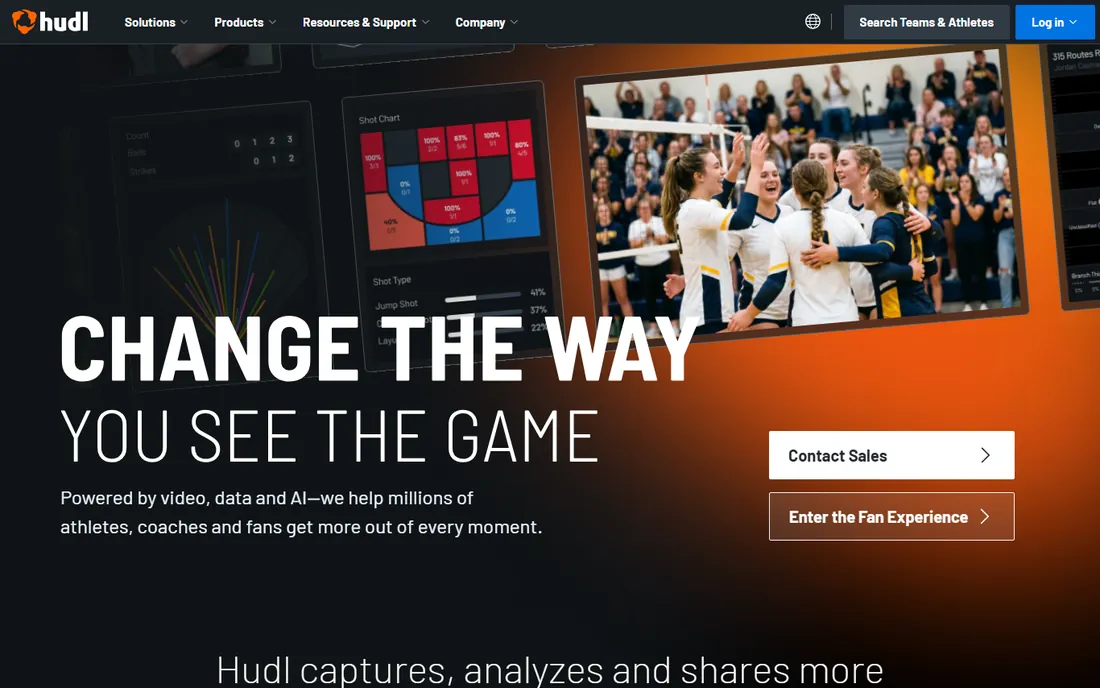
Hudl is the infrastructure most serious programs run on. Coaches capture games with Hudl's AI-powered Focus cameras or uploaded footage, tag plays, build playlists, and share breakdowns with players. Athletes get profiles that feed recruiting, and families get livestreams through the fan platform.
The pricing is the part to pin down before you commit. Club packages start around $400 per team per year for Bronze, rising through Silver and Gold tiers, and breakdown services like Hudl Assist add $900 or more per season. Small teams sometimes find that highlights are not automatic without staff time or the paid breakdown layer.
What we like- Deepest platform for tagging, playlists, and sharing team film
- Recruiting profiles connect athletes with college programs
- Livestreaming and fan engagement built in
Watch out for- Pricing varies by sport and tier and is not always published
- Built for programs with staff time, not casual users
- Auto-highlights often need a human or an add-on service
#2
Veo
Best for: AI camera that records and auto-highlights games
Visit veo.co
Starting price$1,299 (camera) + $67/month (Starter plan)
Free planNo
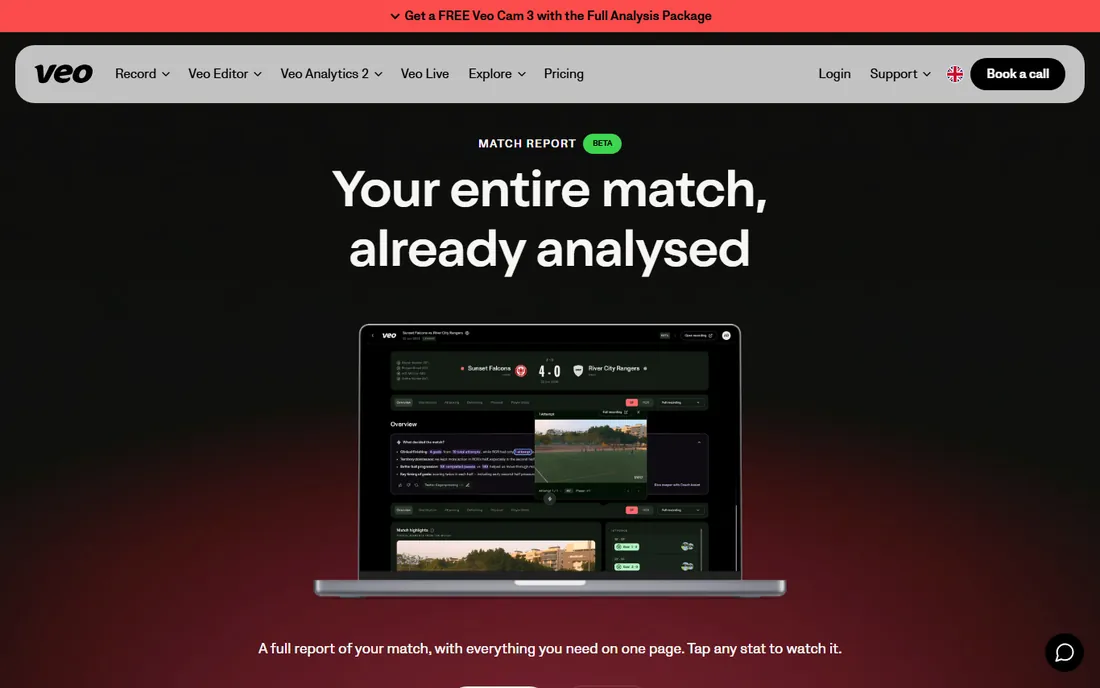
Veo solved the hardest part of sports video: getting usable footage without a volunteer behind a camera. The Veo Cam 3 films a full panoramic view, follows the action with AI, and uploads the match to the Veo Editor, where key moments arrive pre-tagged. Coaches get highlights and analysis without touching a timeline. A phone-based Veo Go option exists for teams that want to try the platform with hardware they already own.
The cost structure is the decision. The Cam 3 starts at $1,299 one-time, and subscriptions start around $67 per month billed yearly, with higher tiers for more recording hours, teams, and storage. For clubs filming every week across multiple teams, the per-game cost becomes reasonable. For a single family filming one kid's season, Trace or XbotGo usually make more financial sense.
What we like- Set it up and walk away, the camera follows the action with no operator
- AI tags goals, shots, and key moments automatically
- Livestreaming and analytics add-ons available
Watch out for- Expensive first year between hardware and subscription
- Footage only stays useful while the subscription is active
- Recording-hour limits on lower tiers
Starting price$180/year (PlayerFocus Basic)
Free planNo
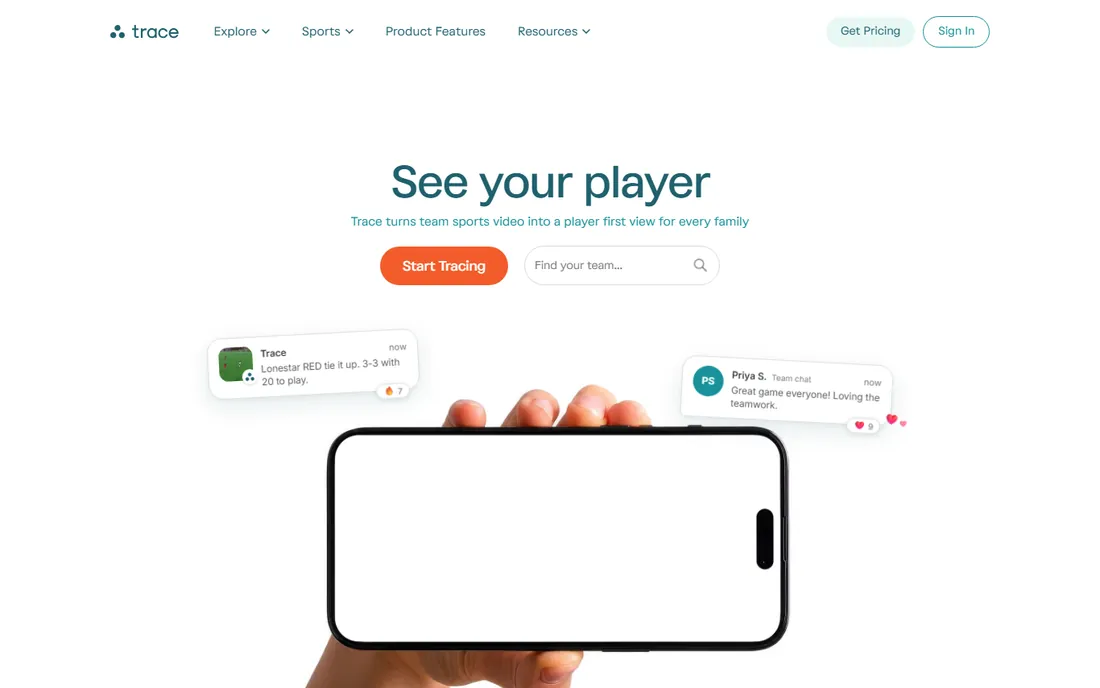
Trace answers a different question than Veo: not "film the game" but "film my kid." The TraceCam sits on a 16-foot tripod at midfield, records the full game unattended, and then generates a personalized highlight reel for each player, shots, assists, saves, every touch, with a 4x zoom PlayerCam locked onto them. Players get a public Trace iD profile to share with recruiters.
Pricing is refreshingly simple: PlayerFocus Basic at $180 per year or Pro at $300 per year, with the $795 camera included free on annual plans. Pro adds analytics, unlimited game access, and the ability to create your own highlights. The honest catch is scope: if you coach a team and need tactical breakdowns, this is the wrong tool.
What we like- PlayerFocus AI cuts a personal highlight reel for every player automatically
- Camera is included free with an annual subscription
- PlayerCam zooms in on one athlete for the whole game
Watch out for- Built around families and individual players, not team tactical analysis
- Soccer and basketball focus, check your sport
- Monthly billing adds a $99 equipment fee
Starting price$299.99 one-time (Chameleon)
Free planNo
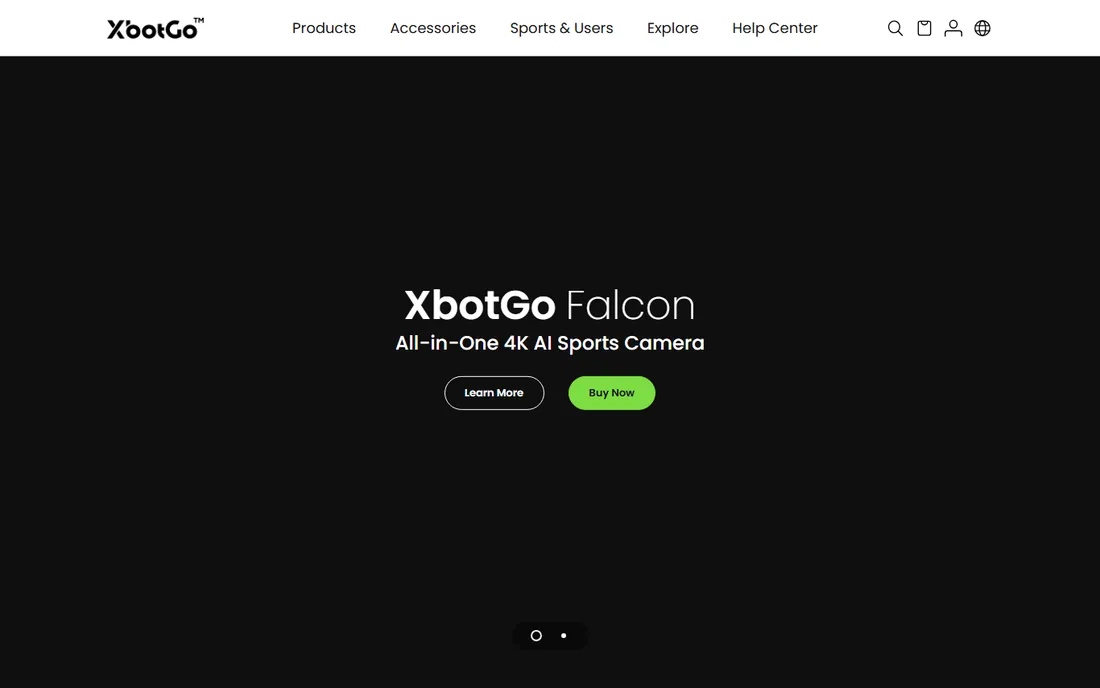
XbotGo is the answer for everyone who looked at Veo's subscription and flinched. The Chameleon, starting at $299.99, turns your own phone into an AI tracking camera, while the standalone Falcon at $699 records in 4K with no phone and no operator. Either way, there is no subscription for core features: buy it once, film all season. Free multi-platform livestreaming and 20 GB of cloud storage come included.
The trade is depth. XbotGo films and tracks well, but it does not match Veo's analysis platform or Hudl's team infrastructure. For a family or small team that wants hands-free game footage without a monthly bill, the math is compelling: one Falcon costs less than a single year of Veo's camera plus subscription.
What we like- One-time purchase with lifetime access, no recurring fee for core features
- 4K recording with auto-tracking
- Free livestreaming and 20 GB of cloud storage
Watch out for- Younger company with a smaller support footprint than Veo
- Fewer analysis and breakdown features
- Editing tools are basic compared to dedicated software
Starting price$16/month (Pro, billed annually)
Free planYes
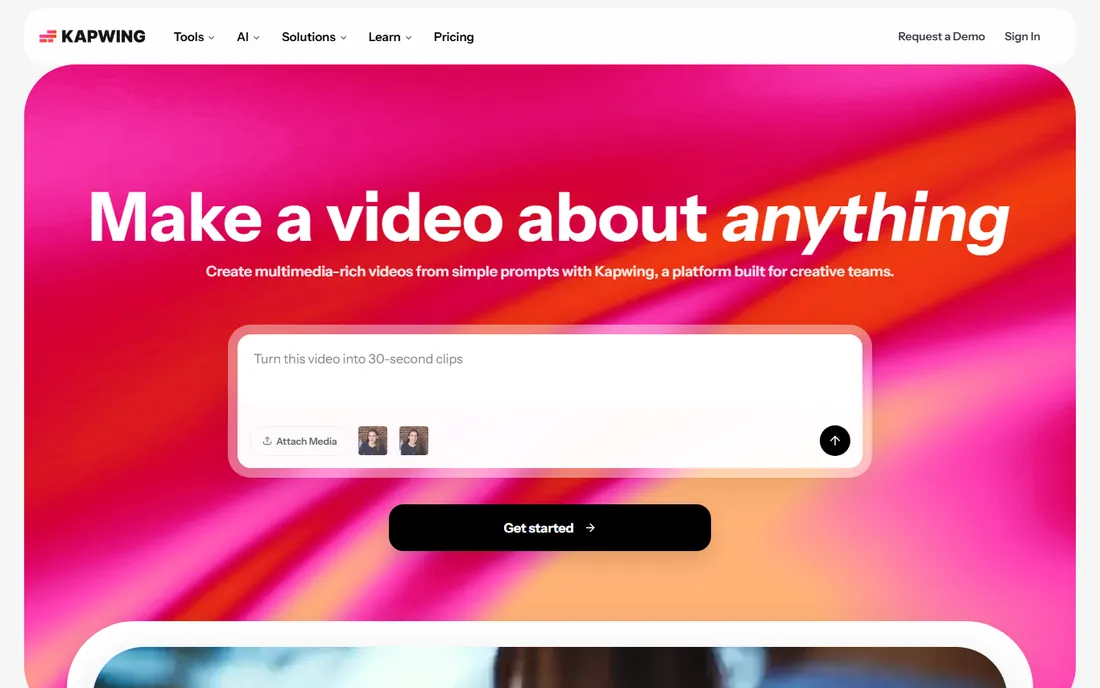
Kapwing is where you go when you already have footage and need a highlight reel fast. The browser editor handles trimming, captions, slow motion, and music, with templates that suit sports content and AI tools like Smart Cut that remove dead air automatically. Because it is collaborative, a coach and an assistant can work on the same reel without passing files around.
Pro at $16 per month billed annually removes the watermark and adds 4K export, longer videos, and the full AI toolkit. Kapwing's strength is speed on social-ready reels. For long-form game breakdowns or cinematic recruiting videos, a desktop editor gives you more control.
What we like- Runs entirely in the browser with no install
- Templates and AI tools speed up highlight reels
- Collaboration features for teams and staff
Watch out for- Free plan caps exports at short lengths with a watermark
- Subscription is per member, which adds up for staff
- Not built for long multi-game projects
Starting price$49.99/year (Basic)
Free planFree trial (watermarked exports)
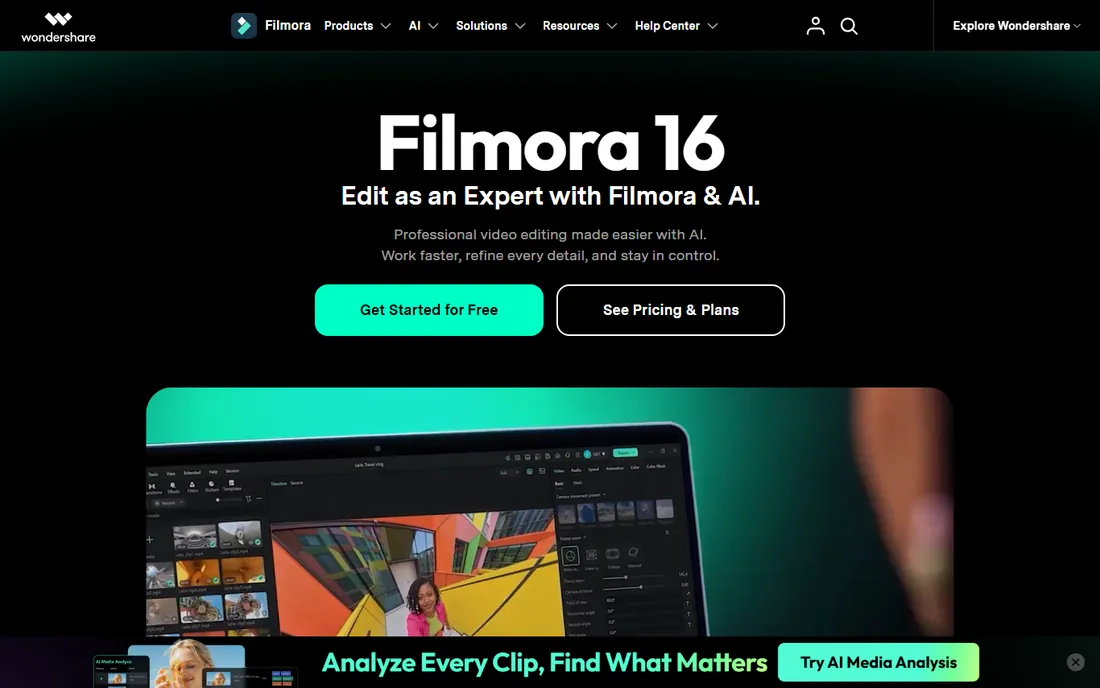
Filmora is the choice when the highlight reel needs to look exciting, not just informative. Its 2.9 million creative assets include sports-themed titles, transitions, and effects, plus AI tools for camera tracking, caption generation, and audio cleanup. A parent or volunteer with no editing background can produce a reel with slow-motion replays, zoom cuts, and music in an evening.
Basic starts at $49.99 per year, with Advanced and perpetual options above it. The free trial lets you learn the full editor but watermarks exports, so budget for the paid plan if you publish. Used with restraint, it is the fastest path from raw game footage to a reel a teenager will actually share.
What we like- Huge library of effects, transitions, and sports-style templates
- AI tools for captions, tracking, and cleanup
- Easier to learn than pro editors
Watch out for- Free version watermarks everything
- Some advanced features sit behind higher tiers
- Effects library can tempt you into overproduced reels
#7
Adobe Premiere Pro
Best for: Professional highlight production
Visit adobe.com
Starting price$22.99/month (annual, billed monthly)
Free planFree trial (7 days)
When highlight production is a real job, making reels for a club, a recruiting service, or a content channel, Premiere Pro is the professional answer. Multicam editing syncs multiple camera angles, Lumetri color makes footage pop, and text-based editing lets you cut interviews and commentary from a transcript. The 2026 versions add faster mask tracking and Firefly-powered generative tools for B-roll and sound effects.
At $22.99 per month on the annual plan, it costs more than every other editor here, and there is no free tier beyond the 7-day trial. It is also genuinely complex; a volunteer will take weeks to get comfortable. But for high-volume or client work, the workflow advantages are real: proxies for smooth editing, batch exports through Media Encoder, and Frame.io review built in.
What we like- Full professional timeline with multicam, color, and audio tools
- Text-based editing and AI features speed up long projects
- Integrates with After Effects and Photoshop
Watch out for- Subscription cost adds up
- Overkill for simple reels
- Demands a capable computer and real learning time
Starting priceFree
Free planYes
DaVinci Resolve is the best value in all of video editing: a free download that includes professional editing, color grading, visual effects, and audio post-production with no watermark and no expiry. For sports highlights, the Cut page is built for fast turnaround, and the color tools can make phone footage look dramatically better. The free version handles 4K timelines on decent hardware.
The Studio version at $315 one-time adds AI tools, noise reduction, and higher frame-rate support, and it never asks for another dollar. The catch is complexity: Resolve has a learning curve that dwarfs Filmora or CapCut, and there are fewer drag-and-drop sports templates. But if you are willing to learn, nothing free comes close.
What we like- Completely free version with no watermark and no time limit
- Hollywood-grade color grading and audio tools included
- One-time $315 Studio upgrade, no subscription
Watch out for- Steep learning curve, especially the color and Fusion pages
- Needs a strong computer for smooth 4K work
- Fewer ready-made sports templates than Filmora
Starting priceFree
Free planYes
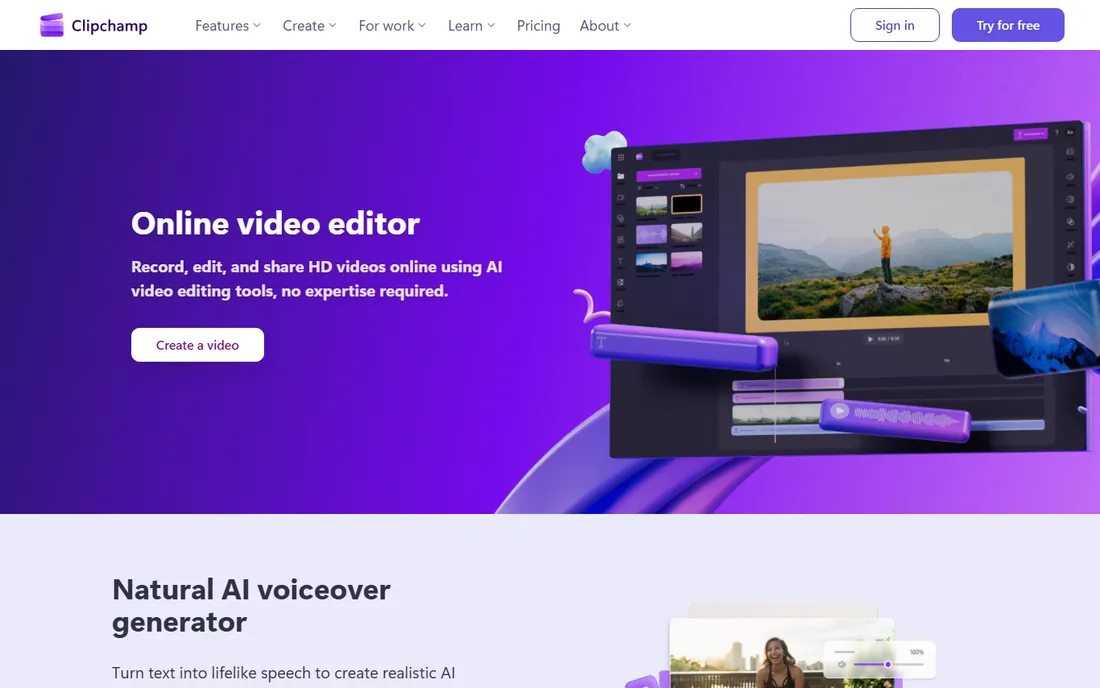
Clipchamp is Microsoft's browser-based editor, and its free tier is one of the most generous available: unlimited 1080p exports with no watermark, AI subtitles in 80+ languages, text-to-speech voiceovers, and silence removal. For a coach cutting a quick highlight reel on a school laptop or Chromebook, it is often all you need, with nothing to install.
Premium at $11.99 per month standalone adds 4K export, the full stock library, and a brand kit, though many users get Premium included with a Microsoft 365 subscription they already pay for. The limitations are real: no Safari or Firefox, and complex multi-track projects will feel constrained.
What we like- Free plan exports 1080p with no watermark
- Runs in the browser on any computer
- AI captions, text-to-speech, and screen recording included
Watch out for- 4K export requires Premium or Microsoft 365
- No Safari or Firefox support
- Simpler than desktop editors for complex projects
Starting priceFree
Free planYes
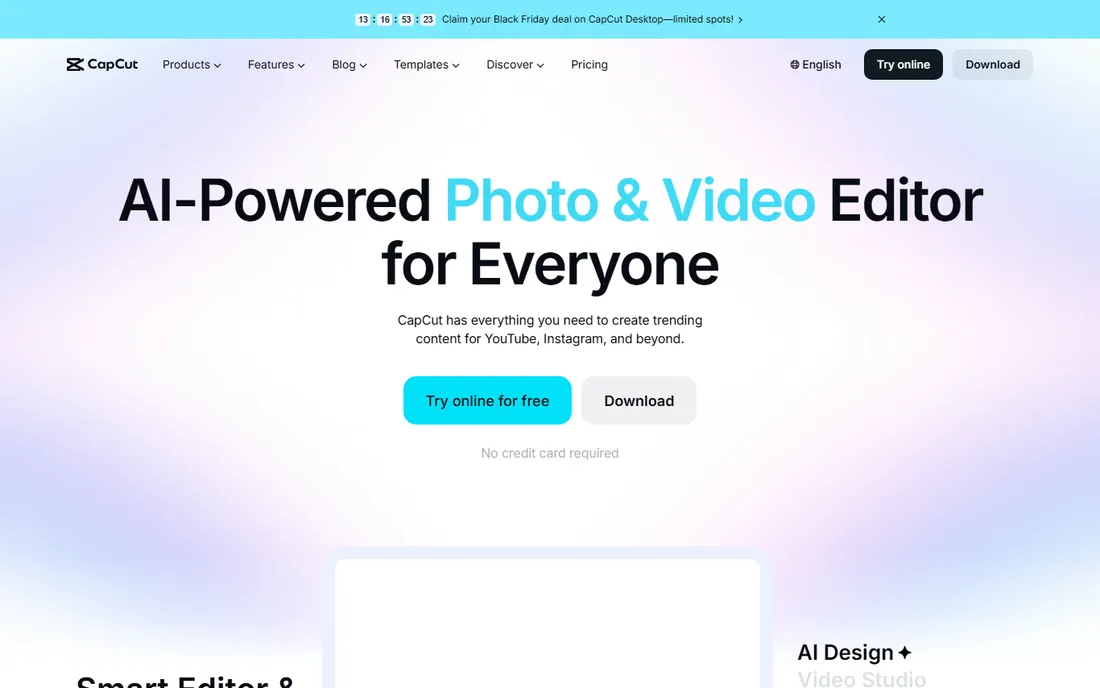
CapCut is where most social sports highlights get made, because it is fast and free to start. Trim clips, drop in a trending sports template, add auto-captions and music, and export for TikTok, Reels, or Shorts. The template library is the draw: thousands of sports edits with transitions and beat-synced cuts that would take hours to build manually. It runs on phones, desktops, and the web with cloud sync.
The free tier handles basic edits at 1080p, though some templates and assets watermark exports or stay locked. Pro at $19.99 per month ($179.99 per year) adds 4K export, the full AI toolkit, and the complete asset library. Buy through capcut.com rather than app stores when you can; it is typically 20 to 30 percent cheaper.
What we like- Free tier covers trimming, effects, and 1080p export
- Huge template library built for sports and viral formats
- Works on phone, desktop, and web
Watch out for- Free exports can carry watermarks on some templates and assets
- Pro at $19.99/month is needed for 4K and the full AI toolkit
- Pricing varies by region and platform
Camera or editor first: decide what you actually need
Buyers in this category usually need one of two things. If your problem is "nobody films the games," you need capture: an AI camera (Veo, Trace, XbotGo) or a disciplined parent with a tripod. No editing software fixes footage that does not exist. If your problem is "we have footage but no reels," you need an editor: CapCut or Clipchamp for free, Filmora or Kapwing for templates and speed, Premiere or Resolve for depth.
A good rule: if one person does everything, buy a bundle like Veo or Trace that films and auto-edits. If you have a filmer and a separate editor, or you enjoy editing, buy the pieces separately and save money.
How we chose
We looked at both halves of the sports highlight workflow: AI cameras and platforms that capture and auto-cut games, and editing software used to build reels from existing footage. For each tool we verified current pricing from the vendor's own site or recent published pricing. We excluded discontinued tools, enterprise-only broadcast systems, and anything without a clear sports use case.
The real cost of a season, not just a month
Monthly prices hide the true comparison. A three-season run of Veo (camera plus subscription) can exceed $4,000, while XbotGo's Falcon costs $699 once and films the same games. Trace at $180 to $300 per year with a free camera lease is the cheapest way to get per-player reels for recruiting.
For editing-only buyers, the math is simpler. CapCut, Clipchamp, and DaVinci Resolve cost $0 forever. Filmora at $49.99 per year and Kapwing at $16 per month are cheap enough to try for a season. Add up the full season before you buy, and remember the camera is usually the bigger check than the software.
Frequently asked questions
Do I need a special camera to make sports highlights?
No, but it helps enormously. You can film on a phone and edit in CapCut or DaVinci Resolve for free. AI cameras like Veo, Trace, and XbotGo remove the need for a camera operator and auto-tag key moments, which is where most volunteer setups fail. If games consistently go unfilmed, a camera is a better investment than editing software.
What is the cheapest way to make a highlight reel?
Film on a phone you own and edit in CapCut, Clipchamp, or DaVinci Resolve, all free. Total cost: $0. The trade is your time filming and editing. If you want to skip the filming labor, XbotGo's Chameleon at $299.99 one-time is the cheapest hands-free option with no subscription.
Which is better for recruiting videos, Trace or Hudl?
Trace is built for individual player reels: it auto-cuts a personal highlight package per athlete, which is exactly what recruiters watch. Hudl is built for programs: team film, tagging, and athlete profiles within a coaching workflow. Many families use Trace for the reel and Hudl's free recruiting profiles for exposure. For one athlete, start with Trace.
Can I use regular video editors like Premiere for sports highlights?
Yes. Once you have footage, any good editor works: Premiere Pro, DaVinci Resolve, Filmora, and CapCut all cut highlight reels. The sports-specific tools add auto-tagging, player tracking, and templates that save time, but they are conveniences, not requirements. A skilled editor with Resolve can outperform an auto-generated reel.
How much does Hudl cost for a youth team?
Hudl's club packages start around $400 per team per year for the Bronze tier, with Silver and Gold tiers higher. Breakdown services like Hudl Assist cost extra, from around $900 per season. Pricing varies by sport, so get a quote for your specific program rather than relying on listed tiers.
Is Veo worth it compared to just using a phone?
Veo is worth it if your team films every week and no reliable volunteer exists; the camera pays for itself in footage you would otherwise never get. For occasional filming or a single player, a phone on a tripod plus free editing software, or a one-time purchase like XbotGo, delivers most of the value at a fraction of the cost.
Sources we checked (18)
- https://www.hudl.com/
- https://www.veo.co/
- https://traceup.com/
- https://www.xbotgo.com/
- https://www.kapwing.com/
- https://filmora.wondershare.com/
- https://www.adobe.com/
- https://www.blackmagicdesign.com/products/davinciresolve
- https://clipchamp.com/en/
- https://www.capcut.com/
- https://www.sportsvisio.com/stories/sportsvisio-vs-hudl-2026-comparison-for-youth-teams
- https://shop.veo.co/
- https://www.footballparent.co.uk/football-gear/veo-camera-alternatives
- https://petapixel.com/2026/01/07/the-hands-free-599-xbotgo-falcon-captures-sports-like-a-tv-broadcaster/
- https://computertech.co/kapwing-review/
- https://www.blackmagicdesign.com/ae/products/davinciresolve
- https://www.allaboutai.com/ai-reviews/clipchamp/
- https://costbench.com/software/video-editing/capcut/
Is your product missing or out of date?
We review this list regularly. Vendors can request a listing, send updated pricing or ask about featured placement.

Shihab Mia · Founder, Rankite
Shihab has spent more than a decade helping SaaS and e-commerce brands grow through search. He writes Rankite's software buying guides from pricing pages, documentation and public user reviews. More about Shihab.