How we make this list: we compare pricing pages, product documentation and public user reviews. Rankite is independent; if a vendor ever pays for a featured spot, that listing is clearly labeled Partner.
Key takeaways
- Animated video tools split into two camps: template-based makers for business videos (Vyond, Animaker, Powtoon, Renderforest) and real animation software (Toon Boom Harmony, Blender, Adobe Animate). They solve different problems, so decide which camp you are in first.
- For explainer and training videos, Vyond is the business standard with the deepest character and scene library. Animaker and Powtoon cover similar ground at lower price points with less depth.
- Whiteboard animation is its own niche: VideoScribe and Doodly do one thing, hand-drawn style explainers, and do it with almost no learning curve.
- Blender is the only professional-grade option here that costs nothing. The trade is a serious learning curve, but for 3D animation there is no cheaper path.
- Watch for watermark and export limits on free plans. Nearly every template tool here lets you build for free but charges for a clean, high-resolution export.
Quick comparison
| Tool | Best for | Starting price | Free plan |
|---|
 Vyond Vyond | Character-driven business explainers | See website | Free trial |
 Animaker Animaker | Versatile animated marketing videos | See website | Yes |
 Powtoon Powtoon | Turning presentations into animated videos | See website | Yes |
 Renderforest Renderforest | Quick branded intros and template videos | See website | Yes |
 VideoScribe VideoScribe | Whiteboard explainer videos | See website | Free trial |
 Doodly Doodly | Drag-and-drop doodle videos | See website | Free trial |
 Moovly Moovly | Browser animation with stock media | See website | Yes |
 Toon Boom Harmony Toon Boom Harmony | Professional 2D animation | See website | Free trial |
 Blender Blender | Free 3D animation and motion graphics | Free | Yes |
 Adobe Animate Adobe Animate | Vector animation for web and interactive content | See website | Free trial |
Is your product missing or out of date?
We review this list regularly. Vendors can request a listing, send updated pricing or ask about featured placement.
The best animated video software
Starting priceSee website
Free planFree trial
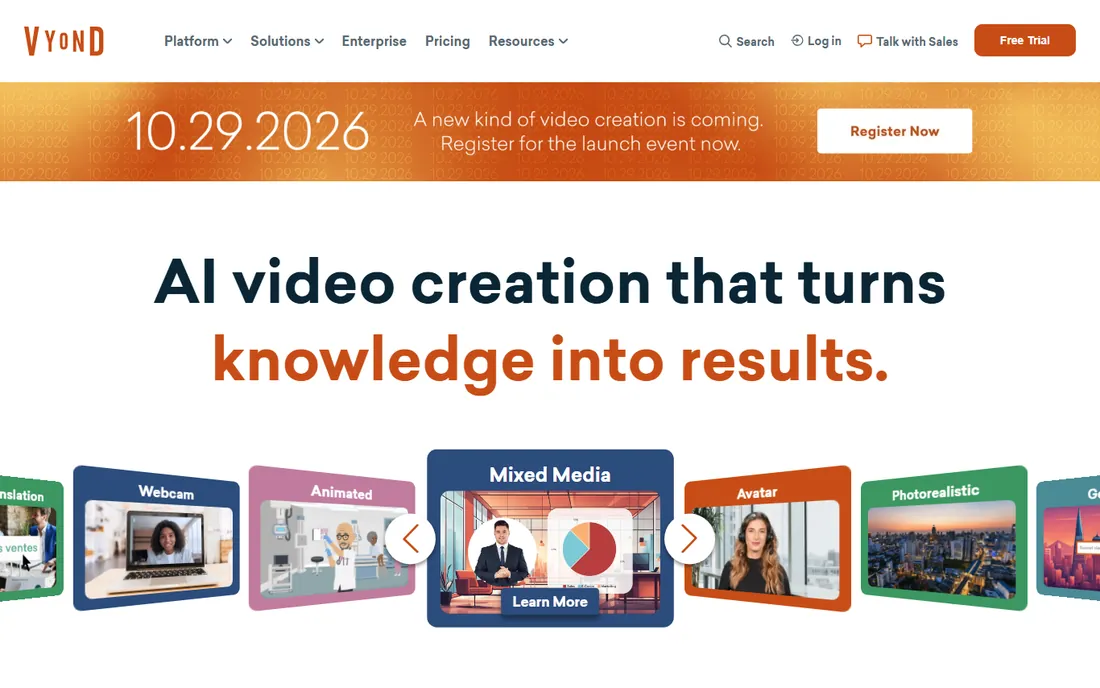
Vyond is the default choice when a company needs animated videos that look professional without hiring animators. You pick characters, choose from thousands of actions and expressions, drop them into office and business scenes, add voiceover or text-to-speech, and export. HR teams use it for onboarding, compliance, and policy explainers; marketing teams use it for product videos. The template depth for business scenarios is unmatched.
That specialization is also the limitation. Vyond videos have a recognizable look, and the pricing sits above the other template tools here, with plans scaling by features and team size. There is no free tier, just a trial, so evaluate it seriously before the trial ends. If your need is ongoing business animation with brand consistency, it earns the price. If you need one explainer video, a cheaper tool or a freelancer may serve you better.
What we like- Largest library of business characters, actions, and scenes
- Strong brand control with custom colors and fonts
- Built for training, HR, and compliance videos
Watch out for- Premium pricing that strains small budgets
- The Vyond visual style is recognizable
- No free plan, only a trial
Starting priceSee website
Free planYes
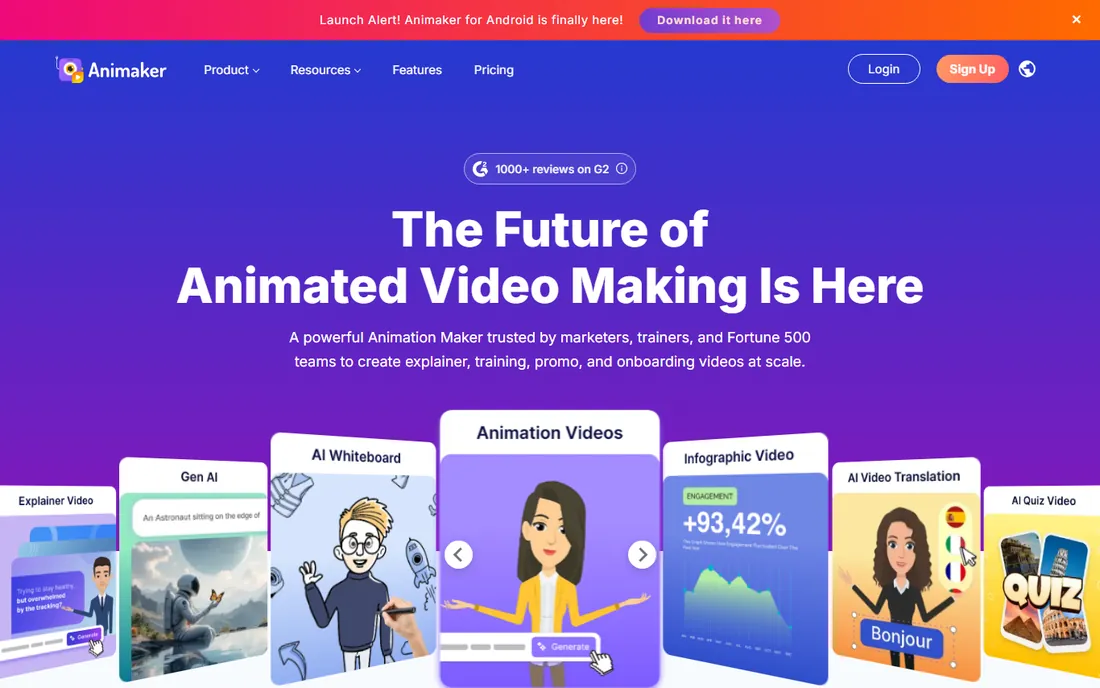
Animaker tries to be the Swiss army knife of template animation, and for marketers that breadth is the appeal. One subscription gives you character-driven explainers, animated infographics, whiteboard videos, and vertical video formats, with templates for each. The editor runs in the browser, and the learning curve is gentle: pick a template, swap text and images, adjust timing, export.
The free plan is genuinely usable for drafting, but exports carry a watermark and cap resolution, so publishing requires a paid plan. Paid tiers scale with video quality, duration, and premium assets. Animaker will not match Vyond's character depth or Toon Boom's animation control, but as a single affordable tool for varied marketing animation, it is one of the strongest values here.
What we like- Covers 2D character animation, infographics, whiteboard, and more in one tool
- Large template and asset library
- Free plan for trying real projects
Watch out for- Free plan watermarks exports and limits quality
- The breadth means less depth in any single style
- Advanced features sit on higher tiers
Starting priceSee website
Free planYes
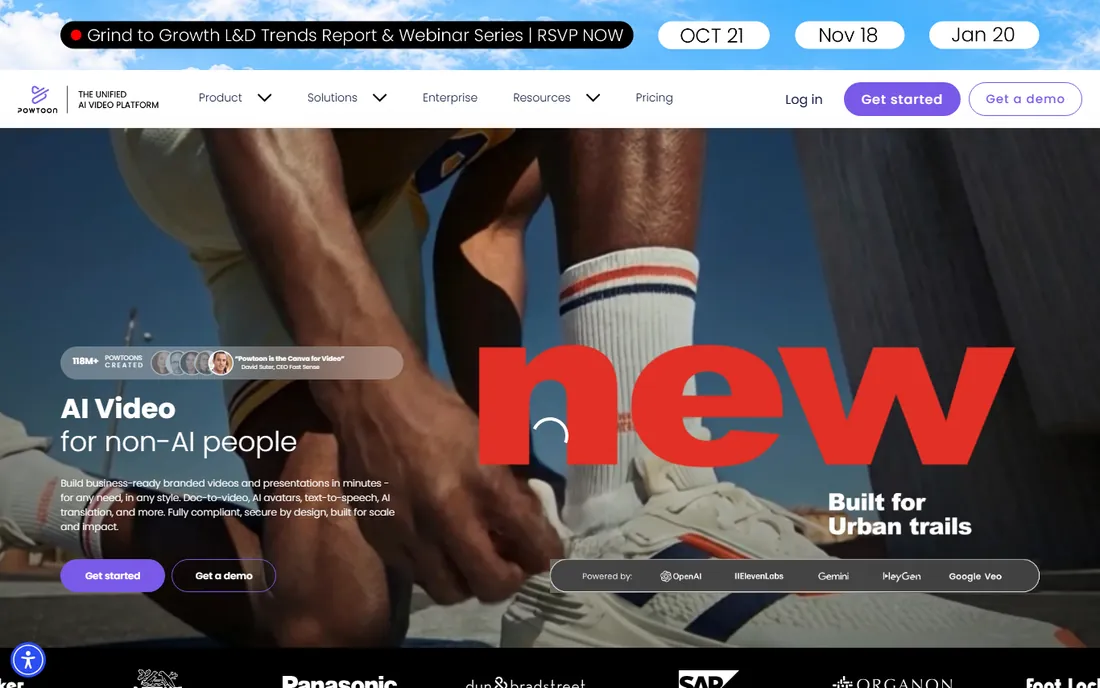
Powtoon pioneered the idea of animated videos for business users, and its strength remains the familiar slide-like workflow. If your team lives in PowerPoint, Powtoon feels like a natural step up: scenes work like slides, you add characters and objects, set entrance animations, record or generate voiceover, and export. It is popular for internal communications, training modules, and sales presentations.
The trade-off is creative range. Powtoon's aesthetic is firmly corporate, and character animation is simpler than Vyond's. The free plan lets you build but watermarks exports and limits length and quality. For teams converting existing presentations into video content, especially for internal audiences, it is efficient. For customer-facing brand videos, compare it against Animaker and Vyond first.
What we like- Presentation-style workflow feels familiar to slide users
- Good templates for internal comms and training
- Integrates with common business tools
Watch out for- Style leans corporate and can feel dated
- Free plan is limited with watermarked exports
- Less suited to character storytelling than Vyond
Starting priceSee website
Free planYes
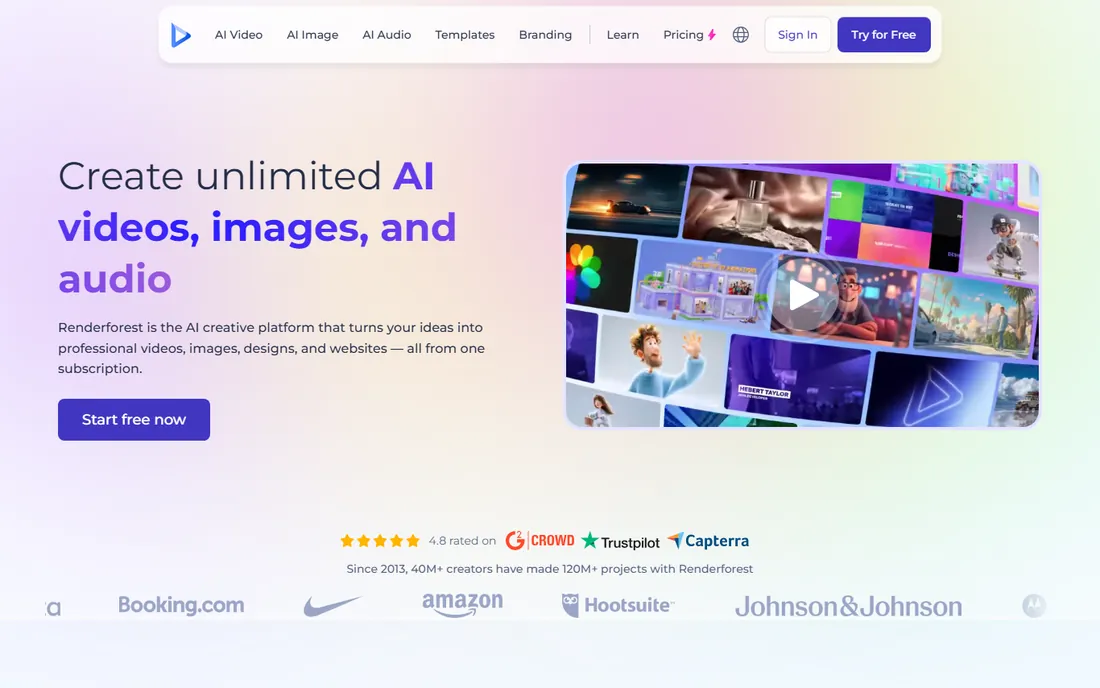
Renderforest is the fastest tool on this list for a specific job: polished intros, logo reveals, promotional slideshows, and short branded clips. You pick a template, add your logo and text, choose music, and render. For a YouTube channel intro, an event promo, or a product teaser, the whole process can take under an hour with no animation skills.
It is not an explainer-video tool in the Vyond sense; character animation and storytelling are limited. The free plan allows low-resolution watermarked exports, which is fine for testing templates. Paid plans scale with export quality, duration, and commercial licensing. If your need is short branded motion graphics rather than narrative animation, Renderforest is efficient and cheap. If you need characters telling a story, look elsewhere.
What we like- Huge template library for intros, logo animations, and slideshows
- Fast turnaround from template to finished video
- Affordable entry tiers
Watch out for- Template-driven results can look generic
- Limited character animation
- Customization depth is shallow compared to editors
Starting priceSee website
Free planFree trial
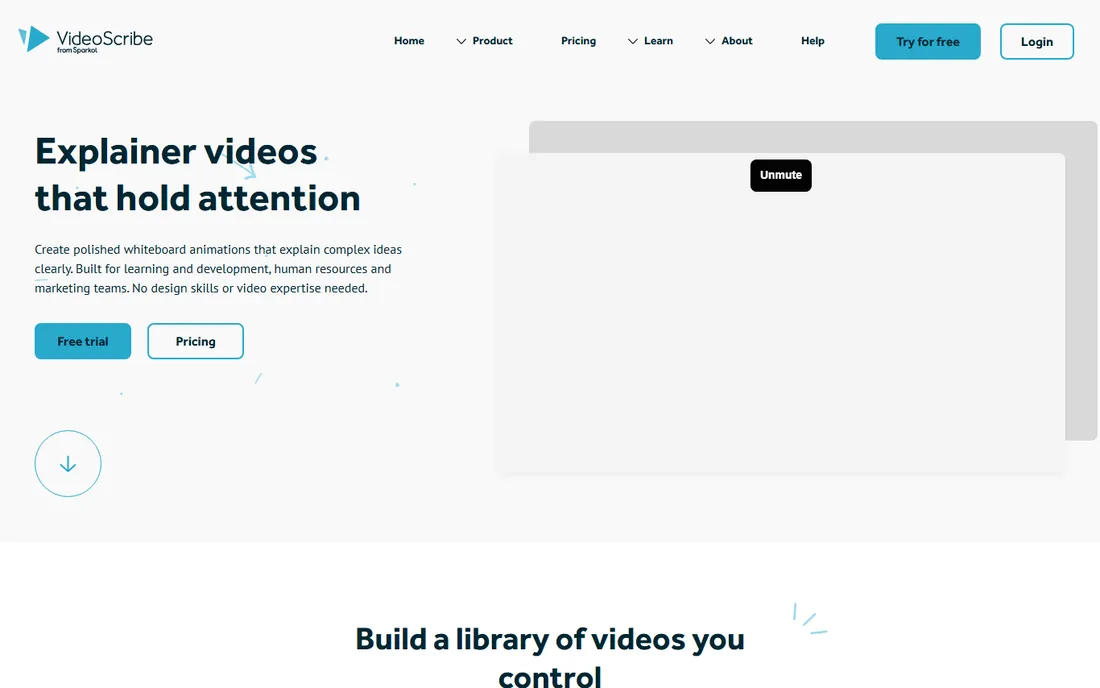
VideoScribe does one thing: videos that look like a hand drawing on a whiteboard while a voiceover explains. That constraint is its strength. The format is proven for explainers, the image library is enormous, and a complete beginner can produce a finished video in a day. You type text, choose images, set the draw order, add music or voiceover, and publish.
There is no free plan beyond the trial, and the subscription is the only way in. The style is also unmistakable, which is fine for education and B2B explainers but limiting for brand work. If the whiteboard format fits your content, usually tutorials, concepts, and pitches, VideoScribe remains the easiest path to it. If you need varied styles, Animaker includes whiteboard among its formats.
What we like- The definitive whiteboard animation tool with a huge hand-drawn image library
- Extremely easy to learn
- Effective format for explaining complex ideas
Watch out for- Single style, whiteboard only
- Subscription-only with no free tier
- Output can feel formulaic if overused
Starting priceSee website
Free planFree trial
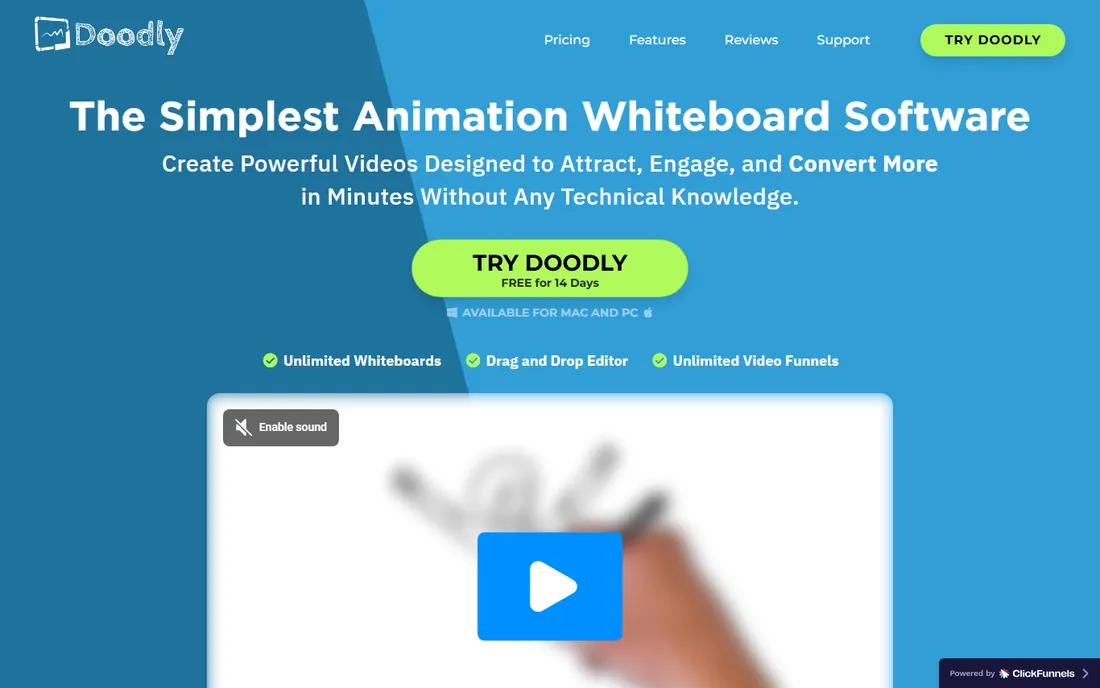
Doodly competes directly with VideoScribe for the whiteboard niche, with a drag-and-drop interface aimed at absolute beginners. You place drawn characters and objects on a canvas, choose from whiteboard, blackboard, or glassboard styles, add voiceover, and export. Marketers use it for sales videos, course creators for lesson intros, and small businesses for social content.
The practical differences from VideoScribe are the desktop app (no browser version) and historically flexible pricing, including one-time purchase options alongside subscriptions, so check the current pricing page carefully. The asset library is solid but smaller than VideoScribe's. For a non-designer who wants doodle videos without a subscription commitment, Doodly is worth comparing directly against VideoScribe on price and asset fit.
What we like- Simple drag-and-drop whiteboard and doodle creation
- Large library of drawn assets
- One-time purchase options have been offered historically
Watch out for- Desktop software that needs installing
- Narrower asset library than VideoScribe
- Fewer export and sharing integrations
Starting priceSee website
Free planYes
Moovly sits between a stock media platform and an animation tool. The editor combines templates, animated graphics, and large built-in stock libraries, so you can assemble a video from stock footage with animated overlays without leaving the browser. Education and corporate teams use it for course content and internal videos, and the API lets developers automate video generation.
Character-driven storytelling is thinner here than in Vyond or Animaker; Moovly's strength is motion graphics over stock, not animated actors. The free plan allows watermarked exports for evaluation. Paid tiers scale with export quality, premium content access, and team features. If your videos are mostly stock footage with animated titles and graphics, Moovly fits well. If you need characters, pick a different tool.
What we like- Browser-based editor with deep stock photo, video, and audio libraries
- Templates for business and education
- API and automation options for teams
Watch out for- Less character animation depth than Vyond or Animaker
- Interface can feel busy
- Best features require higher tiers
Starting priceSee website
Free planFree trial
Toon Boom Harmony is what professional 2D animation is made with, from television series to feature films. It offers bitmap and vector drawing, cut-out rigging, traditional frame-by-frame workflows, effects, and compositing in one package. If you are hiring animators or building an animation team, this is the professional answer, and skills transfer across the industry.
It is not a template tool. There are no drag-and-drop business characters; there is a blank canvas and professional instruments. Pricing runs on subscriptions tiered by feature level, with a trial for evaluation. For a marketing team that needs explainer videos, Harmony is the wrong tool, too much skill required. For a studio or a serious animator producing original 2D content, it is the standard everything else is measured against.
What we like- Industry-standard 2D animation used by real studios
- Full drawing, rigging, and compositing toolset
- Scales from solo animators to production teams
Watch out for- Real learning curve and real prices
- Overkill for simple explainer videos
- Needs a capable computer
Starting priceFree
Free planYes
Blender is the remarkable exception in this category: a free, open-source 3D suite that rivals software costing thousands per year. Modeling, rigging, animation, simulation, video editing, and motion tracking are all included, and the output has appeared in professional productions. For 3D animated content, product visualizations, or motion graphics on a zero budget, nothing else comes close.
The cost is learning time. Blender's interface is dense, and 3D animation itself is a skill that takes months to develop. The community fills the gap with endless free tutorials. For a business, the realistic use is either hiring a Blender-capable freelancer, far cheaper than a Maya pipeline, or assigning a motivated team member to learn it. If your animation needs are 2D explainers rather than 3D, the template tools above will serve you faster.
What we like- Completely free and open source with no watermark or limits
- Professional 3D modeling, animation, and rendering
- Huge community and tutorial base
Watch out for- Steep learning curve, especially for 3D beginners
- Interface overwhelms at first
- Rendering complex scenes needs strong hardware
#10
Adobe Animate
Best for: Vector animation for web and interactive content
Visit adobe.com
Starting priceSee website
Free planFree trial
Adobe Animate, formerly Flash Professional, is the vector animation tool for interactive and web content: animated banner ads, web series, e-learning interactions, and app animations. It draws clean vector characters and scenes, animates on a timeline, and exports to HTML5 canvas, WebGL, or video. Teams already in the Adobe ecosystem get asset sharing with Illustrator and Photoshop.
As a general animated-video maker it is narrower than Vyond or Animaker; its edge is interactivity and web output, not explainer templates. Pricing follows Adobe's subscription model with a trial available. For banner ad production or interactive e-learning, it remains relevant. For standard marketing explainers, a template tool will get you there faster and cheaper.
What we like- Vector animation purpose-built for web, ads, and interactive content
- Integrates with the Adobe ecosystem
- Exports to HTML5 canvas and video
Watch out for- Subscription cost within Creative Cloud
- Narrower use case than general video tools
- Declining mindshare as web animation moves to code
What to check before you buy animation software
Start with the style you need, because these tools do not substitute for each other. Character-driven business explainers point to Vyond or Animaker. Whiteboard videos point to VideoScribe or Doodly. Short branded motion graphics point to Renderforest or Moovly. Original 2D or 3D animation points to Toon Boom, Blender, or Adobe Animate. Buying the wrong category wastes more money than buying the wrong tool within a category.
Next, check export terms on the plan you will actually use. Free plans in this category almost always watermark exports or cap resolution, which makes them drafting tools, not publishing tools. Confirm the export resolution, watermark policy, video length limits, and commercial usage rights before you commit, since these vary widely between vendors.
Then consider who will operate it. Template tools are designed for marketers with no animation background; professional tools assume animation skill. Be realistic about your team's capacity: a powerful tool nobody has time to learn is worse than a simple tool someone uses weekly. Voiceover matters too; check whether the tool includes text-to-speech voices you can stand to listen to, or budget for recorded narration.
How we chose
We focused on software that businesses actually use to produce animated videos: template-based makers for explainers and marketing content, whiteboard specialists, and professional 2D and 3D animation tools. We verified that every product listed is currently available and fits the animated video category, excluding discontinued tools and pure video editors with minor animation features. Pricing pages could not be re-verified at publication time because our research access was down, so starting prices are listed as "See website"; check the vendor's pricing page for current plans.
Template maker or real animation: pick your lane
The most expensive mistake in this category is buying professional software for a template job, or a template tool for professional work. A template maker like Vyond or Animaker produces good business videos fast, but every video carries the tool's visual DNA, and customization hits a ceiling. Professional software like Toon Boom or Blender has no ceiling but demands real skill and time.
A practical middle path many small teams take: use a template tool for volume work (weekly social videos, internal training) and hire a freelancer with professional software for flagship pieces. That combination usually costs less than forcing one tool to do both jobs.
Frequently asked questions
What is the best animated video software for beginners?
For business explainers, Animaker or Powtoon: browser-based, template-driven, and learnable in a day. For whiteboard videos, VideoScribe or Doodly. All have free plans or trials so you can test the workflow before paying. Avoid Toon Boom Harmony and Blender as a first tool unless you specifically want to learn animation as a skill.
Can I make animated videos for free?
Yes, with limits. Animaker, Powtoon, Renderforest, and Moovly offer free plans, but exports typically carry watermarks or cap resolution. Blender is completely free with no watermark or limits, though it requires learning 3D animation. For a one-off video, a free plan plus a paid month for clean export is often the cheapest path.
What is the difference between Vyond and Animaker?
Both make template-based animated business videos, but Vyond specializes in character-driven explainers with deeper business scenes and stronger brand controls, at a higher price. Animaker covers more formats (2D, infographic, whiteboard, vertical) in one cheaper tool with less depth in each. For ongoing corporate training videos, Vyond; for varied marketing content on a budget, Animaker.
Do I need animation skills to use these tools?
Not for the template makers: Vyond, Animaker, Powtoon, Renderforest, VideoScribe, Doodly, and Moovly are built for non-animators. You need real animation skill for Toon Boom Harmony, Blender, and Adobe Animate. Match the tool to the skills on your team, not the skills you wish you had.
Which animated video software is best for YouTube?
It depends on the channel. For animated explainers and stories, Animaker or Toon Boom Harmony (for original work). For quick branded intros, Renderforest. For 3D content, Blender. Most YouTube animators graduate from template tools to professional software as their channel grows, so consider where you will be in a year, not just today.
Can animated videos be used commercially?
Generally yes on paid plans, but check each vendor's terms. Free plans often restrict commercial use or watermark exports, which effectively rules them out for client work. If you produce videos for clients, confirm the commercial license on your specific plan before delivering anything.
Sources we checked (10)
- https://www.vyond.com/
- https://www.animaker.com/
- https://www.powtoon.com/
- https://www.renderforest.com/
- https://www.videoscribe.co/
- https://www.doodly.com/
- https://www.moovly.com/
- https://www.toonboom.com/
- https://www.blender.org/
- https://www.adobe.com/
Is your product missing or out of date?
We review this list regularly. Vendors can request a listing, send updated pricing or ask about featured placement.

Shihab Mia · Founder, Rankite
Shihab has spent more than a decade helping SaaS and e-commerce brands grow through search. He writes Rankite's software buying guides from pricing pages, documentation and public user reviews. More about Shihab.