How we make this list: we compare pricing pages, product documentation and public user reviews. Ratings come from G2, Capterra or Trustpilot, with the date we checked them.

Key takeaways
- Image to video tools turn a still image plus a prompt into a short clip, usually 5 to 10 seconds, with motion, camera moves, and sometimes sound.
- Credit pricing makes the real cost per clip matter more than the monthly price, since models charge different credit amounts per second and per resolution.
- Runway and Kling suit higher-quality, cinematic clips, while Pika and PixVerse suit fast social content and stylised work.
- Free tiers usually watermark clips, limit resolution, or block commercial use, so check licensing before publishing client work.
- Short clips still need editing: plan to assemble, trim, and add sound in a video editor, since no tool here delivers a finished long video from one image.
Quick comparison
| Tool | Best for | Starting price | Free plan |
|---|
 Runway Runway | professional short clips and production | $15 per month | Yes |
 Pika Pika | fast social clips from images | $10 per month | Yes |
 Luma Dream Machine Luma Dream Machine | cinematic camera motion | $30 per month | No |
 Kling Kling | realistic motion and subject consistency | $10 per month | Yes |
 Hailuo Hailuo | realistic short clips on a budget | $9.99 per month | Yes |
 Vidu Vidu | reference-based video with strong character consistency | See website | Yes |
 Kaiber Kaiber | stylised and music-led video | See website | Free trial |
 PixVerse PixVerse | stylised and anime-style clips | See website | Yes |
Is your product missing or out of date?
We review this list regularly. Vendors can request a listing, send updated pricing or ask about featured placement.
#1Runway
Best for: professional short clips and production4.1/5 on
G2 (105 reviews, checked Oct 2026)
Visit runwayml.com
Starting price$15 per month
Free planYes
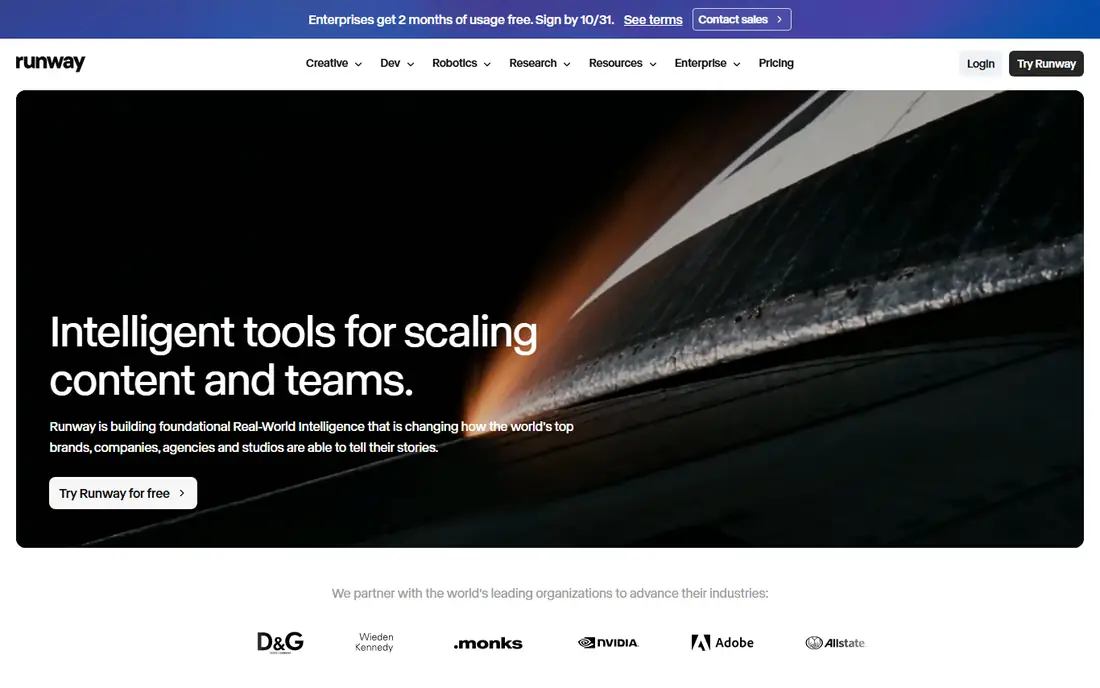
Runway is the production-leaning option in this list. Its Gen-4 models turn a first frame plus a prompt into a coherent short clip, with camera controls and motion guidance that suit filmmakers, agencies, and product teams. The Standard plan at $15 per month includes a monthly credit allowance, and higher plans raise resolution, duration, and parallel generations.
The cost to watch is credits per clip. A five-second clip can use a meaningful share of the monthly allowance, so a team producing many clips needs to model cost per finished second. Free access is a one-time credit grant, not a monthly allowance. Pick Runway when clip quality and production control matter more than the lowest price per clip.
What we like- Strong Gen-4 models for image to video
- Good motion control
- Useful for production workflows
Watch out for- Credit cost per clip adds up at volume
- Free credits are one-time, not monthly
Starting price$10 per month
Free planYes
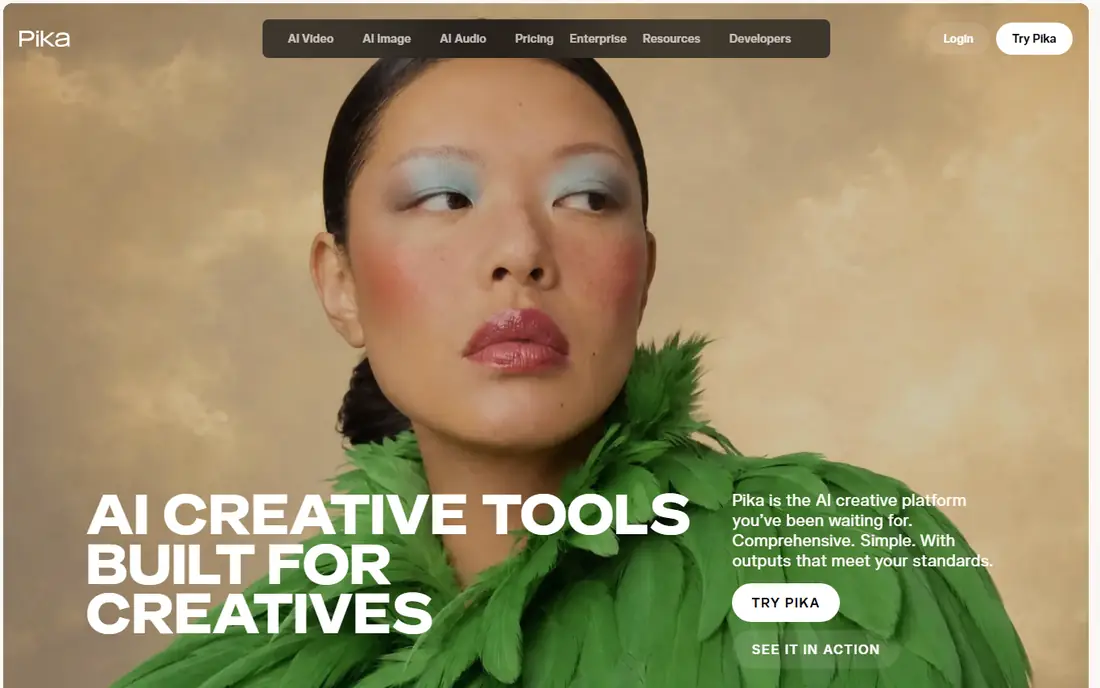
Pika focuses on speed and simplicity. Upload an image, describe the motion, and generate a five or ten-second clip suitable for social posts, ads, and short-form content. The Starter plan at $10 per month includes a credit allowance, and the interface stays simple enough for a non-technical creator.
Commercial licensing is the catch. Full commercial use starts on the Creator plan at $35 per month, so a business publishing client work should price that tier, not Starter. Pick Pika when fast social clips matter more than cinematic production quality.
What we like- Fast generation for social content
- Simple image plus prompt workflow
- No watermark on some paid exports
Watch out for- Commercial use needs a higher Creator plan
- Clip quality is below Runway for cinematic work
Starting price$30 per month
Free planNo

Luma Dream Machine is known for dreamy, atmospheric motion and smooth camera work, especially for scenic, product, and lifestyle images. It supports keyframes for more controlled sequences, which helps when a clip needs a specific camera path rather than generic motion. That strength suits mood-led ads and social content.
Pricing is the barrier. The Plus plan at $30 per month is the cheapest paid route on current pricing, and high-resolution clips use many credits. There is no free plan listed, so testing means paying. Choose Luma when camera motion and atmosphere are the priority, and the budget covers its credit cost.
What we like- Smooth camera moves and atmospheric motion
- Keyframe options for longer sequences
- Strong for lifestyle and scenic clips
Watch out for- No free plan listed on current pricing
- Credit cost per clip is high at 1080p
Starting price$10 per month
Free planYes

Kling is widely praised for realistic motion and for keeping a subject consistent across a clip, which is the hardest part of image to video. Its motion brush lets a creator paint motion onto specific areas of an image, and start and end frame options help with transitions. The Standard plan at $10 per month includes a credit allowance for regular use.
Free clips carry a watermark and cannot be used commercially, so client work needs a paid plan. Credit use also rises with length and quality, so a ten-second high-resolution clip costs more than a short draft. Pick Kling when realistic human or product motion matters most.
What we like- Strong motion quality and subject consistency
- Start and end frame options
- Motion brush controls
Watch out for- Free tier clips are watermarked
- Credit cost varies by duration and quality
Starting price$9.99 per month
Free planYes
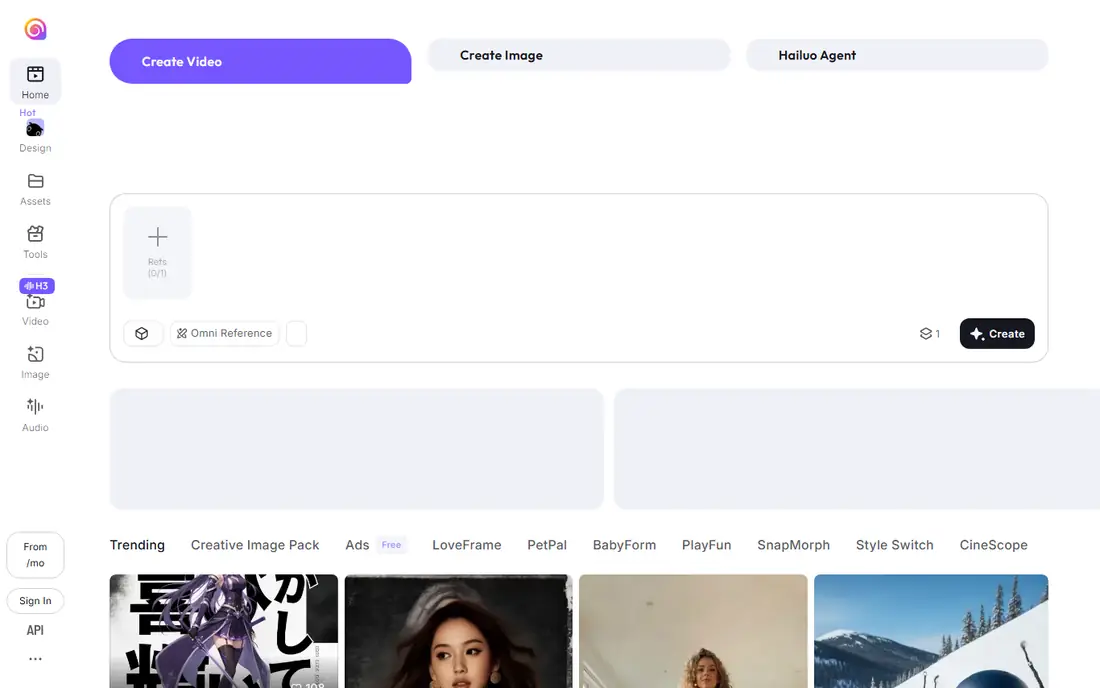
Hailuo, from MiniMax, has gained attention for realistic motion at a low price. Its free tier lets a creator experiment with many clips before paying, and its paid plans start at $9.99 per month. It handles complex scenes and multiple subjects better than many budget tools, which suits short narrative clips and product demos.
Free use has limits on resolution, watermarking, and commercial rights, so check the current terms before publishing. Paid pricing and offers also vary by region. Choose Hailuo when budget matters and the clips are short, realistic, and experimental rather than long-form production work.
What we like- Generous free tier for experimentation
- Strong motion coherence
- Good for complex scenes
Watch out for- Free exports have limits
- Paid plan details vary by region and offer
#6
Vidu
Best for: reference-based video with strong character consistency
Visit vidu.com
Starting priceSee website
Free planYes

Vidu turns text, images, and reference videos into high-quality clips, with reference to video as its standout feature. Upload three or more images of a character, object, or scene, and Vidu combines them into a video that keeps the subject consistent across shots. That suits creators building a series, a recurring character, or a product story.
Free credits let a new user test the tool before paying, and its models cover cinematic, anime, and action styles. Pricing is credit-based and varies by model and resolution, so a buyer should check the current credit cost per clip before budgeting. Pick Vidu when character consistency and reference-based creation matter more than a simple monthly plan.
What we like- Reference to video keeps characters and subjects consistent
- Fast generation
- Free credits for new users
Watch out for- Pricing is credit-based and varies by model
- Advanced features need higher plans
Starting priceSee website
Free planFree trial
Kaiber suits creators who want a stylised, artistic result rather than a realistic clip. It transforms images into animated sequences with distinctive visual styles, which works well for music videos, social art, and brand content that needs a clear look. The workflow is simple: upload an image, pick a style, and generate.
Realistic product or human motion is not its strength, and pricing changes often enough that a buyer should check the current plan before budgeting. Pick Kaiber when style and music-led visuals matter more than photorealism.
What we like- Strong stylised looks for music and art
- Good for transforming images into animated sequences
- Simple workflow
Watch out for- Less suited to realistic product clips
- Pricing and credit rules change often
Starting priceSee website
Free planYes
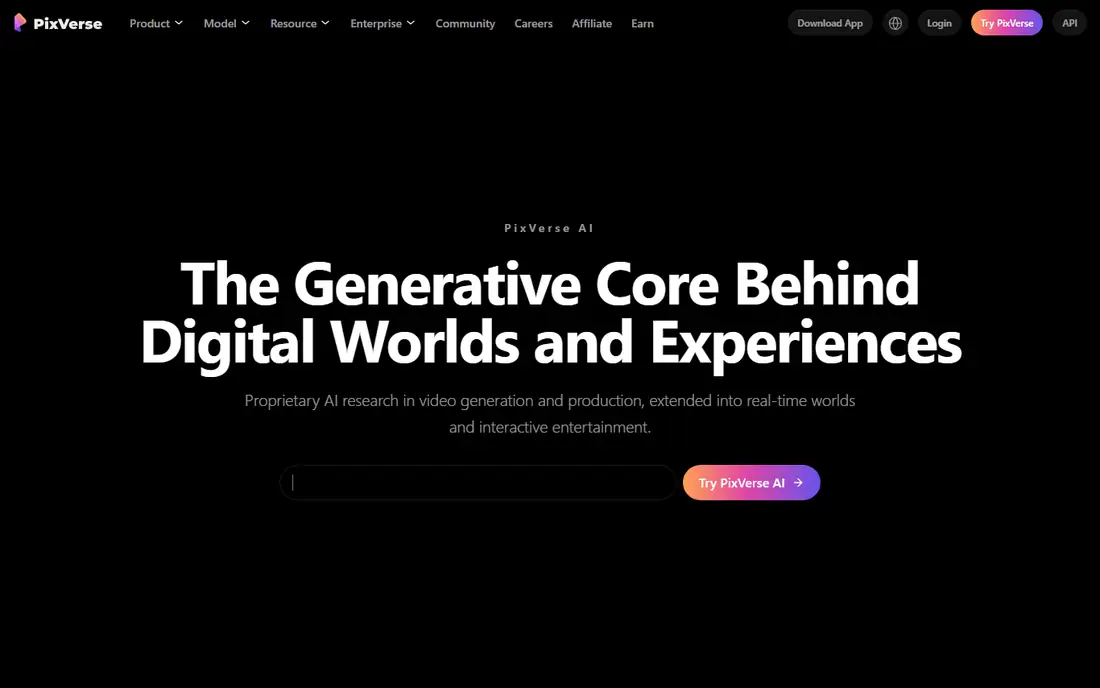
PixVerse fills the stylised niche that photorealistic tools do not target well. Its anime, manga, and illustrated styles suit creators building a series or a recurring character, and its character reference features help keep a character consistent across clips. A free tier supports daily creation for testing and social posts.
For photorealistic or cinematic work, Kling and Runway are stronger. Credit rules also vary by model and resolution, so the cost per clip needs a check on the current pricing page. Choose PixVerse when the aesthetic is illustrated or anime-led, not photorealistic.
What we like- Strong for anime and illustrated styles
- Character consistency features
- Free tier for daily creation
Watch out for- Photorealistic output is weaker than Kling or Runway
- Credit rules vary by model
How we chose
We compared pricing pages, documentation, and public reviews, and we checked each tool against the job in the keyword: turning a still image into a short video clip in March 2026. A tool made this list only when it offers image to video generation today, with a free tier, trial, or published paid plan. We left out text-only video tools without image input, and avatar-only tools that do not animate a general image, since they serve a different job.
How to budget for credits
Monthly price alone misleads. Check credits per second, credits per resolution, and whether a clip can be extended or upscaled without a second charge. A tool that looks cheap per month can be costly per finished clip, while a higher monthly plan with more credits can be cheaper at volume.
Quality, length, and licensing
Test the same image on two or three tools before committing, and judge motion, face and hand quality, and subject consistency, not just the first frame. Check clip length limits, usually 5 to 10 seconds, and confirm whether free or trial clips can be used commercially. For client work, use a paid plan with a clear commercial licence.
A practical workflow
Use image to video for short shots, then assemble them in a video editor. Generate several variations of each shot, pick the best motion, trim to the strongest seconds, and add sound, captions, and transitions in the editor. That workflow produces a far better result than expecting one long, perfect clip from a single image.
Frequently asked questions
What is the best AI image to video tool overall?
Runway and Kling are the strongest all-round picks for quality, with Runway leaning toward production workflows and Kling leaning toward realistic motion at a lower entry price. Pika is better for fast social clips, while PixVerse is better for stylised work.
Can I use free AI video clips commercially?
Usually not, or only with limits. Free tiers often watermark clips, limit resolution, or block commercial use. Check the licence for the specific plan before publishing client work, and use a paid plan with commercial rights for business use.
How long can an AI image to video clip be?
Most tools here produce 5 to 10-second clips from a single image, with some offering extensions to 15 or 20 seconds through keyframes or extension features. Longer videos are assembled from multiple clips in an editor, not generated as one continuous shot.
Which tool is best for realistic human motion?
Kling and Hailuo are strong for realistic motion and subject consistency, while Runway is strong for production-quality motion control. Test the same image on each, since face and hand quality varies by prompt, image, and model version.
Do these tools add sound to the clip?
Some models and plans support sound or music, but many image to video clips are silent by default. Plan to add voice, music, and sound effects in a video editor, and check the current model details before promising audio in a project.
Should I buy a monthly plan or pay per clip?
A monthly plan suits regular creators who generate many clips, since credits are cheaper in bulk. Pay-per-clip or credit packs suit occasional use, where a monthly fee would be wasted. Model cost per finished clip at your real volume before choosing.
Sources we checked (8)
- https://runwayml.com/pricing
- https://pika.art
- https://lumalabs.ai
- https://www.klingai.com
- https://hailuoai.video
- https://www.vidu.com/
- https://kaiber.ai
- https://pixverse.ai
Is your product missing or out of date?
We review this list regularly. Vendors can request a listing, send updated pricing or ask about featured placement.

Shihab Mia · Founder, Rankite
Shihab has 5+ years in B2B and SaaS SEO. He writes Rankite's software buying guides from pricing pages, documentation and public user reviews. More about Shihab.