How we make this list: we compare pricing pages, product documentation and public user reviews. Ratings come from G2, Capterra or Trustpilot, with the date we checked them.

Key takeaways
- Kling and Hailuo offer the strongest value for realistic motion from a single photo, with daily free credits and low paid entry points.
- Runway and Google Veo suit creators who need finer control, longer scenes and native audio, at higher credit costs.
- Pika and PixVerse are best for fast social clips and effects, where speed and style matter more than cinematic realism.
- Credit systems make headline prices misleading, so compare credits per clip, resolution and clip length before subscribing.
Quick comparison
| Tool | Best for | Starting price | Free plan |
|---|
 Runway Runway | Creative control and editing | $12 per month (Standard, billed annually) | Yes |
 Pika Pika | Fast affordable social clips | $8 per month (Starter, billed annually) | Yes |
 Kling AI Kling AI | Realistic motion at low cost | See website | Yes |
 Hailuo AI Hailuo AI | Budget realistic animation | See website | Yes |
 Luma Luma | Cinematic camera moves | $30 per month (Plus) | No |
 Adobe Firefly Adobe Firefly | Commercially safe client work | $9.99 per month (Firefly Standard) | Yes |
 PixVerse PixVerse | Effects and stylized social clips | See website | Yes |
 Google Veo Google Veo | Cinematic clips with native audio | $19.99 per month (Google AI Pro) | Yes |
Is your product missing or out of date?
We review this list regularly. Vendors can request a listing, send updated pricing or ask about featured placement.
#1Runway
Best for: Creative control and editing4.1/5 on
G2 (105 reviews, checked Oct 2026)
Visit runwayml.com
Starting price$12 per month (Standard, billed annually)
Free planYes
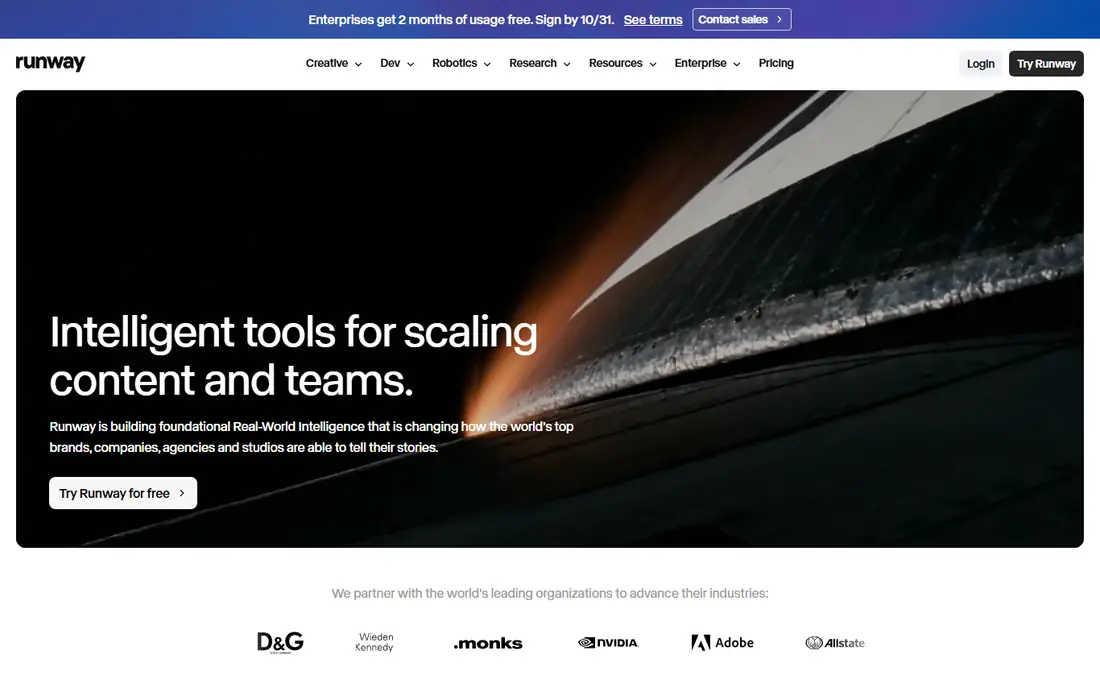
Runway is the choice when a still image is only the start of a scene. Image to video sits inside a full creative suite with editing, effects and finishing tools, so a generated clip can be extended, restyled and cut without exporting to another app. Frame level controls and reference handling give directors more say over motion than a simple prompt box allows.
Cost is the catch. The Standard plan includes a set monthly credit allowance, and higher resolution or longer clips consume credits faster. Free access is limited to a one time credit grant, so serious use needs a paid plan. For client work where control and licensing clarity matter, the price is defensible. For casual social clips, cheaper rivals do the job.
What we like- Strong control tools and editing suite
- Clear commercial stance on paid plans
- Broad model access
Watch out for- Credits burn fast at higher resolutions
- Free credits are one time, not monthly
Starting price$8 per month (Starter, billed annually)
Free planYes
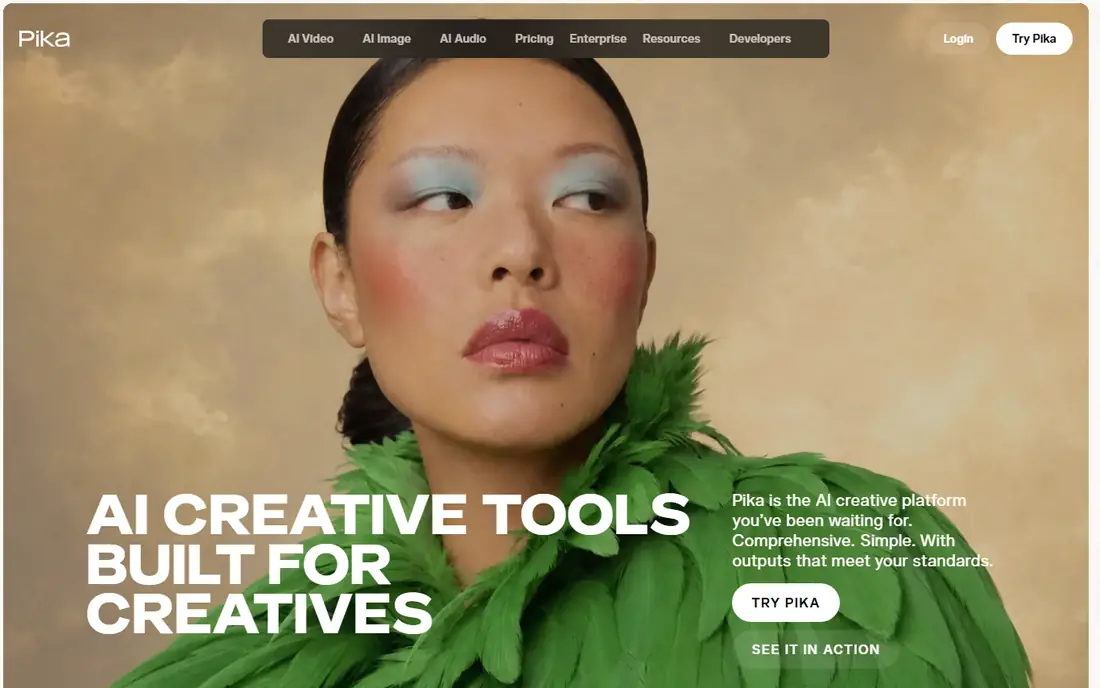
Pika suits creators who animate photos for social feeds rather than film festivals. Generation is fast, effects templates make stylized motion easy, and the entry plan costs less than most rivals. The free tier is unusually permissive for commercial use at lower resolution, which makes it a good place to learn the workflow before paying.
Realism and resolution are the limits. Pika clips look best at social sizes and lengths, and longer or higher resolution work needs higher tiers and more credits. Check the license terms for the chosen tier before using output in paid advertising, since commercial rights vary by plan.
What we like- Lowest paid entry here
- Fast effects driven generation
- Free tier allows commercial use at lower resolution
Watch out for- Lower maximum resolution than cinema tools
- License terms tighten below Creator tier
Starting priceSee website
Free planYes
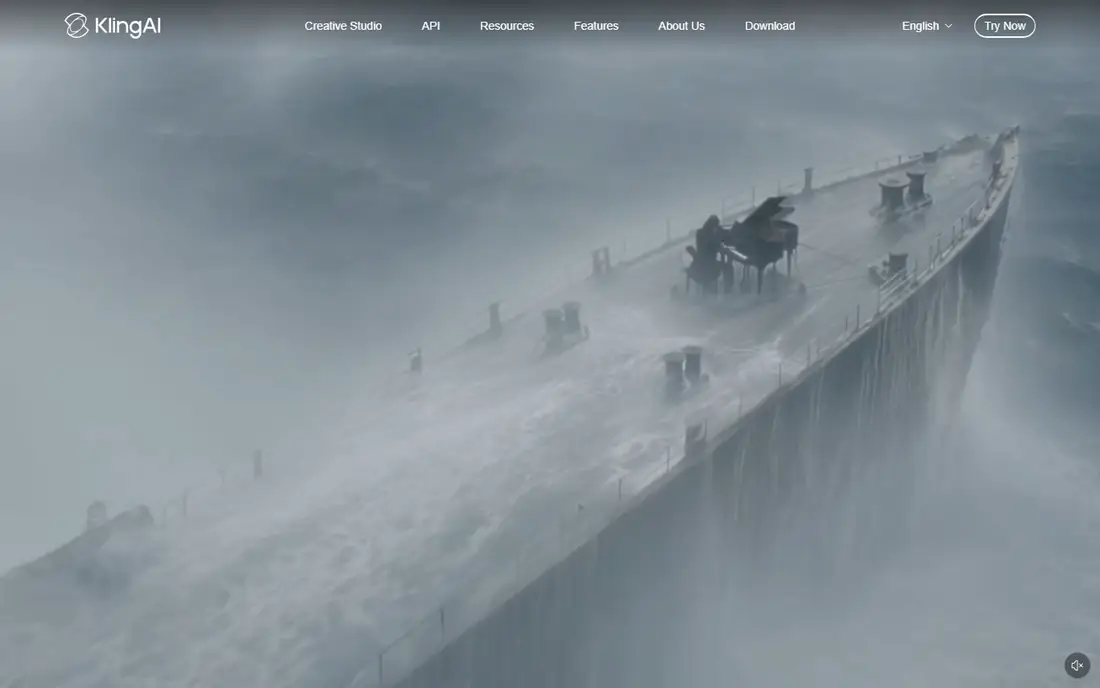
Kling AI has become a favorite for animating portraits and product photos because human motion holds up better than on many rivals. Character movement, lip sync and multi element scenes are strengths, and daily free credits let users generate regularly without paying. Paid plans start low, though first month promotions can make the ongoing rate harder to read.
Credit math needs care. Standard and professional modes cost different amounts per clip, and longer or higher resolution generations consume more. Free output carries a watermark and non commercial terms in most cases. For creators who animate people often, Kling offers the best balance of quality and price in this list.
What we like- Strong human motion and lip sync
- Daily free credits
- Multi shot and element controls
Watch out for- Pricing and promotions change often
- Professional modes cost more credits
Starting priceSee website
Free planYes

Hailuo AI, from MiniMax, competes directly with Kling on price and realism. Uploading a photo and describing motion produces believable movement for portraits, pets and products, and template effects cover popular social styles without manual prompting. Daily free credits make it easy to test many ideas before subscribing.
The trade offs are presentation and licensing. Free clips are watermarked, and the site experience can feel less polished for English speaking users than Runway or Adobe. Paid plans remove the watermark and raise credit allowances, but check current plan terms, since pricing and credit counts have shifted several times during 2026.
What we like- Realistic motion at a low price
- Daily free credits
- Strong stylized and character effects
Watch out for- Free output is watermarked
- Interface and support are less polished for English users
Starting price$30 per month (Plus)
Free planNo
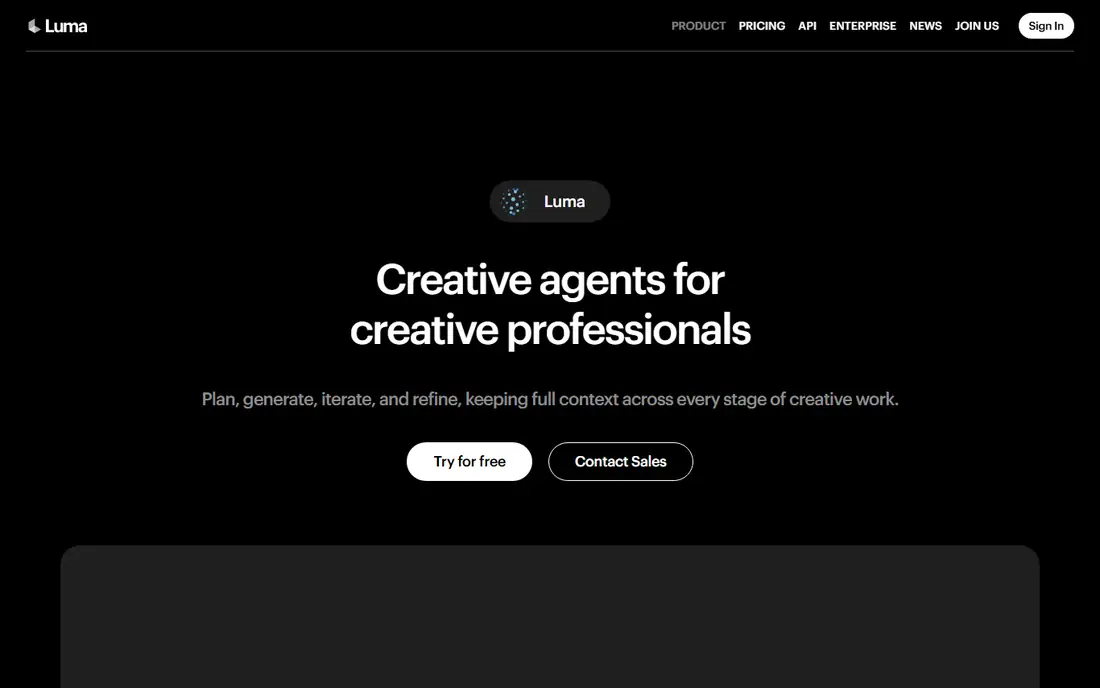
Luma suits creators who think in camera moves rather than effects. Its models handle smooth pans, orbits and depth in a way that makes a still photo feel like a shot from a film, and the workspace now offers several third party models alongside its own. Brand reference tools help teams keep a product or character consistent across variations.
Price is the barrier. The entry plan costs more than Runway, Pika and Kling combined at their starting tiers, and unused credits expire each cycle. For a filmmaker or agency producing cinematic product work, the motion quality may justify it. For casual creators, start with a cheaper tool and move to Luma only when camera work becomes the bottleneck.
What we like- Strong camera control and cinematic motion
- Multi model access in one workspace
- Brand consistency tools
Watch out for- Highest entry price here
- No free plan listed on the pricing page
- Credits expire monthly
#6Adobe Firefly
Best for: Commercially safe client work4.4/5 on
G2 (373 reviews, checked Oct 2026)
Visit adobe.com
Starting price$9.99 per month (Firefly Standard)
Free planYes
Adobe Firefly is the safest pick for client and brand work. Its own models are trained on licensed and public domain content, outputs carry content credentials, and results flow directly into Photoshop, Premiere and Express for finishing. Free daily generations let users try image to video without a subscription, and the Standard plan adds a useful monthly credit allowance.
Clip length is the limit. Most Firefly video generations are short, which suits B roll, social cuts and concept work better than long scenes. Credits are also shared across Adobe tools, so heavy image generation can eat the video budget. For agencies that already live in Adobe apps, the integration outweighs those limits.
What we like- Commercially safe Adobe models
- Deep Photoshop and Premiere integration
- Free daily generations
Watch out for- Clips are short, around 5 seconds
- Credit system spans many Adobe tools
Starting priceSee website
Free planYes
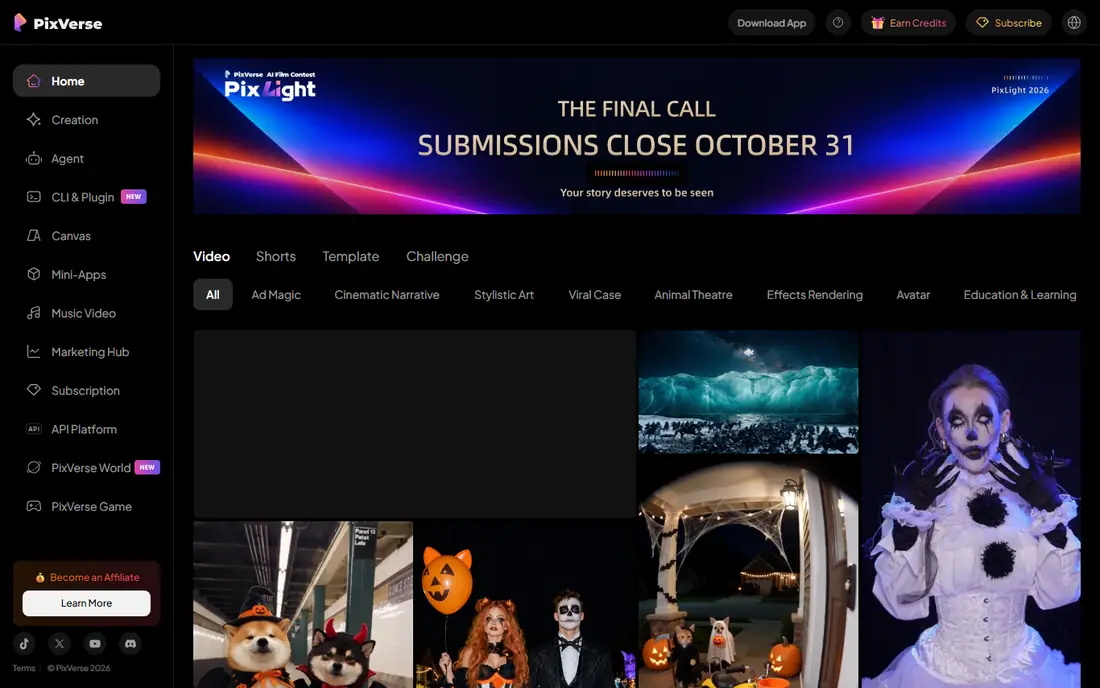
PixVerse is built for speed and social trends. Effects such as transformations, hugs and stylized motion are one tap from a photo, and daily free credits keep casual use free. The app experience is mobile friendly, which suits creators who shoot, animate and post from a phone.
Quality at higher resolutions and longer durations is not its strength, and the Standard plan caps output resolution below cinema tools. Treat PixVerse as a social clip machine rather than a film tool. For viral style content and quick product teasers, it is fast and cheap. For realistic long scenes, Kling or Veo fit better.
What we like- Daily free credits
- Popular effects templates
- Fast social ready output
Watch out for- Standard plan caps resolution
- Stylized output suits social more than cinema
Starting price$19.99 per month (Google AI Pro)
Free planYes
Google Veo, accessed through Flow and Gemini, stands out for sound. Clips can include dialogue, ambient noise and sound effects generated alongside the visuals, which removes a separate audio step for many projects. Image to video benchmarks favor Veo on overall preference and prompt adherence, and ingredients to video lets multiple reference images guide one scene.
The buying path is less direct than rivals. Veo is not sold as a standalone video subscription, so users join a Google AI plan and use Flow credits, with limits that vary by tier. That suits buyers already in the Google ecosystem, but it complicates price comparison. For cinematic work where audio matters, Veo is worth the extra setup.
What we like- Native audio with dialogue and sound effects
- Strong realism and prompt adherence
- Ingredients to video controls
Watch out for- Access runs through Google AI plans, not a standalone video app
- Credit limits vary by plan
How we chose
We compared vendor pricing pages, documentation and public reviews, focusing on image to video quality, motion realism, clip length, resolution, credit cost, commercial terms and watermark rules. Every homepage listed was opened and confirmed as belonging to that product. Prices reflect the lowest paid tier found in recent vendor and comparison sources, and unverifiable figures were left as See website rather than guessed.
Getting better motion from a still photo
Start with a clean, high resolution image. Faces should be front facing and well lit for portrait animation, and products should fill the frame without clutter behind them. Vague prompts such as make it move produce vague motion. Describe one main movement, the camera behavior and the duration in plain language, for example a slow push in while the subject turns toward camera.
Generate short first. A 5 second clip reveals whether the model understands the subject and motion before credits are spent on a longer version. If hands, faces or text distort, simplify the prompt or choose a different model rather than regenerating the same prompt repeatedly. Finally, check the license for the plan used, since free tiers often restrict commercial use and add watermarks that paid plans remove.
Budgeting credits honestly
Compare cost per finished clip, not cost per month. Divide the monthly credit allowance by the credits a typical clip at the wanted resolution consumes, then add a margin for failed generations. Some vendors refund failed generations, others do not, so that policy affects real cost. Keep a small reserve for rework, since first generations rarely match the brief exactly.
Frequently asked questions
Can I use a photo of a real person?
Only with that person permission, and extra care is needed for recognizable people, children and public figures. Most vendors ban deceptive or non consensual content, and commercial use of a likeness usually needs a release.
How long can image to video clips be?
Most tools generate 5 to 10 second clips by default, with extension features on some platforms for longer scenes. Longer clips cost more credits and are more likely to show motion errors.
Do free plans allow commercial use?
It varies. Pika free tier allows commercial use at lower resolution, while Kling, Hailuo and PixVerse free tiers generally add watermarks or restrict commercial use. Check the plan terms before publishing client work.
Which tool is best for product videos?
Kling and Hailuo handle product motion well at low cost, Firefly suits brand safe client work, and Luma suits cinematic camera moves. Test the same product photo on two tools before committing, since motion quality varies by product type.
Why do my videos look distorted?
Common causes are low resolution source images, complex prompts with several movements at once, and fast motion that the model cannot track. Use a clean source, one main movement and a short clip, then extend only after the short version looks right.
Are AI video credits refunded for failed generations?
Some vendors refund credits automatically for failed generations, while others do not. Check the vendor policy before buying a large plan, and keep failed generation counts in mind when budgeting.
Sources we checked (8)
- https://runwayml.com/
- https://pika.art/
- https://klingai.com/
- https://hailuoai.com/
- https://lumalabs.ai/dream-machine
- https://www.adobe.com/products/firefly.html
- https://app.pixverse.ai/
- https://deepmind.google/models/veo/
Is your product missing or out of date?
We review this list regularly. Vendors can request a listing, send updated pricing or ask about featured placement.

Shihab Mia · Founder, Rankite
Shihab has 5+ years in B2B and SaaS SEO. He writes Rankite's software buying guides from pricing pages, documentation and public user reviews. More about Shihab.