How we make this list: we compare pricing pages, product documentation and public user reviews. Rankite is independent; if a vendor ever pays for a featured spot, that listing is clearly labeled Partner.
Key takeaways
- Best overall: Synthesia, ideal for businesses that need avatar-led training videos at scale: realistic AI avatars with 140+ languages.
- On price transparency, Pictory stands out at $25 per month, which makes budgeting straightforward.
- HeyGen suits marketers who want quick avatar videos with templates, while Runway fits creators who want text-to-video generation and editing.
- Shortlist two or three tools and trial each with real work before signing anything longer than monthly.
- VEED is worth a look as a specialist alternative if the mainstream picks do not fit your workflow.
Quick comparison
| Tool | Best for | Starting price | Free plan |
|---|
 Synthesia Synthesia | Businesses that need avatar-led training videos at scale | See website | No |
 HeyGen HeyGen | Marketers who want quick avatar videos with templates | See website | Yes |
 Runway Runway | Creators who want text-to-video generation and editing | See website | No |
 InVideo InVideo | Small teams turning scripts into social videos fast | See website | No |
 Pictory Pictory | Repurposing long content into short videos | $25 per month | No |
 Colossyan Colossyan | L&D teams creating training videos with avatars | See website | Yes |
 Fliki Fliki | Turning blog posts and tweets into narrated videos | See website | Yes |
 Pika Pika | Creators experimenting with stylized AI video clips | See website | No |
 Luma Luma | High-quality text-to-video with realistic motion | See website | No |
 VEED VEED | Teams that want an online editor with AI helpers | See website | No |
Is your product missing or out of date?
We review this list regularly. Vendors can request a listing, send updated pricing or ask about featured placement.
#1
Synthesia
Best for: Businesses that need avatar-led training videos at scale
Visit synthesia.io
Starting priceSee website
Free planNo
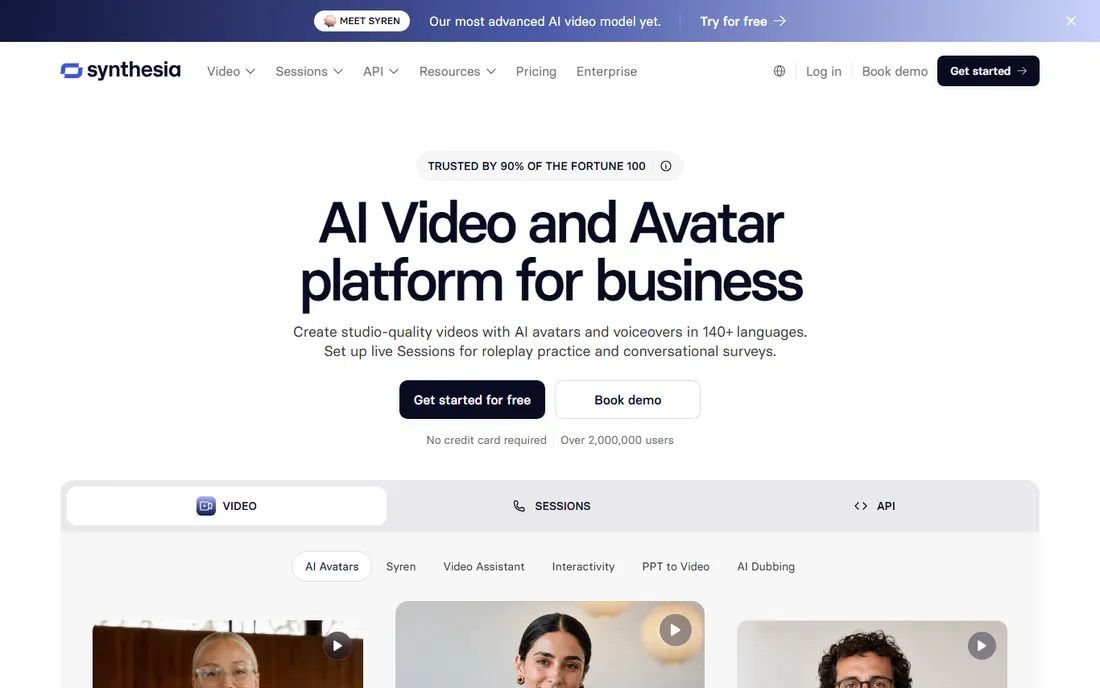
Synthesia turned AI avatar video from a novelty into a corporate standard. You type a script, pick an avatar, and get a presenter-led video in over 140 languages. For training, onboarding and internal comms, it replaces filming days with an afternoon at a desk.
The enterprise feature set is the differentiator: brand controls, SSO, collaboration and compliance-friendly hosting. Large organizations can roll it out to teams without creative bottlenecks.
The output looks polished but unmistakably synthetic, which suits training better than brand storytelling. Creative control is also narrower than text-to-video generators. For scalable presenter video, though, Synthesia leads.
What we like- Realistic AI avatars with 140+ languages
- Built for training and corporate video
- Enterprise security and controls
Watch out for- Avatar style can feel corporate
- Limited creative control versus generative video
#2
HeyGen
Best for: Marketers who want quick avatar videos with templates
Visit heygen.com
Starting priceSee website
Free planYes

HeyGen makes avatar video accessible to marketers without a production budget. Templates cover product explainers, social clips and presentations, and generation takes minutes from script to finished video. The free plan lets you test the quality before committing.
The workflow favors speed: pick a template, paste your script, choose an avatar and export. For teams producing regular video content, that turnaround is the selling point.
Free plan limits are tight and avatar realism varies by model. It will not replace Synthesia for enterprise training at scale. But for quick marketing videos, HeyGen is one of the fastest options.
What we like- Fast avatar video generation
- Good template library
- Free plan to try
Watch out for- Free plan is limited
- Avatar realism varies
#3
Runway
Best for: Creators who want text-to-video generation and editing
Visit runwayml.com
Starting priceSee website
Free planNo
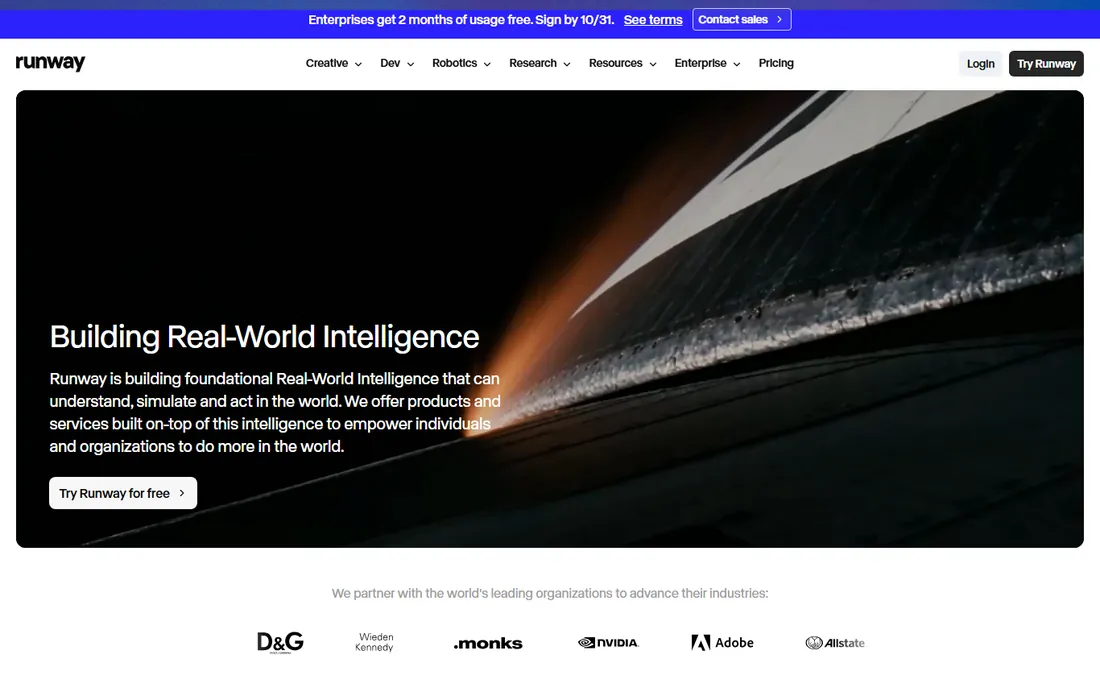
Runway is where generative video grew up. Its models turn text and image prompts into video clips, and the in-browser editor lets you refine, extend and composite the results. For creators and studios experimenting with AI footage, it is the reference tool.
The pace of model updates is relentless, with each generation improving motion quality and prompt adherence. The editor integration means you stay in one place from generation to final cut.
Outputs still need human curation: not every generation is usable, and costs scale with experimentation. It is a creator's tool, not a corporate video factory. But for generative video quality, Runway sets the bar.
What we like- Strong generative video models
- In-browser editing suite
- Frequent model updates
Watch out for- Outputs need curation and selection
- Generation costs add up with volume
#4
InVideo
Best for: Small teams turning scripts into social videos fast
Visit invideo.io
Starting priceSee website
Free planNo
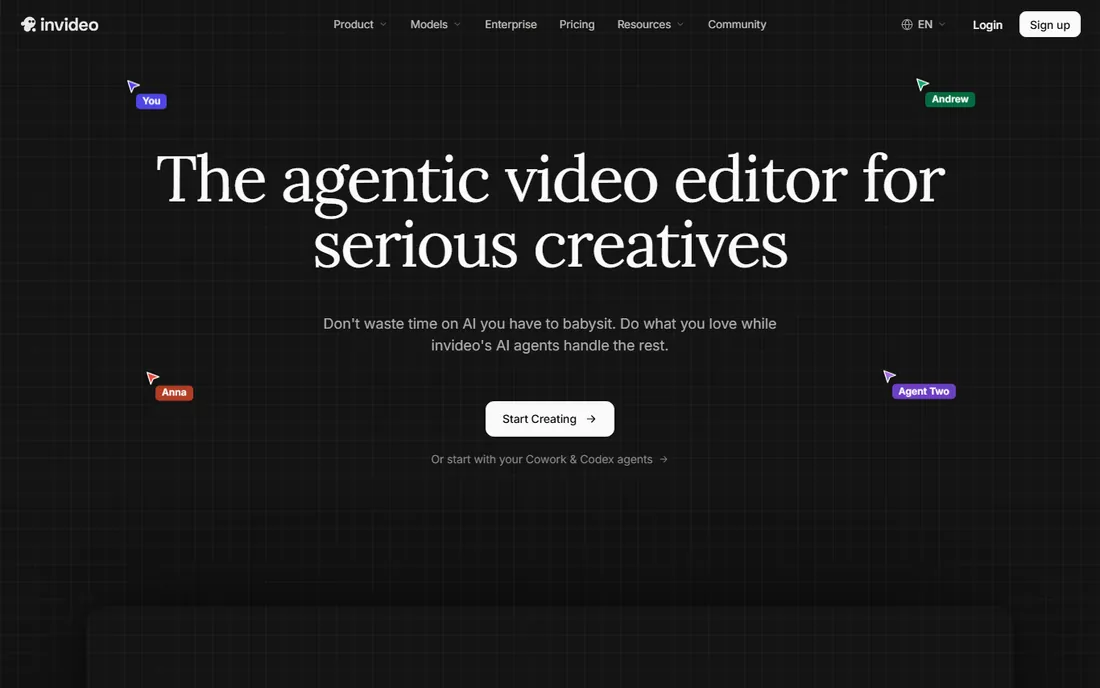
InVideo is built for volume: turn a script into a finished social video in minutes using templates, stock footage and AI voiceover. Small teams without editors can keep a content calendar full without touching a timeline.
The template library is the asset, covering every common format from reels to explainers. Script-to-video does the assembly, and the editor is simple enough for marketers.
Lower plans carry watermarks and AI voices range from good to robotic. It is a production line, not a craft tool. But for teams that need quantity on a schedule, InVideo delivers.
What we like- Huge template library
- Script-to-video generation
- Easy editor for non-editors
Watch out for- Watermark on lower plans
- AI voice quality varies
Starting price$25 per month
Free planNo
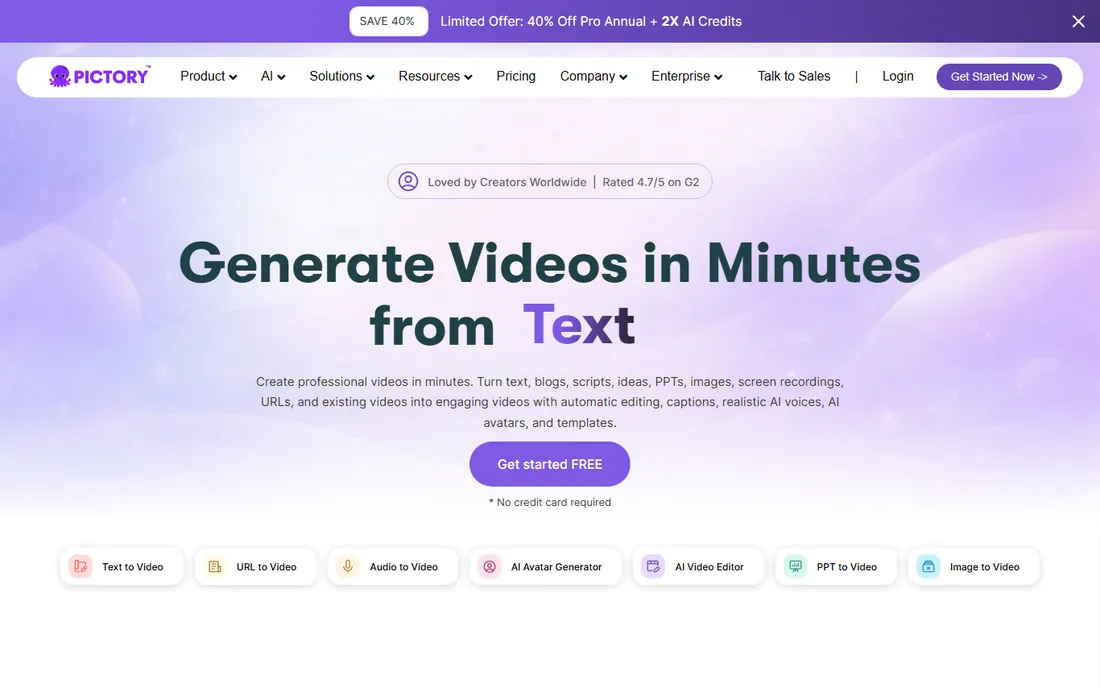
Pictory solves one problem well: turning long-form content into short videos. Paste a blog post or webinar script and get a captioned video assembled from stock footage and AI voiceover. At $25 a month with published pricing, the value is clear.
For content marketers sitting on archives of written content, it multiplies output without multiplying headcount. Automatic captions also make everything social-ready.
Manual editing is shallow and the stock footage can feel interchangeable across videos. It will not win craft awards. But as a repurposing engine for busy content teams, Pictory is efficient and fairly priced.
What we like- Blog-to-video in minutes
- Automatic captions
- Published pricing from $25
Watch out for- Limited manual editing depth
- Stock footage can feel generic
Starting priceSee website
Free planYes
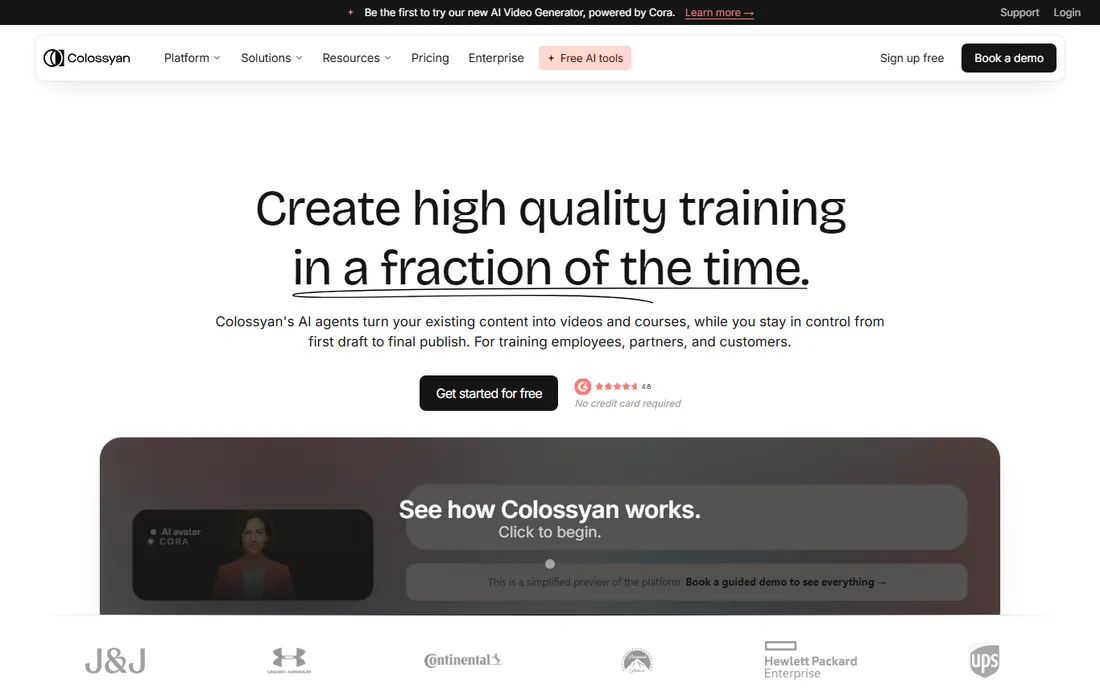
Colossyan targets learning and development teams with avatar video built for training. Scenario-based templates, quizzes and multi-avatar conversations suit instructional design better than generic avatar tools. A free starter tier lets L&D teams pilot it.
The product thinking shows: features map to how training gets made, not just how video gets rendered. That focus saves instructional designers real time.
It is a specialist, so creative marketers should look at Runway or HeyGen instead. But for corporate learning content at scale, Colossyan is purpose-built and worth the evaluation.
What we like- Learning-focused features
- Multiple avatar options
- Free starter tier
Watch out for- Niche use case
- Less suited to creative projects
#7
Fliki
Best for: Turning blog posts and tweets into narrated videos
Visit fliki.ai
Starting priceSee website
Free planYes

Fliki converts text into narrated videos with some of the better AI voices in this price range. Blog posts, tweets and scripts become videos with subtitles in minutes, and the free plan lets you try the full workflow.
The use case is narrow and it owns it: faceless content channels, repurposed writing, quick explainers. Voice quality carries the product, and it shows.
Design control is limited and free minutes run out fast. It is not an editor replacement. But for text-to-video with voices that do not embarrass you, Fliki is a strong pick.
What we like- Good text-to-speech quality
- Fast turnaround
- Free plan available
Watch out for- Limited design control
- Free plan limits minutes
#8
Pika
Best for: Creators experimenting with stylized AI video clips
Visit pika.art
Starting priceSee website
Free planNo
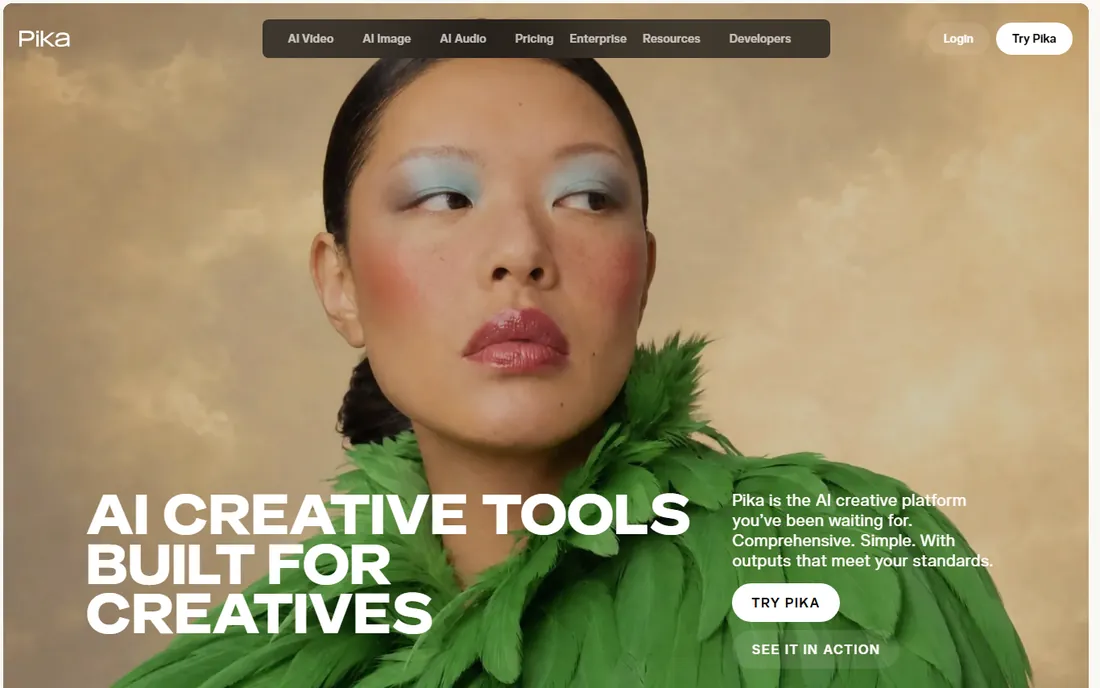
Pika is the playful end of AI video: stylized effects, creative transformations and short clips made for social feeds. The community shares prompts and techniques openly, which makes learning the tool half the fun.
Iteration is fast, so creators can experiment with looks and ideas cheaply. For content that thrives on novelty, that speed is the point.
Clip lengths are short and the aesthetic skews creative, not corporate. Training departments should look elsewhere. But for creators riding AI video trends, Pika is an entertaining and capable tool.
What we like- Fun creative effects and styles
- Active creator community
- Fast iteration
Watch out for- Short clip lengths
- Less suited to corporate use
Starting priceSee website
Free planNo
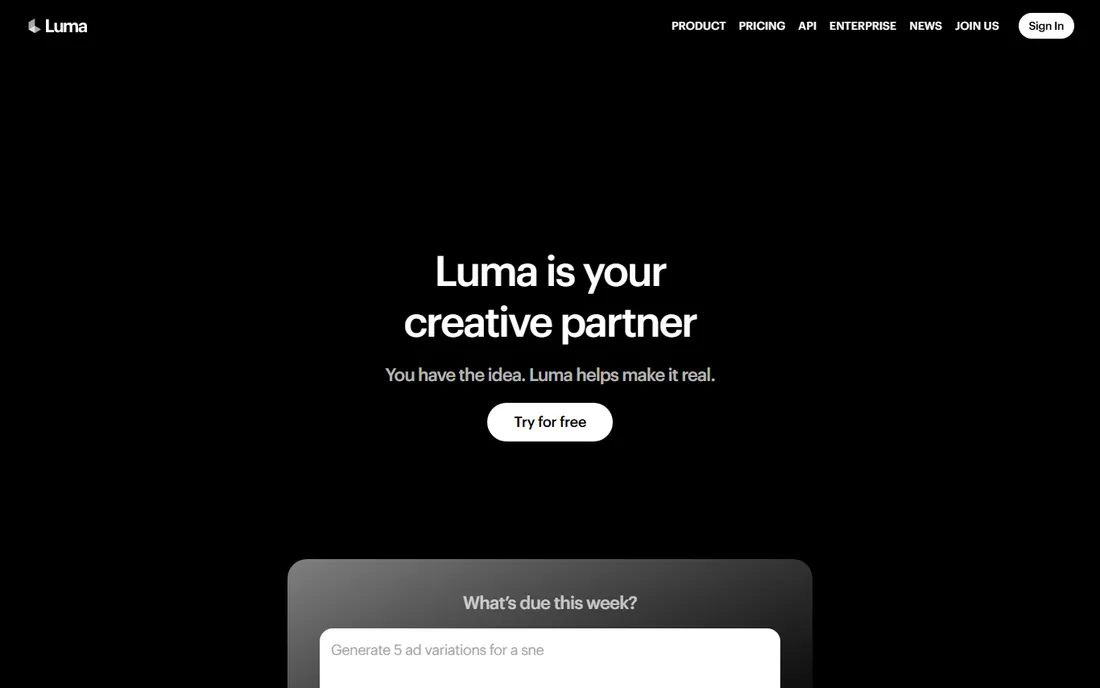
Luma's Dream Machine models produce some of the most realistic AI video motion available. Text prompts become fluid clips with coherent physics, which puts it in the top tier for quality alongside Runway. API access lets developers build on it.
For studios and creators who need believable AI footage, the quality gap over cheaper tools is visible. It handles camera moves and natural motion better than most.
Peak-time queues test patience and heavy use gets expensive. It is a premium tool with premium pricing dynamics. But on pure generation quality, Luma is elite.
What we like- Strong visual quality
- Dream Machine models
- API access for developers
Watch out for- Generation queues at peak times
- Costs scale with usage
#10
VEED
Best for: Teams that want an online editor with AI helpers
Visit veed.io
Starting priceSee website
Free planNo
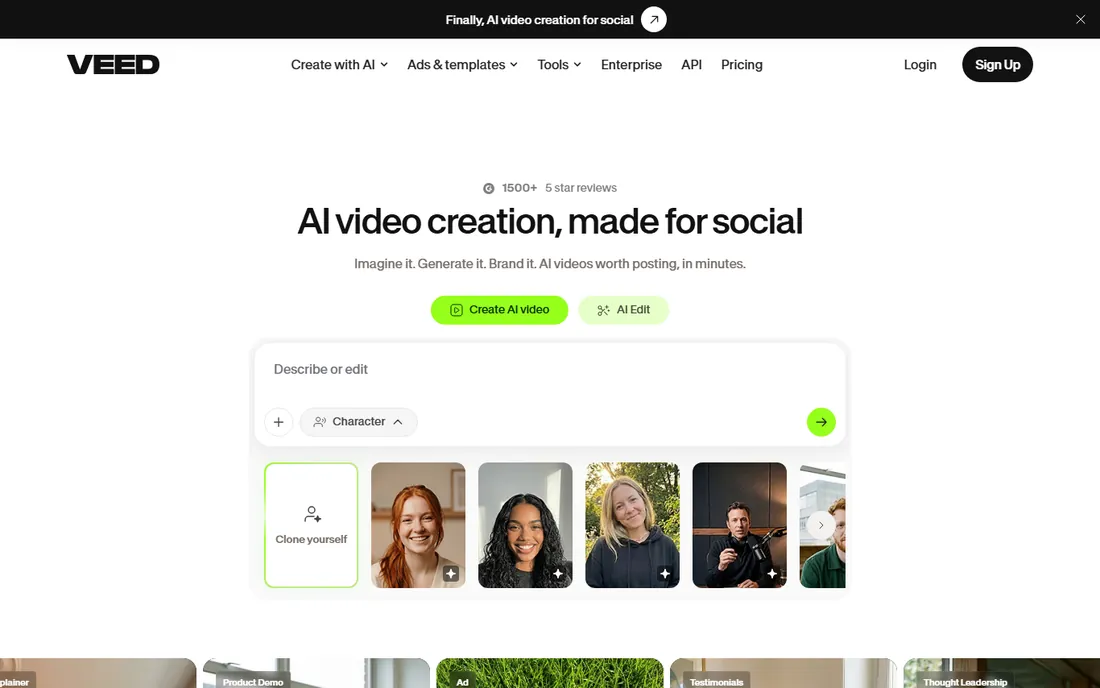
VEED is an online video editor first, with AI features layered on top. Subtitling, background removal, text-to-speech and basic generation sit inside a timeline editor teams can actually learn. Collaboration features suit distributed teams.
That combination is the appeal: you get AI assistance without giving up real editing control. Subtitle accuracy is genuinely good, which alone saves hours.
Pure AI generation lags the specialists, and full-quality exports need a subscription. It will not replace Runway for generative work. But as the everyday editor with AI help built in, VEED is the practical choice.
What we like- Full online editor plus AI tools
- Automatic subtitles
- Team collaboration features
Watch out for- AI generation less advanced than specialists
- Subscription needed for full quality exports
Avatar video versus generative video
Avatar video wins for talking-head content: training, explainers, internal updates. It is fast, consistent, and cheap per video once you commit. The trade-off is a synthetic look that suits corporate content better than brand storytelling.
Generative video wins for creative footage: b-roll, concept visuals, stylized clips. Quality varies by prompt and model, so budget time for curation. It will not replace filming for hero content yet.
Many teams use both: avatars for volume content, generative clips for creative accents. Match the tool to the job instead of forcing one platform to do everything.
How we chose
We evaluated these tools using their public pricing pages, official documentation, and feature descriptions, supplemented by user reviews on G2, Capterra, and Reddit. We weighted coverage of the category's core job, clarity of reporting, honest pricing, and suitability for small versus large teams. This is desk research done carefully, not lab testing.
Decide which camp you are in: avatar presenters or generative video. Avatar tools like Synthesia and HeyGen produce presenter-led videos fast; generative tools like Runway and Luma create footage from prompts. They solve different problems, so be honest about your use case.
Watch for the real cost drivers. Per-minute generation, per-video exports, and avatar add-ons stack up quickly at volume. Run your actual monthly volume through the pricing page before committing.
Test output quality on your own scripts. Demos show best cases; your brand voice, terminology, and visual style are the real test. Every serious vendor offers a trial or free tier, so use it with real work, not sample prompts.
Frequently asked questions
What is the difference between avatar and generative video?
Avatar video generates a presenter speaking your script; it is fast and consistent. Generative video creates footage from text prompts; it is creative but variable. Choose avatar tools for explainers and training, generative tools for creative visuals.
Can I use AI video commercially?
Generally yes on paid plans, but check each vendor's terms for your use case. Some restrict certain content types or require higher tiers for commercial use. When in doubt, confirm in writing.
Can AI video replace hiring a videographer?
For talking-head and simple marketing videos, largely yes. Avatar tools produce consistent presenter content cheaply. For brand films, commercials, and creative storytelling, human production still wins on quality and originality.
How much does AI video generation cost?
Subscriptions range from $25 a month for tools like Pictory to custom enterprise pricing for Synthesia. Pay-per-generation models add up at volume, so estimate your monthly output before choosing.
Do AI avatars look realistic?
They look professional but recognizably synthetic. Quality keeps improving, and for training and internal content that is fine. For customer-facing brand content, test audience reaction before committing fully.
Sources we checked (10)
- https://www.synthesia.io
- https://www.heygen.com/
- https://runwayml.com
- https://invideo.io
- https://pictory.ai
- https://www.colossyan.com/
- https://fliki.ai/
- https://pika.art
- https://lumalabs.ai/
- https://veed.io/
Is your product missing or out of date?
We review this list regularly. Vendors can request a listing, send updated pricing or ask about featured placement.

Shihab Mia · Founder, Rankite
Shihab has spent more than a decade helping SaaS and e-commerce brands grow through search. He writes Rankite's software buying guides from pricing pages, documentation and public user reviews. More about Shihab.