How we make this list: we compare pricing pages, product documentation and public user reviews. Rankite is independent; if a vendor ever pays for a featured spot, that listing is clearly labeled Partner.
Key takeaways
- Resi, BoxCast, and StreamingChurch.tv are built specifically for churches, with volunteer-friendly workflows and Sunday-morning support.
- Switcher Studio turns iPhones and iPads into a multi-camera production setup, ideal for churches without dedicated hardware.
- OBS Studio is free and powerful but demands technical skill, making it a fit for churches with a capable AV volunteer.
- vMix gives serious production teams broadcast-level switching on a Windows PC, with one-time pricing.
- Restream is the simplest way to push one service to YouTube, Facebook, and your website at the same time.
Quick comparison
| Tool | Best for | Starting price | Free plan |
|---|
 Resi Resi | Maximum reliability for Sunday services | From $99/month | No |
 BoxCast BoxCast | Automated all-in-one church streaming | See website | Free trial (14 days) |
 Switcher Studio Switcher Studio | Multi-camera streaming from iPhones | See website | Free trial (14 days) |
 OBS Studio OBS Studio | Free production software | Free (open source) | Yes |
 vMix vMix | Professional switching on Windows | See website | Free trial (60 days) |
 StreamingChurch.tv StreamingChurch.tv | Engagement-focused church platform | $79/month (Basic) | Free trial (30 days) |
 Restream Restream | Simulcasting to social platforms | $16/month (billed annually, Standard) | Yes |
Is your product missing or out of date?
We review this list regularly. Vendors can request a listing, send updated pricing or ask about featured placement.
The best live streaming software for churches
#1
Resi
Best for: Maximum reliability for Sunday services
Visit resi.io
Starting priceFrom $99/month
Free planNo
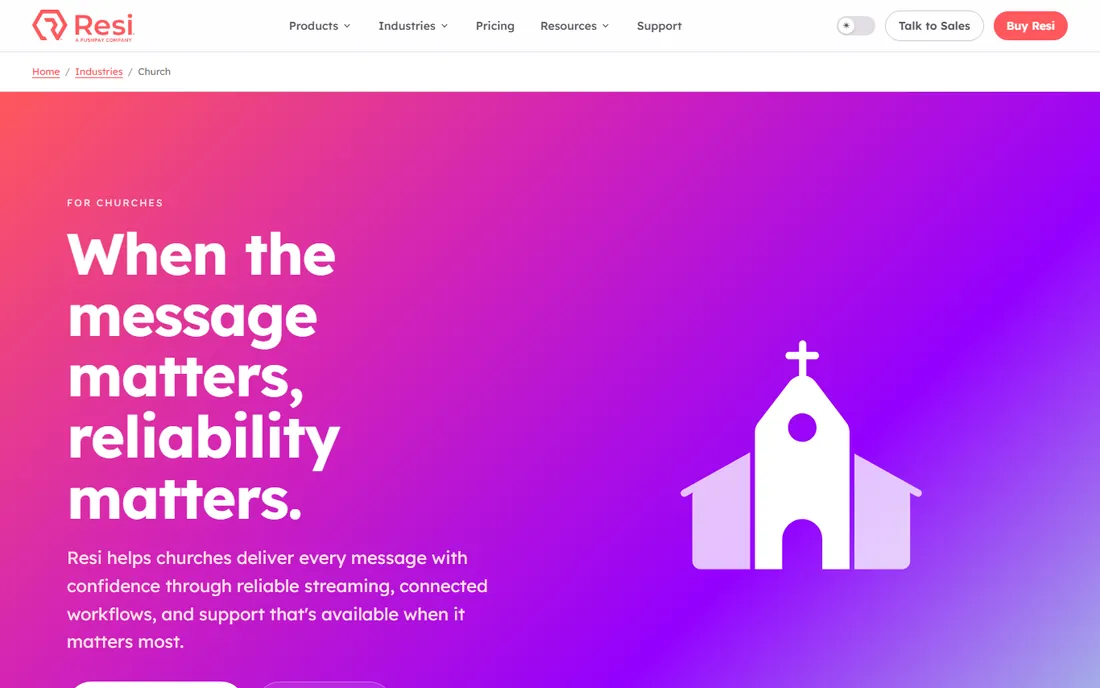
Resi is the premium pick for churches that cannot afford a failed stream. Its Resilient Streaming Protocol verifies every frame before it reaches the cloud, so a 16-minute internet outage becomes a brief pause rather than a dead broadcast. Churches stream to their website, YouTube, and Facebook from one dashboard, and scheduling automates the start and stop.
The cost is real: plans start at $99 per month, and the full reliability story needs Resi hardware encoders. There is no free plan, though demos are available. For mid-size and larger churches where the online congregation matters, Resi is the answer to the question every tech director asks: what happens when the internet goes down on Sunday?
What we like- Patented resilient protocol keeps streams alive through internet drops
- Volunteer-friendly automated scheduling
- Real support seven days a week
Watch out for- Higher starting price than entry-level options
- Requires Resi encoders for the full reliability benefit
Starting priceSee website
Free planFree trial (14 days)
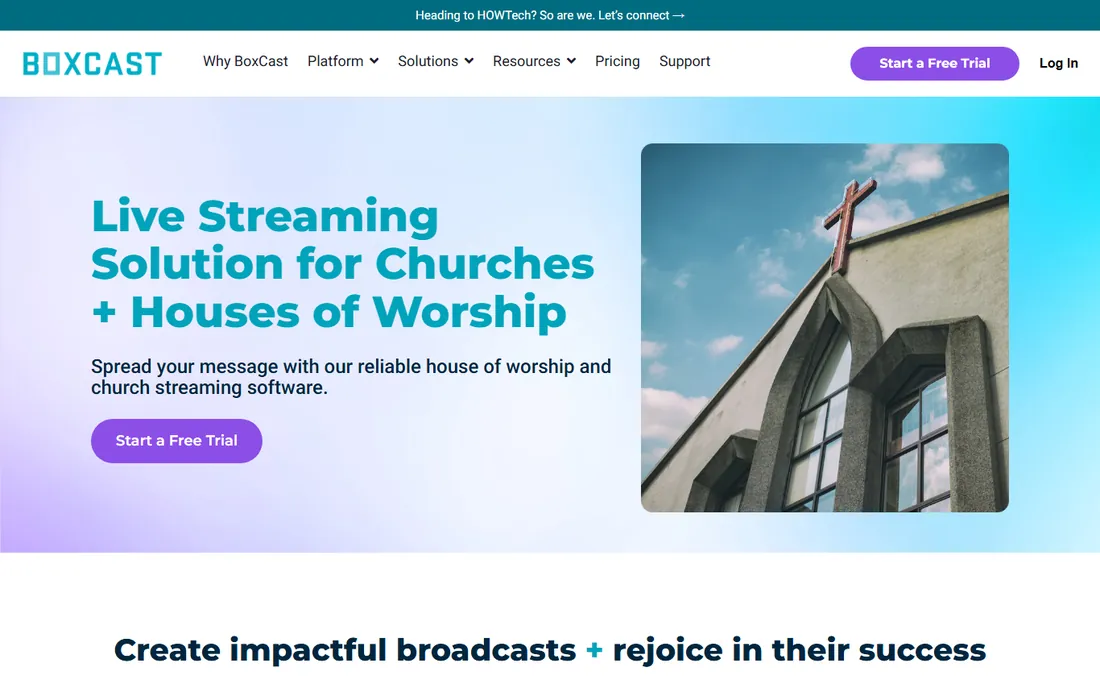
BoxCast has served churches for years with a simple promise: set the schedule, and the stream handles itself. The BoxCaster hardware encoder adds stability, volunteers can stream from iOS devices, and the platform includes trimming, embedding, and a video hub for on-demand sermons. Support runs seven days a week, including Sunday mornings.
Pricing is not published on the site, so you will need to talk to sales, which some churches find annoying. A 14-day free trial lets you test the workflow first. BoxCast fits churches that want automation and a hardware option without the premium price of the top tier.
What we like- Schedule broadcasts days ahead with automatic start and stop
- Hardware encoder options for stability
- US-based support seven days a week
Watch out for- Pricing is quote-based rather than public
- Advanced features like OTT apps sit on higher tiers
Starting priceSee website
Free planFree trial (14 days)
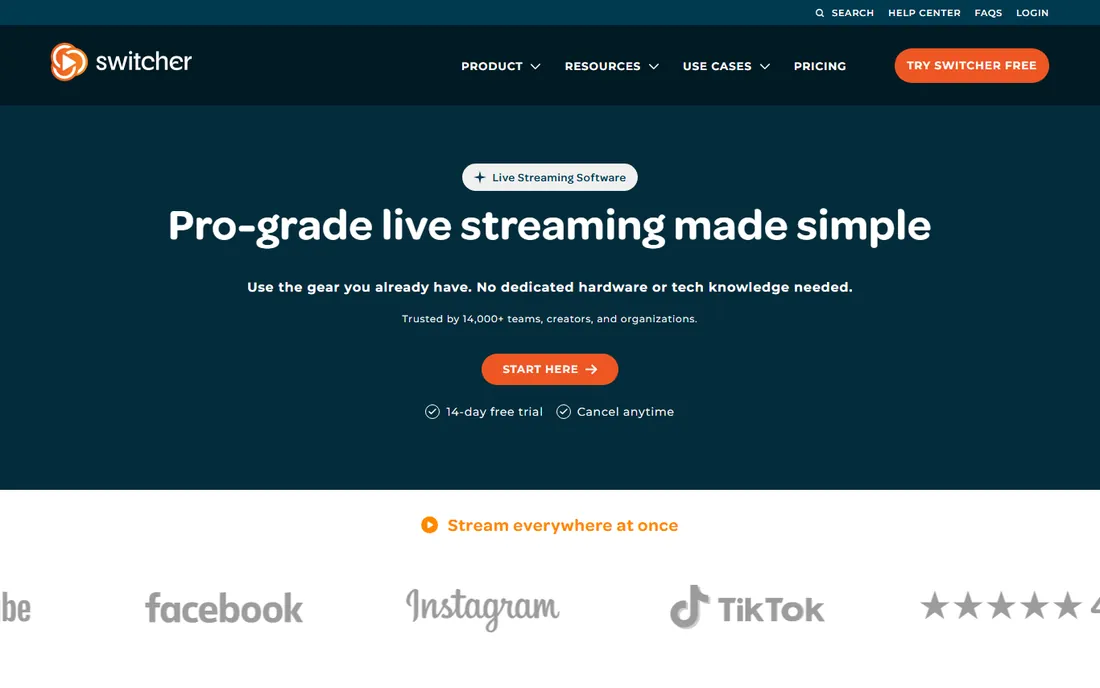
Switcher Studio is the clever option for churches on a hardware budget. Instead of buying cameras and a switcher, you point a few iPhones at the stage and switch between them from an iPad. Graphics, lower thirds, and remote guests are built in, and you can multistream to several platforms.
The iOS-only limitation matters: if your volunteers carry Android phones, they cannot contribute cameras. Pricing is subscription-based and not shown without starting a trial, though a 14-day free trial is offered. For small churches and plant locations, Switcher Studio delivers a professional look for the cost of devices you may already own.
What we like- Turns iPhones and iPads into a multi-camera studio
- No dedicated hardware to buy
- Built-in graphics, multiview, and monetization tools
Watch out for- IOS only, so Android devices cannot join
- Subscription cost adds up compared with free software
Starting priceFree (open source)
Free planYes
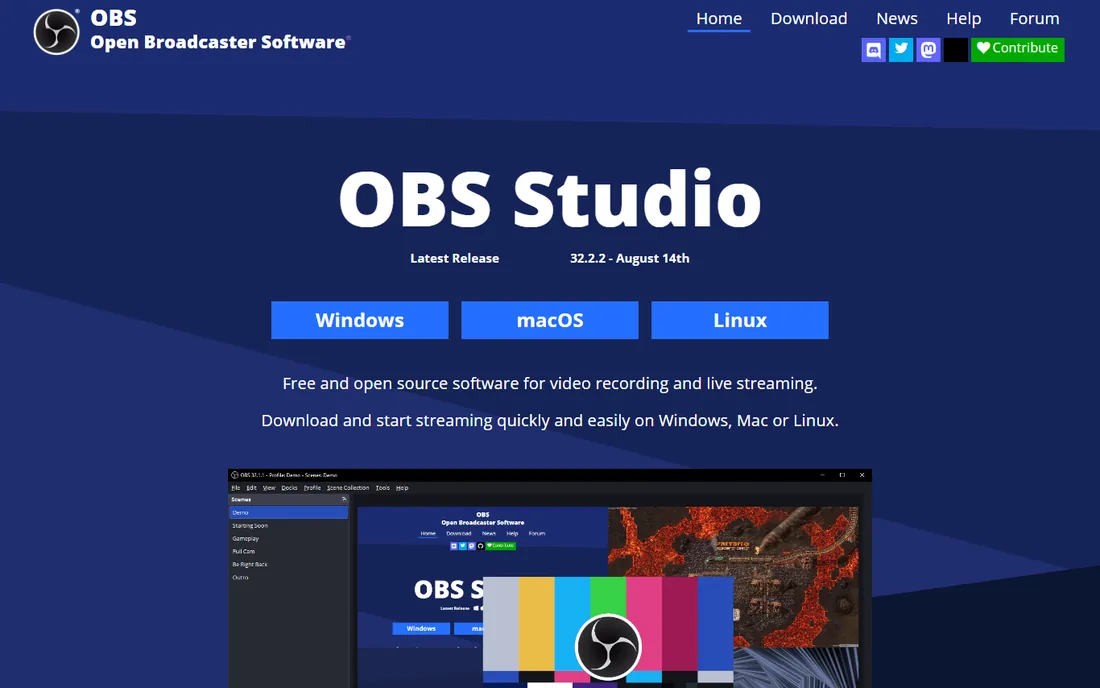
OBS Studio is the free workhorse behind countless church streams. It handles multiple cameras, scenes, lower thirds, and streaming to any RTMP destination, and it costs nothing. Churches pair it with a free YouTube or Facebook destination, or with a paid multistreaming service, for a full setup at minimal cost.
The catch is expertise. OBS assumes someone on the team understands encoding settings, audio routing, and troubleshooting, and there is no support line when something breaks at 9:55 on Sunday. Churches with a technically skilled AV volunteer get enormous value. Churches without one should budget for a managed platform instead.
What we like- Completely free with no watermarks
- Runs on Windows, Mac, and Linux
- Huge plugin and tutorial ecosystem
Watch out for- Steep learning curve for non-technical volunteers
- No built-in support or hosting, so you provide the destination
Starting priceSee website
Free planFree trial (60 days)
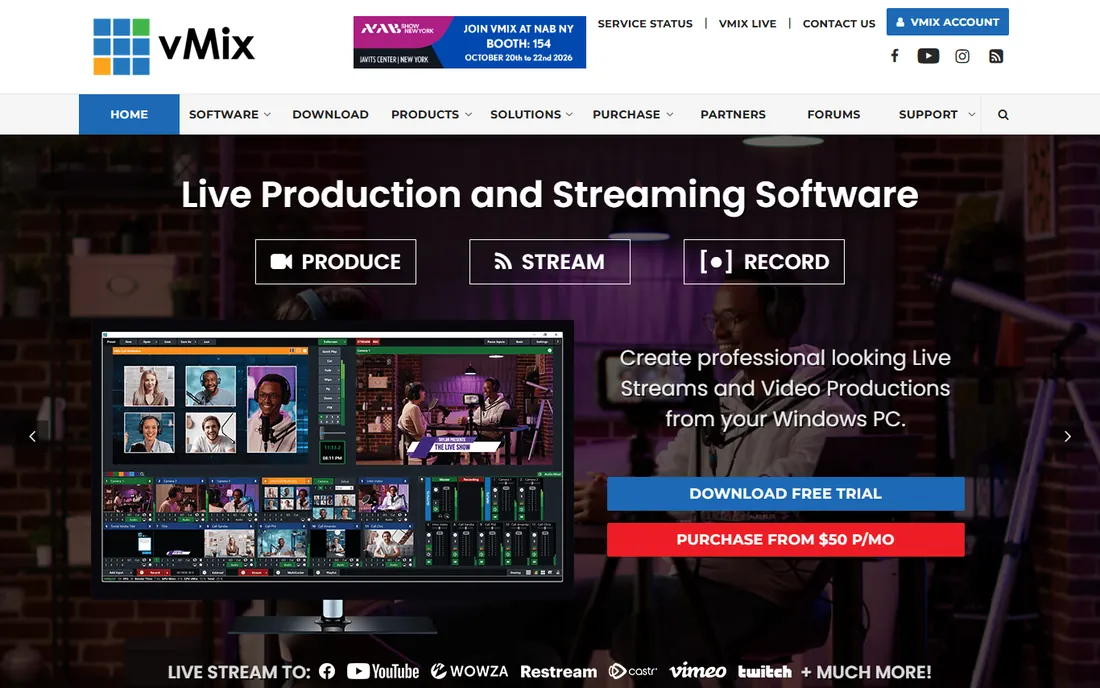
vMix is what churches graduate to when the production grows up. It runs on a Windows PC and offers multi-camera switching, NDI inputs, instant replay, virtual sets, and remote guests through vMix Call. Many larger churches and multisite campuses standardize on it for the main auditorium feed.
It is Windows-only and resource-hungry, so you need a capable computer and an operator who knows live production. Licensing is one-time rather than subscription, which churches appreciate for budgeting, and the 60-day fully functional trial is generous. vMix is overkill for a single-camera stream, and exactly right for a produced service.
What we like- Broadcast-grade switching, instant replay, and virtual sets
- One-time perpetual licenses
- NDI and remote guest support
Watch out for- Windows only
- Demands a powerful PC and real production skill
Starting price$79/month (Basic)
Free planFree trial (30 days)
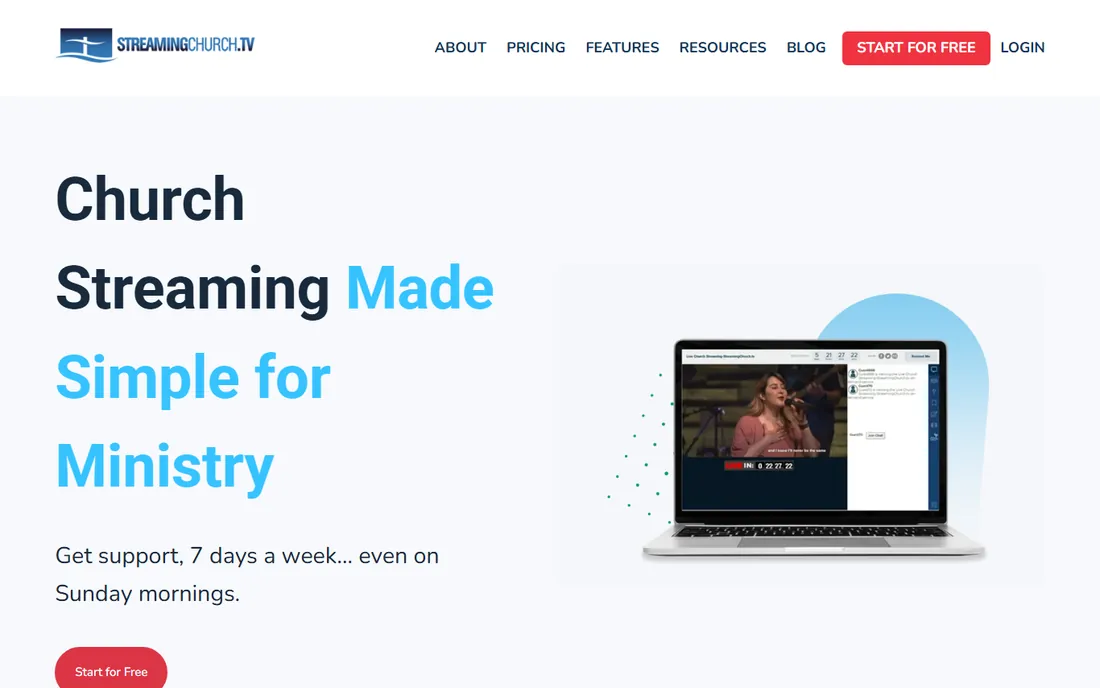
StreamingChurch.tv has served churches since 2001 with features designed for ministry rather than adapted to it. Online viewers get integrated sermon notes, a moderated chat, and an attendee map, and the platform includes follow-up tools for connecting with first-time visitors. Plans include unlimited audience, bandwidth, and storage, and support answers seven days a week.
Pricing is public and straightforward: Basic at $79 per month, Premium at $127, and Platinum at $179, all after a 30-day free trial. The main limitation is infrastructure: without a global CDN, very large audiences may see quality dips. For small and mid-size churches that want engagement features out of the box, it is a strong fit.
What we like- Built exclusively for churches with sermon notes, moderated chat, and attendee maps
- Unlimited audience and bandwidth
- Seven-day support
Watch out for- Does not use a global CDN, so quality can dip with very large audiences
- $79 activation fee on signup
Starting price$16/month (billed annually, Standard)
Free planYes
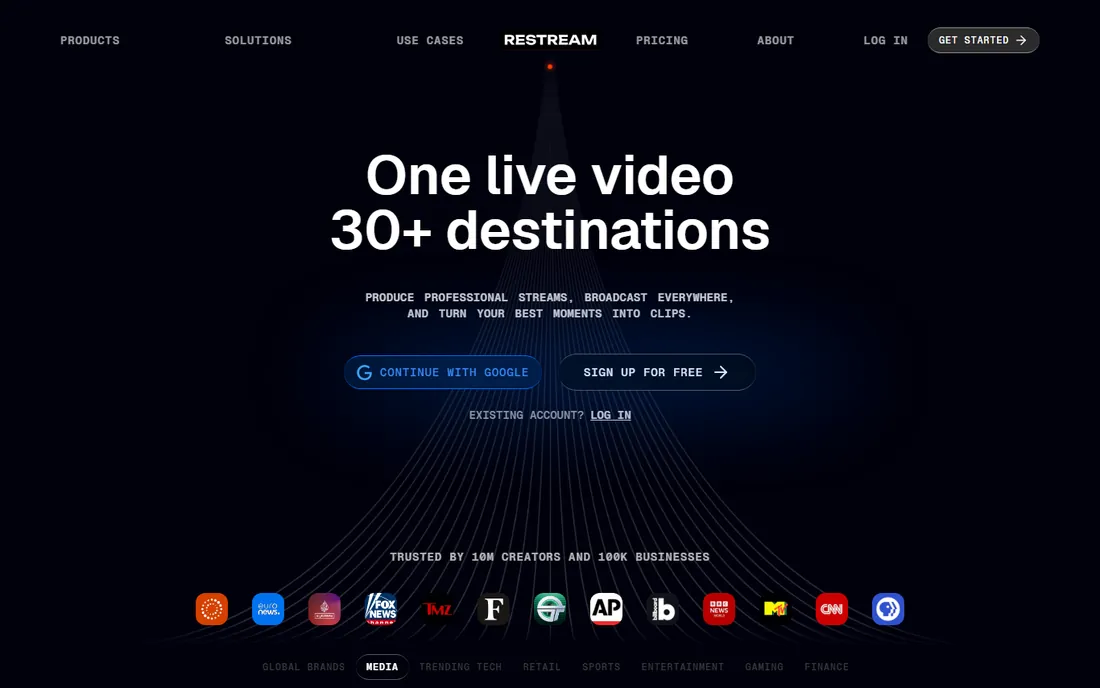
Restream solves one problem well: getting the service onto every platform at once. A church can go live on YouTube, Facebook, and its website simultaneously from a single browser tab, or feed Restream from OBS or vMix for a produced show with wide distribution. The free plan streams to two channels, which is enough to test the workflow.
Paid plans scale by channel count, starting with Standard at $16 per month on annual billing. Restream does not replace a church streaming platform: there is no sermon archive, no attendee follow-up, and no Sunday support. Use it as the distribution layer on top of your production setup, not as the whole solution.
What we like- Streams to 30+ platforms at once from a browser
- Genuinely useful free plan
- Works alongside OBS, vMix, or Ecamm
Watch out for- It is a distribution tool, not a full church platform
- Free plan carries Restream branding
How we chose
We compared tools on church-specific fit: volunteer usability, Sunday-morning support availability, automated scheduling, simulcasting, and archive features. We checked pricing on each vendor's own pages where published, and used third-party pricing reads only where vendor pages do not publish figures. We reviewed church tech publications, G2 and Capterra reviews, and church forum discussions. We did not claim hands-on testing.
Start with your volunteers. If the same two people run sound and the stream, pick a platform that automates scheduling and start-stop, like Resi, BoxCast, or StreamingChurch.tv. A tool only your most technical volunteer understands will fail the Sunday they are sick.
Next, map your destinations. Most churches stream to their website plus YouTube and Facebook. Church platforms handle this natively; production software like OBS and vMix needs a destination for each, which is where a multistreaming service or direct RTMP setup comes in. Decide this before you buy hardware.
Finally, think about the archive. Sermons are a ministry asset, and a platform with an on-demand library keeps them working after Sunday. Free destinations like YouTube archive automatically but come with ads and algorithms. Paid church platforms give you a branded, ad-free home for past services.
Free versus paid: where the line sits for churches
Free tools like OBS Studio and Restream's free plan can absolutely get a church streaming. The cost shows up in volunteer time, troubleshooting, and the absence of support. For a church with skilled volunteers and a tight budget, that trade works.
Paid platforms charge $79 to $99 per month and up because they absorb the hard parts: reliability, automation, support, and archives. When the online congregation includes homebound members, traveling families, and first-time visitors checking you out, the monthly fee is small compared to a failed Easter stream. Match the spending to how much the stream matters to your mission.
Frequently asked questions
What is the easiest live streaming software for church volunteers?
Resi, BoxCast, and StreamingChurch.tv are designed for volunteers, with automated scheduling and simple controls. Switcher Studio is also easy if your team uses iPhones. OBS Studio is powerful but needs a technically skilled operator.
How much does church live streaming software cost?
Church-focused platforms typically run $79 to $99 per month to start, with higher tiers for multisite or advanced features. Production software ranges from free (OBS Studio) to one-time licenses (vMix) to monthly subscriptions (Switcher Studio, Restream).
Can churches stream to YouTube and Facebook at the same time?
Yes. Most church platforms and multistreaming tools like Restream send one feed to multiple destinations simultaneously. Note that Facebook and YouTube have their own content rules around music licensing, so check your worship music coverage.
Do we need an encoder to stream church services?
An encoder converts your camera signal into a streamable format. Software encoders like OBS run on a computer; hardware encoders like the BoxCaster or Resi encoders are dedicated devices that add reliability. Small churches often start with software and add hardware as the ministry grows.
What internet speed does a church need for live streaming?
A stable upload speed of at least 10 Mbps is a good baseline for a single 1080p stream, with more headroom for higher quality or multiple destinations. Wired connections beat Wi-Fi for reliability. Resi's protocol can ride through brief outages, but no software fixes an inadequate connection.
Should our church stream on Sunday mornings only?
Many churches start with Sunday services and expand to midweek studies, funerals, and special events. Platforms with scheduling automation make extra streams nearly free in volunteer effort, and archived content keeps working for visitors all week.
Sources we checked (10)
- https://resi.io/church-live-streaming/
- https://resi.io/live-streaming/
- https://www.boxcast.com/solutions/house-of-worship-streaming
- https://www.switcherstudio.com/
- https://obsproject.com/
- https://www.vmix.com/
- https://streamingchurch.tv/
- https://restream.io/
- https://get.tithe.ly/blog/live-streaming-software-for-church
- https://churchtechtoday.com/switcherstudio-review/
Is your product missing or out of date?
We review this list regularly. Vendors can request a listing, send updated pricing or ask about featured placement.

Shihab Mia · Founder, Rankite
Shihab has spent more than a decade helping SaaS and e-commerce brands grow through search. He writes Rankite's software buying guides from pricing pages, documentation and public user reviews. More about Shihab.