How we make this list: we compare pricing pages, product documentation and public user reviews. Rankite is independent; if a vendor ever pays for a featured spot, that listing is clearly labeled Partner.
Key takeaways
- Powtoon and Animaker offer genuinely usable free plans, with paid tiers from $15 a month, making them the cheapest way to start.
- Synthesia's AI avatars turn a typed script into a presenter-led explainer, with a free Basic plan and paid plans from $29 a month.
- Vyond is the premium business pick at $99 a month for Starter, built for teams that produce training and marketing videos regularly.
- Renderforest is the value all-rounder at $9.99 a month for Lite, with animation, stock footage, and branding tools in one place.
Quick comparison
| Tool | Best for | Starting price | Free plan |
|---|
 Powtoon Powtoon | Template-driven animated explainers | $15/month (Lite, billed yearly) | Yes |
 Synthesia Synthesia | AI avatar presenter explainers | From $29/month | Yes (Basic) |
 Animaker Animaker | Character animation with lots of styles | From $15/month (Basic) | Yes |
 Vyond Vyond | Business and enterprise animation at scale | $99/month (Starter; $699 billed annually) | Free trial |
 Renderforest Renderforest | Budget all-round video creation | $9.99/month (Lite) | Yes |
 InVideo InVideo | AI-generated videos from text prompts | $17/month (Plus, billed yearly) | Yes |
 Lumen5 Lumen5 | Turning blog posts and articles into videos | See website | Yes |
Is your product missing or out of date?
We review this list regularly. Vendors can request a listing, send updated pricing or ask about featured placement.
The best explainer video software
Starting price$15/month (Lite, billed yearly)
Free planYes
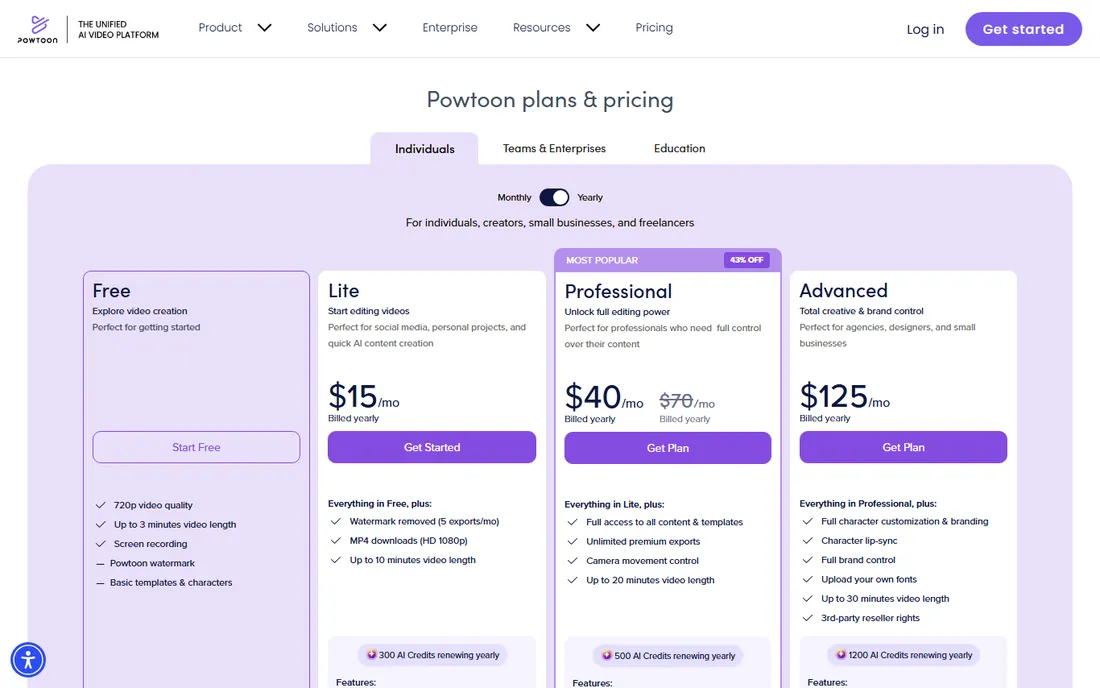
Powtoon is one of the longest-running names in DIY animation, and its own pricing page lays out the current structure plainly: a Free plan with 720p exports up to 3 minutes, Lite at $15 a month billed yearly with the watermark removed on exports and HD downloads, Professional at $40 a month, and Advanced at $125 a month with lip-sync and full brand control. The AI features, text to speech, avatars, translation, and dubbing, run on included credits.
The free plan is real but clearly a starting point: watermarked, short, and limited to basic templates. For a small business making its first explainer, Lite is a fair step up. The main caution is that the credit system for AI features adds a usage layer on top of the subscription, so heavy AI generation costs more than the plan price alone suggests.
What we like- Free plan confirmed on its own pricing page
- Large template and character library
- AI voiceovers, avatars, and dubbing included on paid plans
Watch out for- Free exports carry a watermark and are capped at 3 minutes
- Premium exports and full content come with higher tiers
Starting priceFrom $29/month
Free planYes (Basic)
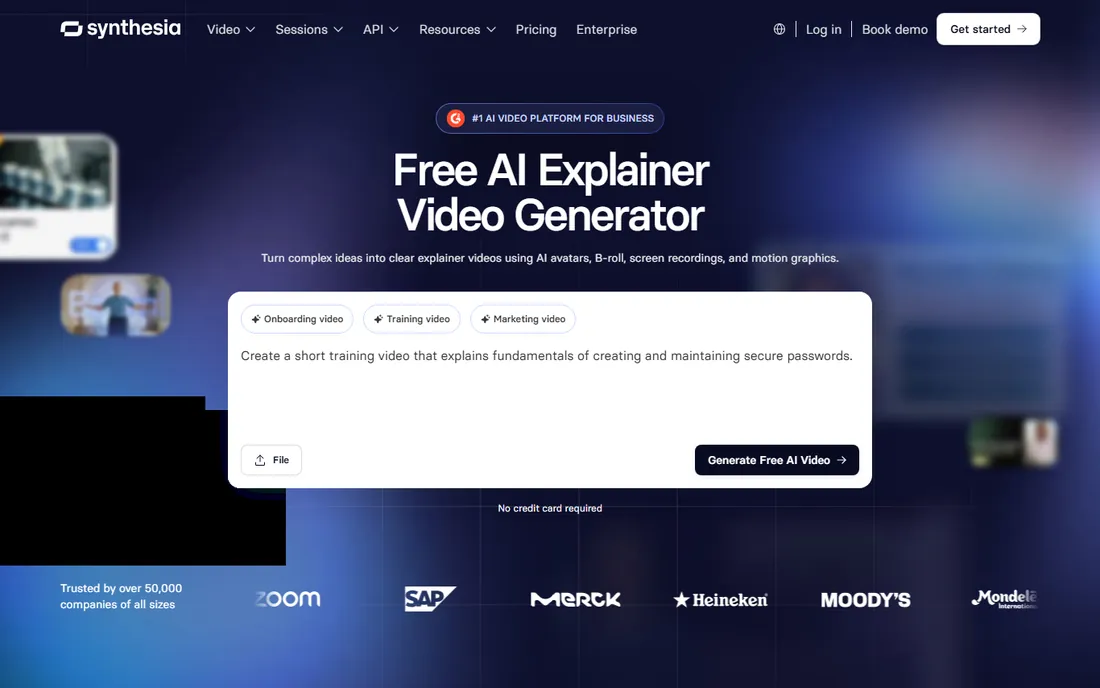
Synthesia takes a different approach from the animation tools: instead of cartoon characters, an AI avatar presents your script on screen. Its own explainer-video page says you can make explainer videos free on the Basic plan, with paid plans starting at $29 a month. You type a script, pick an avatar, add visuals or screen recordings, and generate the video in minutes.
That makes it strong for product walkthroughs, onboarding explainers, and training content where a human presenter adds trust. It is weaker when the story needs custom character animation or a hand-drawn feel. If your explainer is essentially "someone clear explaining something clearly," Synthesia gets you there faster than any animation timeline.
What we like- Free Basic plan for making explainer videos
- 240-plus realistic AI avatars and voiceovers in 140-plus languages
- Script-to-video workflow with screen recording
Watch out for- Avatar-led format suits presenters better than character animation
- Deeper avatar and translation features sit on higher tiers
Starting priceFrom $15/month (Basic)
Free planYes
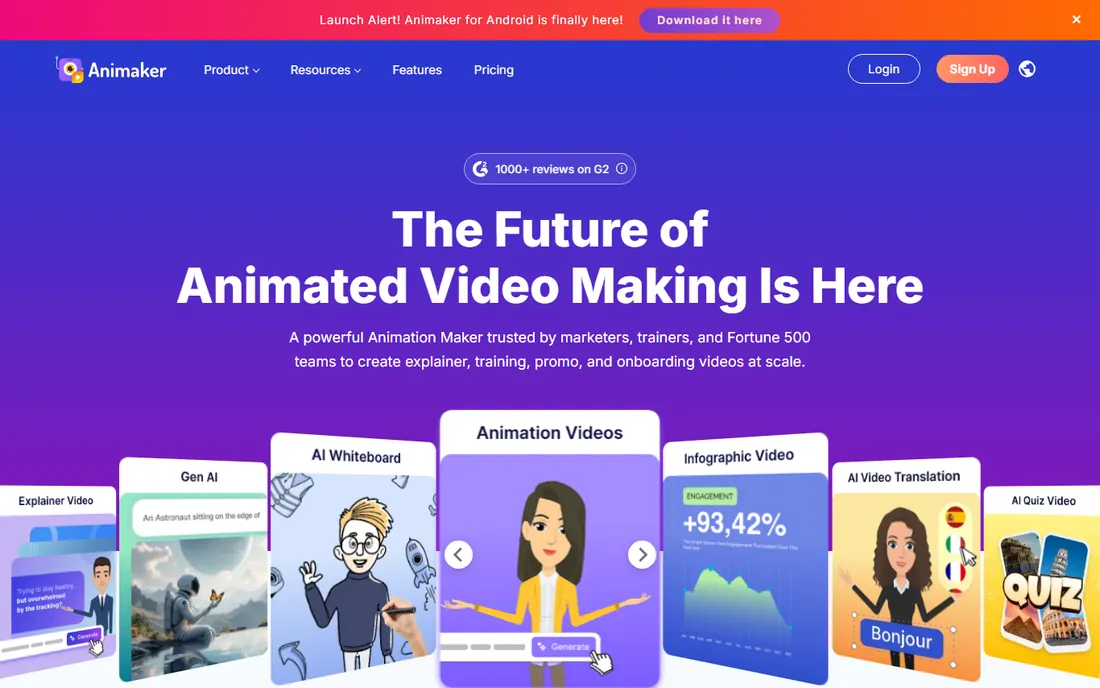
Animaker's own homepage leads with "Free Forever, no credit card required," and its own app pages list Basic from $15 a month, Starter from $25, and Pro from $43. The draw is variety: 2D animation, whiteboard, infographics, typography, and character-driven scenes all live in one editor, with a character builder for custom looks.
The fine print that matters most is commercial rights, which begin at the Pro tier. A business publishing videos made on the free or Starter plans is outside the plan terms, so factor the upgrade into the real cost. Within that constraint, Animaker is one of the most generous free starting points in the category and a strong fit for marketers who want stylistic range without learning a pro tool.
What we like- Free-forever plan with no credit card required
- Multiple animation styles including 2D, whiteboard, and infographics
- Large character and asset library
Watch out for- Commercial rights start at the Pro tier, so free and entry plans are for personal use
- Downloads per month are capped by plan
#4
Vyond
Best for: Business and enterprise animation at scale
Visit vyond.com
Starting price$99/month (Starter; $699 billed annually)
Free planFree trial
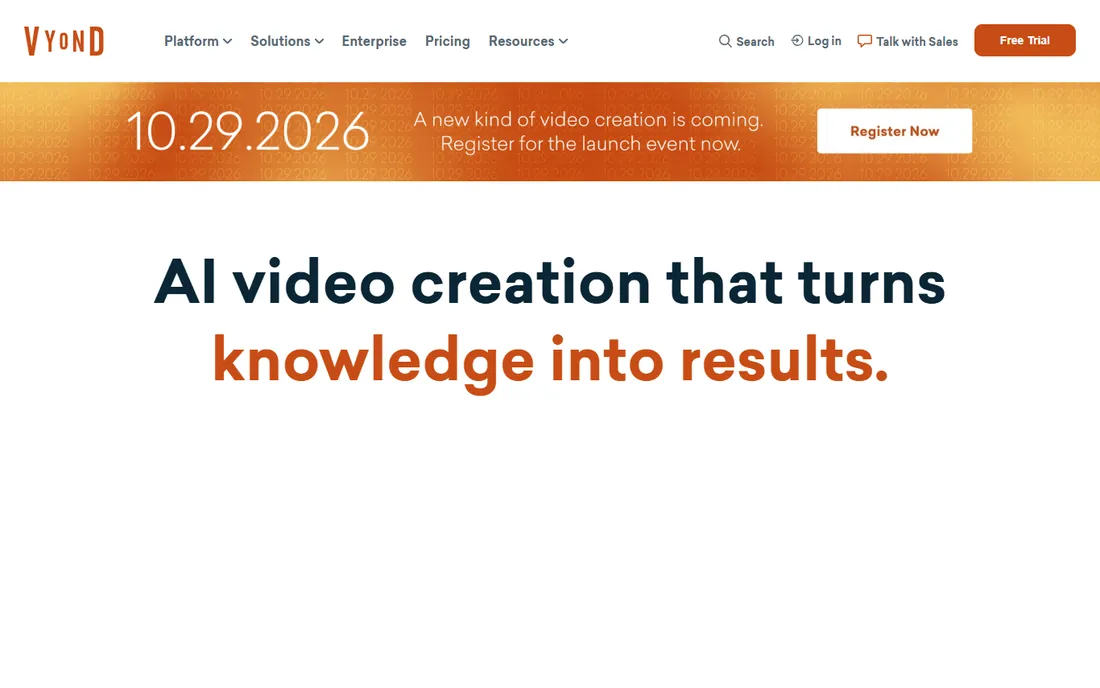
Vyond positions itself as the business-grade animation platform, and its own FAQ page confirms the current pricing: Starter at $99 a month or $699 billed annually, Professional at $199 a month or $1,199 annually, Enterprise at $1,649 a year, and Agency at $1,999 a year. Free trials are available, but there is no free plan.
What the money buys is depth and control: a character creator with thousands of variations, multiple animation styles, AI avatars, screen recording, instant video translation into dozens of languages, and enterprise security. For a team producing training, compliance, and marketing videos every week, that pays for itself against agency fees. For a business that needs one explainer a quarter, it is more platform than the job requires.
What we like- Full-featured studio editor with character creator
- AI avatars, instant video creation, and translation on higher tiers
- Built for teams with collaboration and brand controls
Watch out for- No free plan, only a trial
- The highest entry price on this list
Starting price$9.99/month (Lite)
Free planYes
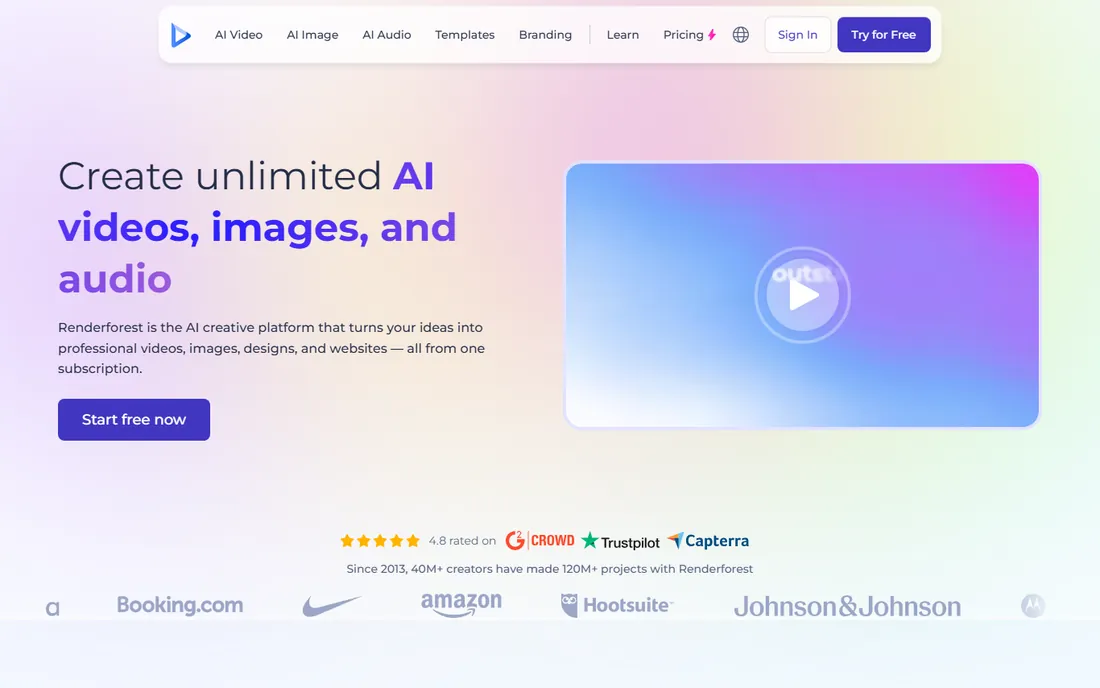
Renderforest is the value pick of this list. Its own pages confirm a free version plus Lite at $9.99 a month, Pro at $19.99, and Business at $29.99, with a large template library covering explainer videos, corporate videos, intros, and promotional clips. It also bundles AI video generation, a logo maker, and branding tools, so one subscription stretches across several jobs.
The trade-offs are the usual ones at this price: watermarked exports and length limits on the free plan, slower rendering on the free tier, and premium templates gated behind paid plans. For a small business that needs decent explainers plus the occasional promo or intro video, it is hard to beat on price.
What we like- Free version with basic tools
- Lite at $9.99 a month undercuts most rivals
- Templates for explainers, promos, intros, and more
Watch out for- Free exports are watermarked and length-limited
- The most distinctive animation styles are reserved for paid plans
Starting price$17/month (Plus, billed yearly)
Free planYes
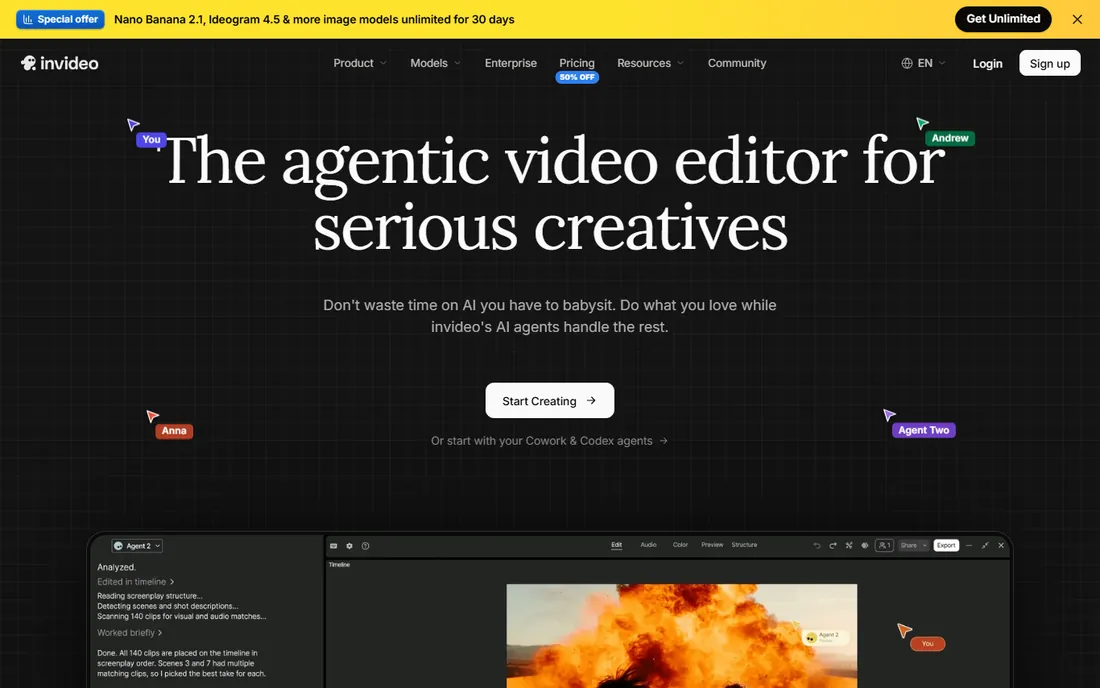
InVideo leans hardest into the AI workflow: type a topic or paste a script, and the platform generates the video with script, visuals, subtitles, voiceover, and music. Its own homepage publishes the current tiers: Plus at $17 a month billed yearly, Max at $83 a month, and Generative at $167 a month, with credits, avatars, and storage scaling up each tier.
That makes it the fastest route from idea to finished video on this list, especially for social and marketing explainers. The honest catch is the credit economy: high-quality AI generations consume credits quickly, and several reviewers note that hitting the exact vision can take multiple tries. Budget for experimentation, and it delivers; expect one-shot perfection, and the credit math will frustrate you.
What we like- Prompt-to-video generation with script, visuals, voiceover, and music
- Own homepage lists clear tiered pricing
- Large stock media library
Watch out for- Credit system can burn faster than expected on high-quality generations
- AI outputs sometimes need several attempts to match the prompt
Starting priceSee website
Free planYes
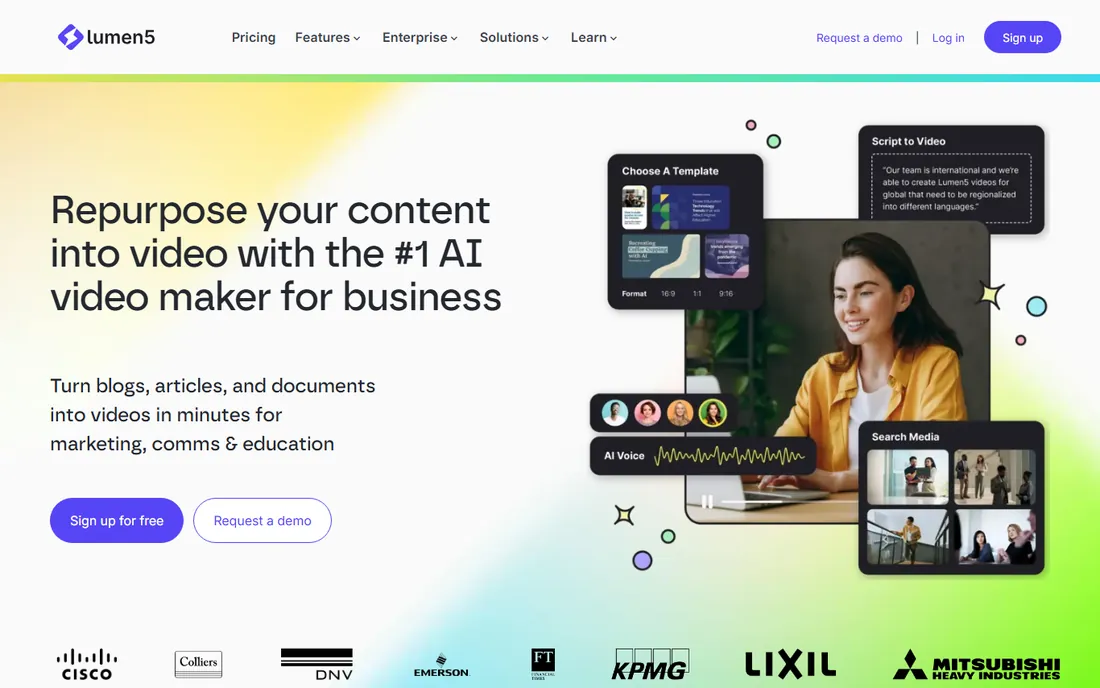
Lumen5 has a narrower job than the others here, and it does that job well: turning blogs, articles, PDFs, and bullet points into watchable videos. Its own homepage invites visitors to try it free and sign up free, and the product is built around repurposing written content for marketing, internal comms, and education.
That focus is both the strength and the limit. If your explainer starts life as a blog post or a help article, Lumen5 gets you a video in minutes with almost no learning curve. If you need custom characters, whiteboard drawing, or an AI presenter, look at the animation-first tools above. Check the vendor's own pricing page for current plan figures before committing, since they were not displayed on the pages reviewed.
What we like- Built specifically to convert text content into video
- Sign-up-free trial on its own homepage
- Strong fit for marketing and comms teams repurposing content
Watch out for- Pricing figures were not shown on the pages checked
- Less suited to custom character animation
How we chose
We worked from each vendor's own pages for pricing and plan details, including official pricing pages, FAQ pages, and vendor-published comparisons, checked in October 2026. We weighed template quality and variety, how much animation skill the tool actually demands, export quality and watermark terms on free plans, AI features, and fit for small and mid-size US businesses. Public review sites such as G2 and Capterra and community discussions helped us see how the tools behave in real use. We excluded any product whose homepage could not be verified. Nothing here is based on hands-on testing.
How to choose the right explainer video software
Start with the style of video you need. Character animation and whiteboard explainers point to Powtoon, Animaker, or Vyond. A human presenter reading your script points to Synthesia. Repurposing articles into videos points to Lumen5. And if you want the AI to do most of the work from a prompt, InVideo and Renderforest lead there.
Then check the export terms, because they decide whether the tool is actually usable at the price you want to pay. Watermarks, resolution caps, video length limits, and monthly download caps vary widely, and the free plan that looks generous can turn out to export only watermarked 720p. Read the export row of the pricing table before anything else.
Finally, confirm the commercial rights. Some tools restrict free and entry-tier output to personal use, which matters the moment a video goes on your company website or in a paid ad. Animaker, for example, starts commercial rights at its Pro tier. A plan that cannot legally publish your video is not a bargain at any price.
Animated characters or AI avatars: which explainer style converts?
The category has split into two visual languages, and the choice shapes which tool fits. Animated characters and whiteboard drawing feel friendly and work well for abstract ideas, processes, and stories where no real person needs to appear. They also age better: a cartoon explaining your onboarding flow still looks fine in two years.
AI avatars feel personal and work well for product demos, training, and thought leadership, where a human face builds trust. They update fast, since changing the script regenerates the video, but they can feel generic if every competitor uses the same stock avatars. Many teams end up using both: avatars for training and updates, animation for marketing explainers. Pick the tool that matches the video you will make most often, not the one with the longest feature list.
Frequently asked questions
What is explainer video software?
It is software that helps you create short animated or AI-presented videos that explain a product, service, or idea. Most tools offer templates, characters or avatars, voiceovers, and music, so you can produce a finished video without animation skills.
How much does explainer video software cost?
In 2026, entry prices run from free plans (Powtoon, Animaker, Renderforest, InVideo, Lumen5) to $15 to $29 a month for paid starters, up to $99 a month for Vyond's business-grade Starter plan. Annual billing usually cuts the monthly rate significantly.
Can I make an explainer video for free?
Yes, with limits. Powtoon, Animaker, Renderforest, InVideo, Lumen5, and Synthesia all offer free plans or tiers, but free exports typically carry a watermark, cap the resolution at 720p, and limit video length or monthly downloads. They are fine for drafts and internal videos, not for polished public content.
How long does it take to make an explainer video with these tools?
A simple template-based explainer can be finished in a few hours, and AI tools like InVideo or Synthesia can generate a first draft in minutes from a script. Plan extra time for scriptwriting and revisions, which is where most projects actually spend their hours.
Do I need animation skills to use explainer video software?
No. These tools are built for non-designers, with drag-and-drop editors, pre-built templates, and AI features that handle the animation. Writing a clear, short script matters far more than any technical skill.
Sources we checked (7)
- https://powtoon.com/premium
- https://www.synthesia.io/tools/explainer-video-maker
- https://www.animaker.com/instagram-video-maker
- https://www.vyond.com/faqs/
- https://www.renderforest.com/blog/powtoon-alternatives
- https://invideo.io/make/ai-web/
- https://lumen5.com/
Is your product missing or out of date?
We review this list regularly. Vendors can request a listing, send updated pricing or ask about featured placement.

Shihab Mia · Founder, Rankite
Shihab has spent more than a decade helping SaaS and e-commerce brands grow through search. He writes Rankite's software buying guides from pricing pages, documentation and public user reviews. More about Shihab.