How we make this list: we compare pricing pages, product documentation and public user reviews. Rankite is independent; if a vendor ever pays for a featured spot, that listing is clearly labeled Partner.
Key takeaways
- Frame.io is the standard for frame-accurate client review; Premiere Pro and DaVinci Resolve are the editors teams actually cut in.
- Descript lets non-editors cut video by editing a transcript, which changes who can participate in production.
- Review tools (Frame.io, Wipster, Filestage) solve feedback chaos; editors (Premiere, Resolve, Kapwing) solve the cutting itself. Most teams need one of each.
- Paid plans start at $9.95 per month (Wipster) for review tools and $20.99 per user per month for Premiere Pro.
- The expensive failure is version confusion: stakeholders reviewing the wrong cut, feedback in five inboxes, and re-edits that were never needed.
Quick comparison
| Tool | Best for | Starting price | Free plan |
|---|
 Frame.io Frame.io | frame-accurate client review | $15 per member/month | Yes |
 Adobe Premiere Pro Adobe Premiere Pro | professional team editing | $20.99 per user/month (billed annually) | Free trial |
 Descript Descript | transcript-based team editing | From $16/month | Yes |
 DaVinci Resolve DaVinci Resolve | all-in-one post-production | $295 one-time | Yes |
 Kapwing Kapwing | browser-based team editing | $16/month | See website |
 Wipster Wipster | simple video review and approval | From $9.95/month | Free trial |
 Filestage Filestage | compliance-ready review workflows | From $99/month | Yes |
 Vimeo Vimeo | hosting plus review and collaboration | From $12/month (billed annually) | Yes |
Is your product missing or out of date?
We review this list regularly. Vendors can request a listing, send updated pricing or ask about featured placement.
The best collaborative video editing software
Video projects die in the review stage. A client watches the wrong version, leaves feedback in an email thread nobody can find, and the editor re-cuts scenes that were already approved. Multiply that across every project and the cost is not software licenses; it is weeks of calendar time and revision rounds that should never have happened. Collaborative video tools exist to kill exactly that chaos: one place for the cut, one place for the feedback, pinned to the frame it belongs to.
Starting price$15 per member/month
Free planYes
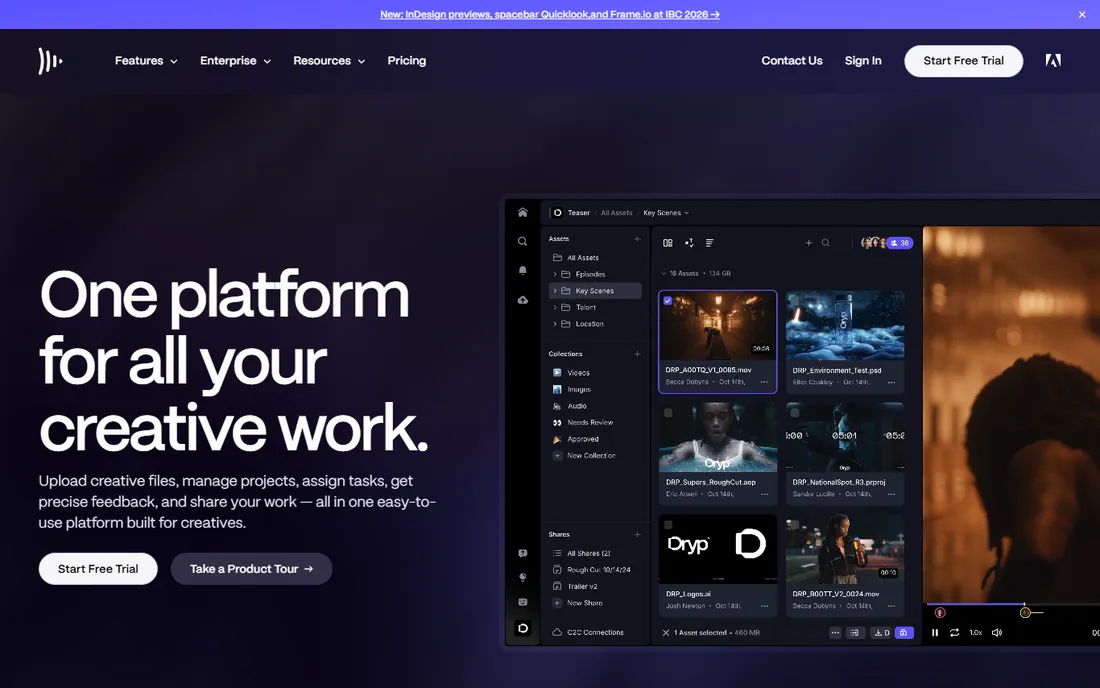
Frame.io is the review layer the video industry standardized on. Clients and stakeholders leave comments pinned to exact frames, and editors see those notes inside Premiere Pro without switching apps. Camera-to-cloud means footage shot on set uploads instantly for remote teams. The free plan covers 2 members and 2GB, and Pro at $15 per member per month adds unlimited projects and 2TB of storage.
The honest catch is that Frame.io is review, not editing. It does not cut a single frame; it organizes the conversation around the cut. Pair it with an editor below. Adobe owns it, and the Premiere integration is the reason to choose it over generic review tools.
What we like- Frame-accurate comments inside Premiere
- Camera-to-cloud uploads from set
- Free plan with 2 members and 2GB
Watch out for- Limited for non-video assets
- Real value needs the paid tiers
Starting price$20.99 per user/month (billed annually)
Free planFree trial
Premiere Pro remains the pick for professional teams, especially when After Effects, Audition, Photoshop, and Frame.io are part of the workflow. Shared Projects let multiple editors work in the same project with locked bins, and Productions scale that to large teams. Text-based editing and AI features keep it current.
The honest catch is the per-seat subscription at $20.99 per user per month annually, plus the hardware to run it well. For teams already in the Adobe ecosystem, nothing else integrates as deeply. For everyone else, the cost deserves a hard look against Resolve.
What we like- Industry-standard editor with shared Projects
- Deep Frame.io integration
- After Effects and Audition ecosystem
Watch out for- Subscription cost per seat adds up
- Performance demands a strong machine
Starting priceFrom $16/month
Free planYes
Descript pioneered text-based editing: it transcribes your footage, and deleting a sentence deletes that moment of video. For tutorial videos, podcasts, and marketing content, this lets marketers and subject experts cut footage without learning a timeline. The free plan requires no credit card, and paid plans start around $16 per month.
The honest catch is the ceiling. Descript is brilliant for talking-head and tutorial content but cannot do what Premiere or Resolve do for cinematic work. It is best viewed as the tool that lets non-editors participate, not as the only editor.
What we like- Edit video by editing a transcript
- Free plan with no credit card
- Non-editors can make real cuts
Watch out for- Not a replacement for cinematic editing
- Transcript accuracy varies with audio quality
Starting price$295 one-time
Free planYes
DaVinci Resolve is the standout for teams that want professional capability without a subscription. The free version includes serious editing, color grading, Fairlight audio, and Fusion VFX. For collaboration, project libraries support real-time multi-user work with clip and bin locking, built-in chat, and shared timelines via Blackmagic Cloud. Studio costs $295 once.
The honest catch is complexity. Resolve's depth is its selling point and its barrier; teams need training time. And multi-user collaboration requires proper shared storage setup. For teams willing to invest the learning, it is unmatched value.
What we like- Editing, color, VFX, and audio in one app
- Real multi-user collaboration with bin locking
- One-time price, no subscription
Watch out for- Steep learning curve
- Collaboration features need setup and shared storage
Starting price$16/month
Free planSee website
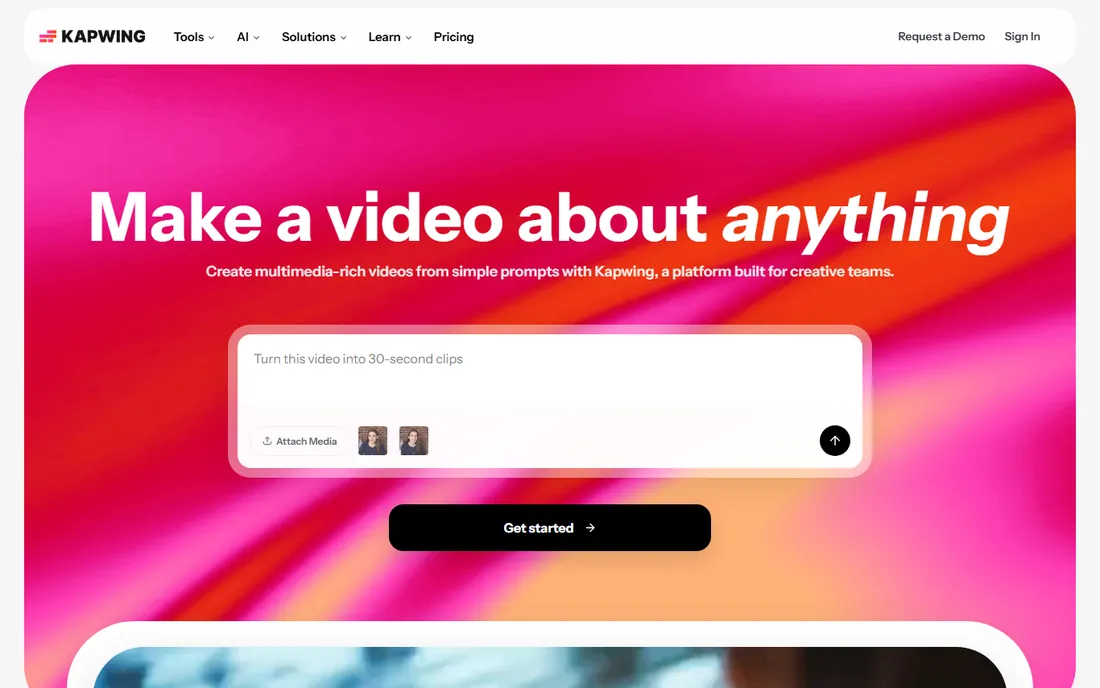
Kapwing is built for teams that edit together in a browser: share a link, and teammates can edit, comment, and export without installing anything. AI features handle subtitles, smart cuts, and repurposing, which suits marketing teams producing social content at volume. Plans start at $16 per month.
The honest catch is that browser editing has limits for long-form or effects-heavy work. For quick-turn content, tutorials, and social video, the collaboration speed is real. For cinema, look elsewhere.
What we like- Runs entirely in the browser, nothing to install
- Link-based team workspaces
- AI tools for subtitles and smart cuts
Watch out for- Browser-based limits on heavy projects
- Pricing details beyond the headline tier need checking
Starting priceFrom $9.95/month
Free planFree trial
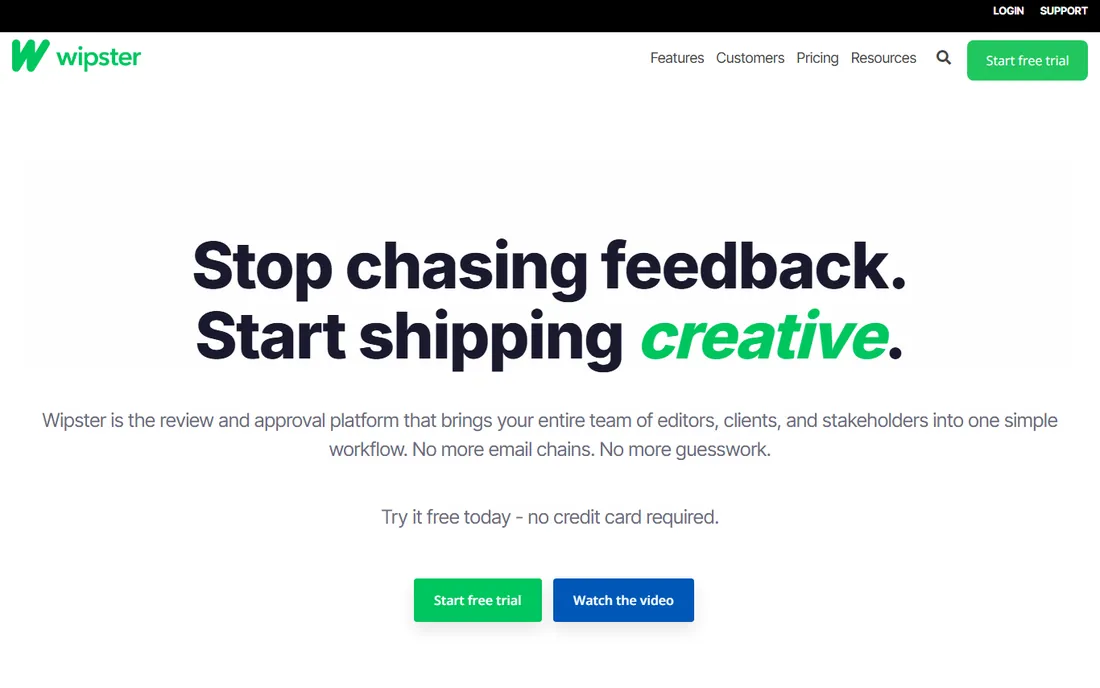
Wipster is the simpler alternative to Frame.io for review and approval. Reviewers leave frame-accurate, timestamped comments directly on the video, compare versions side by side, and approve in one click. Reviewers never need a paid account, and a free trial requires no credit card. Plans start at $9.95 per month.
The honest catch is scope: it is review and approval only, with no editing capability. For marketing and content teams whose bottleneck is stakeholder feedback rather than post-production depth, that focus is a feature.
What we like- Frame-accurate comments even non-editors understand
- Unlimited reviewers on free
- Review panels for Premiere and Final Cut
Watch out for- Review only, no editing
- Smaller ecosystem than Frame.io
Starting priceFrom $99/month
Free planYes

Filestage is for teams where review is a controlled process, not a conversation. Marketing, creative, and regulated-industry teams map out who reviews what in which order, with every decision logged in an audit trail. It reviews video, images, PDFs, and documents in one pipeline. Paid plans start at $99 per month per the vendor, with a free plan for small teams.
The honest catch is the price and the formality. At $99 per month to start, it costs more than every other review tool here, and the structured workflow can feel rigid for fast-moving small teams. When compliance or accountability is non-negotiable, it earns it.
What we like- Structured multi-step approval workflows
- Full audit trails for compliance
- Handles video, images, PDFs, and documents
Watch out for- Highest starting price on this list
- Formal process can feel heavy for small teams
Starting priceFrom $12/month (billed annually)
Free planYes
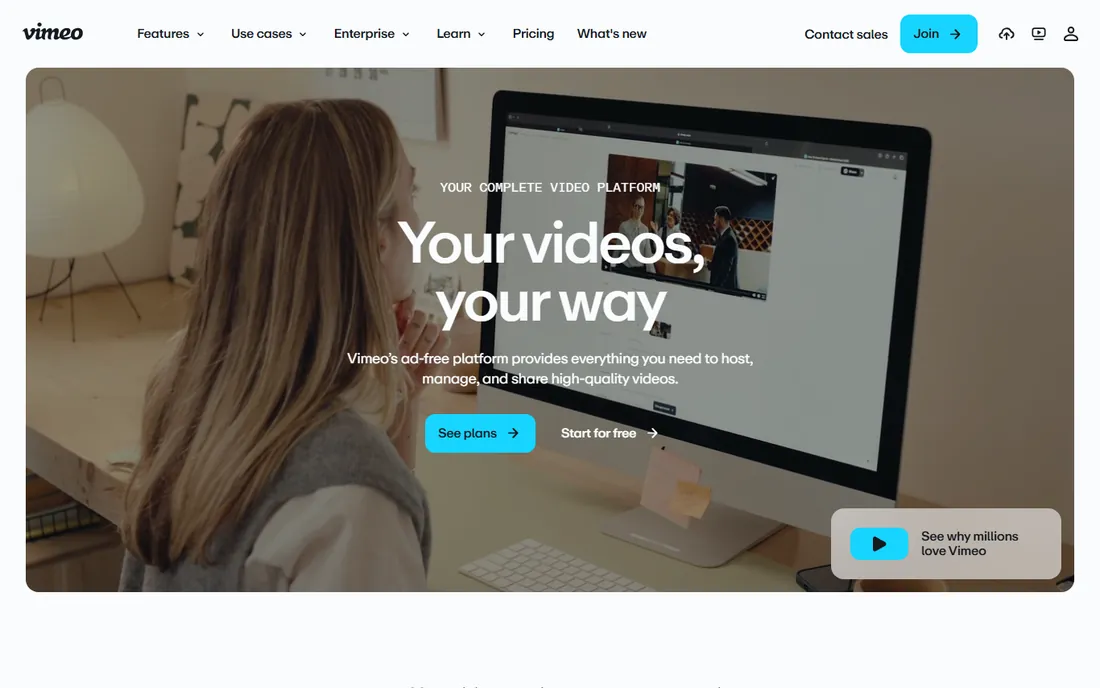
Vimeo earns its place as the all-in-one option: host the video, share private review links, collect time-stamped comments, and manage version history in one library. Anyone can now share unlimited public videos for free, and paid plans start at $12 per month annually. For teams that need hosting and review together, it removes a tool from the stack.
The honest catch is depth. Vimeo's review features are good but not Frame.io-grade, and its editor is basic. Choose Vimeo when hosting plus lightweight collaboration is the job; choose a dedicated review tool when feedback precision is.
What we like- Hosting, review links, and time-stamped comments in one platform
- Unlimited public videos free
- Strong privacy controls
Watch out for- Editing features are basic
- Review tools less deep than Frame.io
How we chose
We compared eight collaborative video tools in October 2026 using vendor homepages, vendor pricing pages, and current practitioner roundups. We split the category honestly into editors and review platforms, since most teams need one of each, and weighted real collaboration features (shared timelines, bin locking, frame-accurate comments) over marketing claims. Pricing figures come from vendor pages and October 2026 guides; confirm current pricing before buying. No vendor paid for placement, and nothing here is based on hands-on product testing.
The tools matter less than the pipeline. A workable setup looks like this: one editor where cuts happen, one review platform where feedback lives, and a rule that feedback only counts when it is pinned to a frame in the review tool. Feedback in email, chat, or hallway conversations gets politely redirected to the platform.
Version discipline is the other half. Every shared cut gets a version number and a date, and stakeholders review only the latest version. Most of the chaos these tools prevent comes from people commenting on old cuts. The software cannot fix that; the process must.
For tutorial and training videos specifically
Tutorial production has its own pattern: record, transcribe, cut the dead air, add captions, publish. Descript owns the middle of that pipeline with transcript editing, and Kapwing handles captions and repurposing well. If your tutorials are screen recordings with voiceover, you may never need Premiere or Resolve at all.
For teams producing training libraries at scale, the review step still matters: subject experts should approve technical accuracy before publishing. Wipster or Frame.io at the review stage keeps that approval fast and traceable.
Frequently asked questions
What is the best collaborative video editing software?
For professional teams, Adobe Premiere Pro with Frame.io for review. For budget-conscious teams, DaVinci Resolve with its built-in collaboration. For content teams, Descript plus a review tool like Wipster.
Can multiple people edit the same video at once?
Yes. DaVinci Resolve supports real-time multi-user timelines with bin locking. Premiere Pro uses shared Projects and Productions for team editing. Kapwing and Descript offer browser-based simultaneous collaboration.
Do I need both an editor and a review tool?
Most teams do. Editors cut; review tools collect feedback. Frame.io, Wipster, and Filestage exist because email feedback on video projects reliably fails.
Is DaVinci Resolve really free?
Yes, the free version includes professional editing, color grading, Fairlight audio, and Fusion VFX. DaVinci Resolve Studio costs $295 one-time and adds advanced features like stereoscopic 3D and extra AI tools.
What is the cheapest way to collaborate on video?
Descript's free plan or Vimeo's free tier for hosting plus review links. For paid, Wipster starts at $9.95 per month for review, and Kapwing at $16 per month for browser editing.
How do I get client feedback on video drafts?
Share a private review link from Frame.io, Wipster, Filestage, or Vimeo. Clients comment on exact frames without needing an account or editing software, and approvals are tracked.
Sources we checked (11)
- https://frame.io/
- https://www.adobe.com/products/premiere.html
- https://www.descript.com/
- https://www.blackmagicdesign.com/products/davinciresolve/
- https://kapwing.com/
- https://wipster.io/
- https://filestage.io/
- https://vimeo.com
- https://thedigitalprojectmanager.com/tools/best-video-collaboration-tools/
- https://www.educba.com/best-agentic-video-editors-marketing-teams-scale-2026/
- https://memeburn.com/best-video-editing-software/
Is your product missing or out of date?
We review this list regularly. Vendors can request a listing, send updated pricing or ask about featured placement.

Shihab Mia · Founder, Rankite
Shihab has spent more than a decade helping SaaS and e-commerce brands grow through search. He writes Rankite's software buying guides from pricing pages, documentation and public user reviews. More about Shihab.