How we make this list: we compare pricing pages, product documentation and public user reviews. Rankite is independent; if a vendor ever pays for a featured spot, that listing is clearly labeled Partner.
Key takeaways
- TTSMaker is the most generous free option here, with 20,000 characters per week, no account needed, and permission to use downloads commercially.
- CapCut and Clipchamp offer free text-to-speech inside full video editors, which is ideal if narration is part of a video project.
- Fish Audio has the most capable free voice cloning, needing as little as 10 seconds of audio, though the free plan covers personal use only.
- Murf and LOVO give you short free trials of premium voices, while Speechify and Descript are better for listening and editing than for generating voiceovers.
Quick comparison
| Tool | Best for | Starting price | Free plan |
|---|
 TTSMaker TTSMaker | generous free allowance with commercial use | Free | Yes |
 CapCut CapCut | free voiceover inside a video editor | Free | Yes |
 Fish Audio Fish Audio | free voice cloning | Free | Yes |
 Speechify Speechify | listening to documents and articles | Free | Yes |
 Descript Descript | podcasters who edit by text | Free | Yes |
 Murf Murf | studio-quality voices for presentations | See website | Yes |
 Clipchamp Clipchamp | Windows users editing video | Free | Yes |
 LOVO LOVO | video voiceover production on a pro trial | See website | Free trial |
Is your product missing or out of date?
We review this list regularly. Vendors can request a listing, send updated pricing or ask about featured placement.
The best free ai voice generator app
Starting priceFree
Free planYes
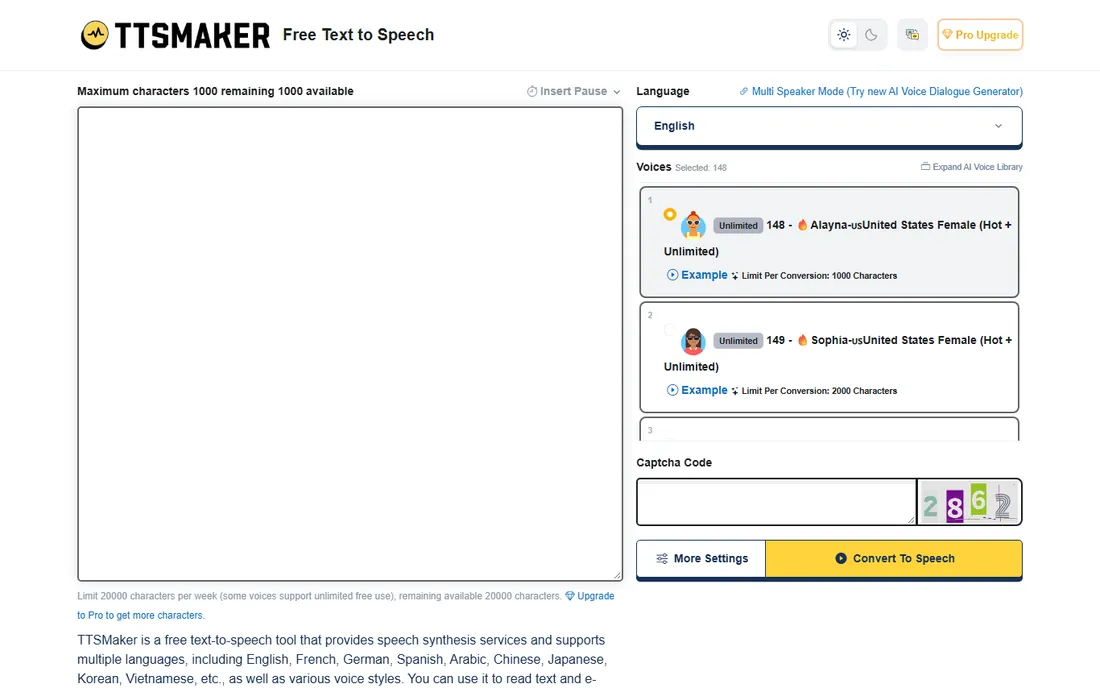
TTSMaker is the most generous free option on this list. You get 20,000 characters per week without creating an account, downloads in MP3, WAV, OGG, AAC, or OPUS, and, unusually for a free tool, permission to use the generated audio commercially. The site supports more than 100 languages with a wide range of voice styles, plus speed, pitch, volume, and paragraph-pause controls.
The trade-off is the workflow. Free conversions come with ads and CAPTCHA verification, which slows things down if you generate audio daily. Voices marked with a flame icon can be used without counting toward your quota, which softens the limit. If your priority is maximum free output with commercial rights, TTSMaker is the obvious first stop.
What we like- 20,000 free characters per week with no account required
- Audio downloads allowed for commercial use
- Over 100 languages with adjustable speed, pitch, and volume
Watch out for- Free tier shows ads and CAPTCHA checks
- Some advanced voices and emotion controls sit behind paid plans
Starting priceFree
Free planYes
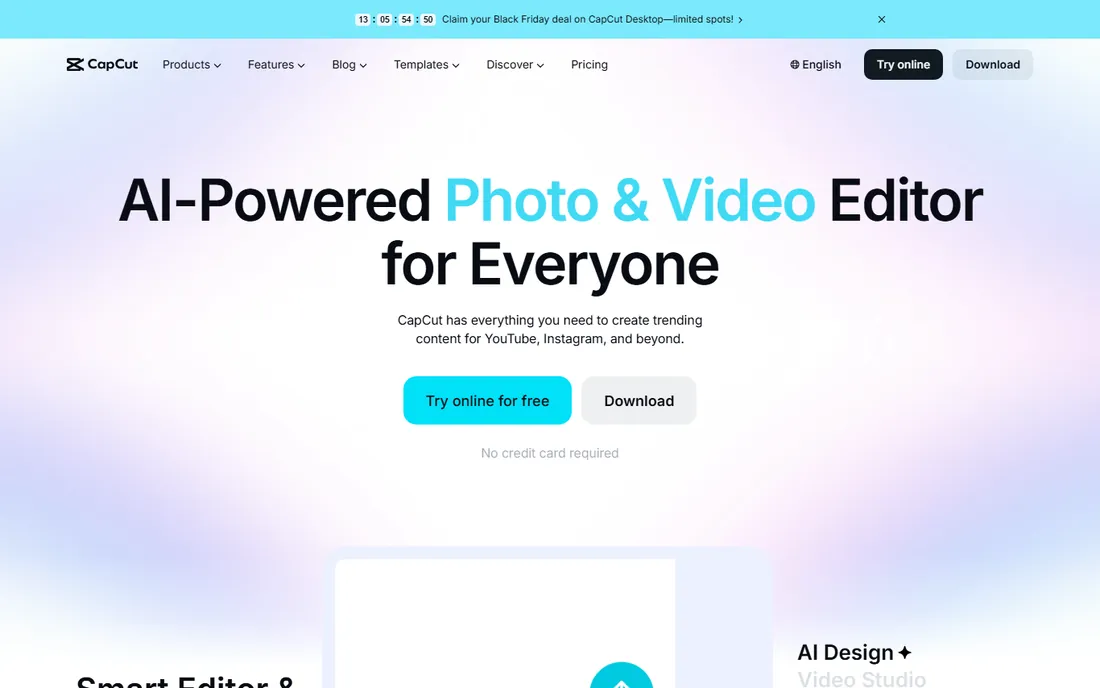
CapCut puts free AI voice generation inside an editor most creators already use. Type your script, pick a voice, and the narration lands on your timeline next to your footage, no recording and no exporting audio back and forth. It works on mobile, desktop, and in the browser, with cloud storage keeping projects in sync, and you can start without entering a credit card.
The honest catch is that CapCut keeps moving its most polished voices and AI features toward the paid tier. For basic narration voices the free plan still does the job. If you edit video anyway, CapCut saves you from buying a separate voice tool. If you only need voice files for a podcast, a dedicated tool like TTSMaker is simpler.
What we like- Free text-to-speech built into a full video editor
- No credit card required to start
- Works on mobile, desktop, and web with cloud projects
Watch out for- The best voices and AI features increasingly sit behind a paid tier
- Not the right pick if you only need standalone audio
Starting priceFree
Free planYes
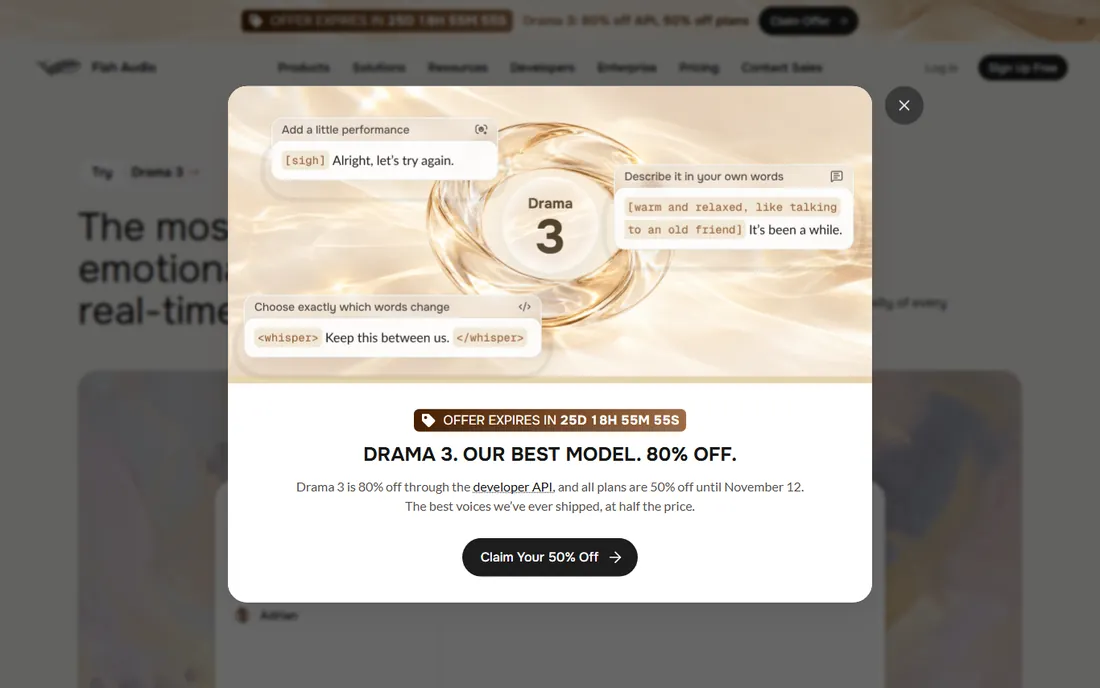
Fish Audio has the most capable free voice cloning of any tool here. Upload about ten seconds of audio and you get a working clone that can speak multiple languages, and the platform hosts more than two million user-uploaded voices you can borrow for your own projects. The underlying models are built for expressive, emotionally controlled speech, which shows in longer narration.
The free plan is explicitly for personal use only, so anything you monetize, YouTube videos, podcasts, client work, requires a paid plan with commercial rights. That makes Fish Audio a great sandbox for testing voices and a poor fit for publishing for free. If voice cloning is what you are after, start here, then upgrade when you are ready to publish.
What we like- Voice cloning from as little as 10 seconds of audio
- Over two million community voices to try
- Free monthly generations with natural-sounding output
Watch out for- The free plan covers personal use only, so commercial use needs a paid plan
- The community voice library is unmoderated by nature
Starting priceFree
Free planYes
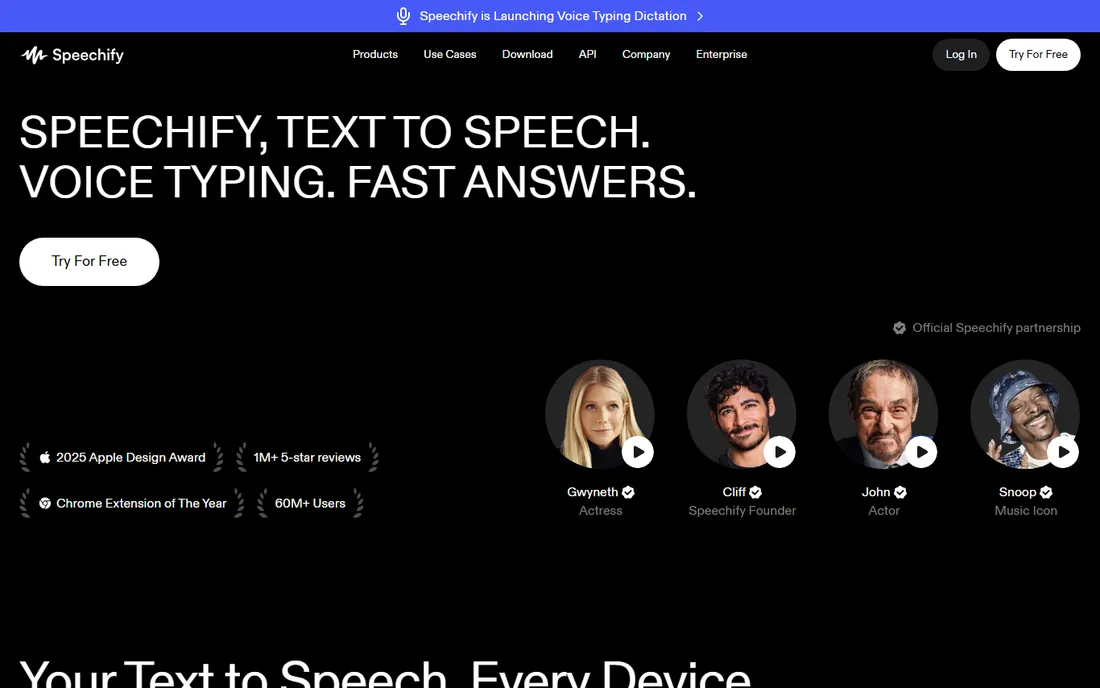
Speechify is built for listening rather than creating voiceovers. Point it at a PDF, an article, a scanned page, or an email, and it reads it aloud in one of more than a thousand voices across 60-plus languages. The apps sync across iPhone, Android, web, Chrome, and Mac, so you can start on your phone and finish on your laptop.
The free plan covers basic reading with a limited voice selection, and the premium voices that sound genuinely human sit behind the subscription. Speechify also offers a free trial of the premium plan if you want to hear the difference. It belongs on this list for students, researchers, and anyone who wants to turn reading time into listening time rather than produce content.
What we like- Apps for iOS, Android, web, Chrome, and Mac with syncing
- Over 1,000 voices in more than 60 languages
- OCR reads printed pages and PDFs aloud
Watch out for- The free plan is limited to basic voices with modest speed
- Premium voices and offline downloads require the paid plan
Starting priceFree
Free planYes
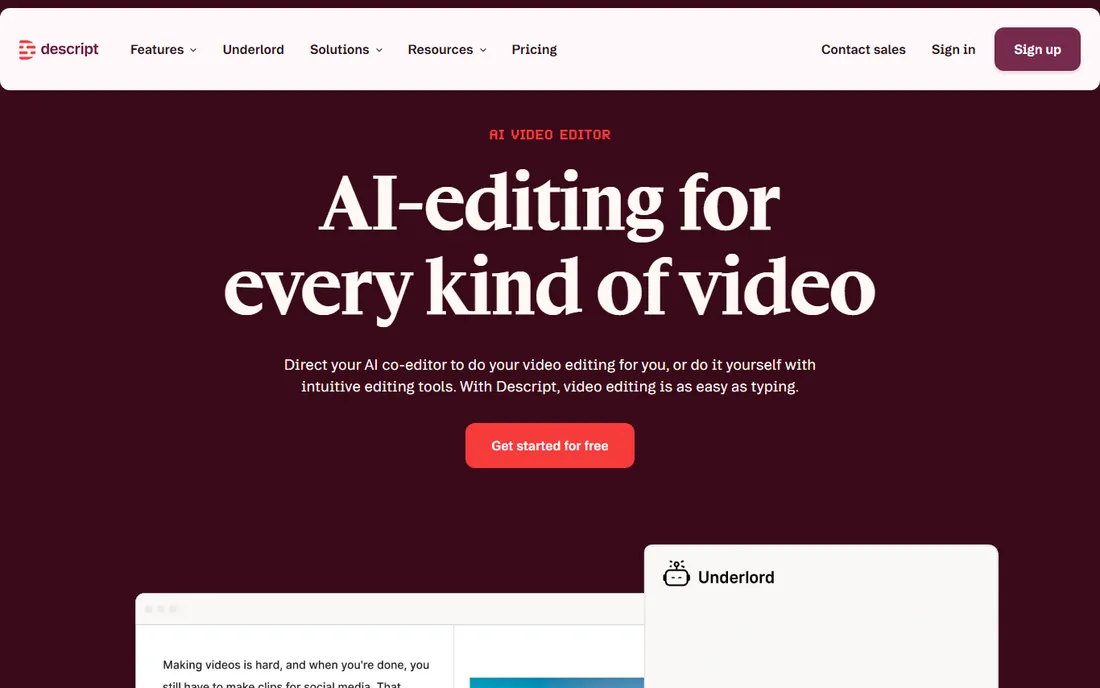
Descript takes a different angle on voice AI. Instead of generating narration from scratch, it lets you edit recorded audio and video by editing a text transcript, deleting a sentence in the transcript deletes it from the recording. That alone saves podcasters and course creators hours, and the AI voice features, including Overdub voice cloning for fixing flubbed words, sit on top.
The free plan lets you record, edit, and publish without a credit card, with limits on AI minutes. Descript is not the best pick if your only job is turning a script into audio. It earns its place here because for podcasters, fixing and finishing real recordings with AI voices beats generating narration from nothing.
What we like- Edit audio and video by editing the transcript, like a document
- Free plan with no credit card required
- AI voices and Overdub for fixing mistakes
Watch out for- The free plan has usage limits on AI features
- Voice generation is a side feature, not the main product
#6
Murf
Best for: studio-quality voices for presentations
Visit murf.ai
Starting priceSee website
Free planYes
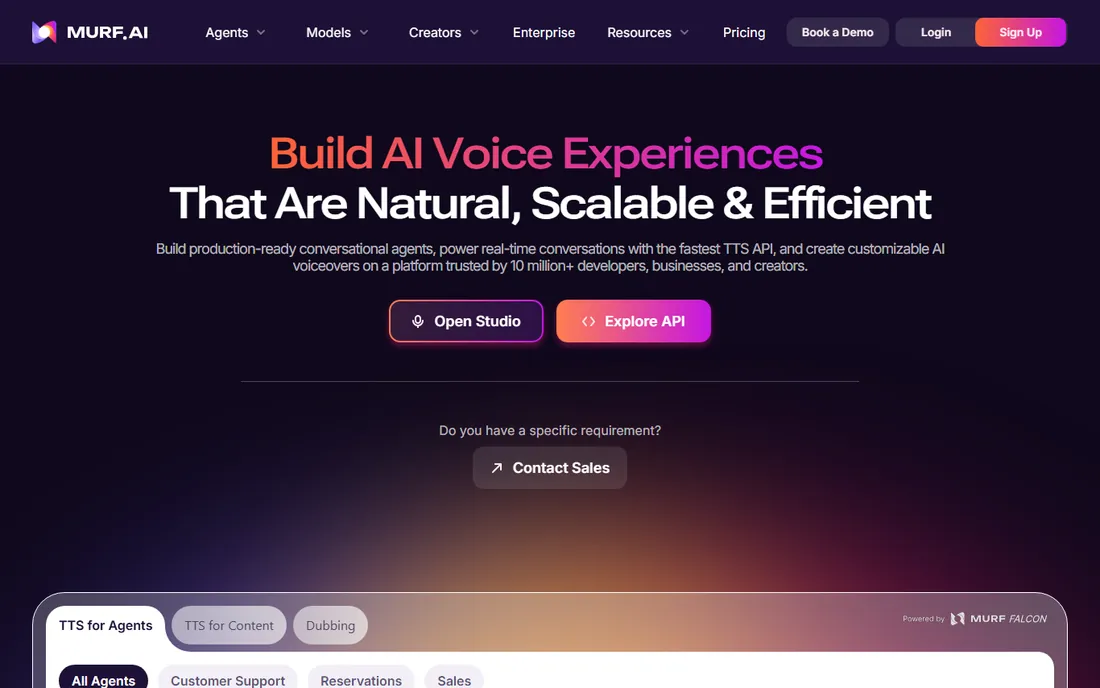
Murf aims at professional voiceover work: e-learning modules, explainer videos, presentations, and training content. The studio interface lets you sync narration to video and slide timelines, adjust pitch, speed, and emphasis word by word, and keep pronunciation consistent with a custom library. It also offers dubbing into more than 40 languages and conversational voice agents.
The free plan is a proper trial rather than a generous free tier: 10 minutes of voice generation, no downloads, and no commercial rights. That is enough to test voices for a real project before paying. Murf is the right choice when the voiceover needs to sound like it came from a studio and the budget exists for a paid plan.
What we like- 200-plus expressive voices across 35 languages with pronunciation controls
- Polished studio for syncing voiceover to video and slides
- Strong dubbing and voice agent tools
Watch out for- The free plan gives 10 minutes of generation with no downloads and no commercial license
- Paid plans are priced for teams and businesses
Starting priceFree
Free planYes
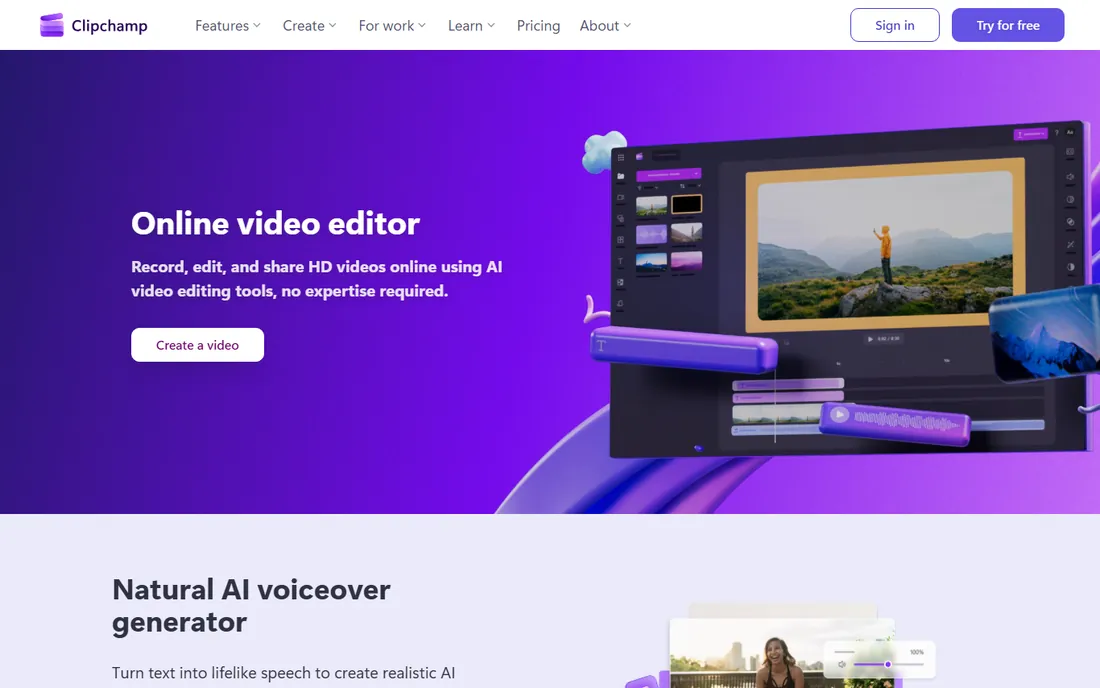
Clipchamp is Microsoft's video editor, and its free plan is surprisingly complete for voiceover work. The built-in text-to-speech generator produces natural narration in many global languages with adjustable pitch and pace, and the free plan exports unlimited videos and audio files in HD with no watermarks. It comes preinstalled on Windows 11, which makes it the path of least resistance for Windows users.
The voice catalog is narrower than a dedicated tool like Fish Audio or Murf, and some premium editing features need a Microsoft 365 subscription. But for narrating a training video, a school project, or a quick explainer without installing anything new, Clipchamp is a strong, genuinely free option.
What we like- Free natural AI voiceover generator with pitch and pace controls
- Unlimited watermark-free HD exports on the free plan
- Preinstalled on Windows 11
Watch out for- Voice selection is smaller than dedicated TTS tools
- Premium editing features require a Microsoft 365 subscription
#8
LOVO
Best for: video voiceover production on a pro trial
Visit lovo.ai
Starting priceSee website
Free planFree trial
LOVO, built around its Genny platform, is aimed at creators who want voiceover and video production in one place. You get more than 500 voices across 100 languages, a script-writing assistant, voice cloning from a minute of audio, auto-generated subtitles in over 20 languages, and a video editor that keeps narration in sync with footage.
The catch is the free tier structure. New users get a 14-day trial of the pro plan with no credit card required, which is generous for testing, but there is no permanent free plan comparable to TTSMaker or CapCut. LOVO fits creators who want one workspace for scripts, voices, and video and are willing to pay once the trial proves the value.
What we like- 500-plus voices in 100 languages with strong realism
- Genny platform combines voice generation with video editing and auto subtitles
- Voice cloning from one minute of audio
Watch out for- The free experience is a 14-day pro trial, not an ongoing free plan
- Ongoing use requires a paid subscription
How we chose
We checked each tool's pricing page, feature documentation, and free plan terms on the vendor's own site, then compared notes with public reviews on G2, Capterra, and Reddit. We prioritized the size and honesty of the free tier, voice quality, language coverage, download and commercial-use rights, and fit for small teams and solo creators. We did not test any of these tools hands-on, and all quotas and limits reflect what vendors published at the time of writing.
What to check before you pick a free AI voice generator
Free voice tools differ more in their limits than in their features. Run through these questions before you commit to one.
How much can you generate for free?
Quotas come in characters per week, minutes per month, or AI credits, and they are not directly comparable. Estimate your real usage: a five-minute video script runs roughly 700 to 900 words. If you publish weekly, a small monthly quota will run out fast.
Can you download the audio, and use it commercially?
Some free plans let you listen but not download, and some allow downloads for personal use only. If the audio will appear in monetized videos, ads, or client work, check the commercial-use terms in writing. TTSMaker is unusually permissive here; Fish Audio and Murf require paid plans for commercial rights.
Do you need an app or a web tool?
If you want narration on your phone, CapCut and Speechify have real mobile apps. If the voiceover feeds into video editing, CapCut, Clipchamp, and Descript keep everything in one workspace. If you only need MP3 files, a web tool like TTSMaker or Fish Audio is simpler.
How important is voice quality versus quantity?
Free tiers often pair the best voices with the tightest limits. Try the premium voices during a trial, then decide whether the basic free voices are good enough for your audience. For internal training videos, basic voices are fine; for a public YouTube channel, quality matters more.
Voice cloning: worth knowing the rules
Voice cloning is the headline feature of tools like Fish Audio and LOVO, and it raises questions that plain text-to-speech does not. Only clone voices you have permission to use, your own voice, a hired voice actor, or a licensed library voice. Cloning a real person without consent can violate privacy and publicity laws and the terms of every platform on this list. The legitimate uses are plenty: a consistent narrator for your channel, dubbing your own content into other languages, and fixing a flubbed word without re-recording.
Frequently asked questions
What is the best completely free AI voice generator?
TTSMaker is the most generous free option we found, with 20,000 characters per week, no account required, and permission to use downloads commercially. CapCut is the best free choice if you also need video editing, since its text-to-speech is free inside the editor.
Can I use free AI voices for YouTube videos?
It depends on the tool's terms. TTSMaker allows commercial use of its free downloads. Fish Audio and Murf require paid plans for commercial rights, so their free plans are fine for drafts and testing but not for publishing. Always check the license before you upload.
Do free AI voice generators add watermarks?
Most tools on this list do not watermark free audio, including TTSMaker, CapCut, and Clipchamp. Some platforms limit downloads or quality on free plans instead of adding watermarks. If a tool offers no free downloads at all, like Murf's free plan, that is the real limit to watch.
Which free AI voice generator sounds the most human?
Fish Audio and Murf produce some of the most natural-sounding voices in this roundup, and LOVO's pro voices are strong too. The trade-off is that their best voices sit behind paid plans or trials. For a fully free tool, try Fish Audio's monthly free generations and compare with TTSMaker.
Can I clone my own voice for free?
Fish Audio offers free voice cloning from about ten seconds of audio on its free plan, though commercial use requires upgrading. LOVO includes cloning in its 14-day pro trial, and Descript's Overdub can fix mistakes in your recorded voice. Only clone voices you own or have permission to use.
Do I need to install software to use these tools?
No for most of them. TTSMaker, Fish Audio, LOVO, Murf, Descript, and CapCut all run in the browser. Speechify and CapCut also have mobile apps if you want to listen or create on your phone. Clipchamp runs in the browser and comes preinstalled on Windows 11.
Sources we checked (8)
- https://ttsmaker.com/
- https://www.capcut.com/
- https://fish.audio/
- https://speechify.com/
- https://www.descript.com/
- https://murf.ai
- https://clipchamp.com/
- https://lovo.ai/
Is your product missing or out of date?
We review this list regularly. Vendors can request a listing, send updated pricing or ask about featured placement.

Shihab Mia · Founder, Rankite
Shihab has spent more than a decade helping SaaS and e-commerce brands grow through search. He writes Rankite's software buying guides from pricing pages, documentation and public user reviews. More about Shihab.