How we make this list: we compare pricing pages, product documentation and public user reviews. Rankite is independent; if a vendor ever pays for a featured spot, that listing is clearly labeled Partner.
Key takeaways
- Truly unlimited free generation exists (Craiyon, DeepAI), but the trade-off is ads, watermarks, and lower quality.
- The best-quality free tiers use daily credits: Microsoft Designer (15 daily boosts), Leonardo (150 tokens), Ideogram (weekly slow credits).
- Check the rights before commercial use. NightCafe and DeepAI allow commercial use on free; some competitors reserve rights on free tiers.
- Text rendering varies enormously. Ideogram and Playground lead at readable text in images; older models mangle it.
- Free images are often public by default (Ideogram, Craiyon). If that matters, check the privacy terms.
Quick comparison
| Tool | Best for | Starting price | Free plan |
|---|
 Craiyon Craiyon | instant free generations with no account | Free | Yes |
 Microsoft Designer Image Creator Microsoft Designer Image Creator | free high-quality images with a Microsoft account | Free | Yes |
 Leonardo AI Leonardo AI | creators who want control without paying | Free | Yes |
 Ideogram Ideogram | images with readable text | Free | Yes |
 Playground Playground | logos, merch, and design assets | Free | Yes |
 NightCafe NightCafe | daily creative practice and community | Free | Yes |
 Recraft Recraft | vector graphics and consistent brand styles | Free | Yes |
 Adobe Firefly Adobe Firefly | commercially safe images in an Adobe workflow | Free | Yes |
 DeepAI DeepAI | free images with full commercial rights, no signup | Free | Yes |
Is your product missing or out of date?
We review this list regularly. Vendors can request a listing, send updated pricing or ask about featured placement.
The best free AI art software
Starting priceFree
Free planYes
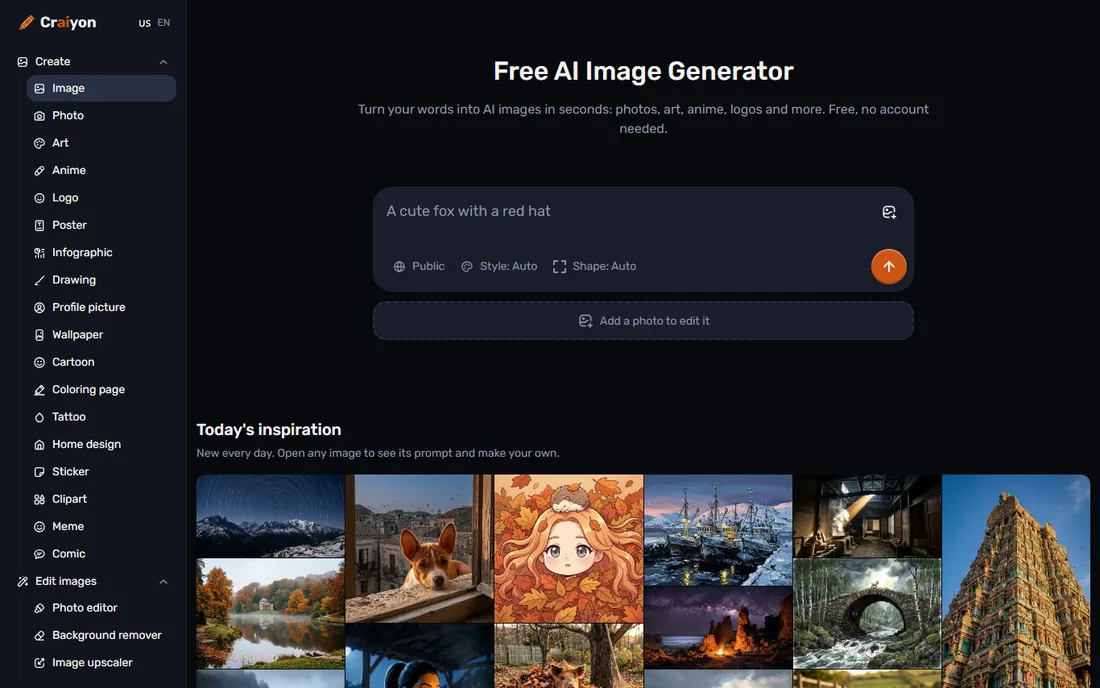
Craiyon is the fastest route from an idea to an image on the internet. Open the site, type a prompt, get results in seconds, with no account and no credit card. It started in 2021 as DALL-E mini and has grown into a fuller creative tool with retouching (describe a change in words), background removal, upscaling, SVG conversion, and even short video generation.
The honesty box: free images come with a watermark, may queue at busy times, and are public. Paid plans remove the watermark and add the best models. Image quality is good enough for concepts, memes, and placeholders, but not for client-facing work. Craiyon is the tool you open when you need something visual right now and perfection is not the requirement.
What we like- No signup required, completely free to try
- Fast and frictionless
- Retouch, upscale, and SVG tools built in
Watch out for- Free images carry a watermark
- Output quality trails the leaders
- Free images are public
Starting priceFree
Free planYes
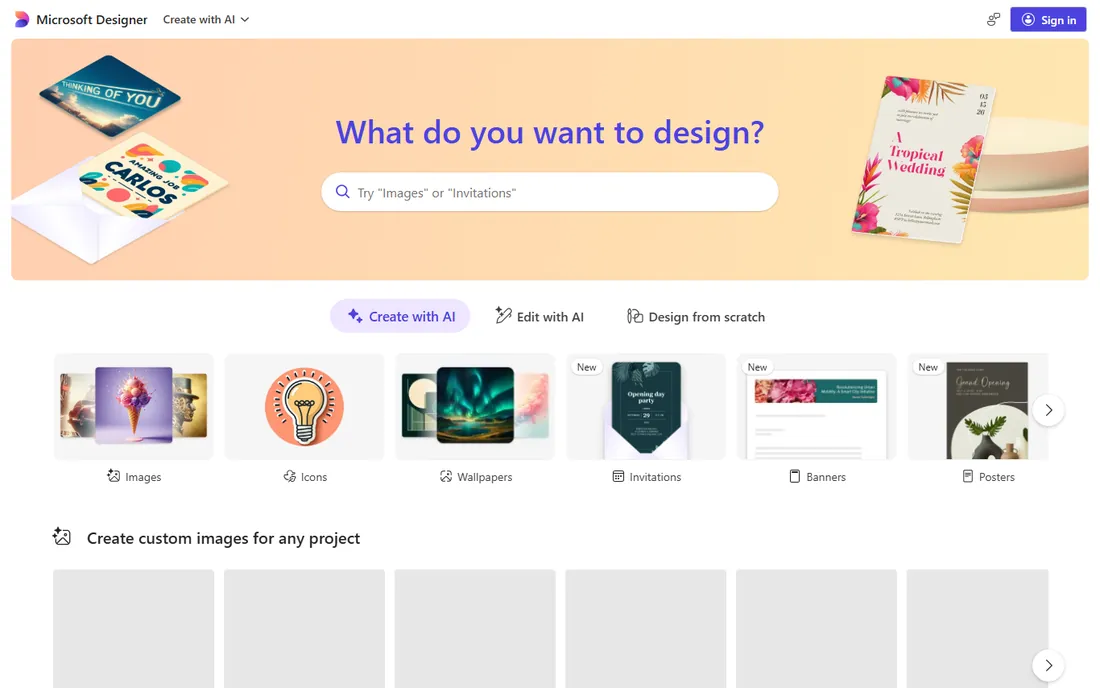
Microsoft's Image Creator is the best quality you can get for exactly zero dollars. Powered by an advanced version of OpenAI's DALL-E, it generates four images per prompt with strong prompt understanding, and it lives inside Microsoft Designer, so you can drop generations straight into social posts, banners, and presentations. You get 15 fast daily boosts; after they run out, generation continues at standard speed.
The catches are the ones that matter to businesses. You need a Microsoft account, and the terms restrict the free generations to personal, non-commercial use, so this is not the tool for client work or ads. The content filters are also strict. But for internal decks, blog illustrations, and social graphics, nothing free touches this quality. (Note: the Designer site is a JavaScript app, so verify availability in your region directly.)
What we like- DALL-E-powered quality at no cost
- 15 fast daily boosts
- Built into the Designer design app
Watch out for- Requires a Microsoft account
- Commercial use is limited by the terms
- Content policy is strict
Starting priceFree
Free planYes
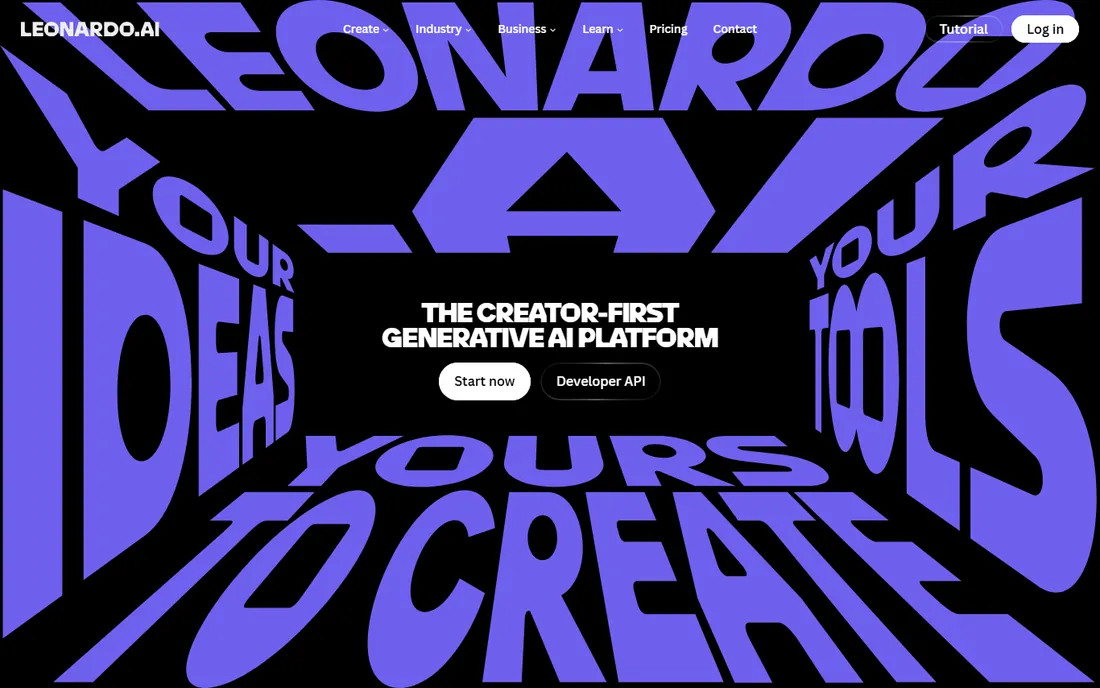
Leonardo AI is the free tool that professionals actually respect. The free plan hands you 150 tokens a day (roughly 15 to 30 images depending on settings), with access to fine-tuned models for styles like game art, illustration, and photorealism, plus a canvas editor for inpainting and outpainting. The community feed is a genuine learning resource for prompting.
The trade-offs are standard for free tiers: your generations are public, custom model training and private generation require paid plans (from $12 a month), and the interface takes an afternoon to learn. But Leonardo is the rare free tool with a real path to professional work: if the free tier earns a place in your workflow, the paid plans are affordable. For concept art, game assets, and character design, start here.
What we like- Generous 150 daily tokens free
- Custom models and canvas editing
- Strong game-art and concept-art community
Watch out for- Free images are public
- Token costs vary by model and setting
- Interface has a learning curve
Starting priceFree
Free planYes
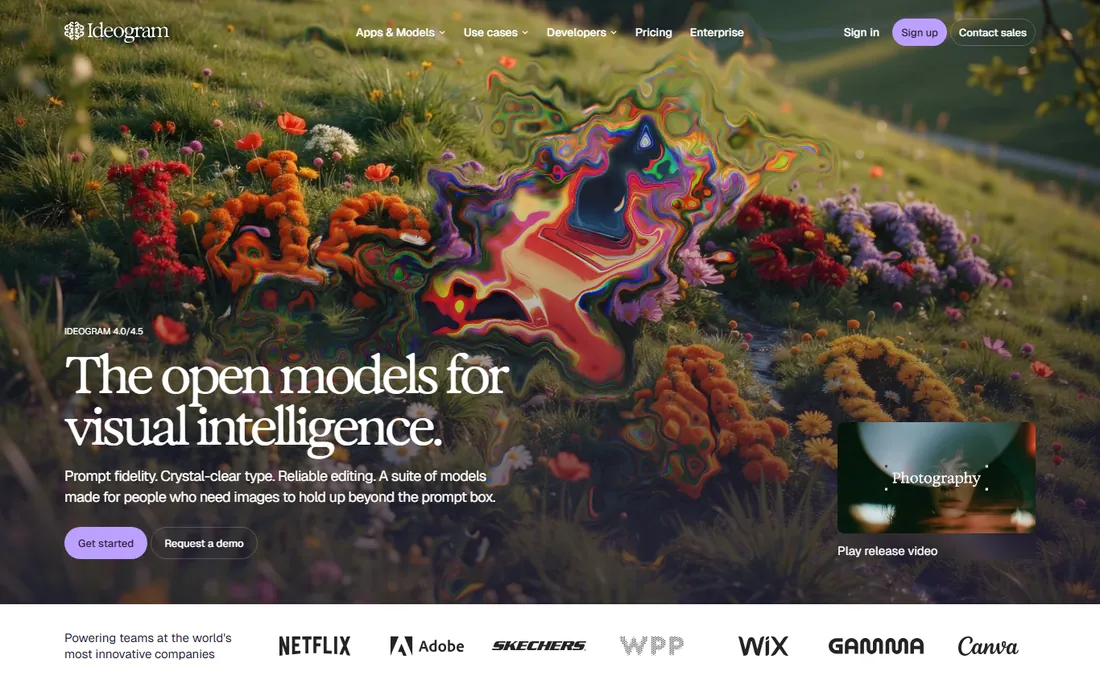
Ideogram solves the problem every other generator fumbles: putting correct, readable text inside images. Posters, logos, social graphics, thumbnails with headlines, Ideogram gets the words right where competitors produce gibberish. The free plan provides weekly slow-queue credits (enough for dozens of images), and notably, Ideogram allows commercial use even on the free tier.
The limitations are the queue and the publicity: free generations run in a slow queue one at a time and are published to the community feed. Paid plans (Plus at $20 a month, Pro at $60) add priority credits, private generation, and editing tools. If your AI art needs words in it, which for most small businesses means nearly all of it, Ideogram is the first tool to try.
What we like- The best text rendering of any generator
- Commercial use allowed even on free
- Magic Prompt improves your prompts
Watch out for- Free tier uses a slow queue with waits
- Free images are public
- One generation at a time on free
Starting priceFree
Free planYes
Playground repositioned itself as the AI design studio for everyone: logos, t-shirts, stickers, posters, and merch, using frontier models like GPT Image 2 and Seedream behind a design-oriented interface. Thirteen million creators use it across 120 countries, and the pitch is making something real, not just generating pretty pictures.
The free tier lets you start without a credit card, with paid upgrades for volume. The design framing is the differentiator: templates, typography handling, and print-ready output aimed at products you can sell. If your use case is a logo for a side project, a t-shirt design, or social graphics with real layouts, Playground fits better than the art-first generators.
What we like- Bundles top models (GPT Image 2, Seedream) in one place
- Design-focused for real products
- Free to start, no card
Watch out for- Free tier limits apply
- Design focus means less pure art exploration
- Print fulfillment is the business model
Starting priceFree
Free planYes
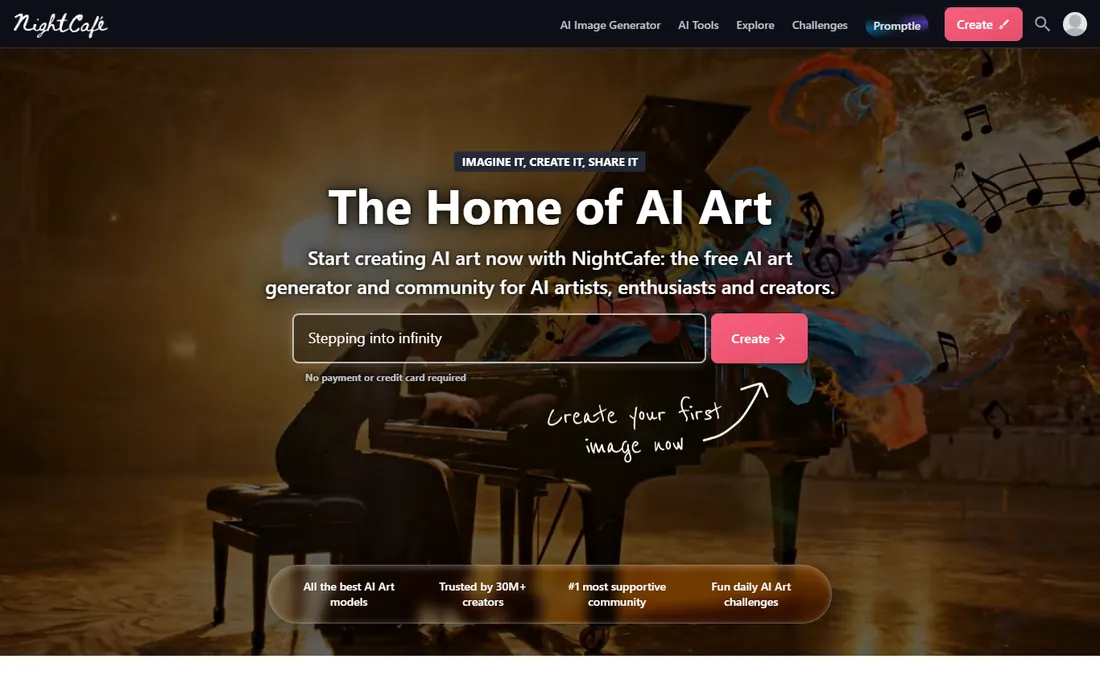
NightCafe has been running since 2019, making it one of the oldest AI art platforms, and it built its identity around community: daily AI art challenges, chat rooms, and a public feed of creations. Everyone gets free credits every day, with access to a wide range of models including GPT, Seedream, Flux, and Ideogram, and the free plan is genuinely usable indefinitely.
The standout policy: NightCafe transfers copyright to you, the creator, and commercial use is allowed even on the free plan. That is more generous than most competitors. The credit system means marathon sessions will hit limits, and the community layer is either the point or a distraction depending on your taste. For a daily creative habit or testing many models in one place, it is the friendliest option.
What we like- Free credits every day
- Commercial use allowed on the free plan
- Huge model selection and daily challenges
Watch out for- Credit-based, so heavy use costs money
- Community features are noise if you just want images
- Older interface
#7
Recraft
Best for: vector graphics and consistent brand styles
Visit recraft.ai
Starting priceFree
Free planYes
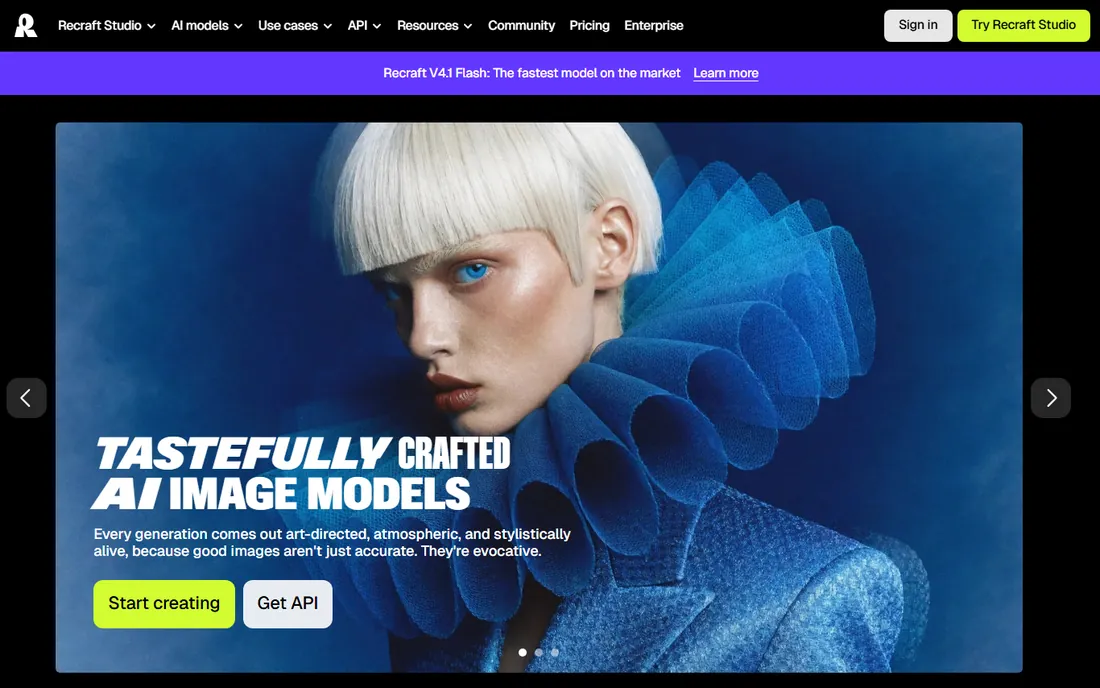
Recraft is the designer's AI generator. Its models produce genuinely good vector graphics, clean icons, illustrations, and mockups, with a style system that keeps outputs consistent without training custom models. The prompt understanding is excellent for complex scenes, and the aesthetic skews art-directed rather than generic.
The free tier lets you generate and test, with paid plans for heavier use. Recraft is less useful for photorealistic imagery than Leonardo or Ideogram, and the community is smaller, so fewer prompt resources exist. But if your need is brand-consistent vector-style assets, icons, or illustrations for a product or site, Recraft is the most capable free option.
What we like- Best-in-class vector generation
- Consistent custom styles without training
- Free tier available
Watch out for- Smaller community and fewer tutorials
- Free tier has limits
- Design focus over photorealism
Starting priceFree
Free planYes
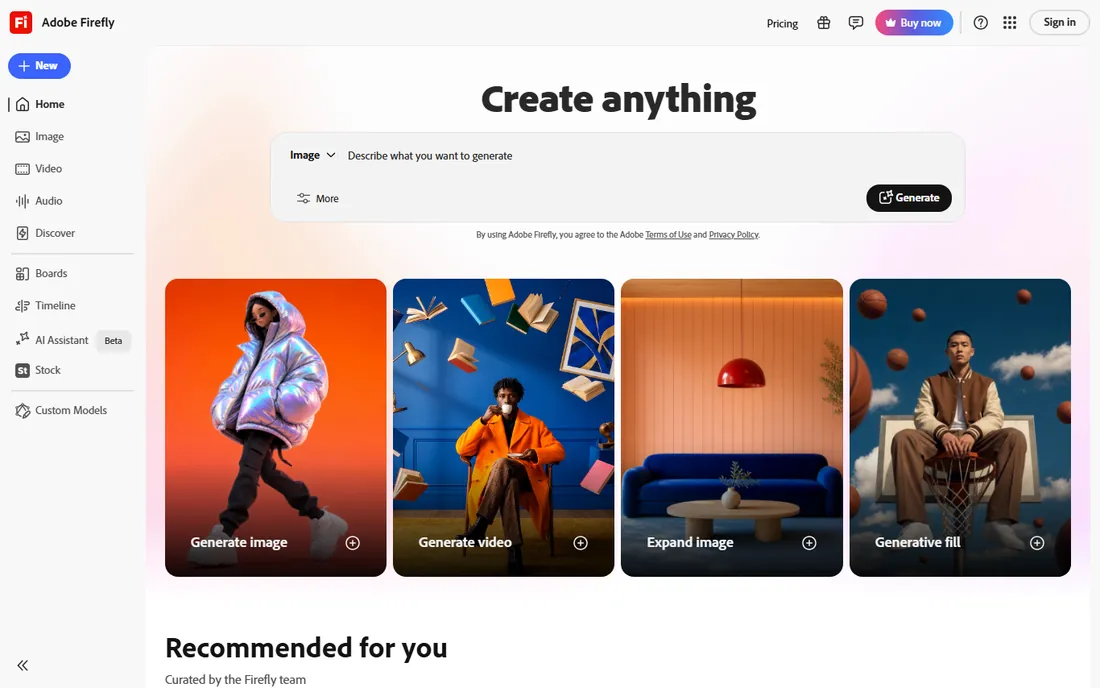
Firefly is Adobe's answer to AI art, and its selling point is the one businesses care about most: the models are trained on licensed Adobe Stock content and public domain work, making the output commercially safe in a way competitors cannot promise. The free tier includes monthly generative credits, and Firefly integrates directly with Photoshop, Illustrator, and Express.
The free credits run out fast if you generate heavily, and the full experience assumes an Adobe subscription. But for marketers and designers already in the Adobe ecosystem, Firefly's generative fill and text-to-image features are the path of least resistance to AI-assisted work. If legal peace of mind is your top criterion, start here and stay here.
What we like- Trained on licensed content for commercial safety
- Integrates with Photoshop and Express
- Free monthly credits
Watch out for- Free credits are limited
- Best features need a paid Adobe plan
- Requires an Adobe account
#9
DeepAI
Best for: free images with full commercial rights, no signup
Visit deepai.org
Starting priceFree
Free planYes
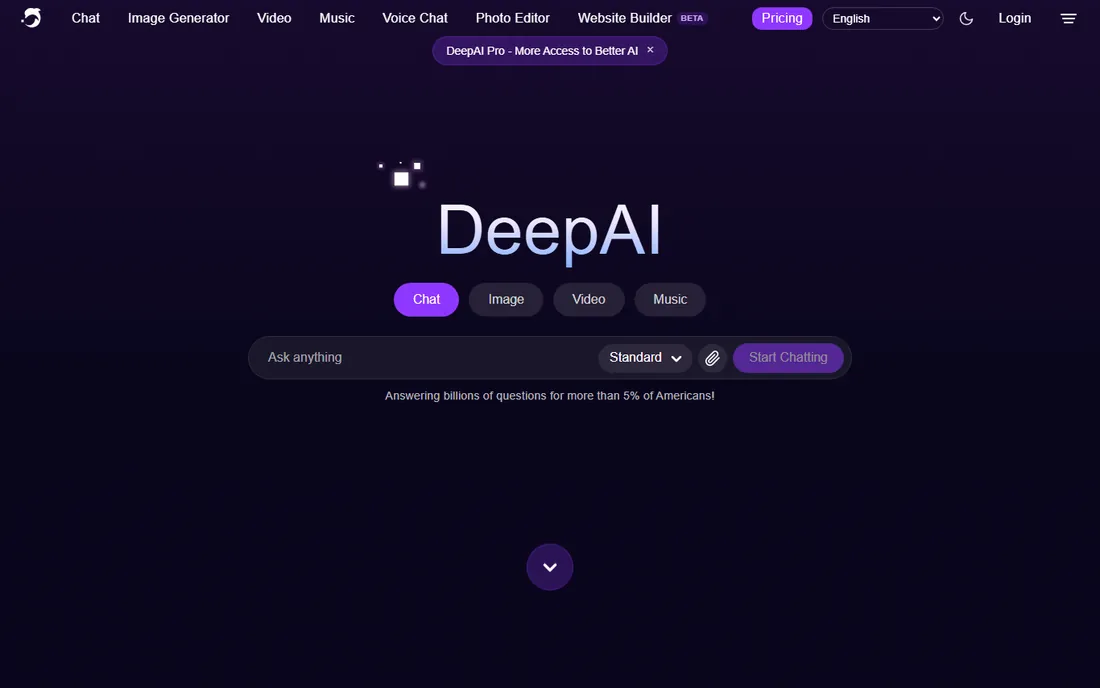
DeepAI has offered public text-to-image generation since 2016, longer than almost anyone, and its free tier remains one of the most permissive: no signup, commercial use allowed, and you keep full rights to everything you create. Styles range from photorealistic to watercolor to cyberpunk, with super-resolution support.
The images will not win beauty contests against Ideogram or Leonardo, but that is not the point. DeepAI is the tool for quick, rights-clean visuals when you cannot be bothered with an account: a blog illustration, a slide background, a mockup. The paid Pro tier adds higher resolution and faster processing. For frictionless, legally clean AI art, it is the simplest option on this list.
What we like- No signup required
- 100% of rights stay with you, even on free
- Multiple artistic styles
Watch out for- Quality lags the frontier models
- Interface is minimal
- Higher resolution needs paid Pro
How we chose
We verified each tool's current homepage, opening every site to confirm the live URL. We reviewed vendor pricing and free-plan documentation, the Microsoft support FAQ for Designer's free terms, and independent 2026 reviews for token allowances and free-tier limits. Every tool here has a genuinely usable free tier, not just a trial. We favored tools with clear free plans and honest limits over those with vague "free to try" positioning. We did not test any tool hands-on.
Getting the most from free tiers
Understand the credit math before you commit
Free tiers come in three flavors: unlimited with ads or watermarks (Craiyon, DeepAI), daily credits (Microsoft Designer, Leonardo), and weekly slow queues (Ideogram, NightCafe). Unlimited sounds best, but the quality gap is real. If you generate ten images a week, daily credits on a better model will serve you far better than unlimited mediocre output.
Commercial use is not automatic
"Free" and "free for business" are different things. Microsoft Designer restricts free generations to personal use. Ideogram, NightCafe, DeepAI, and Adobe Firefly allow commercial use on free tiers, each with its own conditions. Leonardo's free tier has more limited commercial terms. Read the license for the tool you pick before using its output in client work, ads, or products you sell.
Pair tools to their strengths
No single free tool does everything. Use Ideogram for anything with text, Leonardo for concept art and control, Recraft for vectors and brand styles, Microsoft Designer for quick high-quality images, and Craiyon or DeepAI when speed matters more than polish. Small teams routinely use three or four of these together, all for free.
The copyright question, briefly
AI-generated images sit in a genuinely unsettled legal area. In the US, the Copyright Office has held that purely AI-generated images without human authorship are not copyrightable, while tools like NightCafe and DeepAI explicitly transfer whatever rights they hold to you. Adobe's position, that Firefly is trained on licensed content, is the strongest commercial-safety story.
For practical purposes: if you use AI art in client work or products, prefer tools with clear commercial terms (Firefly, NightCafe, DeepAI, Ideogram), keep records of which tool generated what, and add meaningful human creative input to anything important. The law is evolving, but documented human involvement and clean licensing terms are the best protection available today.
Frequently asked questions
What is the best completely free AI art generator?
Craiyon and DeepAI are the most unlimited free options, requiring no signup. For the best quality at zero cost, Microsoft Designer's Image Creator (DALL-E powered, 15 daily fast boosts) and Leonardo AI (150 daily tokens) lead. Ideogram is the best free choice when your images need readable text.
Can I use free AI art commercially?
It depends on the tool. NightCafe, DeepAI, Ideogram, and Adobe Firefly allow commercial use on their free tiers. Microsoft Designer restricts free generations to personal use. Leonardo's free tier has limited commercial terms. Always check the current license before using AI art in business.
Do I need to sign up for free AI art tools?
Not always. Craiyon and DeepAI work with no account at all. Microsoft Designer needs a Microsoft account, Ideogram and Leonardo need a free account, and Firefly needs an Adobe account. No-signup tools trade some quality and features for frictionless access.
Which free AI art generator is best for text in images?
Ideogram, by a wide margin. It renders accurate, readable text in posters, logos, and social graphics where other generators produce garbled characters. Playground is also strong for typography-heavy designs like posters and packaging.
Are free AI art images really free?
The generation is free, but watch for the trade-offs: watermarks (Craiyon), public-by-default images (Ideogram, Craiyon), daily or weekly limits (Leonardo, Microsoft Designer, NightCafe), and commercial-use restrictions (Microsoft Designer, Leonardo free tier). Read each tool's terms.
What is the difference between these tools and Midjourney?
Midjourney has no free tier and runs through Discord or its web app, while every tool on this list offers a genuinely free plan. Midjourney still leads on pure artistic quality, but the free tools here cover most practical needs, and several (Ideogram, Leonardo, Firefly) are strong enough for professional work.
Sources we checked (10)
- https://www.craiyon.com/
- https://designer.microsoft.com/
- https://leonardo.ai/
- https://ideogram.ai/
- https://playground.com/
- https://www.nightcafe.studio/
- https://www.recraft.ai/
- https://firefly.adobe.com/
- https://deepai.org/
- https://support.microsoft.com/en-us/designer/frequently-asked-questions-about-microsoft-designer
Is your product missing or out of date?
We review this list regularly. Vendors can request a listing, send updated pricing or ask about featured placement.

Shihab Mia · Founder, Rankite
Shihab has spent more than a decade helping SaaS and e-commerce brands grow through search. He writes Rankite's software buying guides from pricing pages, documentation and public user reviews. More about Shihab.