How we make this list: we compare pricing pages, product documentation and public user reviews. Rankite is independent; if a vendor ever pays for a featured spot, that listing is clearly labeled Partner.
Key takeaways
- Mastercam remains the most widely used CAM package in the world, which means the largest talent pool and training resources.
- Autodesk Fusion is the only option here with a genuinely free tier for personal use, at $680 a year for commercial seats.
- SolidCAM and GibbsCAM serve shops that want CAM integrated with or alongside mainstream CAD workflows.
- PowerMill is the specialist choice for complex 3- and 5-axis work in mold, die, and aerospace shops.
- Most CAM vendors do not publish pricing; expect quotes and reseller involvement for everything except Fusion and MeshCAM.
Quick comparison
| Tool | Best for | Starting price | Free plan |
|---|
 Mastercam Mastercam | shops that want the largest ecosystem | See website | No |
 Autodesk Fusion Autodesk Fusion | small shops and startups on a budget | $680 per year | Yes |
 SolidCAM SolidCAM | SOLIDWORKS, Solid Edge, and Inventor users | See website | No |
 GibbsCAM GibbsCAM | shops that value ease of use | See website | No |
 PowerMill PowerMill | molds, dies, and complex 5-axis parts | See website | No |
 BobCAD-CAM BobCAD-CAM | small shops that need affordable CAD/CAM | See website | Free trial |
 MeshCAM MeshCAM | beginners and simple 3D machining | $250 one-time payment | Free trial |
Is your product missing or out of date?
We review this list regularly. Vendors can request a listing, send updated pricing or ask about featured placement.
The best computer-aided manufacturing software
Starting priceSee website
Free planNo
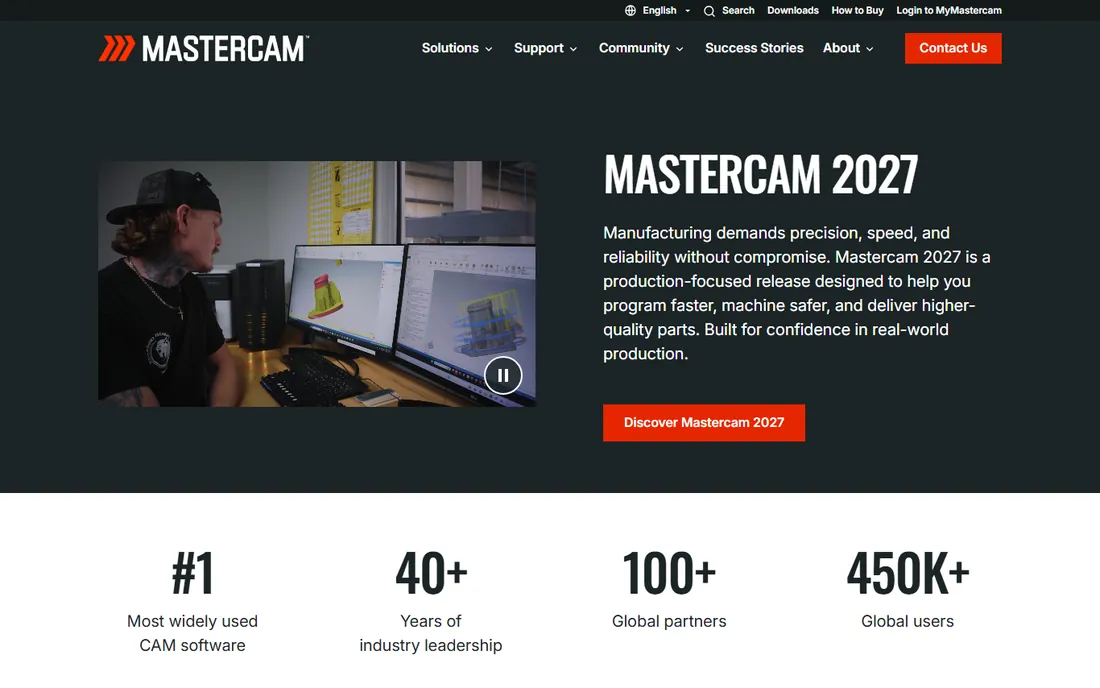
Mastercam is the default answer in CNC programming for a reason. Developed by CNC Software since 1983 and now part of the Sandvik Group, it covers milling, turning, mill-turn, Swiss machining, wire EDM, routers, plasma, and lasers in one package. Independent CIMdata analysis has ranked it the most widely used CAM software in the world, with nearly twice the installed seats of its nearest competitor.
That installed base is the real product. Need a post-processor for an obscure machine? It exists. Need to hire a programmer? Mastercam skills are the most common in the workforce. Need training? No CAM package has more books, videos, resellers, and community forums. The software itself is capable across 2- through 5-axis work, with regular releases adding simulation and AI-assisted features.
The trade-off is the buying experience. Pricing is quote-based through a reseller network, and serious shops add a maintenance plan for updates and support. Mastercam is the safe, boring, correct choice for most job shops, which is exactly why it stays on top.
What we like- Most widely used CAM software worldwide for 27 years running
- Unmatched post-processor library and training resources
- Strong education presence means easier hiring
Watch out for- Pricing is quote-based through resellers
- The interface shows its age in places
- Maintenance plans add ongoing cost
Starting price$680 per year
Free planYes
Autodesk Fusion, formerly Fusion 360, did for CAM what it did for CAD: it made professional capability affordable. One $680-a-year subscription covers parametric modeling, integrated CAM toolpaths, simulation, and electronics design, with a free personal edition for hobbyists and non-commercial use. For a startup or small job shop, that price collapses what used to be a five-figure software stack.
The CAM workspace handles 2.5- through 5-axis milling, turning, and mill-turn with an extensive library of free, editable post-processors. Fusion shares CAM code with Autodesk PowerMill, so the toolpath quality is genuinely professional grade, and cloud collaboration means the programmer, designer, and shop floor see the same data.
The limits show up at the high end. Complex 5-axis mold work still belongs to PowerMill, and some advanced manufacturing capabilities sit behind paid extensions. The subscription-only model also means you rent, never own. But for the vast middle of machining work, Fusion is the value benchmark every other vendor is measured against.
What we like- CAD, CAM, CAE, and PCB in one subscription
- Free personal edition for non-commercial use
- Cloud collaboration built in
Watch out for- CAM depth trails dedicated packages on complex 5-axis work
- Cloud dependency and subscription-only licensing
- Some advanced manufacturing features need paid extensions
Starting priceSee website
Free planNo
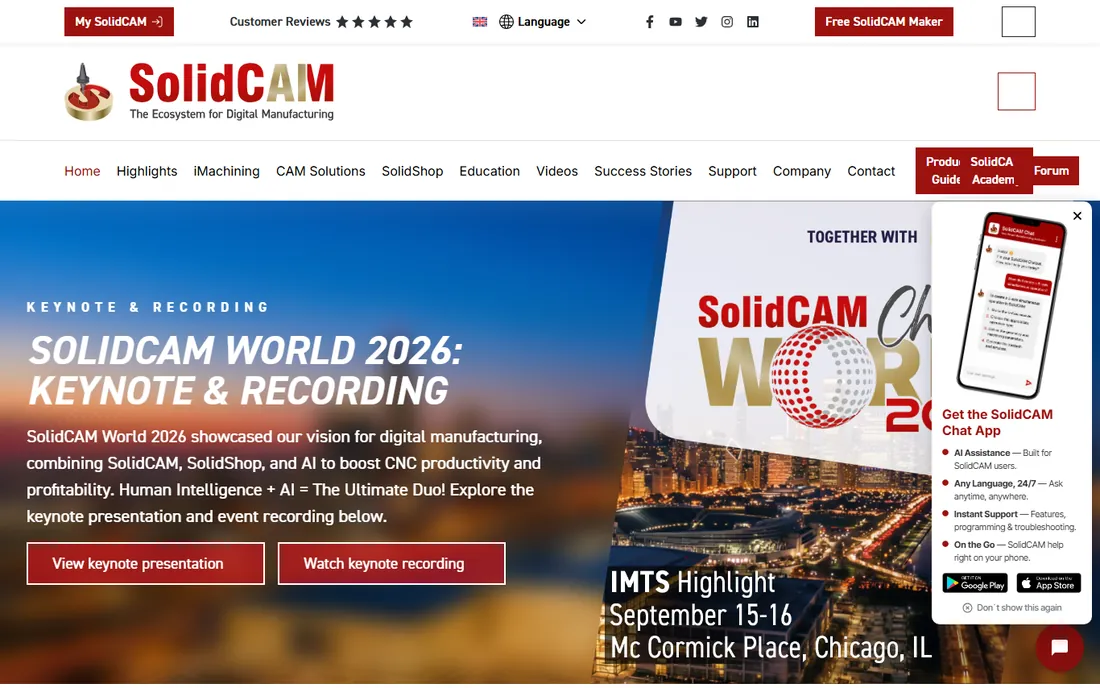
SolidCAM's pitch is simple: the best CAM is the one inside your CAD. It integrates directly into SOLIDWORKS, Solid Edge, and Autodesk Inventor as a single-window workflow, so machining operations update automatically when the model changes. No file translation, no lost associativity, no rework when engineering revises a dimension.
The technical headline is iMachining, SolidCAM's patented high-speed toolpath technology, which the company says can cut cycle times by up to 70% and extend tool life several times over through automatically optimized feeds and speeds. The package covers milling, turning, mill-turn, and Swiss-type machining in one system, and it is used by more than 22,000 manufacturers worldwide.
The catch is platform lock-in: if your shop standardizes on a CAD system SolidCAM does not support, it is not an option. Pricing is quote-based through resellers. For shops already living in SOLIDWORKS, though, the integrated workflow is hard to give up.
What we like- Runs inside your CAD system with full associativity
- Patented iMachining technology for faster cycles and longer tool life
- Strong in mill-turn and Swiss machining
Watch out for- Tied to specific CAD platforms
- Quote-based pricing with no public numbers
- Smaller community than Mastercam or Fusion
Starting priceSee website
Free planNo
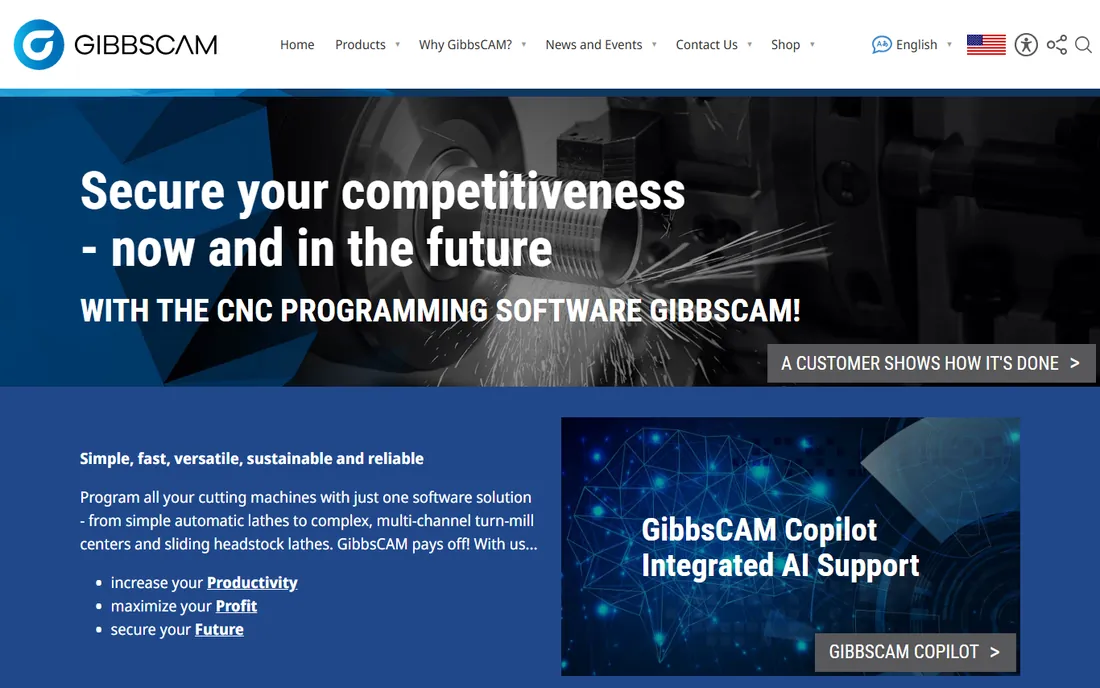
GibbsCAM has built its reputation on a single idea: powerful CAM should not require a PhD to operate. Since 1984 it has focused on an intuitive interface for programming 2- through 5-axis mills, lathes, mill-turn centers, and wire EDM. Production shops prize it because new programmers become productive quickly, which matters when hiring is hard.
The product line covers the full range from 2D shop-floor programming to multi-task simultaneous machining, with integrated modeling capabilities and broad CAD format support. Its macro capabilities and process modeling let shops capture proven processes and standardize them across programmers. The VoluMill high-performance toolpath technology handles efficient roughing.
The honest catch is market position. GibbsCAM lacks Mastercam's overwhelming ecosystem and trails the specialists in simultaneous 5-axis. Pricing is quote-based. But for production machining environments where programmer productivity is the bottleneck, the ease-of-use story is real and well documented by its user base.
What we like- Famously approachable interface for a full-featured CAM package
- Strong in mill-turn and multi-task machining
- Flexible shop-floor and engineering workflows
Watch out for- Pricing is quote-based
- Smaller third-party ecosystem than Mastercam
- Advanced 5-axis is less of a focus
Starting priceSee website
Free planNo
PowerMill is Autodesk's expert CAM system for the hardest machining problems. Originally from Delcam, it specializes in 3-axis, high-speed, and 5-axis programming for molds, dies, and complex components, with a vast library of toolpath strategies, rapid calculation on large parts, and sophisticated gouge and collision checking. More than 15,000 organizations use it worldwide.
The differentiators are control and automation. PowerMill gives programmers exceptional control over toolpath creation and editing, user-defined macros and templates for automating repetitive work, and full machine simulation that embeds your virtual machine tool into the programming environment. The result is parts that need minimal manual polishing and machines that run closer to their limits.
This is not general-purpose CAM. Shops cutting straightforward prismatic parts will find it expensive and overspecified. But if your parts are large, complex, or 5-axis, and surface finish quality determines your margins, PowerMill is the specialist tool the industry reaches for.
What we like- Industry-leading toolpath strategies for complex geometry
- Excellent collision avoidance and machine simulation
- Automation through macros and templates
Watch out for- Quote-based pricing aimed at larger shops
- Overkill for simple 2.5D work
- Windows only
#6
BobCAD-CAM
Best for: small shops that need affordable CAD/CAM
Visit bobcad.com
Starting priceSee website
Free planFree trial
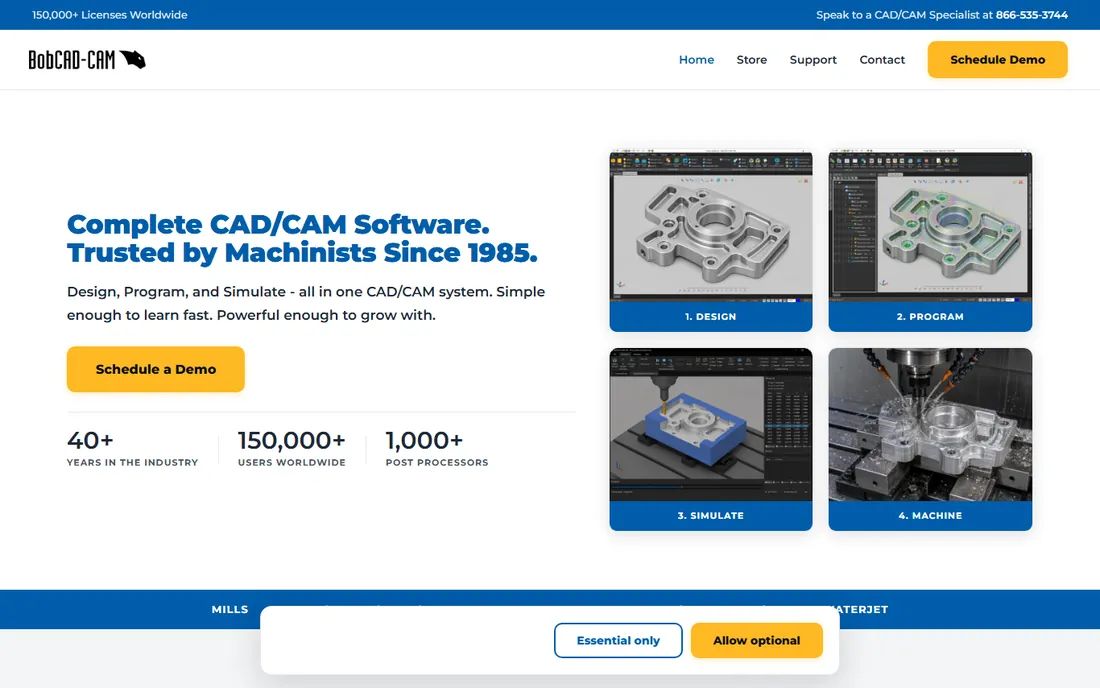
BobCAD-CAM has spent 40 years serving the shops the big vendors overlook. Based in Clearwater, Florida, it sells affordable CAD/CAM software covering mill, mill-turn, lathe, router, plasma, laser, waterjet, and wire EDM, with perpetual licensing instead of subscriptions. For a small shop buying its first real CAM system, the price is the pitch.
The product is more capable than the price suggests. Recent versions added mill-turn modules, advanced machine simulation, custom tool capabilities, nesting, and artistic CAD options. Demos are downloadable, and the company offers training and support packages scaled for small businesses and schools.
The trade-offs are real: expect a sales conversation to get pricing, the user experience is less refined than Mastercam or Fusion, and complex 5-axis work belongs elsewhere. But BobCAD-CAM's niche is honest: capable CAD/CAM at a price a five-person shop can justify.
What we like- Affordable perpetual licenses aimed at small shops
- Covers mill, lathe, router, plasma, laser, waterjet, and wire EDM
- US-based support and training
Watch out for- Pricing requires talking to sales
- The interface lags the polish of bigger rivals
- Advanced multiaxis trails the specialists
Starting price$250 one-time payment
Free planFree trial
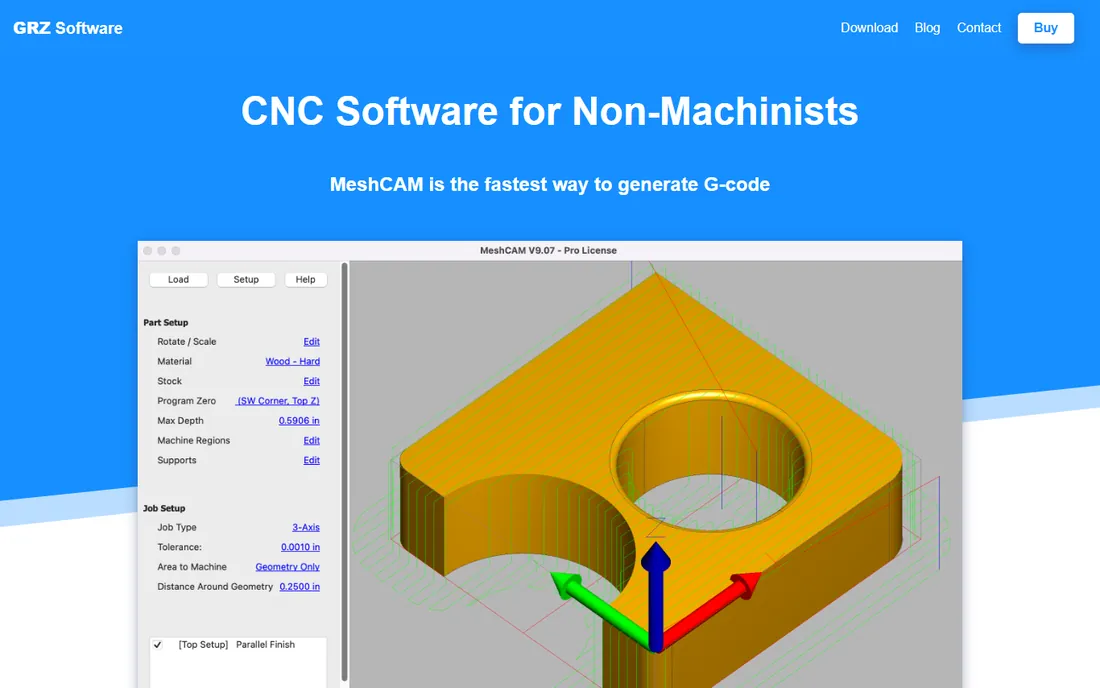
MeshCAM, from Austria's GRZ Software, does one thing well: it turns a 3D model into toolpaths with minimal fuss. Load an STL, define stock, pick tools, and generate G-code. There is no CAD to learn, no overwhelming strategy library, no week of training. For hobbyists, educators, and shops doing simple 3D work, that simplicity is the entire value proposition.
The pricing matches the positioning: a $250 one-time payment with a free trial, making it the cheapest commercial CAM on this list by a wide margin. It handles the common case, 3D parts on 3-axis machines, reliably, and its straightforward workflow is popular with Alibre users and the desktop CNC community.
The limits are the point. You get limited control over toolpath strategies, minimal multiaxis capability, and none of the production features of the bigger packages. MeshCAM is a stepping stone, not a destination: perfect for learning the CAM workflow or running a small machine, and easy to outgrow.
What we like- The simplest path from a 3D model to G-code
- One-time price with no subscription
- Works with STL files from any CAD program
Watch out for- Limited control over toolpath strategies
- 3-axis focus with minimal multiaxis
- Small company with modest support resources
How we chose
We selected established CAM products covering the main buying scenarios: the industry standard, the affordable all-in-one, CAD-integrated options, the 5-axis specialist, the budget pick, and the beginner tool. Pricing comes from vendor pages where published; most enterprise CAM vendors sell through resellers without public pricing, and we marked those as "See website" rather than guessing. We verified each product is current and actively developed. We did not test any software hands-on.
Matching CAM software to your shop
Start with your machines, not the software brochure. Every CAM package needs a post-processor that outputs correct G-code for your specific machine and controller, and post quality varies enormously. Check that your machine is supported before you fall in love with a feature list. The big vendors maintain the largest post libraries; the small ones may need custom post work.
Match capability to your parts. Simple 2.5D brackets and plates do not need 5-axis simultaneous toolpaths, and buying that capability wastes money twice: once on the license, once on the training nobody uses. Conversely, mold shops buying entry-level CAM discover the limitation on the first complex cavity. List the hardest part you cut regularly, and buy for that.
Consider the CAD relationship. If your shop already designs in SOLIDWORKS, integrated CAM like SolidCAM eliminates translation headaches. If design and manufacturing are separate departments using different tools, a standalone package like Mastercam or PowerMill with broad CAD import is more flexible. Fusion sidesteps the question by including CAD.
The real cost is not the license
CAM software pricing gets the attention, but implementation costs more. Budget for training: a week of formal training per programmer is normal for the major packages. Budget for post-processor tuning: out-of-the-box posts almost always need adjustment for your machines. Budget for the productivity dip while programmers learn.
Maintenance and subscriptions are the ongoing reality. Most vendors now charge annual maintenance or subscription fees of 15 to 25 percent of the license value. Factor five years of total cost, not the first-year quote, when comparing a perpetual license against a subscription like Fusion's. The cheapest license is rarely the cheapest system.
When to upgrade from entry-level CAM
Entry-level tools like MeshCAM and Fusion's free tier earn their place, but they have ceilings. Upgrade when you hit one repeatedly: parts that need toolpath strategies your software lacks, machines whose posts do not exist, or programming time that exceeds machining time because the software fights you.
The classic trigger is multiaxis. The jump from 3-axis to simultaneous 5-axis programming is not incremental; it demands different software, different posts, and different skills. Do not buy 5-axis capability "for someday." Buy it when a paying job requires it, and price the software into the job.
Another trigger is people. When you need to hire programmers, the talent pool matters more than feature checklists. Mastercam's dominance means Mastercam programmers are easiest to find. A brilliant package nobody local knows is a hiring liability, whatever its technical merits.
Frequently asked questions
What is CAM software?
Computer-aided manufacturing software converts CAD designs into toolpaths and G-code that CNC machines follow to cut parts. It calculates cutter movements, feeds, and speeds, simulates the machining process, and outputs machine-ready code through a post-processor matched to your specific machine and controller.
How much does CAM software cost?
It ranges from $250 one-time (MeshCAM) to $680 a year (Autodesk Fusion) to five figures for enterprise packages like Mastercam and PowerMill, which are quote-based. Most vendors do not publish pricing and sell through resellers. Always budget for training, post-processor setup, and annual maintenance on top of the license.
Do I need CAD software separately?
It depends. Fusion includes full CAD. SolidCAM runs inside SOLIDWORKS, Solid Edge, or Inventor, so you need one of those. Mastercam, GibbsCAM, PowerMill, and BobCAD-CAM include their own CAD tools for programming, and MeshCAM works from STL files made in any CAD program.
What is a post-processor and why does it matter?
A post-processor translates the CAM software's generic toolpaths into G-code formatted for your specific machine and controller. A bad or missing post means wrong or dangerous machine movements. Check post availability for your exact machine before buying any CAM package.
Can beginners learn CAM software?
Yes, with the right tool. MeshCAM and Fusion's free tier are designed for learning, with simple workflows and large tutorial communities. The enterprise packages assume machining knowledge and typically need formal training. Start simple, learn feeds, speeds, and workholding first, then graduate to professional tools.
Is cloud-based CAM reliable for production?
Fusion's cloud platform is proven in production shops, with local caching for offline work. The main concerns are data control policies in regulated industries and internet dependence. Shops in aerospace and defense often prefer traditional installed software for ITAR and security reasons.
Sources we checked (10)
- https://en.wikipedia.org/wiki/Mastercam
- https://ctemag.com/news/mastercam-tops-worldwide-list-cam-suppliers/
- https://en.wikipedia.org/wiki/Fusion_360
- https://stacksheriff.com/3d-printing/fusion-360-vs-freecad/
- https://digitalicence.com/fusion-360-usa-pricing-2026/
- https://www.solidcam.com/en-us/company/news/details/solidcam-outperforms-camworks-in-tool-and-die-companys-upgrade-decision
- https://www.americanmachinist.com/enterprise-data/article/21895958/gibbscam-demonstrates-next-generation-solidworks-interoperability
- https://github.com/api-evangelist/autodesk-powermill
- https://www.manufacturing.net/home/press-release/13054348/bobcadcam-announces-cadcam-custom-tool-capabilities-for-cnc-simulation-with-v28-release
- https://sourceforge.net/software/compare/MeshCAM-vs-MeshLab/
Is your product missing or out of date?
We review this list regularly. Vendors can request a listing, send updated pricing or ask about featured placement.

Shihab Mia · Founder, Rankite
Shihab has spent more than a decade helping SaaS and e-commerce brands grow through search. He writes Rankite's software buying guides from pricing pages, documentation and public user reviews. More about Shihab.