How we make this list: we compare pricing pages, product documentation and public user reviews. Rankite is independent; if a vendor ever pays for a featured spot, that listing is clearly labeled Partner.
Key takeaways
- VCarve Pro is the industry standard for CNC router CAD/CAM, with true shape nesting and unlimited job sizes for production shops.
- Easel and Carbide Create both offer free tiers, making them the cheapest way to start cutting.
- LinuxCNC and Universal Gcode Sender are free and open source, but they are machine controllers and senders, not design tools.
- Vectric's Aspire adds full 3D modeling on top of VCarve, aimed at shops selling carved signs and decorative work.
- Budget for the full toolchain: design software, control software, and the machine itself are separate purchases.
Quick comparison
| Tool | Best for | Starting price | Free plan |
|---|
 VCarve Pro VCarve Pro | cabinet shops and production routing | $699 one-time payment | Free trial |
 Aspire Aspire | 3D carving, signs, and decorative work | $1,995 one-time payment | Free trial |
 Easel Easel | beginners who want to design and cut in a browser | $0 per month (free plan; Pro from $24/month) | Yes |
 Carbide Create Carbide Create | free desktop CAD/CAM without the cloud | $0 (free for everyone) | Yes |
 Mach4 Mach4 | Windows-based machine control and retrofits | See website | Free trial (demo mode) |
 LinuxCNC LinuxCNC | free, full-featured machine control on Linux | $0 (open source, GPL) | Yes |
 Universal Gcode Sender Universal Gcode Sender | sending G-code to GRBL-based machines | $0 (open source) | Yes |
Is your product missing or out of date?
We review this list regularly. Vendors can request a listing, send updated pricing or ask about featured placement.
The best router software
Starting price$699 one-time payment
Free planFree trial
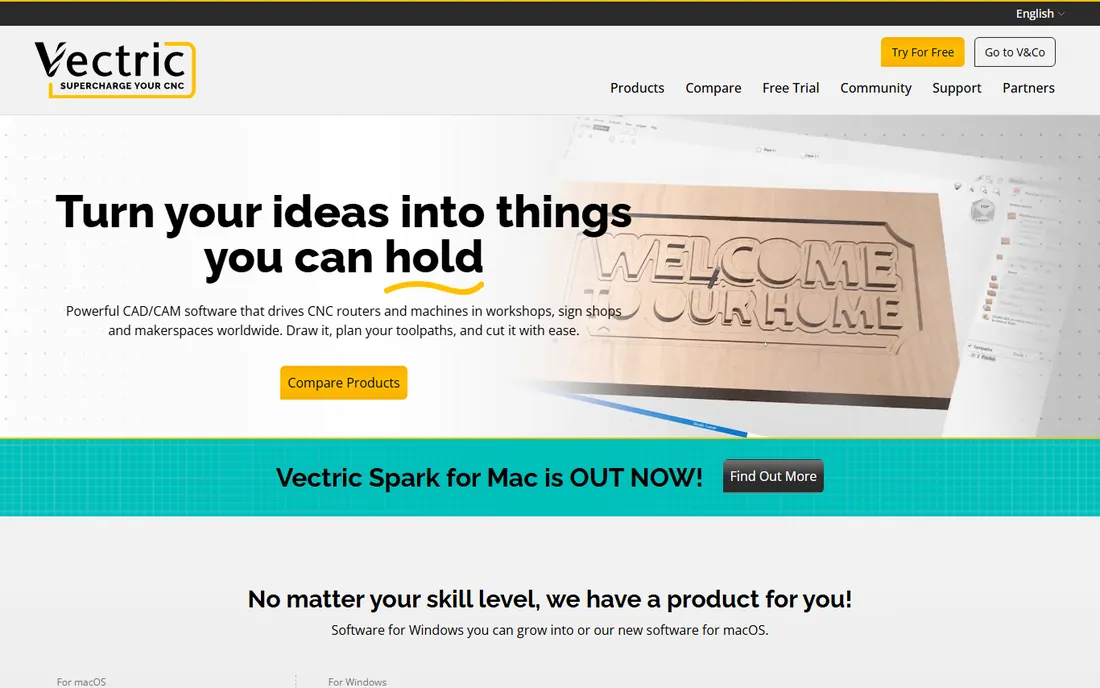
VCarve Pro is the default answer in woodworking shops for a reason. It combines 2D design and layout tools with 2D and 2.5D toolpath strategies: profiling, pocketing, drilling, auto-inlays, V-carving, prism carving, fluting, and decorative texturing. Every toolpath previews in 3D before you cut, so mistakes show up on screen instead of in expensive material.
The Pro edition earns its price in production environments. Unlimited job and toolpath size, true shape nesting for material optimization, toolpath templates, merged toolpaths, and job setup sheets are the features that separate it from the Desktop version. Cabinet makers, sign shops, and plastic fabricators run their businesses on it.
The honest catch is cost and platform. At around $699 for a one-time license, it is a serious purchase for a hobbyist, and it runs on Windows only. The trial lets you evaluate everything before buying, which you should absolutely do with your actual machine's post-processor.
What we like- True shape nesting and job setup sheets for production
- Unlimited job and toolpath size
- Huge tutorial library and active user forum
Watch out for- One-time license is a real investment
- Windows only
- 3D modeling is limited to single imported models
Starting price$1,995 one-time payment
Free planFree trial
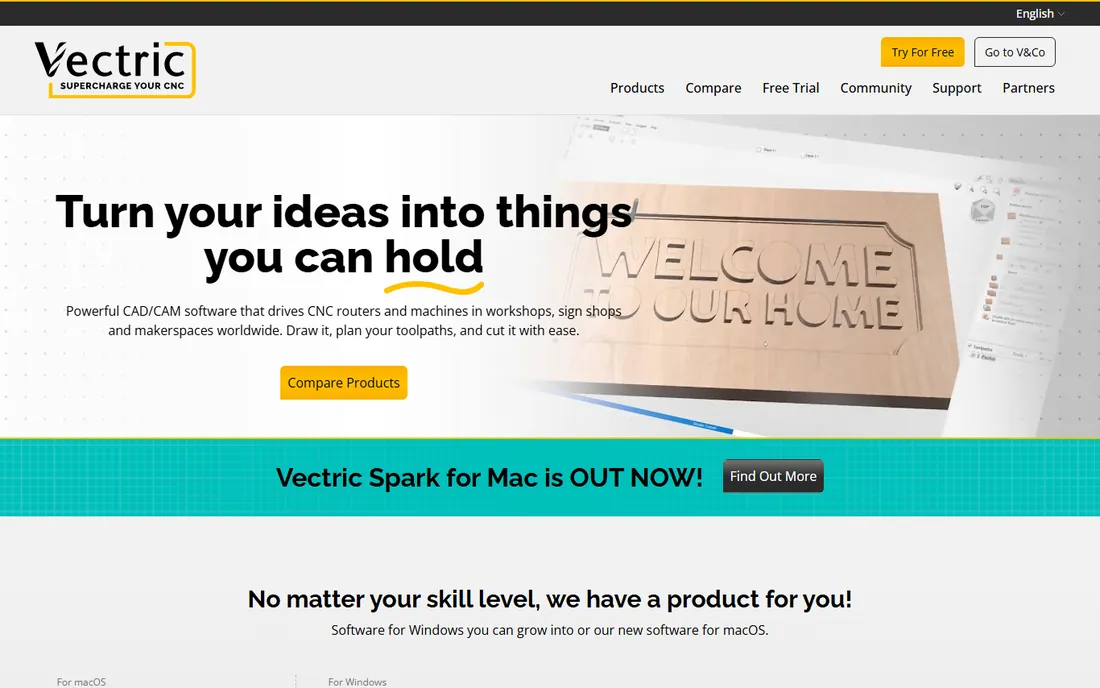
Aspire is Vectric's flagship: everything in VCarve Pro plus a complete 3D modeling environment for creating and editing relief models. If your shop sells carved signs, decorative panels, custom furniture details, or intricate inlays, Aspire lets you design the 3D work yourself instead of buying or importing models.
The 3D toolset includes sculpting, blending, and smoothing tools alongside the full 2D and 2.5D toolpath library. You can build a relief from scratch, combine it with V-carved text, and preview the whole assembly before cutting. For shops whose product is the carving itself, this replaces a separate 3D modeling program.
The price reflects the positioning: around $1,995 one-time, it is a business investment. Shops cutting mostly flat cabinet parts should save the money and buy VCarve Pro. Aspire pays for itself when 3D design work is billable, which for sign and decor shops, it usually is.
What we like- Full 3D modeling and sculpting built in
- Everything in VCarve Pro plus relief design
- Extensive clip art and training content
Watch out for- The most expensive tool on this list
- Overkill if you only cut flat parts
- Windows only
Starting price$0 per month (free plan; Pro from $24/month)
Free planYes
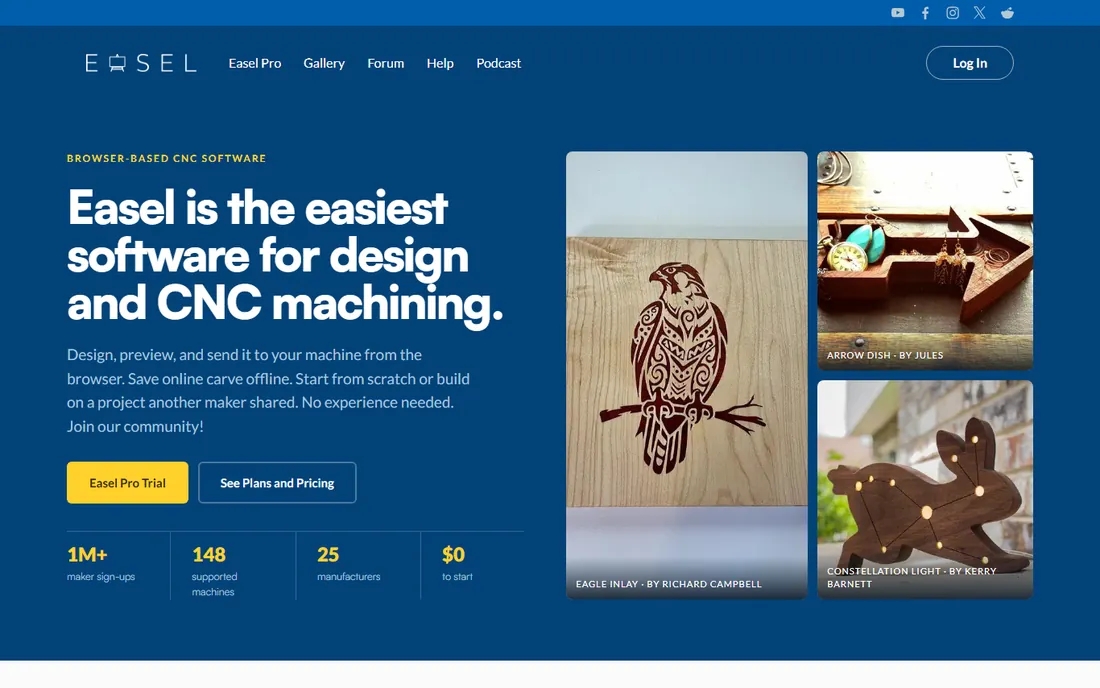
Easel, from Inventables, is the easiest on-ramp to CNC routing. It runs in the browser, combines design and toolpath generation in one place, and walks beginners through bit selection, materials, and cut settings with built-in libraries. People with zero CNC experience report being up and running the same day.
The free plan includes design tools, font libraries, image trace, SVG import, and automated toolpath generation, with one carve or G-code export per week. Easel Pro at $24 a month ($216 a year billed annually) opens up V-carving, 3D carving, raster carving, unlimited carves and exports, and a design library of over 10 million designs.
The limitations are the weekly carve cap on the free tier and the browser dependency. Easel works with 148 validated CNC routers from 25 manufacturers, so compatibility is broad but check your machine. For hobbyists, schools, and makerspaces, it is the lowest-friction way to start cutting.
What we like- Free tier is genuinely usable with one carve per week
- Runs entirely in the browser, no install
- Huge design library and beginner-friendly interface
Watch out for- Free plan limited to one carve or G-code export per week
- Advanced toolpaths like V-carving need Pro
- Requires internet access
Starting price$0 (free for everyone)
Free planYes
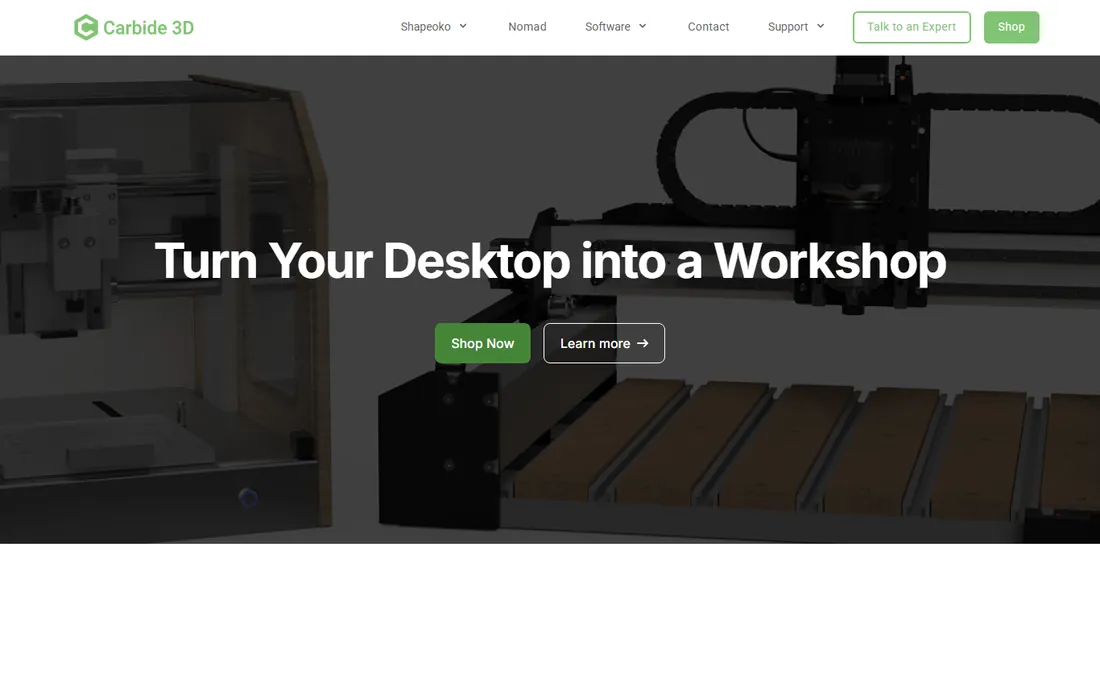
Carbide Create is Carbide 3D's free CAD/CAM package, and unusually, it is free for everyone whether or not you own one of their machines. It is downloadable desktop software that runs offline on Windows and Mac, which matters in shops with unreliable internet or strict data policies.
The free version handles 2D design and 2.5D toolpaths including V-carving, with grid-based design tools, DXF and SVG import, and material presets for speeds and feeds. Carbide Create Pro adds 3D modeling and machining, available as a $120 per year subscription or a $360 perpetual license with one year of updates.
The trade-off against Vectric is depth. Carbide Create is simpler and less powerful, which is a feature for beginners and a limitation for production shops. For a free tool that runs on a Mac without the cloud, though, it has no real competition.
What we like- Free for anyone, not just Carbide 3D machine owners
- Runs offline on Windows and Mac
- V-carving included in the free version
Watch out for- 3D modeling and machining require the paid Pro version
- Interface is simpler than Vectric's
- Updates are infrequent on the free tier
Starting priceSee website
Free planFree trial (demo mode)
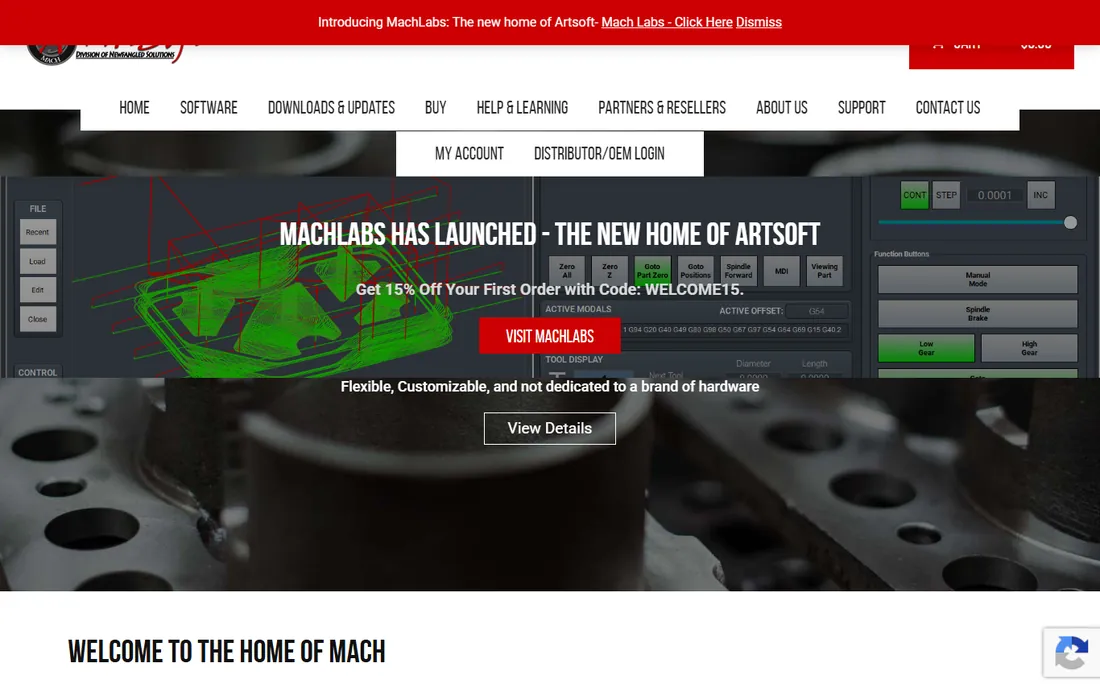
Mach4 is machine control software, not design software: it takes G-code and drives the machine. Developed by Newfangled Solutions and distributed through machsupport.com, it replaced Mach3 with a ground-up rewrite and a plugin architecture that works with motion control boards from vendors like Vital Systems and PMDX.
The standard installer includes profiles for mills, drills, lathes, routers, tangential knife, plasma, and 3D printers, so a router setup starts from a working template rather than a blank slate. The demo mode runs with a time limitation, which is enough to test your hardware configuration before buying a license.
The catches are pricing opacity and hardware requirements. Mach4 needs a motion control device with a compatible plugin, and the parallel port era is over, so budget for a proper controller board. It is the right choice for retrofitting an older machine or building a custom setup on Windows.
What we like- Plugin architecture supports many motion control boards
- Profiles for mills, routers, lathes, and plasma
- Proven in thousands of retrofit installations
Watch out for- Pricing is not published on the vendor site
- Needs a compatible motion control board and plugin
- Configuration can be technical
Starting price$0 (open source, GPL)
Free planYes
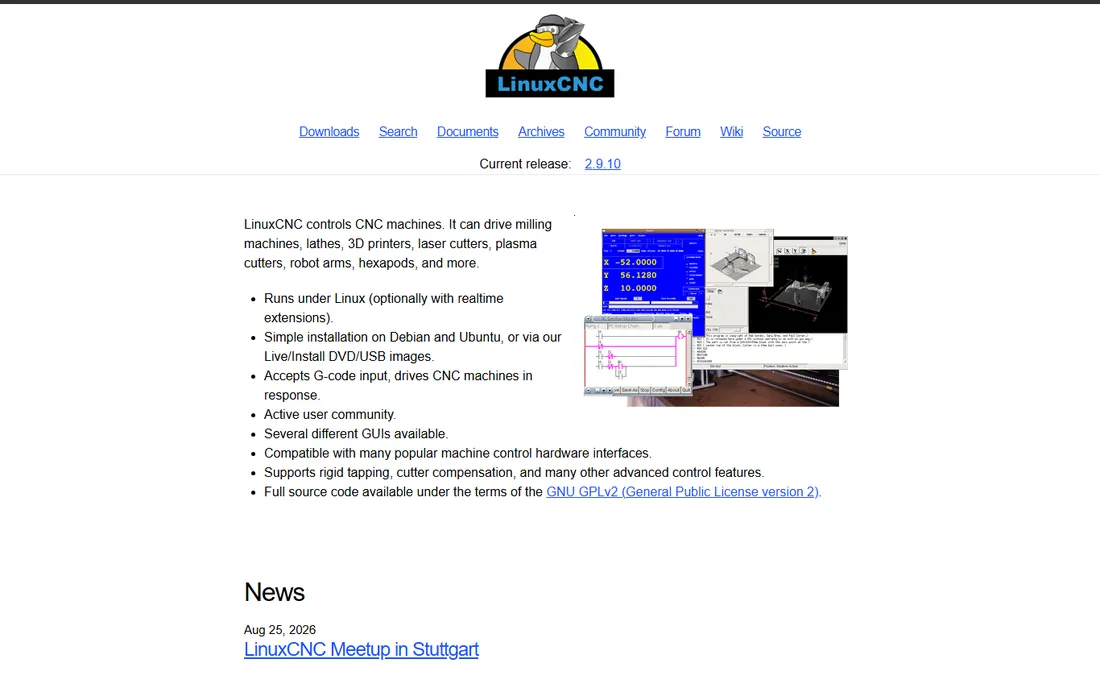
LinuxCNC is the open-source standard for PC-based machine control. It runs on a real-time Linux kernel, typically installed from a live image based on Debian, and controls mills, lathes, routers, plasma cutters, and robots with up to 9 axes of coordinated motion. The motion planning, G-code interpreter, and even a software PLC with ladder logic are all included.
The capability ceiling is high: closed-loop servo control, rigid tapping, cutter compensation, custom kinematics for non-Cartesian machines, and multiple graphical interfaces from touch-screen to developer-oriented. It is used in production environments, not just hobby shops.
The price is expertise. Installation and configuration are technical, the interface feels dated, and LinuxCNC does no CAD or CAM: you still need design software to generate the G-code it runs. For shops with Linux skills, it is an extraordinarily capable free controller. For everyone else, factor in the learning curve.
What we like- Completely free with full source code
- Real-time motion control up to 9 axes
- Runs on a standard PC with a real-time Linux kernel
Watch out for- Linux only, with a real-time kernel requirement
- Steep learning curve
- No CAD or CAM functions included
Starting price$0 (open source)
Free planYes
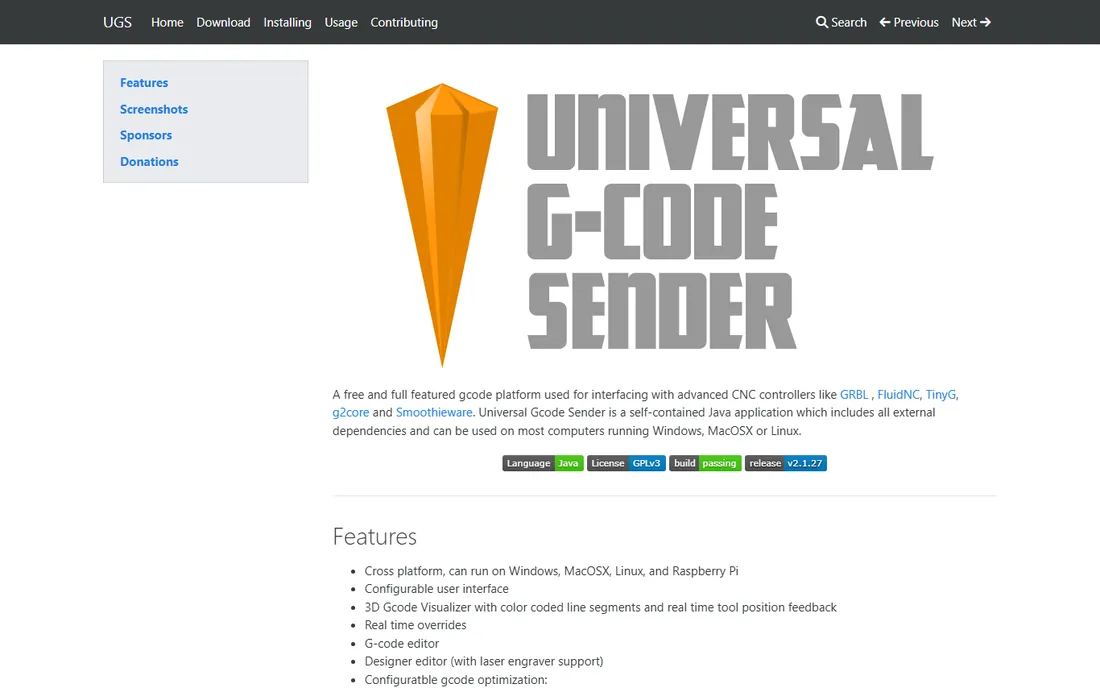
Universal Gcode Sender, usually called UGS, is the free tool that connects your design software to a GRBL-based machine. You generate G-code in Easel, Carbide Create, or VCarve, then UGS streams it to the controller, with jogging, a 3D visualizer showing the toolpath and real-time tool position, and feed overrides during the cut.
It is a self-contained Java application that runs on Windows, Mac, Linux, and Raspberry Pi, and it works with GRBL, FluidNC, TinyG, g2core, and Smoothieware controllers. The classic interface is simple; the platform version adds a visual designer and macro support. For the ubiquitous Arduino-based 3018 engravers and similar machines, it is the standard sender.
UGS does not design or generate toolpaths, so it pairs with a CAD/CAM tool rather than replacing one. It also needs Java installed. But for the specific job of getting G-code into a hobby or prosumer machine reliably and free, it is the default choice.
What we like- Free and cross-platform on Windows, Mac, and Linux
- 3D toolpath visualizer with real-time position
- Supports GRBL, FluidNC, TinyG, and Smoothieware
Watch out for- It is a sender, not a design or CAM tool
- Java-based, so needs a Java runtime
- Advanced features lag commercial senders
How we chose
We covered the three stages of the router toolchain: CAD/CAM design software, machine control software, and G-code senders. Pricing comes from vendor pages and official documentation where published; where vendors sell through resellers without public pricing, we used widely reported figures and marked vendor pages as the source of truth. We cross-checked capabilities against CNC community resources, forums, and reviews from woodworking publications. We did not test any software hands-on.
Matching software to your machine
The most common buying mistake is choosing software before checking compatibility. Start with your machine's controller: GRBL-based machines (X-Carve, Shapeoko, 3018 kits) work with Easel, Carbide Create, and UGS out of the box. Machines with proprietary controllers may lock you into the manufacturer's software. Check the supported machine list before you pay for anything.
Match the design software to the work. Flat parts, cabinet components, and simple signs need 2D and 2.5D toolpaths: VCarve Pro, Easel Pro, or Carbide Create. Carved 3D reliefs, sculptural details, and artistic signs need real 3D: Aspire or Carbide Create Pro. Buying 3D capability for flat work wastes money; buying 2D-only software for carving wastes time.
Control software is a separate decision from design software. Many beginners assume one program does everything, then discover their CAD/CAM package cannot talk to their machine. If your machine did not come with control software, budget for Mach4 or invest the learning time in LinuxCNC. The sender layer (UGS) is free and solves the connection for GRBL machines.
One-time licenses versus subscriptions
CNC software pricing splits two ways. Vectric and Carbide 3D sell perpetual licenses: you pay once and own the version, which suits shops that dislike recurring costs. Easel Pro is subscription-based, which suits beginners who may only need it for a project or two. LinuxCNC and UGS are free open source with no cost at all.
Think about total cost over three years. A $699 one-time license beats a $24 monthly subscription after about two and a half years, assuming you do not need paid upgrades. But subscriptions include continuous updates, and a beginner who quits after six months spent $144 instead of $699. Match the pricing model to your commitment level, not just the sticker price.
You can run a capable CNC router without spending a dollar on software. Carbide Create or Easel's free tier handles design and toolpath generation, Universal Gcode Sender streams the G-code to a GRBL machine, and LinuxCNC replaces commercial control software on a Linux PC. Thousands of hobbyists and small shops run exactly this stack.
The free stack has real limits. Free CAD/CAM tiers cap carve frequency or 3D capability, open-source control software demands technical skill, and community support replaces a help desk. But the limits are honest: nothing here is a trial that expires or a freemium tier designed to frustrate you into paying.
Upgrade when a specific bottleneck appears. If you are carving daily and hitting Easel's weekly cap, Easel Pro pays for itself in a week. If you are selling 3D carvings designed in borrowed software, Aspire is a business expense. Let the work justify the purchase rather than buying capability you might need someday.
Frequently asked questions
What software do I need for a CNC router?
Three stages: CAD/CAM software to design and generate toolpaths (VCarve Pro, Easel, Carbide Create), control software to drive the machine (Mach4, LinuxCNC), and sometimes a sender to stream G-code (Universal Gcode Sender). Many beginner machines bundle control software, so check what came with yours.
Is VCarve Pro worth it for a hobbyist?
It depends on volume and ambition. At around $699, VCarve Pro is priced for shops earning money from their machine. Hobbyists cutting occasionally do better with Easel's free tier or Carbide Create. Upgrade when you are limited by the free tools, not before.
Can I use CNC router software on a Mac?
Easel runs in any browser, Carbide Create has a native Mac version, and Universal Gcode Sender runs on macOS. VCarve Pro and Aspire are Windows only, though some users run them in virtualization. LinuxCNC requires Linux. Check each product's platform support before buying.
What is the difference between CAD/CAM and machine control software?
CAD/CAM software designs the part and calculates the toolpaths, producing a G-code file. Machine control software reads that G-code and moves the machine's motors. VCarve, Easel, and Carbide Create are CAD/CAM; Mach4 and LinuxCNC are machine control; UGS is a sender that bridges the two on GRBL machines.
Do I need to pay for updates?
Vectric includes minor updates with a license and charges for major version upgrades. Carbide Create Pro's perpetual license includes one year of updates. Easel Pro's subscription includes all updates while subscribed. LinuxCNC and UGS are free open source with free updates forever.
Which free CNC software is best for beginners?
Easel is the easiest start: browser-based, free tier, guided workflow, no installation. Carbide Create is the best free desktop option, especially on Mac. Pair either with Universal Gcode Sender for GRBL machines and you have a complete free workflow.
Sources we checked (7)
- https://www.rockler.com/vectric-vcarve-pro-software-v10
- https://slashdot.org/software/comparison/Mastercam-vs-Vectric-Aspire/
- https://Easel.inventables.com
- https://github.com/blackveilprecision/awesome-cnc/blob/HEAD/README.md
- https://www.machsupport.com/wp-content/uploads/2014/05/Mach4%20Installation%20Manual.pdf
- https://en.wikipedia.org/wiki/LinuxCNC
- https://cncphilosophy.com/universal-gcode-sender/
Is your product missing or out of date?
We review this list regularly. Vendors can request a listing, send updated pricing or ask about featured placement.

Shihab Mia · Founder, Rankite
Shihab has spent more than a decade helping SaaS and e-commerce brands grow through search. He writes Rankite's software buying guides from pricing pages, documentation and public user reviews. More about Shihab.