How we make this list: we compare pricing pages, product documentation and public user reviews. Rankite is independent; if a vendor ever pays for a featured spot, that listing is clearly labeled Partner.
Key takeaways
- LogicalDOC, OpenKM, Paperless-ngx, and Mayan EDMS are fully free and open source, with no paid tier required.
- Paperless-ngx is the best free option for digitizing paper archives with automatic OCR and tagging.
- Bitrix24 and Zoho WorkDrive offer free cloud plans if you want zero setup and team collaboration built in.
- ONLYOFFICE DocSpace gives small teams a free, room-based workspace with built-in document editing.
- Open-source tools cost nothing in licenses but need a server and someone comfortable maintaining it.
Quick comparison
| Tool | Best for | Starting price | Free plan |
|---|
 LogicalDOC Community Edition LogicalDOC Community Edition | teams wanting a full open-source DMS | $0 (Community Edition, free forever) | Yes |
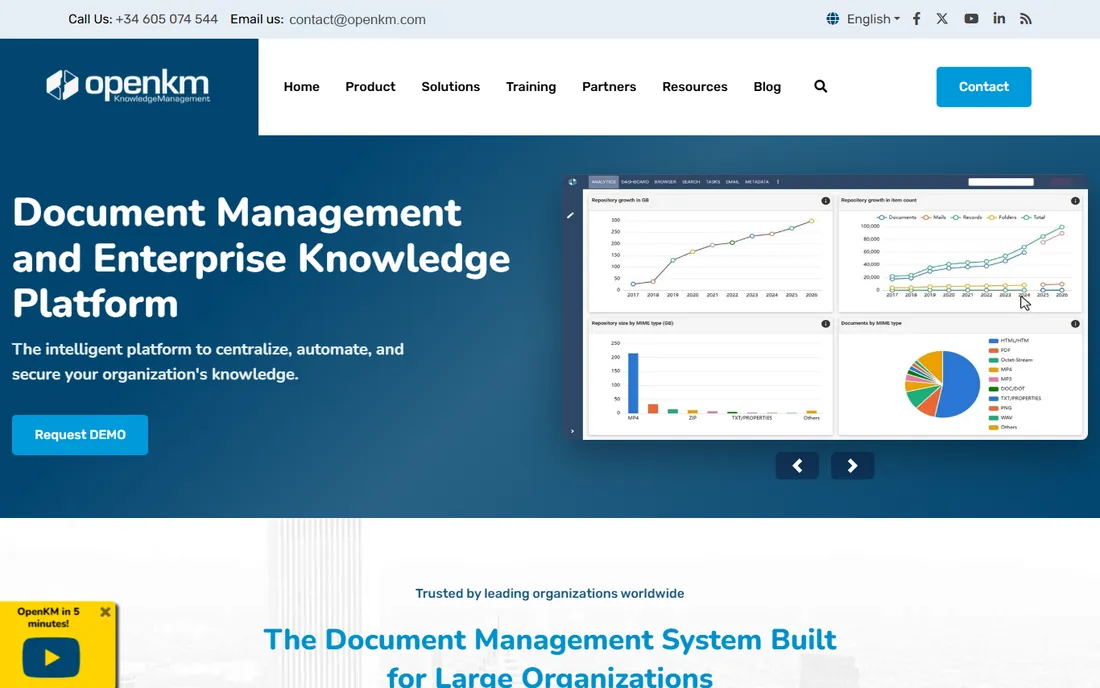
 OpenKM Community Edition OpenKM Community Edition | organizations wanting a free, easy-to-deploy DMS | $0 (Community Edition, free binary distribution) | Yes |
 Paperless-ngx Paperless-ngx | turning paper piles into searchable archives | $0 (open source, GPL-3.0) | Yes |
 Mayan EDMS Mayan EDMS | large archives needing rich metadata and workflows | $0 (open source, GPL-2.0) | Yes |
 Bitrix24 Bitrix24 | teams wanting a free all-in-one workspace | $0 (free plan) | Yes |
 Zoho WorkDrive Zoho WorkDrive | free cloud storage with a built-in office suite | $0 (free individual plan, 5 GB) | Yes |
 ONLYOFFICE DocSpace ONLYOFFICE DocSpace | small teams organizing documents in shared rooms | $0 (Startup plan, free) | Yes |
Is your product missing or out of date?
We review this list regularly. Vendors can request a listing, send updated pricing or ask about featured placement.
The best free document management software
Starting price$0 (open source, GPL-3.0)
Free planYes
Paperless-ngx does one thing exceptionally well: it turns physical paperwork into a searchable digital archive. Drop scans into a consume folder or upload them through the web interface, and the system runs OCR via Tesseract, extracts dates, and learns to auto-assign tags, correspondents, and document types from content. The full-text search with autocomplete then finds anything in seconds.
The project is community-maintained open source under GPL-3.0, with tens of thousands of GitHub stars and active development. It runs in Docker with PostgreSQL and Redis, deploys on anything from a Raspberry Pi to a server, and keeps both the original and the archive version of every document. Multi-user permissions, audit workflows, and a REST API make it viable for small teams, not just individuals.
The trade-off is focus. Paperless-ngx is an archive, not a workflow engine: there are no approval chains, retention policies, or compliance modules. And installation is genuinely technical. If your problem is "we have boxes of paper and can never find anything," this is the free tool. If you need document lifecycle management, pair it with or pick one of the bigger systems.
What we like- Automatic OCR, tagging, and correspondent detection
- Consume folder imports scans automatically
- REST API and multi-user permissions
Watch out for- Focused on archival rather than workflows and approvals
- Requires Docker and a small server
- Setup is technical for non-IT users
Starting price$0 (open source, GPL-2.0)
Free planYes
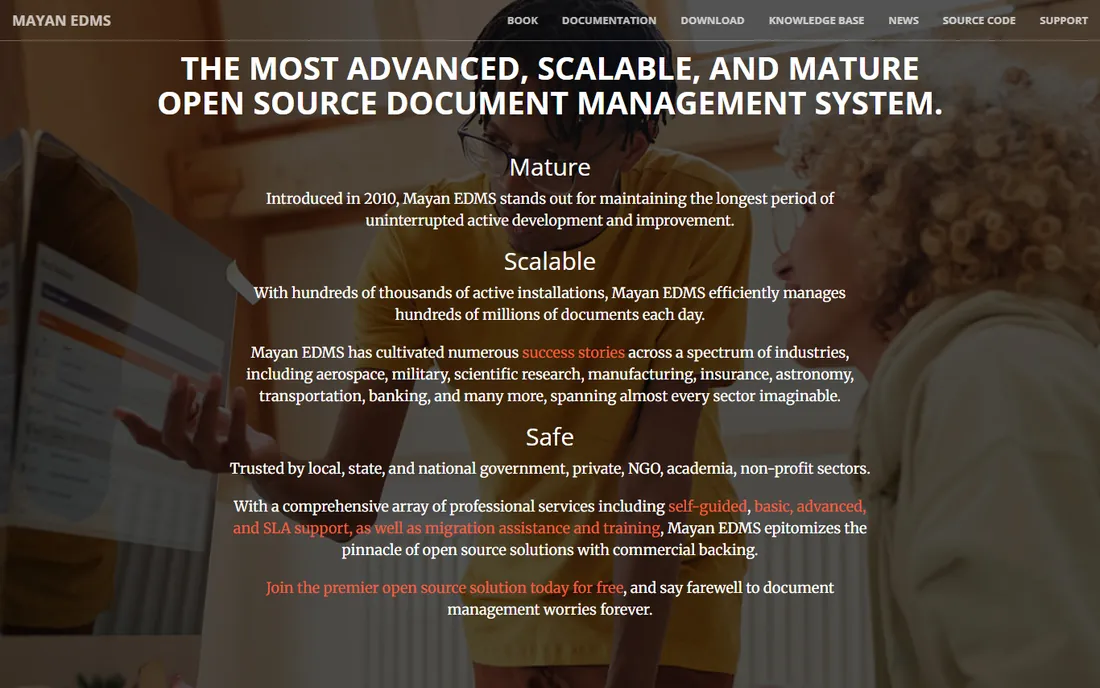
Mayan EDMS is the veteran of open-source document management, in development since 2011 with the longest uninterrupted track record in this space. It is designed for serious archives: user-defined metadata, document cabinets, automatic indexes, OCR text extraction, configurable workflows, and digital signatures, all behind role-based access control.
The credibility is real. Mayan EDMS has been used by government agencies, universities, and research collaborations, including records systems and digital preservation infrastructure. It scales to hundreds of millions of documents, deploys with Docker, and stores everything in open, transparent formats to avoid vendor lock-in.
The cost is complexity. Configuration is powerful but demanding, and the interface shows its age next to modern tools. Paid support exists through the project's providers if you need it. Choose Mayan EDMS when your archive is large, your metadata requirements are serious, and you have the technical resources to run it properly.
What we like- Deep metadata, cabinets, and indexing for complex archives
- Configurable workflows and role-based access control
- Trusted by government and research institutions
Watch out for- Setup and configuration are complex
- Interface feels dated compared to newer tools
- Docker deployment still needs comfort with containers
Starting price$0 (free plan)
Free planYes
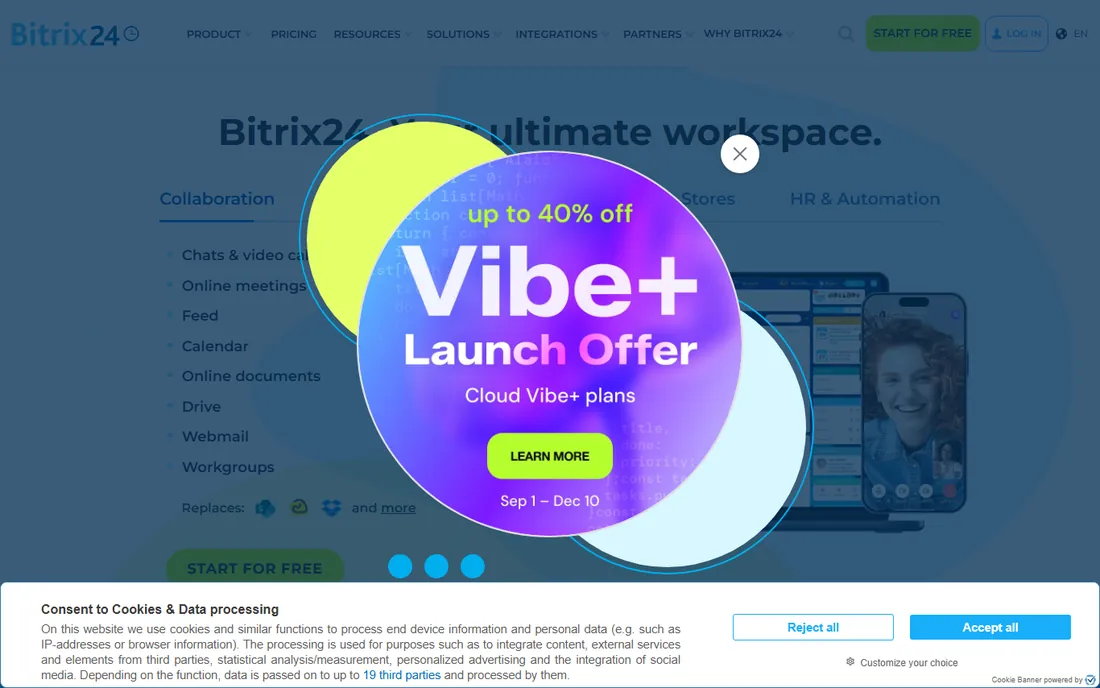
Bitrix24 is not a dedicated document management system, but its free plan includes a document drive alongside CRM, project management, chat, and video calls. For a small business that needs somewhere to store, share, and collaborate on documents without buying a DMS, the free tier covers the essentials.
The free plan historically covered up to 12 users with 5 GB of storage, plus unlimited communication tools. Documents live in a centralized drive with sharing controls, and Bitrix24 Sign handles electronic signatures for everyday agreements. When you outgrow the free tier, paid plans use flat monthly pricing rather than per-user fees, which keeps costs predictable as the team grows.
The limitation is depth. There is no OCR, no advanced metadata indexing, no retention policies, and 5 GB fills up fast with scanned archives. The interface also tries to do everything, which can overwhelm new users. Bitrix24 is the right free choice when documents are one part of a broader collaboration need, not the core problem.
What we like- Free plan includes CRM, tasks, chat, and document management
- Flat pricing when you upgrade, not per-user
- Built-in e-signature for approvals
Watch out for- Document management is basic compared to dedicated DMS tools
- 5 GB storage on the free plan
- Interface can feel overwhelming with so many features
#6
Zoho WorkDrive
Best for: free cloud storage with a built-in office suite
Visit zoho.com
Starting price$0 (free individual plan, 5 GB)
Free planYes
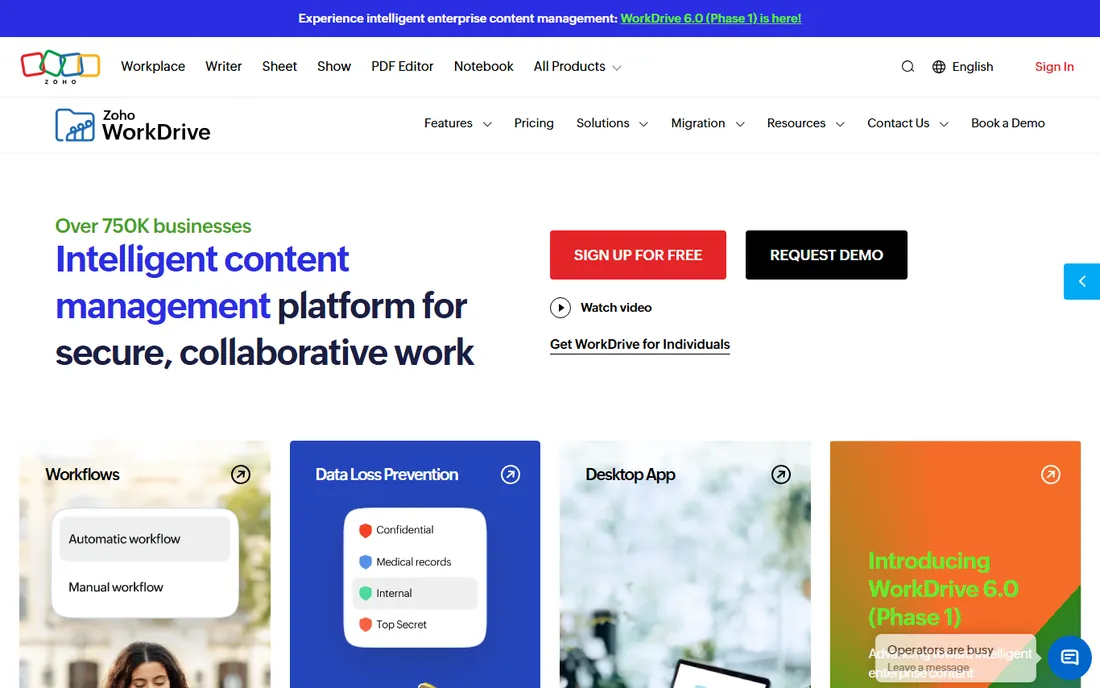
Zoho WorkDrive combines cloud file storage with a full online office suite. The free individual plan gives one user 5 GB of storage with document creation and editing in Writer, Sheet, and Show directly in the browser, unlimited file versions, and preview support for over 200 file formats. For a freelancer or solo professional, it is a capable free document hub.
The platform's strengths show in collaboration and control: granular permissions, subfolder-level sharing, secure external links, activity timelines, and AI-assisted search. It integrates with the rest of the Zoho ecosystem and third-party tools like Slack, Microsoft Teams, and Zapier.
The free tier is deliberately hard to find, tucked under the Individuals section rather than the main pricing page, and it is single-user only. Teams start at $2.50 per user per month with a three-user minimum on the Starter plan. Pick WorkDrive when you want free cloud document management with real editing tools, not just storage.
What we like- Built-in Writer, Sheet, and Show editors
- Unlimited file versions
- Granular access controls and external sharing
Watch out for- Free plan is limited to one individual user with 5 GB
- Team plans require minimum 3 users
- The free tier is not prominently advertised
#7
ONLYOFFICE DocSpace
Best for: small teams organizing documents in shared rooms
Visit onlyoffice.com
Starting price$0 (Startup plan, free)
Free planYes
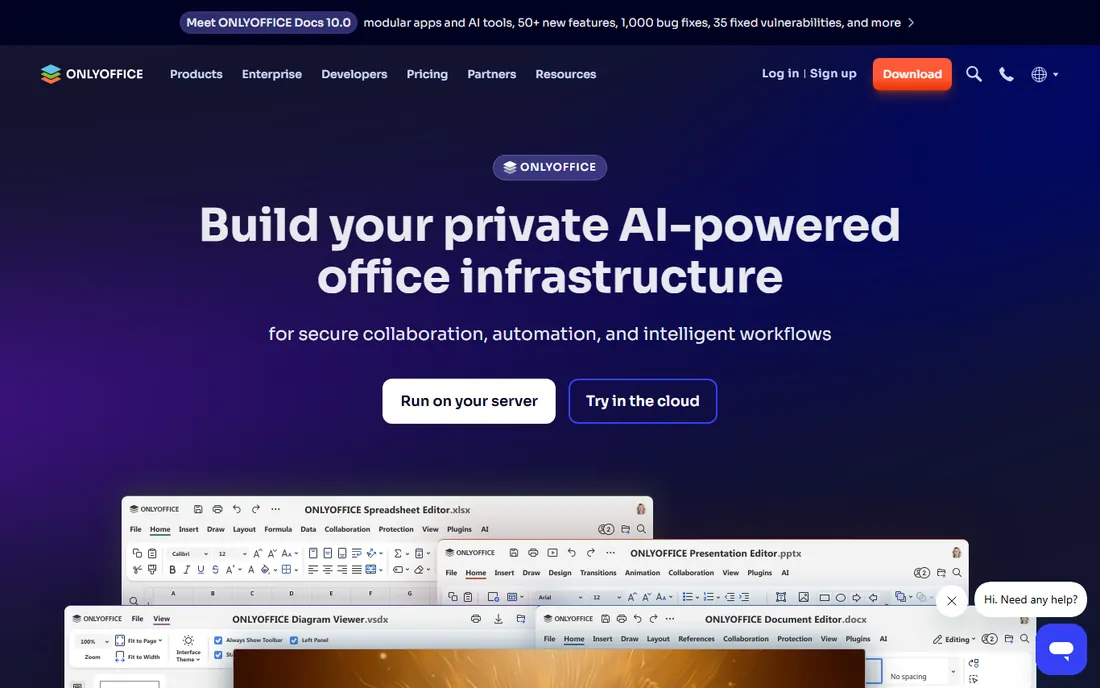
ONLYOFFICE DocSpace organizes collaboration around rooms: shared spaces where a team works on documents together with role-based permissions. The free Startup plan supports up to 12 rooms with unlimited users per room, 2 GB of storage, and the full ONLYOFFICE editors for documents, spreadsheets, and presentations.
The editing experience is the selling point. ONLYOFFICE's editors handle Microsoft Office formats with high fidelity, and rooms support comments, chat, version history, and workflow approvals. Integrations cover Zoom, Jira, WordPress, Drupal, Pipedrive, and Zapier, hosted on AWS for reliability.
The free plan's limits are tight: one administrator, two power users, and 2 GB of storage. That works for a small team managing a defined set of projects but not for company-wide archiving. The Business plan starts at $20 per admin per month with unlimited rooms and 250 GB per admin. Choose DocSpace when your documents live in active collaboration rather than in an archive.
What we like- Free Startup plan with 12 rooms, 2 GB storage, and unlimited users
- Built-in editors for documents, spreadsheets, and presentations
- Integrates with Zoom, Jira, and WordPress
Watch out for- Free plan limited to 1 admin and 2 power users
- 2 GB storage fills quickly
- Business plan pricing is per admin
How we chose
We limited this list to tools with genuinely free options: free open-source editions or free-forever cloud plans, verified from vendor sites and documentation in October 2026. We excluded paid-only products like DocuWare and M-Files, which have no free tier. We evaluated each on core document management capabilities: storage, search, version control, access controls, and integrations. We cross-checked claims against community reviews, GitHub activity, and third-party comparisons. We did not test any software hands-on.
Picking between open source and freemium
The fundamental choice is who runs the server. Open-source tools like LogicalDOC, OpenKM, Paperless-ngx, and Mayan EDMS cost nothing in licenses and give you full control of your data, but they need a server, installation, updates, and backups. If nobody on your team is comfortable with Docker or server administration, the "free" price hides real labor costs.
Freemium cloud tools like Bitrix24, Zoho WorkDrive, and ONLYOFFICE DocSpace cost nothing to start and need zero setup, but they cap storage, users, or features. The free tiers work for individuals and tiny teams; a growing company will hit the ceiling within a year or two and face an upgrade decision.
A practical rule: if your documents include sensitive data and you want them on your own infrastructure, pick open source. If you want to be working today with no IT involvement, pick a freemium cloud plan. Either way, confirm you can export your documents and metadata before you commit, since leaving a free tier should never mean losing your archive.
When free is not enough
Free tools cover storage, search, and basic collaboration well. They fall short in four areas where paid products earn their price. Advanced workflows with multi-stage approvals are limited or absent in most free editions. Compliance features like retention policies, legal holds, and audit-ready reporting are enterprise territory. OCR at scale, with high-volume scanning pipelines, runs better on paid platforms. And vendor support, with guaranteed response times, only comes with a contract.
The honest test is document volume and risk. A few hundred documents a month with no regulatory pressure is squarely free-tool territory. Thousands of documents with retention obligations, industry compliance, or legal discovery needs justify a paid platform. Many organizations start free and upgrade when a specific pain point, usually compliance or support, forces the issue. That is a reasonable strategy as long as your data can move with you.
Frequently asked questions
What is the best completely free document management software?
LogicalDOC Community Edition is the most complete free option, with full-text search, version control, APIs, and mobile apps at no cost. Paperless-ngx is best for paper-heavy archives with automatic OCR. Both are open source and free forever, though they need a server to run on.
Is there free document management software with no setup?
Yes. Bitrix24's free plan includes document storage alongside CRM and collaboration tools, Zoho WorkDrive offers a free 5 GB individual plan with built-in office editors, and ONLYOFFICE DocSpace has a free Startup plan with 12 rooms. These are cloud services, so you sign up and start working.
Can free document management software handle OCR?
Paperless-ngx and Mayan EDMS both include OCR that extracts text from scanned documents, and LogicalDOC offers full-text indexing of document content. For high-volume scanning pipelines with quality guarantees, paid platforms still have the edge.
What are the limits of free plans?
Open-source editions typically limit support (community only) and sometimes advanced features like workflows or retention policies. Cloud free tiers limit storage (2 to 5 GB here), users, or rooms. Check each vendor's current plan details, since free tier limits change.
Is open-source document management software safe?
The open-source tools listed here are established projects with long track records, and their code can be audited. Security depends mostly on how you deploy and maintain them: keep them updated, restrict access, and back up regularly. Self-hosting also keeps sensitive documents off third-party servers.
When should I pay for document management software?
Pay when you need guaranteed support, compliance features like retention policies and audit trails, advanced multi-stage workflows, or high-volume OCR pipelines. If a missed document or a compliance failure would cost real money, a paid platform is cheap insurance.
Sources we checked (7)
- https://www.logicaldoc.com/download-logicaldoc-community
- https://openkm.com/en/open-source-document-management-system.html
- https://docs.paperless-ngx.com/
- https://www.mayan-edms.com
- https://www.bitrix24.com/crm/free_crm.php
- https://www.cloudwards.net/review/zoho-workdrive/
- https://Slashdot.org/software/comparison/ONLYOFFICE-DocSpace-vs-Xebrio/
Is your product missing or out of date?
We review this list regularly. Vendors can request a listing, send updated pricing or ask about featured placement.

Shihab Mia · Founder, Rankite
Shihab has spent more than a decade helping SaaS and e-commerce brands grow through search. He writes Rankite's software buying guides from pricing pages, documentation and public user reviews. More about Shihab.