How we make this list: we compare pricing pages, product documentation and public user reviews. Rankite is independent; if a vendor ever pays for a featured spot, that listing is clearly labeled Partner.
Key takeaways
- Beautiful.ai and Gamma are the fastest route to a clean deck when you have content but no designer, with AI handling layout and visuals.
- Pitch and Canva suit teams that build decks together, offering real-time collaboration plus strong template libraries.
- Storydoc and Slidebean target founders raising money, with built-in analytics and investor-focused structure.
- Visme and Prezi give you more expressive formats: interactive data visuals and zooming non-linear presentations.
- Free plans exist on most tools here, but watermark removal, brand kits, and analytics almost always sit behind paid plans.
Quick comparison
| Tool | Best for | Starting price | Free plan |
|---|
 Beautiful.ai Beautiful.ai | AI-generated decks from content | $12/month (billed annually, Pro) | Free trial (14 days) |
 Pitch Pitch | Team collaboration on decks | See website | Yes |
 Gamma Gamma | Prompt-to-deck generation | $9/seat/month (billed annually, Plus) | Yes (400 one-time credits) |
 Storydoc Storydoc | Interactive web-based decks | $19.80/user/month (billed annually, Starter) | Free trial |
 Canva Canva | Templates and easy editing | See website | Yes |
 Visme Visme | Data-heavy interactive decks | $12.25/month (billed annually, Starter) | Yes (Basic) |
 Slidebean Slidebean | Startup fundraising decks | $7/month (billed yearly, Starter) | Yes (free to build) |
 Prezi Prezi | Zooming non-linear presentations | $7/month (billed annually, Standard) | Yes (Basic) |
Is your product missing or out of date?
We review this list regularly. Vendors can request a listing, send updated pricing or ask about featured placement.
The best pitch deck software
Starting price$12/month (billed annually, Pro)
Free planFree trial (14 days)
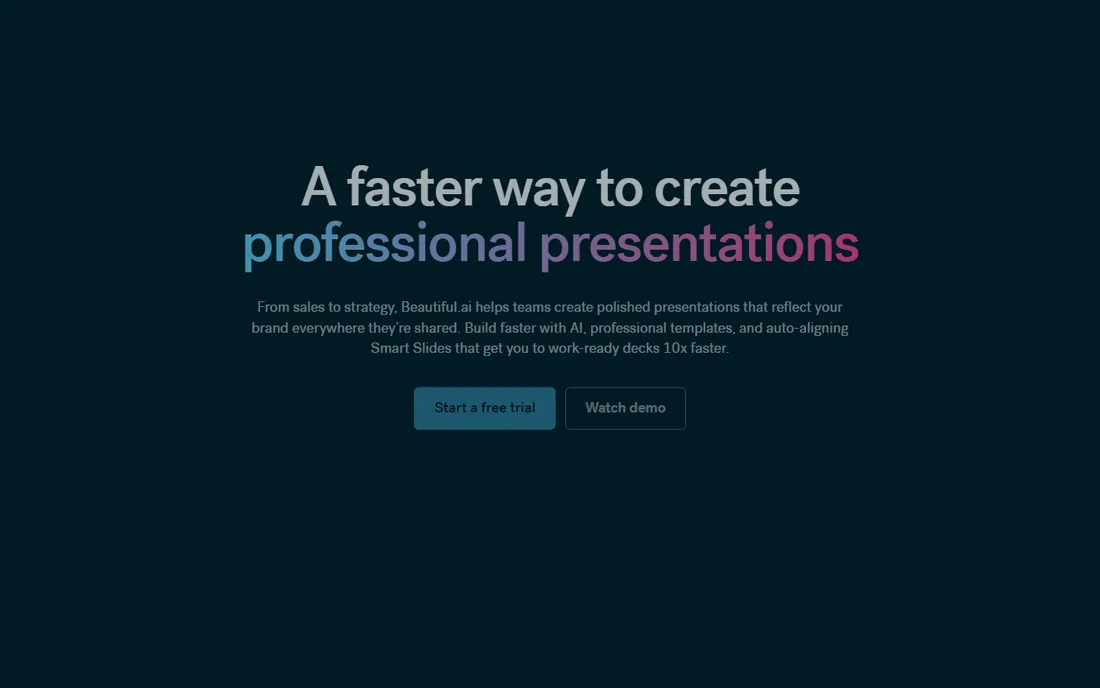
Beautiful.ai takes the opposite approach to most slide tools: you add content and it handles the design. Smart templates rearrange themselves when you add or remove bullet points, charts, or images, which means the deck never breaks when a founder adds one more traction slide at midnight. For a small team with no designer, that automation is the whole pitch.
The catch is price and flexibility. There is no free tier, only a 14-day trial, and power users who want fine-grained control over every pixel will find the AI guardrails limiting. If you want freedom, Canva or Visme gives you more. But if you want a presentable investor deck by Friday, Beautiful.ai's constraint is a feature.
What we like- AI layouts that adapt as you add content
- Large library of smart templates
- Brand controls keep decks consistent
Watch out for- No free plan
- Monthly billing jumps to $45 per month, so annual is the sane option
Starting priceSee website
Free planYes
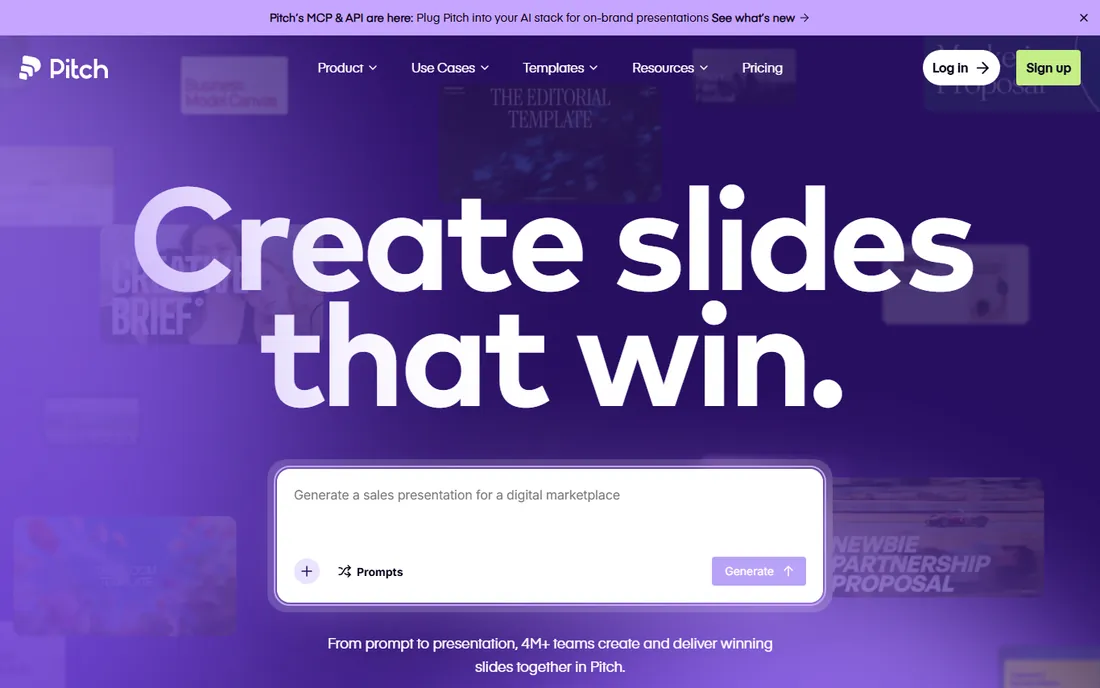
Pitch was built as a faster, more modern alternative to legacy slide software, and collaboration is where it shines. Multiple people can work on the same deck at once, leave comments, and keep a shared asset library, which suits remote teams that iterate on decks constantly. The interface feels familiar enough that onboarding takes minutes.
Pitch offers a free plan with unlimited presentations, which makes it easy to start. The paid side uses Plus, Team, and Business tiers with seat-based pricing, and the exact figures differ across regions and currencies, so check the site for your number. Analytics and advanced sharing sit on the higher tiers, which matters if you want to see how investors engage with each slide.
What we like- Real-time multiplayer editing
- Templates designed for startup and sales decks
- Analytics on viewer engagement
Watch out for- Pricing sits behind seat-based tiers that vary by region
- Some advanced features are gated to higher plans
Starting price$9/seat/month (billed annually, Plus)
Free planYes (400 one-time credits)
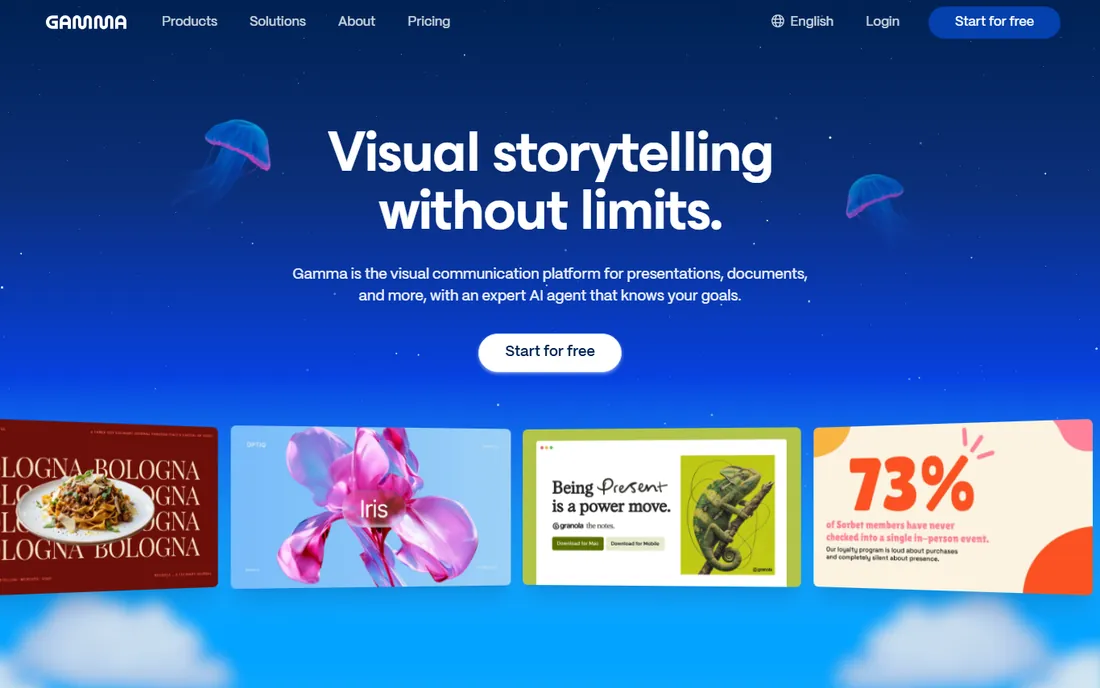
Gamma treats a deck as a web document rather than a stack of slides. You type a prompt or paste existing text, and it generates a structured, designed deck in cards that you can rearrange freely. It is one of the fastest ways to turn a rough outline into something you can share, and the import feature makes it easy to modernize an old PowerPoint.
The free plan comes with a one-time pool of 400 credits, which is enough to test a couple of decks before committing. Paid plans add branding removal, custom domains, and premium AI models. Gamma is ideal when speed matters most, but plan to spend time on the outline before you generate, because vague prompts produce generic decks.
What we like- Creates decks, docs, and webpages from a single prompt
- Card-based editor is quick to learn
- Imports PDF and PPTX files
Watch out for- Output quality depends heavily on prompt detail
- Branding control requires paid plans
Starting price$19.80/user/month (billed annually, Starter)
Free planFree trial
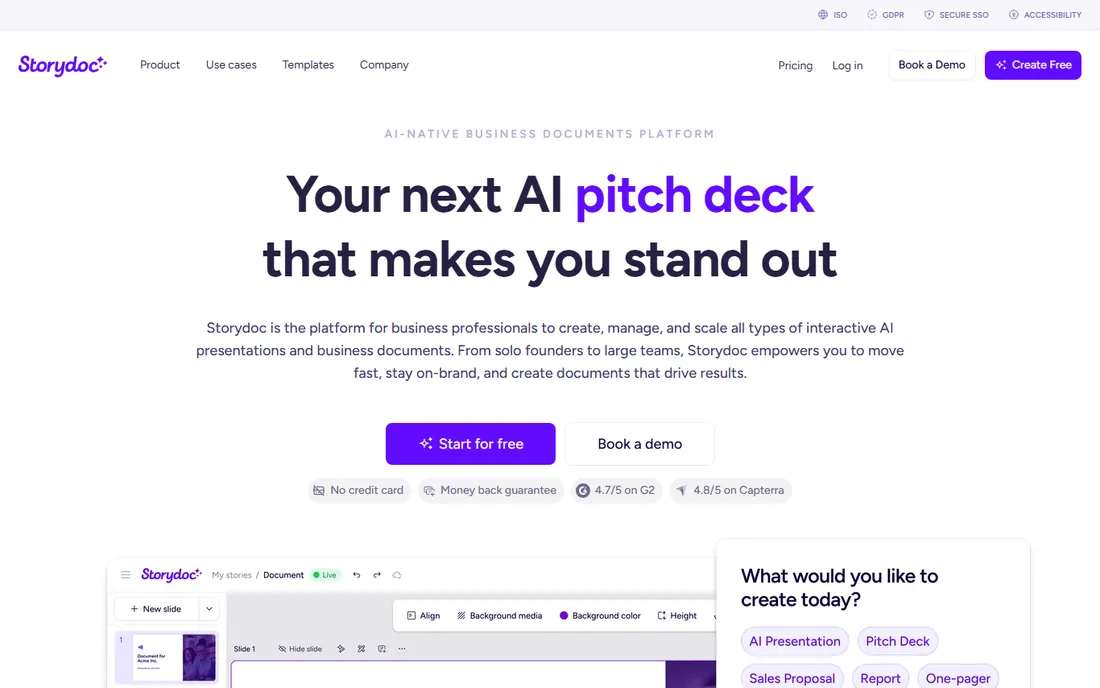
Storydoc does not make slides in the traditional sense. It builds scrollable, interactive web decks with embedded video, calendars, and forms, which suits sales proposals and fundraising decks that investors read on their own. The analytics show exactly how long each viewer spent and which sections held attention, and that data is genuinely useful for follow-ups.
Pricing starts on the Starter plan, with Pro and Team tiers above it, and there is a free trial to test the format. The tradeoff is portability: once you export to PDF, the interactivity disappears, and the price is steep if you only need a simple deck. For teams that treat decks as a sales asset and want per-deck analytics, Storydoc earns its premium.
What we like- Decks are interactive web pages, not static slides
- Detailed analytics on reading time and slide engagement
- CRM integrations for personalization
Watch out for- Higher starting price than template tools
- Exported PDFs lose interactivity
Starting priceSee website
Free planYes
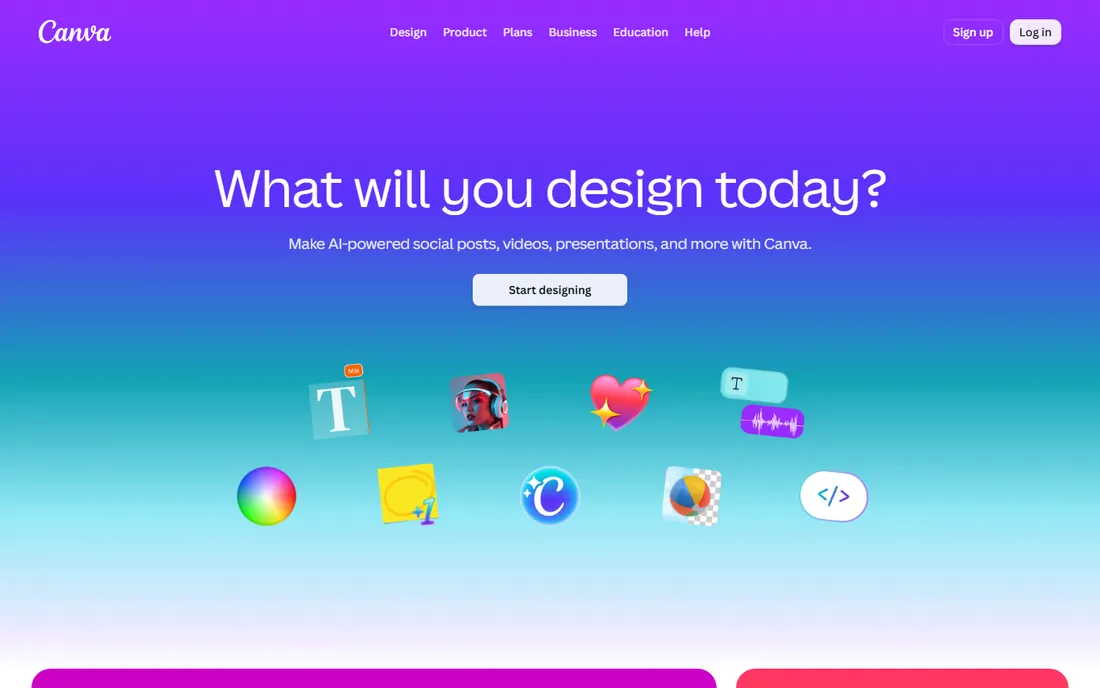
Canva is the default design tool for small businesses, and its presentation features are strong enough for most pitch decks. Thousands of templates cover startup, sales, and marketing decks, and the drag-and-drop editor means anyone on the team can make edits without training. Real-time collaboration and brand kits make it workable for teams, not just individuals.
The free plan is genuinely useful, with a large template selection at no cost. Paid plans add premium templates, brand controls, and more AI features, but Canva's pricing presentation varies, so verify the current figure on the site before budgeting. Canva is the best pick when you want flexibility and a low learning curve rather than AI doing the work for you.
What we like- Massive template library including pitch deck layouts
- Very easy editor for non-designers
- Generous free plan
Watch out for- Pricing page details can be hard to verify outside an account
- Brand and analytics features are paid
Starting price$12.25/month (billed annually, Starter)
Free planYes (Basic)
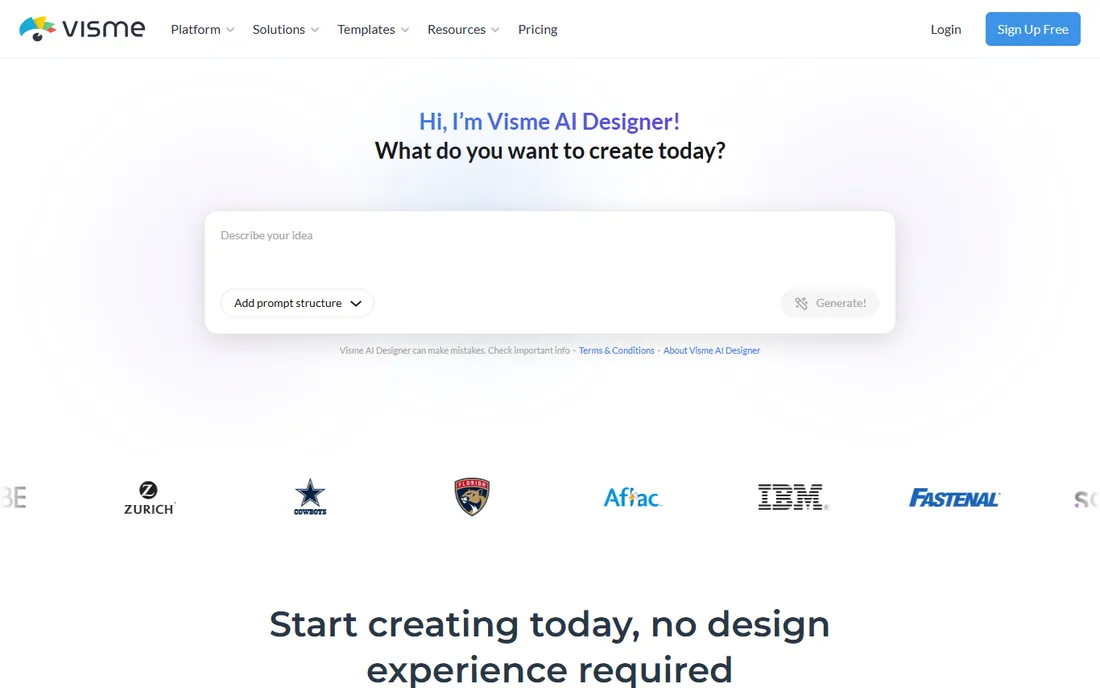
Visme sits between a presentation tool and a data visualization platform, which makes it the natural choice for decks built around numbers. If your pitch leans on market size, traction graphs, or interactive charts, Visme's data widgets are more capable than anything in Canva or Beautiful.ai. The AI designer can also generate a full deck from a prompt, similar to Gamma.
The free Basic plan includes unlimited projects but stamps a Visme watermark and restricts downloads to JPG, PNG, and PDF. Paid plans start at the Starter level on annual billing, with Pro adding brand kits and analytics. Visme fits marketers and founders who need their data to look impressive, not just readable.
What we like- Strong interactive charts, maps, and data widgets
- AI designer generates decks from a prompt
- Free Basic plan with unlimited projects
Watch out for- Free plan adds a Visme watermark and limits download formats
- Advanced branding sits on Pro and above
Starting price$7/month (billed yearly, Starter)
Free planYes (free to build)
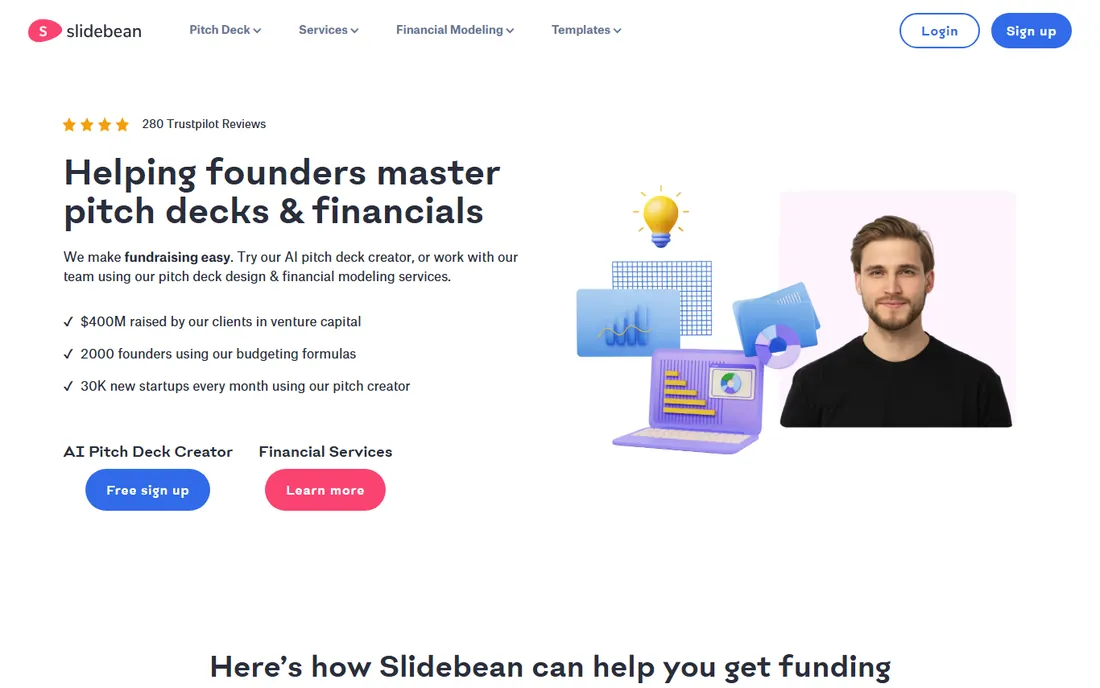
Slidebean is the most fundraising-specific tool on this list. Its AI deck builder analyzes your company website and generates an investor-structured deck, and the platform tracks views and time spent per slide. You can build for free and only pay when you download or share, which is a fair model for founders testing the waters.
The Starter plan is one of the cheapest entry points here, with Accelerate above it for more serious fundraising work. Slidebean also runs a design agency service for founders who want a done-for-you deck, though that is priced separately. The honest catch is the website requirement: if you do not have a live site, the AI builder cannot do its trick, and you are left with the standard editor.
What we like- AI generates a deck from your website URL
- Built for investor structure with analytics
- Free to build, pay to download and share
Watch out for- AI generation needs a website to analyze
- Design agency services are a separate, higher cost
Starting price$7/month (billed annually, Standard)
Free planYes (Basic)
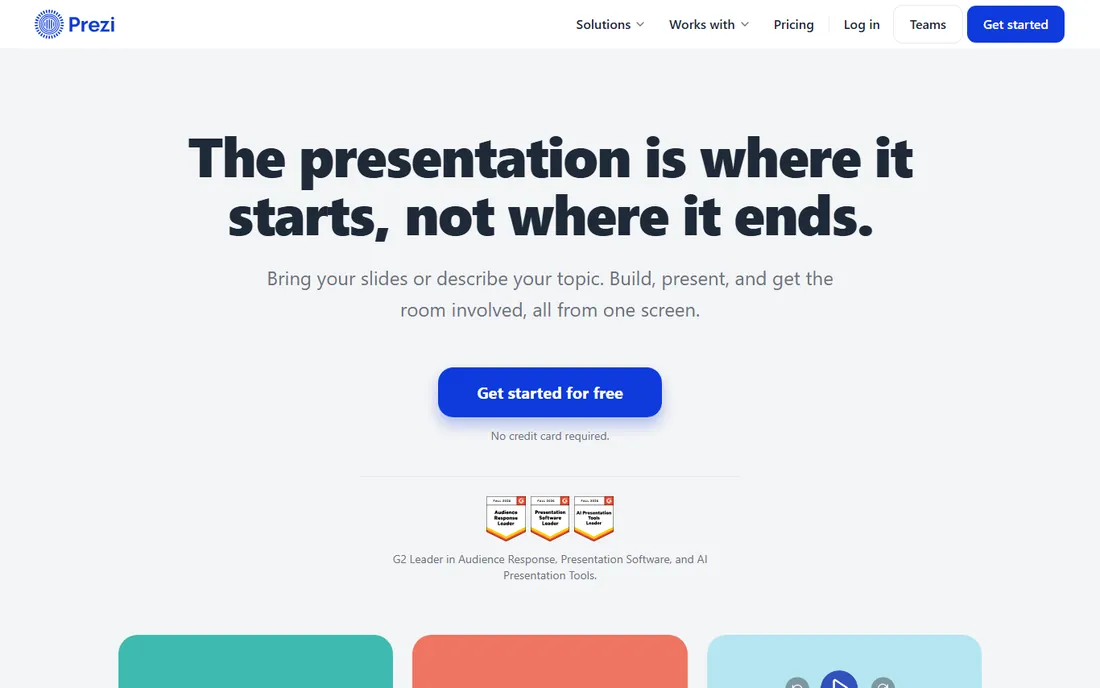
Prezi has been around since long before the AI deck wave, and its zooming canvas is still unlike anything else. Instead of flipping slides, you pan and zoom across one big canvas, which is excellent for showing how ideas connect and for presentations where the big picture matters. Prezi AI now helps with design, keeping it competitive with newer tools.
The free Basic plan makes presentations public, so paid plans are needed for privacy and premium features, starting with Standard on annual billing. The main caution is stylistic: the zoom effect that makes Prezi memorable can also annoy audiences, especially for formal investor pitches. Use it when the format serves your story, not just because it looks cool.
What we like- Signature zooming canvas makes memorable presentations
- Prezi AI assists with design
- Free Basic plan for trying it out
Watch out for- Zooming style can distract or cause discomfort for some viewers
- Smaller template selection than Canva or Visme
How we chose
We compared tools on pricing from each vendor's own pricing page or official blog, the availability of free plans or trials, AI and template features, collaboration and analytics, and fit for small and mid-size teams building investor or sales decks. We also checked public reviews on G2 and Capterra plus founder discussions on Reddit to see where tools genuinely helped and where they frustrated. We did not claim hands-on testing; every fact here comes from vendor pages and published sources listed below.
Start with your audience. If you are raising money, pick a tool with investor structure and analytics, like Slidebean or Storydoc, because knowing which slides investors re-read is worth more than pretty templates. If you are pitching clients or partners, collaboration and brand control matter more, which points to Pitch or Canva.
Next, check the free plan limits honestly. Most free plans here either watermark your deck or restrict downloads, and a watermarked deck signals a lack of polish to investors. The paid entry points range from about $7 to $20 per month, so the cost is small relative to the stakes of a raise or a big contract.
Finally, think about who edits the deck. If one founder owns it, an AI generator like Gamma or Beautiful.ai is fastest. If the whole team touches it weekly, collaboration features in Pitch or Canva will save more time than any template. Match the tool to your workflow, not to the feature list.
AI-generated decks: where they help and where they fall short
AI deck builders are excellent at structure and speed. Give them a clear outline and your metrics, and they produce a logical flow with decent visuals in minutes. That covers the hardest part for most founders: going from a blank page to a draft.
Where they fall short is judgment. AI does not know which traction number is your headline, which competitor comparison is misleading, or whether your ask slide is buried. Every AI-generated deck needs a human pass for story, emphasis, and accuracy. Treat the AI as a fast junior designer: useful for drafts, but the final call on narrative is yours.
Frequently asked questions
Which pitch deck software is best for startups raising money?
Slidebean and Storydoc are built specifically for fundraising, with investor-focused structure and analytics that show how viewers engage with each slide. Beautiful.ai and Gamma are strong general alternatives when you need a polished deck quickly. The best choice depends on whether you value analytics, AI speed, or template flexibility.
Is there a free pitch deck maker without a watermark?
Most free plans here add watermarks or restrict downloads, including Visme Basic and Prezi Basic. Pitch offers a free plan with unlimited presentations, and Slidebean lets you build for free before paying to download. For a watermark-free deck, expect to pay at least $7 to $12 per month.
Can AI really build my pitch deck for me?
AI can generate a solid first draft from a prompt, an outline, or even your website, as Slidebean, Gamma, and Storydoc demonstrate. You still need to review the story, verify every number, and adjust emphasis. Budget an hour or two of editing for every AI-generated deck before sending it to investors.
Do investors care which software I use?
No. Investors care about clarity, traction, and the ask, not the tool. That said, a clean, consistent, watermark-free deck signals professionalism, while a cluttered one raises doubts about execution. Pick the tool that gets you to a polished deck fastest, and spend your energy on the story.
Should I use interactive web decks or standard slides?
Interactive web decks from Storydoc or Gamma feel modern and track engagement, which helps with follow-ups. Standard slides from Canva, Pitch, or Beautiful.ai are easier to edit and share as PDFs, which investors still expect. Many founders use both: a web version for sending and a PDF version for meetings.
What does pitch deck software typically cost?
Entry-level paid plans run from about $7 to $20 per user per month on annual billing. Higher tiers with analytics, brand kits, and team features run higher. For a small team, budget $150 to $300 per year for one good tool, and skip the lifetime deals unless you have tested the product first.
Sources we checked (9)
- https://www.beautiful.ai/
- https://pitch.com/pricing
- https://gamma.app/pricing
- https://www.storydoc.com/pricing
- https://www.canva.com/presentations/templates/business/
- https://www.visme.co/
- https://slidebean.com/home
- https://prezi.com/p/ar3wjul38hvv/introduction-to-prezi/
- https://storyflow.so/blog/best-pitch-deck-tools-2026
Is your product missing or out of date?
We review this list regularly. Vendors can request a listing, send updated pricing or ask about featured placement.

Shihab Mia · Founder, Rankite
Shihab has spent more than a decade helping SaaS and e-commerce brands grow through search. He writes Rankite's software buying guides from pricing pages, documentation and public user reviews. More about Shihab.