How we make this list: we compare pricing pages, product documentation and public user reviews. Rankite is independent; if a vendor ever pays for a featured spot, that listing is clearly labeled Partner.
Key takeaways
- Data entry software splits into two halves: form builders that collect data cleanly (Jotform, Typeform, Zoho Forms, Formstack) and document parsers that extract data from existing files (Docparser, Parseur, Nanonets, Rossum). Most businesses eventually need one of each.
- Jotform ($34 per month billed annually) is the best all-around form builder with a generous free plan; Typeform ($28 per month billed annually) wins when form completion rates matter most.
- Zoho Forms ($10 per month billed annually) is the value pick, especially if you already use Zoho CRM, and its free plan is genuinely usable.
- For extracting data from invoices and PDFs, Docparser ($32.50 per month billed annually) is the most affordable self-serve option, while Parseur ($39 per month) is the simplest to set up.
- Nanonets (pay as you go from $0.30 per page) and Rossum ($18,000 per year Starter) are built for higher volumes and AI-driven extraction; Rossum only makes sense at serious scale.
Quick comparison
| Tool | Best for | Starting price | Free plan |
|---|
 Jotform Jotform | All-around online forms and workflows | $34 per month (billed annually) | Yes |
 Typeform Typeform | Beautiful conversational forms people finish | $28 per month (billed annually) | Yes |
 Zoho Forms Zoho Forms | Affordable forms deeply tied to Zoho apps | $10 per month (billed annually) | Yes |
 Formstack Formstack | Secure forms for regulated and compliance-heavy teams | $83 per month (billed annually) | Free trial |
 Docparser Docparser | Self-serve PDF and document parsing on a budget | $32.50 per month (billed annually) | Yes |
 Parseur Parseur | Easiest AI email and document parsing setup | $39 per month | Yes |
 Nanonets Nanonets | AI document processing that scales with volume | $0.30 per page (pay as you go) | Yes |
 Rossum Rossum | Enterprise accounts payable automation | $18,000 per year (Starter) | Free trial |
Is your product missing or out of date?
We review this list regularly. Vendors can request a listing, send updated pricing or ask about featured placement.
The best data entry software
Starting price$34 per month (billed annually)
Free planYes
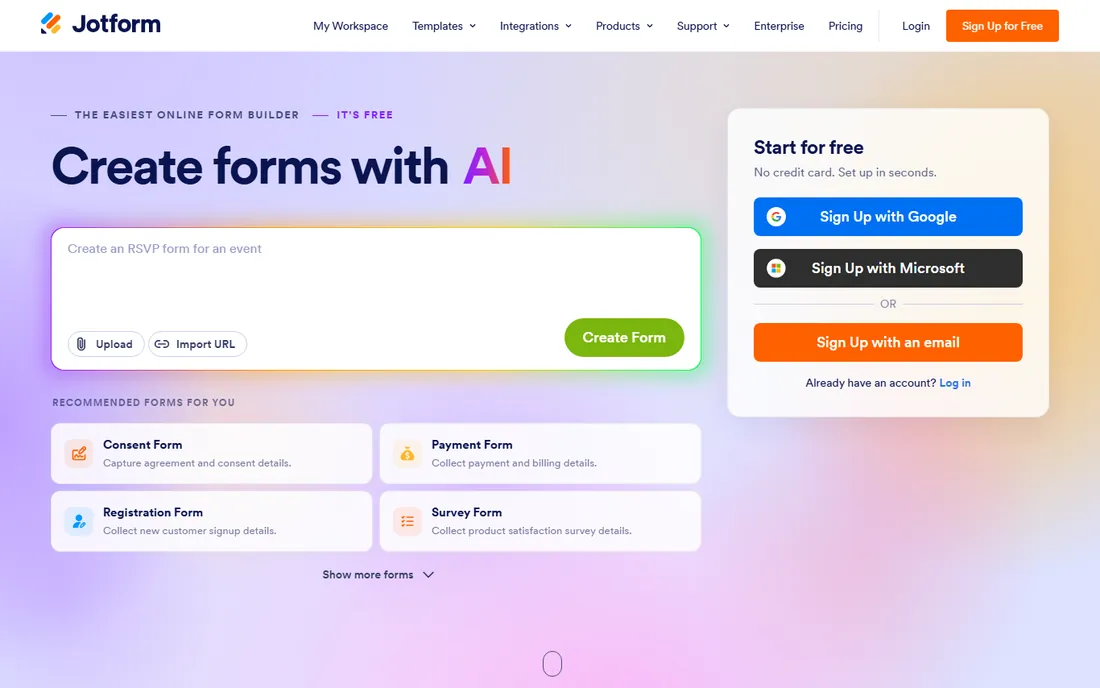
Jotform is the workhorse of online data collection, and the numbers explain why: the company reports more than 40 million users, and the free Starter plan is genuinely useful rather than a teaser. You get form building, conditional logic, payment collection through 40+ gateways, e-signatures, and approval workflows in one account. Paid plans start at $34 per month billed annually for Bronze, which raises limits to 25 forms and 1,000 monthly submissions.
The honest catch is the metering. Jotform counts submissions, form views, storage, and payment transactions separately, and hitting any limit pauses collection until you upgrade or the month resets. For a business with steady, predictable volume that is fine. For spiky or seasonal collection, watch the limits on the plan you choose. Still, for general-purpose data entry through forms, Jotform covers more ground per dollar than anything else here.
What we like- Generous free plan with 5 forms and 100 monthly submissions
- 150+ integrations plus payments, e-signatures, and approval workflows
- No-code builder anyone can learn
Watch out for- Pricing is per account with tight submission limits on lower tiers
- The interface can feel busy with so many products attached
Starting price$28 per month (billed annually)
Free planYes
Typeform built its reputation on a simple insight: people abandon ugly forms. Its conversational format shows one question at a time, and the company claims it doubles completion rates versus traditional forms. The Basic plan starts at $28 per month billed annually with 100 responses per month, scaling to Plus and Business tiers for higher volumes. For customer-facing data collection, surveys, lead capture, applications, the respondent experience is the product, and Typeform's is the best.
The catch is cost per response. At $28 per month for 100 responses, high-traffic forms get expensive fast, and the free plan's 10 responses per month is barely a trial. Typeform also lacks some of Jotform's workflow depth; it is a form builder first, not a process platform. Choose Typeform when the form is customer-facing and completion rate directly affects revenue. Choose Jotform when you need volume and workflow features for the money.
What we like- One-question-at-a-time format lifts completion rates
- Polished design that reflects well on your brand
- Strong analytics including drop-off tracking
Watch out for- Expensive for the response limits
- Free plan allows only 10 responses per month
#3
Zoho Forms
Best for: Affordable forms deeply tied to Zoho apps
Visit zoho.com
Starting price$10 per month (billed annually)
Free planYes
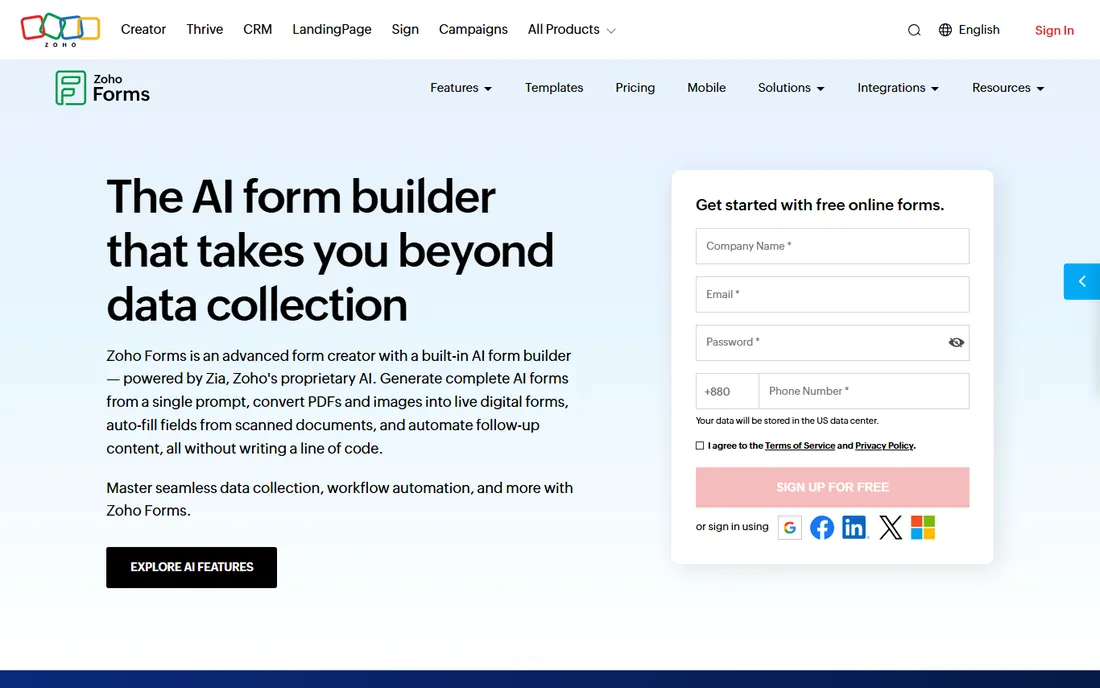
If your business already runs on Zoho, this decision makes itself. Zoho Forms syncs natively with Zoho CRM, Desk, and the rest of the suite, and at $10 per month billed annually for the Basic plan it undercuts every serious competitor. The free plan covers 3 forms and 500 submissions per month, which handles testing and light use. Recent additions like AI form generation from a prompt and PDF-to-form conversion keep it competitive on features, not just price.
Outside the Zoho ecosystem the case is weaker but still respectable. The builder is solid, offline mobile collection works well for field teams, and approvals are included from the Standard tier. The main limitation is that advanced features like HIPAA compliance sit on the $90+ Premium plan. For a small business watching every dollar, especially one already paying for Zoho One, this is the value pick of the list.
What we like- Excellent value with unlimited forms from the first paid tier
- Native sync with Zoho CRM and 150+ other apps
- AI features including PDF-to-form conversion
Watch out for- Free plan limited to 3 forms and 500 submissions
- Best experience requires living in the Zoho ecosystem
#4
Formstack
Best for: Secure forms for regulated and compliance-heavy teams
Visit formstack.com
Starting price$83 per month (billed annually)
Free planFree trial
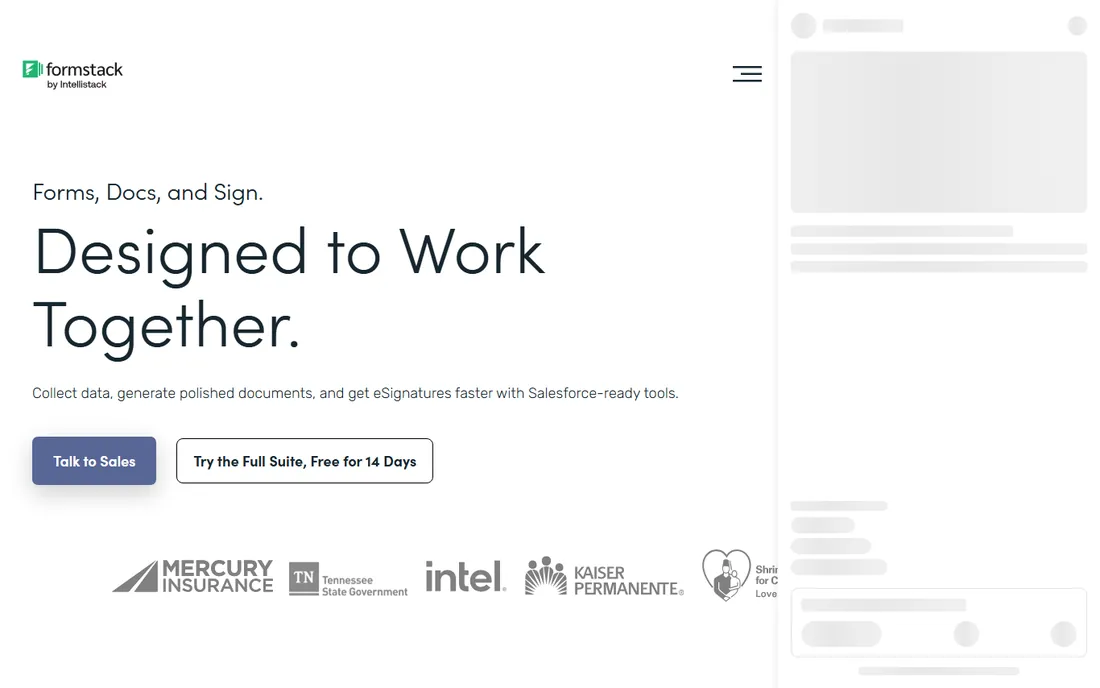
Formstack plays in a different budget bracket from the other form builders, and it earns it with compliance and integration depth. The Forms plan runs $83 per month billed annually and includes workflows, conditional logic, and custom branding. Where it stands apart is regulated industries: HIPAA compliance features, SSO, and user-level permissions on Enterprise, plus a Salesforce integration that runs inside your Salesforce org rather than through a connector.
For a typical small business, Formstack is hard to justify at nearly triple Jotform's price. For healthcare, finance, or government-adjacent work where compliance is non-negotiable, the premium buys peace of mind and audit trails. The Suite plan at higher tiers bundles documents and e-signatures, which can replace two more subscriptions. Buy Formstack for the compliance story, not the form builder alone.
What we like- Strong compliance story including HIPAA on Enterprise
- Deep Salesforce integration
- Combines forms with documents, workflows, and e-signatures
Watch out for- The priciest form builder here by a wide margin
- No free plan, only a 14-day trial
Starting price$32.50 per month (billed annually)
Free planYes
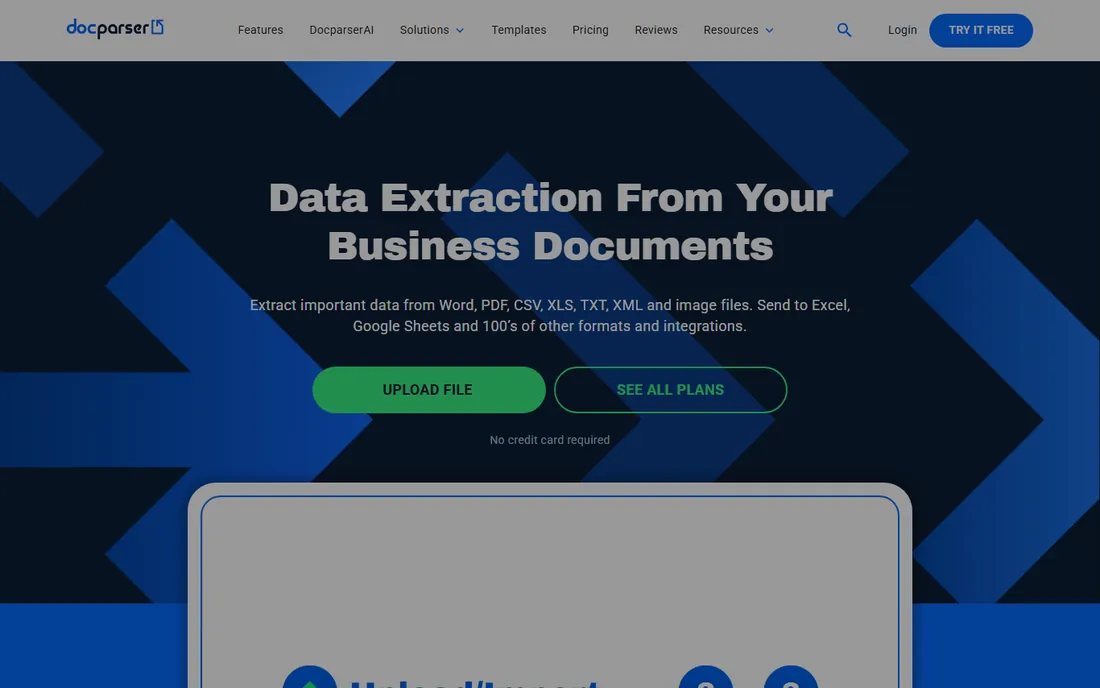
Docparser is the veteran of document data extraction, and it remains the most approachable way to stop retyping invoices, purchase orders, and bank statements. You define parsing rules by pointing at zones on a sample document, and Docparser applies them to every new file, exporting to Excel, CSV, JSON, or your accounting system. The Starter plan costs $32.50 per month billed annually for 100 parsing credits, with a free plan for light testing.
The limitation is architectural. Because Docparser works from templates and rules, documents with wildly different layouts each need their own parser, and a vendor that redesigns its invoice breaks your setup until you fix the rules. For stable, recurring document types, which describes most AP workflows, it is fast, reliable, and cheap. For chaotic, ever-changing document streams, the AI-first tools below will fight you less.
What we like- Transparent credit-based pricing starting low
- Template rules you control with no coding
- Solid integrations with Sheets, QuickBooks, and Zapier
Watch out for- Template-based approach struggles with highly variable layouts
- AI features are newer and less central than competitors
Starting price$39 per month
Free planYes
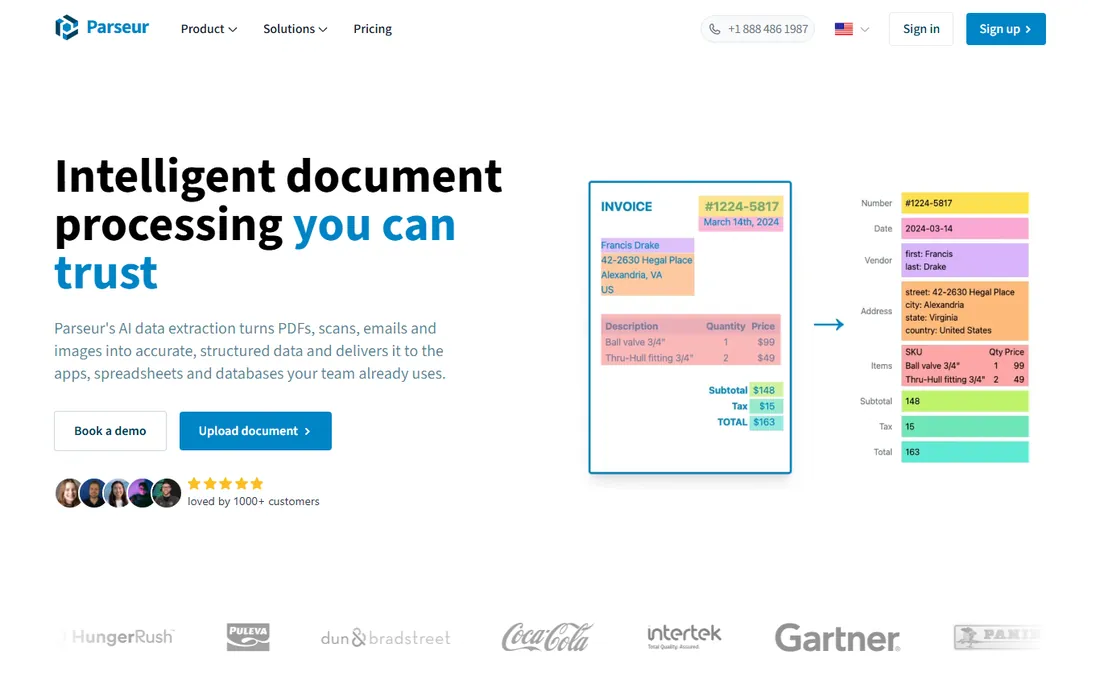
Parseur is what Docparser would be if it were designed today: point it at your emails or documents and the AI figures out the fields, no rules to draw and no models to train. You forward emails to a dedicated mailbox or upload documents, define fields by clicking, and data flows to Sheets, QuickBooks, or your API. Pricing is refreshingly simple at $39 per month for 100 pages, dropping to about 4 cents per page at volume, with 20 free pages every month forever.
The company reports its customers saved up to 152 hours of manual data entry per month on average in 2025, which tells you who this is for: operations teams drowning in emailed documents. The catch is that the per-page model punishes high volumes of long documents, and complex approval workflows need a bigger platform. For straightforward extraction from emails and PDFs with minimal setup, Parseur is the fastest path from signup to automation on this list.
What we like- AI extraction with no training or templates required
- Free-forever plan with 20 pages monthly
- Transparent per-page pricing with steep volume discounts
Watch out for- $39 per month entry only covers 100 pages
- Advanced workflow features trail enterprise platforms
Starting price$0.30 per page (pay as you go)
Free planYes
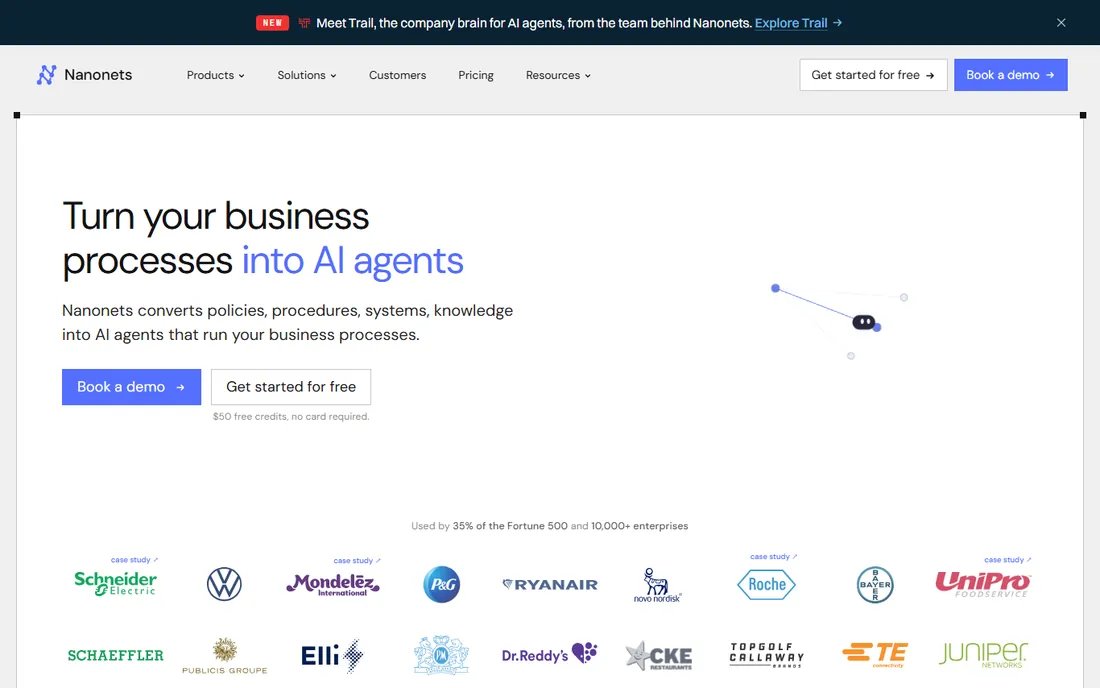
Nanonets started as an OCR API and has grown into an AI agent platform for document-heavy processes, but the core value for data entry is the same: extraction that handles any layout without templates. You can start pay-as-you-go at $0.30 per page with free credits to test, which makes it the cheapest way to try serious AI extraction. The Pro plan at $499 per month includes 5,000 pages and adds approval rules and collaboration.
The honest catch is the jump between tiers. There is a wide gap between casual pay-as-you-go use and the $499 Pro plan, and the platform's expansion into agents and context graphs means more product to learn than a pure extraction tool. Nanonets claims its OCR-3 model leads public accuracy benchmarks, ahead of models from major AI labs. For teams processing thousands of varied documents monthly who have outgrown template tools, it is the natural next step.
What we like- Top-ranked extraction accuracy on public benchmarks
- Pay-as-you-go pricing with no platform fee to start
- Handles any layout without templates
Watch out for- Pro plan at $499 per month is a big jump from pay-as-you-go
- The product has grown complex with agents and workflows layered on
Starting price$18,000 per year (Starter)
Free planFree trial

Rossum is the enterprise answer to invoice data entry, and everything about it, including the $18,000 per year Starter price, signals that. Its differentiator is a feedback loop: every correction your team makes during review retrains the model on your specific vendor formats, so accuracy compounds over time. It supports hundreds of languages, validates against your master data, and writes clean transactions straight to your ERP.
Note that Coupa acquired Rossum in May 2026, though the product continues to be sold under the Rossum name. For a mid-market or enterprise AP team processing thousands of invoices monthly, Rossum's automation rates can justify the cost quickly; one customer case cites 95% time saved per document. For everyone else, it is simply not priced for you, and the tools above will handle the job. Do not buy a Ferrari to cross the street.
What we like- Purpose-built for AP with self-learning extraction that improves from corrections
- Deep ERP integrations including SAP
- Strong analyst recognition
Watch out for- Enterprise pricing puts it out of reach for small businesses
- Implementation is a project, not a signup
Forms vs. parsers: which half of data entry do you need?
It helps to see data entry as two separate problems. The first is collecting data that does not exist yet: applications, orders, registrations, survey responses. Form builders solve this by making the collection itself structured, validated, and routed. If your pain is people submitting incomplete information by email, you need a form builder.
The second problem is extracting data that already exists in documents: invoices in your inbox, PDF statements, scanned forms. Parsers solve this by reading those documents and delivering structured data to your systems. If your pain is staff retyping information from files someone else created, you need a parser.
Many businesses have both problems and buy one tool for each, often Jotform or Zoho Forms for collection plus Parseur or Docparser for extraction. The tools rarely overlap well: form builders parse documents poorly, and parsers collect new data poorly. Diagnose which pain costs you more hours first, solve that one, then come back for the other.
How to choose data entry software for your workflow
Start by measuring the actual work. Count how many documents or submissions you process monthly, how long each takes to handle manually, and what the errors cost you. A team keying 200 invoices a month has a different problem from a team collecting 5,000 form submissions, and the right tool follows from those numbers. Parseur's own data suggests its customers save up to 152 hours monthly, but your mileage depends entirely on your volume and document messiness.
Next, test with your worst documents, not your cleanest. Template-based tools like Docparser shine on consistent layouts and struggle with variation; AI tools like Parseur and Nanonets handle chaos better but cost more per page. Run every candidate on the crooked scans, the odd vendor formats, and the multi-page statements that break your current process. The tool that handles your hardest 10% is the one that will actually save the hours.
Finally, follow the data to its destination. Extraction is only half the job; the other half is getting clean data into your accounting system, CRM, or spreadsheet without another manual step. Check the native integrations for your specific stack before you buy, and confirm pricing at your real volume including overages. A tool that extracts perfectly but exports awkwardly has just moved the manual work downstream.
How we chose
We compared these eight tools using their public pricing pages, product documentation, and feature lists, along with user reviews on G2 and Capterra and independent comparison coverage. We weighted the criteria toward small and mid-size US companies: total cost at realistic volumes, ease of setup without developers, extraction or collection accuracy, integration with common business systems, and honest free or trial options. We did not run hands-on tests of every tool for this roundup. Pricing was checked in October 2026 against vendor pages and current review coverage; document-processing prices change often, so verify your volume tier before committing.
Frequently asked questions
What is the best data entry software for small businesses?
Jotform is the best all-around pick for collecting data through forms, with a strong free plan and paid tiers from $34 per month billed annually. For extracting data from existing documents, Parseur at $39 per month is the easiest to set up, and Docparser at $32.50 per month billed annually is the cheapest self-serve option. Most small businesses benefit from one form builder and one document parser rather than a single tool.
Can data entry be fully automated?
Largely, but not completely. Modern AI extraction handles the reading and structuring of documents with high accuracy, and forms with validation prevent most collection errors. What remains is exception handling: unclear scans, ambiguous fields, and approvals still need human judgment. The realistic goal is automating 90 to 95% of the volume and routing only the exceptions to people, which is exactly how tools like Rossum and Nanonets are designed to work.
How accurate is automated data extraction compared to manual entry?
Manual data entry runs about a 1% error rate on average, according to industry research. Good automated extraction with validation typically beats that, with vendors advertising accuracy above 95% on supported document types. The real accuracy win comes from validation rules and system cross-checks that catch errors humans would miss, not just from the extraction itself.
What is the difference between OCR and intelligent document processing?
Traditional OCR converts images to raw text without understanding it. Intelligent document processing adds AI that understands structure: it knows which number is the invoice total, which rows are line items, and which date is the due date, then returns clean structured data. Every parser on this list except basic OCR utilities does intelligent processing, which is why they cost more than simple text extraction.
How much does data entry software cost?
Form builders run from free to about $34 per month for small business tiers, with enterprise options reaching $83 or more. Document parsers typically charge per page or per document: expect $32 to $39 per month for low volumes, scaling to hundreds monthly at thousands of pages. Enterprise invoice automation like Rossum starts around $18,000 per year. Always price your actual monthly volume, since per-page costs dominate at scale.
Do I need technical skills to set up document parsing?
Not anymore. Modern tools like Parseur and Nanonets use AI extraction that requires no training or coding; you point, click, and connect. Template-based tools like Docparser need you to define rules once per document layout, which takes some patience but no programming. API access exists on all of them for developers who want deeper integration, but it is optional.
Sources we checked (9)
- https://jotform.com
- https://typeform.com
- https://www.zoho.com/forms/
- https://formstack.com
- https://docparser.com
- https://parseur.com
- https://nanonets.com
- https://rossum.ai
- https://www.cpecn.com/features/blog-avoiding-manual-data-entry-errors/
Is your product missing or out of date?
We review this list regularly. Vendors can request a listing, send updated pricing or ask about featured placement.

Shihab Mia · Founder, Rankite
Shihab has spent more than a decade helping SaaS and e-commerce brands grow through search. He writes Rankite's software buying guides from pricing pages, documentation and public user reviews. More about Shihab.