How we make this list: we compare pricing pages, product documentation and public user reviews. Rankite is independent; if a vendor ever pays for a featured spot, that listing is clearly labeled Partner.
Key takeaways
- DocuSign remains the standard, but 2026 pricing pressure is real: signNow offers unlimited users on every plan, and Dropbox Sign starts at $15 per user per month.
- The category expanded beyond signing: DocuSign's Intelligent Agreement Management and PandaDoc's document workflows now cover the whole agreement lifecycle.
- Free options exist: Zoho Sign's free plan covers 5 documents a month, enough for the smallest businesses.
- For most small businesses, the decision is DocuSign for maximum compatibility, PandaDoc for proposals plus signatures, or signNow, Dropbox Sign, or SignWell for better value.
Quick comparison
| Tool | Best for | Starting price | Free plan |
|---|
 DocuSign DocuSign | the industry standard for e-signatures | See website | No |
 PandaDoc PandaDoc | proposals, contracts, and payments in one | See website | No |
 signNow signNow | unlimited users at a competitive price | See website | Free trial |
 Dropbox Sign Dropbox Sign | simple signing inside the Dropbox workflow | $15 per user/month (billed annually) | Free trial |
 Zoho Sign Zoho Sign | affordable signing with a free plan | See website | Yes |
 Signeasy Signeasy | easy contract management with AI insights | See website | No |
 SignWell SignWell | straightforward signing for small teams | See website | No |
Is your product missing or out of date?
We review this list regularly. Vendors can request a listing, send updated pricing or ask about featured placement.
The best e signature software for small business
Starting priceSee website
Free planNo
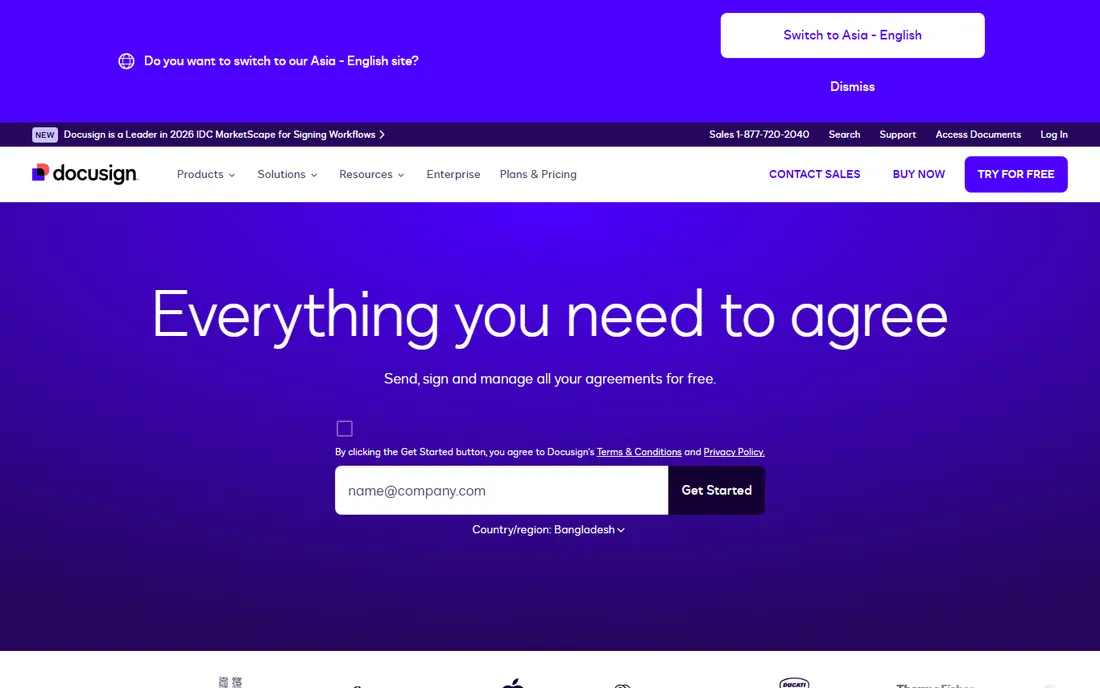
DocuSign is the name clients expect to see. With a billion users and 95 percent of the Fortune 500 on board, it is the safe choice when signature credibility matters. The 2026 platform goes well beyond signing: Intelligent Agreement Management analyzes agreements with AI, turns signed contracts into searchable data, automates workflows, and tracks renewals from a central repository.
For small businesses, the practical benefits are compatibility and trust. Counterparties rarely question a DocuSign envelope, the mobile experience is polished, and delivery now extends to text and WhatsApp alongside email. Multi-channel delivery and ID verification options handle everything from simple NDAs to regulated agreements.
The honest catch is cost and complexity. DocuSign is priced for enterprises, and small teams pay per user for features they may never touch. The IAM platform is powerful but more than a five-person business needs. Choose DocuSign when client expectations or compliance demands the standard; otherwise, the value picks below do the same job for less.
What we like- Universal recognition, signers already trust it
- Intelligent Agreement Management adds AI analysis and workflows
- 1,000-plus integrations and strong compliance
Watch out for- The most expensive option for small teams
- The platform's breadth can feel like overkill for simple signing
Starting priceSee website
Free planNo
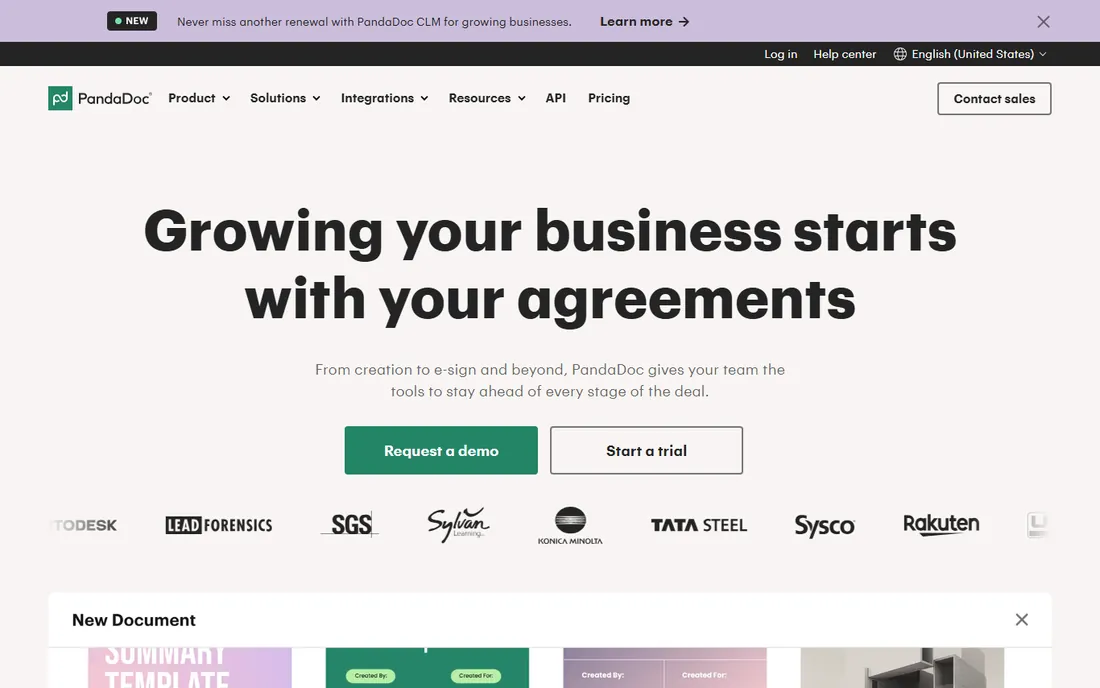
PandaDoc is the choice when the document starts as a proposal, not a signature request. The drag-and-drop editor builds quotes, proposals, and contracts that look like they came from a design team, then collects signatures and even payments in the same flow. The company claims teams create documents 40 percent faster, and its HubSpot integration gets genuine praise.
The 2026 platform covers the full agreement lifecycle from creation to e-sign and beyond, with approval workflows, content libraries, and analytics showing which proposals prospects actually view. It is E-SIGN, UETA, HIPAA compliant, and SOC 2 certified, so regulated industries are covered.
The trade-off is that PandaDoc is sales software with signing inside, priced accordingly. A business that just needs NDAs and contractor agreements signed will pay for proposal features it never uses. But for service businesses and agencies whose revenue starts with a proposal, combining documents and signatures in one tool is the efficient move.
What we like- Beautiful proposal and quote builder with e-sign built in
- Collect payments in the same document
- Strong HubSpot and CRM integrations
Watch out for- Priced as a sales tool, not just a signing tool
- Simpler signing needs do not require its depth
Starting priceSee website
Free planFree trial
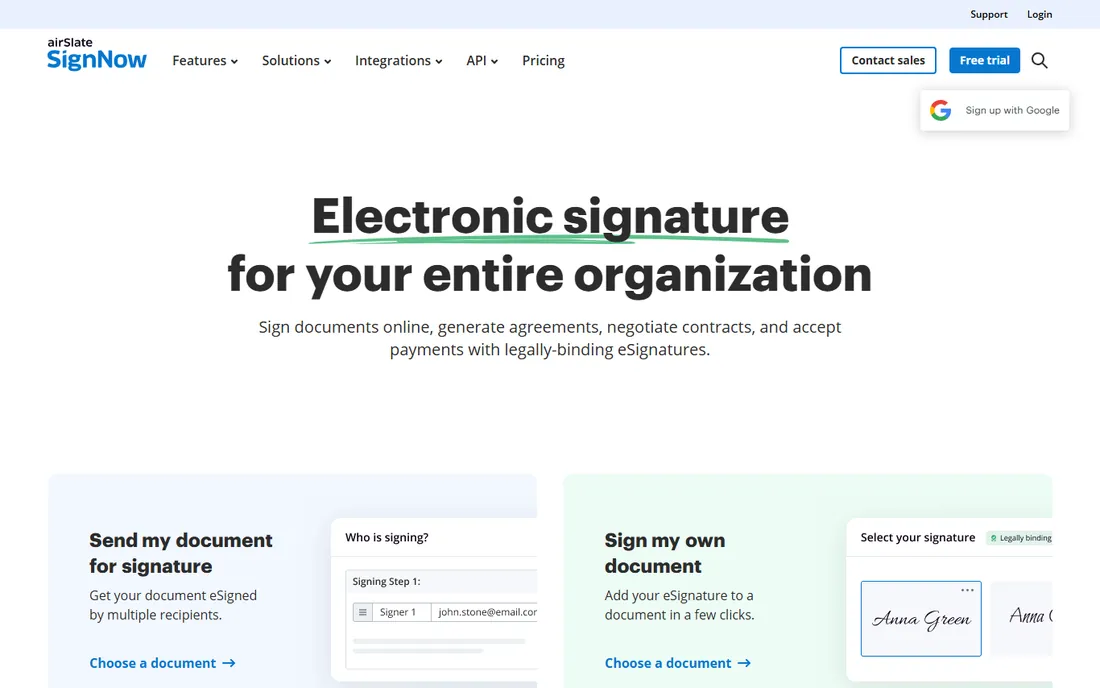
airSlate signNow built its pitch on a simple grievance: per-user e-signature pricing punishes adoption. Every plan includes unlimited users, so the whole company can send and sign without watching seat counts. The company explicitly markets against renewal rate hikes and overage fees, with subscription plans that charge no overages.
The feature set is complete: templates, conditional workflows, bulk send, SMS delivery, payment collection, mobile apps, and a strong API, with compliance covering HIPAA, SOC 2, GDPR, and 21 CFR Part 11. The 7-day free trial lets you run real documents before paying.
The honest catch is perception. Some enterprise clients still ask for DocuSign by name, and signNow's interface prioritizes function over polish. For small businesses that need everyone signing without per-seat math, it is the best value among the full-featured options.
What we like- Unlimited users on all plans with no per-seat penalty
- Transparent pricing with no renewal surprises
- 7-day free trial to test properly
Watch out for- Brand recognition lags DocuSign
- The interface is functional rather than beautiful
Starting price$15 per user/month (billed annually)
Free planFree trial
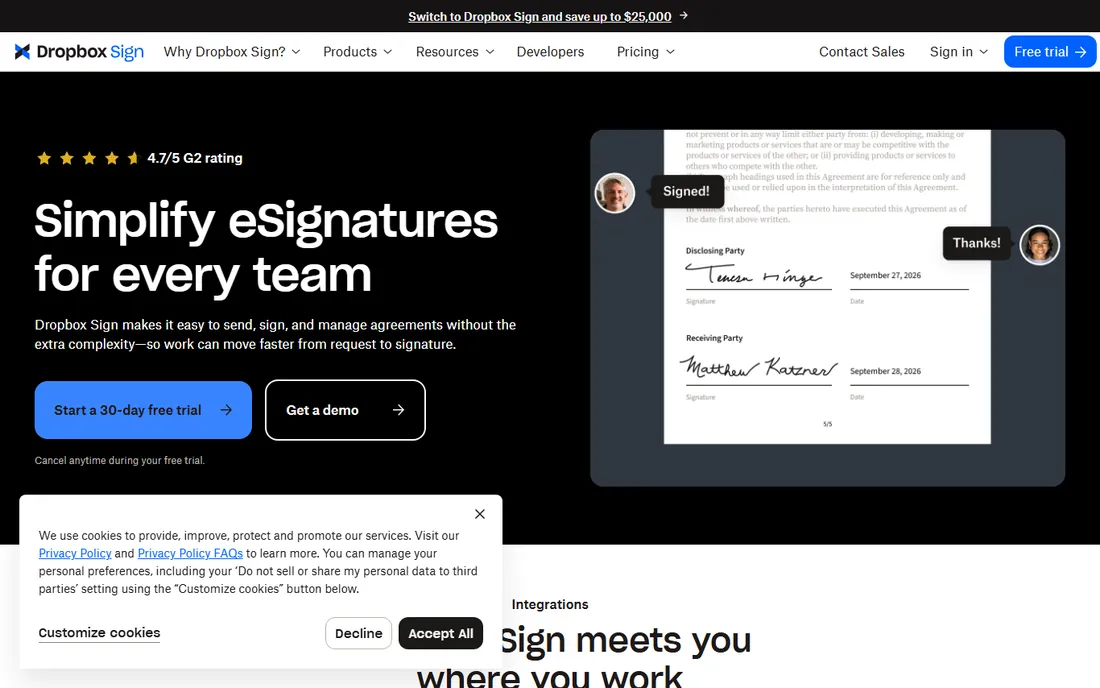
Dropbox Sign, formerly HelloSign, is the straightforward choice for teams already living in Dropbox. Send signature requests from Dropbox or everyday tools, collect legally binding signatures, and have completed copies save automatically. Pricing is refreshingly public: $15 per user per month billed yearly for sending agreements.
The 2026 experience emphasizes speed: up and running in minutes, an intuitive interface the team adopts without training, and support for sales contracts, NDAs, offer letters, and approvals across departments. The 4.7 out of 5 G2 rating reflects real satisfaction.
The trade-off is depth. Dropbox Sign does signing well and little else; there is no proposal builder or agreement analytics. The API starts at $75 for 50 requests per month, which suits light embedding but not heavy use. For small businesses wanting simple, affordable signing that fits existing workflows, it hits the mark.
What we like- Starts at $15 per user per month with published pricing
- Deep Dropbox, Google Drive, and Salesforce integrations
- Intuitive enough to start in minutes
Watch out for- The feature set is simpler than DocuSign or PandaDoc
- API pricing is usage-based and adds up
#5
Zoho Sign
Best for: affordable signing with a free plan
Visit zoho.com
Starting priceSee website
Free planYes
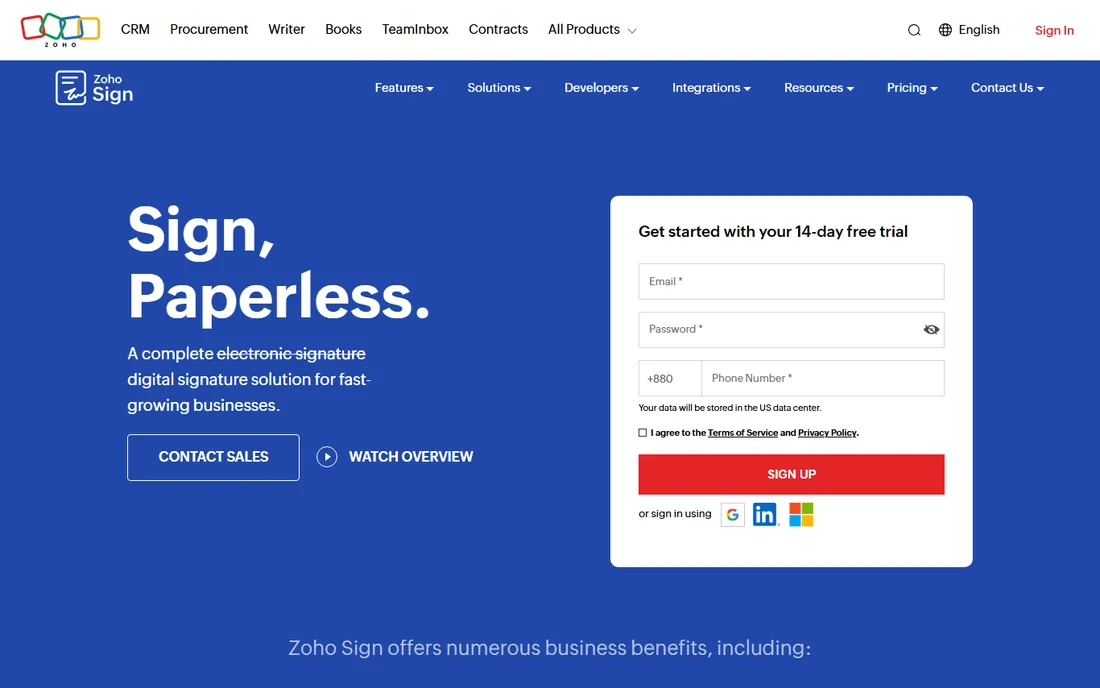
Zoho Sign is the budget-conscious choice, and its free plan is genuinely useful: individuals can send or sign up to 5 documents a month at no cost. For a freelancer or micro-business with occasional signing needs, that may be all you ever need.
The technology is serious: real digital signatures using public key infrastructure rather than just pasted images, AES-256 encryption, multi-factor verification, blockchain timestamping, and audit trails. Premium features include qualified electronic signatures for regulated transactions and SignForms for self-service signing via URL.
The honest catch is polish and pricing clarity. The paid plan prices were not displayed on the homepage, and the interface is functional rather than delightful. But for Zoho users it integrates naturally with the rest of the suite, and for minimal signing needs the free plan is unmatched.
What we like- Free plan covers 5 documents a month for individuals
- Digital signatures with PKI security and blockchain timestamping
- Integrates across the Zoho suite
Watch out for- Paid plan pricing is not clearly published
- The interface feels utilitarian
Starting priceSee website
Free planNo
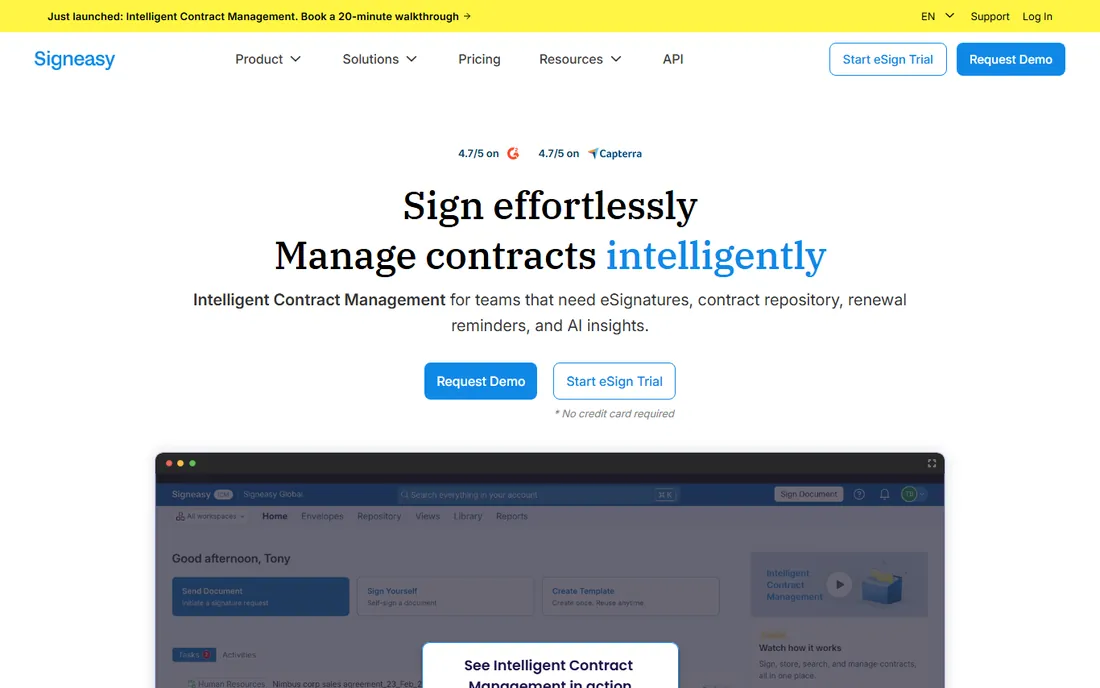
Signeasy positions itself as intelligent contract management, not just signatures. Beyond e-signing, it offers a contract repository, renewal reminders, and AI insights across your agreements, with integrations into Google, Microsoft, and HubSpot and a developer-friendly API for embedding.
The compliance list is enterprise-grade: ESIGN, UETA, eIDAS, SOC 2, GDPR, HIPAA, and 21 CFR Part 11. With 48,000-plus businesses on board and 4.7 out of 5 ratings on G2 and Capterra, it has earned its place as the step-up option for teams outgrowing basic signing.
The trade-off is that Signeasy costs more than the simplest tools while offering less proposal depth than PandaDoc. It fits teams that want signing plus contract organization without DocuSign's enterprise weight. For small businesses managing ongoing contracts rather than one-off signatures, the repository and reminders justify the price.
What we like- Contract repository with renewal reminders and AI insights
- Trusted by 48,000-plus businesses
- Strong compliance including HIPAA and 21 CFR Part 11
Watch out for- Priced above the simplest tools
- The contract management depth exceeds basic signing needs
Starting priceSee website
Free planNo
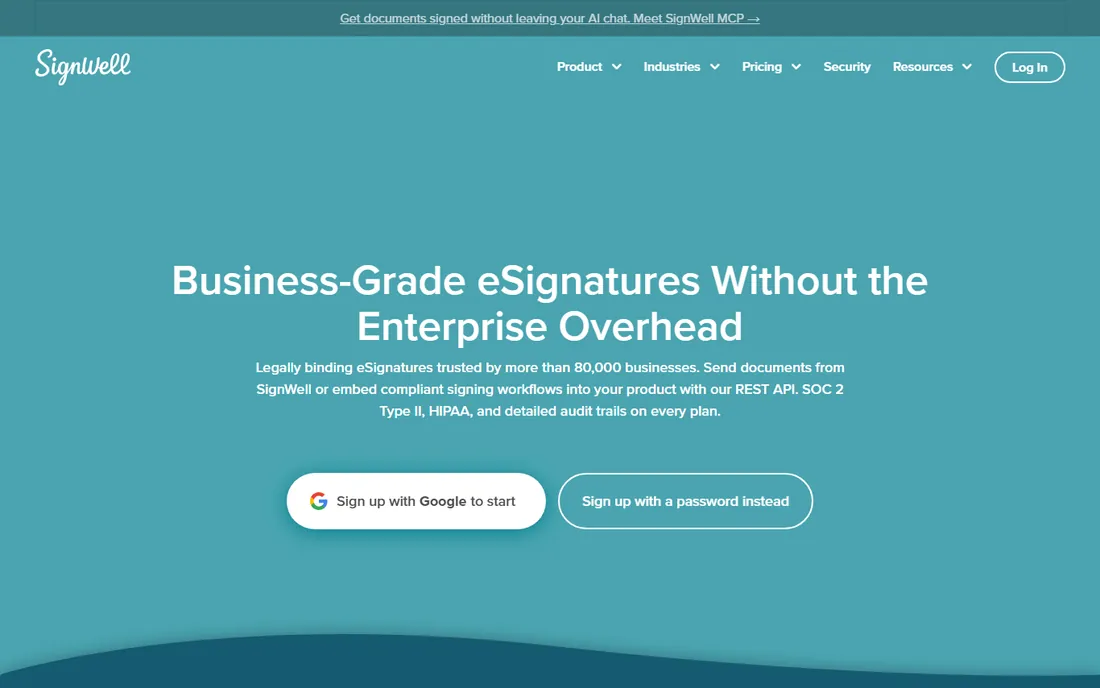
SignWell is the anti-complexity pick. Customers consistently describe it as the e-signature tool that just works: send documents in minutes from any device, recipients sign with no account required, and every completed document carries a court-admissible audit trail with timestamps and IP addresses, compliant with ESIGN, UETA, and eIDAS.
The 2026 platform adds document workflows with signing orders and conditional logic, a REST API with white-label embeds, custom templates, and native integrations with QuickBooks Online, Xero, and Close plus 9,000-plus apps via Zapier. Support is human on every plan, with no tiers gating help.
The honest catch is scale. SignWell lacks the deep workflow automation and agreement analytics of DocuSign's IAM or PandaDoc's sales tools. But for small businesses that found DocuSign anxiety-inducing and just want contracts signed quickly and professionally, SignWell's simplicity is the feature.
What we like- Refreshingly simple with no learning curve
- Court-admissible audit trails on every document
- Responsive human support on every plan
Watch out for- Fewer advanced workflow features than enterprise tools
- Smaller integration ecosystem than DocuSign
How we chose
We compared e-signature tools suited to US small businesses in 2026, using current vendor homepages and product information. We weighted signing ease and recipient experience, legal validity and compliance, pricing transparency and value, template and workflow features, and integrations with common small business tools. We favored tools a small team can adopt without IT help. We did not claim hands-on testing; all facts come from vendor-published material.
What to check before you commit
Start with volume. If you send a handful of documents a month, Zoho Sign's free plan or an affordable tool wins. If the whole team sends constantly, signNow's unlimited users or Dropbox Sign's flat per-user pricing makes the math easy.
Verify legal validity for your use case
All seven tools produce legally binding signatures under ESIGN and UETA for most business documents. Regulated industries should confirm specific needs: HIPAA for healthcare, 21 CFR Part 11 for life sciences, or qualified electronic signatures for high-value transactions, which Zoho Sign offers.
Test the recipient experience
Your signers will not all be tech-savvy. During any trial, send a test document to yourself and complete it on a phone. The tools with no-account signing and mobile-optimized flows (Dropbox Sign, SignWell, signNow) reduce the back-and-forth that kills deals.
Count the total cost, not the headline
Per-user pricing multiplies fast. A $15 per user plan for 20 people costs $3,600 a year; signNow's unlimited-user model changes that math entirely. Include API usage, SMS delivery fees, and renewal increases in the comparison.
Signatures are table stakes now
The 2026 shift is that signing itself is commoditized; the differentiation moved up the stack to agreement intelligence, proposal workflows, and contract repositories. DocuSign's IAM, PandaDoc's sales documents, and Signeasy's AI insights all reflect this. For small businesses, the practical advice is unchanged: buy the simplest tool that handles your volume and compliance, because the signature is the easy part.
Frequently asked questions
What is the best e-signature software for a small business?
DocuSign is the most recognized, PandaDoc suits businesses that start with proposals, and signNow, Dropbox Sign, and SignWell offer better value for straightforward signing. Zoho Sign's free plan covers minimal needs at no cost.
Are electronic signatures legally binding?
Yes. Electronic signatures are legally valid for most business documents in the US under the ESIGN Act and UETA. All seven tools here comply, with audit trails documenting the signing process.
How much does e-signature software cost?
Dropbox Sign starts at $15 per user per month billed annually, and Zoho Sign offers a free plan for up to 5 documents a month. Most vendors price per user per month; signNow includes unlimited users on every plan.
Is there a free e-signature tool for small business?
Zoho Sign's free plan allows up to 5 documents per month at no cost. Most other tools offer free trials rather than free plans, so Zoho Sign is the best no-cost option for very light use.
Do signers need an account to sign?
No. All seven tools let recipients sign without creating an account; they open a link, sign, and are done. This is standard across the category and essential for client-facing documents.
Can I collect payments with e-signature software?
Yes. PandaDoc, signNow, Zoho Sign, and Signeasy all support collecting payments alongside signatures, which is useful for contracts, proposals, and engagement letters that require deposits.
Sources we checked (7)
- https://www.docusign.com/
- https://pandadoc.com/
- https://signnow.com/
- https://sign.dropbox.com/
- https://www.zoho.com/sign/
- https://signeasy.com/
- https://signwell.com/
Is your product missing or out of date?
We review this list regularly. Vendors can request a listing, send updated pricing or ask about featured placement.

Shihab Mia · Founder, Rankite
Shihab has spent more than a decade helping SaaS and e-commerce brands grow through search. He writes Rankite's software buying guides from pricing pages, documentation and public user reviews. More about Shihab.