How we make this list: we compare pricing pages, product documentation and public user reviews. Rankite is independent; if a vendor ever pays for a featured spot, that listing is clearly labeled Partner.
Key takeaways
- Bitdefender Total Security leads on lab scores and lightness, at $59.99 for the first year across five devices.
- Avast One and Malwarebytes offer genuinely useful free tiers if your budget is zero.
- TotalAV is the cheapest paid entry at $19 for the first year, but watch the renewal price.
- Norton 360 Deluxe packs the most extras (VPN, backup, parental controls) at $49.99 for year one.
- Windows 11's built-in Microsoft Defender is genuinely good now; paid antivirus mostly buys you features, not raw protection.
Quick comparison
| Tool | Best for | Starting price | Free plan |
|---|
 Bitdefender Total Security Bitdefender Total Security | best overall protection | $59.99 first year (5 devices) | Yes |
 Norton 360 Deluxe Norton 360 Deluxe | families wanting every extra | $49.99 first year (5 devices, then $124.99) | Free trial |
 McAfee+ McAfee+ | households with many devices | $39.99 first year | Free trial |
 TotalAV TotalAV | budget buyers | $19 first year (4 devices) | Yes |
 ESET ESET | lightweight protection for gamers | $29.99 per year | Free trial |
 Trend Micro Trend Micro | beginners who want simplicity | $29.95 per year | Free trial |
 Malwarebytes Malwarebytes | simple, no-fuss malware cleanup | $59.99 per year | Yes |
 Avast One Avast One | best free antivirus | Free (paid plans from $49.99 first year) | Yes |
 Webroot Webroot | old PCs needing tiny footprint | $29.99 first year (1 device) | No |
Is your product missing or out of date?
We review this list regularly. Vendors can request a listing, send updated pricing or ask about featured placement.
The best antivirus software for home computer
One ransomware infection can cost a family its photos, its tax documents and a weekend of panic, plus a few hundred dollars to a repair shop. The right antivirus will not stop every attack, but the wrong choice, or no choice at all, leaves your home computer wide open to the cheapest trick in the book: a fake download button. The nine tools below all block real malware in independent lab tests; what differs is the price, the extras and how much they slow your machine down.
Starting price$59.99 first year (5 devices)
Free planYes
Bitdefender is the reference point everything else gets measured against. In AV-Comparatives' February to May 2026 real-world test it blocked 99.5% of attacks, and AV-TEST gave it perfect 6/6/6 marks for protection, performance and usability. Independent reviewers consistently find it the lightest client of the big names, which matters if your home computer is a few years old.
The catch is the upsell structure. The bundled VPN caps at 200 MB a day per device, and the $59.99 first-year price rises at renewal. There is a limited free edition if you want the engine without the suite. For most home users who want to pay once and stop thinking about security, this is the safest recommendation in the list.
What we like- Top lab scores (99.5% blocked, perfect AV-TEST marks)
- Famously light on system resources
- Five devices covered on every plan
Watch out for- Bundled VPN limited to 200 MB per day unless you upgrade
- Renewal price jumps after year one
- The app's many settings can overwhelm novices
Starting price$49.99 first year (5 devices, then $124.99)
Free planFree trial
Norton 360 Deluxe is the everything-included option. You get an uncapped VPN, 50 GB of cloud backup, dark web monitoring and parental controls in the base plan, which makes it the natural pick for a family with kids and several devices. A 2026 head-to-head found it the fastest scanner of the two big names and better at blocking phishing pages.
The renewal price is the sore spot: $124.99 a year after the first is more than double the intro rate, and Norton is famous for in-app upsell prompts. If you want maximum features and do not mind paying for them, it delivers; if you resent subscription creep, set a calendar reminder before renewal.
What we like- Uncapped VPN, 50 GB cloud backup and parental controls included
- Fastest scanner in head-to-head tests
- Blocked 6% more phishing pages than Bitdefender in one 2026 comparison
Watch out for- Steep renewal at $124.99 a year
- The app nags about upsells
- Heavier on system resources than Bitdefender
Starting price$39.99 first year
Free planFree trial
McAfee+ wins on a simple promise: stop counting devices. The premium tier covers an unlimited number of PCs, Macs, phones and tablets, which no other tool here matches. The mobile apps are genuinely the best of the bunch, with scam protection and identity monitoring built in, and first-year pricing starts at $39.99.
Protection is good but not chart-topping; in the big 2026 lab rounds it sat a step behind Bitdefender and Norton. The dashboard also loves to remind you about other McAfee products. For a device-heavy household where per-device math breaks every other option, though, the unlimited tier is hard to beat.
What we like- Unlimited device coverage on higher tiers
- Best-in-class mobile apps
- Identity monitoring included
Watch out for- Lab scores trail Bitdefender and Norton slightly
- The interface pushes the ecosystem
- Renewal pricing is aggressive
Starting price$19 first year (4 devices)
Free planYes
TotalAV is the budget play: $19 for the first year gets real-time antivirus on four devices plus a VPN, ad blocker and password manager. The interface is about as simple as antivirus gets, which suits the buyer who wants protection without a learning curve.
The business model is the classic intro-price play; renewal runs around $99 a year, five times the first-year cost. The free edition covers only basics. Go in with your eyes open about year two, and it is a lot of software for nineteen dollars.
What we like- Cheapest paid entry in this roundup
- Simple interface beginners grasp quickly
- VPN, ad blocker and password manager included
Watch out for- Renews at $99 a year, a big jump from $19
- Free edition is basic
- Upsell prompts are frequent
Starting price$29.99 per year
Free planFree trial
ESET NOD32 has a cult following among gamers and power users for one reason: it barely touches your frame rate. Gamer mode silences notifications during full-screen play, and the heuristic engine catches threats without the bloat of a full suite. A 30-day free trial lets you feel the difference before paying.
The flip side is sparseness. There is no VPN, no backup, no identity monitoring at this tier, and the settings screens assume you know what a heuristic is. If raw performance is your priority and you do not need the extras, ESET is the pick; if you want an all-in-one, look at Norton or Bitdefender.
What we like- Minimal system impact with a dedicated gamer mode
- 30-day free trial before purchase
- Strong heuristic detection
Watch out for- Fewer bundled extras than rivals
- The interface feels technical
- No free tier
Starting price$29.95 per year
Free planFree trial
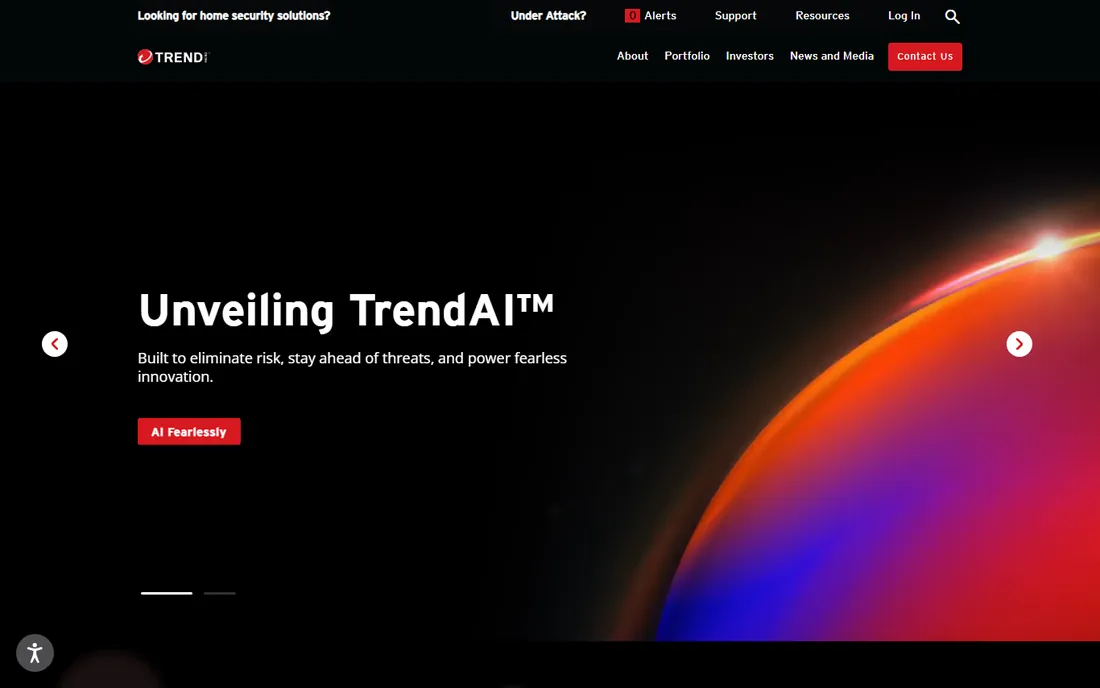
Trend Micro is the quiet, easy choice. The 30-day trial needs no credit card, the interface is plain and friendly, and the AI phishing protection is genuinely good at catching the fake-bank-email attacks that target home users. Maximum Security stretches one subscription across up to ten devices, which suits families.
In raw lab scores it sits a notch below Bitdefender and Norton, and support reviews are mixed. But for the buyer who finds security software intimidating, Trend Micro asks the least of you while still blocking the threats that matter.
What we like- 30-day full trial with no card required
- AI-powered phishing protection
- Maximum Security covers up to 10 devices
Watch out for- Lab protection scores trail the leaders slightly
- Support can be slow
- Interface is plain
Starting price$59.99 per year
Free planYes
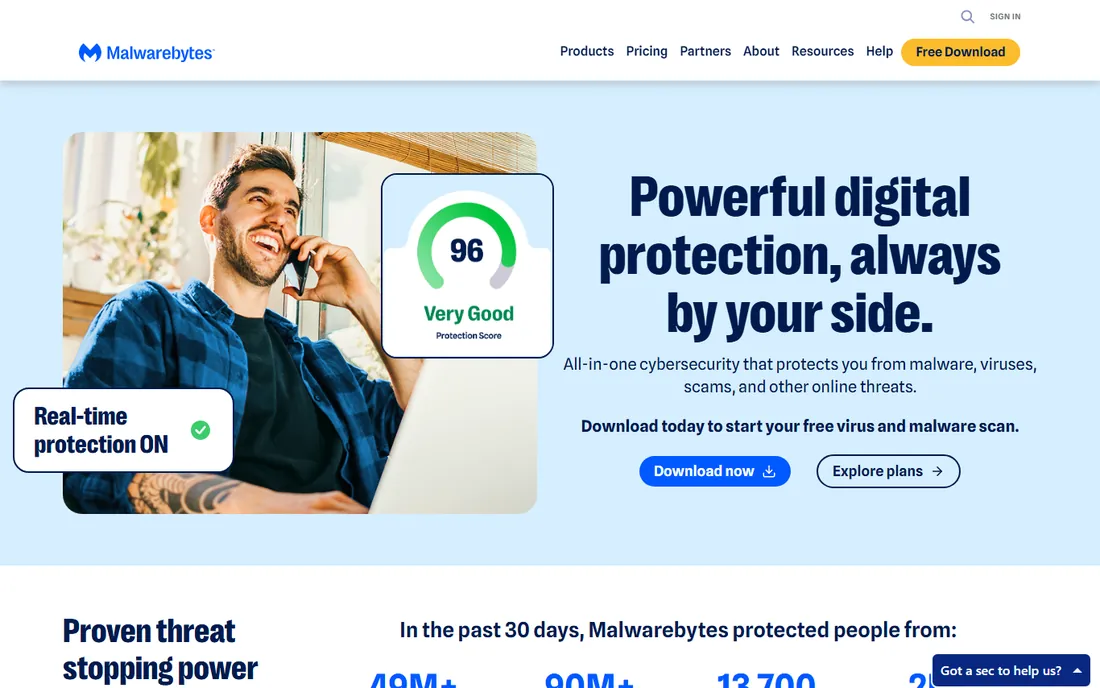
Malwarebytes earned its reputation as the tool you install after the infection, the one that removes what everything else missed. The free version is still the best cleanup scanner in the business, and the paid tier adds real-time protection, Browser Guard and the new Scam Guard that checks suspicious links and messages.
As a primary antivirus it is thinner than the suites above; the free tier only scans on demand, so it will not stop an attack in progress. At $59.99 a year the paid version costs as much as Bitdefender with fewer features. Best used as a second opinion alongside real-time protection, or as the paid pick for the user who values simplicity over suites.
What we like- Free version is the industry's favorite cleanup tool
- Excellent at removing infections other tools miss
- New Scam Guard checks links and messages
Watch out for- Free version has no real-time protection
- Paid price is high for what you get
- The suite is thinner than full antivirus suites
Starting priceFree (paid plans from $49.99 first year)
Free planYes
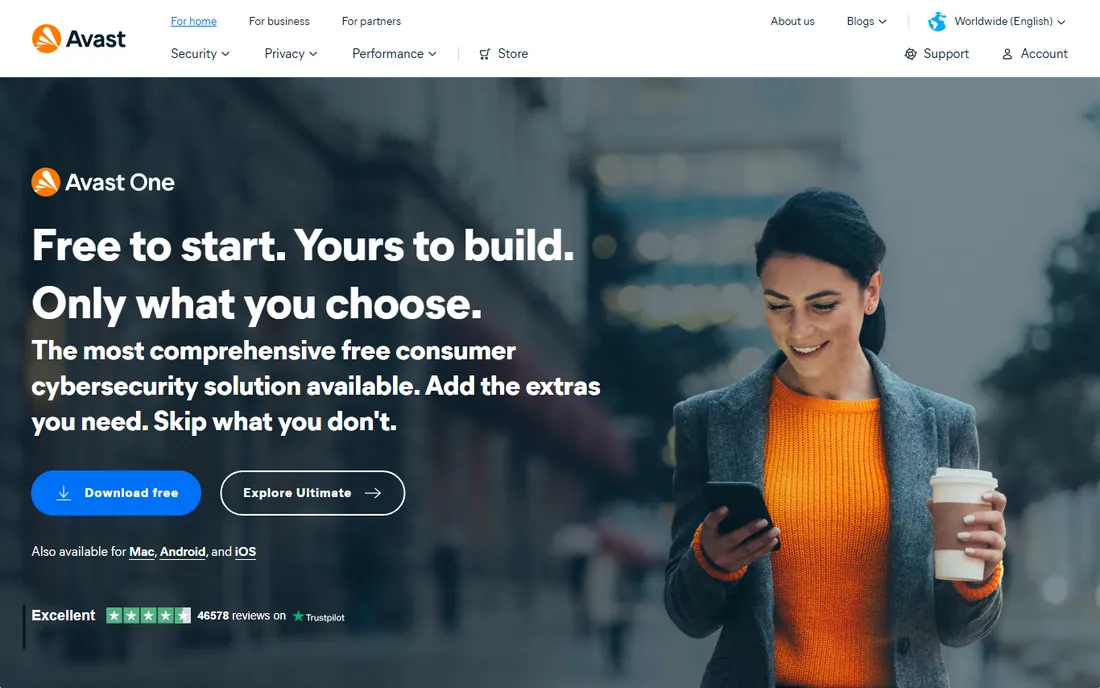
Avast One is the answer when the budget is zero. The free tier runs the same real-time antivirus engine as the paid version, with no credit card and no time limit, and the modular app lets you switch on only the extras you want. Lab scores match the paid leaders.
The trade is the constant gentle push toward paid tiers, and some users dislike that Avast and Norton now share a parent company. The free VPN is limited too. But if you want serious protection without spending a dollar, nothing else here comes close.
What we like- Strongest free tier on the market with the same real-time engine as paid
- No credit card or time limit
- Modular app lets you enable only what you want
Watch out for- The app nudges toward paid upgrades
- Owned by Gen (Norton's parent), which bothers privacy purists
- VPN is limited on the free tier
Starting price$29.99 first year (1 device)
Free planNo
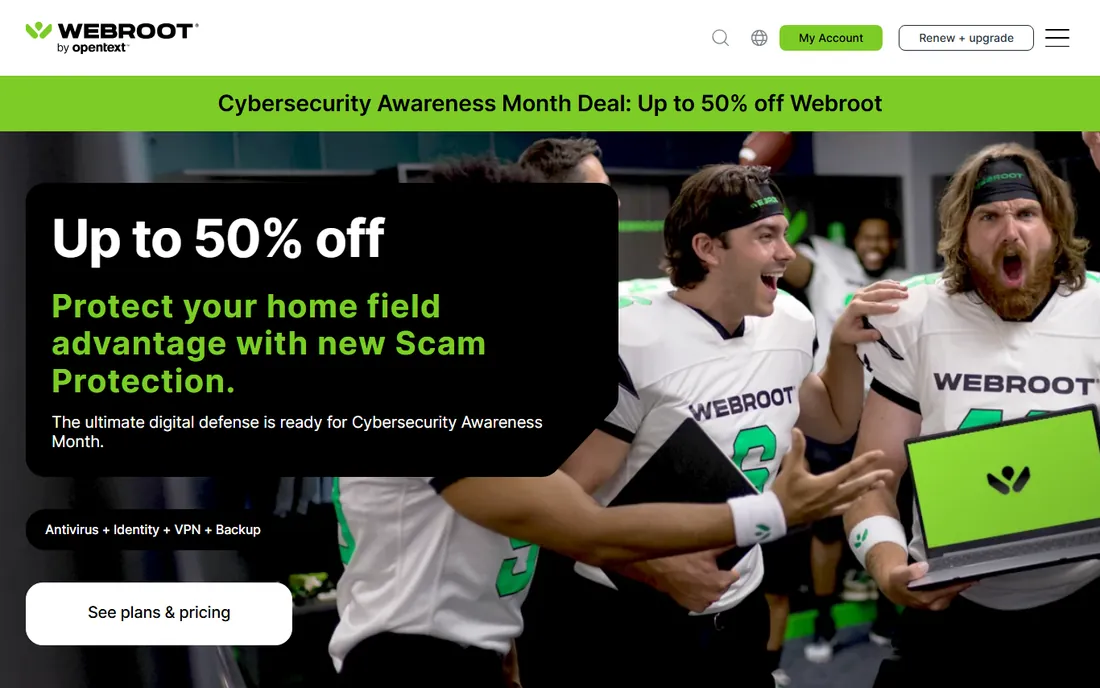
Webroot takes a different technical approach: most of the heavy lifting happens in the cloud, so the local install is tiny and scans finish in seconds. On an old laptop that chokes under Bitdefender or Norton, Webroot feels like nothing is running, which is exactly the point.
The downsides are real. There is no free tier, the $29.99 base plan covers a single device, and Webroot submits to fewer independent lab tests than the leaders, so there is less third-party proof of its scores. For underpowered hardware where every megabyte of RAM counts, it is the specialist pick.
What we like- Cloud-based engine with lightning-fast scans
- Tiny install that suits aging hardware
- Breach monitor and password protection included
Watch out for- No free plan or trial
- 1-device base plan is limiting
- Independent lab participation is thinner than rivals
How we chose
We started with independent lab results, not marketing: AV-Comparatives' February to May 2026 real-world protection test and AV-TEST's August 2026 Windows 11 round, which give every major product the same attacks under the same conditions. We then checked first-year and renewal pricing on vendor and review pages as of early October 2026, and weighted system impact, free tiers, and the extras that matter to home users (VPN, backup, parental controls). We did not install or test any product ourselves; these rankings reflect published lab data and current pricing, not hands-on trials.
How to buy antivirus without paying twice
Antivirus pricing is a two-price game, and the second price is the one that matters. Nearly every vendor here sells year one at a steep discount, then renews at two to five times the intro rate; Norton's jump from $49.99 to $124.99 and TotalAV's from $19 to $99 are the norm, not the exception. Before you buy, find the renewal price on the vendor's site and decide whether you would still buy at that number.
Second, check what you already have. Windows 11 ships with Microsoft Defender, which blocked 99% of attacks in the latest AV-Comparatives round and earned the lab's top award. The paid tools here beat it by a fraction of a percent; what they add is features like VPNs, backup and identity monitoring. If you only need raw malware blocking, Defender plus common sense is free.
Third, match the plan to your device count honestly. A single-device plan that you stretch across four machines will either fail or nag you; an unlimited plan for two laptops is money wasted. Count your Windows PCs, Macs and phones, then buy the tier that covers them with one spare.
Do you even need antivirus in 2026?
For many home users, the honest answer is: maybe not a paid one. Microsoft Defender comes with Windows 11 at no cost, updates itself, and in the 2026 lab rounds blocked 99.0% of real-world attacks, earning the same ADVANCED+ award as Bitdefender, Norton and Avast. Macs get Gatekeeper and XProtect; Android gets Play Protect. The free built-in layer is better than it has ever been.
Paid antivirus earns its money in three situations. First, you want the extras: a VPN, cloud backup, parental controls or identity monitoring that Defender does not provide. Second, you are the family tech support and want one dashboard covering everyone's devices. Third, your habits are high-risk: lots of downloads, side-loaded apps or older relatives who click everything. In those cases the tools above are worth it. Otherwise, keep Defender updated and spend the money on a password manager and backups instead.
Frequently asked questions
Is free antivirus enough for a home computer?
For careful users, often yes. Avast One's free tier and Microsoft Defender both earned top lab awards in 2026 with real-time protection included. Paid tools add features like VPNs, backup and identity monitoring rather than dramatically better malware blocking, so buy paid for the extras, not for fear.
Why is the first year so cheap and renewal so expensive?
Intro pricing is a customer-acquisition strategy across the industry. Vendors discount year one heavily, then renew at the standard rate, which can be two to five times higher. Always check the renewal price before buying, and set a reminder to re-evaluate before auto-renewal hits.
Will antivirus slow down my computer?
Modern products barely register in daily use, but there are differences. Bitdefender and ESET are consistently the lightest in lab performance tests, while full suites with backup and VPN running can add noticeable load on older machines. If your PC is aging, Webroot's cloud-based engine is the lightest option here.
Can I use two antivirus programs at once?
No, not two with real-time protection; they will fight each other and slow your machine. The one safe pairing is a real-time antivirus plus Malwarebytes Free as an on-demand second-opinion scanner, since the free version only scans when you ask it to.
Does antivirus protect against phishing and scams?
The suites here do, to varying degrees: Norton blocked the most phishing pages in a 2026 head-to-head, and Trend Micro and Malwarebytes both emphasize scam protection. No tool catches everything, though. The most effective anti-phishing measure is still skepticism toward urgent emails and unexpected links.
What about Macs, do they need antivirus?
Macs are safer by default thanks to Gatekeeper and XProtect, but Mac malware is real and growing. Bitdefender, Norton, McAfee, Malwarebytes and Avast all offer Mac versions with the same engines. If you download software outside the App Store or share files with Windows users, Mac antivirus is worth considering.
Sources we checked (12)
- https://www.bitdefender.com
- https://www.norton.com
- https://www.mcafee.com
- https://www.totalav.com
- https://www.eset.com
- https://www.trendmicro.com
- https://www.malwarebytes.com
- https://www.avast.com
- https://www.webroot.com
- https://www.techcityng.com/the-best-antivirus-software-of-2026-do-you-even-need-it/
- https://gizmodo.com/best-antivirus
- https://www.memeburn.com/best-antivirus-software/
Is your product missing or out of date?
We review this list regularly. Vendors can request a listing, send updated pricing or ask about featured placement.

Shihab Mia · Founder, Rankite
Shihab has spent more than a decade helping SaaS and e-commerce brands grow through search. He writes Rankite's software buying guides from pricing pages, documentation and public user reviews. More about Shihab.