How we make this list: we compare pricing pages, product documentation and public user reviews. Rankite is independent; if a vendor ever pays for a featured spot, that listing is clearly labeled Partner.
Key takeaways
- Simul Docs is the most focused pick for teams that live in Microsoft Word, with paid plans starting at $15 per month and automatic tracking of every revision.
- Dropbox and Box handle version control automatically in the background, which suits teams that work with many file types rather than documents alone.
- Notion and Confluence keep version history inside a collaborative workspace, a better fit when documents, notes, and wikis live in the same place.
- Free plans exist from Zoho WorkDrive, Notion, Dropbox, Box, and Confluence, but version history windows are usually shorter on free and entry tiers.
Quick comparison
| Tool | Best for | Starting price | Free plan |
|---|
 Simul Docs Simul Docs | Teams that collaborate in Microsoft Word | From $15/month | Free trial (14 days) |
 Zoho WorkDrive Zoho WorkDrive | Teams already using Zoho apps | See website | Yes (5GB free) |
 Notion Notion | Wikis and flexible team notes | See website | Yes |
 Dropbox Dropbox | Automatic file version history across many file types | See website | Yes |
 Box Box | Content management with compliance needs | See website | Yes |
 Confluence Confluence | Team knowledge bases and documentation | See website | Yes |
 Egnyte Egnyte | Regulated industries and hybrid cloud storage | From $22 per user/month | Free trial |
Is your product missing or out of date?
We review this list regularly. Vendors can request a listing, send updated pricing or ask about featured placement.
The best document version control software
Starting priceFrom $15/month
Free planFree trial (14 days)
Simul Docs solves one problem well: multiple people editing the same Word document without overwriting each other. Every time someone saves, the tool records a new version automatically, and you can open any earlier revision or compare two versions to see exactly what changed. For teams that pass contracts, proposals, and reports back and forth in Word, that removes the whole ritual of renaming files and merging tracked changes by hand.
The honest catch is scope. Simul Docs is a document collaboration tool, not a general file platform, so it does not replace cloud storage for spreadsheets, slide decks, or design files. If Word is where your version control pain lives, it is one of the most direct fixes available. If your team works across many file types, one of the broader platforms below will cover more ground.
What we like- Automatic version tracking for every save
- Compare any two versions side by side
- Built around the Microsoft Word workflow
Watch out for- Centered on Word, so it adds less for other file types
- Smaller vendor than the cloud storage giants
#2
Zoho WorkDrive
Best for: Teams already using Zoho apps
Visit zoho.com
Starting priceSee website
Free planYes (5GB free)
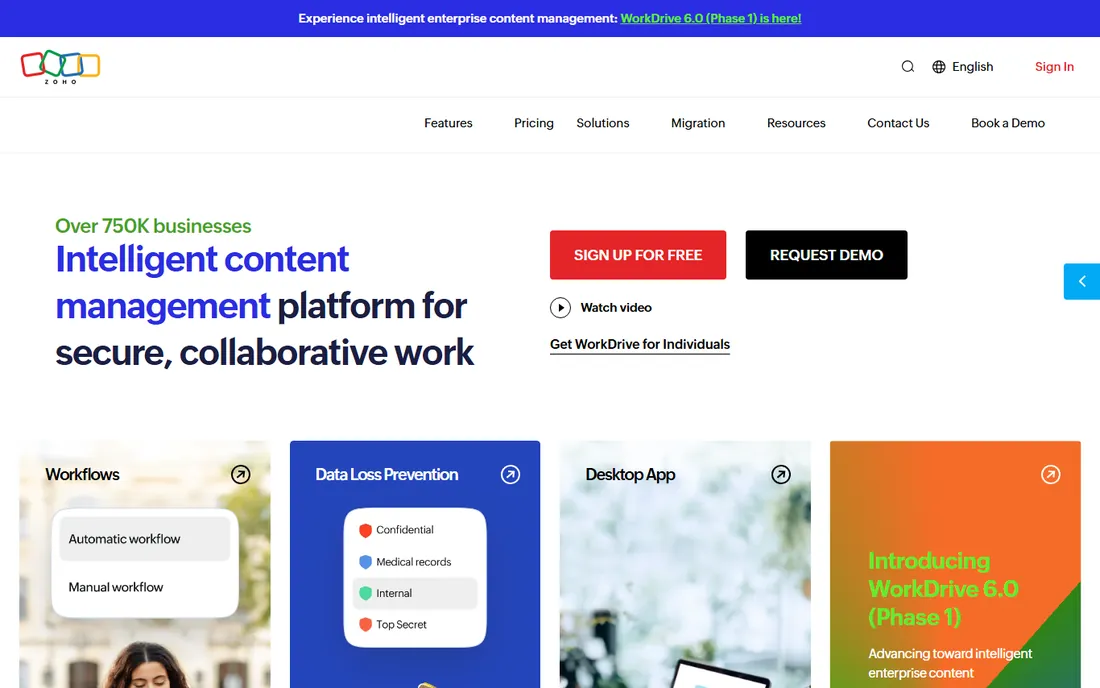
Zoho WorkDrive is the file management and collaboration layer of the Zoho ecosystem, and it keeps version history for the files your team stores there. If your company already runs on Zoho for email, CRM, or office documents, WorkDrive slots in naturally: documents edited by colleagues keep their revision history, and sharing permissions are managed in the same admin console as the rest of the suite.
The trade-off is that WorkDrive is at its strongest as part of a Zoho-centered setup. Teams that use Google Workspace or Microsoft 365 as their primary stack may find it adds another system rather than fitting into the one they have. The free 5GB plan is a genuine way to test it, though, and small teams can run real document workflows on it before spending anything.
What we like- Version history included on stored files
- Free 5GB plan confirmed on the vendor's own page
- Deep integration with Zoho's office and business apps
Watch out for- Pricing figures were not visible on the vendor's pricing page when checked
- The best value comes from using it inside the wider Zoho suite
Starting priceSee website
Free planYes
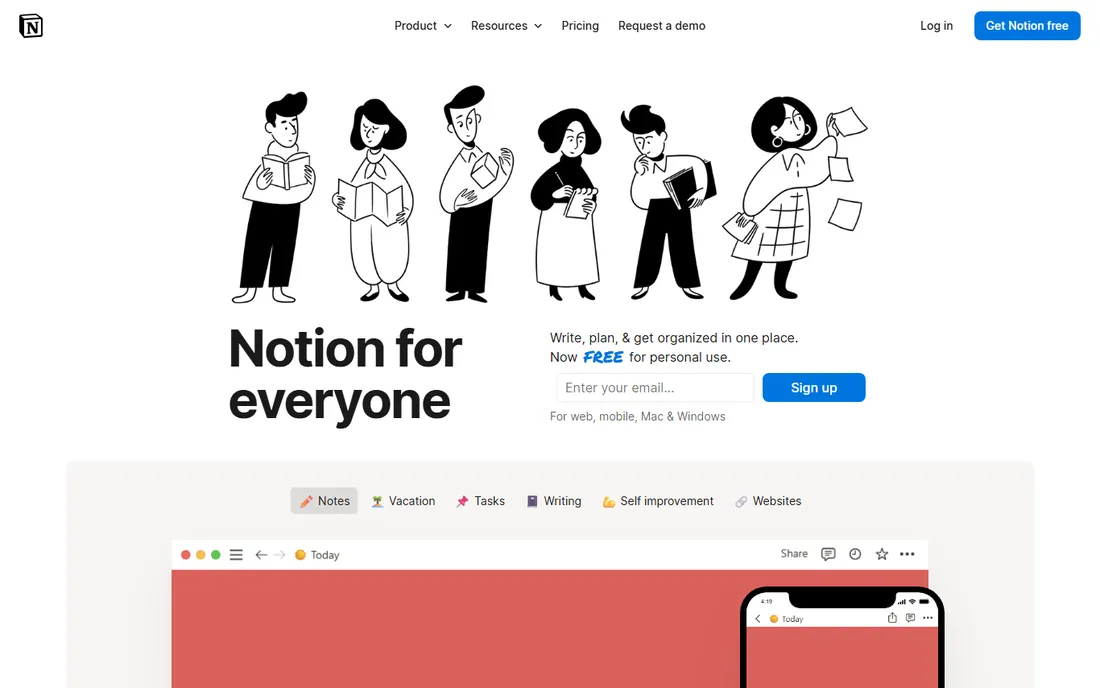
Where most tools on this list version files, Notion versions pages. Every edit to a page is recorded, and you can restore earlier versions or see how a document evolved over time. That works well for internal wikis, meeting notes, project docs, and any content that your team writes directly inside Notion rather than in standalone files.
The limitation to know about is the version history window. Paid plans extend how far back you can go, while the free plan keeps a shorter history, so teams that need to audit changes months later should factor that into plan choice. Notion also does not version files stored outside it, so companies with heavy PDF, CAD, or design-file workflows will want a file platform alongside it.
What we like- Page-level version history
- Flexible pages, databases, and docs in one workspace
- Generous free plan for personal and small-team use
Watch out for- Version history on the free plan is limited to a short window
- Less suited to file-based workflows outside its own pages
#4
Dropbox
Best for: Automatic file version history across many file types
Visit dropbox.com
Starting priceSee website
Free planYes
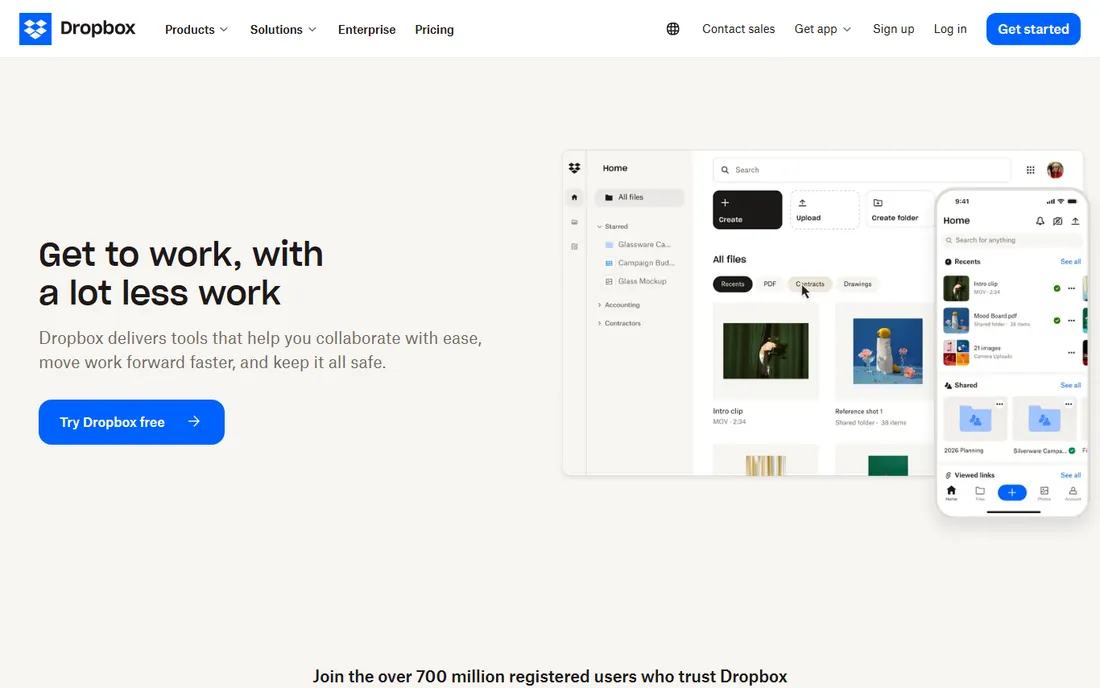
Dropbox was one of the first mainstream tools to make version history a background feature rather than something you had to remember to do. Its own help documentation confirms the windows: 30 days on Basic, Plus, and Family plans, 180 days on Professional, Essentials, Business, and Standard, and 365 days on Business Plus, Advanced, and Enterprise. Any file type you store there gets this treatment, which makes it a strong general-purpose answer to document version control.
The detail that catches people out is retroactivity. Dropbox states that when you upgrade to a plan with longer version history, the new window starts on the upgrade date and does not reach back further. So if recovering older versions matters to you, choose the right plan before you need it, not after a file goes missing.
What we like- Version history is automatic on every plan
- Business plans extend history to 180 or 365 days
- Restoring an old version takes a few clicks
Watch out for- The history window depends on your plan tier
- Extending it later does not apply retroactively to older files
#5
Box
Best for: Content management with compliance needs
Visit box.com
Starting priceSee website
Free planYes

Box positions itself as a content layer for the whole company rather than a simple storage folder, and version control is built into that design. Earlier versions of every file are saved automatically, so nothing is lost when someone edits or uploads over a document. Admins get detailed controls over sharing, classifications, and access, which is why Box shows up often in industries with compliance requirements.
For a small business, the honest question is whether you need that depth. Box's pricing and feature set are aimed at organizations managing content at scale, and a ten-person team that just wants to stop overwriting files can get there with a simpler tool. If your documents carry legal, financial, or healthcare sensitivity, the governance features start to justify the platform.
What we like- Earlier versions saved automatically
- Granular admin controls and classifications
- Integrates with Microsoft 365, Google Workspace, and many other apps
Watch out for- Pricing is structured around business tiers
- May be more platform than a small team needs
Starting priceSee website
Free planYes
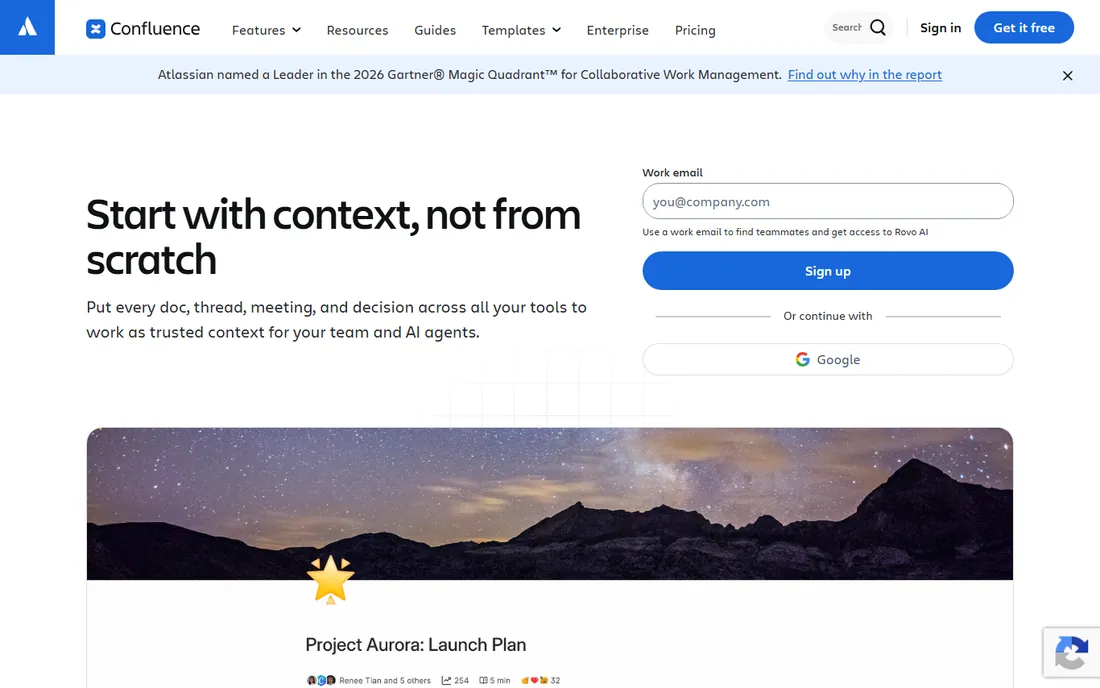
Confluence is Atlassian's team workspace for documentation, and its page history gives every document a full audit trail of edits. It shines in companies that already use Jira, because project docs, requirements, and meeting notes can live next to the work they describe, with version history keeping the record straight as specs change.
The pricing picture needs a fresh look before you commit. Atlassian raised cloud list prices in October 2026, and third-party pricing figures online no longer match the current list, so check the vendor's own pricing page for the latest per-user numbers. Confluence is also a workspace product, not a file store: it versions the pages you write in it, not arbitrary files on a shared drive.
What we like- Page history tracks every change to team docs
- Strong fit alongside Jira for product and engineering teams
- Free tier available for small teams
Watch out for- Pricing has risen with recent list-price changes, so verify current per-user costs
- Heavier than needed for simple file storage
#7
Egnyte
Best for: Regulated industries and hybrid cloud storage
Visit egnyte.com
Starting priceFrom $22 per user/month
Free planFree trial

Egnyte combines version control with the kind of governance that regulated businesses actually get audited on. Its own pricing page lists automatic version history and global file locking as core collaboration features, alongside ransomware detection, sensitive data classification, and compliance support for frameworks like HIPAA and FINRA. Teams can also keep storage on-premises, in Egnyte's cloud, or both.
That depth comes at a price, and there is no free tier to ease into. Egnyte makes sense for mid-size companies in finance, healthcare, life sciences, or construction, where document control is a compliance requirement rather than a convenience. For a small team without those pressures, the per-user cost is hard to justify against simpler versioning tools.
What we like- Automatic version history plus global file locking
- Strong governance, ransomware detection, and compliance features
- Works across cloud and on-premises storage
Watch out for- No free plan
- Priced above basic file storage, so it fits businesses with real compliance or scale needs
How we chose
We started from each vendor's own pricing page and product documentation, checking what is actually published rather than relying on third-party pricing roundups. For version history claims, we used the vendors' own help centers, such as Dropbox's version history overview and Egnyte's feature comparison, along with public review sites like G2 and Capterra and community discussions on Reddit to see how the tools behave in real teams. We favored tools that fit small and mid-size US companies, weighed integrations with common office suites, and excluded any product whose homepage could not be verified. Nothing here is based on hands-on testing; it is based on published features, current pricing, and documented user experience.
What to check before you buy document version control software
Start with the history window, because it is the number that matters most and the one vendors differ on the most. A 30-day window is fine for catching last week's mistake, but if you need to prove what a contract said six months ago, you need a plan that keeps versions for 180 days or longer. Ask whether the window is per file or per account, and whether upgrading later extends history for files that already exist. Dropbox, for example, states plainly that longer history starts at upgrade and does not reach back.
Next, check what actually gets versioned. Some tools version everything you store, others only version content created inside their own editor or pages. If your team works in Word, PDFs, and CAD files, a file platform covers you; if your knowledge lives in wiki pages, a workspace tool is the better fit. Many companies end up with one of each.
Finally, look at permissions and restore rights. Version history is only useful if the right people can see it and roll things back without calling IT. Check whether restoring an old version is self-serve, whether deleted files can be recovered, and whether guest or external collaborators trigger version entries you cannot audit. A short trial with your real documents will surface these issues faster than any feature list.
Why version history is not the same as backup
Version history and backup solve different problems, and confusing them is how companies lose data. Version history tracks changes to files that still exist: it lets you undo a bad edit or see who rewrote a paragraph. Backup protects you when files are deleted, corrupted, or held hostage: it keeps independent copies, often in a separate system, that survive even if your main storage fails.
Most tools on this list do the first job well and only partly do the second. Dropbox and Box can recover deleted files within their retention windows, but that is not the same as an independent backup with its own schedule and storage. If your documents are business-critical, run version control for day-to-day mistakes and a separate backup for disasters. The two together cost less than rebuilding one lost contract from email attachments.
Frequently asked questions
What is document version control software?
It is software that automatically records every change made to a document, so you can see the full history of edits, compare versions, and restore an earlier one. It replaces manual habits like saving numbered copies or emailing drafts back and forth.
How is it different from track changes in Word?
Track changes shows edits inside a single editing session, while version control keeps a permanent record across the whole life of a document. With version control, you can roll back to last month's draft even after the file has been saved hundreds of times since.
How long should version history be kept?
It depends on your risk. Thirty days covers everyday mistakes, 180 days covers most business review cycles, and a year or more suits contracts and regulated documents. Check the plan tier, because vendors tie the history window to what you pay.
Can version control stop two people overwriting each other?
Good tools either lock the file while someone edits or merge changes in real time, and they always keep both versions recoverable. File locking, offered by tools like Egnyte, is the most direct answer for teams that edit the same files often.
Do I still need backups if I have version control?
Yes. Version history protects against bad edits to existing files, but independent backups protect against deletion, corruption, and account-level problems. Treat them as two layers, not substitutes.
Sources we checked (7)
- https://www.simuldocs.com/
- https://www.zoho.com/workdrive/
- https://www.notion.com/personal
- https://www.dropbox.com/help/7678
- https://www.box.com/en-nl/cloud-storage
- https://www.atlassian.com/software/confluence
- https://www.egnyte.com/pricing
Is your product missing or out of date?
We review this list regularly. Vendors can request a listing, send updated pricing or ask about featured placement.

Shihab Mia · Founder, Rankite
Shihab has spent more than a decade helping SaaS and e-commerce brands grow through search. He writes Rankite's software buying guides from pricing pages, documentation and public user reviews. More about Shihab.