How we make this list: we compare pricing pages, product documentation and public user reviews. Rankite is independent; if a vendor ever pays for a featured spot, that listing is clearly labeled Partner.
Key takeaways
- DaVinci Resolve Studio ($295) and Final Cut Pro ($299.99) are the only professional-grade editors with genuine one-time pricing and no meaningful subscription pressure.
- Filmora ($79.99 perpetual) and Movavi ($99.95 lifetime) offer the lowest-cost way to own an editor, though perpetual tiers usually exclude major version upgrades and AI credit refreshes.
- Perpetual licenses cover the version you buy, so check upgrade policies before paying: a cheap license on a stale version can cost more than it looks.
- Windows-only buyers get the most choice, including PowerDirector, Pinnacle Studio, VEGAS Pro, and VideoStudio; Mac buyers should start with Final Cut Pro.
- Most of these editors also sell subscriptions, so read the checkout page carefully and pick the perpetual or lifetime option explicitly.
Quick comparison
Is your product missing or out of date?
We review this list regularly. Vendors can request a listing, send updated pricing or ask about featured placement.
The best one time purchase video editing software
A YouTuber in Texas cancelled his editing subscription during a slow month and lost access to two years of project files overnight. He rebuilt his workflow around a one-time purchase editor and has not paid for video software since. Perpetual licenses are a small act of financial independence: buy once, edit for years, and never lose your projects to a lapsed payment.
Starting price$295 one-time
Free planYes
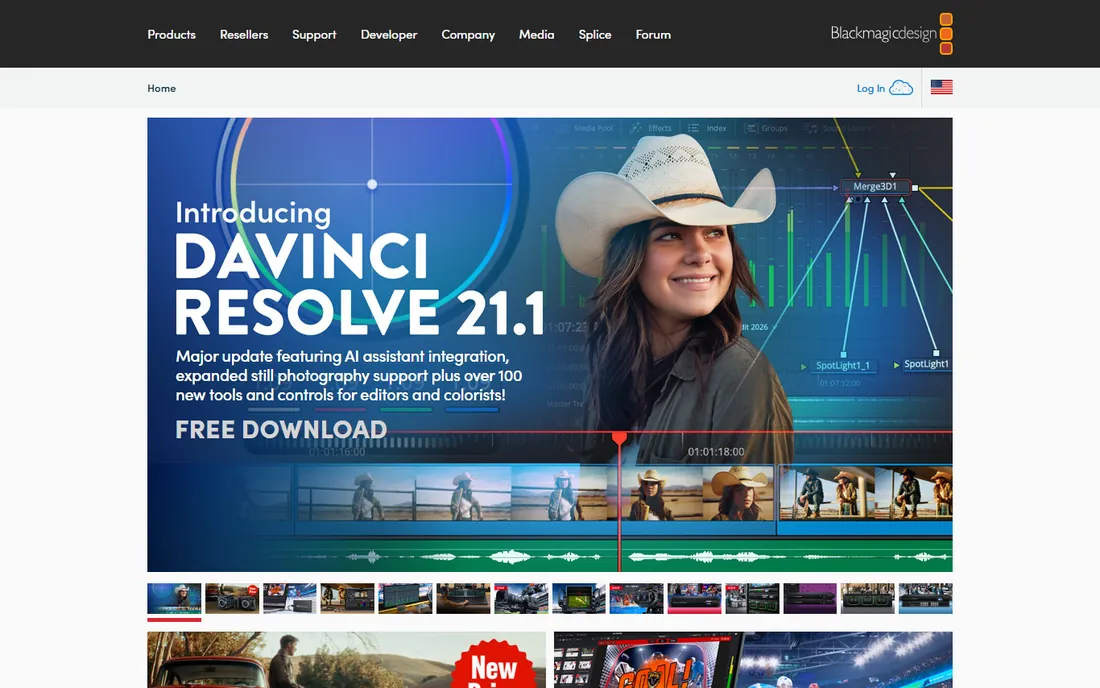
DaVinci Resolve is the strongest argument for buying instead of renting. The free version covers editing, color grading, Fusion visual effects, and Fairlight audio with no watermark and no time limit, which makes it the default recommendation for anyone serious about video on a budget. The Studio version is a single $295 purchase that adds noise reduction, stereoscopic tools, higher-resolution output, and the full AI feature set.
The honest trade-off is time, not money. Resolve asks you to learn its page-based workflow before it pays off, and it wants a capable GPU for smooth 4K work. But once you are comfortable, you own a professional post-production suite outright, with no monthly bill ever again. For filmmakers, YouTubers, and small teams doing their own finishing, nothing else on this list gives you this much for one payment.
What we like- Free version is genuinely powerful
- Studio adds noise reduction, 4K-plus, and AI tools for one payment
- Editing, color, VFX, and audio in one app
Watch out for- Steep learning curve
- Demanding on GPU hardware
- Studio upgrade model is version-based
Starting price$299.99 one-time
Free planFree trial
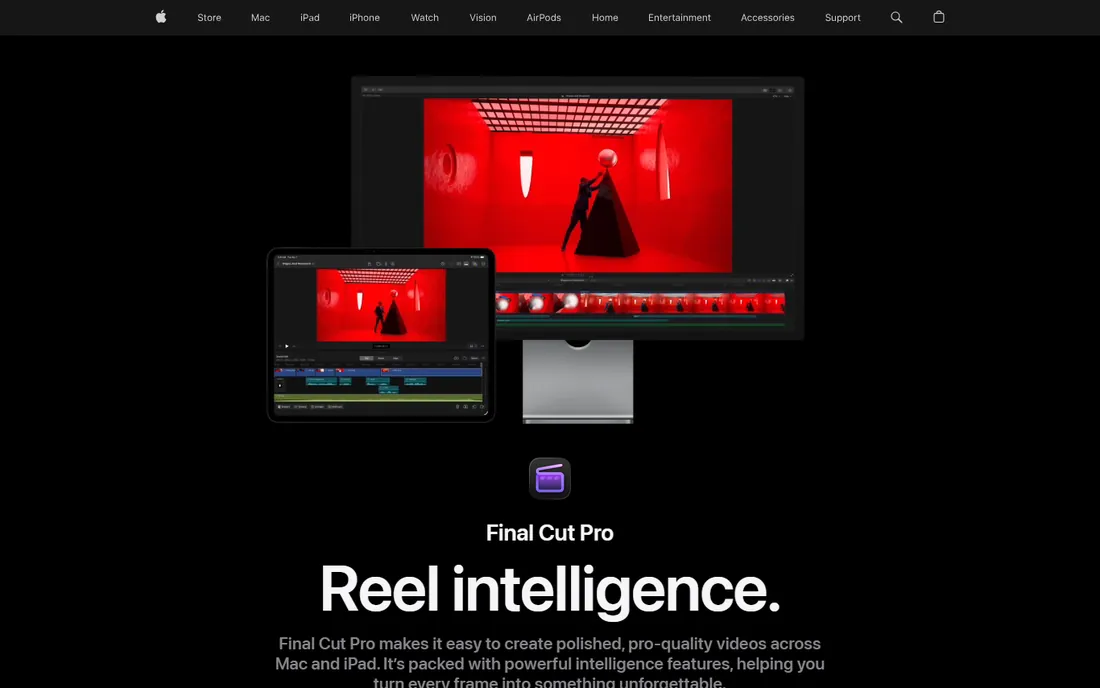
Apple confirmed on its own product page that Final Cut Pro remains available as a one-time $299.99 purchase for Mac, even as the company pushes its $12.99-per-month Creator Studio subscription. That matters, because Final Cut is still one of the fastest editors available, especially on Apple silicon, where its performance-per-dollar is hard to beat.
The magnetic timeline divides opinion, but it makes rough cuts genuinely faster once you adjust to it. The catch is the platform: there is no Windows version, and the one-time purchase excludes some premium content reserved for Creator Studio subscribers. For Mac-based creators who want a pro editor they can pay for once, this is the obvious choice.
What we like- One-time purchase still available on the App Store
- Blazing performance on Apple silicon
- Magnetic timeline speeds up assembly edits
Watch out for- Mac only
- One-time version lacks some premium Creator Studio content
- Ecosystem lock-in
Starting price$79.99 one-time
Free planYes
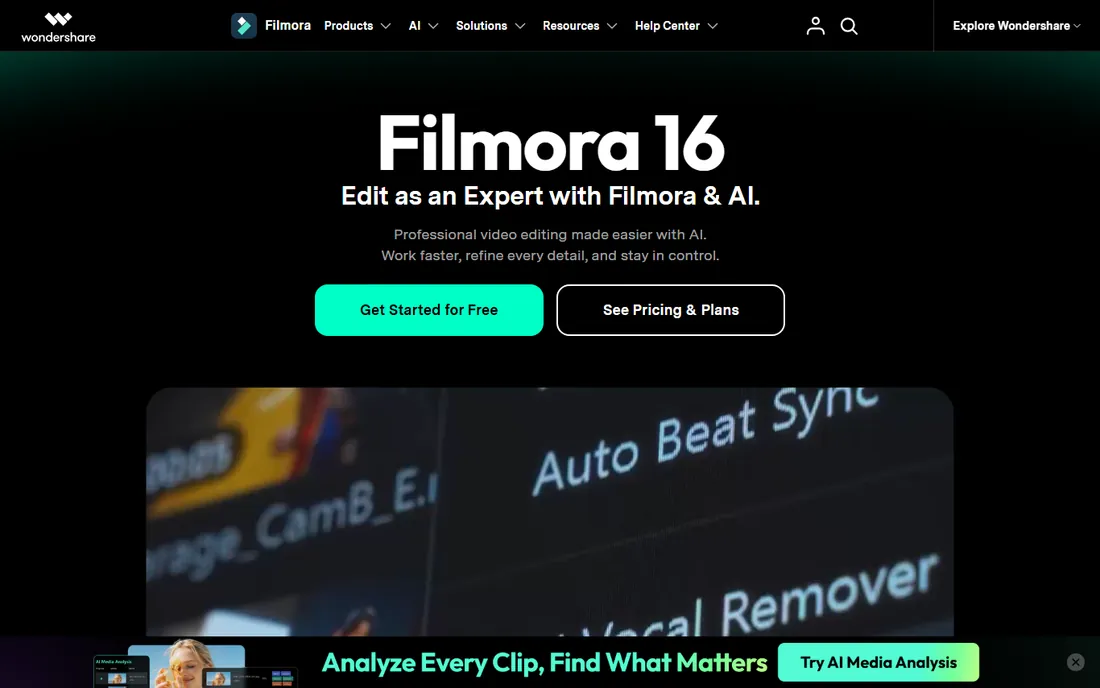
Filmora sells a true perpetual license for $79.99, making it one of the cheapest ways to own a capable editor. The interface is built for speed: drag-and-drop editing, auto-reframe for social formats, screen recording, and a huge built-in library of templates and effects. For course creators, marketers, and vloggers who need to ship polished videos fast, it is hard to beat at this price.
Read the fine print before buying. The perpetual plan covers updates to the current major version only, and its 1,000 AI credits are a lifetime allocation that never refreshes, unlike the monthly credits on the subscription plans. If you lean heavily on AI features, the subscription may actually cost less over time. As a straightforward timeline editor you own outright, though, the perpetual license is a fair deal.
What we like- Very easy to learn
- Perpetual license is genuinely cheap
- Large template and stock library
Watch out for- Perpetual plan covers Filmora 15 updates only, not future versions
- AI credits on perpetual are a one-time allocation, not monthly
- Watermark on free exports
Starting price$139.99 one-time
Free planFree trial

PowerDirector has long been the Windows enthusiast's answer to Premiere, and the perpetual edition, listed at $139.99 for the 2026 release, keeps it in the buy-once camp. You get a deep toolkit: motion tracking, multicam editing, keyframing, screen recording, and a solid audio editor, with in-app tutorials that help newcomers find their footing.
The perpetual license pins you to the 2026 edition, with more limited access to AI credits than the 365 subscription gets. If you want every new feature the moment it ships, CyberLink would rather sell you the subscription. But if you prefer a stable, feature-rich editor you pay for once, the perpetual edition covers years of real work.
What we like- Deep feature set with motion tracking and multicam
- In-app tutorials help beginners
- Strong AI-assisted tools
Watch out for- Perpetual edition is the fixed 2026 release with limited AI credit access
- Windows only
- Subscription pushes are prominent on the site
Starting price$129.99 one-time
Free planFree trial
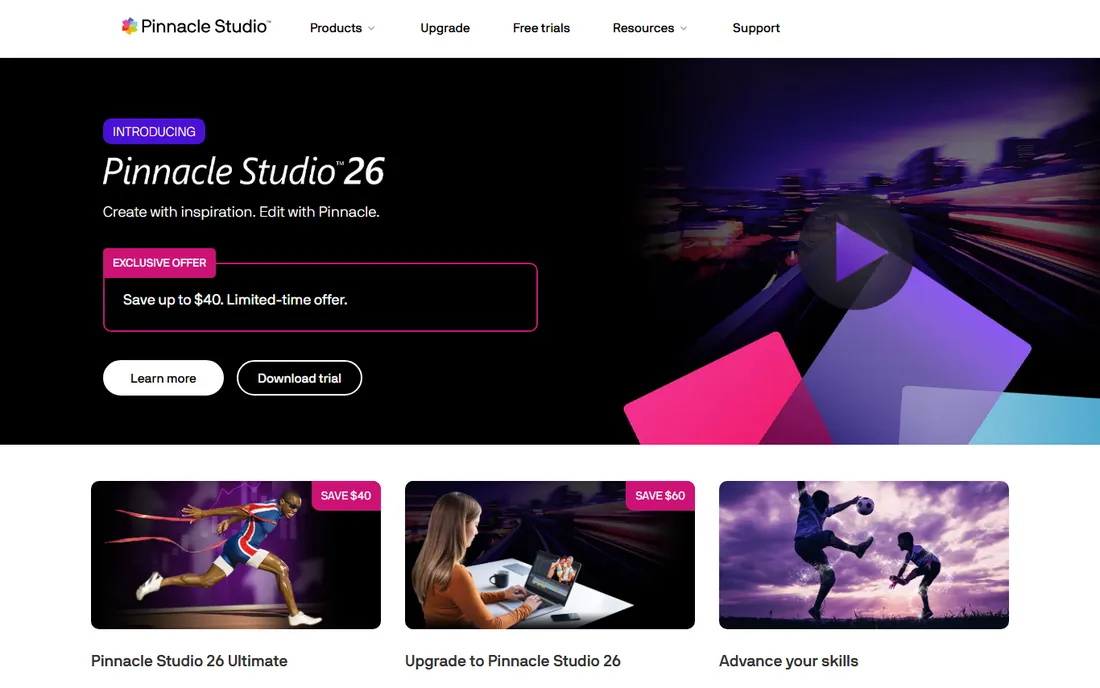
Pinnacle Studio, owned by Corel, is one of the few editors with no subscription option at all, and the Ultimate edition lists at $129.99 as a straight one-time purchase. That makes the math simple: you pay once, you keep it. The feature set punches above the price, with support for up to 8K footage, motion tracking, blend modes, masking, and genuinely capable audio tools.
The rough edges are real. Importing media can be slower and glitchier than in better-funded rivals, and the interface does not feel as refined as PowerDirector or Resolve. But for enthusiasts who want pro-grade tools without any subscription mechanics, Pinnacle is refreshingly straightforward: one price, no renewals, no tier games.
What we like- No subscriptions at all
- Up to 8K editing
- Motion tracking, masks, and strong audio tools
Watch out for- Windows only
- Import workflow can be glitchy
- Interface less polished than rivals
Starting price$99.99 one-time
Free planFree trial
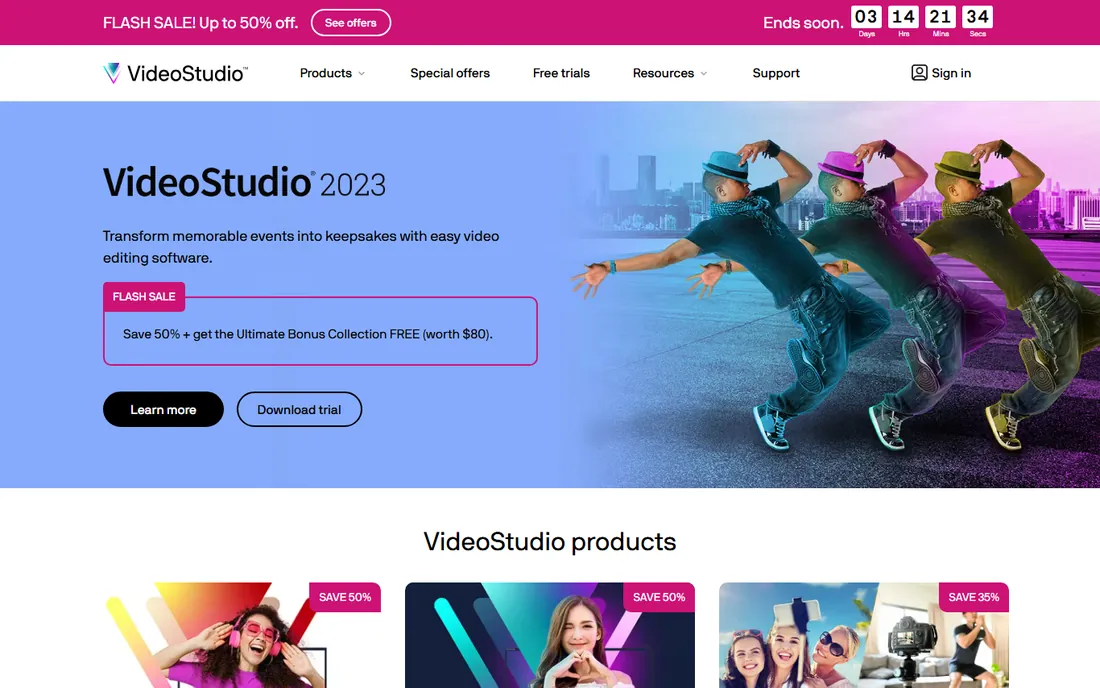
VideoStudio Ultimate lists at $99.99 as a perpetual license, and it regularly sells well below that, which makes it the budget pick of the Corel family. It covers the enthusiast essentials: multi-track timeline, multicam editing, motion tracking, color grading, and support for modern formats including AV1 and 8K.
The honest catch is freshness. The current release is still the 2023 version, and Corel's own pricing pages layer standing discount codes over list prices in ways that confuse even careful buyers. If you just want an affordable editor you own outright for home movies, YouTube, or small-business videos, it is a bargain. If you want the newest features, look at Resolve or PowerDirector instead.
What we like- Affordable perpetual license
- Multicam and motion tracking included
- Good for hobbyists and small businesses
Watch out for- Latest release is the 2023 version
- Corel's discount structure makes list prices confusing
- Windows only
Starting price$219 one-time
Free planFree trial
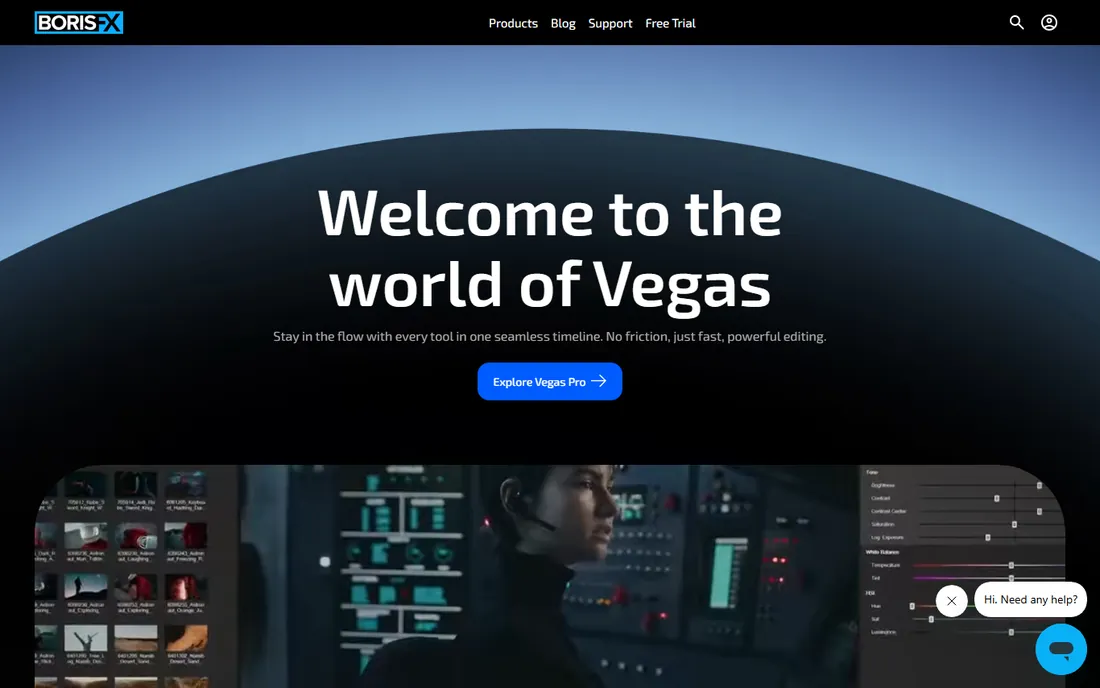
VEGAS Pro, now part of Boris FX, still offers a perpetual license, with the current full price around $219 for the core edition. Its roots are in audio, and that shows: the timeline and audio tooling are among the fastest and most flexible on Windows, which is why event videographers and content creators with heavy audio needs stay loyal.
The pricing picture has grown complicated under Boris FX, with subscription tiers, upgrade-and-support extensions, and frequent promotions making the real price a moving target. Check the site's live perpetual price before buying, and confirm it is the one-time option at checkout. For editors who live in the timeline and care about audio, it remains a distinctive, powerful choice.
What we like- Excellent audio editing heritage
- Fast, flexible timeline
- Perpetual license available alongside subscriptions
Watch out for- Subscription upsells are aggressive
- Now under Boris FX ownership with evolving pricing
- Windows only

#8
Movavi Video Editor
Best for: simplest path to a finished video
Visit movavi.com
Starting price$99.95 one-time
Free planYes
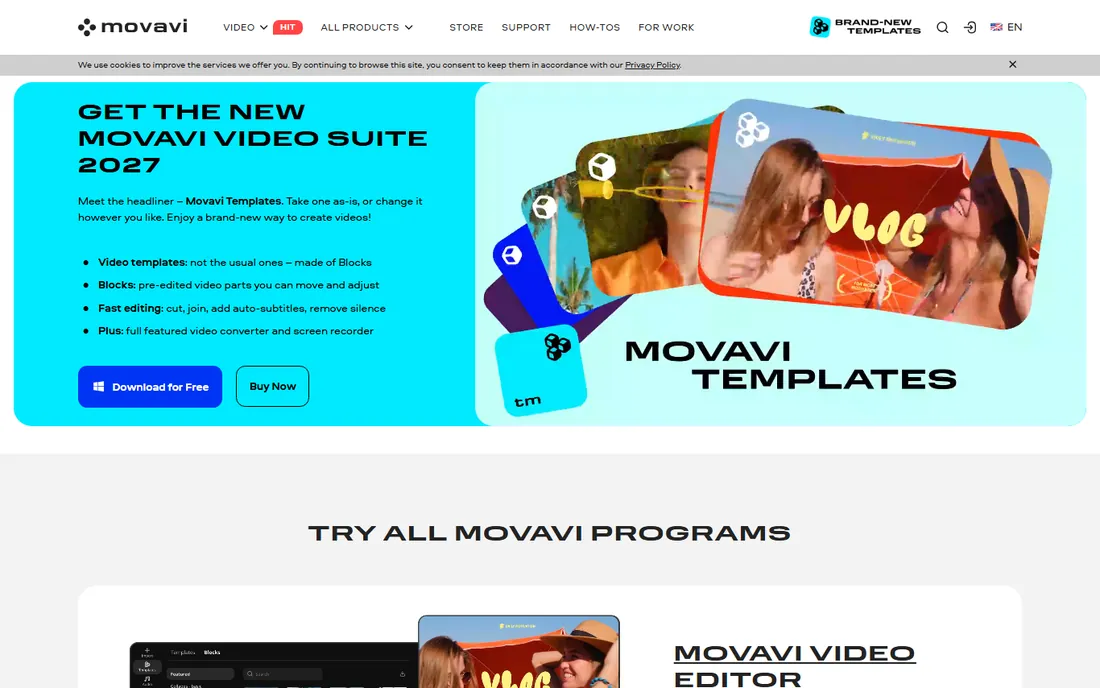
Movavi sells both subscriptions and a one-time lifetime license, currently listed at $99.95, and its official FAQ confirms both options exist. The editor itself is built for speed: AI auto-subtitles, silence removal, noise reduction, and motion tracking are all one click away, and reviewers consistently praise how fast beginners go from install to finished video.
The lifetime license freezes you at the version's toolset, so new tools and effects packs cost extra or require the subscription. The free trial is watermarked and limited, so test the workflow rather than the export. For creators who want the simplest possible path to a finished video and never want another bill, the lifetime option is fair value.
What we like- Lifetime license option exists alongside subscriptions
- Very easy for beginners
- AI tools like auto-subtitles and silence removal
Watch out for- Lifetime version does not receive new tools or effects updates
- Effects packs cost extra
- Free trial is watermarked and time-limited
How we chose
We looked specifically for video editors with a real perpetual or lifetime purchase option still sold on the vendor's own site in 2026, not just legacy licenses or grey-market keys. Every tool here lists a one-time price from its vendor or a clearly documented lifetime tier, and we favored editors where the perpetual option is a first-class choice rather than a hidden checkout toggle. We excluded subscription-only editors regardless of quality, and we did not run hands-on tests; this ranking reflects documented features, vendor-published pricing, and each tool's fit for buyers who refuse subscriptions.
What the fine print actually says on perpetual licenses
A perpetual license means you own the version you bought, not every future version. Filmora's perpetual plan covers the current major release only, PowerDirector's perpetual edition is the fixed 2026 release, and Movavi's lifetime version will not receive new tools. Before paying, check what "lifetime" or "perpetual" includes: some vendors include minor updates for the purchased version, while major upgrades always cost extra.
Watch AI credits too. Several editors now ration AI features by credits, and perpetual plans typically include a one-time allocation that never refreshes, while subscriptions refill monthly. If generative captions, AI video, or AI audio cleanup are central to your workflow, run the numbers over two or three years before assuming perpetual is cheaper. Finally, buy from the vendor's own store and select the perpetual option explicitly at checkout; many of these sites default to subscription pricing.
Where buy-once editing is heading
The industry keeps pushing toward subscriptions, and the one-time purchase shelf is thinner than it was five years ago. Adobe has no perpetual option at all, and Apple now nudges Final Cut buyers toward Creator Studio. The vendors holding the line, Blackmagic, Corel, CyberLink, and Wondershare, do it because their customers keep rewarding it.
The counterweight is the free tier. DaVinci Resolve's free version is so capable that it has forced every paid editor to justify its price, which is good news for buyers either way. Expect perpetual licenses to survive mainly at the enthusiast and prosumer level, while professional team workflows drift further into subscriptions. If you want to own your tools, buy while the option is on the menu.
Frequently asked questions
Is DaVinci Resolve really free, or do I need Studio?
The free version of DaVinci Resolve is genuinely free with no watermark, covering editing, color grading, visual effects, and audio. Studio, a $295 one-time purchase, adds noise reduction, stereoscopic tools, 4K-plus output, and the full AI feature set. Most creators should start free and upgrade only if they hit a specific Studio-only feature.
Does Final Cut Pro still offer a one-time purchase?
Yes. Apple confirms on its Final Cut Pro page that the Mac version remains available as a $299.99 one-time purchase on the App Store, alongside the $12.99-per-month Creator Studio subscription. If you already own it, Apple says it will continue to be updated.
What is the catch with Filmora's perpetual license?
The $79.99 perpetual plan covers updates to the current major version only, so future major versions cost extra. Its 1,000 AI credits are a one-time lifetime allocation that never refreshes, unlike subscription plans that refill monthly. It suits editors who use Filmora as a conventional timeline tool more than heavy AI users.
Are perpetual licenses cheaper than subscriptions?
Often, but not always. A $295 one-time purchase beats a $23-per-month subscription after about 13 months. But if you upgrade every major version or rely on AI credits that only subscriptions refresh, the gap narrows. Compare total cost over your realistic upgrade cycle, not just the first payment.
Which one-time purchase editor is best for beginners?
Filmora and Movavi Video Editor are the easiest to learn, with guided workflows, templates, and one-click AI tools. PowerDirector sits in the middle with more depth plus in-app tutorials. DaVinci Resolve is the most powerful but demands the most learning time.
Can I use these editors for commercial client work?
Yes. Perpetual and lifetime licenses from these vendors include commercial use rights for the software itself. Note that some bundled stock media, templates, or AI-generated assets carry their own license terms, so check the asset license if client work depends on them.
Sources we checked (8)
- https://www.blackmagicdesign.com
- https://www.apple.com/final-cut-pro/
- https://filmora.wondershare.com
- https://www.cyberlink.com
- https://www.pinnaclesys.com
- https://www.videostudiopro.com
- https://www.vegascreativesoftware.com
- https://www.movavi.com
Is your product missing or out of date?
We review this list regularly. Vendors can request a listing, send updated pricing or ask about featured placement.

Shihab Mia · Founder, Rankite
Shihab has spent more than a decade helping SaaS and e-commerce brands grow through search. He writes Rankite's software buying guides from pricing pages, documentation and public user reviews. More about Shihab.
 DaVinci Resolve Studio
 Final Cut Pro
 Filmora
 CyberLink PowerDirector
 Pinnacle Studio Ultimate
 Corel VideoStudio Ultimate
 VEGAS Pro