How we make this list: we compare pricing pages, product documentation and public user reviews. Ratings come from G2, Capterra or Trustpilot, with the date we checked them.
Key takeaways
- Runway is the best all-round image-to-video tool, with editing and camera controls alongside generation.
- Google Veo and Kling lead on realistic motion from a still image, especially for people and scenes.
- Hailuo and PixVerse give strong stylised results at lower credit costs for social content.
- Luma Dream Machine and Pika suit fast experiments and creative effects from a single image.
- Image-to-video works best when the prompt describes one clear motion, not a complex scene change.
Image-to-video tools animate a still picture: upload a photo, illustration or product shot, describe the motion, and get a moving clip. The tools below differ in motion realism, camera control, length and price. They suit social content, product videos, music visuals and concept work, and they all accept an image plus a text prompt as input.
Pricing is usually credit-based, with monthly plans and free tiers for testing. Prices below are marked "See website" where credit systems change often. Test the same image and prompt across two tools, since motion quality varies more between models than any feature list suggests.
Quick comparison
| Tool | Best for | Starting price | Free plan |
|---|
 Runway Runway | All-round image to video | See website | Yes |
 Google Veo Google Veo | Realistic motion | See website | Free trial |
 Kling Kling | Quality at lower cost | See website | Yes |
 Hailuo Hailuo | Stylised clips | See website | Yes |
 Luma Dream Machine Luma Dream Machine | Fast experiments | See website | Yes |
 Pika Pika | Creative effects | See website | Yes |
 Kaiber Kaiber | Music and art visuals | See website | Free trial |
 PixVerse PixVerse | Social video from images | See website | Yes |
Is your product missing or out of date?
We review this list regularly. Vendors can request a listing, send updated pricing or ask about featured placement.
#1Runway
Best for: All-round image to video4.1/5 on
G2 (105 reviews, checked Oct 2026)
Visit runwayml.com
Starting priceSee website
Free planYes
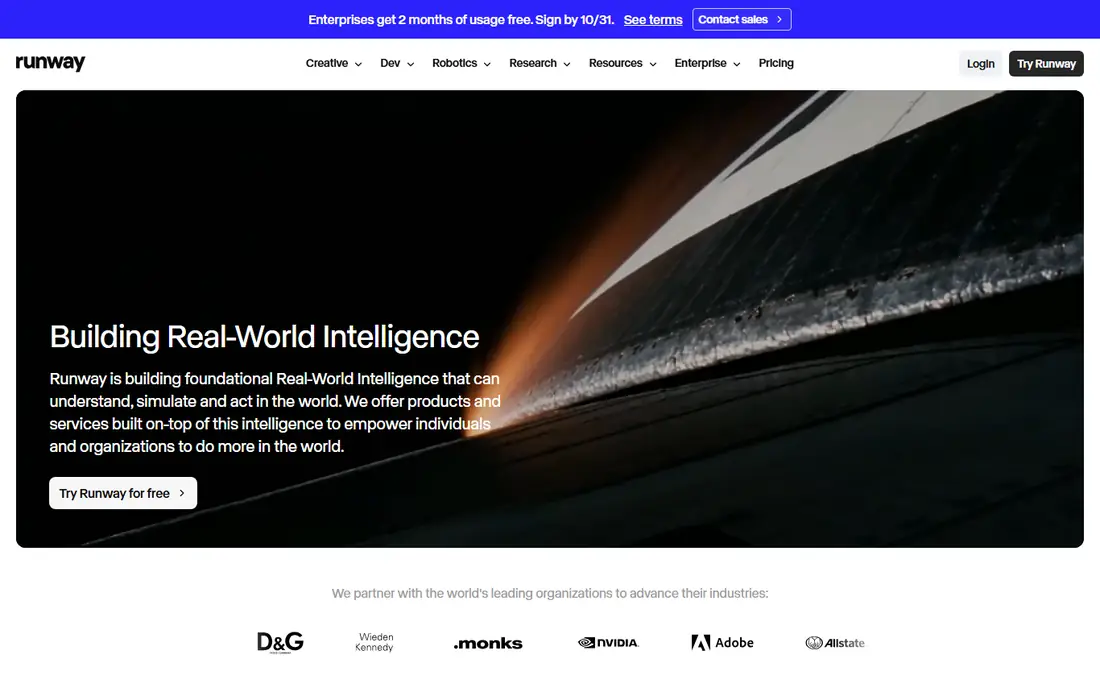
Runway's image-to-video mode takes a still image and a prompt, then animates it with camera movement, subject motion and style controls. Motion brushes let creators paint which parts of the image move, and the same platform offers editing, extension and upscaling, so a clip can be finished without leaving Runway. Quality on faces, products and scenes is consistently strong.
Credits climb with length and resolution, and the best quality sits on paid tiers. For a creator who wants image animation plus finishing tools in one platform, Runway is the most complete choice.
What we like- Image-to-video plus editing, camera controls and motion brushes
- Strong quality
- Widely used by creators
Watch out for- Credit costs add up for heavy use
- Top quality needs higher tiers
Starting priceSee website
Free planFree trial
Google's Veo model animates still images with realistic motion, handling people, animals, water and camera movement better than most rivals. Newer versions add synchronised audio, which suits clips that need sound without separate editing. The model keeps the look of the source image well, which matters for product and brand work.
Access depends on plan and region, with trials and paid tiers gating the best quality. For a creator who wants the most realistic motion from a single image, Veo is the strongest model here.
What we like- Strong realistic motion from stills
- Audio generation in newer versions
- Good physics and camera work
Watch out for- Access varies by plan and region
- Higher quality tiers cost more
Starting priceSee website
Free planYes
Kling animates images with strong motion and detail at a lower credit cost than the Western leaders. The tool keeps the source image's look faithfully, handles realistic and stylised inputs well, and the free tier lets creators test quality before paying. Social creators and small teams use it heavily for product and lifestyle clips.
The interface feels less polished for English-speaking users, and the very top quality still trails Veo on complex human motion. For a creator who wants strong quality per dollar, Kling is the value leader.
What we like- Strong motion quality for the credit cost
- Good image fidelity
- Free tier for testing
Watch out for- Interface and docs are less polished for English users
- Top quality trails Veo
Starting priceSee website
Free planYes
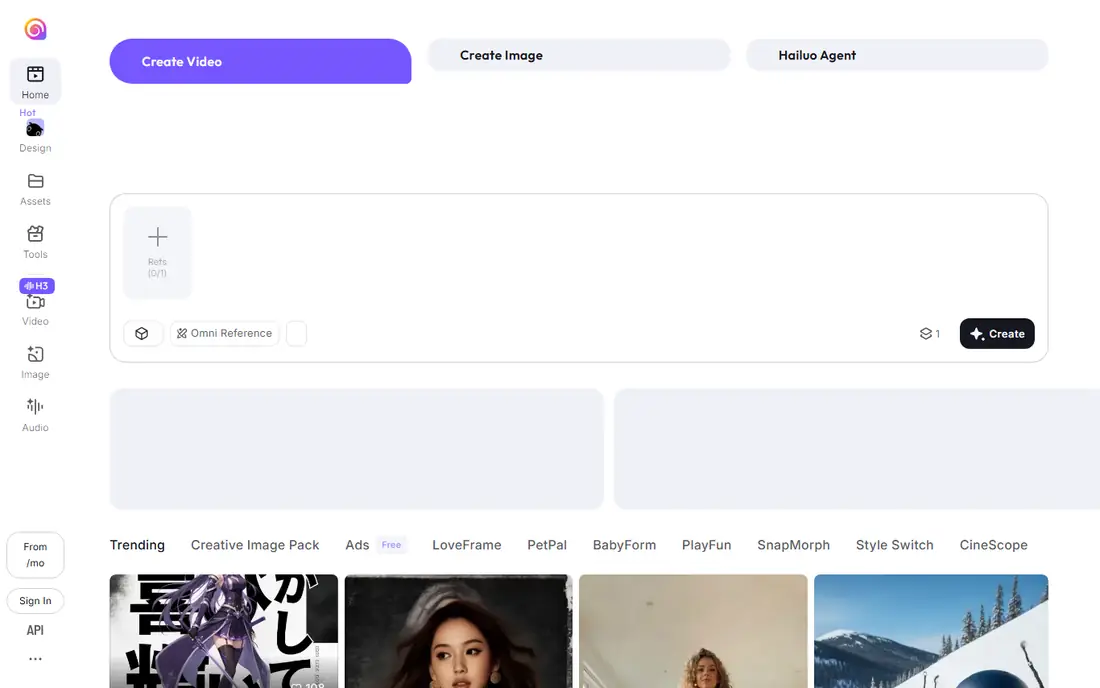
Hailuo, from MiniMax, animates images into stylised, animated and fantasy-style clips with fast generation. The free tier gives daily credits for testing, and the tool handles illustrations, anime-style art and product shots well. Social creators use it for eye-catching clips that do not need cinematic realism.
Photorealistic human motion lags the leaders, and longer or higher-resolution clips consume more credits. For a creator making stylised social video from images, Hailuo is a fun and affordable choice.
What we like- Good stylised and animated looks from images
- Fast generation
- Free tier with daily credits
Watch out for- Realism trails Veo and Kling
- Longer clips need more credits
Starting priceSee website
Free planYes
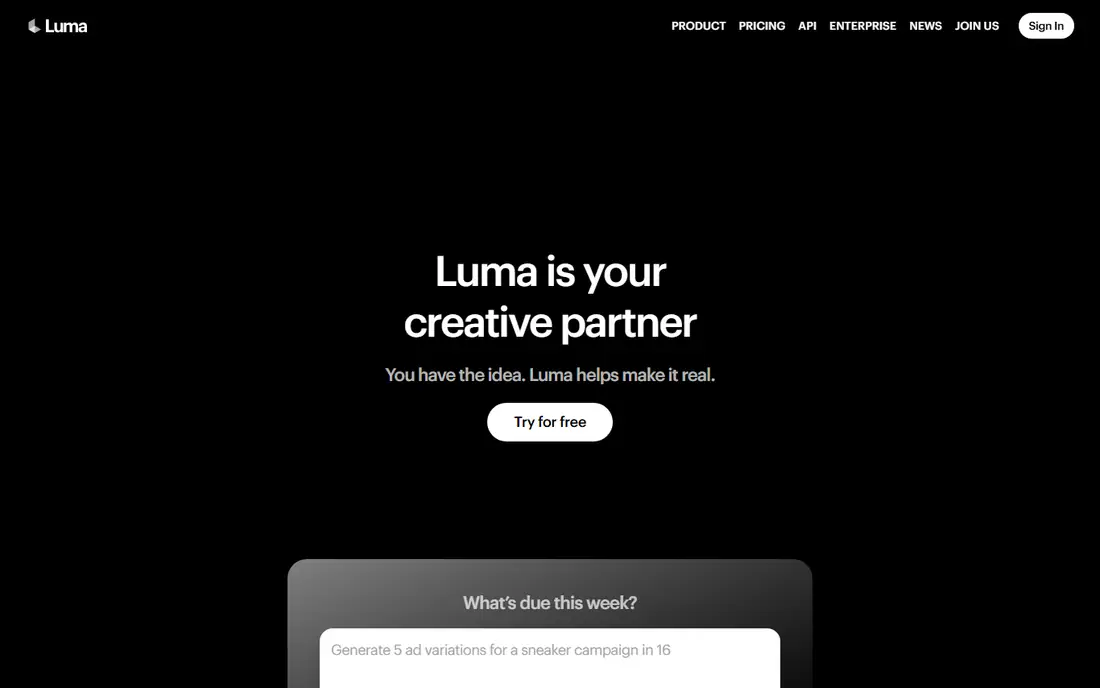
Luma's Dream Machine turns images into video quickly, with camera movement controls that suit experimental and creative work. The free tier lets creators iterate on a prompt many times without paying, and the tool is popular for concept clips, transitions and social experiments. Speed makes it easy to test many motion ideas from one image.
Consistency varies between generations, and photorealism trails Veo and Kling. For a creator who wants to experiment fast and cheaply with image animation, Dream Machine is the best playground here.
What we like- Fast image-to-video generation
- Camera movement controls
- Free tier for experiments
Watch out for- Consistency varies between generations
- Realism trails top models
Starting priceSee website
Free planYes
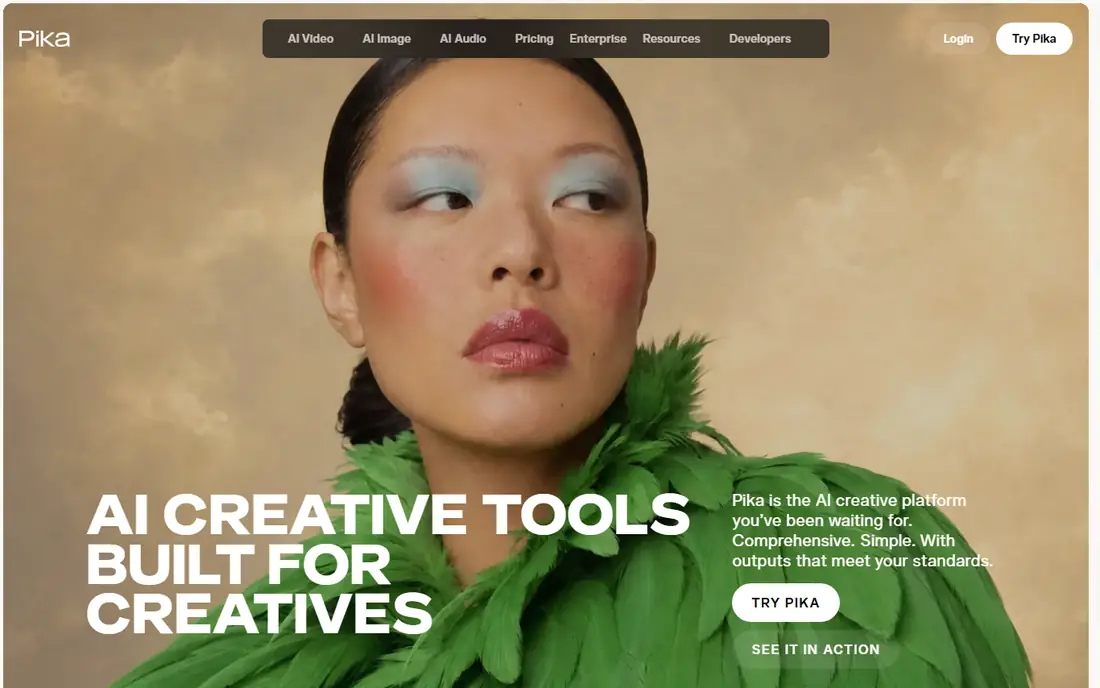
Pika animates images with creative effects, styles and transitions that suit short-form social content. The flow is simple: upload an image, describe the motion, and get a clip in seconds. Effects like object transformations and stylised motion make ordinary photos stand out in a feed.
Realism and clip length trail the leaders, and some effects suit social posts better than professional work. For a social creator who wants eye-catching image animation fast, Pika is a lively choice.
What we like- Creative effects and styles for social clips
- Easy image-to-video flow
- Free tier
Watch out for- Realism and length trail leaders
- Effects suit social posts better than professional work
Starting priceSee website
Free planFree trial
Kaiber specialises in turning images into music visuals and art videos, with style controls that suit musicians, artists and content creators. Upload artwork or a photo, pick a style, and generate visuals that match a track's mood. The tool is popular for lyric videos, album visuals and social teasers.
Photorealistic product or commercial clips are not its strength, and pricing runs on subscriptions. For a musician or artist who wants visuals from still art, Kaiber is the most specialised tool here.
What we like- Strong for music videos and art visuals
- Style controls for animation
- Good for creators and musicians
Watch out for- Less suited to photorealistic product clips
- Pricing is subscription-based
Starting priceSee website
Free planYes
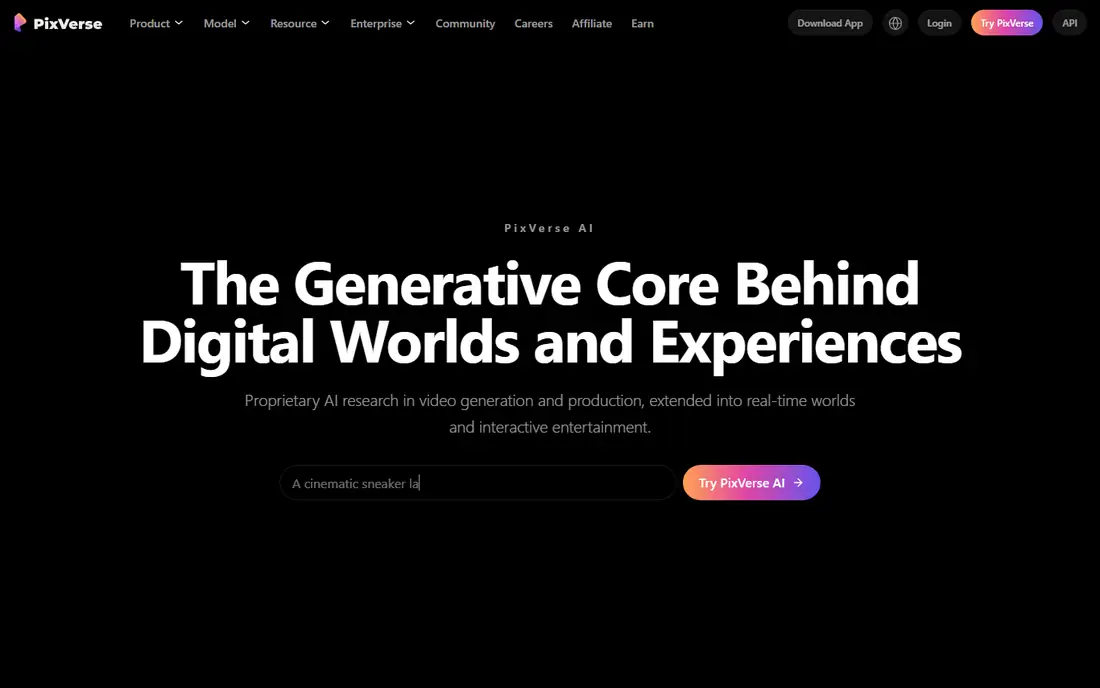
PixVerse turns images into short social videos quickly, with templates and effects aimed at short-form platforms. Generation is fast, the free tier covers experimentation, and the tool handles portraits, products and illustrations well for social use. Creators use it for quick teasers and trending-style clips.
Quality varies by prompt, and professional controls trail Runway. For a social creator who wants fast image-to-video clips with templates, PixVerse is a handy option.
What we like- Fast image-to-video with social templates
- Good for short-form content
- Free tier
Watch out for- Quality varies by prompt
- Professional features trail Runway
How we chose
We compared tools on their published image-to-video features, pricing pages, documentation and public reviews from creators. We favoured tools with strong motion quality, image fidelity and a usable free tier or trial, plus clear credit pricing. Prices were marked "See website" because credit systems change often. We did not claim hands-on testing.
Getting good motion from a still image
Describe one motion, not a story. A prompt like "the woman turns her head and smiles, camera slowly pushes in" works better than a prompt with three scene changes, because the model must invent motion from a single frame. Keep the subject clear, name the camera move, and match the style to the image, since a photorealistic photo and an illustration need different prompts.
Also mind the image itself. High-resolution, well-lit images with a clear subject animate better than cluttered or low-quality ones. If the first result warps the subject, try a shorter prompt or a different tool, since models handle faces, hands and text very differently. Save prompts that work, because small wording changes produce very different motion.
Image-to-video quality depends heavily on the starting image. Choose a sharp, well-lit image with a clear subject and simple background, since cluttered photos confuse motion models and produce warping around edges. Crop the image to the video's aspect ratio before generating, because a model that must also reframe the shot wastes capacity on composition instead of motion. Generate at the lowest cost setting first to test the motion idea, and only pay for high resolution once the movement looks right, since a beautiful render of the wrong motion is wasted credit. Keep a library of images that animate well for your style, such as product shots on plain backgrounds or portraits with calm expressions, and reuse that knowledge instead of testing random images each time.
Aspect ratio planning prevents wasted generations. Decide the delivery format before generating, since a vertical social clip and a horizontal website video need different framing, and cropping a finished clip loses quality and composition. Generate in the target ratio where the tool allows it, and keep the subject centred with room around the edges for platform cropping. Test one clip in the final format, including captions and platform compression, before generating a full set, because compression dulls detail and changes how motion reads. A clip that looks strong in the editor can look muddy on a phone feed, and catching that early saves an entire batch of credits.
Frequently asked questions
What is the best AI image to video tool?
Google Veo leads on realistic motion, while Runway is the best all-round platform with editing built in. Kling offers the best quality per dollar, and Hailuo suits stylised social clips. The best pick depends on whether you prioritise realism, editing tools or cost.
How long are AI image-to-video clips?
Most tools generate clips of a few seconds to around ten seconds per generation, with some models extending further. Longer videos are built by generating several clips from different images and editing them together. Check each tool's current clip length, since models update often.
Can I animate any image?
Most tools accept photos, illustrations and product shots, but results vary by image quality and subject. Faces, hands and text are the hardest to animate cleanly, and some tools restrict copyrighted or sensitive images. Use high-resolution, well-lit images with a clear subject for the best results.
Do image-to-video tools keep the original image's look?
Good tools preserve the source image's style, colours and subject well, though some drift occurs, especially on faces and fine detail. Veo and Kling are strongest on fidelity, while stylised tools may change the look deliberately. Test the same image across two tools to compare.
How much does image-to-video AI cost?
Most tools use credit-based monthly plans, with free tiers for testing. Costs depend on clip count, length and resolution, and heavy use adds up quickly. Start on a free tier, measure credits per finished clip, then pick a plan that fits your volume.
Can I use AI image-to-video clips commercially?
Usually yes, on paid plans, but rights vary by tool and tier. Free tiers often limit commercial use and may add watermarks. Check the vendor's terms for your plan before using generated clips in ads or client work, especially when animating third-party images.
Sources we checked (8)
- https://runwayml.com
- https://deepmind.google/models/veo/
- https://klingai.com
- https://hailuoai.video
- https://lumalabs.ai
- https://pika.art
- https://kaiber.ai
- https://pixverse.ai
Is your product missing or out of date?
We review this list regularly. Vendors can request a listing, send updated pricing or ask about featured placement.

Shihab Mia · Founder, Rankite
Shihab has 5+ years in B2B and SaaS SEO. He writes Rankite's software buying guides from pricing pages, documentation and public user reviews. More about Shihab.