How we make this list: we compare pricing pages, product documentation and public user reviews. Ratings come from G2, Capterra or Trustpilot, with the date we checked them.

Key takeaways
- Free image to video tools differ most on credit allowances, watermarks and commercial rights, not just on clip quality.
- Pika, Kling and Luma Dream Machine offer the most accessible free entry points for short social clips.
- Hailuo and Runway suit creators who want stronger character motion or a broader editing workspace, with free tiers for testing.
- Vidu and CapCut suit creators who already edit on mobile or who want a simple path from a photo to a finished post.
- Always check the current free allowance, watermark and commercial terms before using a free clip in client work.
Quick comparison
| Tool | Best for | Starting price | Free plan |
|---|
 Pika Pika | Fun effects and short social clips | Free | Yes |
 Hailuo Hailuo | Expressive character motion | Free | Yes |
 Kling Kling | Realistic motion and longer clips | Free | Yes |
 Luma Dream Machine Luma Dream Machine | Natural motion from stills | Free | Yes |
 Runway Runway | Broader video editing workspace | Free | Yes |
 Vidu Vidu | Simple image to video on mobile and web | Free | Yes |
 CapCut CapCut | Photo to video inside an editor | Free | Yes |
Is your product missing or out of date?
We review this list regularly. Vendors can request a listing, send updated pricing or ask about featured placement.
Starting priceFree
Free planYes
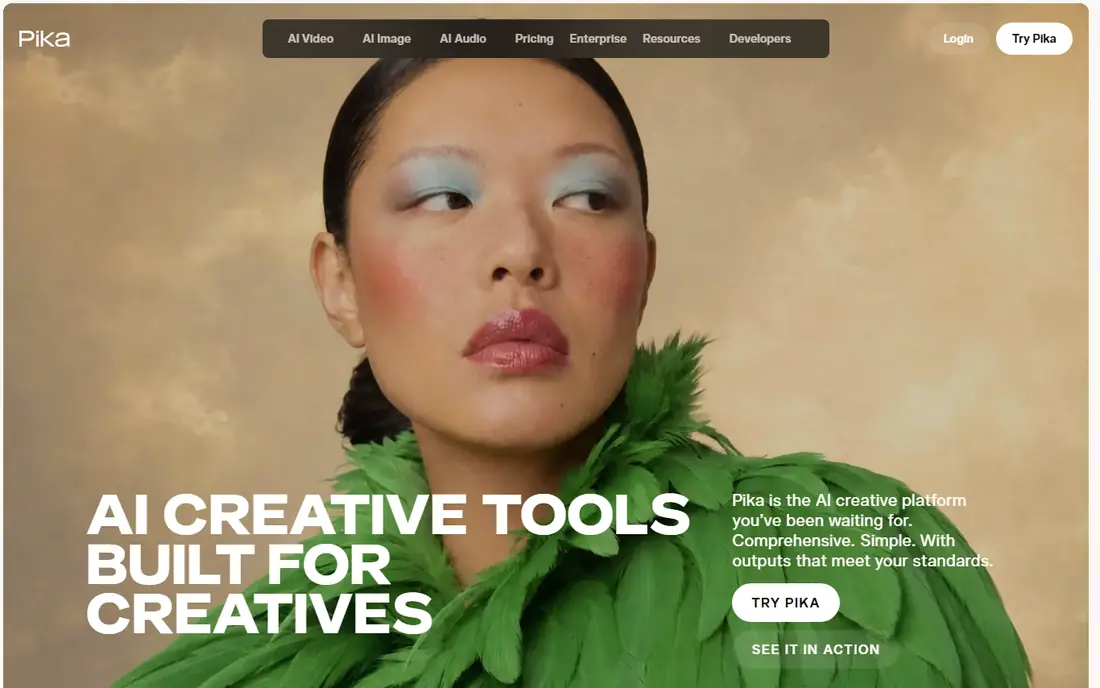
Pika turns a still image into a short animated clip with a prompt describing the movement, camera move or effect. Its best-known feature is Pikaffects, a set of one-click effects that melt, inflate, squash or otherwise transform a subject in a playful way. That focus makes Pika a strong fit for social posts, memes, product teasers and quick concept tests, where a five-second clip matters more than a long scene. The free tier lets a new user test the model and effects before paying.
The free limits are real. Free generations run at lower resolution than paid plans, credits are limited, and a creator who wants many clips, higher resolution or commercial use will need a paid plan. Pika also lacks a full timeline editor, so finished videos usually need a separate editor for captions, music and cuts. Pika fits a creator who wants fast, fun clips from photos. It fits less well for a long-form editor who needs a full production workspace in one tool.
What we like- Free tier for testing
- Signature Pikaffects motion presets
- Fast short clips from a single image
Watch out for- Free output is limited in resolution and credits
- No full timeline editor
- Longer or higher-resolution clips need a paid plan
Starting priceFree
Free planYes
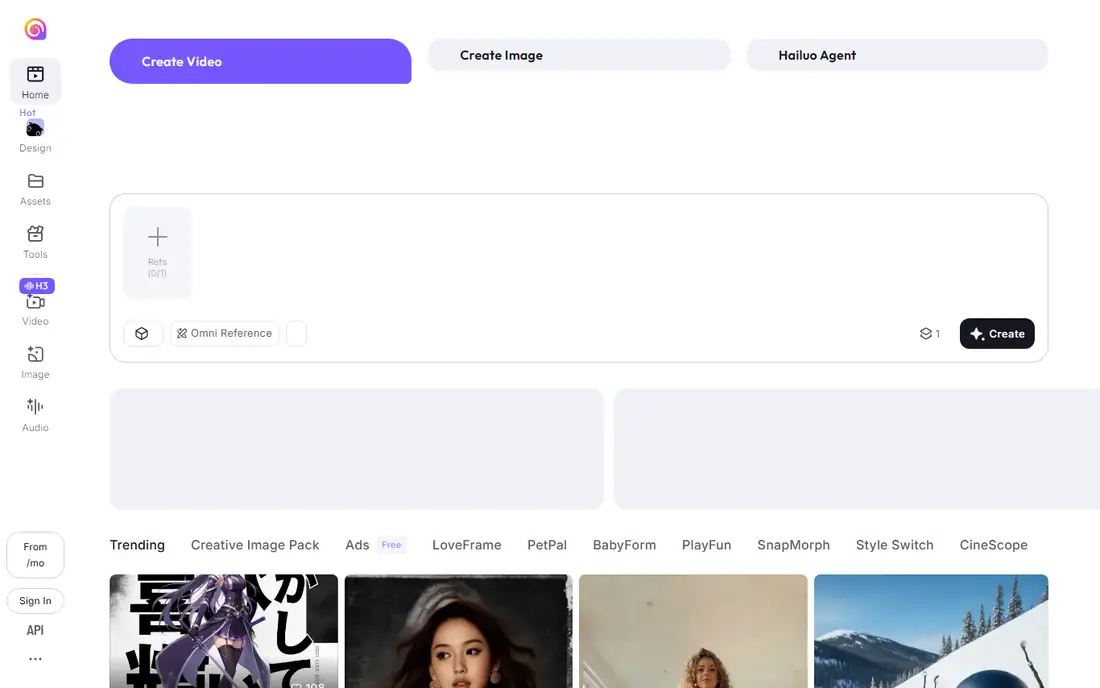
Hailuo, built by MiniMax, stands out for how it moves people. Faces, gestures and fast action hold together better than in many free tools, which makes it a good choice for animating portraits, characters and product spokespeople. Users upload an image, describe the motion, choose a model and resolution, and receive a short clip in under a couple of minutes in many cases. The free trial gives a new account a generous pool of credits to learn prompting before paying.
The free tier has clear limits. Free clips carry a watermark, and the trial credits do not refill like a monthly allowance in several current listings, so Hailuo works as a test drive rather than a permanent free source. Hailuo clips are also silent on its own models, so music, voice or sound effects must be added in an editor. Hailuo fits a creator who wants expressive character animation and is willing to pay for watermark-free, commercial use after testing.
What we like- Strong facial and body motion for characters
- Free trial credits for new accounts
- 6 and 10 second clip options on many models
Watch out for- Free output carries a watermark
- Free credits are a one-time trial rather than a refilling monthly allowance in many listings
- Output is silent on its own models
Starting priceFree
Free planYes

Kling, from Kuaishou, is often cited for realistic movement, with limbs, faces and camera moves that stay coherent across a clip. It supports text to video and image to video, plus features for multi-shot sequences and reusable characters or objects on higher tiers. Newer models add native audio, which helps a creator who wants dialogue, sound effects or ambient sound without a separate audio step. Free daily credits let a user test prompts and motion styles every day.
The credit math needs attention. Free credits in many listings expire after 24 hours, so they cannot be saved for a big project, and longer, higher-resolution or audio clips cost more credits per second. Free output is watermarked and limited to lower resolutions, with no commercial rights on the free tier. Kling fits a creator who wants realistic motion and daily testing, and who will budget credits carefully or pay for production work.
What we like- Strong realistic motion and physics
- Free daily credits in many listings
- Native audio on newer models
- Clips can extend beyond a few seconds
Watch out for- Free output is watermarked and lower resolution
- Free credits expire daily in many listings
- Credit costs rise with length, resolution and audio
Starting priceFree
Free planYes
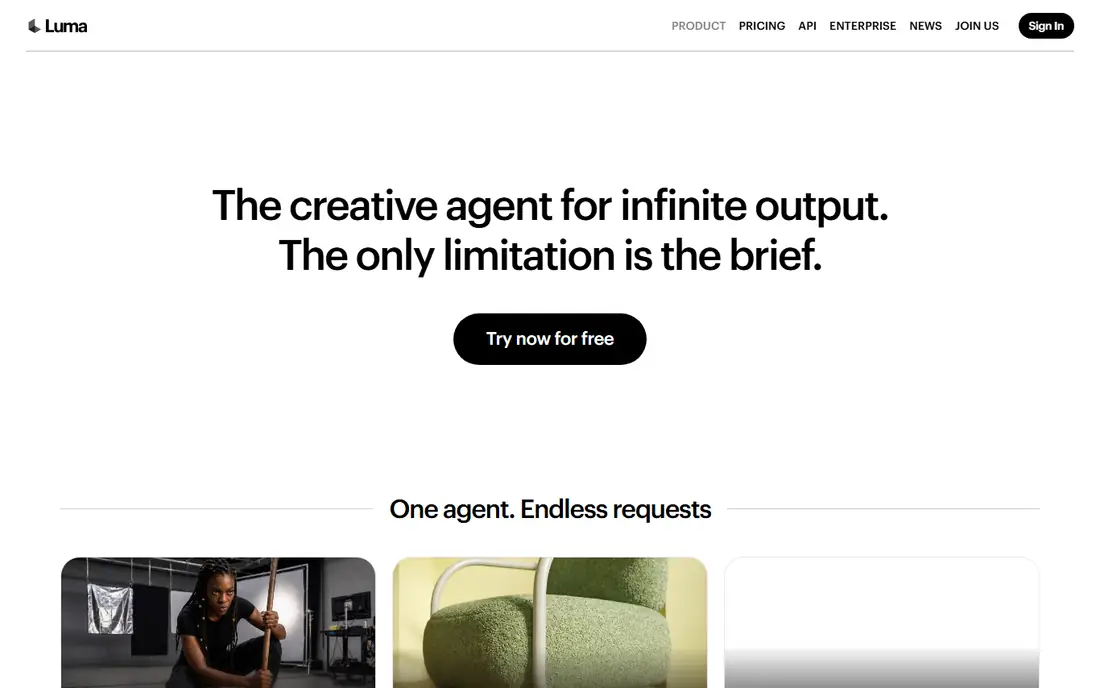
Luma Dream Machine built its reputation on motion that looks natural rather than warped, especially for outdoor scenes, objects and people in simple scenes. The workflow is simple: upload an image, describe the motion, and generate a short clip. Newer Ray models add keyframe control, letting a creator set multiple motion beats inside one clip, plus higher resolution and HDR options for paid work. That control helps a creator who wants a specific camera move at a specific moment, rather than a random animation.
Free use is limited to short, watermarked, silent clips at lower resolution, and the newer Luma Agents tiers start at a higher monthly price than many rivals. The overlap between Dream Machine web and Luma Agents can also confuse a new user about which plan covers which models. Luma Dream Machine fits a creator who values natural motion and simple prompting, and who will pay for higher resolution and commercial use when a clip is ready for publishing.
What we like- Natural, convincing motion from images
- Simple generation workflow
- Keyframe control on newer models for shot-by-shot motion
Watch out for- Free output is watermarked, silent and lower resolution
- Paid entry tiers are pricier than some rivals
- Product lineup can be confusing
#5Runway
Best for: Broader video editing workspace4.1/5 on
G2 (105 reviews, checked Oct 2026)
Visit runwayml.com
Starting priceFree
Free planYes
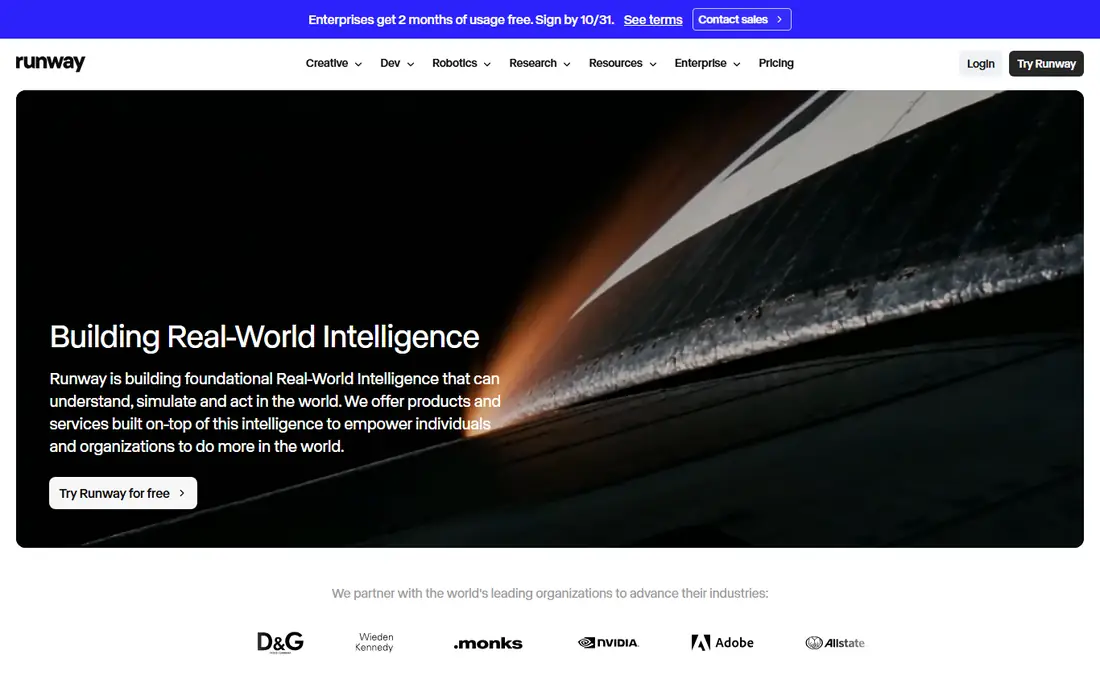
Runway is the broadest tool on this list, because image to video is only one part of a larger video platform. Users can generate a clip from an image, then edit it in the same workspace with timeline tools, effects and other models. Camera controls, motion controls and model choices give a creator more direction over a shot than a simple prompt box. A free tier with a one-time credit allowance lets a new user test generation before subscribing.
The free tier does not support ongoing production. Once the one-time credits are used, further generation needs a paid plan, and paid credit allowances can feel small compared with cheaper rivals for the same monthly price. Runway also takes longer to learn, because its editor and model options are deeper than a single-purpose generator. Runway fits a creator who wants generation and editing in one place and is willing to learn the workspace. It fits less well for a user who only wants a few free clips each week.
What we like- Image to video plus a full video editor
- Strong camera and motion controls
- Free credits for testing new models
Watch out for- Free credits are a one-time allowance in many listings
- Paid plans cost more per clip than some rivals
- Best features need learning time
#6
Vidu
Best for: Simple image to video on mobile and web
Visit vidu.com
Starting priceFree
Free planYes

Vidu offers a straightforward route from a photo to a moving clip, with a web and mobile workflow that suits creators who work on a phone. Users upload a starting image, add a motion prompt, and choose a model and length. Reference support helps keep a subject, character or product looking consistent across clips, which matters for a series of social posts. A free tier lets a new user test that workflow without a card.
The limits match other free tools. Free clips are limited in resolution and credits, commercial use generally needs a paid plan, and the cost per clip rises with model quality and length. Vidu also has a smaller tutorial and community base than Pika, Kling or Runway, so a new user may find fewer prompt guides. Vidu fits a creator who wants a simple, mobile-friendly image to video tool and does not need a full editing suite.
What we like- Simple image to video workflow
- Free credits for new users
- Reference image support for consistent subjects
Watch out for- Free output limits resolution and commercial use
- Credit costs vary by model and length
- Smaller community and tutorial base than Pika or Runway
Starting priceFree
Free planYes
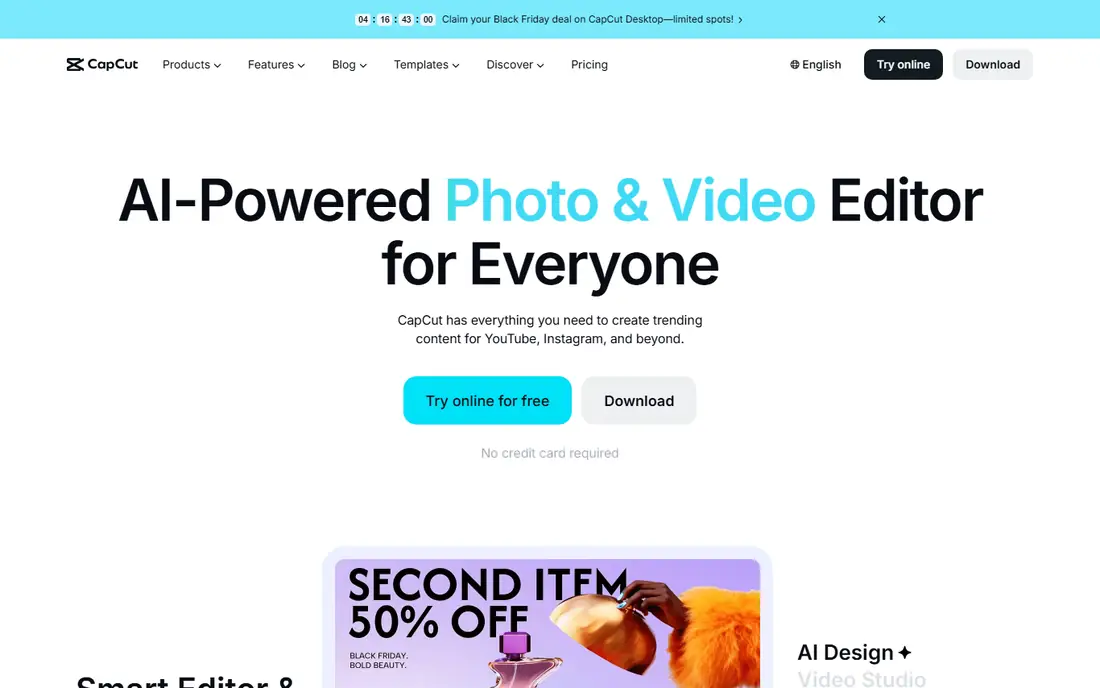
CapCut is different from the generators above because it is a full video editor first. Its AI tools can animate a photo or turn images into a video, and the result can be finished in the same app with captions, transitions, music, templates and effects. That all-in-one path suits a social creator who wants a finished post, not just a raw generated clip. The free tier covers basic editing and many AI features, with a large library of sounds and templates for short-form video.
The trade-off is generation depth. CapCut AI video features are built for short social clips rather than long, cinematic scenes, and credit limits, resolution and export terms vary by feature and plan. A creator who needs precise camera control or long, coherent character motion will get better results from Pika, Kling or Hailuo, then finish the clip in CapCut. CapCut fits a creator who already edits social video and wants photo animation inside that workflow.
What we like- Free editor with AI image to video features
- Captions, music and templates in the same app
- Huge template and sound library for social posts
Watch out for- AI generation credits and quality vary by feature
- Watermark or export limits can apply on free exports in some cases
- Best for short social clips, not long scenes
How we chose
We compared tools on a real free tier for image to video, clip length, motion quality, resolution, watermark rules, commercial use, credit costs and ease of use. Pricing came from vendor sites and current pricing guides, because free allowances and credit costs change often and vary by model, resolution and length. Where a free allowance could not be tied to a stable current figure, we described the tier in general terms and wrote Free as the starting price, rather than publishing a credit number that may already be out of date. We checked that each tool offers image to video today and fits the category, rather than adding text-only generators, stock video sites or editors with no AI generation.
How to get usable free clips without wasting credits
Start with a strong still image. A clear subject, clean background and good lighting give the model less to guess, which reduces warped faces, extra limbs and flicker. Describe one main movement in the prompt, such as a slow camera push, a head turn or a product rotation, rather than listing five actions at once. Test at the lowest resolution and shortest length first, then re-render only the best prompt at higher quality, because retries are where free credits disappear fastest.
Check watermark, commercial and face rules before publishing
Free clips often carry a watermark and a non-commercial license, which means they suit testing and personal posts but not client ads or monetized work. Read the terms for the exact tier you used, and keep a note of which clips were made on a free plan. Do not animate a photo of a real person without permission, and label synthetic or manipulated media where the context requires it, especially for news, ads or public figures. If a clip will be used commercially, upgrade to a paid plan or regenerate it there.
Finish free clips in an editor
Most free generators output short, silent clips, so plan for a finishing step. Add music, voice, captions and cuts in CapCut or another editor, and check the clip frame by frame for warped hands, text or logos before publishing. If a clip fails, change one prompt element at a time, such as the camera move or the subject description, rather than rewriting the whole prompt. That method saves credits and teaches you which words actually change the motion.
Frequently asked questions
What is the best free image to video AI tool?
Pika is the best free starting point for fun, short social clips, while Kling is stronger for realistic motion and Luma Dream Machine is stronger for natural motion from stills. The best tool depends on whether you need effects, character motion, realistic physics or a full editor. Test the same image in two or three free tools before choosing one for a project.
Can I use free AI video clips commercially?
Usually not on a free tier. Most free plans on this list limit output to personal use, add a watermark, or both. Paid plans generally remove the watermark and allow commercial use, subject to the vendor terms. Check the license for the exact plan and model you used, and do not assume a free clip is safe for ads, client work or monetized channels.
How long are free image to video clips?
Most free clips run about 5 to 10 seconds, depending on the tool, model and credit cost. Some tools allow extension to longer clips on paid plans, while others cap a single generation at a short length. If you need a longer scene, plan to generate several short clips and join them in an editor, with matching prompts and reference images for consistency.
Do free image to video tools add a watermark?
Many do on free tiers, including Pika, Hailuo, Kling and Luma Dream Machine in their current free listings. Runway and Vidu also limit free output in resolution, credits or commercial rights. A paid plan is usually the route to watermark-free exports, so check the export preview before spending credits on a clip you plan to publish.
Which free tool is best for animating a photo of a person?
Hailuo is a strong pick for expressive character motion, while Kling suits realistic body movement and camera work. Use a clear, front-facing photo, describe a single natural movement, and check hands, eyes and teeth frame by frame, because those areas warp most often. For a real person, get permission first and avoid misleading edits.
Can I make a video from an image on my phone for free?
Yes. Pika, Kling, Vidu and CapCut all offer mobile apps or mobile web workflows for image to video, and Luma Dream Machine and Runway work well on mobile browsers. CapCut is the simplest phone route to a finished post, because generation and editing sit in one app. For the best motion quality, a desktop browser still gives more control over prompts and settings.
Sources we checked (7)
- https://pika.art/
- https://hailuoai.video/
- https://kling.ai/
- https://lumalabs.ai/dream-machine
- https://runwayml.com/
- https://www.vidu.com/
- https://www.capcut.com/
Is your product missing or out of date?
We review this list regularly. Vendors can request a listing, send updated pricing or ask about featured placement.

Shihab Mia · Founder, Rankite
Shihab has 5+ years in B2B and SaaS SEO. He writes Rankite's software buying guides from pricing pages, documentation and public user reviews. More about Shihab.