How we make this list: we compare pricing pages, product documentation and public user reviews. Rankite is independent; if a vendor ever pays for a featured spot, that listing is clearly labeled Partner.
Key takeaways
- CapCut is the best all-round free pick for social video, with AI captions, background removal and voiceovers that cost nothing.
- DaVinci Resolve is the only free option with professional-grade color and audio tools, but it needs a powerful computer and real learning time.
- Descript is unmatched for talking-head and podcast video because you edit by editing text, though the free plan caps your hours.
- Every free plan has a catch: watermarks, export limits, capped AI credits or resolution caps, so read the free tier terms before you commit to a workflow.
Quick comparison
| Tool | Best for | Starting price | Free plan |
|---|
 CapCut CapCut | Social video with the most free AI tools | Free | Yes |
 DaVinci Resolve DaVinci Resolve | Professional editing, color and audio in one free app | Free | Yes |
 Clipchamp Clipchamp | Quick browser edits, especially on Windows | Free | Yes |
 Descript Descript | Talking-head, tutorial and podcast video edited like a document | Free | Yes |
 Canva Canva | Design-led social clips, intros and branded templates | Free | Yes |
 Kapwing Kapwing | Fast browser edits, memes and repurposing long video | Free | Yes |
 Runway Runway | AI-generated video, effects and creative experimentation | Free | Yes |
 VEED VEED | Subtitled, translated and talking-head video for teams | Free | Yes |
 FlexClip FlexClip | Template-driven promos, ads and business video | Free | Yes |
Is your product missing or out of date?
We review this list regularly. Vendors can request a listing, send updated pricing or ask about featured placement.
The best free video editing software with AI features
Starting priceFree
Free planYes
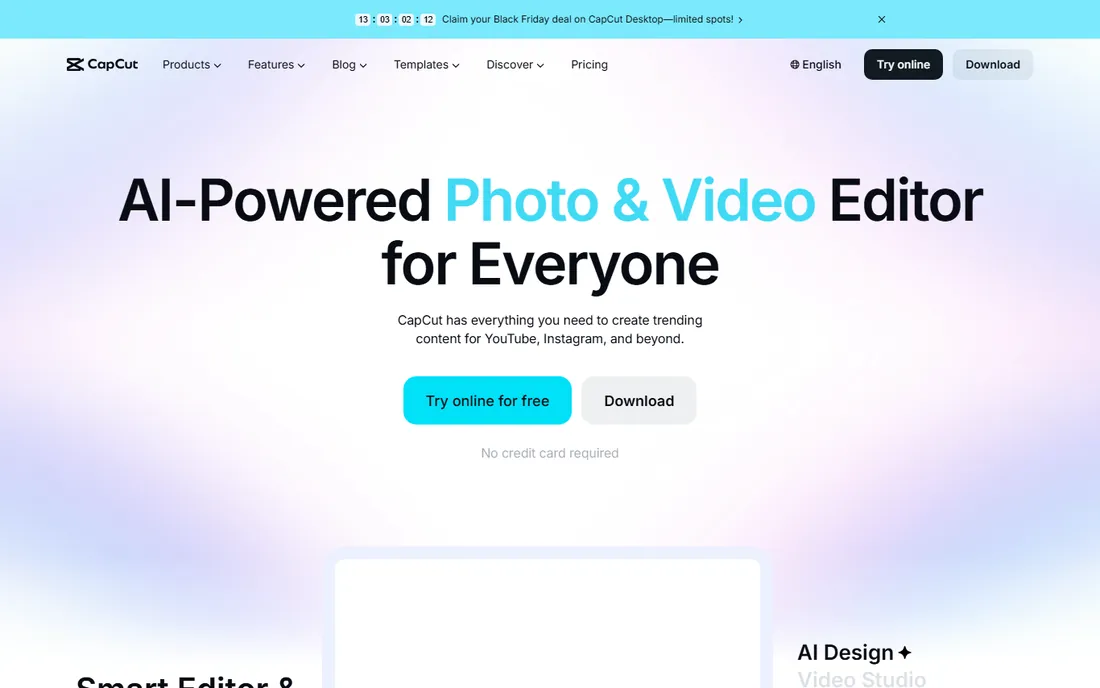
Picture a creator who films on a phone, edits on a laptop and posts the same day. CapCut is built exactly for that loop. The free tier includes AI auto captions in multiple languages, one-click video background removal, text-to-speech voiceovers, noise reduction and an AI video generator, all without asking for a credit card. Exports in HD without watermarks cover YouTube, TikTok and Reels, and the template library means a decent short can be assembled in minutes.
The limits are worth knowing. The flashiest AI effects and the largest stock library sit behind CapCut Pro, and free users get capped AI generation credits that run out fast if you lean on text-to-video. Because it is owned by ByteDance, teams with strict data policies should check their rules before uploading client footage. For everyone else making social content, no free editor packs this much AI into zero dollars.
What we like- Huge set of AI features free, including auto captions and background remover
- No watermark on many exports
- Desktop, mobile and browser versions
Watch out for- Some advanced AI effects need the paid Pro plan
- Template-heavy workflows can look generic
- Account and cloud features push you into its ecosystem
Starting priceFree
Free planYes
DaVinci Resolve is the anomaly on this list: software used to finish Hollywood films, available free with no watermark and no time limit. The free version includes the full edit page, the legendary color correction tools, Fusion visual effects and Fairlight audio post, plus the DaVinci AI Neural Engine, which handles facial recognition, smart reframing for vertical video, speed-warp retiming, voice isolation and auto color matching. Version 21 added AI search across your media and more facial refinement tools.
Free does not mean easy. Resolve wants a modern GPU, plenty of RAM and fast storage, and the interface assumes you will invest hours learning it. A handful of AI features and effects are Studio-only, and collaboration features expect the paid tier. But if you are willing to learn, no other free tool comes close on depth: this is a career-grade editor that happens to cost nothing.
What we like- Full professional editor, color page and Fairlight audio free
- AI Neural Engine with smart reframing, voice isolation and object detection
- No watermark, ever
Watch out for- Steep learning curve and demanding hardware
- Some AI tools and effects reserved for the paid Studio version
- Overkill for quick social clips
Starting priceFree
Free planYes
Clipchamp is Microsoft's answer to quick video work, and its biggest advantage is distribution: it ships with Windows 11 and runs in any modern browser. The free tier is genuinely generous, with unlimited HD exports and no watermarks, plus AI tools that punch above the price: text-to-speech voiceovers in many languages, automatic captions in over 80 languages, background noise removal and silence trimming. Screen and webcam recording are built in, which makes it a natural fit for tutorials and internal comms.
It is not a replacement for a real NLE. Multi-track timelines, precise keyframing and advanced color work are basic compared with Resolve or Premiere, and the nicer stock videos, images and filters require a Microsoft 365 subscription. Performance depends on your browser and connection since rendering happens with cloud assistance. For fast turnarounds, meeting clips and social posts, though, it is the lowest-friction free editor available.
What we like- Runs in the browser with nothing to install
- AI voiceovers, auto captions and noise removal free
- Unlimited HD exports without watermarks
- Ships with Windows 11
Watch out for- Advanced stock assets and premium filters need Microsoft 365
- Timeline features lag desktop editors
- Best experience tied to the Microsoft ecosystem
#4
Descript
Best for: Talking-head, tutorial and podcast video edited like a document
Visit descript.com
Starting priceFree
Free planYes
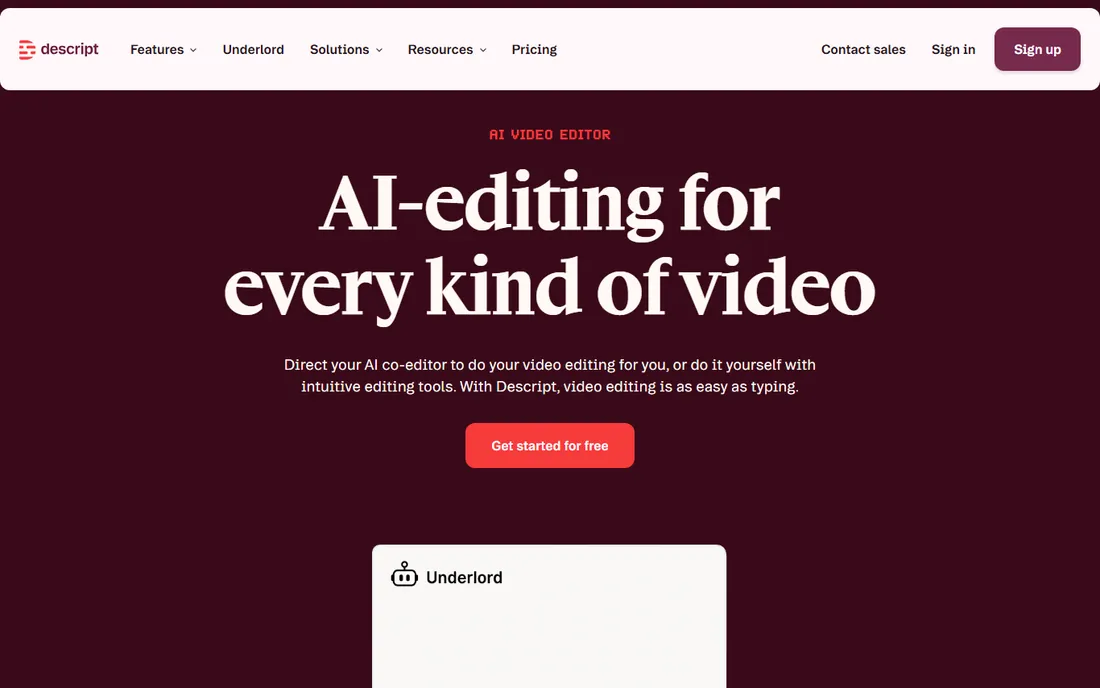
Descript flips editing on its head: it transcribes your footage and lets you cut video by deleting words in the transcript. For talking-head videos, courses and podcasts, this is dramatically faster than scrubbing a timeline. The AI co-editor, Underlord, can turn a raw recording into a tight first cut from a plain-language instruction, while Studio Sound removes background noise and polishes voice quality in one click. The free plan needs no credit card and covers recording, editing and publishing.
The free tier's limits arrive quickly for regular publishers: transcription minutes and publishing hours are capped, and heavy users land on paid plans fast. Descript is also a dialogue tool first; if your video is mostly b-roll, music and effects, a traditional editor serves you better. But for anyone whose content is a person talking to a camera, nothing free edits faster.
What we like- Edit video by editing text, the fastest way to cut dialogue
- AI co-editor drafts rough cuts for you
- Studio Sound cleans audio in one click
Watch out for- Free plan limits transcription and publishing hours
- Not built for cinematic or effects-heavy editing
- Timeline purists may find it constraining
#5
Canva
Best for: Design-led social clips, intros and branded templates
Visit canva.com
Starting priceFree
Free planYes
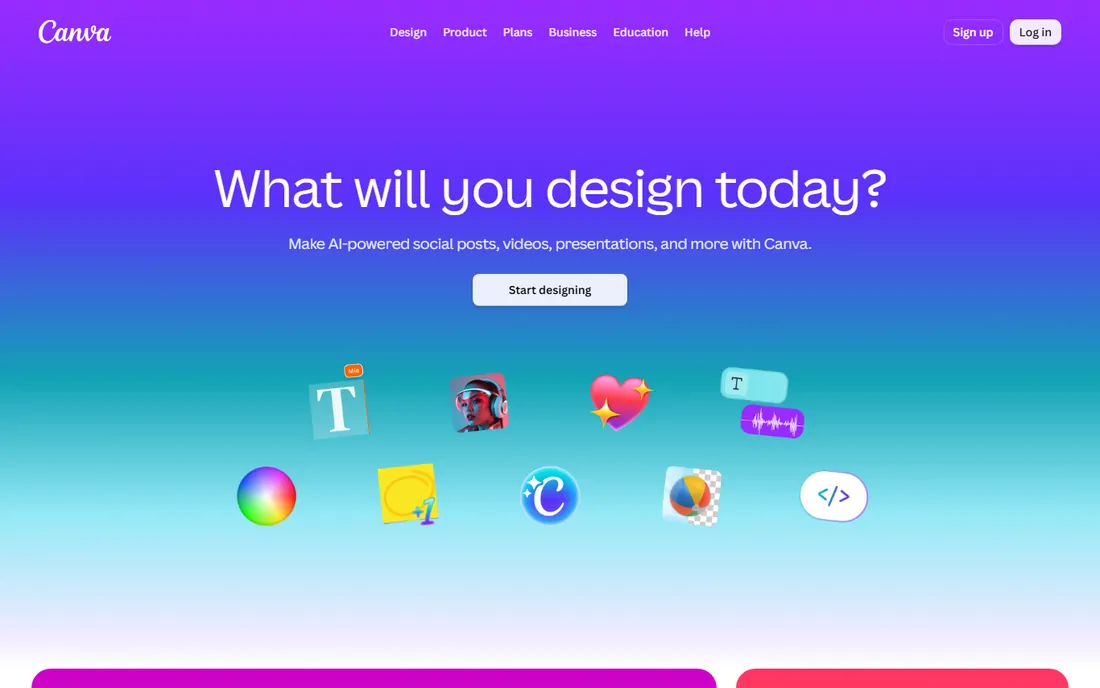
Most people meet Canva as a design tool, but its video editor has quietly become a solid free option for social content. The free plan includes thousands of video templates, drag-and-drop timelines, stock clips and music, and the Magic Studio AI set: background removal, magic expand, text-to-video generation and AI voiceovers. Brand kits on paid plans keep fonts, colors and logos consistent across everything a team publishes.
The ceiling is lower than the tools above. Multi-track editing, keyframing and audio mixing are rudimentary, and the most capable AI video generation sits behind Canva Pro. It is also template-first by design, which speeds up beginners but can make output look familiar. Where Canva wins is volume: a marketer who needs ten on-brand clips a week will ship faster here than in any traditional editor, and the free tier is enough to prove it.
What we like- Enormous template library makes decent video fast
- Magic Studio AI tools for backgrounds, expansion and text-to-video
- Brand kits keep everything consistent
Watch out for- Timeline editing is shallow next to real editors
- Best AI video features need Canva Pro
- Exports and quality controls are limited
#6
Kapwing
Best for: Fast browser edits, memes and repurposing long video
Visit kapwing.com
Starting priceFree
Free planYes
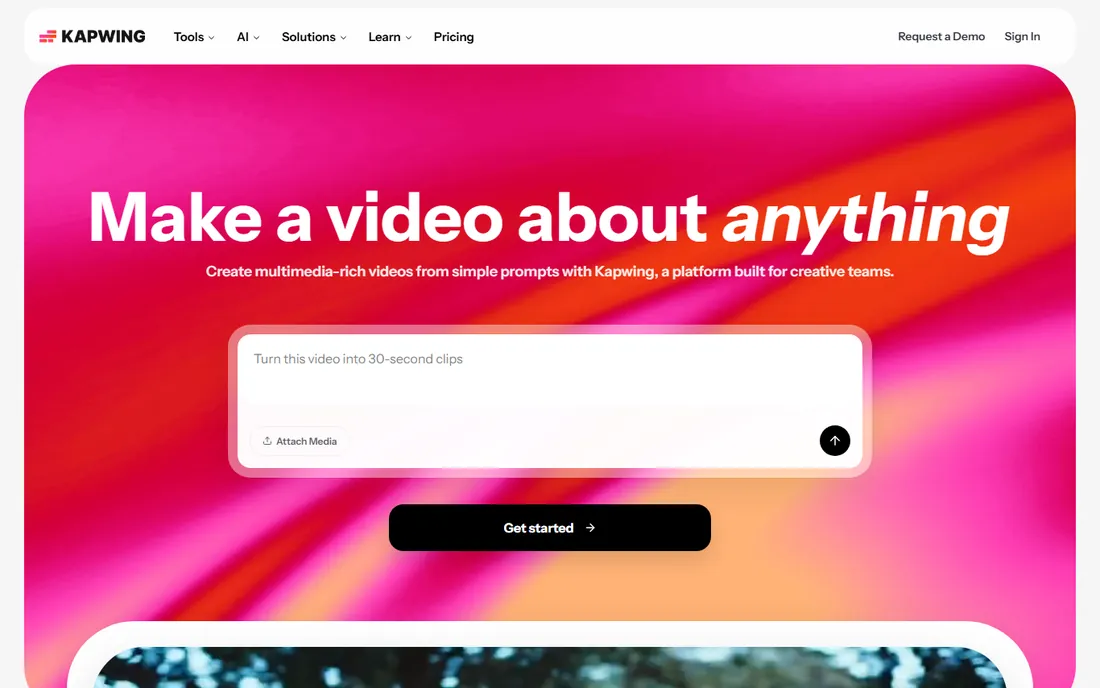
Kapwing has become the default browser editor for teams that live on social platforms. Everything runs in the browser with real-time collaboration, and the AI toolkit covers the modern essentials: auto captions, background removal, smart cut silences, clip generation from long videos, and translation with dubbing. Turning a webinar into a week of shorts is genuinely a few clicks. The free plan is enough to test the whole workflow.
The watermark is the catch that matters most: free exports carry the Kapwing mark, which is fine for drafts and memes but not for client work. AI minutes and cloud storage are also capped, pushing regular creators toward paid plans. For quick turnarounds, internal video and content repurposing, it is one of the fastest free starts available, as long as you can live with the watermark or pay to remove it.
What we like- Entirely browser-based with collaborative editing
- AI tools for captions, background removal, clip generation and translation
- Quick to learn
Watch out for- Free exports carry a watermark
- AI generation minutes are capped
- Long-form editing feels cramped next to desktop apps
#7
Runway
Best for: AI-generated video, effects and creative experimentation
Visit runwayml.com
Starting priceFree
Free planYes
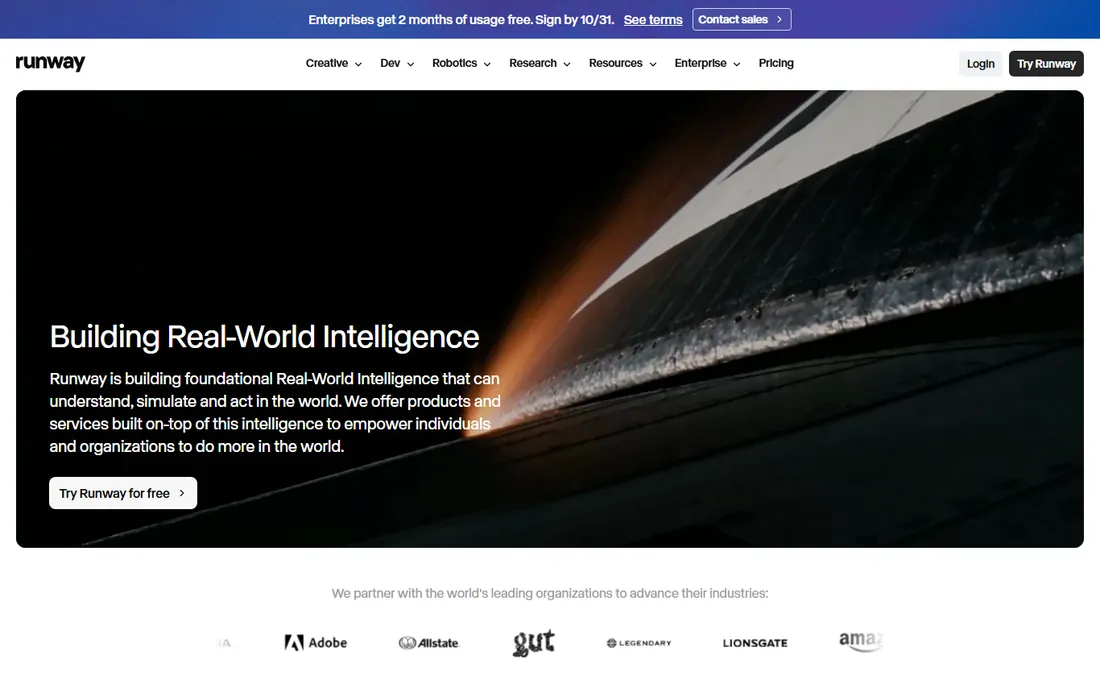
Runway is less a video editor than an AI studio for creating footage that does not exist. Its generative models turn text and images into video clips, and the creative suite adds AI inpainting, object removal, background replacement, motion tracking and green-screen-free compositing. Filmmakers and advertisers use it for shots that would be impractical to film. The free tier lets anyone experiment with the core generation tools.
Credits are the reality check. The free allowance covers experimentation, not production, and serious use means buying credits or a subscription. Generated clips also tend to need assembly, sound and color in a traditional editor before they are finished pieces. Think of Runway as the AI camera and effects department: extraordinary at creating and transforming footage, best paired with an editor like Resolve or CapCut for the final cut.
What we like- Leading text-to-video and image-to-video generation
- AI inpainting, background removal and motion tools
- Free tier to experiment
Watch out for- Free credits run out quickly
- Generated video still needs editing elsewhere for finished pieces
- Pricing is credit-based and can surprise
#8
VEED
Best for: Subtitled, translated and talking-head video for teams
Visit veed.io
Starting priceFree
Free planYes
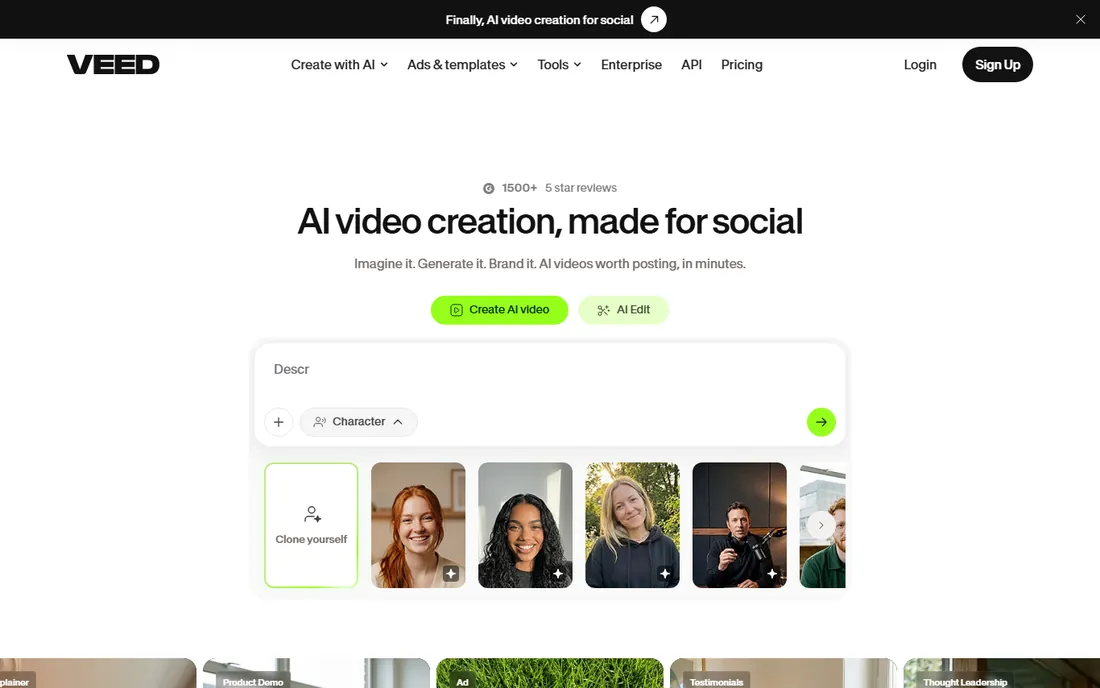
VEED built its name on subtitles and has grown into a full browser studio for talking-head content. The AI subtitle engine is among the best in this price range, with styling, translation into dozens of languages and downloadable SRT files. Around it sits a practical AI toolkit: text-to-video with AI avatars for faceless explainers, eye-contact correction that makes teleprompter reads look natural, noise removal and voice cloning. Templates speed up social formats.
The free plan is a proper trial rather than a permanent home: exports carry a watermark and the AI features are capped, so regular publishing means upgrading. It is also browser-only, which keeps things simple but limits heavy multi-track projects. For creators and small teams whose bottleneck is turning recordings into polished, subtitled, translated video, VEED's AI workflow is one of the smoothest free starts.
What we like- Excellent auto subtitles with styling and translation
- AI avatars and text-to-video for faceless content
- Eye-contact correction and clean audio tools
Watch out for- Free plan watermarks exports and caps features
- Advanced AI avatars and dubbing need paid tiers
- Browser-only, so heavy projects can lag
Starting priceFree
Free planYes
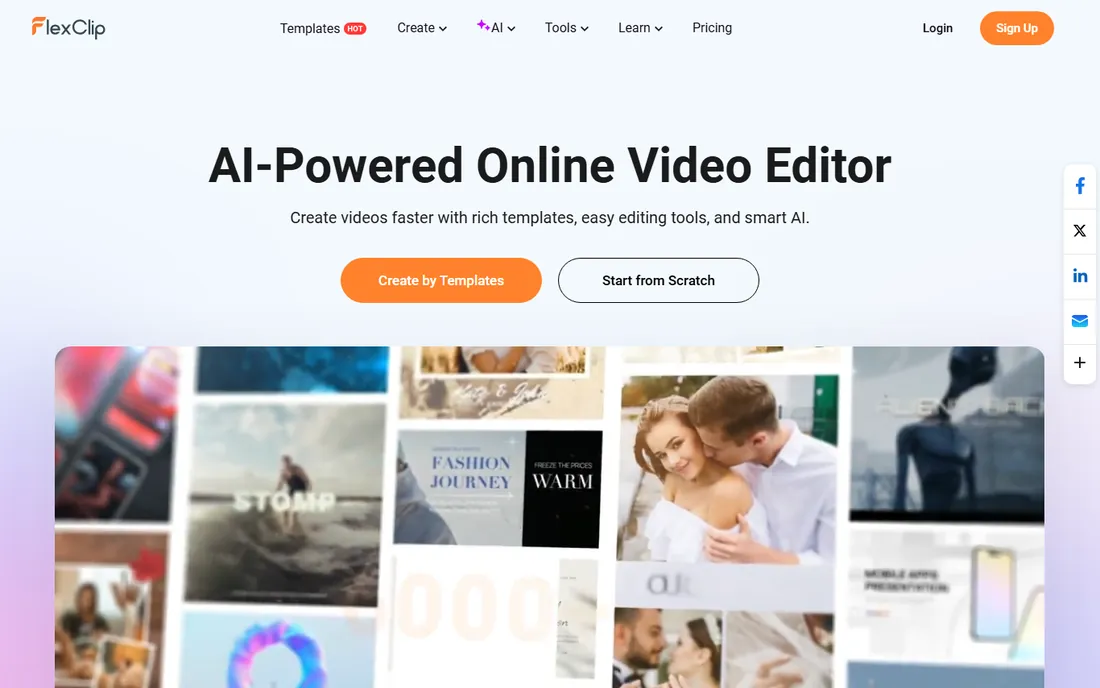
FlexClip aims squarely at business users who need a promo video by Friday. More than 6,000 templates cover intros, ads, explainers, slideshows and social formats, and the AI tools handle the tedious parts: script generation from a prompt, text-to-speech voiceovers, automatic subtitles, background removal and translation. Millions of stock videos, photos and music tracks fill the gaps, and exports go up to 4K on paid plans.
The free tier is best treated as an extended trial. Video length, export resolution and stock downloads are all capped, and removing those limits means subscribing. The editor itself is straightforward rather than deep: fine for template-driven work, frustrating for custom creative projects. For small businesses producing regular promo content without hiring an editor, it is a fast, cheap path from idea to published video.
What we like- 6,000+ templates for business and social formats
- AI script writer, text-to-speech, auto subtitles and translator
- Exports up to 4K
Watch out for- Free plan limits video length, resolution and stock usage
- AI generation quotas are small
- Deep editing controls are basic
How we chose
This comparison weighs the free tier of each editor against what actually matters to someone editing without a budget: whether the free plan is permanent or a trial, watermark and export restrictions, which AI features work free versus paid, and how much computer you need. We worked from each vendor's pricing and feature pages, checked the AI capabilities (captions, background removal, voiceovers, generation) in product documentation, and weighed real user feedback on ease of learning. No vendor paid for placement.
What free really means: watermarks, limits and exports
Free video editors make money when you outgrow the free tier, so the smart comparison is not features but limits. The four limits that matter most are watermarks, export resolution, AI quotas and project caps. Kapwing and VEED watermark free exports, which rules them out for client-facing work unless you upgrade. CapCut, Clipchamp and Resolve export clean, which is why they top this list for zero-budget publishing.
AI quotas are the newest gotcha. Text-to-video generation, AI voiceovers and background removal increasingly run on credits, and free allowances are small by design: enough to try, rarely enough to produce weekly. Check how credits refill and what a top-up costs before building a workflow around a specific AI feature. Export resolution matters too, since some free tiers cap at 720p while social platforms reward 1080p or 4K. Finally, mind project and storage caps: browser editors often limit how many projects you can keep or how much cloud storage you get, which becomes annoying six months in.
Which AI features actually save time
Not all AI video features earn their keep. The ones that consistently save hours are auto captions, silence removal and background noise cleanup: they automate the most tedious parts of editing and work reliably across tools. Text-based editing in Descript belongs in the same category for dialogue-heavy video, since cutting a transcript beats scrubbing footage by an order of magnitude.
Text-to-video generation is the most exciting and the least practical for daily work. Current models produce striking short clips but struggle with consistency, length and precise direction, which is why professionals use them for b-roll and concept shots rather than finished pieces. AI background removal and object erasing sit in the middle: genuinely useful for product shots and quick fixes, occasionally glitchy on complex motion. The practical advice is to pick your editor for the unglamorous AI workhorses, and treat generation as a bonus.
Frequently asked questions
Is free video editing software with AI really free?
Yes, with limits. Every tool on this list offers a permanent free tier, not just a trial. The limits vary: watermarks on Kapwing and VEED, capped AI credits on Runway and FlexClip, and hour caps on Descript. CapCut, Clipchamp and DaVinci Resolve are the most generous for publishing finished video at zero cost.
Which free video editor has the best AI features?
CapCut packs the most AI tools into its free tier: auto captions, background removal, text-to-speech, noise reduction and video generation. DaVinci Resolve has the most sophisticated AI with its Neural Engine, though it demands learning time and strong hardware. Descript has the smartest AI for dialogue editing specifically.
Can I use free video editors for commercial client work?
Usually yes, but check two things: the watermark and the license terms. CapCut, Clipchamp and DaVinci Resolve export without watermarks on their free tiers. Kapwing and VEED watermark free exports. Most free licenses allow commercial use, but stock assets sometimes carry restrictions, so read the terms for the specific assets you use.
Do I need a powerful computer for these tools?
It depends on the tool. DaVinci Resolve needs a modern GPU and plenty of RAM to run well. The browser editors, Kapwing, VEED, Clipchamp, Canva and FlexClip, shift the heavy work to the cloud, so a basic laptop and a decent connection are enough. CapCut and Descript sit in the middle with desktop apps that run on modest hardware.
What is the catch with AI video generation credits?
AI generation costs real computing power, so vendors ration it. Free tiers include a small credit allowance that refills monthly or never refills, and each generated clip or voiceover spends credits. Heavy use means buying more credits or a subscription. Before committing to an AI-heavy workflow, check the credit math against how much you will actually generate each month.
Sources we checked (9)
- https://capcut.com/
- https://www.blackmagicdesign.com/products/davinciresolve
- https://www.clipchamp.com
- https://www.descript.com
- https://canva.com/
- https://kapwing.com/
- https://runwayml.com
- https://veed.io/
- https://www.flexclip.com
Is your product missing or out of date?
We review this list regularly. Vendors can request a listing, send updated pricing or ask about featured placement.

Shihab Mia · Founder, Rankite
Shihab has spent more than a decade helping SaaS and e-commerce brands grow through search. He writes Rankite's software buying guides from pricing pages, documentation and public user reviews. More about Shihab.