How we make this list: we compare pricing pages, product documentation and public user reviews. Rankite is independent; if a vendor ever pays for a featured spot, that listing is clearly labeled Partner.
Key takeaways
- DaVinci Resolve Studio at $295 one-time is the strongest editor that never asks for another payment, and its free version is already professional grade.
- Final Cut Pro ($299.99) remains the best one-time deal on Mac, with free updates and a 90-day trial.
- VEGAS Pro changed hands in 2026 (now with Boris FX) with perpetual licenses around $219.95; confirm current terms on the vendor page before buying.
- Adobe Premiere Elements 2026 costs $99.99 but now grants a 3-year term license, not a perpetual one, so read the fine print.
- The cheapest real perpetual licenses here are Filmora ($79.99) and Corel VideoStudio Ultimate ($99.99), both fine for straightforward projects.
Quick comparison
| Tool | Best for | Starting price | Free plan |
|---|
 DaVinci Resolve Studio DaVinci Resolve Studio | Pro editing with no subscription | $295 one-time | Yes (free version) |
 Final Cut Pro Final Cut Pro | Mac editors who buy once | $299.99 one-time | Free trial (90 days) |
 VEGAS Pro VEGAS Pro | Windows editors who own their tools | $219.95 perpetual | Free trial |
 PowerDirector Ultimate PowerDirector Ultimate | Fast all-round editing | $139.99 one-time (Ultimate) | Free trial (watermarked) |
 Filmora Filmora | Easiest path to a finished video | $79.99 one-time (Perpetual) | Yes (watermarked exports) |
 Corel VideoStudio Ultimate Corel VideoStudio Ultimate | Template-driven projects | $99.99 one-time (Ultimate) | Free trial (30 days) |
 Pinnacle Studio Ultimate Pinnacle Studio Ultimate | Classic timeline editing | $129.99 one-time (Ultimate) | Free trial (15 days) |
 Movavi Video Editor Movavi Video Editor | Simple edits on any computer | $99.95 one-time (lifetime) | Free trial (7 days) |
 Adobe Premiere Elements Adobe Premiere Elements | Guided editing for beginners | $99.99 (3-year term license) | Free trial (7 days) |
Is your product missing or out of date?
We review this list regularly. Vendors can request a listing, send updated pricing or ask about featured placement.
The best one time payment video editing software
Starting price$295 one-time
Free planYes (free version)
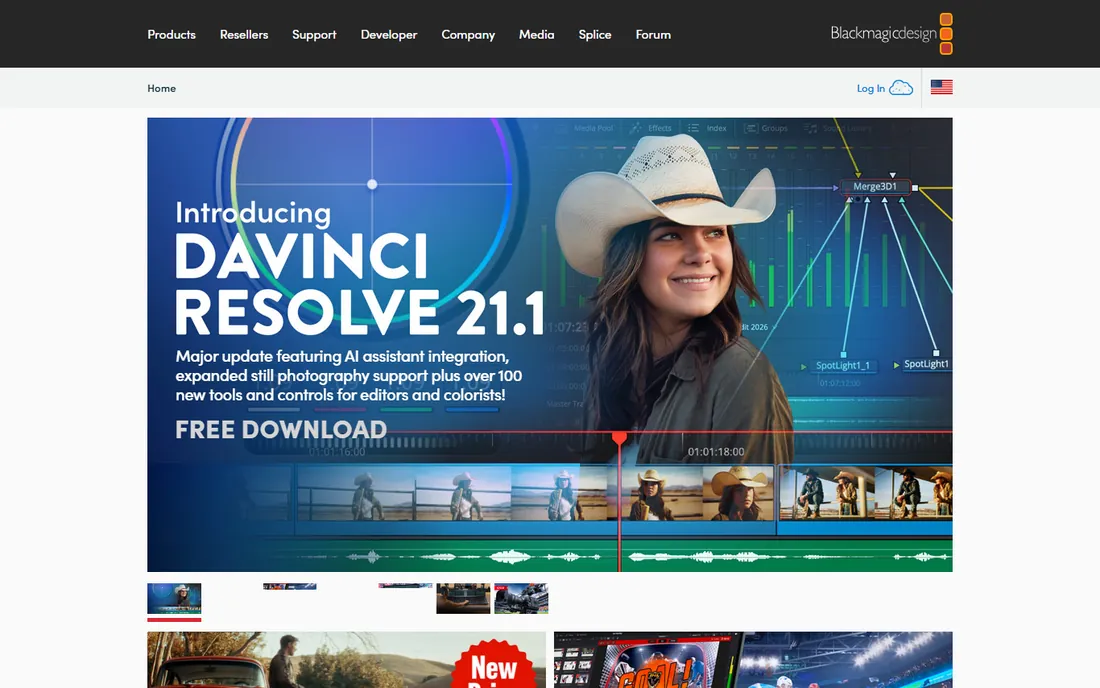
Subscriptions are a treadmill, and DaVinci Resolve Studio is the cleanest way off it. One $295 payment buys the complete professional suite: editing, Hollywood-grade color grading, Fusion visual effects and Fairlight audio post, with free updates and no renewal date. There is no feature held back for a higher tier and no annual fee to keep the app opening. For a small business producing regular video, the break-even against a $23 per month subscription lands just past the first year.
The free version deserves its own mention because it is not a trial. It edits, grades and exports up to 4K UHD with no watermark and no time limit, and many creators never need more. Studio adds noise reduction, the Neural Engine AI tools, HDR grading, stereoscopic 3D and higher resolution delivery. If you are unsure, cut a real project in the free version first; the $295 only makes sense once you hit a Studio-only feature.
What we like- Full pro editor, color, VFX and audio
- No subscription ever
- Generous free tier
Watch out for- Steep learning curve
- Demands a strong GPU
Starting price$299.99 one-time
Free planFree trial (90 days)
Final Cut Pro has kept the same deal for years: pay $299.99 once on the Mac App Store and edit forever. In 2026 Apple confirmed the one-time version continues to receive updates, which protects the purchase against the industry's subscription drift. The editor itself is fast, with the magnetic timeline that makes assembly quick and background rendering that keeps you cutting instead of waiting. On Apple Silicon it is the most responsive editor per dollar in this list.
Apple did add a wrinkle this year with Apple Creator Studio, a $129 per year subscription that reserves some premium content for subscribers. The core editor remains fully functional without it, but buyers should know the line exists. The 90-day free trial is the longest here and gives you a full quarter to decide. If your shop is all Mac, this is the one-time purchase with the least to think about.
What we like- One-time purchase
- Blazing on Apple Silicon
- 90-day trial
Watch out for- Mac only
- Some premium content now subscription-only
Starting price$219.95 perpetual
Free planFree trial
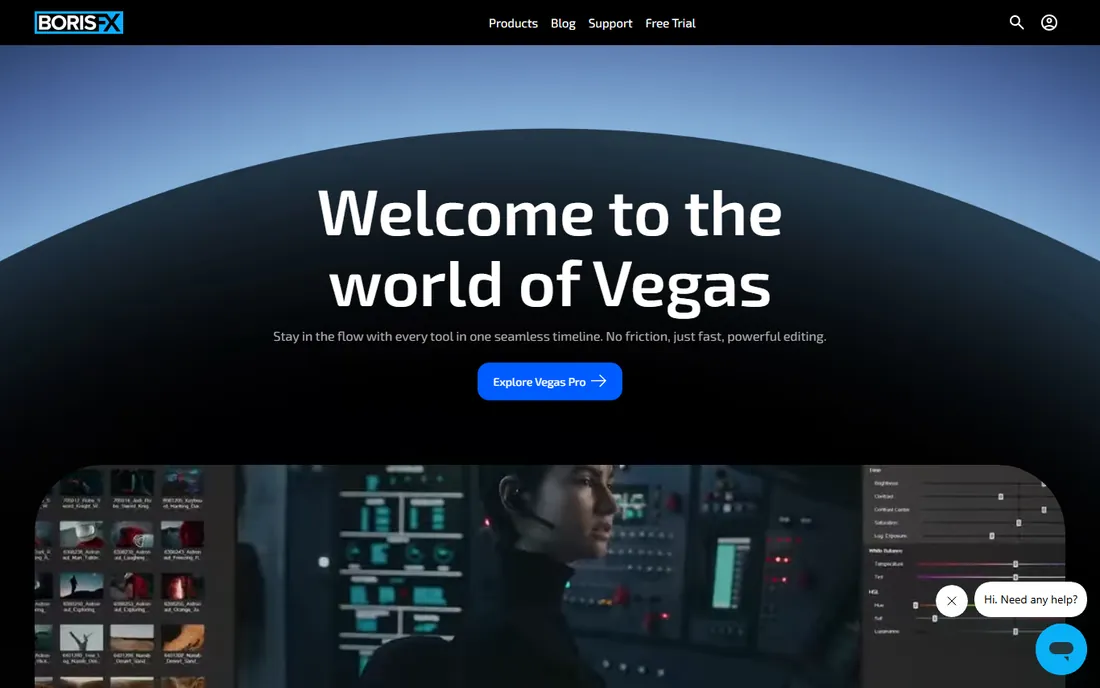
VEGAS Pro has survived more ownership changes than most editors, and 2026 brought another: Boris FX acquired it, with upgrades and sales moving to the Boris FX webshop. The product itself remains the fast, audio-strong Windows NLE its users like, with a timeline that experienced editors can fly through and audio editing depth that comes from its Sonic Foundry roots. Perpetual licenses remain available, with the base VEGAS Pro listed around $219.95, plus monthly and annual subscription options for those who prefer them.
Because the acquisition is recent, treat pricing and bundle details as moving targets and confirm them on the current vendor page before buying. Existing license holders were told old activations keep working, with upgrade paths through the new store. If you are buying fresh, the perpetual license is the point of this list; the subscription tiers exist but defeat the purpose. Check which companion apps are bundled at your tier, since Sound Forge inclusion varies.
What we like- Perpetual license option
- Deep audio tools
- Fast timeline editing
Watch out for- Ownership changed in 2026
- Interface shows its age
Starting price$139.99 one-time (Ultimate)
Free planFree trial (watermarked)
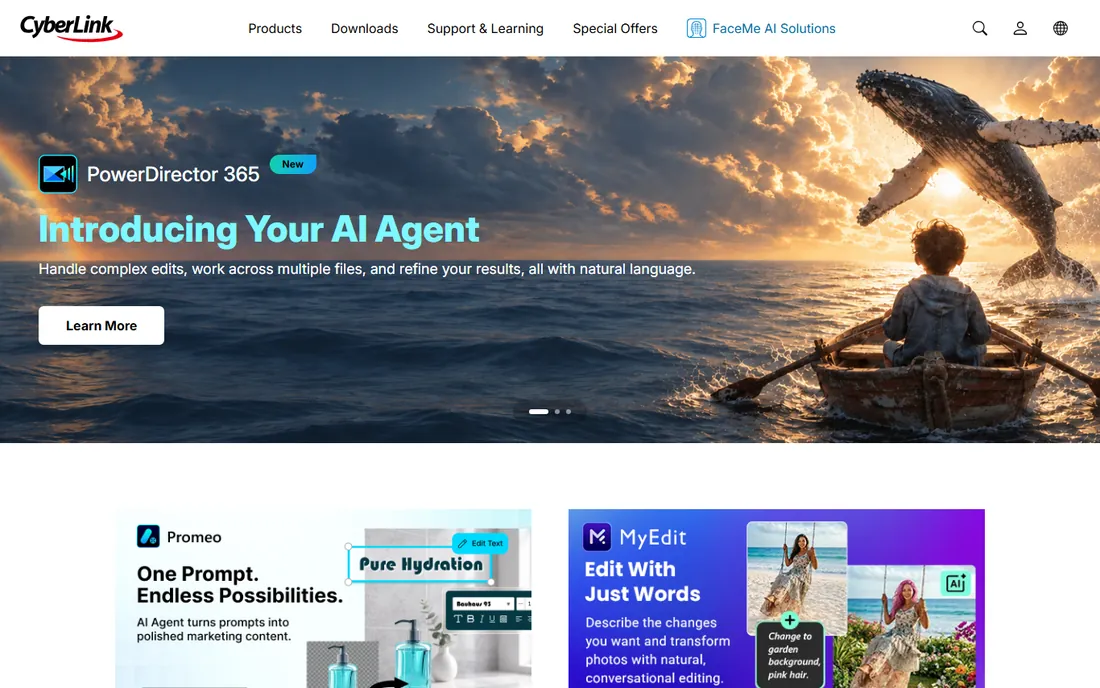
PowerDirector is the pragmatic middle of the video editing market: not the cheapest, not the most powerful, but quick at turning footage into finished videos. The Ultimate perpetual license at $139.99 buys the full editor with motion tracking, multicam and 4K workflows, and the 64-bit engine renders briskly on mid-range hardware. For marketing teams and educators producing steady output, the speed matters more than exotic features.
CyberLink nudges buyers toward PowerDirector 365 ($74.99 per year), which adds a stock library, cloud storage and monthly AI credits that the perpetual license does not include. If you do not need those extras, the one-time Ultimate license is the better deal within two years. The free trial watermarks exports, so use it to test performance on your own footage rather than judging output quality.
What we like- Perpetual license available
- Quick rendering
- Strong 4K support
Watch out for- Subscription pushes stock content
- Mac version weaker
Starting price$79.99 one-time (Perpetual)
Free planYes (watermarked exports)
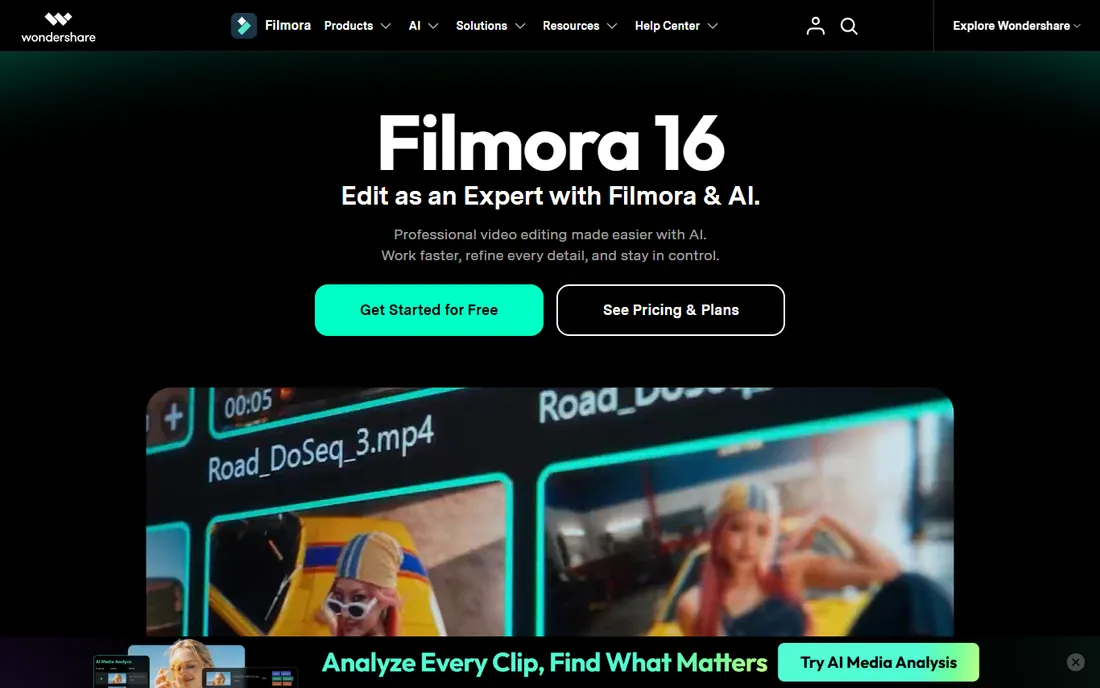
Filmora wins on simplicity and price. The interface is approachable enough for a first-time editor, with templates, effects and AI helpers like auto subtitles and background removal that shorten the path to a finished video. At $79.99 one-time for the Perpetual plan, it is the cheapest paid license on this list, and for straightforward YouTube, course and social videos it is genuinely enough editor.
The fine print matters. The perpetual license covers the current version only; the jump to the next major version is a new purchase. It also includes 1,000 AI credits that never refresh, so if AI generation is central to your workflow, the $49.99 per year plan with monthly credits is the smarter buy. The free version exports with a watermark, which is fine for testing but not for delivery. Buy the perpetual license for simple timeline editing, not as an AI workstation.
What we like- Cheapest perpetual license here
- Gentle learning curve
- AI tools included
Watch out for- No major upgrades included
- AI credits do not refresh
#6
Corel VideoStudio Ultimate
Best for: Template-driven projects
Visit corel.com
Starting price$99.99 one-time (Ultimate)
Free planFree trial (30 days)
VideoStudio Ultimate is the quiet workhorse of this list: $99.99 once, no subscription offered, no renewal to forget. It covers the full basics plus a few specialties competitors skip at this price, including 360-degree video editing, stop-motion animation and multi-camera editing. The Smart Proxy workflow keeps 4K editing smooth on modest machines, which is a real advantage for small offices without workstation PCs.
Corel's model is old-fashioned in a good way: you own the version you buy, and a new version means a new license, usually with an upgrade discount around $79.99. There is no cloud library or AI credit system to manage. The interface will not win design awards and it is Windows only, but for teams that want to buy an editor the way they buy a hammer, VideoStudio is exactly that.
What we like- True one-time purchase
- 360-degree and stop-motion tools
- Easy proxy workflow
Watch out for- Windows only
- Interface feels dated
- No subscription path for updates
Starting price$129.99 one-time (Ultimate)
Free planFree trial (15 days)
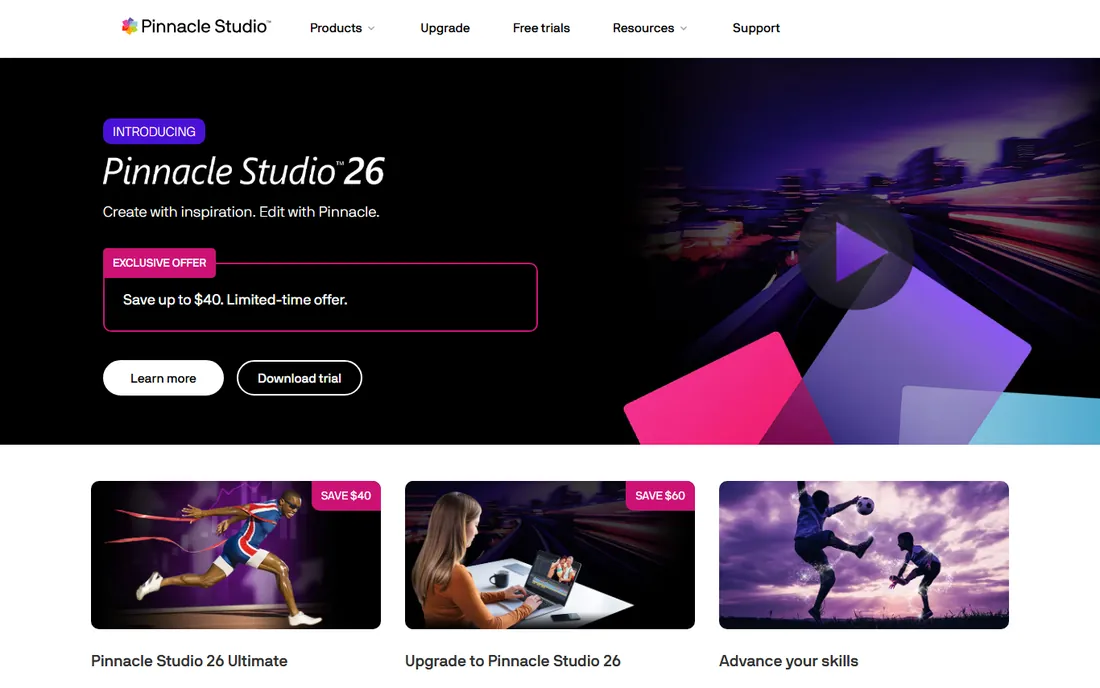
Pinnacle Studio has been selling one-time licenses since before subscriptions were fashionable, and it still does: $129.99 for Ultimate, yours to keep. It is a classic manual NLE with precise keyframe control, 360 video, stop-motion and even Blu-ray disc authoring, a rarity in 2026. Editors who like to control every cut by hand, without AI assistants second-guessing them, tend to like it here.
The flip side of that tradition is a lack of modern AI tooling; there is no auto-reframe, no text-based editing, no generative fill. Development pace is slower than the big names, and the community is smaller, which shows in tutorial availability. A 15-day free trial lets you test the full feature set. For a Windows shop that wants professional manual control with zero recurring cost, it remains a solid buy.
What we like- Perpetual license
- Precise keyframe control
- Blu-ray authoring
Watch out for- Windows only
- No AI features
- Smaller community
Starting price$99.95 one-time (lifetime)
Free planFree trial (7 days)
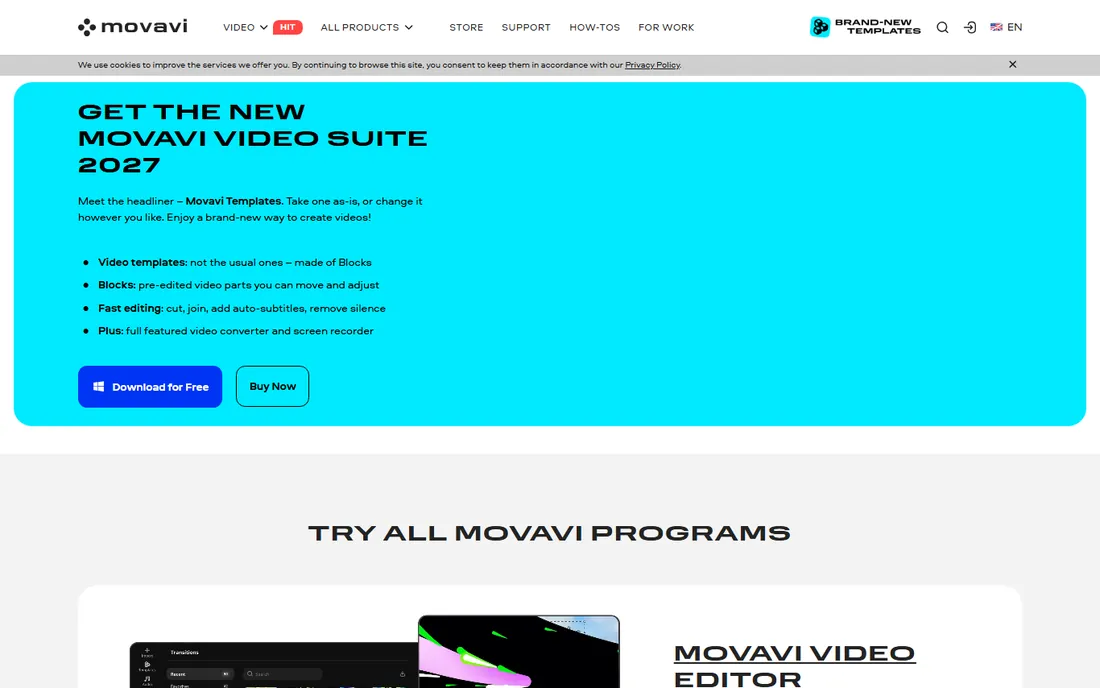
Movavi pitches itself at people who find other editors intimidating, and it delivers: cutting, titles, transitions, chroma key and motion tracking are all a few clicks away, and the system requirements are light enough for older laptops. The one-time purchase is $99.95 for the lifetime version of the current release, which fits this list's premise exactly.
Watch the versioning. The lifetime purchase does not receive new tools or effects updates; those flow to subscribers. The full effects library is a separate add-on at $139.95 per year, which can quietly double the cost if you want it. A 7-day free trial shows the workflow, though exports are limited. Buy Movavi for simple, fast editing on basic hardware, and skip the effects subscription unless you truly need it.
What we like- One-time option
- Very easy to learn
- Runs on modest hardware
Watch out for- Lifetime version gets no updates
- Effects packs cost extra
#9
Adobe Premiere Elements
Best for: Guided editing for beginners
Visit adobe.com
Starting price$99.99 (3-year term license)
Free planFree trial (7 days)
Premiere Elements is Adobe's answer for people who will never open Premiere Pro: an editor with Guided Edits that walk beginners through effects step by step, plus AI helpers for reframing, color matching and audio cleanup. The 2026 version added 360-degree footage support and faster stabilization, and it handles 4K fine for home and small-business projects. A 7-day trial lets you test the workflow.
The pricing changed in a way buyers must understand. The $99.99 purchase no longer buys a perpetual license; it buys a three-year term, after which you purchase again. The upside is that upgrades released within those three years are included free. It is still a one-time payment with no recurring billing, which keeps it on this list, but it is not the own-it-forever deal it used to be. Factor a repurchase into your long-term planning.
What we like- Guided Edits teach as you go
- No subscription
- Sensei AI helpers
Watch out for- Now a 3-year term, not perpetual
- Limited pro features
What matters when the price is paid once
A one-time payment is not the same as a one-time cost. Some of these licenses are truly perpetual: buy DaVinci Resolve Studio, Final Cut Pro or Corel VideoStudio and the software keeps working indefinitely. Others are term-limited, like Premiere Elements 2026 with its three-year license. And several exclude major version upgrades, which means budgeting for a paid upgrade every year or two if you want new features. Read the license terms, not just the price.
Match the license to your upgrade habits. If you buy software and run it for five years, a perpetual license without upgrades is perfect. If you always want the newest version, compare the upgrade price against a subscription; sometimes the subscription wins. Also check how many machines the license covers: most of these are single-computer licenses, so a three-editor team triples the cost.
How we chose
We compared editors that can be bought without a subscription by reading current vendor pricing pages, documentation and public reviews on G2, Capterra and Reddit. We verified what "one-time" actually means for each product in 2026, since several vendors have quietly shifted from perpetual licenses to term licenses. We favored tools that exist today and fit small and mid-size teams, and we noted ownership changes, like the VEGAS Pro acquisition, where they affect what you are actually buying.
The hidden costs of one-time licenses
The sticker price is only the start. Paid upgrades are the most common extra: Filmora, Corel VideoStudio and Pinnacle Studio all charge for major new versions, typically $60 to $80. AI features increasingly run on credit systems, and one-time licenses usually include a fixed credit pool that does not refresh. Stock media, effects packs and cloud storage are frequently subscription-only add-ons even when the editor itself is perpetual.
Hardware is the other hidden cost. DaVinci Resolve Studio is cheap to own and expensive to feed; it wants a discrete GPU to perform. Budget the machine alongside the license. And remember support: perpetual licenses sometimes include only a year of priority support, after which you rely on forums. None of this disqualifies one-time purchases, but the honest total cost over three years is what you should compare against a subscription.
Frequently asked questions
Are one-time payment video editors really cheaper than subscriptions?
Usually, if you keep them more than two years. A $295 DaVinci Resolve Studio license beats a $23 per month subscription after about thirteen months. The math gets closer when you buy paid upgrades or add subscription-only extras like stock libraries. Work out your three-year cost including likely upgrades before deciding.
What does perpetual license mean exactly?
It means you can use the version you bought indefinitely, with no recurring payment required to keep the software working. It does not always mean free upgrades; many vendors charge for major new versions. It also does not always mean the current industry default, so check whether the vendor still sells perpetual licenses or has moved to term licenses like Premiere Elements did.
Can I use these editors commercially?
Yes for most of them. DaVinci Resolve Studio, Final Cut Pro, VEGAS Pro, PowerDirector, Corel VideoStudio, Pinnacle Studio and Premiere Elements all allow commercial use on their standard licenses. Check seat counts: most are single-user or single-computer licenses, so teams need multiple copies. Movavi's lifetime license is also fine for commercial projects.
What happens when a one-time license vendor gets acquired?
Your existing license normally keeps working; acquisitions affect future sales and upgrades, not past purchases. The VEGAS Pro move to Boris FX in 2026 is a live example: old activations continued to work while new sales and upgrades shifted to the new owner's store. Before buying right after an acquisition, confirm the current vendor, pricing and upgrade terms.
Is there a good free video editor with no watermark?
Yes. DaVinci Resolve's free version is a full professional editor with no watermark and no time limit, exporting up to 4K UHD. It lacks some Studio features like noise reduction and the Neural Engine tools, but for straight editing it is the best free option by a wide margin. VSDC is another free, watermark-free option for simpler work.
Sources we checked (9)
- https://thepostflow.com/post-production/video-editing/resolve-studio-vs-free/
- https://www.macrumors.com/2026/01/14/final-cut-pro-one-time-vs-creator-studio/
- https://soundforgepro.com/sound-forge-vs-vegas-pro/
- https://unifab.ai/resource/cyberlink-powerdirector-review
- https://toolradar.com/tools/filmora
- https://www.creativebloq.com/features/cyberlink-powerdirector-vs-corel-videostudio-ultimate
- https://www.geekbyter.com/coupons/pinnacle/
- https://www.digitalcameraworld.com/tech/software/movavi-video-editor-2026-an-affordable-and-feature-packed-non-linear-video-editor
- https://www.macworld.com/article/668174/adobe-premiere-elements-review.html
Is your product missing or out of date?
We review this list regularly. Vendors can request a listing, send updated pricing or ask about featured placement.

Shihab Mia · Founder, Rankite
Shihab has spent more than a decade helping SaaS and e-commerce brands grow through search. He writes Rankite's software buying guides from pricing pages, documentation and public user reviews. More about Shihab.