How we make this list: we compare pricing pages, product documentation and public user reviews. Rankite is independent; if a vendor ever pays for a featured spot, that listing is clearly labeled Partner.
Key takeaways
- Plex remains the easiest server to set up with the widest app support, but its lifetime pass now costs $749.99, which changes the math.
- Jellyfin does nearly everything Plex does for free, with no account, no tracking, and hardware transcoding included.
- Emby sits between the two: a polished commercial product with a $119 lifetime license, far cheaper than Plex lifetime.
- Kodi is a player first and a server second, ideal for a home theater PC connected directly to a TV.
- If your main goal is beaming files to a smart TV or game console, the free DLNA servers (Universal Media Server, Serviio) are simpler than any of the big three.
Quick comparison
| Tool | Best for | Starting price | Free plan |
|---|
 Plex Plex | easiest setup and widest app support | $6.99 per month (Plex Pass) | Yes |
 Emby Emby | polished interface without Plex pricing | $4.99 per month (Emby Premiere) | Yes |
 Jellyfin Jellyfin | free forever with no tracking | $0 | Yes |
 Kodi Kodi | home theater PC connected to a TV | $0 | Yes |
 Universal Media Server Universal Media Server | DLNA streaming to TVs and consoles | $0 | Yes |
 Serviio Serviio | simple DLNA server for smart TVs | $25 one-time (Serviio Pro, v2.x) | Yes |
 Stremio Stremio | streaming hub with add-ons | $0 | Yes |
 MediaPortal MediaPortal | Windows home theater with live TV and DVR | $0 | Yes |
 Mezzmo Mezzmo | Windows DLNA with rich device profiles | $29.95 one-time | Free trial (15 days) |
Is your product missing or out of date?
We review this list regularly. Vendors can request a listing, send updated pricing or ask about featured placement.
#1
Plex
Best for: easiest setup and widest app support
Visit plex.tv
Starting price$6.99 per month (Plex Pass)
Free planYes
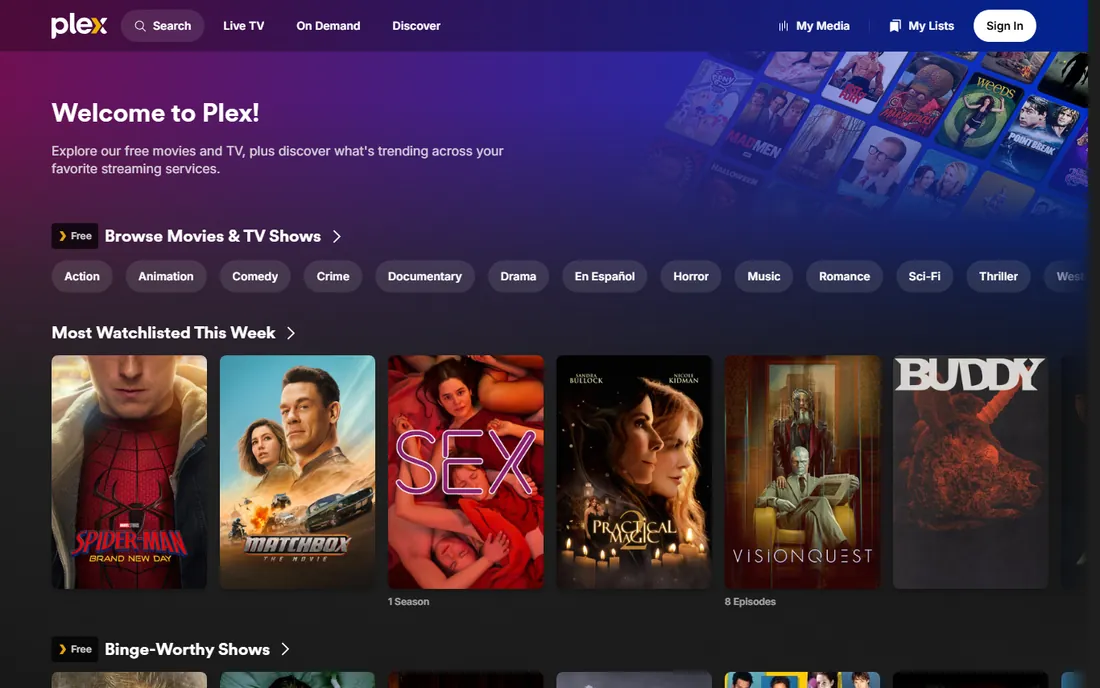
Plex is the default recommendation for a reason. Install the server, add your movie and TV folders, and within minutes you have a Netflix-style library with posters, cast info, and resume points on phones, TVs, streamers, and game consoles. Hardware transcoding, offline downloads, and DVR come with Plex Pass.
The pricing story changed in 2026. Monthly is $6.99 and yearly is $69.99, but the lifetime pass jumped to $749.99 in July 2026, with a new 5-year pass at $249.99. Plex also removed free remote streaming, so watching your own library outside your home now needs a paid pass. If you mostly watch at home and want the smoothest experience, the free tier still works. If you wanted lifetime, the math now favors the alternatives below.
What we like- Setup takes minutes
- Apps for nearly every device
- Remote streaming and downloads
Watch out for- Lifetime pass now $749.99
- Free remote streaming was removed
- Account required through Plex servers
Starting price$4.99 per month (Emby Premiere)
Free planYes
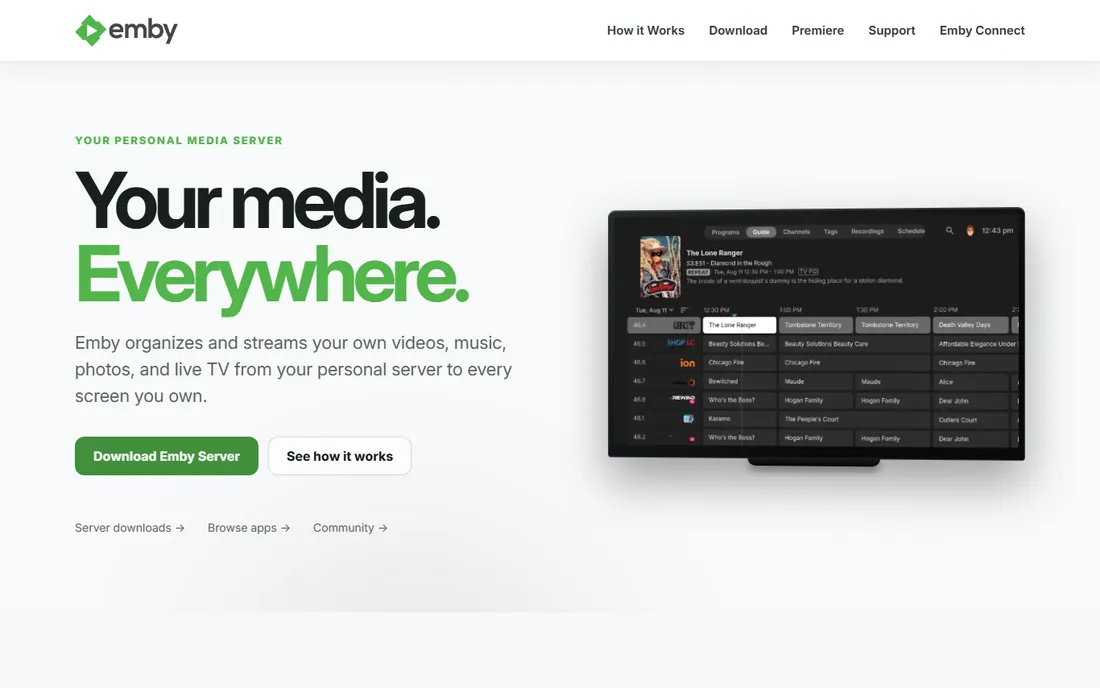
Emby does the same core job as Plex: organize your media, stream it everywhere, record live TV with a tuner. The interface is polished and close to Plex in feel, with official apps for Android, iOS, Fire TV, Android TV, and smart TVs. Where Emby pulls ahead is the price of commitment. Emby Premiere costs $4.99 per month, $54 per year, or $119 as a one-time lifetime license, and those prices have not moved.
The free tier covers local streaming, while Premiere adds hardware transcoding, offline sync, DVR, and mobile app features. Emby also runs fully self-hosted with no mandatory cloud account, which privacy-minded users prefer. The honest tradeoff is ecosystem size: fewer third-party clients and integrations than Plex, and a smaller community for troubleshooting odd setups.
What we like- Lifetime license still $119
- Clean modern interface
- Strong live TV and DVR
Watch out for- Smaller app ecosystem than Plex
- Some mobile features need Premiere
Starting price$0
Free planYes
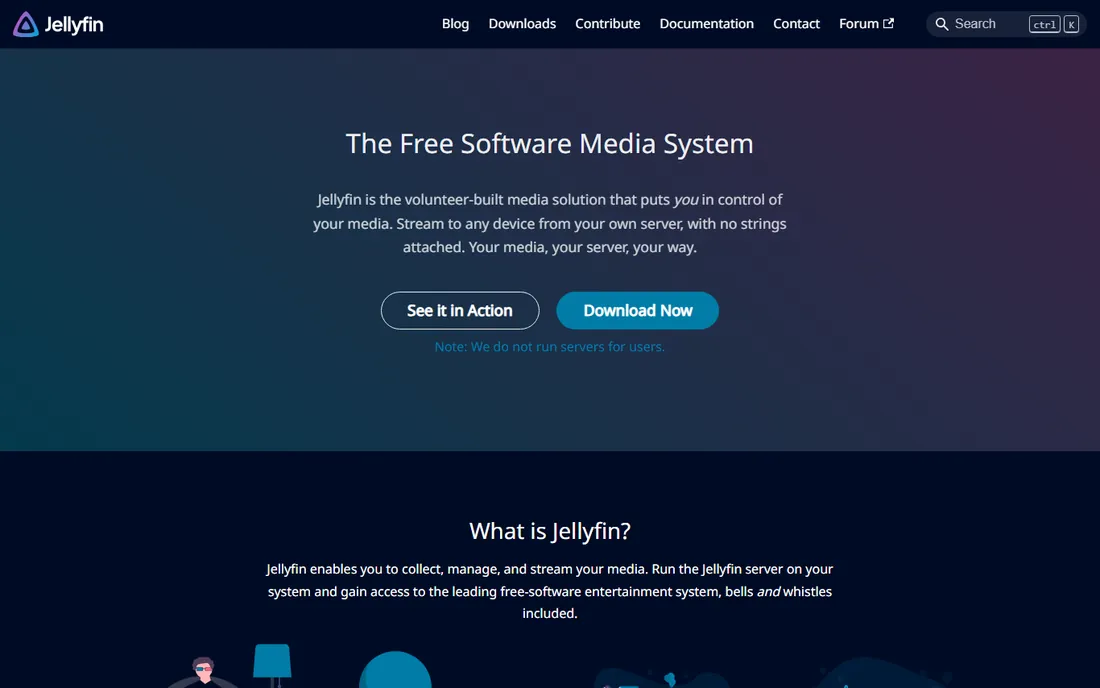
Jellyfin is the fork of Emby that stayed free, and in 2026 it is the best value in media servers by a wide margin. Every feature is included at no cost: hardware transcoding, live TV and DVR, offline downloads, multi-user profiles with parental controls. There is no premium tier to upsell you, no account to create, and no usage data leaving your network.
Setup is straightforward on Windows, Mac, Linux, Docker, and most NAS systems, with a web interface plus native apps. The catches are real but manageable. Some client apps feel less polished than Plex, remote access outside your home requires port forwarding or a VPN like Tailscale since there is no relay service, and the volunteer project fixes device-specific bugs more slowly than commercial rivals. If you are comfortable with light networking setup, nothing beats the price.
What we like- Completely free and open source
- Hardware transcoding included
- No account or telemetry
Watch out for- Client apps vary in polish
- Remote access needs manual setup
- Metadata matching can miss obscure titles
Starting price$0
Free planYes
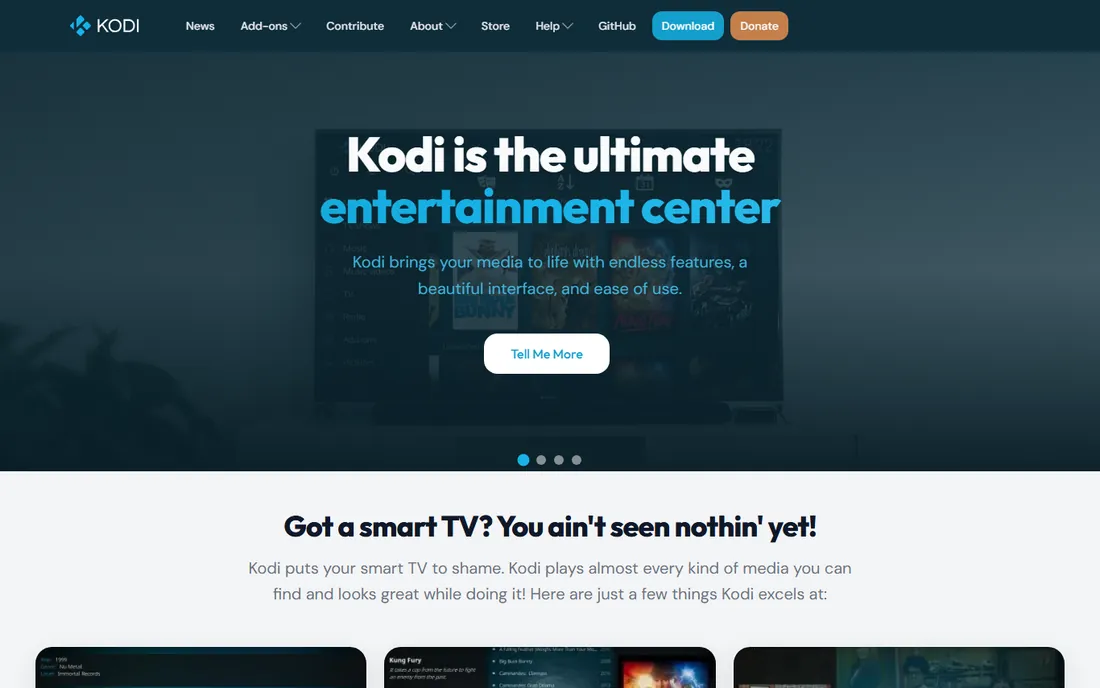
Kodi is a media player first. It shines on a computer or box plugged directly into a TV, with a 10-foot remote-friendly interface, deep codec support, and skins and add-ons that change nearly everything. It is free, open source, and runs on Windows, Mac, Linux, Android, iOS, Raspberry Pi, and more.
As a server it is the odd one out here. Kodi can share its library over UPnP/DLNA and there are ways to sync watch states across installs, but it was designed around one screen, not many. Choose Kodi when the main viewing happens on one home theater setup and you want total control over playback. Choose Plex, Emby, or Jellyfin when several people stream to several devices.
What we like- Unmatched playback customization
- Huge add-on library
- Runs on almost anything
Watch out for- Not a true client-server design
- Setup is hands-on
- Library sync across devices takes work
Starting price$0
Free planYes
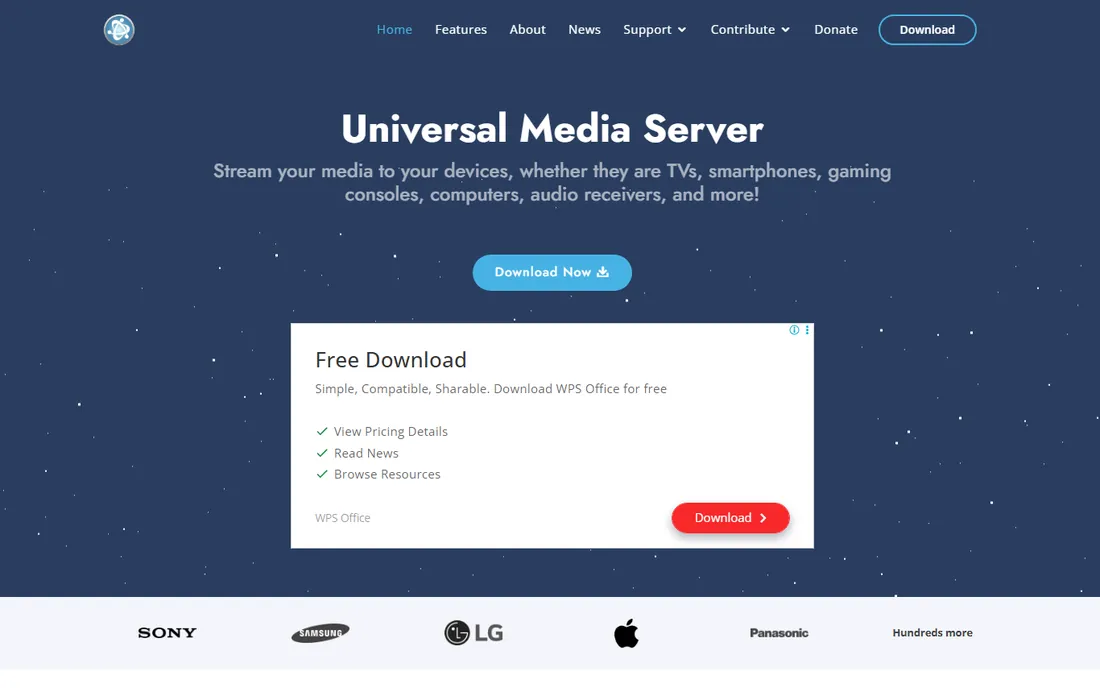
Universal Media Server skips the glossy apps entirely. It is a DLNA/UPnP server: install it on Windows, Mac, or Linux, share your folders, and your smart TV, PlayStation, Xbox, or Blu-ray player sees your media over the local network. It transcodes formats your device cannot play on the fly, using bundled FFmpeg and friends.
There is no subscription, no account, and no library interface to admire. You browse folders on the TV itself. That simplicity is the point for many households: no apps to install, no logins, nothing to maintain. The downside is the experience feels basic next to Plex, and transcoding 4K on an old computer will strain it. Pick UMS when the TV is the only client that matters.
What we like- Streams to almost any DLNA device
- On-the-fly transcoding
- Free and open source
Watch out for- No pretty library apps
- Interface is utilitarian
- Java-based and can feel heavy
Starting price$25 one-time (Serviio Pro, v2.x)
Free planYes
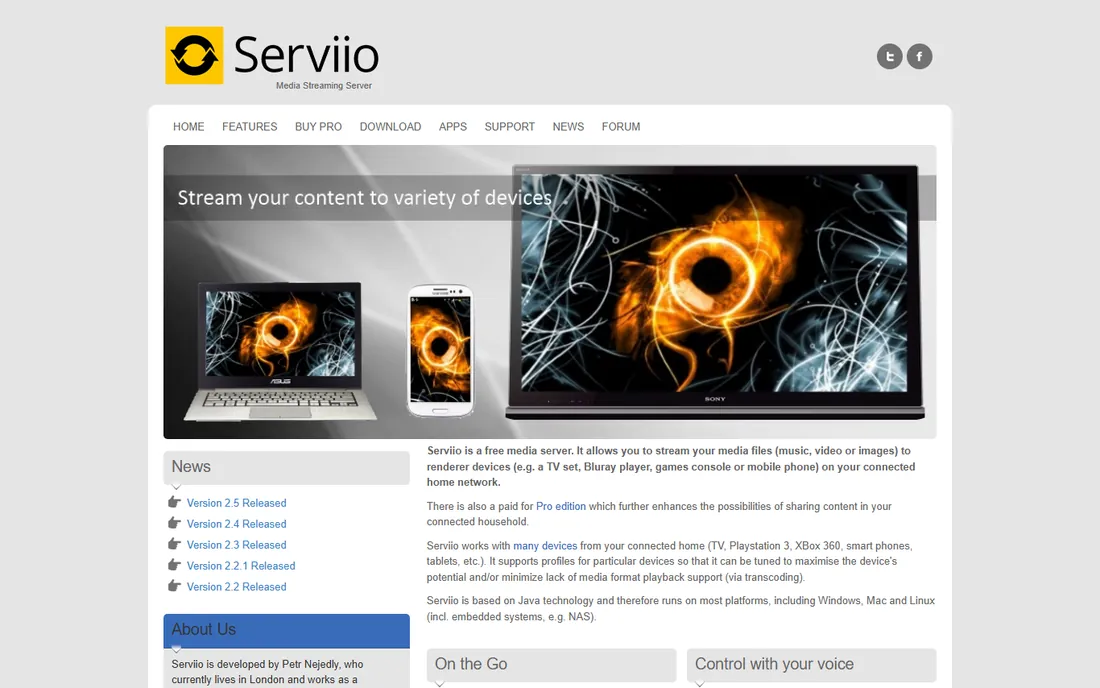
Serviio is the minimalist commercial DLNA server. The free version streams music, video, and photos to DLNA devices on your home network with per-device profiles that tune transcoding for Samsung, Sony, LG, and other TVs. New installs include a 15-day trial of Pro, then fall back to free automatically.
The $25 Pro license (one-time, covers the 2.x series) adds remote access outside the home, a web-based media browser, and dynamic transcoding for slow connections. Support is essentially one developer, so updates are steady but slow, and there are no official mobile apps. For a household that just wants the TV to see the movie folder reliably, Serviio is refreshingly free of fuss.
What we like- Dead simple DLNA streaming
- Device profiles for major TV brands
- Cheap one-time Pro license
Watch out for- Free version is local-network only
- Small one-developer project
- No mobile apps of its own
Starting price$0
Free planYes
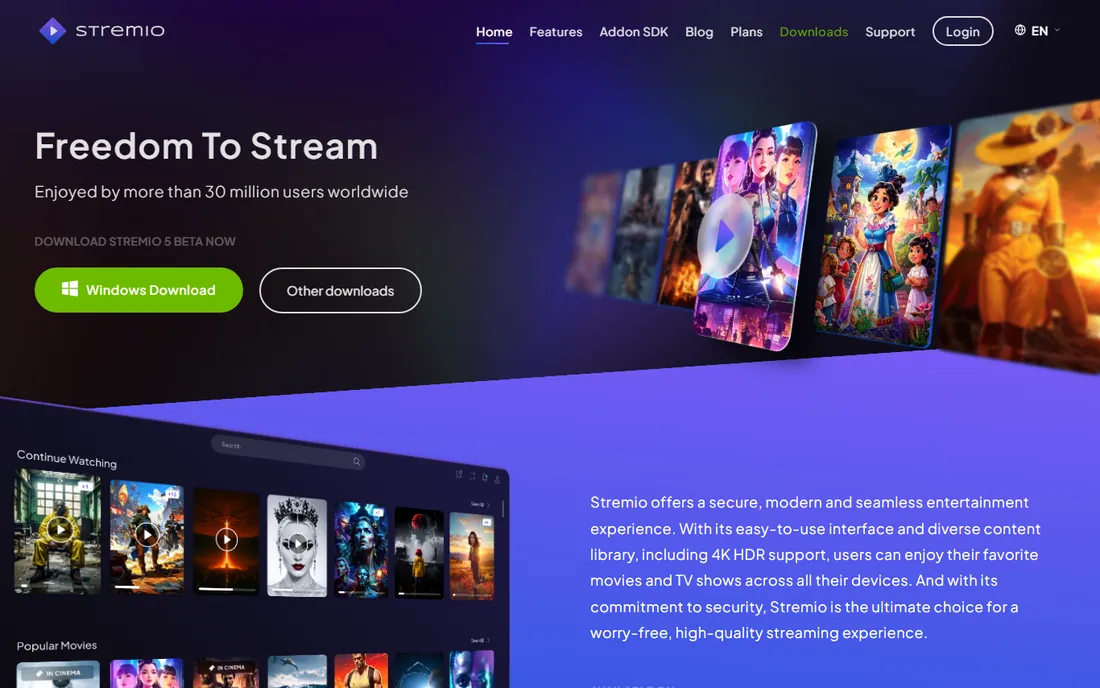
Stremio takes a different angle. Rather than organizing files you own, it aggregates streaming sources through add-ons into one clean interface with a unified watchlist, calendar, and continue-watching across devices. It is free, with apps for Windows, Mac, Linux, Android, iOS, and a web version.
Include it here with eyes open: Stremio is a streaming hub, not a server for your own ripped collection. Its local media features are thin compared to Plex or Jellyfin. It earns its place for households that mostly stream from online sources and want one interface for everything, plus a tidy library for the files they do keep.
What we like- Clean modern interface
- Add-on ecosystem
- Watchlist syncs across devices
Watch out for- Not a personal media server in the classic sense
- Add-on quality varies
- Limited local library features
Starting price$0
Free planYes
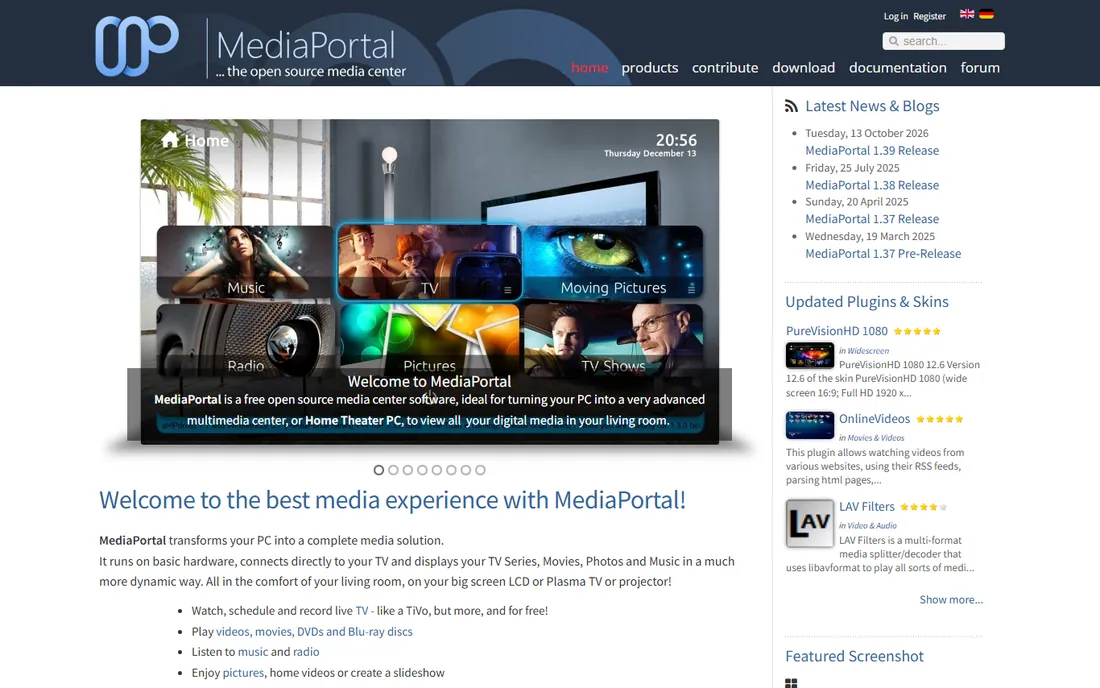
MediaPortal is the enthusiast's Windows media center. Its standout is the TV engine: with a tuner card, it records live TV like a TiVo, schedules series recordings, and streams TV to other PCs in the house, all free and open source. Hundreds of plugins add streaming services, music tools, and home automation hooks.
The price of that power is complexity. MediaPortal is Windows-only, setup involves real configuration, and the interface feels dated next to Plex. Development moves slowly, with the last major releases years apart. It remains the right call for a Windows-based home theater PC where live TV recording is the priority and you enjoy tinkering.
What we like- Best-in-class free TV engine and PVR
- Huge plugin library
- Completely free
Watch out for- Windows only
- Setup is genuinely technical
- Development pace is slow
Starting price$29.95 one-time
Free planFree trial (15 days)
Mezzmo is the paid Windows DLNA server for people who want it to just work. It auto-discovers your media, fetches posters and metadata, and serves it to an enormous list of DLNA devices with tuned profiles, transcoding on the fly when needed. A 15-day trial is free, and the license is a $29.95 one-time purchase.
Compared with the free DLNA options, Mezzmo's edge is polish and support: setup is guided, the library presentation is nicer, and the small company behind it has a reputation for responsive help. The tradeoff is platform lock-in to Windows and a look that has not changed much in years. It suits non-technical Windows households that will pay a modest one-time fee to avoid fiddling.
What we like- Extensive device support list
- Automatic metadata and artwork
- Helpful support reputation
Watch out for- Windows only
- Paid after trial
- Interface looks dated
How we chose
We did not install and run each server. We evaluated them from official pricing pages, documentation, and long-running community discussion on Reddit and project forums, plus review coverage. Every product had to be actively maintained in 2026 and genuinely available today. We weighted total cost of ownership (including the new Plex lifetime pricing), the breadth of client apps, transcoding features, and how much technical skill setup demands, since this category spans plug-and-play apps and weekend projects.
Picking the right server for your home
Start with how you watch
One TV and a hard drive of movies points to a DLNA server or Kodi. Several people on phones, tablets, and TVs points to Plex, Emby, or Jellyfin. Mostly streaming online sources points to Stremio. Matching the architecture to your viewing habits matters more than any feature list.
Count the true cost
Free tiers are genuinely useful, but check what you lose. Plex now charges for remote streaming and the lifetime pass costs $749.99. Emby Premiere lifetime is $119. Jellyfin, Kodi, UMS, and MediaPortal cost nothing at all. If you plan to keep a server for five years, do the multiplication before you fall in love with an interface.
Check transcoding needs
If your devices play your files directly, any server works. If you stream 4K to phones over the internet, you need hardware transcoding, which is paid on Plex and Emby but free on Jellyfin. An older NAS without a modern GPU will struggle with on-the-fly 4K transcoding no matter which software you pick.
Think about who maintains it
Commercial products fix bugs and update apps faster. Volunteer projects cost nothing and respect your privacy, but you are the support department. For a household with non-technical viewers, the smoother commercial experience can be worth paying for.
The Plex price question in 2026
Plex raised its lifetime pass from $249.99 to $749.99 in July 2026 and added a $249.99 5-year pass, while monthly ($6.99) and yearly ($69.99) stayed put. At $750, lifetime breaks even against monthly in about nine years, which makes it a poor deal for most buyers. The practical alternatives: Jellyfin for free, Emby Premiere lifetime at $119 for a polished commercial feel, or Plex monthly if you specifically want the Plex app ecosystem. Existing lifetime holders are unaffected, so this only matters for new buyers deciding today.
Frequently asked questions
Do I need a powerful computer to run a media server?
Not necessarily. If your devices can play your files directly, even a basic mini PC or NAS works. Transcoding, converting video on the fly for incompatible devices, is what demands CPU or GPU power. Direct play needs almost nothing.
Can I watch my media when I am away from home?
Yes, with the right setup. Plex and Emby handle remote access through their paid tiers, with Plex now requiring Plex Pass for remote streaming of personal media. Jellyfin can do it free but you must set up port forwarding or a VPN yourself.
What is the difference between DLNA servers and Plex-style servers?
DLNA servers like Universal Media Server and Serviio expose your files to TVs and consoles over the local network with no special app. Plex-style servers add their own apps with rich libraries, posters, watch states, and remote access. DLNA is simpler; Plex-style is prettier and works outside the home.
Is it legal to stream my own ripped movies?
Laws vary by country, but in the US, ripping discs you own sits in a legal gray area under the DMCA even for personal use. Streaming your own files within your household is the common use case these tools are built for. None of the servers here provide content; they organize files you already have.
Which media server is best for a NAS?
Jellyfin and Plex both run well in Docker on popular NAS systems from Synology and QNAP. Jellyfin costs nothing and includes hardware transcoding free, which matters on lower-powered NAS hardware. Emby also offers NAS packages. Check your NAS model against the vendor's compatibility list before committing.
Sources we checked (9)
- https://www.dignited.com/119568/plex-triples-its-lifetime-pass-price-to-750-from-july-1/
- https://emby.media/premiere.html
- https://techbeta.org/jellyfin-free-open-source-self-hosted-media-server/
- https://kodi.tv/?s=movies
- https://www.saashub.com/compare-universal-media-server-vs-serviio
- https://serviio.org/buy-pro
- https://www.stremio.com/
- http://www.team-mediaportal.com/
- https://www.smallnetbuilder.com/?p=31693
Is your product missing or out of date?
We review this list regularly. Vendors can request a listing, send updated pricing or ask about featured placement.

Shihab Mia · Founder, Rankite
Shihab has spent more than a decade helping SaaS and e-commerce brands grow through search. He writes Rankite's software buying guides from pricing pages, documentation and public user reviews. More about Shihab.