How we make this list: we compare pricing pages, product documentation and public user reviews. Rankite is independent; if a vendor ever pays for a featured spot, that listing is clearly labeled Partner.
Key takeaways
- Final Draft is still the industry default at $199.99, but it is no longer the only serious option; Arc Studio and WriterDuet match it on formatting for far less.
- WriterDuet is the best value for collaborating writers, with real-time co-writing and a free tier that covers three full scripts.
- Fade In at $79.95 one-time and Slugline at $49.99 one-time are the best buys for writers who refuse subscriptions.
- Story Architect is a genuinely free, open-source option (it replaced the discontinued KIT Scenarist) that covers the full production workflow.
- Celtx charges for its production tools, so screenwriters who only need to write should pick a cheaper writing-first app.
Quick comparison
| Tool | Best for | Starting price | Free plan |
|---|
 Final Draft Final Draft | writers who need the industry standard | $199.99 one-time | Free trial |
 Arc Studio Arc Studio | writers who want modern tools at a fair price | $69 per year (Essentials) | Yes |
 WriterDuet WriterDuet | writing partners working in real time | $7.99 per month ($59.99 per year) | Yes |
 Fade In Fade In | professional writing with a single payment | $79.95 one-time | Free trial |
 Highland Highland | Mac writers who value a clean workspace | $59.99 per year (Pro) | Free trial (30 days) |
 Celtx Celtx | productions that need writing plus planning | $14.99 per month (Writer plan) | Yes |
 Slugline Slugline | minimalist writers who like plain text | $49.99 one-time (Mac) | Free trial (first 6 pages free) |
 Story Architect Story Architect | writers who want everything free | Free | Yes |
 DramaQueen DramaQueen | structured story development for free | See website | Yes |
Is your product missing or out of date?
We review this list regularly. Vendors can request a listing, send updated pricing or ask about featured placement.
The best screenwriting software
Starting price$199.99 one-time
Free planFree trial
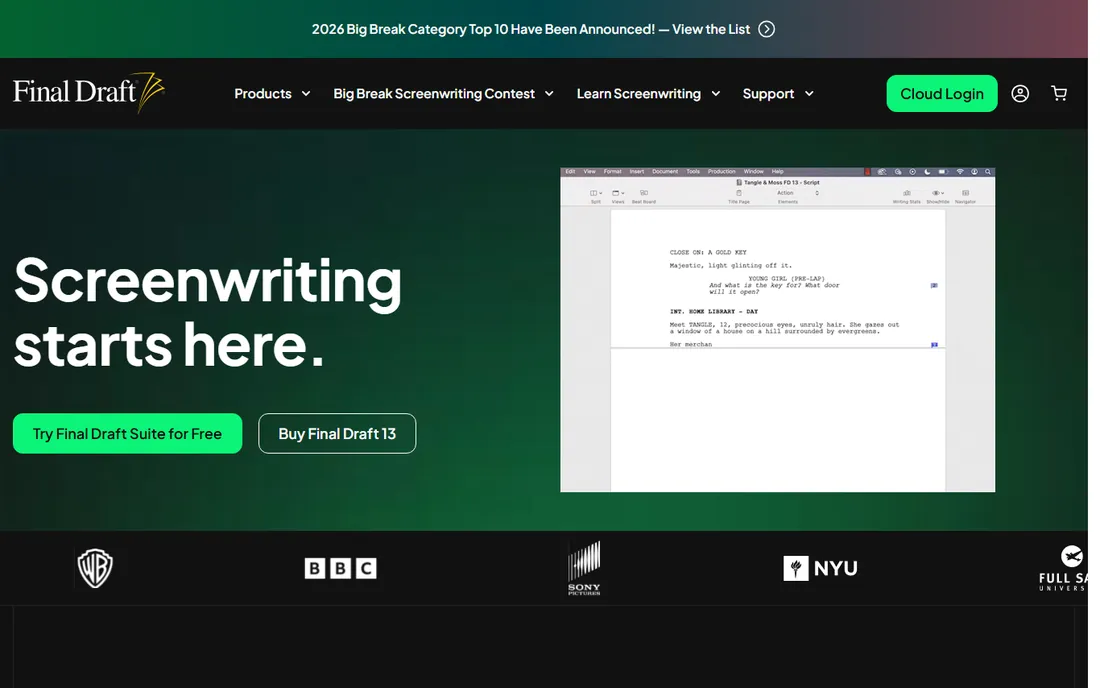
Final Draft remains the default answer in professional writers' rooms, and that is its whole pitch. When a producer asks for a Final Draft file, they mean the .fdx format, and this is the program that defines it. If you plan to staff on television or sell to studios, owning it removes a recurring friction.
The strength is acceptance, not innovation. Formatting is bulletproof, pagination matches what production expects, and tools like the Beat Board and Story Map help structure features. The weakness is the price and the pace of change. At $199.99 (currently discounted from $249.99), it costs more than every alternative here, and the interface has barely moved in years. Solo writers and indie filmmakers get the same professional output from cheaper tools.
What we like- Universally accepted formatting
- Production features like beat boards
- Wide integration with scheduling tools
Watch out for- Highest price on this list
- Interface feels dated next to newer apps
Starting price$69 per year (Essentials)
Free planYes
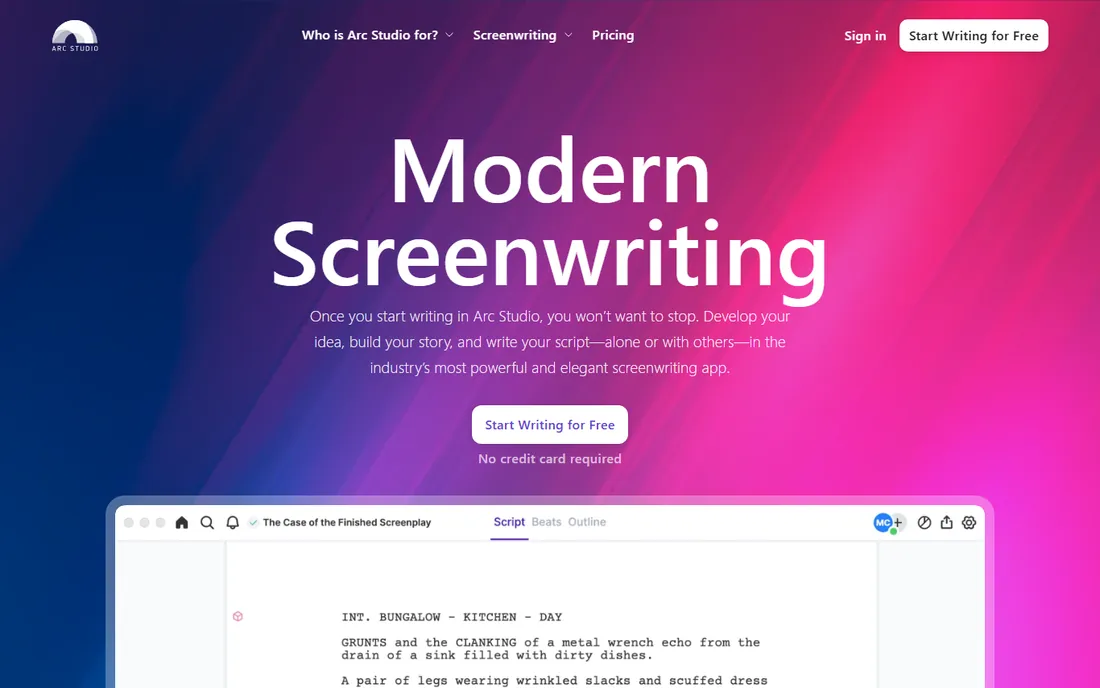
Arc Studio is the strongest challenger to Final Draft for working screenwriters. It handles professional formatting with the same reliability, then adds a modern interface, story structure tools, and a collaboration mode that feels current. The free tier covers two full scripts, which is enough to finish a feature before paying.
What stands out is the balance. You get Final Draft-grade output, real outlining features, and cloud sync across devices for $69 a year on Essentials or $99 on Pro. The catch is the subscription: there is no one-time purchase, so long-term cost adds up. Writers who keep scripts for decades should weigh that against Fade In's single payment.
What we like- Clean modern interface
- Solid outlining and structure tools
- Free tier covers two scripts
Watch out for- Annual subscription only
- Smaller user community than Final Draft
Starting price$7.99 per month ($59.99 per year)
Free planYes
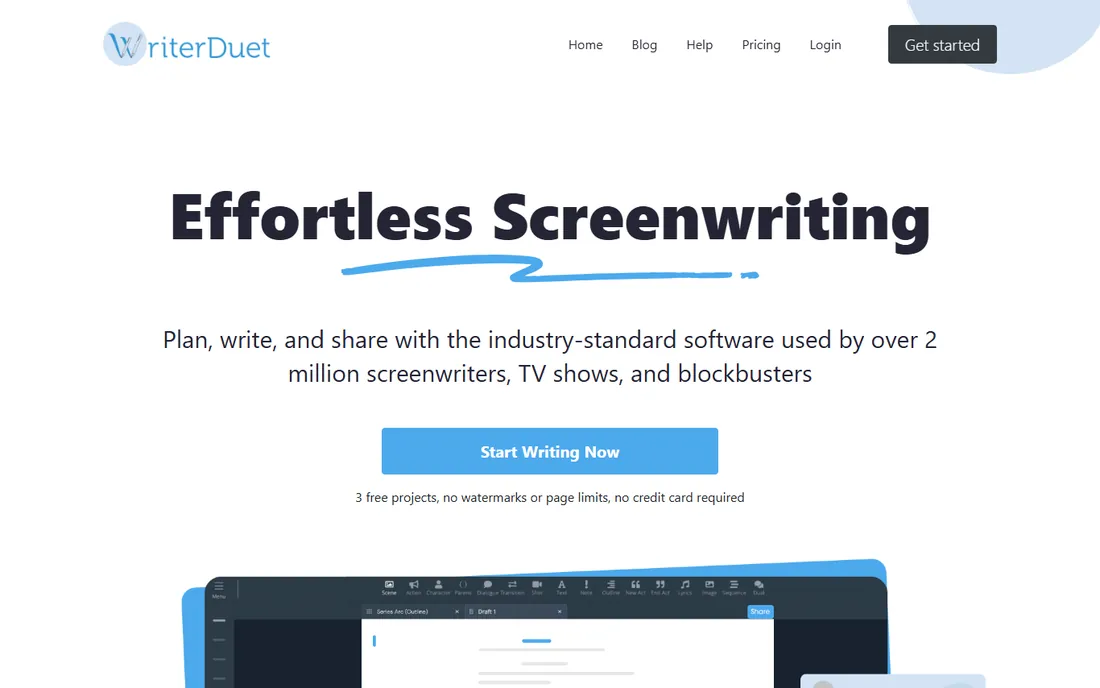
WriterDuet was built for one job: two or more writers working on the same script at the same time. The real-time collaboration actually works, with cursors, comments, and version history that keep partners from overwriting each other. For writing teams, that alone justifies the price.
The value is hard to beat. Plus costs $7.99 a month or $59.99 a year, and the free tier allows three full scripts, which covers most hobbyists entirely. The tradeoff is polish. The interface prioritizes function over beauty, and features like the outlining navigator live behind the paid tier. Solo writers who never collaborate may prefer the cleaner feel of Arc Studio or Highland.
What we like- True real-time co-writing
- Generous free tier with 3 scripts
- Works in any browser
Watch out for- Interface is functional rather than beautiful
- Advanced production tools cost extra
Starting price$79.95 one-time
Free planFree trial
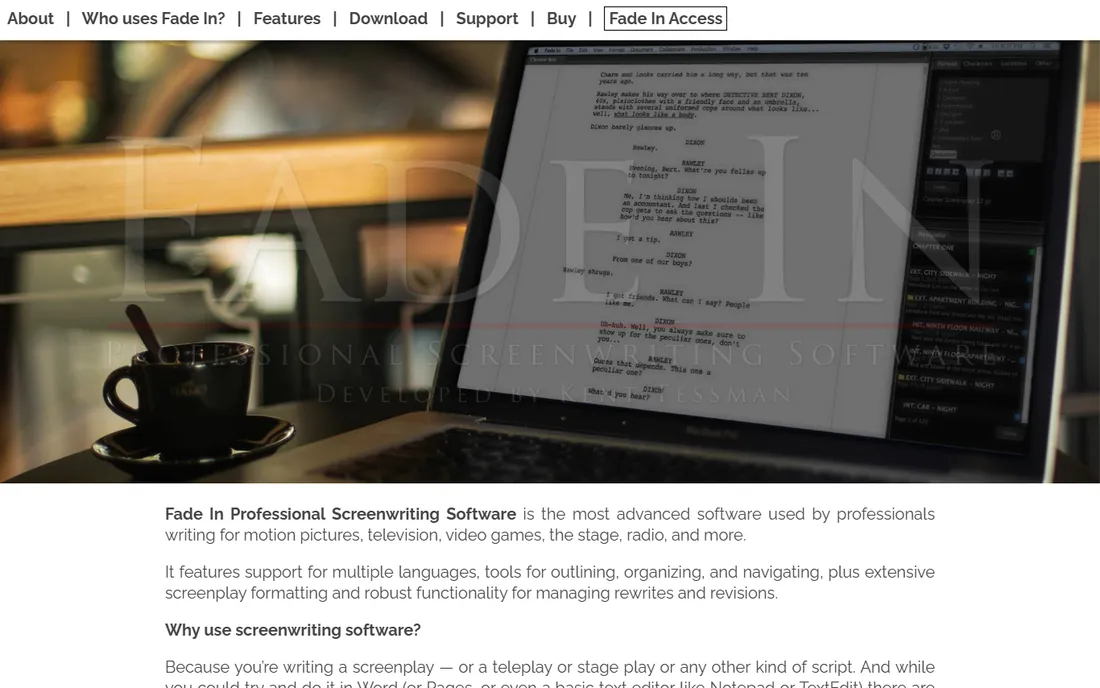
Fade In is the answer for writers who want professional software without a subscription. One payment of $79.95 buys the full desktop application with free updates, and the formatting engine is trusted on real productions. It opens and saves Final Draft files, so compatibility is a non-issue.
The strength is the deal itself: professional-grade software for less than half of Final Draft's price, with no renewal date. The weakness is the ecosystem. There are fewer tutorials, fewer third-party integrations, and the collaboration features are basic compared with WriterDuet. If you write alone and deliver standard files, none of that matters.
What we like- One-time price with free updates
- Professional formatting and production tools
- Runs on desktop and mobile
Watch out for- Smaller ecosystem of tutorials and templates
- Collaboration is basic
Starting price$59.99 per year (Pro)
Free planFree trial (30 days)
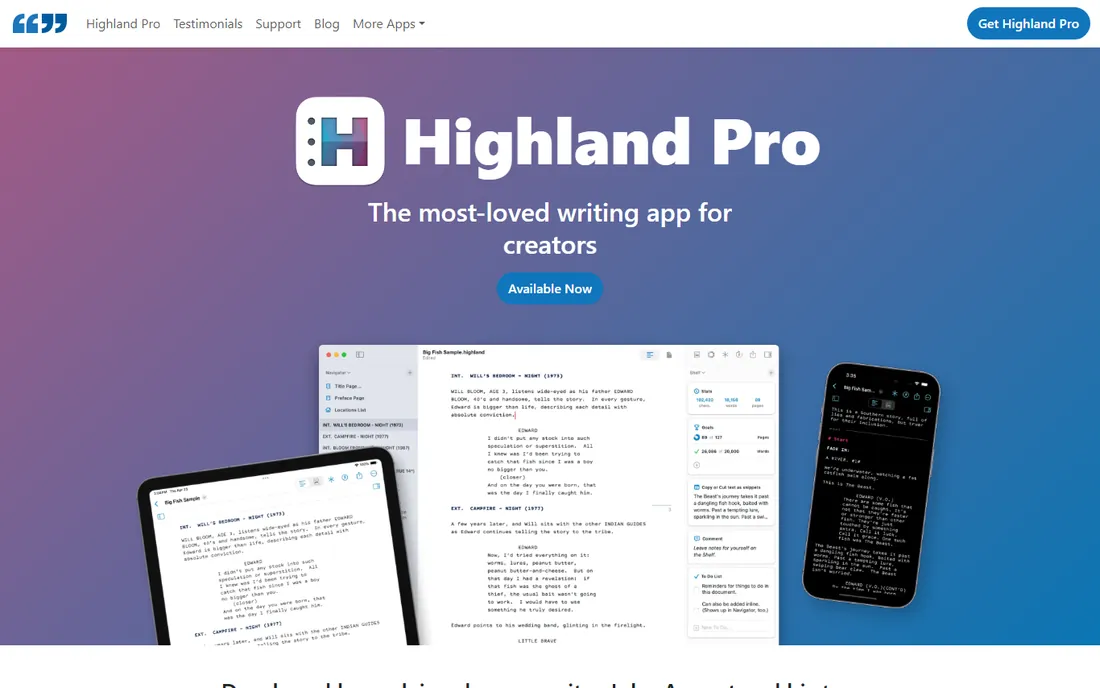
Highland takes a different philosophy: your screenplay is plain text first, formatting second. Built on the Fountain syntax, it keeps your words portable and future-proof while still exporting perfectly formatted PDFs. The writing environment is the calmest on this list.
The appeal is focus. There is almost nothing between you and the page, and the Pro tools for revisions and production are genuinely useful. The limits are platform and price structure. Highland is Mac and iOS only, so Windows writers are out, and the free edition watermarks exports. Pro costs $59.99 a year or $9.99 a month, which is fair but subscription-only.
What we like- Distraction-free writing environment
- Smart plain-text foundation
- Good revision tracking
Watch out for- Mac and iOS only
- Free edition watermarks PDFs
#6
Celtx
Best for: productions that need writing plus planning
Visit celtx.com
Starting price$14.99 per month (Writer plan)
Free planYes
Celtx is not really a writing app with production features; it is a production platform that includes writing. If you are shooting what you write, the path from script to shot list to schedule lives in one place. That integration saves real coordination time on small productions.
The strength is the pipeline. Breakdowns, schedules, and call sheets pull directly from the script, which beats exporting files between separate tools. The weakness is the writing itself, which feels utilitarian next to Arc Studio or Highland. At $14.99 a month, writers who never touch the production side are overpaying; they should pick a writing-first tool and skip Celtx.
What we like- Scriptwriting connected to scheduling and breakdowns
- Good for small production teams
- Cloud-based access
Watch out for- Writing experience lags behind writing-first apps
- Monthly cost is high for writers only
Starting price$49.99 one-time (Mac)
Free planFree trial (first 6 pages free)
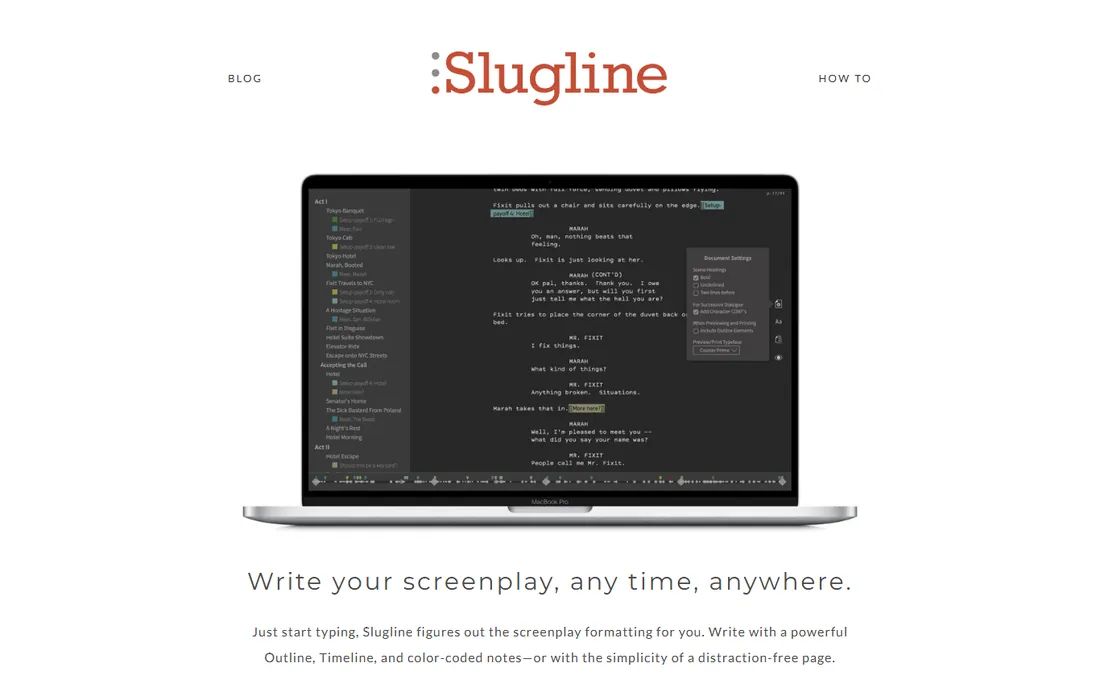
Slugline does less than every other tool here, and that is the point. It is a Fountain-based editor: you write in plain text with simple markup, and it renders a perfectly formatted screenplay. No cloud account, no subscription, no clutter. The first six pages are free, so you can test the workflow on a short.
The strength is ownership and simplicity. Your scripts are plain-text files that any editor can open, and the $49.99 price is a single payment. The weakness is the flip side of minimalism. There is no outlining board, no collaboration, and no production toolkit. Writers who structure visually or co-write should look at Arc Studio or WriterDuet instead.
What we like- Single low one-time price
- Fountain plain-text files you own
- Fast and stable
Watch out for- Mac only for the desktop app
- Intentionally few features
#8
Story Architect
Best for: writers who want everything free
Visit starc.app
Starting priceFree
Free planYes
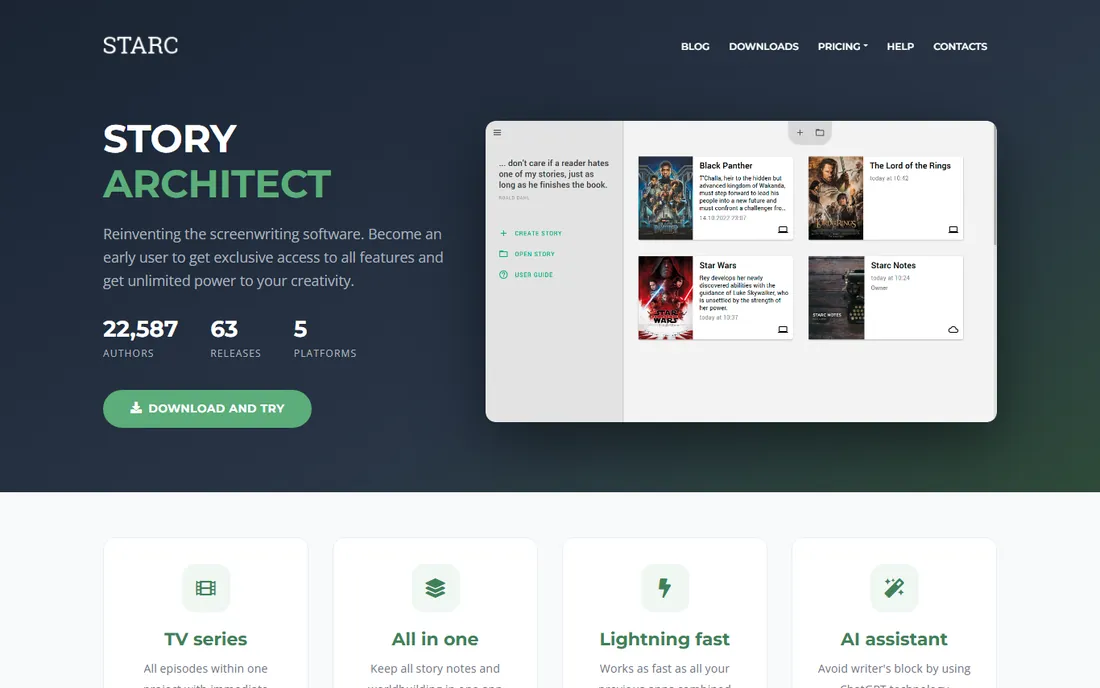
Story Architect is the free, open-source successor to KIT Scenarist, which its developers retired in favor of this rewritten application. It covers the full workflow: screenplays, character bibles, locations, and production documents, all without charging anything. For writers on a zero budget, it is the most complete free option.
The strength is scope at zero cost. Few free tools attempt the production side at all, and Story Architect does it competently. The weakness is polish. The interface and documentation trail the paid apps, and community support is thinner than Final Draft's. It is also still labeled beta in places, so expect occasional rough edges. For the price, those are easy to accept.
What we like- Completely free and open source
- Covers script, characters, and production documents
- Active development
Watch out for- Interface less refined than paid rivals
- Smaller support community
Starting priceSee website
Free planYes
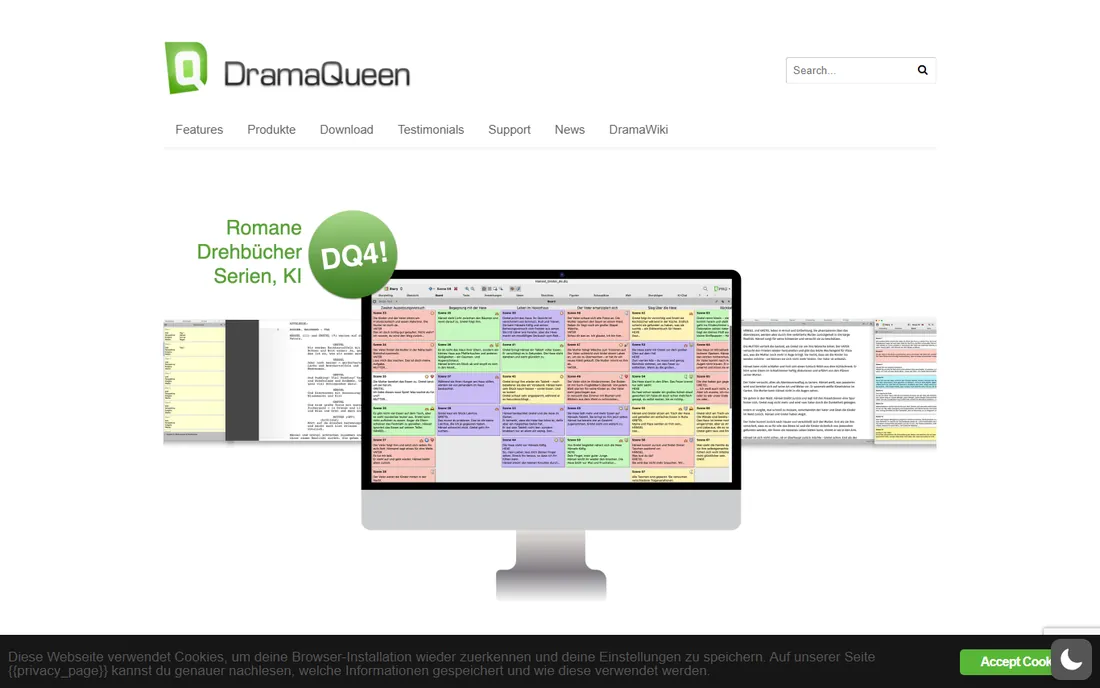
DramaQueen approaches writing from the story side rather than the page side. Its outlining, character arcs, and structure tools are the main event, with screenplay formatting included. The free version is free forever, which makes it a genuine zero-cost starting point.
The strength is story development. If your scripts die in act two, DramaQueen's structure tools address the actual problem. The weakness is verification: the paid PLUS and PRO tier prices are not clearly published, so we list the starting price as See website. Screenplay-specific formatting also plays second fiddle to the outlining tools, so pair it with a formatting-focused app if you deliver production drafts.
What we like- Free version is free forever
- Strong outlining and story structure tools
- Good for novelists too
Watch out for- Paid tier pricing is hard to verify
- Screenplay formatting is secondary to structure
How we chose
We did not test these tools hands-on. We compared vendor pricing pages and documentation as of October 2026, then checked feature lists, file-format compatibility, and what working writers report on G2, Capterra, and Reddit. We favored tools that produce genuinely professional output: correct industry formatting, reliable Final Draft file exchange, and workflows that fit everyone from solo writers to staffed rooms. Tools that no longer exist or that lock writing behind enterprise sales calls were excluded.
What actually matters in a screenwriting app
Formatting is table stakes; every tool here handles it. The differences that affect your daily work are collaboration, structure tools, and how you pay. Decide those three before you compare anything else.
Industry formatting and file exchange
If your scripts go to producers, agents, or production coordinators, confirm the tool reads and writes the Final Draft (.fdx) format cleanly. All nine tools here do, which is why they made the list. The remaining question is workflow: do you need real-time co-writing (WriterDuet), or do you mostly deliver finished PDFs (Fade In, Slugline)?
Structure tools versus a blank page
Some writers outline in detail; others discover the story on the page. Arc Studio and DramaQueen serve the outliners with boards and beat sheets, while Highland and Slugline serve the blank-page writers with minimal interfaces. Be honest about which kind you are, because the wrong choice will sit unused.
Subscription, one-time, or free
Screenwriting software now spans every pricing model. Subscriptions (Arc Studio, WriterDuet, Celtx) buy continuous updates and cloud features. One-time purchases (Final Draft, Fade In, Slugline) cost more upfront but never bill you again. Free options (Story Architect, DramaQueen) cover the fundamentals at zero cost. Match the model to how long you will use it: a decade of writing favors one-time or free.
Free versus paid: where the line sits
The free tier question has a clear answer in this category. Story Architect and DramaQueen are free forever and handle complete scripts, so nobody needs to pay just to write a screenplay. Paid tools earn their money in three places: collaboration (WriterDuet, Arc Studio), production integration (Final Draft, Celtx), and polish (Highland). If none of those apply to you, start free and upgrade only when a specific limitation bites.
Frequently asked questions
Is Final Draft still required to sell a screenplay?
No. What the industry requires is correct formatting and, usually, a .fdx file. Every tool on this list produces both. Final Draft remains the most recognized name, which can smooth conversations with traditional producers, but no buyer rejects a properly formatted script because of the software that made it.
Can I write a screenplay in Google Docs?
You can, with a template or add-on, but it is a poor substitute. Dedicated apps handle pagination, character name capitalization, dialogue blocks, and revision tracking automatically. The formatting errors that creep into Docs manuscripts are exactly what readers use to filter amateurs.
What is Fountain?
Fountain is a plain-text markup syntax for screenplays. You write with simple conventions, like capitalizing character names, and software renders the formatted page. Highland, Slugline, and Story Architect all support it. The advantage is that your script stays readable in any text editor, forever, with no proprietary format risk.
Do these apps work on phones and tablets?
Most do. Final Draft, Fade In, Highland, and Arc Studio have mobile apps, and WriterDuet, Celtx, and Story Architect run in browsers or on multiple desktops. Phone writing suits notes and revisions; most writers still draft on a real keyboard.
Which screenwriting software is best for beginners?
Start with a free option: Story Architect if you want the full toolkit, DramaQueen if you want structure help, or WriterDuet's free tier if you might collaborate. Move to a paid app when you hit a real limit, not before. Beginners should spend their money on scripts and feedback, not software.
Sources we checked (9)
- https://finaldraft.com/pricing
- https://www.arcstudiopro.com/pricing
- https://www.writerduet.com/pricing
- https://www.fadeinpro.com
- https://highland2.app/
- https://celtx.com/pricing
- https://slugline.co/
- https://starc.app
- https://dramaqueen.info
Is your product missing or out of date?
We review this list regularly. Vendors can request a listing, send updated pricing or ask about featured placement.

Shihab Mia · Founder, Rankite
Shihab has spent more than a decade helping SaaS and e-commerce brands grow through search. He writes Rankite's software buying guides from pricing pages, documentation and public user reviews. More about Shihab.