How we make this list: we compare pricing pages, product documentation and public user reviews. Rankite is independent; if a vendor ever pays for a featured spot, that listing is clearly labeled Partner.
Key takeaways
- Topaz Gigapixel remains the professional standard for pixel-faithful upscaling, now subscription-based at $29 a month for the desktop app.
- Let's Enhance at $9 a month is the best all-around web upscaler, with batch processing and models tuned for photos, art, and print.
- Upscayl is completely free and open source, runs on your own machine, and needs no account, which makes it the pick for privacy and for zero budget.
- The category has split in two: pixel upscalers that preserve your image, and generative tools like Magnific that invent new detail.
Quick comparison
| Tool | Best for | Starting price | Free plan |
|---|
 Topaz Gigapixel Topaz Gigapixel | Professional pixel-faithful upscaling | $29/month | No |
 Magnific Magnific | Generative detail for AI art and large prints | See website | No |
 VanceAI VanceAI | Flexible credits across a full photo toolkit | $4.95/month (100 credits) | Yes |
 Let's Enhance Let's Enhance | All-around web upscaling with batch | $9/month (Starter, 100 credits) | Yes |
 Upscale.media Upscale.media | Fast free upscaling with no account | Free | Yes |
 Bigjpg Bigjpg | Anime and illustration upscaling | See website | Yes |
 Upscayl Upscayl | Free local upscaling with no account | Free | Yes |
 HitPaw FotorPea HitPaw FotorPea | Upscaling bundled with photo restoration | See website | Free trial |
 ON1 Resize AI ON1 Resize AI | Print-focused enlargement with no subscription | See website | Free trial |
 imgupscaler imgupscaler | Simple free 2x and 4x upscaling | See website | Yes |
Is your product missing or out of date?
We review this list regularly. Vendors can request a listing, send updated pricing or ask about featured placement.
The best image upscaling software
Starting price$29/month
Free planNo
Topaz Gigapixel is the name photographers cite when the pixels have to be right. It is a desktop application that runs on your own GPU, with a model lineup that covers the real cases: Standard and High Fidelity for photos, Low Res for compressed files, Text and Shapes for graphics with lettering, plus face recovery and a Redefine generative mode. Batch processing is unlimited, and it plugs into Lightroom and Photoshop.
The business model changed in 2025. The old perpetual license is gone for new customers, and Gigapixel is now $29 a month for the desktop app, with a web version at $12 a month on promo. That stings for anyone who bought software once and used it for years.
The honest catch is hardware and learning curve. Local processing wants a real GPU, and the model choices ask more of you than a one-click web tool. If you upscale for paying clients or print, this is still the reference.
What we like- Multiple models for photos, art, text and low-res sources
- Unlimited local rendering on desktop
- Lightroom and Photoshop plugin integration
Watch out for- Subscription-only since 2025, no more perpetual license
- Needs a capable GPU for local processing
Starting priceSee website
Free planNo
Magnific is not really an upscaler in the Topaz sense. It is a generative re-imaginer that uses your image as a starting point and invents new detail, guided by a text prompt and a Creativity slider. The results on AI-generated art and illustrations can be startling, with users reporting 8x jumps to poster-scale files.
The pricing reflects the GPU bills. Subscriptions run monthly or annual, with two months free on annual plans, and the company is blunt that it cannot offer refunds because its compute providers do not refund it. Cancel anytime, but the money spent is spent.
The catch is philosophical. Magnific hallucinates, which means faces, text, and logos can come back changed. That is the point for art and the problem for photography. If you need your photo to remain your photo, buy a pixel upscaler.
What we like- Up to 16x upscaling with invented detail
- Prompt and Creativity sliders steer the result
- Stunning on AI-generated images
Watch out for- No refunds because of GPU costs
- Can alter the image in ways a photo purist will not accept
Starting price$4.95/month (100 credits)
Free planYes
VanceAI is the generalist's upscaler. The image upscaler lives in a workspace alongside denoise, sharpen, restore, colorize, and background tools, so one subscription covers the whole cleanup job, not just resolution. The company claims nearly 10 million users, and its models are built on deep convolutional networks trained on millions of photos.
Pricing is credit-based, starting at $4.95 a month for 100 credits, with larger tiers and pay-as-you-go options. Unused credits roll over, which suits bursty workloads better than a flat subscription. A PC app runs everything locally for batch jobs, while the web version handles quick one-offs with free previews.
The tradeoff is that a jack-of-all-trades is rarely the master of one. On clean, straightforward upscales VanceAI is excellent. On the hardest files, the files where you would pay Topaz money, it is a half-step behind.
What we like- Upscaler shares a workspace with denoise, sharpen, restore and colorize
- Credit system scales with actual use
- PC app for local batch processing
Watch out for- Credit math takes attention
- Quality is strong but not Topaz-tier on the hardest files
Starting price$9/month (Starter, 100 credits)
Free planYes
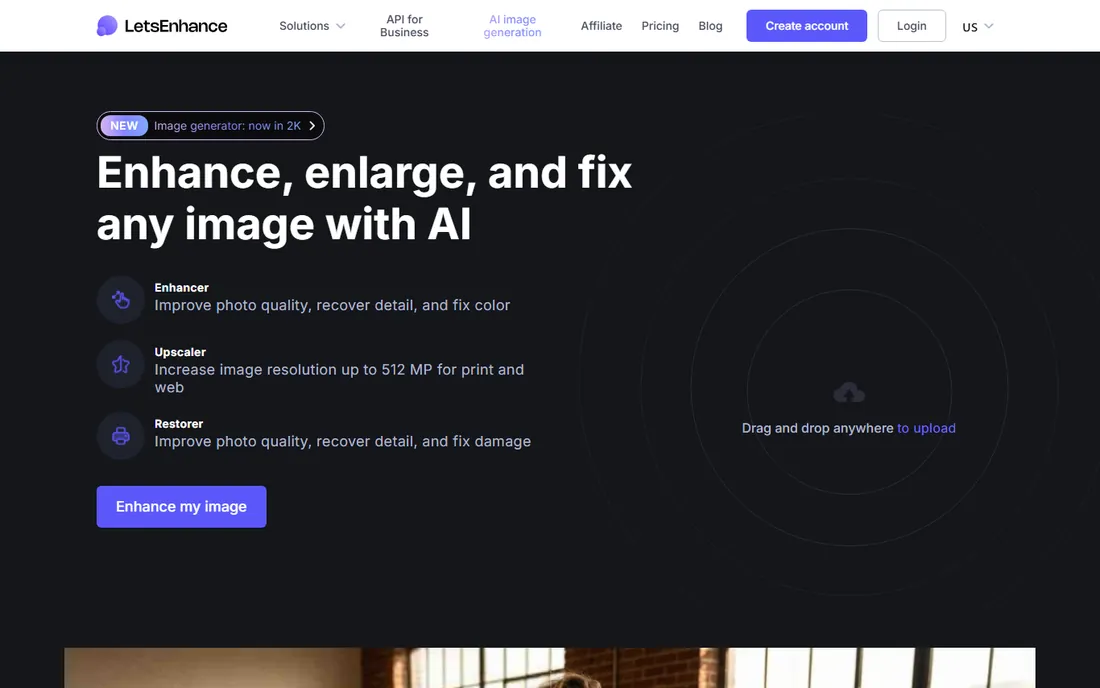
Let's Enhance is the best default web upscaler for most people. Seven specialized models cover photos, AI art, logos, old scans, and product shots, with modes for upscaling, enhancing, sharpening blur, and repairing old photos. Batch processing handles up to 20 images at once, and output reaches 16x with up to 512 megapixels on the top tier, which is genuine poster territory.
The pricing is transparent and verified on their own pricing page. A free tier gives 10 credits with watermarked downloads. Starter is $9 a month for 100 credits, Pro is $24 for 300, and Max is $34 for 500, with unused credits rolling over while you stay subscribed. One image costs one credit, so the math is simple.
The catch is volume. At one credit per image, a big product catalog burns through the Starter tier fast, and the free tier's watermark means it is really a trial. For steady moderate use, product photos, real estate, print-on-demand, it is the sweet spot of quality, features, and price.
What we like- Up to 16x upscale and 512 megapixel output
- Batch processing up to 20 images
- Unused credits roll over
Watch out for- Free tier watermarks downloads
- 1 credit per image adds up on big batches
Starting priceFree
Free planYes
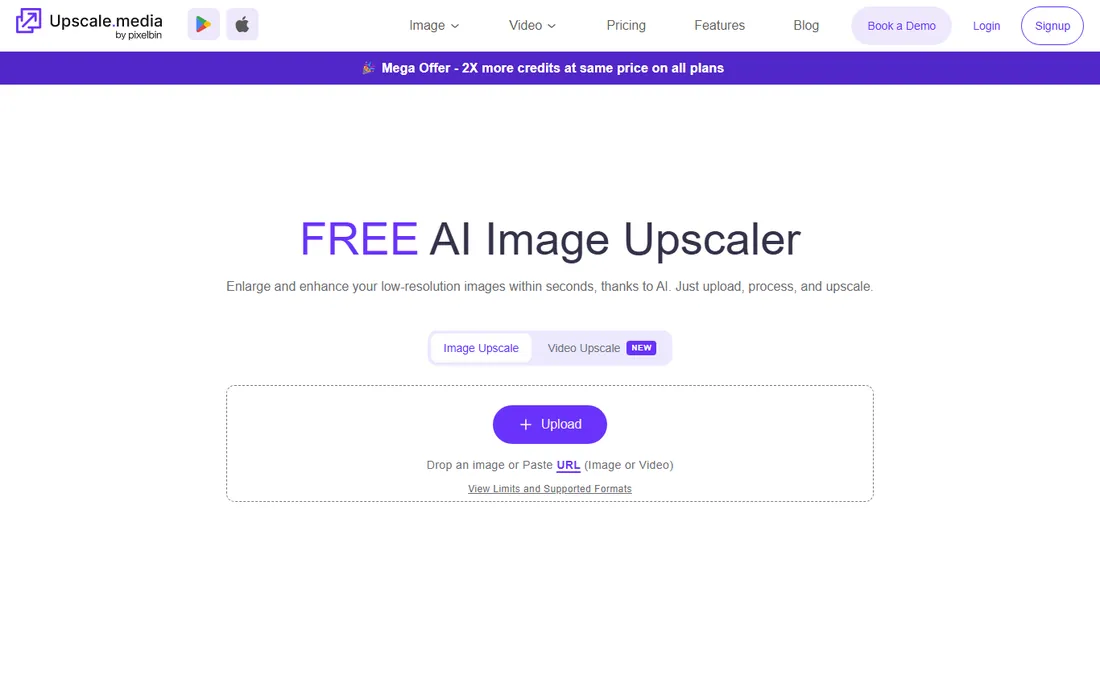
Sometimes you just need a bigger image right now. Upscale.media is a free browser tool from the PixelBin team that upscales JPG, PNG, WebP, and HEIC files to 2x, 4x, or 8x in seconds, with no watermark, no registration, and no software to install. For a quick social post, a listing photo, or an old picture that needs to be less tiny, it is the fastest path on this list.
The simplicity is deliberate. There are no models to choose, no sliders to tune, no account to create. Upload, pick a ratio, download. That is the whole product, and for casual use it is exactly right.
The limits show up with professional needs. Eight times is the ceiling, fine controls are absent, and batch or commercial-scale work moves you to PixelBin's credit system. As the free tool you bookmark and actually use, it earns its place.
What we like- Free with no watermark and no registration
- 2x, 4x and 8x in seconds
- Simple enough for anyone
Watch out for- 8x max with fewer controls than paid tools
- Bulk and commercial use pushes you to PixelBin credits
Starting priceSee website
Free planYes
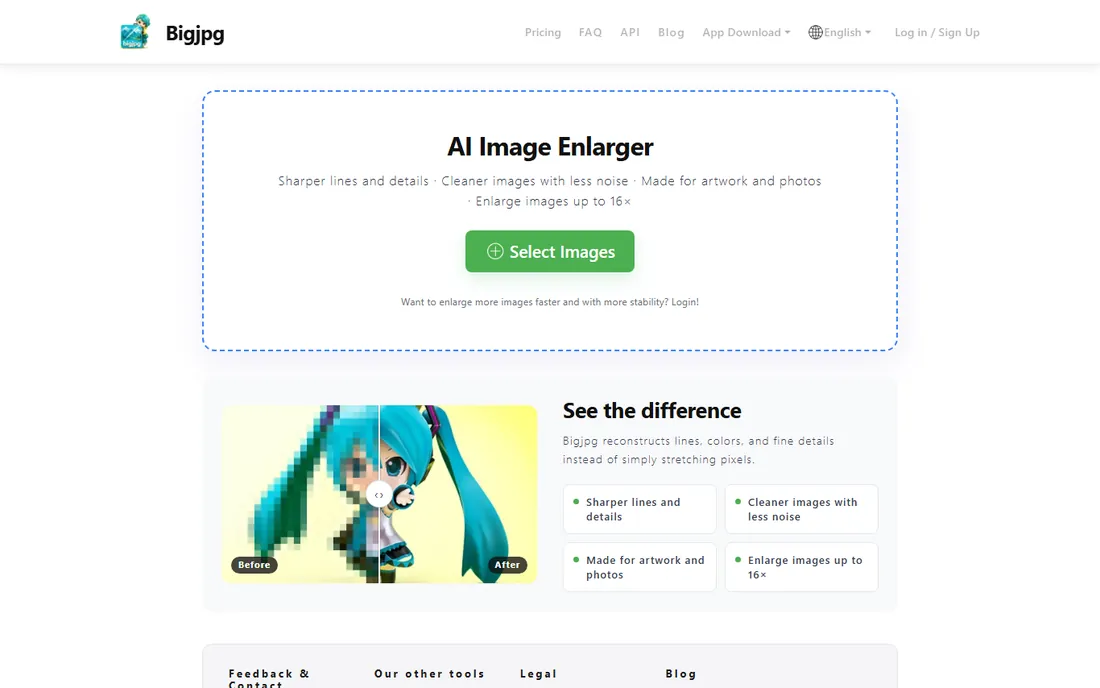
Bigjpg is one of the oldest AI upscalers on the web, and it still has a loyal following among anime fans and illustrators. The formula is simple: separate models for art and photos, noise reduction levels from none to highest, and enlargement from 2x to 16x. The art model is tuned for the clean lines and flat colors of illustration, where generic photo upscalers tend to smear.
Paid members get faster processing and API access, which makes it useful in automated pipelines for avatar, sticker, and fan-art sites. The free tier works but queues behind paying users, so expect to wait.
The interface shows its age, and the output quality has been matched by newer tools on photos. Its niche is real though: for anime, cartoons, and line art, the purpose-built model still holds up.
What we like- Dedicated art and photo models with noise control
- Up to 16x enlargement
- API for paid members
Watch out for- Dated interface
- Free tier is slow and limited
Starting priceFree
Free planYes
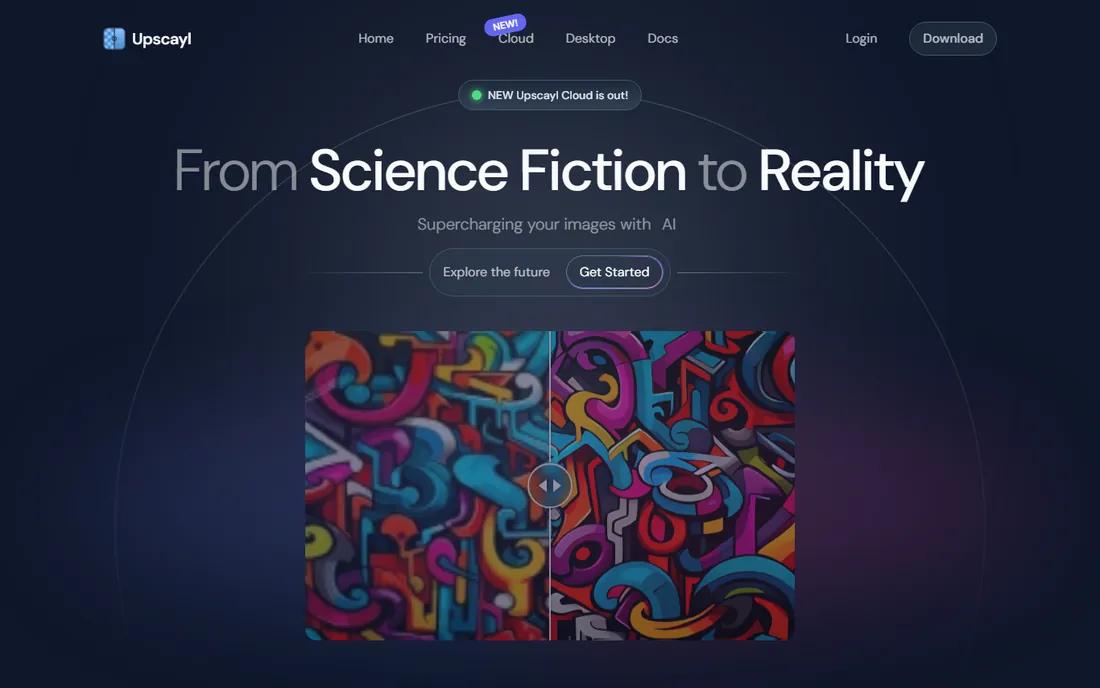
Upscayl is the answer to the question of why upscaling should cost anything. It is free and open source, with a desktop app for Linux, Mac, and Windows that runs AI models locally on your own machine. No account, no credits, no uploads, no watermarks. Batch processing, double upscaling, and a choice of models are all included.
The privacy angle is the real differentiator. Because nothing leaves your computer, it is the safe choice for client work, unreleased products, and personal photos you would rather not upload to a cloud service. The Real-ESRGAN-based models produce clean results, and up to 16x enlargement is supported.
The catch is your hardware. Local AI needs a Vulkan-capable GPU to run at a reasonable speed, and on weak integrated graphics it crawls. For free, private, unlimited upscaling, nothing else is close.
What we like- Completely free and open source
- Runs fully on your machine, nothing uploaded
- Batch processing and multiple models
Watch out for- Needs a Vulkan-capable GPU for good speed
- Output can look smooth or plasticky on some images
#8
HitPaw FotorPea
Best for: Upscaling bundled with photo restoration
Visit hitpaw.com
Starting priceSee website
Free planFree trial
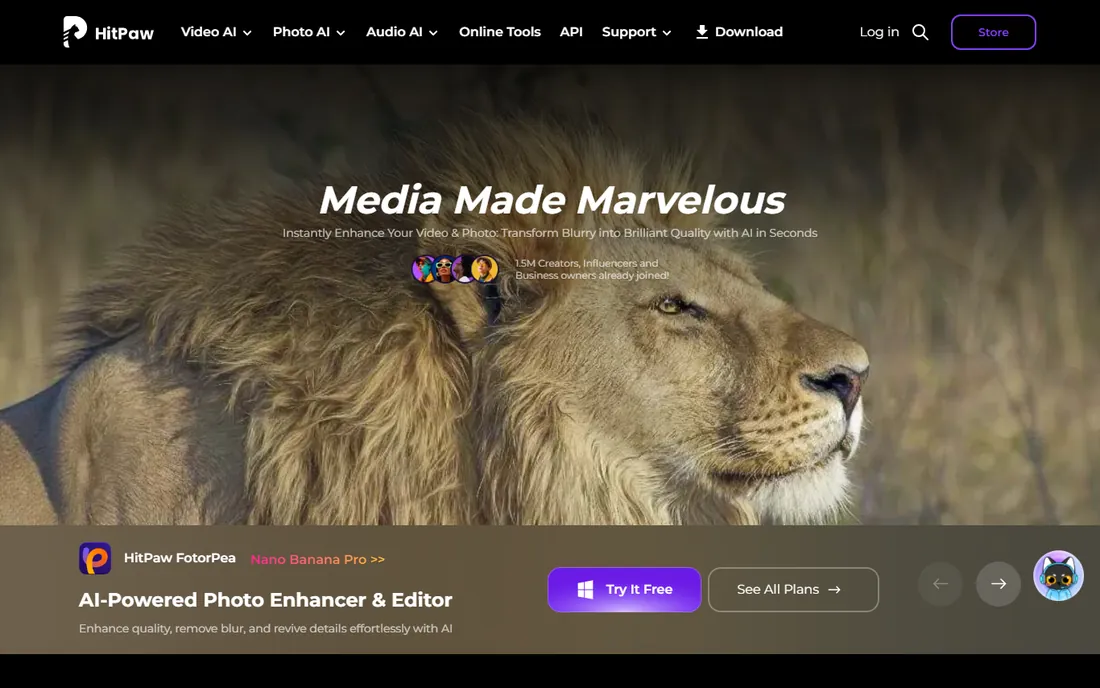
HitPaw FotorPea, formerly HitPaw Photo Enhancer, bundles upscaling with the jobs that usually come with it: restoring old photos, colorizing black-and-white images, denoising, and sharpening. For someone digitizing family photos or cleaning up a batch of listing images, having it all in one desktop app that works offline is convenient.
The interface is aimed at non-technical users, with one-click enhancement alongside manual controls. The company is established in the creator tools space, with millions of users across its video and photo products, and it offers a free trial so you can test output before paying.
The honest catch is positioning. As a pure upscaler it is good but not class-leading, and the subscription price lands in the same band as more specialized tools. Buy it for the bundle, restoration plus upscaling in one place, not for upscaling alone.
What we like- Upscaling plus old-photo restoration and colorization in one app
- Works offline on desktop
- Beginner-friendly interface
Watch out for- Pricing sits in the mid-tier subscription band
- Restoration features overlap with cheaper tools
#9
ON1 Resize AI
Best for: Print-focused enlargement with no subscription
Visit on1.com
Starting priceSee website
Free planFree trial
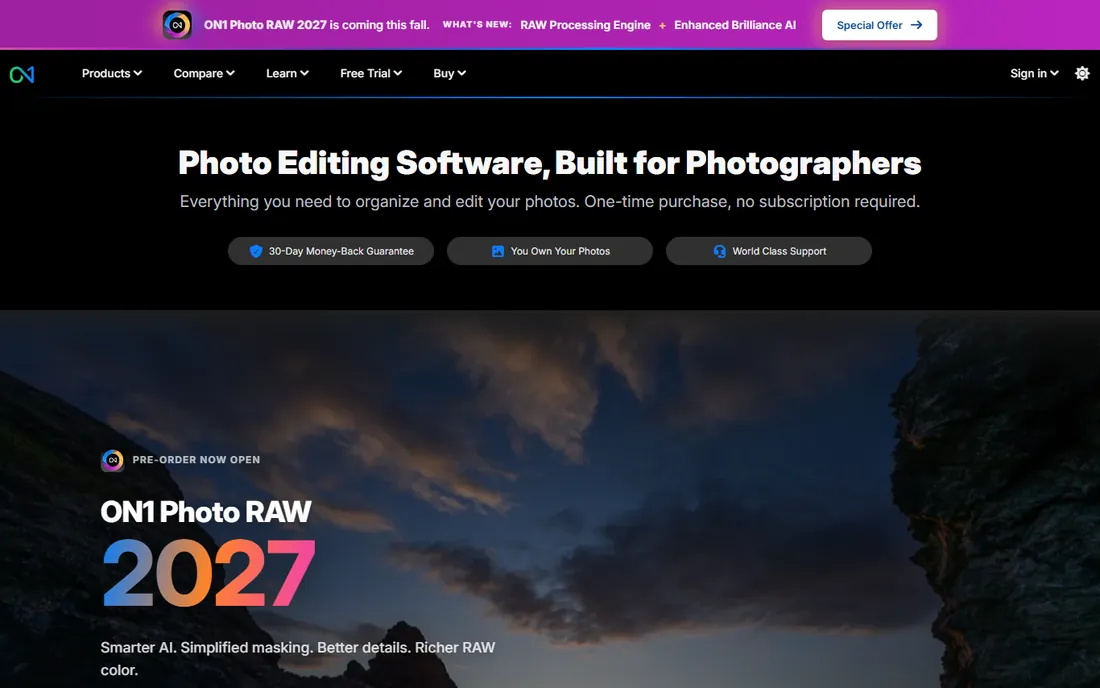
ON1 Resize AI is the print specialist. Where most upscalers think in screen pixels, ON1 thinks in inches, paper sizes, and margins, with presets aimed at getting a file onto a wall. It is sold as a one-time purchase with no subscription, which will appeal to anyone tired of monthly AI bills, and a 30-day trial lets you test it on your own prints.
It works standalone or as a plugin for Lightroom and Photoshop, fitting into a photographer's existing workflow rather than demanding a new one. ON1 has been building photo software for over 20 years, and the no-subscription stance is a genuine differentiator in 2026.
The tradeoff is breadth. The model lineup is narrower than Topaz or Let's Enhance, and the community is smaller. If your end goal is a physical print and you want to pay once, it is the most focused tool here.
What we like- One-time purchase, no subscription
- Print-oriented features like margins and paper presets
- Works standalone or as a plugin
Watch out for- Narrower model range than the leaders
- Smaller user community for troubleshooting
Starting priceSee website
Free planYes
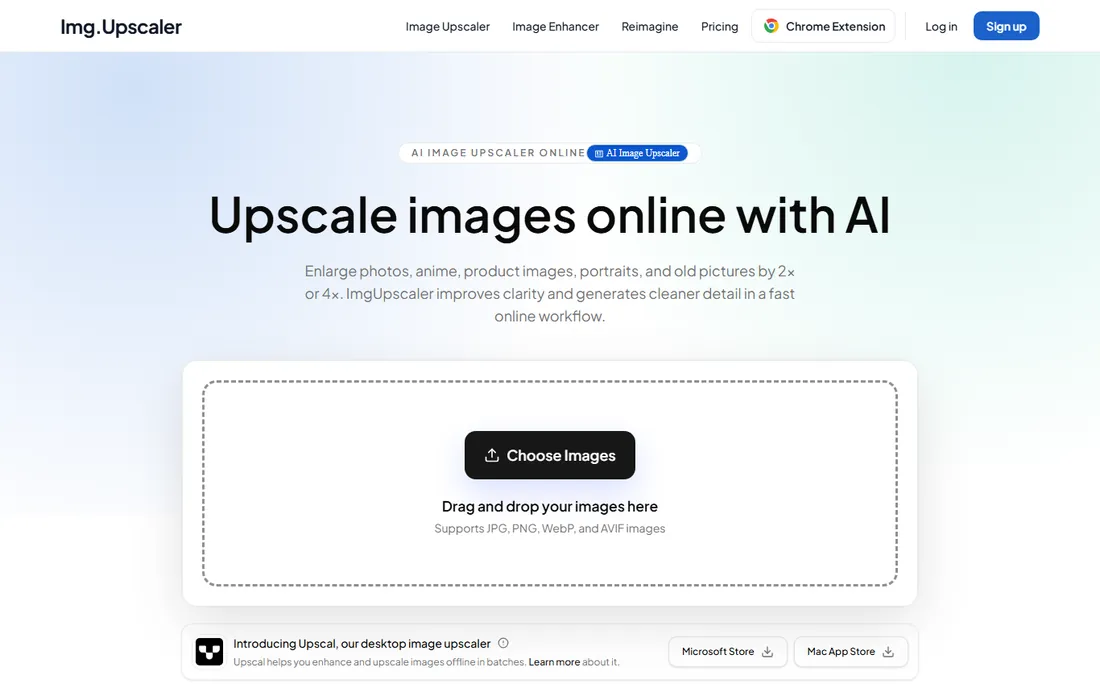
imgupscaler is the minimalist of the group. Upload a JPG, PNG, WebP, or AVIF, pick 2x or 4x, preview, and download. Free users process one image at a time at no cost, and unusually, the results can be used commercially without a paid plan. Uploads and results are automatically deleted within 24 hours, which covers the basic privacy concern.
Paid plans add batch processing for product photos, campaign assets, and client files, plus a separate desktop app called Upscal for offline batch work. The annual pricing is modest compared to the subscription heavyweights.
The limits are the ratios and the depth. Two and four times is plenty for web and social, but print-scale work needs the bigger tools. There are no specialized models for art versus photos. For quick, honest, free upscaling of everyday images, it does exactly what it says.
What we like- Free single-image upscaling with no watermark hassles
- Commercial use allowed on free results
- Uploads auto-deleted within 24 hours
Watch out for- Only 2x and 4x ratios
- Batch processing needs a paid plan
How we chose
We started from the upscalers that working photographers, designers, and print sellers actually use in 2026: review roundups, Reddit threads comparing output quality, and the tools named in creator communities. Then we checked each vendor's own site for current pricing, free tiers, maximum upscale ratios, batch support, and privacy terms. We did not run hands-on quality tests.
Pixel upscaling vs generative re-imagining: know which one you are buying
The single most important distinction in this category is what the AI does to your image. Pixel upscalers like Topaz Gigapixel, Upscayl, and VanceAI reconstruct your image at higher resolution while trying to keep it faithful. What comes out is your photo, sharper. Generative tools like Magnific use your image as a prompt and invent new detail, which can look spectacular and can also change faces, text, and textures.
Neither is better in the abstract. For client photography, product shots, and anything where accuracy matters, buy the pixel upscaler. For AI art, illustrations, and poster prints where impact matters more than fidelity, the generative tools earn their price. Before you pay, run the same test image through a free option from each camp and compare at 100 percent zoom.
What the free tier really gives you
Free upscaling is genuinely useful now. Upscayl is unlimited and local, Upscale.media needs no account, and imgupscaler allows commercial use of free results. The paid tiers buy you three things: higher ratios and megapixel ceilings, batch processing, and freedom from watermarks and queues.
Privacy and your images
Every cloud upscaler receives your image, which matters for client work and unreleased products. VanceAI deletes uploads within 24 hours, imgupscaler does the same, and Upscayl never uploads anything because it runs locally. If the image cannot leave your machine, the desktop tools are the only honest options.
Credits, subscriptions, and the real cost per image
Upscaler pricing comes in three shapes, and the cheapest depends on your volume. Subscriptions like Topaz at $29 a month or Let's Enhance from $9 a month suit steady use. Credit systems like VanceAI from $4.95 for 100 credits suit bursty use, since unused credits roll over. One-time purchases like ON1 suit people who upscale occasionally for years and hate subscriptions.
Do the per-image math before you commit. At Let's Enhance's Starter tier, 100 credits at $9 means 9 cents an image if you use them all. A photographer upscaling 20 product shots a month pays less than a dollar a month in real terms on credits, while the subscription is $9 regardless. Estimate your monthly image count first, then pick the pricing shape that fits it.
Frequently asked questions
What is the best AI image upscaler overall?
For most people, Let's Enhance at $9 a month is the best balance of quality, features, and price, with batch processing and print-scale output. Topaz Gigapixel is the professional standard for the highest fidelity. Upscayl is the best free option.
Can I upscale images for free?
Yes. Upscayl is completely free and open source with no limits, Upscale.media is free in the browser with no account, and imgupscaler offers free single-image upscaling with commercial use allowed.
How much can I upscale an image?
Most tools offer 2x to 8x. Topaz Gigapixel, Magnific, Bigjpg, and Upscayl reach up to 16x, and Let's Enhance outputs up to 512 megapixels on its top tier.
Will upscaling fix a blurry photo?
It helps with mild blur, compression artifacts, and low resolution, and tools with face recovery can rescue soft portraits. It cannot recover detail that was never captured, so a completely out-of-focus shot will stay soft.
Is it safe to upload photos to online upscalers?
For casual images, yes, but check the retention policy for anything sensitive. VanceAI and imgupscaler delete uploads within 24 hours. For client work or unreleased products, use a local tool like Upscayl, Topaz, ON1, or HitPaw.
What is the difference between upscaling and enhancing?
Upscaling increases resolution and size. Enhancing improves quality: sharpness, clarity, noise, color. Most tools on this list do both at once. Magnific goes further, generating entirely new detail guided by your prompt.
Sources we checked (14)
- https://topazlabs.com/
- https://magnific.ai/
- https://vanceai.com
- https://vanceai.com/image-enlarger/topaz-ai-gigapixel-review/
- https://letsenhance.io
- https://letsenhance.io/pricing
- https://upscale.media/
- https://bigjpg.com
- https://upscayl.org/
- https://hitpaw.com/
- https://on1.com/
- https://imgupscaler.com
- https://www.wortins.com/blog/best-ai-image-upscalers-2026
- https://www.meltflexai.com/blog/best-ai-image-upscaler
Is your product missing or out of date?
We review this list regularly. Vendors can request a listing, send updated pricing or ask about featured placement.

Shihab Mia · Founder, Rankite
Shihab has spent more than a decade helping SaaS and e-commerce brands grow through search. He writes Rankite's software buying guides from pricing pages, documentation and public user reviews. More about Shihab.