How we make this list: we compare pricing pages, product documentation and public user reviews. Rankite is independent; if a vendor ever pays for a featured spot, that listing is clearly labeled Partner.
Key takeaways
- Canva is the best collage making software for most buyers, since collages come bundled with a full design toolkit and a genuinely usable free plan.
- Adobe Express is the strongest pick if you already live in the Adobe ecosystem, with Firefly AI tools and a $9.99/month Premium tier.
- Fotor and BeFunky are the budget web options, both with free tiers and annual plans under $90.
- Pic Collage and PhotoGrid are mobile-first and best for quick social collages, including video collages.
- TurboCollage and PhotoCollage are the desktop specialists: one-click automatic layouts and free poster-size output.
Quick comparison
| Tool | Best for | Starting price | Free plan |
|---|
 Canva Canva | all-round design with collage templates | See website | Yes |
 Fotor Fotor | quick collages bundled with photo editing | $39.99 per year (Pro, billed annually) | Yes |
 BeFunky BeFunky | playful collages with creative effects | See website | Yes |
 Pic Collage Pic Collage | fast mobile collages for social sharing | $35.99 per year (premium) | Yes |
 Adobe Express Adobe Express | design inside the Adobe ecosystem | $9.99 per month (Premium) | Yes |
 PhotoGrid PhotoGrid | mobile collages with video grids | See website | Yes |
 TurboCollage TurboCollage | automatic collages on desktop | See website | Free trial (watermarked) |
 PicMonkey PicMonkey | collages plus brand design tools | $7.99 per month (Basic) | Free trial (no permanent free plan) |
 PhotoCollage PhotoCollage | free poster-size collages on Linux | $0 | Yes |
Is your product missing or out of date?
We review this list regularly. Vendors can request a listing, send updated pricing or ask about featured placement.
The best collage making software
Starting priceSee website
Free planYes
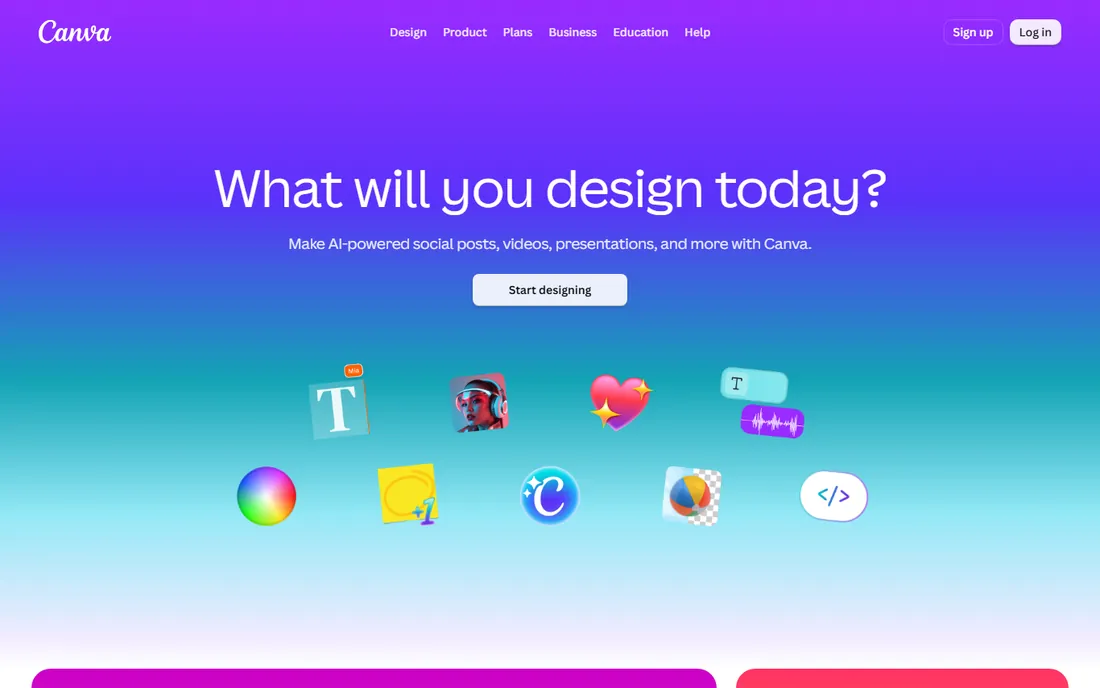
Canva is the obvious starting point because most buyers need more than collages. Its collage maker offers grid and freestyle layouts, drag-and-drop photos, filters, text, and stickers, and the finished collage can flow straight into a social post, flyer, or presentation. The free plan includes thousands of templates, millions of stock assets, and 5GB of storage, which covers casual collage work completely.
Pricing is the caveat. Canva Pro moved around in 2026, with third-party trackers reporting $144 to $180 per year for individuals, so check the current pricing page before budgeting. Pro adds the full template library, background remover, and 100GB storage. If collages are one task among many design jobs, Canva's breadth wins. If collages are the whole job, a focused tool below may feel faster.
What we like- Huge template library
- Generous free tier
- Web, desktop, and mobile apps
Watch out for- Pro pricing has changed several times
- Best collage layouts sit behind Pro
#2
Fotor
Best for: quick collages bundled with photo editing
Visit fotor.com
Starting price$39.99 per year (Pro, billed annually)
Free planYes
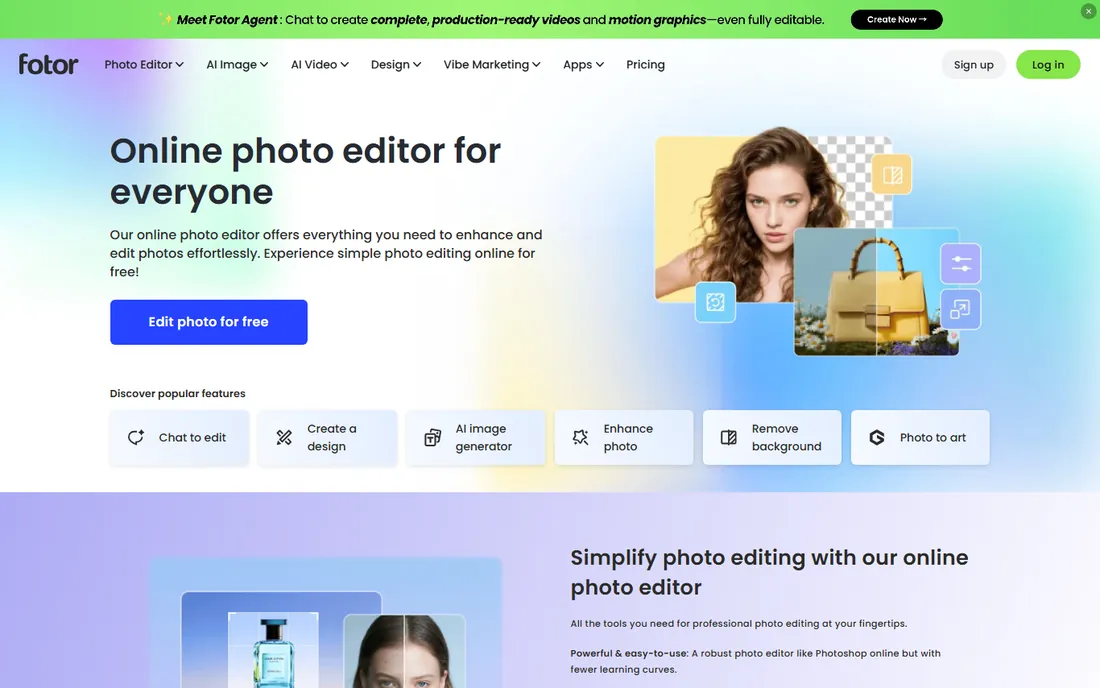
Fotor treats collage as a first-class feature rather than an afterthought. Pick a layout by photo count or start from an artistic template, drop in images, adjust borders and corner rounding, and save. Because Fotor is also a photo editor, you can retouch each photo, remove backgrounds, and apply HDR or beauty filters before the collage is even assembled.
The free tier handles everyday collages with watermarks on export. Pro costs $8.99 per month or $39.99 per year and removes watermarks, adds HD exports, and adds 100,000+ templates. Pro+ adds batch editing for processing many images at once. For small businesses making product collages or social graphics on a tight budget, Fotor is the value pick.
What we like- Dedicated collage maker with many layouts
- Cheap annual plan
- Batch editing on Pro+
Watch out for- Free exports watermarked
- Template library smaller than Canva's
Starting priceSee website
Free planYes
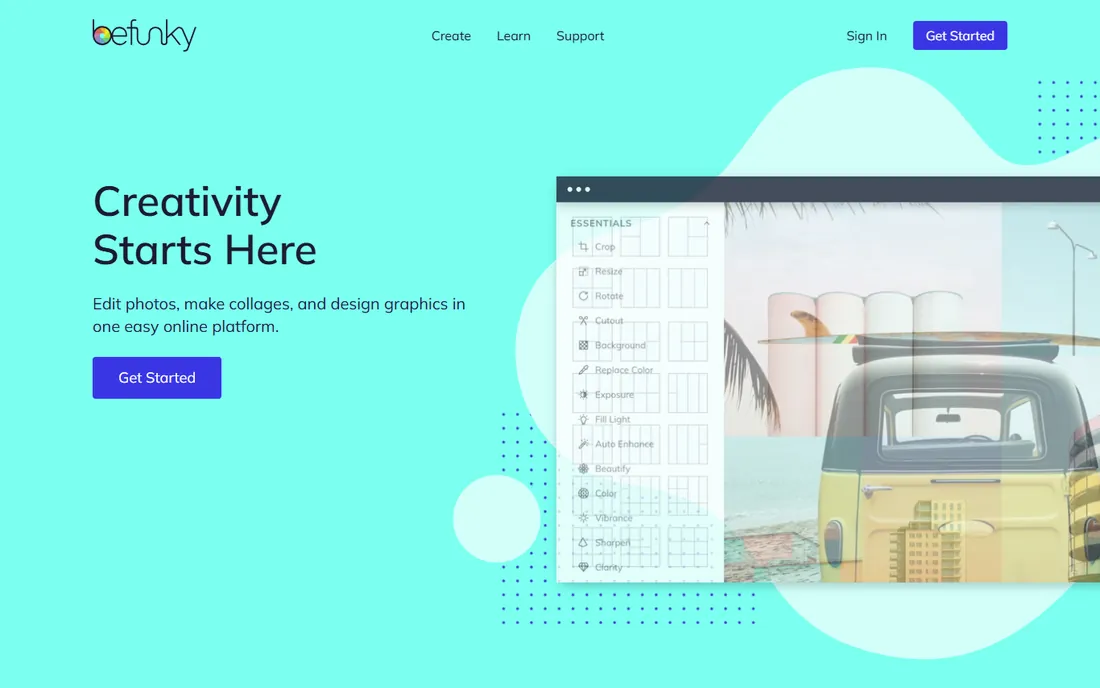
BeFunky leans into fun. Its Collage Wizard automatically arranges your photos into a finished collage, or you can build manually from customizable grid layouts. The differentiator is the effects library: turn photos into cartoons, pop art, or oil paintings before or after collaging, which suits party invitations, announcements, and social posts with personality.
The free plan covers basic editing and limited collage layouts with advertising. BeFunky Plus (reported around $9.99 per month or $59.88 per year) adds the full effects, batch editing, and priority support. There is no desktop app; it runs in the browser and on mobile. Choose BeFunky when the collage should entertain, not just document.
What we like- Collage Wizard auto-builds layouts
- Strong effects like Cartoonizer
- Easy for beginners
Watch out for- Free plan limits layouts and adds ads
- No desktop app
Starting price$35.99 per year (premium)
Free planYes

Pic Collage is built for the phone-first creator. Start with a classic grid, a freestyle scrapbook canvas, or a premade template, pull photos from your library or social accounts, then adjust cell sizes, borders, backgrounds, and focus per image. Stickers, doodles, text, and frames are all a tap away, and sharing to Instagram or TikTok is built in.
The app is free with ads and a watermark. Premium, around $4.99 per month or $35.99 per year, removes both and adds more templates, stickers, and video collages. Individual sticker packs can also be bought piecemeal. If your collages live on social media and you edit on your phone, this is the most direct tool here.
What we like- Grid, freestyle, and template modes
- Huge sticker library
- Video collages on premium
Watch out for- Free version watermarks and shows ads
- Mobile only
#5
Adobe Express
Best for: design inside the Adobe ecosystem
Visit adobe.com
Starting price$9.99 per month (Premium)
Free planYes
Adobe Express is Adobe's answer to Canva, and its collage tools benefit from the company's deeper assets. The free plan includes 100,000+ templates, over a million Adobe Stock photos, 4,000+ fonts, and 5GB of storage, which is genuinely workable. Premium at $9.99 per month adds the full template library, 200M+ stock assets, background removal, brand kits, one-click resize, and 250 monthly generative AI credits.
The Firefly integration is the real edge: generative fill, text-to-image, and text effects inside the same canvas as your collage. If your team already pays for Creative Cloud, check whether Premium is bundled with your plan before buying separately. For Adobe households, Express keeps everything in one ecosystem instead of splitting work across apps.
What we like- Firefly generative AI built in
- 200M+ stock assets on Premium
- Ties into Creative Cloud
Watch out for- Free plan locks the best templates
- Less template depth than Canva
Starting priceSee website
Free planYes
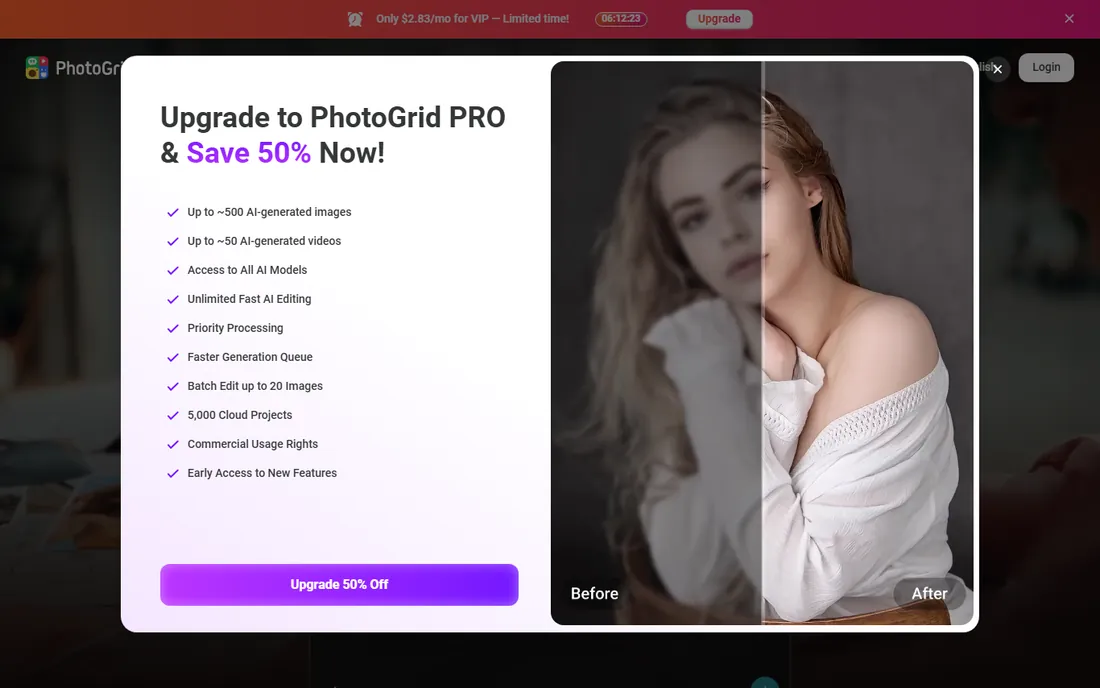
PhotoGrid started as a phone app and grew into a web collage maker too. It offers an enormous library of layouts, backgrounds, stickers, and text styles, plus a photo editor with filters, beautify tools, and newer AI features. The standout is video collages: combine clips and photos into video grids, which few competitors handle.
The free tier covers basic collaging. A Premium plan includes 20,000+ elements, longer video grids, custom aspect ratios, and watermark-free, ad-free exports, though exact pricing is clearest inside the app stores rather than on the website. PhotoGrid suits creators who mix photos and short video clips into shareable grids.
What we like- 20,000+ layout elements
- Video collage support
- AI editing tools
Watch out for- Premium pricing not transparent on the web
- Mobile-centric
Starting priceSee website
Free planFree trial (watermarked)
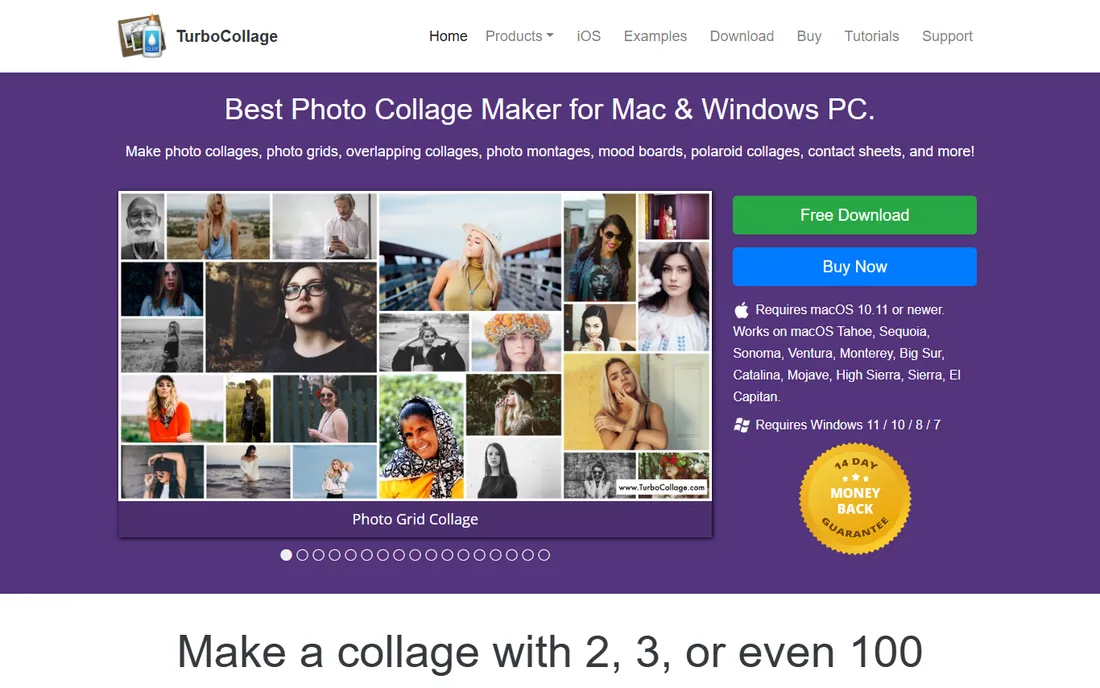
TurboCollage does one thing: you select photos and a size, and it generates the collage automatically, arranging pictures into grids, piles, mosaics, or center-focus designs. Pan and zoom individual photos inside their frames, tweak backgrounds, borders, and shadows, and export at print resolution. Desktop apps exist for Windows and Mac, plus a mobile version.
The free trial watermarks output, and the paid version (third-party listings cite around $19.99 one-time for desktop) removes it. The website is thin on current pricing details, so confirm before buying. Pick TurboCollage when you want software that does the layout work for you on a computer, particularly for prints, posters, and photo gifts.
What we like- Generates layouts automatically from your photos
- Windows and Mac apps
- Print-size output
Watch out for- Trial watermarks exports
- Interface is dated
- Pricing unclear on the site
Starting price$7.99 per month (Basic)
Free planFree trial (no permanent free plan)
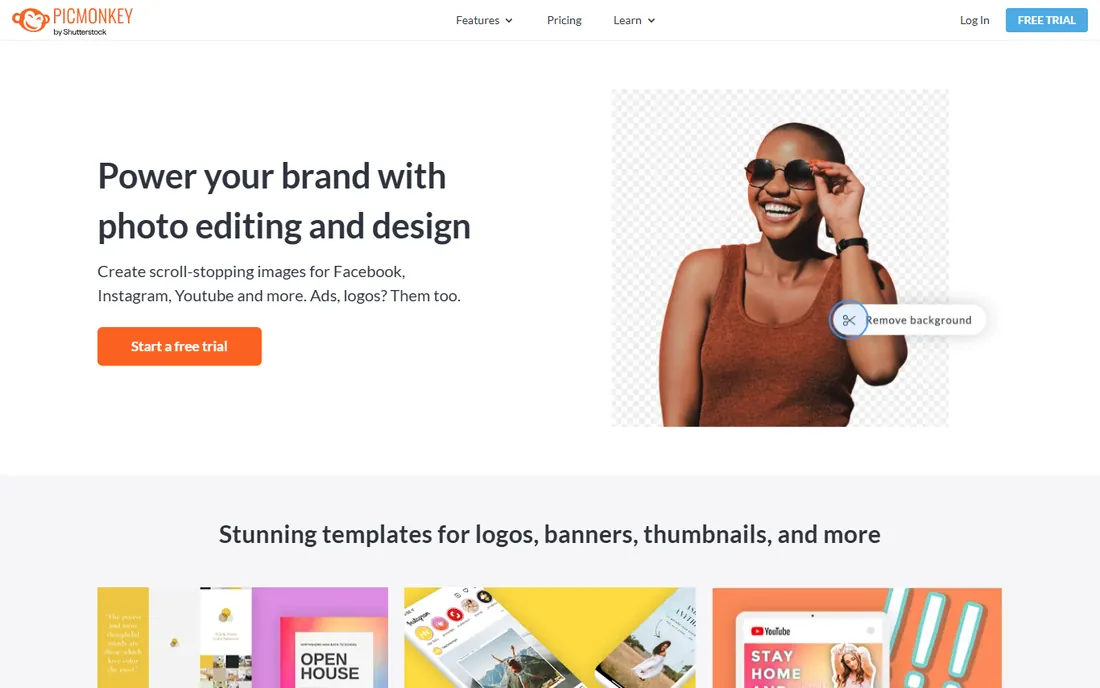
PicMonkey, now part of Shutterstock, blends photo editing with design. Its collage maker sits alongside retouching tools, effects, and templates for social posts, invitations, and marketing graphics. Pro adds background remover, Smart Resize for reformatting designs across platforms, brand kits, and iStock by Getty photos.
Pricing starts at $7.99 per month for Basic ($72 per year), $12.99 for Pro, and $23 for Business with collaboration features. There is a free trial but no permanent free plan, which makes it a harder sell for casual collage makers. It fits creators and small businesses that want one subscription for photo editing, collages, and branded graphics together.
What we like- Strong photo editing and touch-up tools
- Brand kits and Smart Resize on Pro
- IStock photos included
Watch out for- No free tier, trial only
- Collage templates fewer than Canva's
Starting price$0
Free planYes
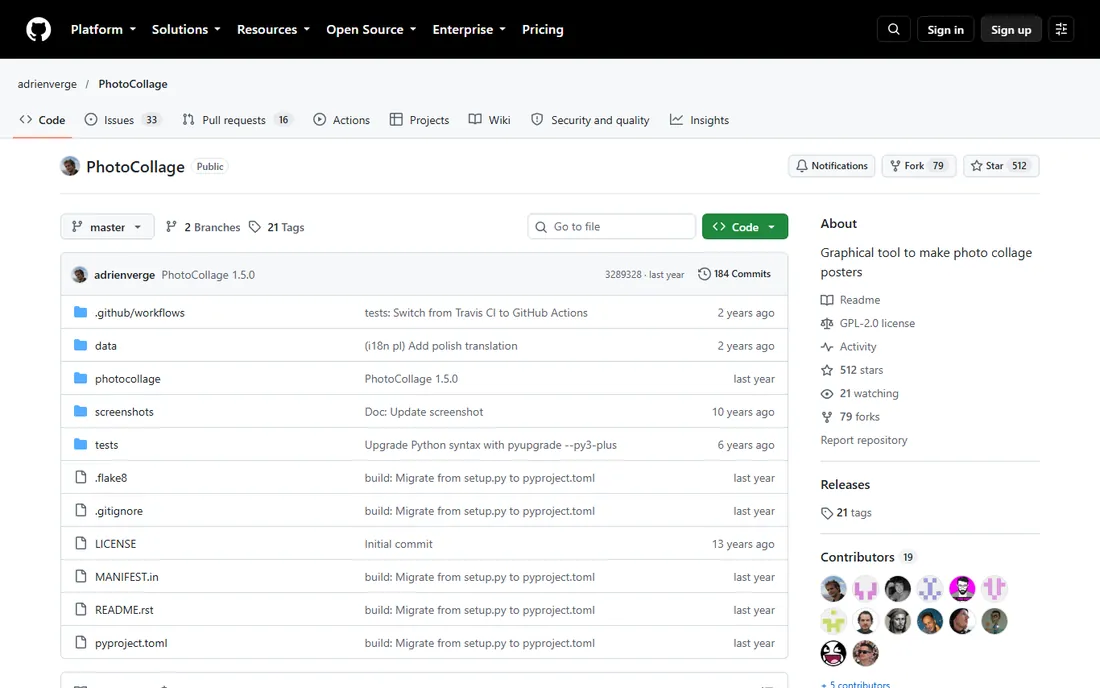
PhotoCollage is the open-source outlier: a small Linux desktop app that generates photo collage posters. Add your images and it automatically arranges them to fill the poster at the largest possible sizes; hit regenerate until a layout you like appears, swap photos in the grid, set borders, and save at high resolution in many formats.
There are no templates, stickers, or social features, and the random layout approach means some clicking. But it is free forever, handles hundreds of photos without breaking a sweat, and installs from most distro repositories or Flathub. For Linux users making posters, gifts, or event displays, it is the no-cost answer.
What we like- Completely free and open source
- Handles 100+ photos
- High-resolution export
Watch out for- Linux only
- Random-layout approach needs patience
- No templates or stickers
How we chose
We did not build collages in each tool. We compared them from official pricing pages, feature documentation, and user reviews on G2, Capterra, and app stores, checking that every product is available today. We required real collage functionality (grids, freestyle, or automatic layouts) rather than a single template buried in a bigger app. We weighted transparent pricing, the usefulness of the free tier, export quality, and platform coverage, since collage buyers split between quick phone creations and print-ready desktop work.
Layout control vs automation
Some tools auto-generate the collage (TurboCollage, BeFunky's Collage Wizard, PhotoCollage), while others give you manual grid control (Canva, Fotor, Pic Collage). Beginners finish faster with automation; perfectionists want manual control. Decide which you are before comparing feature lists.
Export quality and watermarks
A collage for Instagram stories needs far less resolution than a printed poster. Check the export size on your plan and whether the free tier watermarks. Most free tiers here watermark or cap resolution, and removing that is the main reason to pay.
Where you work
Phone-first creators should shortlist Pic Collage and PhotoGrid. Browser-based designers get the most from Canva, Fotor, BeFunky, and Adobe Express. Desktop poster work points to TurboCollage, and Linux users get PhotoCollage free. Pick the platform you actually use daily.
Beyond the collage
If you also edit photos, design social posts, or manage a brand, a platform like Canva, Adobe Express, Fotor, or PicMonkey replaces several subscriptions. If collages are the entire job, the focused tools are faster and cheaper.
Free plans vs paid plans
Free tiers across these tools follow a pattern: enough layouts and features to make real collages, with watermarks, ads, or resolution caps as the nudge to upgrade. For personal and social use, the free plans of Canva, Fotor, Adobe Express, and PhotoGrid are genuinely sufficient. Pay when you need watermark-free exports, higher resolution for print, premium templates, or batch workflows. Annual billing typically cuts 30 to 60 percent off monthly prices, so if you use a tool weekly, the yearly plan pays for itself quickly. The cheapest paid options here are Fotor Pro at $39.99 per year and Pic Collage premium at $35.99 per year.
Frequently asked questions
What is the best free collage making software?
Canva's free plan is the best all-round free option, with plenty of templates and no watermark on most exports. Fotor and Adobe Express also have genuinely usable free tiers. For a fully free open-source desktop app, PhotoCollage on Linux costs nothing at all.
Can I make a collage without downloading software?
Yes. Canva, Fotor, BeFunky, Adobe Express, and PhotoGrid all run in the browser with free tiers. Upload photos, arrange them, and download the result without installing anything.
Which collage app is best for Instagram?
Pic Collage and PhotoGrid are built for mobile social sharing, with templates sized for feeds and stories. Canva also offers Instagram-sized templates plus scheduling on paid plans. PhotoGrid adds video collages if you mix clips with photos.
Can I print a collage I make online?
Yes, but check export resolution first. Desktop tools like TurboCollage and PhotoCollage export at high resolution suited for printing. Web tools on free plans may cap resolution, so upgrade or export at the largest size offered before sending anything to a print shop.
Do collage makers add watermarks?
Most free tiers do. Canva is the notable exception for many templates, while Fotor, BeFunky, Pic Collage, and PhotoGrid watermark or limit free exports. Paid plans universally remove watermarks.
Sources we checked (9)
- https://www.canva.com/pricing/
- https://www.fahimai.com/fotor
- https://www.saasworthy.com/product/befunky/pricing
- https://slashdot.org/software/comparison/PicCollage-vs-PixelLab/
- http://www.adobe.com/express/pricing?tab=3
- https://aigo.tools/best/photogrid-collage-maker
- https://www.saaSHub.com/compare-collagerator-vs-turbocollage
- https://www.capterra.com/p/238721/PicMonkey/pricing/
- https://github.com/adrienverge/photocollage/blob/HEAD/README.rst
Is your product missing or out of date?
We review this list regularly. Vendors can request a listing, send updated pricing or ask about featured placement.

Shihab Mia · Founder, Rankite
Shihab has spent more than a decade helping SaaS and e-commerce brands grow through search. He writes Rankite's software buying guides from pricing pages, documentation and public user reviews. More about Shihab.