How we make this list: we compare pricing pages, product documentation and public user reviews. Rankite is independent; if a vendor ever pays for a featured spot, that listing is clearly labeled Partner.
Key takeaways
- InVideo is the fastest way to turn a script into a finished marketing video, but its pricing page changes often, so confirm the plan and credit limits before you pay.
- Synthesia and HeyGen are the two serious picks for AI avatar videos; Synthesia suits corporate training teams, HeyGen suits solo creators who want a personal avatar.
- Pictory is the best fit for turning blog posts and webinar recordings into short clips, though its 14-day trial means you should have source material ready first.
- Descript is unmatched for editing video by editing text, which makes it ideal for podcasts and talking-head content rather than AI-generated scenes.
- Renderforest has the cheapest paid plan on this list at $8 a month, while free plans across all these tools mostly mean watermarked exports.
Quick comparison
| Tool | Best for | Starting price | Free plan |
|---|
 InVideo InVideo | turning scripts into marketing videos fast | See website | Yes |
 Synthesia Synthesia | corporate training and explainer videos | $18 per user/month (billed annually) | Yes |
 Pictory Pictory | turning articles and webinars into clips | $25 per month (billed annually) | Free trial (14 days) |
 HeyGen HeyGen | solo creators who want a personal avatar | $29 per month (Creator plan) | Yes |
 Descript Descript | podcast and talking-head editing | $16 per person/month (billed annually) | Yes |
 Lumen5 Lumen5 | daily social videos without editing staff | $19 per month (billed annually) | Yes |
 Runway Runway | AI-generated footage and creative effects | $12 per user/month (billed annually) | Yes |
 Kapwing Kapwing | teams editing social video together | $16 per month (billed annually) | Yes |
 Fliki Fliki | narrated videos at scale | $21 per month (billed annually) | Yes |
 Renderforest Renderforest | budget intros and animated explainers | $8 per month (billed annually) | Yes |
Is your product missing or out of date?
We review this list regularly. Vendors can request a listing, send updated pricing or ask about featured placement.
The best video creation software
Starting priceSee website
Free planYes
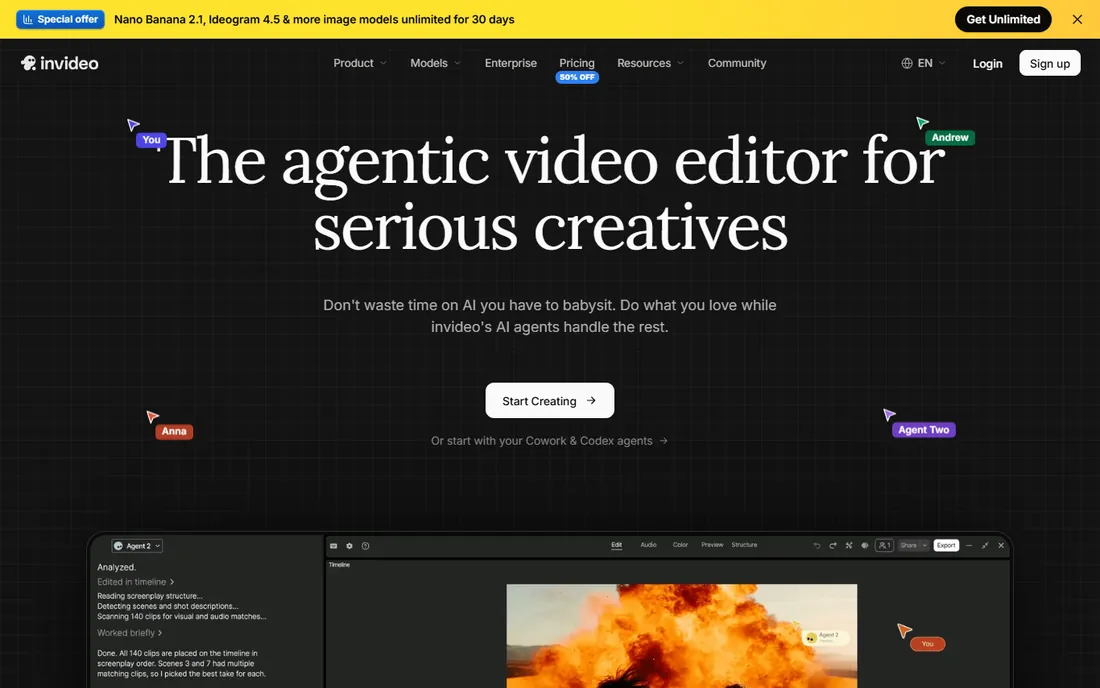
InVideo is the pick for a small marketing team that needs a steady supply of short videos without hiring an editor. You paste a script or a prompt, pick a template, and the tool assembles scenes from its stock library with voiceover and captions. Everything runs in the browser, so setup takes minutes.
The concrete strength is the stock library paired with the script workflow. You can go from a rough outline to a finished 60-second promo in one sitting, which is exactly the volume play most small businesses need. The honest weakness is plan volatility. InVideo has reworked its tiers and credit allowances more than once, and figures quoted on third-party sites rarely match the current pricing page. Treat anything outside invideo.io as stale, and read the limits on the exact plan you are buying, including video length caps and premium asset access.
What we like- Large stock media library
- Fast prompt-to-video workflow
- Templates for ads and social posts
Watch out for- Pricing and credit allowances change often
- Free exports carry a watermark
Starting price$18 per user/month (billed annually)
Free planYes
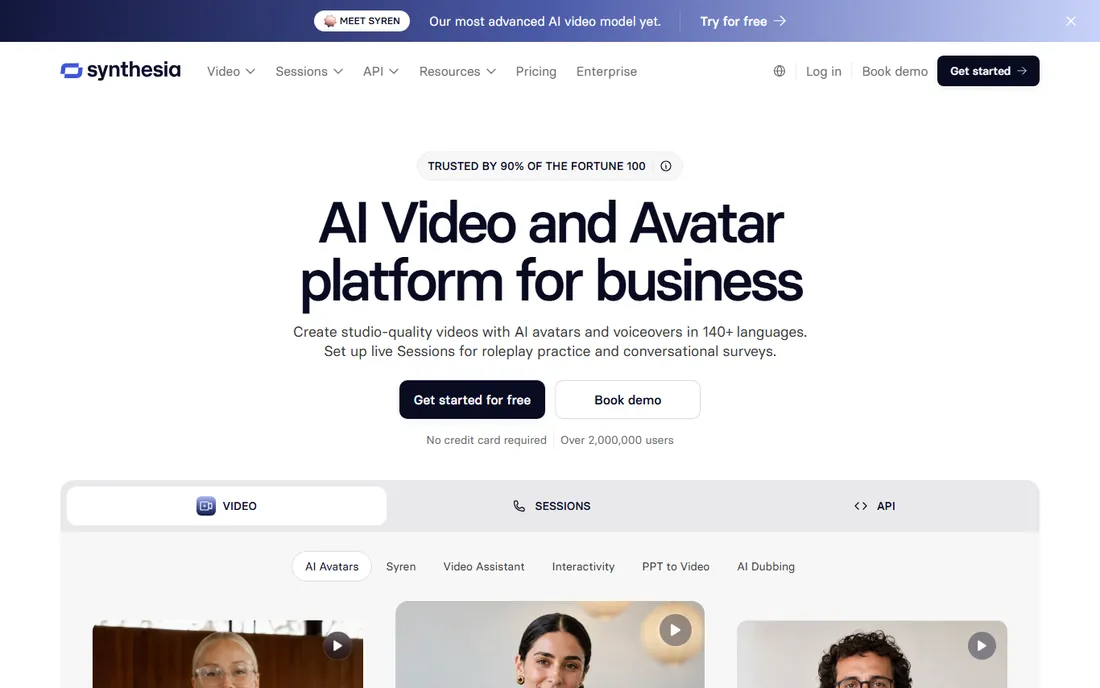
Synthesia built its name on AI presenters, and it remains the most polished choice when a company needs dozens of consistent training or onboarding videos. You type a script, choose an avatar, and the platform generates a presenter-led video in one of many languages. Non-designers can finish a usable video in an afternoon.
The strength is consistency at scale: the same avatar and tone across a whole course library, with support that understands enterprise procurement. The catch is creative range. Avatar performances are serviceable rather than charismatic, so product ads and brand storytelling can feel flat. Pricing is per seat and video minutes are pooled by plan, so confirm how many minutes your team actually burns through before choosing a tier.
What we like- Polished avatars with broad language support
- Simple web-based studio
- Suited to regulated industries
Watch out for- Avatar delivery can feel stiff for creative work
- Video minutes add up on large catalogs
Starting price$25 per month (billed annually)
Free planFree trial (14 days)
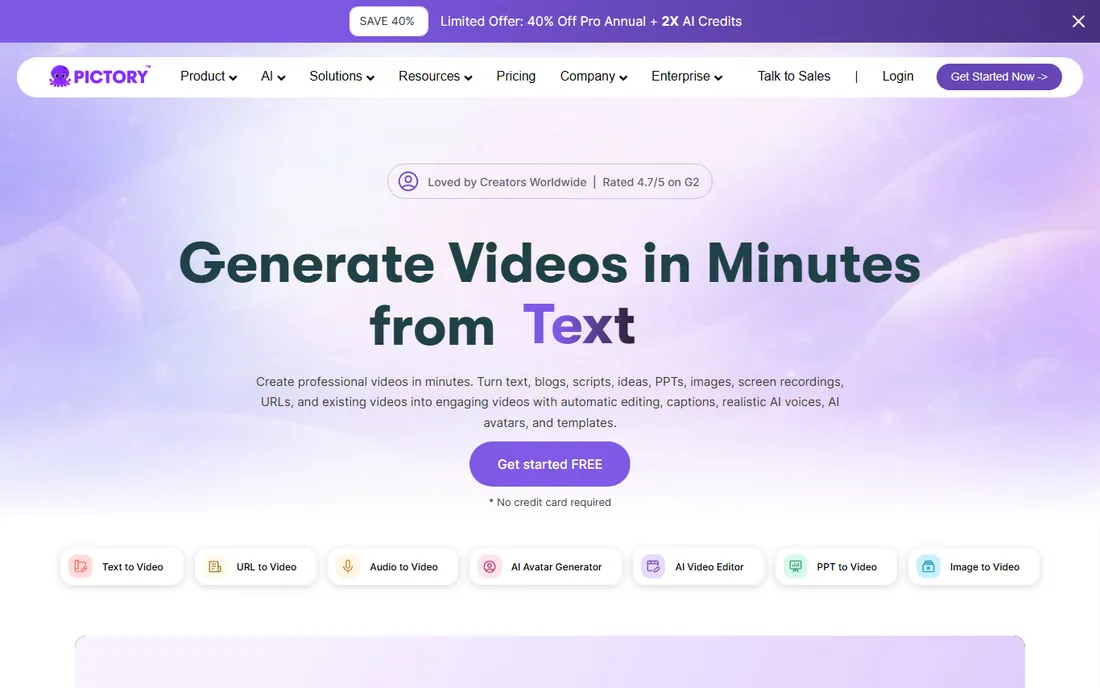
If your content starts as text, Pictory is the most direct route to video. Paste a blog post URL or upload a webinar recording, and it cuts scenes, adds captions, and matches stock footage to the script. It was built for marketers who need social clips, not for filmmakers.
What stands out is how little cleanup the first draft needs. The automatic highlighting of key sentences is genuinely useful for long articles. The weakness is commitment: there is no free-forever plan, only a 14-day trial, and the Starter tier caps how many videos you can make per month. Have your source material ready before you start the trial so you do not waste it on setup and learning.
What we like- Strong article-to-video conversion
- Automatic captions and scene selection
- Brand kit options
Watch out for- No permanent free plan
- The 14-day trial window is tight for evaluation
Starting price$29 per month (Creator plan)
Free planYes

HeyGen targets the individual creator who wants to appear on camera without filming. Record a couple of minutes of yourself and the platform builds a personal avatar that can deliver scripts in dozens of languages. The studio interface is simpler than Synthesia's, which suits freelancers and founders.
The standout feature is the personal avatar. It takes minutes rather than a studio session, and the results are convincing for short updates and sales outreach. The tradeoff is price. At $29 a month billed monthly, the Creator plan costs more than the entry tiers of most rivals, and template variety is narrower than template-first tools like InVideo. Annual billing brings the cost down, so compare both terms before committing.
What we like- Quick personal avatar from a short recording
- Wide language and voice options
- Free plan includes 3 videos a month
Watch out for- Monthly billing costs more than rival entry tiers
- Advanced brand controls sit on higher plans
Starting price$16 per person/month (billed annually)
Free planYes
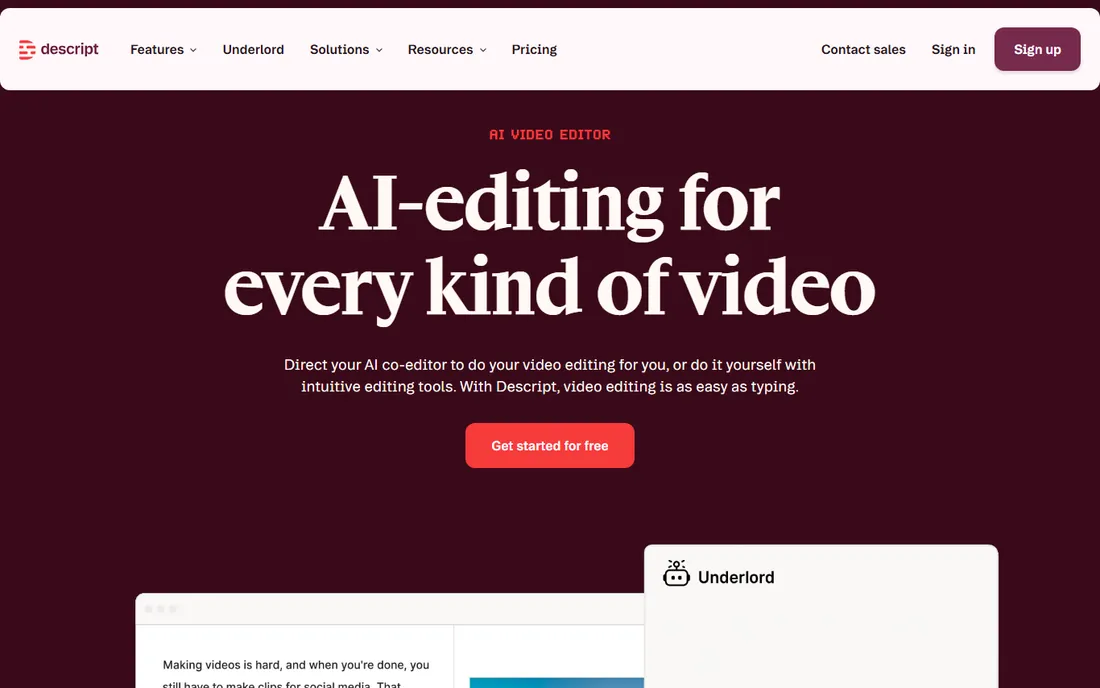
Descript flips the usual workflow: you edit the transcript and the video follows. Delete a sentence from the text and it disappears from the footage. For podcasters and course creators, this removes hours of timeline scrubbing from every episode.
The strength is precision on spoken content. Transcription, filler-word removal, and studio sound cleanup are practical tools you will use weekly. The honest limit is scope. Descript does not generate scenes from prompts the way InVideo or Runway do; it assumes you already have footage or a recording. Pricing is per person, the free plan includes limited transcription hours, and watermark-free exports require a paid plan.
What we like- Text-based editing that cuts video as you edit words
- Strong transcription and filler-word removal
- Collaboration comments
Watch out for- Not a prompt-to-video generator
- Voice cloning quality varies with the recording
Starting price$19 per month (billed annually)
Free planYes

Lumen5 suits a team that posts social video regularly but has nobody on editing duty. Its storyboard turns a link or a short script into captioned scenes with stock visuals, and the learning curve is the shortest on this list.
The appeal is speed over polish. You can publish something acceptable within an hour of signing up, and the free plan lets you test the format before spending anything. The catch is sameness: Lumen5 videos are recognizable unless you customize heavily, and lower plans cap resolution and monthly video counts. If brand distinctiveness matters, budget for a higher tier or pair the tool with your own assets.
What we like- Simple storyboard workflow for beginners
- Usable free plan for testing the format
- Brand presets on paid tiers
Watch out for- Output can look generic without heavy customization
- Resolution caps on lower plans
Starting price$12 per user/month (billed annually)
Free planYes
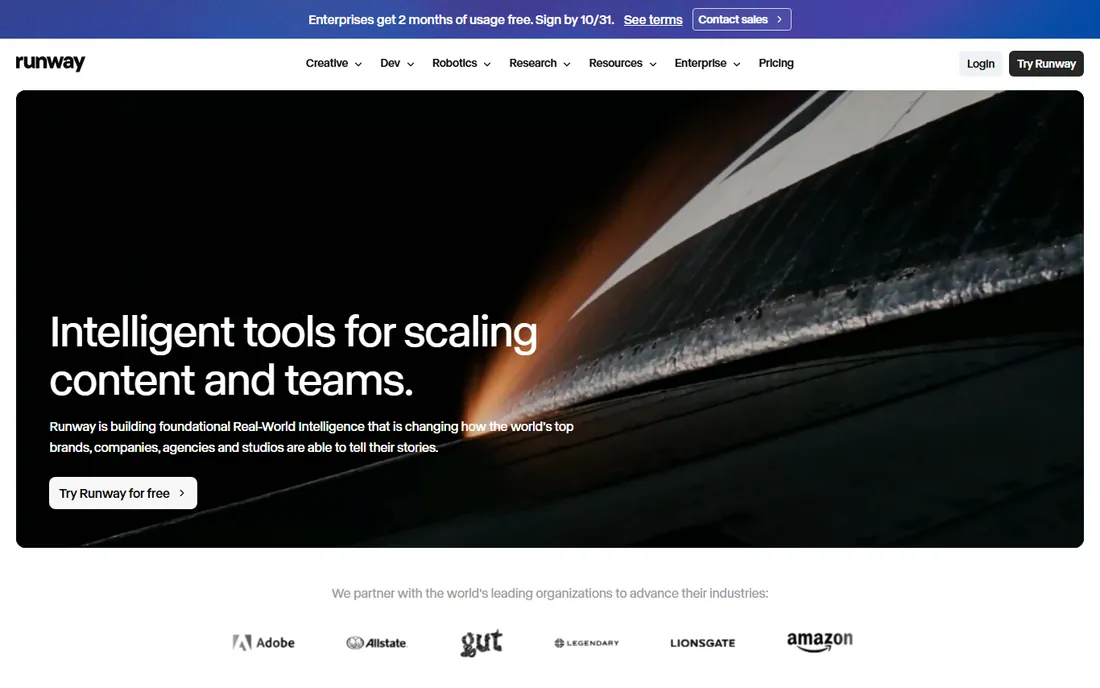
Runway appeals to creators who want footage that does not exist yet: text-to-video scenes, stylized effects, and background replacement. It sits closer to a creative studio than a marketing assembly line, and the Standard plan is one of the cheapest paid entries here.
The strength is model quality on short generative clips, plus practical utilities like green screen removal that work on real footage. The weakness is the credit economy. Generations sometimes fail or need retries, and every attempt spends credits, so monthly output is hard to predict. The free plan grants a one-time credit allowance that is enough for testing, not production. Per-user pricing means teams should count seats, not just minutes.
What we like- Capable generative video models for short clips
- Practical inpainting and background tools
- Affordable entry tier
Watch out for- Generation is credit-based and unpredictable
- Output often needs cleanup
Starting price$16 per month (billed annually)
Free planYes
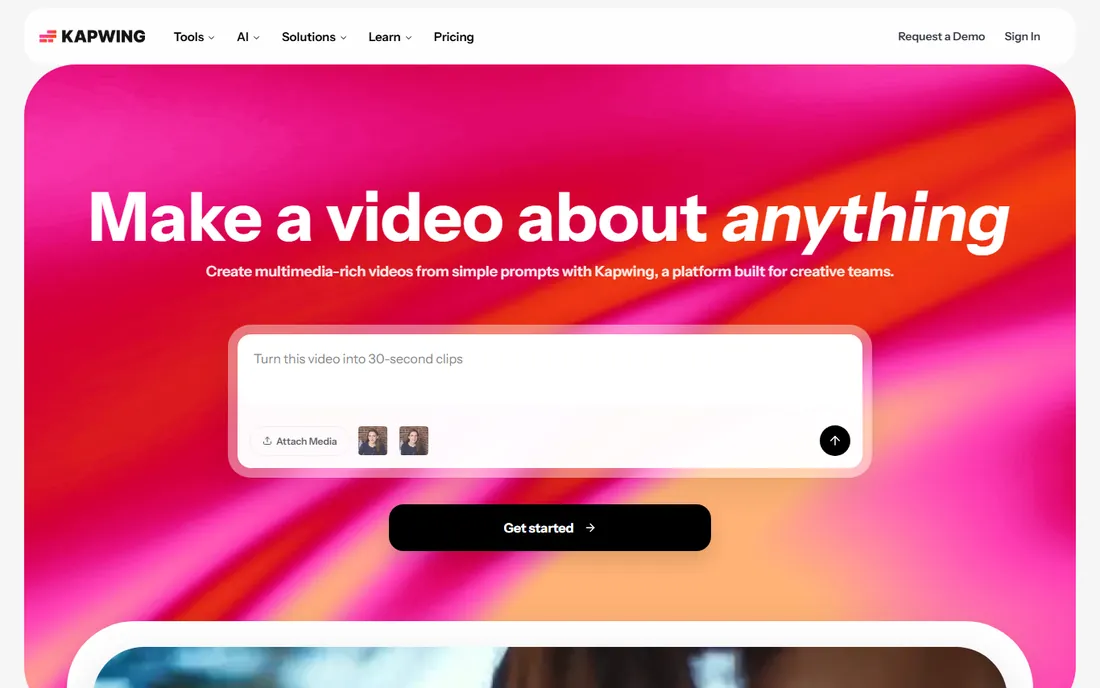
Kapwing started as a simple meme maker and grew into a full browser editor for social teams. Multiple people can work on the same project with comments and shared workspaces, and the template library covers every common social format. It runs in Chrome with nothing to install.
The collaboration angle is the real differentiator. Version history, shared folders, and review links make it practical for a marketing team with remote contributors. The tradeoff is the browser ceiling: long or complex projects render slower than desktop editors, and free exports are watermarked. The Pro plan removes the watermark and raises limits, though export resolution still tops out below dedicated desktop tools.
What we like- Browser-based editor with real collaboration
- Auto-subtitles and format templates
- Nothing to install
Watch out for- Free exports carry a watermark
- Heavy projects can feel slow in the browser
Starting price$21 per month (billed annually)
Free planYes

Fliki is a straightforward choice for faceless video channels and product explainers that lean on narration. Paste a script, pick from hundreds of AI voices, and it assembles scenes with stock media and subtitles. The workflow is deliberately simple.
The voice library is the strength, with quality that suits short-form content across many languages. The weakness shows on longer scripts, where synthetic delivery turns monotonous, and the auto-matched footage sometimes misses the point of a scene. The free plan caps minutes sharply, so treat it as a trial for the workflow rather than a publishing tier.
What we like- Large voice library for narration
- Fast blog-to-video pipeline
- Straightforward tier structure
Watch out for- Voices can sound synthetic on long scripts
- Stock footage matching is hit or miss
Starting price$8 per month (billed annually)
Free planYes

Renderforest offers the lowest-priced paid plan among these tools, which makes it the default first try for tight budgets. Its catalog leans toward intros, logo animations, and explainer templates rather than AI generation. Pick a template, swap in your text and colors, and export.
The strength is value. Eight dollars a month buys watermark-free exports and a wide template range that covers most small-business needs. The weakness is the template ceiling: customization stays inside the template's structure, so two companies can end up with similar-looking videos. Free exports are watermarked and resolution-limited, and longer projects push you toward pricier tiers.
What we like- Cheapest paid plan on this list
- Large template catalog for intros and logos
- Logo animation tools
Watch out for- Template-based output limits originality
- Longer videos need higher tiers
How we chose
We did not test these tools hands-on. We compared vendor pricing pages and documentation as of October 2026, then checked feature lists, integrations, and what users report on G2, Capterra, and Reddit. We favored tools that fit small and mid-sized business workflows: clear pricing, browser or desktop access without heavy setup, and export options that work for real marketing channels. We excluded tools that no longer exist or that lock core features behind enterprise-only sales calls.
How to pick the right video maker
The category splits into three jobs, and most buyers only need one. Match the tool to the job before you compare prices, because the cheapest option for the wrong job is still wasted money.
Minutes, credits, and seats are three different bills
Some tools charge per seat, some per video minute, and some per generation credit. A $12 per user plan with a small credit allowance can cost more in practice than a $25 flat plan if your team generates heavily. Add up seats times the base price, then check what the included minutes or credits actually cover. Teams that publish daily should favor minute-based plans; teams that experiment should favor generous free tiers.
Check the watermark and resolution rules first
Every free plan on this list watermarks exports or caps resolution. That is fine for drafts and internal review, but unusable for client work. Before you commit to a paid tier, confirm the export resolution, whether the watermark is fully removed, and whether you get commercial usage rights for stock assets and AI voices. These details live in the terms, not the pricing table.
Match the tool to the person making the videos
A founder filming on a phone needs HeyGen or Lumen5, not Runway. A marketing coordinator repurposing blog content needs Pictory or InVideo, not Descript. The best video creation software is the one your actual team will open every week. During trials, assign the real person who will do the work and measure how long their first finished video takes.
AI video tools shine at volume: social clips, course lessons, product updates, and localized versions of the same message. They are the wrong choice for work where authenticity carries the sale. Customer testimonials, brand films, and documentary-style content still need real cameras and real editors, and audiences can tell the difference. If your project list is mostly one polished video per quarter, put the subscription money toward a freelancer instead.
Frequently asked questions
What is the best video creation software for beginners?
Lumen5 and Kapwing have the shortest learning curves. Lumen5 turns a link into a captioned video with almost no decisions required, while Kapwing's browser editor feels familiar to anyone who has used a slide deck. Both have free plans, so try the workflow before paying.
Can I use AI avatar videos for client work?
Yes, on paid plans, which include commercial usage rights for the generated video. Check the terms for the avatar and voice specifically, since some platforms restrict how synthetic presenters can be used in advertising. It is also good practice to disclose AI presenters where regulations or platform rules require it.
How much does video creation software cost?
Most tools on this list run between $8 and $29 per month on annual billing. The real cost depends on seats, video minutes, and generation credits, so a team of three can pay triple the headline price. Free plans exist everywhere but watermark exports, which makes them unsuitable for published work.
Do these tools run in a browser?
Mostly yes. InVideo, Synthesia, Pictory, Lumen5, Runway, Kapwing, Fliki, and Renderforest are fully browser-based. Descript offers both a desktop app and a web app, which helps with larger projects. Browser tools need a stable connection, since rendering happens on the vendor's servers.
Is there a free video creation software option that is actually usable?
Free plans are usable for drafts, internal review, and learning the workflow. Kapwing, Lumen5, and Renderforest have the most generous free tiers for this. For anything you publish, expect to pay: the watermark is the line between a free toy and a production tool.
Sources we checked (10)
- https://invideo.io/pricing/
- https://pictory.ai/pricing
- https://lumen5.com/pricing/
- https://renderforest.com/pricing
- https://synthesia.io/pricing
- https://www.heygen.com/pricing
- https://runwayml.com/pricing
- https://www.descript.com/pricing
- https://fliki.ai/pricing
- https://kapwing.com/pricing
Is your product missing or out of date?
We review this list regularly. Vendors can request a listing, send updated pricing or ask about featured placement.

Shihab Mia · Founder, Rankite
Shihab has spent more than a decade helping SaaS and e-commerce brands grow through search. He writes Rankite's software buying guides from pricing pages, documentation and public user reviews. More about Shihab.