How we make this list: we compare pricing pages, product documentation and public user reviews. Rankite is independent; if a vendor ever pays for a featured spot, that listing is clearly labeled Partner.
Key takeaways
- Remini is the fastest option for phone-based face restoration, but its weekly pricing adds up quickly for large archives.
- VanceAI Photo Restorer gives you the most restoration-specific workflow in a browser, with credits that roll over and a genuine free tier.
- MyHeritage is the natural pick if you are already building a family tree, since its photo tools bundle with the genealogy subscription.
- Topaz Photo AI is the only one-time purchase aimed at photographers who want full manual control, and its free trial lets you preview everything before paying.
- If your budget is near zero, Fotor, Hotpot.ai, and ImageColorizer all offer usable free tiers for small batches of photos.
Quick comparison
| Tool | Best for | Starting price | Free plan |
|---|
 Remini Remini | quick mobile face restoration | See website | Yes (ads, daily limits) |
 VanceAI Photo Restorer VanceAI Photo Restorer | one-click restoration in a browser | $9 per month (billed annually, Starter) | Yes (3 free credits on signup) |
 MyHeritage MyHeritage | family historians with photo archives | See website | Yes (limited number of photos) |
 Topaz Photo AI Topaz Photo AI | photographers who want full control | $199 one-time | Free trial (fully featured, cannot save) |
 Fotor Fotor | budget all-in-one photo editing | $39.99 per year (Pro, billed annually) | Yes |
 Hotpot.ai Hotpot.ai | cheap web restoration without an account | See website | Yes (no account needed for basic use) |
 AKVIS Retoucher AKVIS Retoucher | manual scratch and damage repair | $87 one-time (Home license) | Free trial (10 days) |
 Photomyne Photomyne | digitizing whole albums with a phone | $59.99 per year | Free trial (3 days) |
 ImageColorizer ImageColorizer | low-cost colorization and repair | $3.90 per month (Starter) | Yes (50 credits per month) |
 PicWish PicWish | batch enhancement and cleanup | $6.99 per month | Yes (5 free enhancements per day) |
Is your product missing or out of date?
We review this list regularly. Vendors can request a listing, send updated pricing or ask about featured placement.
The best software to fix old photos
Starting priceSee website
Free planYes (ads, daily limits)
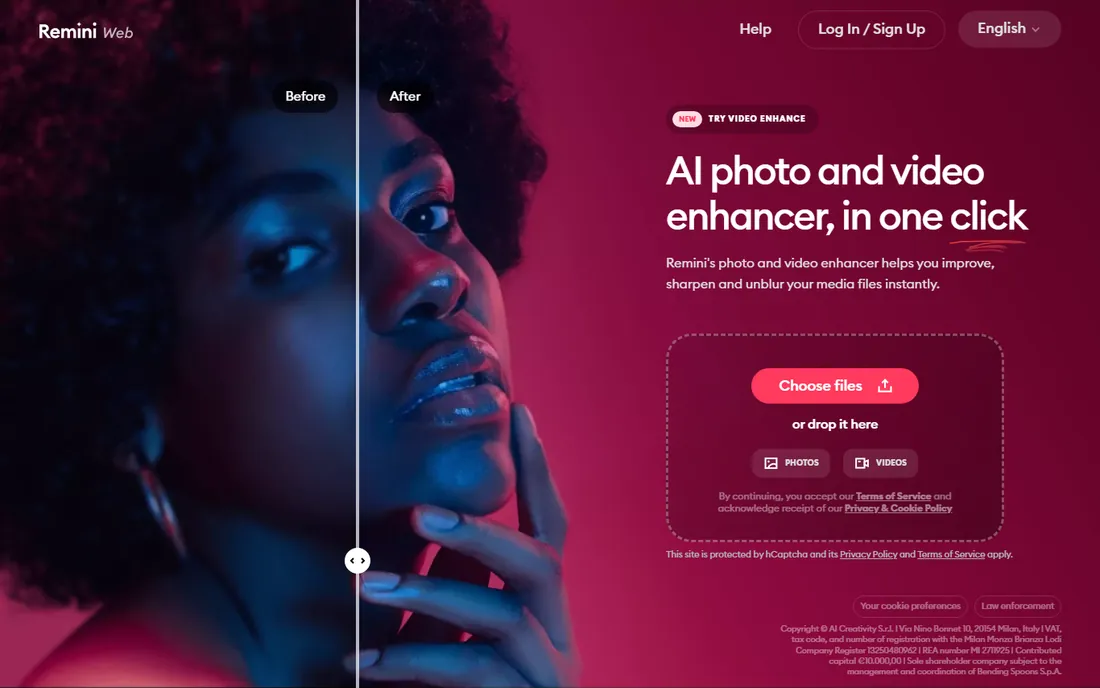
Remini built its reputation on one thing: taking a blurry face and rebuilding it in seconds. Upload a faded portrait, tap enhance, and the AI sharpens eyes, skin texture, and hair with a quality that still surprises reviewers. For a single damaged family photo you want to share at a reunion this weekend, few tools get you there faster.
The catch is the business model. Remini runs on weekly subscriptions (third-party reviews list Personal around $6.99/week and Business around $9.99/week, with discounts for monthly and yearly billing), which is steep if you have hundreds of photos to process. The free tier works but comes with ads, daily limits, and possible watermarks. Privacy-minded buyers should also know that photos upload to Remini servers for processing, so skip anything highly sensitive.
What we like- Excellent face enhancement
- Very fast results
- Simple enough for non-technical users
Watch out for- Weekly pricing adds up fast
- Can over-smooth faces
- Uploads leave your device for processing
#2
VanceAI Photo Restorer
Best for: one-click restoration in a browser
Visit vanceai.com
Starting price$9 per month (billed annually, Starter)
Free planYes (3 free credits on signup)
VanceAI takes the opposite approach from the mobile apps: it is a web workspace built specifically around old photo repair. Upload a scan, and the Photo Restorer removes scratches, corrects sepia fading, and sharpens faces in one pass. You can then chain the result through its colorizer and upscaler without re-uploading, which is handy for turning a faded black-and-white print into a print-ready color file.
Pricing runs on credits. Monthly plans start at $18, but the annual Starter plan works out to about $9 per month for 200 credits, and pay-as-you-go packs exist for occasional use. New accounts get three free restorations to test. One honest weakness: like all AI restoration, it estimates missing detail rather than recovering it, so compare every face against the original scan before you print or frame anything.
What we like- Dedicated restoration workflow
- Scratch removal plus face enhancement
- Credits roll over
Watch out for- Credit system punishes experimentation
- Group photos can look artificial
Starting priceSee website
Free planYes (limited number of photos)
If your old photos live inside a family tree project, MyHeritage is hard to beat. Its photo tools were built for genealogists: the colorizer produces period-plausible tones rather than garish guesses, the repair tool fixes cracks and stains with a single click, and Deep Nostalgia animates portraits. Repaired photos save alongside the untouched originals, which archivists appreciate.
The pricing is the friction. You can repair and colorize a limited number of photos free, but continued use needs a subscription, and the Complete plan that includes unlimited photo tools is priced for serious genealogy users (third-party reviews cite around $184 to $209 per year). If you only need photo restoration and nothing else, a dedicated tool costs less.
What we like- Colorization tuned for period accuracy
- Repair, enhance, and animate in one place
- Originals never modified
Watch out for- Full access requires a pricey genealogy subscription
- Watermark on free downloads
Starting price$199 one-time
Free planFree trial (fully featured, cannot save)
Topaz Photo AI is the professional pick. Instead of one magic button, it bundles specialized AI models for noise reduction, sharpening, face recovery, and upscaling, and its Autopilot analyzes each photo to propose a starting workflow you can then fine-tune. It runs as a standalone desktop app on Windows and Mac, or as a plugin inside Photoshop and Lightroom.
The price is $199 as a one-time purchase, which includes a year of model updates (renewal is optional at $99 per year). That stings upfront but beats a subscription within a year for regular users. Note what it does not do: Topaz has no dedicated scratch or tear repair, so pair it with AKVIS Retoucher or a manual editor for physically damaged prints. The free trial is fully functional but will not save, so test it on your worst scans first.
What we like- Separate models for denoise, sharpen, and upscale
- Batch processing
- Works as a Photoshop plugin
Watch out for- Highest upfront cost here
- Resource-intensive on older machines
- No scratch repair model
Starting price$39.99 per year (Pro, billed annually)
Free planYes
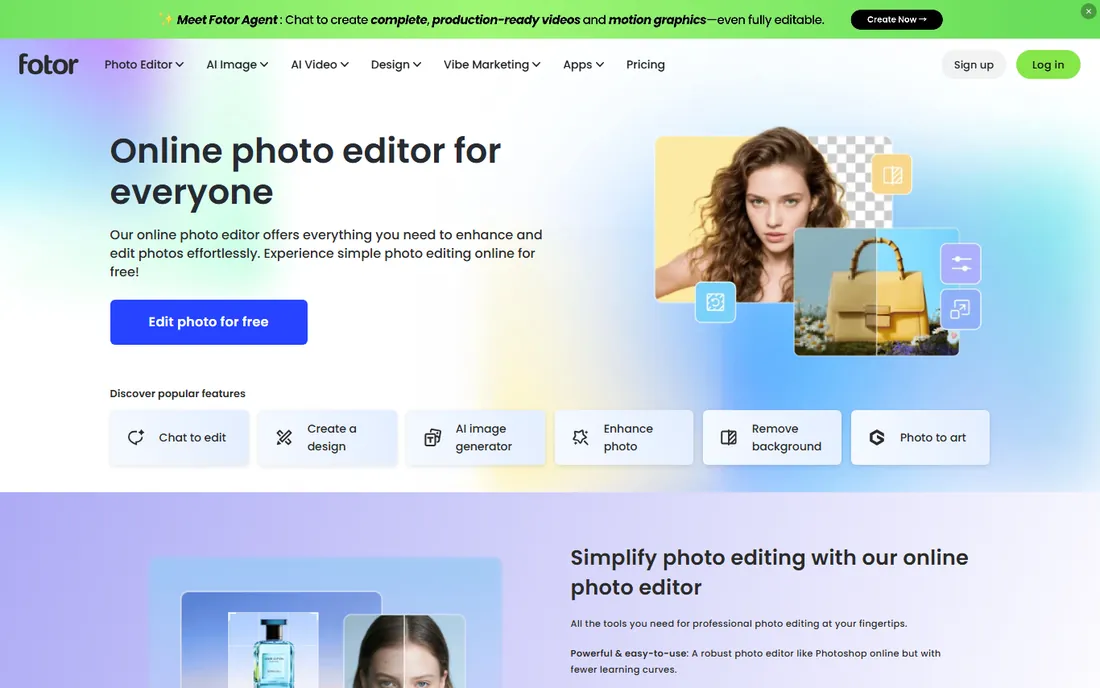
Fotor is a general photo editor with a solid AI enhance feature, and its price makes it the value pick for casual restoration. The free plan handles basic edits and one-tap enhancement, while Pro (about $3.33 per month on annual billing, or $8.99 month to month) removes watermarks, adds HD exports, and adds background removal and batch tools. A Pro+ tier exists for heavier AI workloads.
For old photos specifically, Fotor sharpens and cleans up faded images well, but it lacks the dedicated scratch-removal models of VanceAI or the damage repair of AKVIS. Think of it as the right choice when you want one cheap subscription that also covers social graphics, collages, and everyday editing, not a restoration specialist.
What we like- Genuinely usable free tier
- One-tap enhance plus manual tools
- Web, desktop, and mobile apps
Watch out for- Free exports carry watermarks
- AI restoration is less specialized than dedicated tools
#6
Hotpot.ai
Best for: cheap web restoration without an account
Visit hotpot.ai
Starting priceSee website
Free planYes (no account needed for basic use)
Hotpot.ai has been around since before the AI photo boom, and its Picture Restorer remains one of the cheapest ways to fix a damaged photo online. Upload a scan and it performs scratch removal, face enhancement, and color sharpening automatically. You can try it without creating an account, which is rare and welcome.
Pricing is credit-based, with volume pricing for heavier users and a free tier for light use. Third-party reviews put paid access around $10 per month or $12 for a 1,000-credit pack. The honest catch: Hotpot states plainly that its automation cannot replace expert restoration for demanding jobs, and free images fall under a non-commercial license. For quick fixes on a budget, though, it is hard to argue with the price.
What we like- No signup required to try
- Pay-per-use credits
- Privacy-friendly image handling
Watch out for- Credit costs scale with volume
- Interface feels dated next to newer rivals
#7
AKVIS Retoucher
Best for: manual scratch and damage repair
Visit akvis.com
Starting price$87 one-time (Home license)
Free planFree trial (10 days)

AKVIS Retoucher predates the AI wave and it shows, in a good way. Instead of guessing what your photo should look like, you paint over scratches, dust, stains, tears, and even unwanted objects like date stamps, and the software reconstructs the area from surrounding pixels. For scans with physical damage, this manual approach often beats AI estimation.
It is available as a standalone app and as a plugin for Photoshop, Photoshop Elements, and Corel tools, on both Windows and Mac. The Home license costs $87 as a one-time purchase, and one key activates two computers. The tradeoff is clear: there is no AI face enhancement or colorization here, so it pairs best with another tool for faded or blurry photos.
What we like- Precise manual selection of damaged areas
- Works as a Photoshop plugin
- One license covers two computers
Watch out for- No AI face rebuilding
- Interface shows its age
- Paid upgrades for major versions
Starting price$59.99 per year
Free planFree trial (3 days)
Photomyne solves the step before restoration: getting prints into digital form. Its phone app photographs entire album pages and automatically splits them into individual photos, which turns a weekend project into an afternoon one. The subscription bundles the scanning suite: Photo Scan, SlideScan for slides, FilmBox for negatives, and a colorize app.
Pricing is $59.99 per year or $14.99 per month, starting with a 3-day free trial. That is reasonable if you have boxes of albums to digitize, but expensive if you only need to fix a handful of already-scanned photos. Note that delivery and login revolve around your phone number via SMS, which some users find clunky compared to email-based accounts.
What we like- Scans entire album pages at once
- Includes SlideScan, FilmBox, and colorize apps
- Auto-crop and enhance
Watch out for- Subscription only
- Account tied to phone number
- Best for bulk scanning, not single repairs
Starting price$3.90 per month (Starter)
Free planYes (50 credits per month)
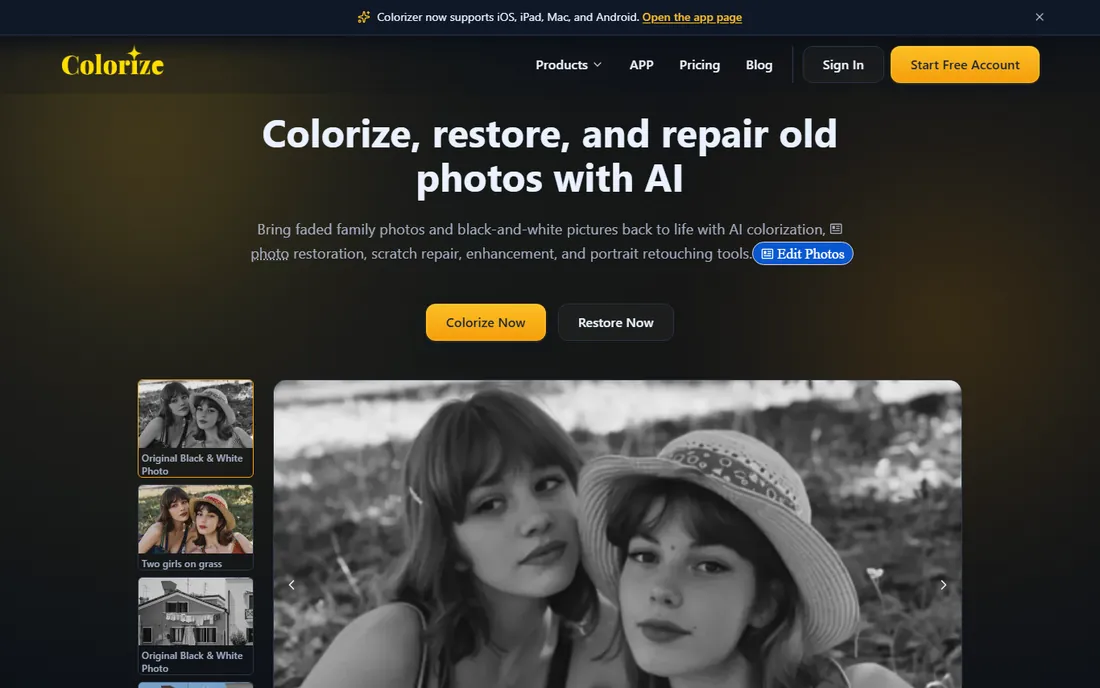
ImageColorizer focuses on the two jobs most people want: colorizing black-and-white photos and repairing damaged ones. The free plan includes 50 credits per month with full AI features, and paid plans start at just $3.90 per month for 500 credits, scaling to $9.90 for 2,000. Unused credits roll over on paid plans.
The interface is simple: upload, pick colorize, repair, or enhance, and download. Processing is automatic, and uploaded images are cleared within 24 hours. The limits to know: free-tier output tops out at 3000px, and batch processing needs a paid plan. For the price, it is one of the cheapest ways to colorize a family archive.
What we like- Very cheap paid tiers
- Combines colorize, repair, and enhance
- Desktop app for Windows and Mac
Watch out for- Credit limits on the free plan
- Output capped at 3000px on lower tiers
Starting price$6.99 per month
Free planYes (5 free enhancements per day)
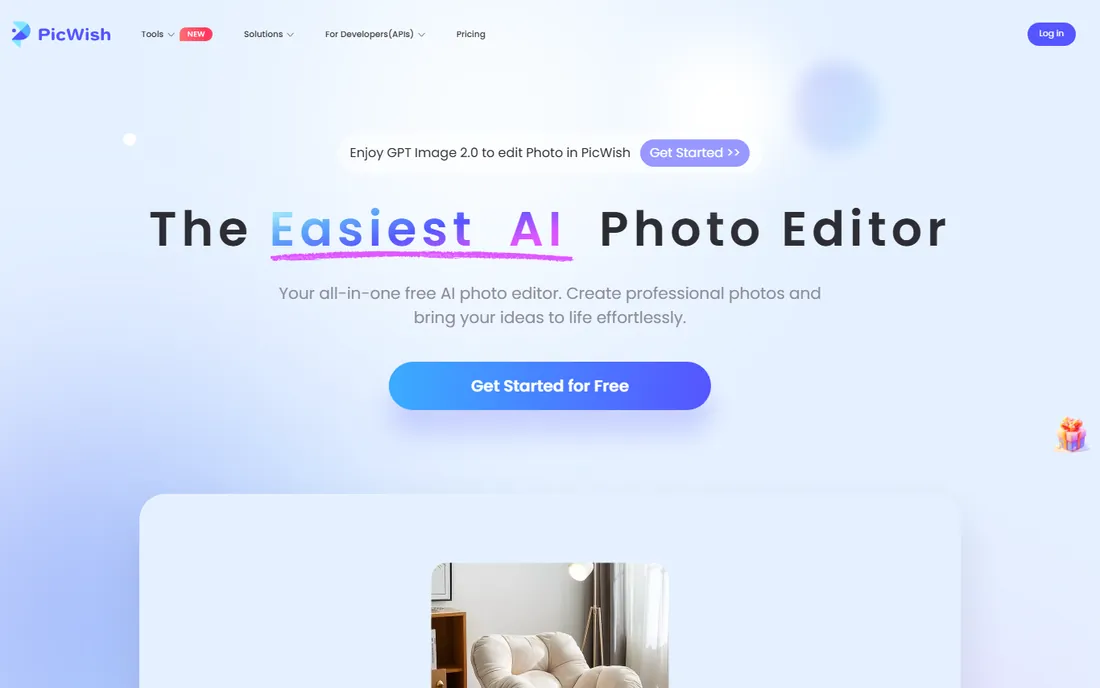
PicWish started as a background remover and grew into a full AI photo toolkit with a dedicated old-photo restoration path: colorization, scratch repair, and upscaling to 4K. Its standout feature is batch processing, with the desktop app handling large queues, which suits anyone digitizing an archive.
The free plan gives five standard enhancements per day. Pro starts around $6.99 per month or $49.99 per year and adds the advanced models, higher resolutions, and 800 monthly credits. PicWish also offers an API, which matters if you run a photo business and want restoration inside your own workflow. The free tier is enough to test on your most important photos before committing.
What we like- Strong batch processing
- Dedicated old-photo colorization
- Web, desktop, and mobile apps
Watch out for- Advanced models locked behind Pro
- Per-image costs add up on pay-as-you-go
How we chose
We did not test these tools hands-on. We compared them using vendor pricing pages, feature documentation, and public reviews on G2, Capterra, and Reddit, plus app store ratings where relevant. Every tool had to exist today, accept real photo uploads, and offer at least one restoration-specific feature such as scratch removal, colorization, or face enhancement. We weighted transparent pricing, a usable free tier or trial, and honest limits over marketing claims, and we favored tools with clear privacy policies about uploaded photos.
What to check before you pay
Count your photos first
A weekly subscription makes sense for ten photos and no sense for a thousand. Tally the archive before you subscribe, then pick credit packs or one-time licenses for large batches and short subscriptions for small ones.
Check what the AI cannot do
No AI tool recovers detail that is not in the scan. Rebuilt faces are estimates, which is fine for sharing but risky for historical records. For anything you plan to print, frame, or archive, compare the result against the original and keep the original file.
Read the export terms
Free tiers often watermark downloads or cap resolution. If the end goal is a printed family book, confirm the export size and watermark policy before you invest hours. Paid tiers of most tools here remove watermarks and add full resolution.
Mind where your photos go
Most of these tools upload your images to cloud servers for processing. Check how long files are kept and whether they are used for training. For sensitive family photos, prefer tools with stated deletion policies or desktop apps that process locally.
Free tiers across this category cluster around the same limits: a handful of images per day or month, watermarks on downloads, and capped resolution. That is enough to restore your ten most important photos and decide which tool you like. The jump to paid buys three things: watermark-free full-resolution exports, batch processing, and advanced models for faces and heavy damage. One-time purchases (Topaz Photo AI at $199, AKVIS Retoucher at $87) beat subscriptions within a year if you restore photos regularly, while credit packs (VanceAI, Hotpot.ai, ImageColorizer) suit one-off archive projects you will finish and walk away from.
Frequently asked questions
Can AI really fix a torn or badly damaged photo?
It can improve many of them, but not all. AI is strong at scratches, fading, blur, and noise. Large missing areas, like a torn corner with a face in it, get estimated rather than recovered. For severe physical damage, manual tools like AKVIS Retoucher or a professional service still win.
Will colorized photos look accurate?
They look plausible, not historically verified. The AI guesses colors from patterns in its training data, so clothing and backgrounds may be wrong for the era. MyHeritage tunes its colorizer for period accuracy, but treat every colorized photo as an interpretation, not a record.
Do I need to scan my prints first, and at what resolution?
Yes, scan before you restore. Use at least 300 DPI for prints you plan to share digitally and 600 DPI for anything you might print or enlarge. A clean, flat, well-lit scan gives every tool on this list far better material than a tilted phone photo of a photo.
Is it safe to upload family photos to these tools?
Mostly, with caveats. Reputable tools process your upload and delete it after a set period, but policies differ. Avoid uploading highly sensitive images to any service without a clear deletion policy, and prefer desktop apps like Topaz Photo AI or AKVIS Retoucher when privacy matters most.
What is the cheapest way to restore a lot of old photos?
Buy credits or a one-time license, not a weekly subscription. ImageColorizer and Hotpot.ai offer the cheapest per-photo pricing for small archives, VanceAI suits medium batches, and Topaz Photo AI plus AKVIS Retoucher is the best long-term combo if you restore photos regularly.
Sources we checked (10)
- https://www.fahimai.com/remini-ai
- https://vanceai.com/old-photo-restoration/restore-old-picture-with-best-ai-picture-restorer/
- https://thefamilyheart.com/myheritage-in-color/
- https://www.guru99.com/topaz-photo-ai.html
- https://www.fahimai.com/fotor
- http://HotPot.Ai/restore-picture
- https://akvis.com/en/press-kit/akvis-retoucher-11.php
- https://photomyne.com/press
- https://www.toolify.ai/tool/imagecolorizer
- http://Picwish.com/photo-enhancer
Is your product missing or out of date?
We review this list regularly. Vendors can request a listing, send updated pricing or ask about featured placement.

Shihab Mia · Founder, Rankite
Shihab has spent more than a decade helping SaaS and e-commerce brands grow through search. He writes Rankite's software buying guides from pricing pages, documentation and public user reviews. More about Shihab.