How we make this list: we compare pricing pages, product documentation and public user reviews. Rankite is independent; if a vendor ever pays for a featured spot, that listing is clearly labeled Partner.
Key takeaways
- Helicon Focus and Zerene Stacker are the two dedicated stacking apps professionals actually buy; Helicon is faster and cheaper to start, Zerene handles the hardest macro subjects.
- Adobe Photoshop already stacks focus brackets well enough for occasional use, so check the feature you own before buying a dedicated tool.
- Affinity by Canva (formerly Affinity Photo) now includes its Focus Merge at no cost, which makes it the best free path for photographers who also need a full editor.
- Picolay and Hugin are genuinely free and still maintained, with Picolay standing out for microscopy and 3D output.
- GIMP replaced the discontinued CombineZP on this list; its Depth Merge filter stacks for free, though the workflow is manual.
Quick comparison
| Tool | Best for | Starting price | Free plan |
|---|
 Helicon Focus Helicon Focus | fast, polished stacking for macro and product work | $30 per year (Lite) | Free trial (30 days) |
 Zerene Stacker Zerene Stacker | the most difficult macro and microscopy stacks | $89 one-time (Personal) | Free trial (30 days) |
 Adobe Photoshop Adobe Photoshop | photographers who already subscribe | $19.99 per month (billed annually, Photography Plan) | Free trial (7 days) |
 Affinity by Canva Affinity by Canva | a free professional editor that also stacks | Free | Yes |
 ON1 Photo RAW ON1 Photo RAW | photographers who want stacking inside a RAW workflow | $99.99 one-time | Free trial (30 days) |
 Picolay Picolay | free stacking for microscopy and 3D output | Free | Yes |
 Hugin Hugin | free stacking via alignment tools | Free | Yes |
 GIMP GIMP | free stacking inside a full image editor | Free | Yes |
Is your product missing or out of date?
We review this list regularly. Vendors can request a listing, send updated pricing or ask about featured placement.
The best focus stacking software
Starting price$30 per year (Lite)
Free planFree trial (30 days)
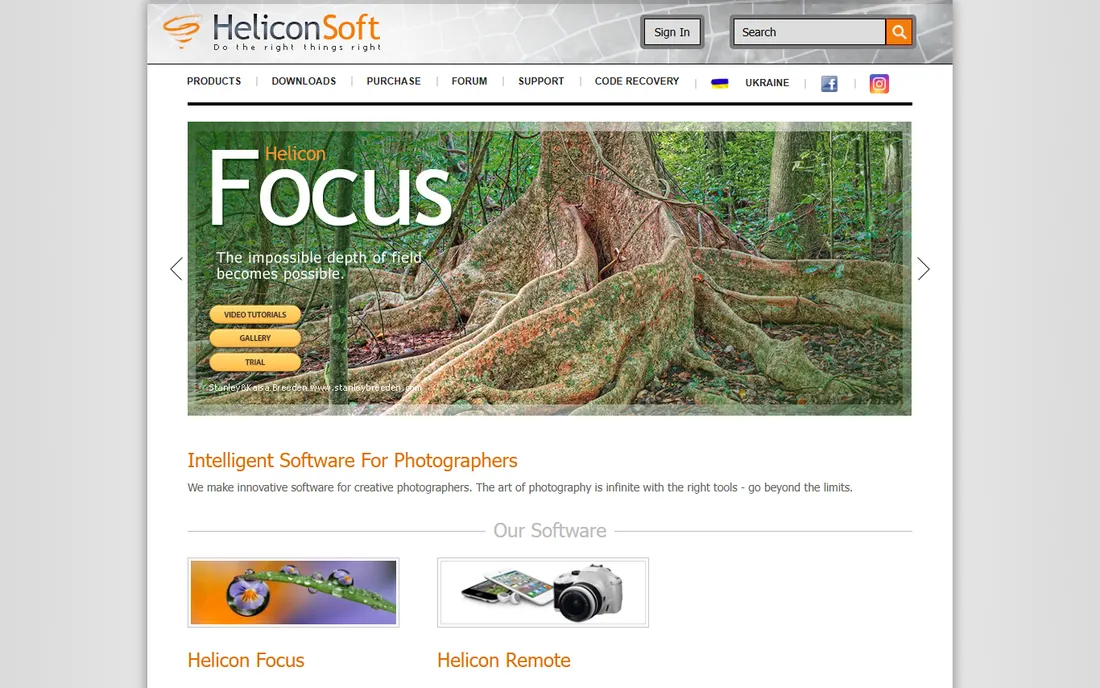
Helicon Focus is the stacker most working macro photographers reach for first. It aligns and blends a bracket of images quickly, handles RAW input, and its three rendering methods give you options when a tricky edge or hair causes artifacts. The 30-day trial runs the full Pro version, so you can judge it on your own hardest images.
The concrete strength is speed plus control. Batch processing chews through product catalogs, and the Pro retouching brushes let you paint in the sharp version of any region the algorithm missed. The honest weakness is the licensing. There is no true perpetual entry tier: Lite costs $30 a year and the license reverts to demo mode when it lapses, with lifetime licenses at $115 and up. Retouching and DNG output require Pro, so budget for the $55-a-year Pro package if those matter.
What we like- Fast rendering with GPU acceleration
- Retouching brushes on Pro
- Pairs with Helicon Remote for automated capture
Watch out for- Subscription-style yearly licenses
- Lite tier drops DNG output and retouching
Starting price$89 one-time (Personal)
Free planFree trial (30 days)
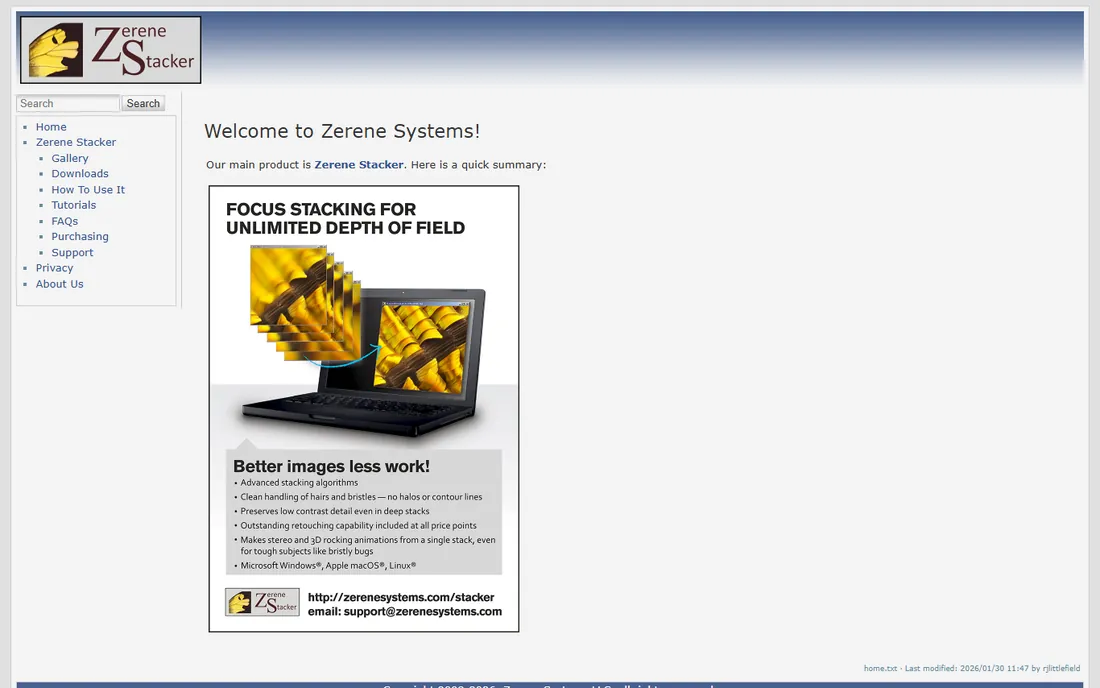
Ask serious macro photographers which stacker survives the worst subjects, and Zerene Stacker wins the argument. Its alignment and interpolation are famously careful with low-contrast detail, overlapping structures, and the deep stacks, sometimes hundreds of frames, that microscopy demands. Retouching is included even in the cheapest edition.
The strength is output quality on hard cases where other stackers produce halos or mush. The weakness is the experience around it: the interface is dated, batch throughput is slower than Helicon, and the whole program is a Java app. Pricing is refreshingly simple, though. Personal costs $89 once, Prosumer $189, Professional $289, and licenses never expire with free updates. The 30-day trial is fully functional.
What we like- Best-in-class handling of hairs, bristles, and deep stacks
- Licenses never expire
- Runs on Windows, Mac, and Linux
Watch out for- Dated Java-based interface
- Slower than Helicon on large batches
#3
Adobe Photoshop
Best for: photographers who already subscribe
Visit adobe.com
Starting price$19.99 per month (billed annually, Photography Plan)
Free planFree trial (7 days)
Before buying a dedicated stacker, check whether you already own one. Photoshop's auto-align and auto-blend layers workflow stacks focus brackets competently, and nothing beats it for cleaning up the result afterward. If you subscribe to the Photography Plan at $19.99 a month for Lightroom and Photoshop anyway, the stacking feature costs you nothing extra.
The strength is the finishing workflow. Dedicated stackers blend; Photoshop lets you mask, clone, and refine every layer by hand when the automatic result has flaws. The weakness is throughput. The process is manual and slow compared with Helicon or Zerene, and deep stacks become unwieldy. For occasional stacks of ten or twenty frames, it is plenty. For hundreds of macro frames a week, buy a dedicated tool.
What we like- Stacking built into an editor you may already pay for
- Excellent manual retouching after the stack
- Huge tutorial base
Watch out for- Slower and less automated than dedicated stackers
- Subscription only
Starting priceFree
Free planYes
Affinity Photo became Affinity by Canva after Canva's acquisition of Serif, and the unified app is now free: the old $69.99 price tag is gone, with only a free Canva account needed to download it. Its Focus Merge stacks a bracket of images with alignment, then hands you the layered result for manual refinement.
The strength is the package. You get a genuinely professional photo editor, RAW development, and focus stacking for zero cost, which no other free editor matches. The weakness is specialization. Focus Merge handles typical product and close-up stacks well but lacks the artifact controls and batch depth of Helicon or Zerene. Note that Canva's newer AI tools inside the app require a paid Canva subscription; the core editing and stacking do not.
What we like- Completely free core toolset
- Focus Merge handles typical stacks well
- Full RAW and layer workflow included
Watch out for- Stacking is a feature, not a specialty
- AI tools need a paid Canva plan
#5
ON1 Photo RAW
Best for: photographers who want stacking inside a RAW workflow
Visit on1.com
Starting price$99.99 one-time
Free planFree trial (30 days)
ON1 Photo RAW takes the opposite approach from Adobe: one application for organizing, RAW editing, layers, and focus stacking, with a single $99.99 purchase and no subscription. For photographers who want Lightroom-style workflow plus occasional stacking without a second program, that consolidation is attractive.
The strength is the all-in-one value. HDR, panorama, and focus stacking all live in the same catalog-free browser, and the license installs on two computers. The weakness is that stacking is one feature among many, not the product's reason to exist. Deep macro stacks and difficult alignments go better in Helicon or Zerene. The 30-day trial is fully functional, so test it on your typical brackets before buying.
What we like- Focus stacking built into a full RAW editor
- One-time purchase, no subscription
- Layers and masking included
Watch out for- Stacking depth lags dedicated apps
- Version upgrades are paid
Starting priceFree
Free planYes
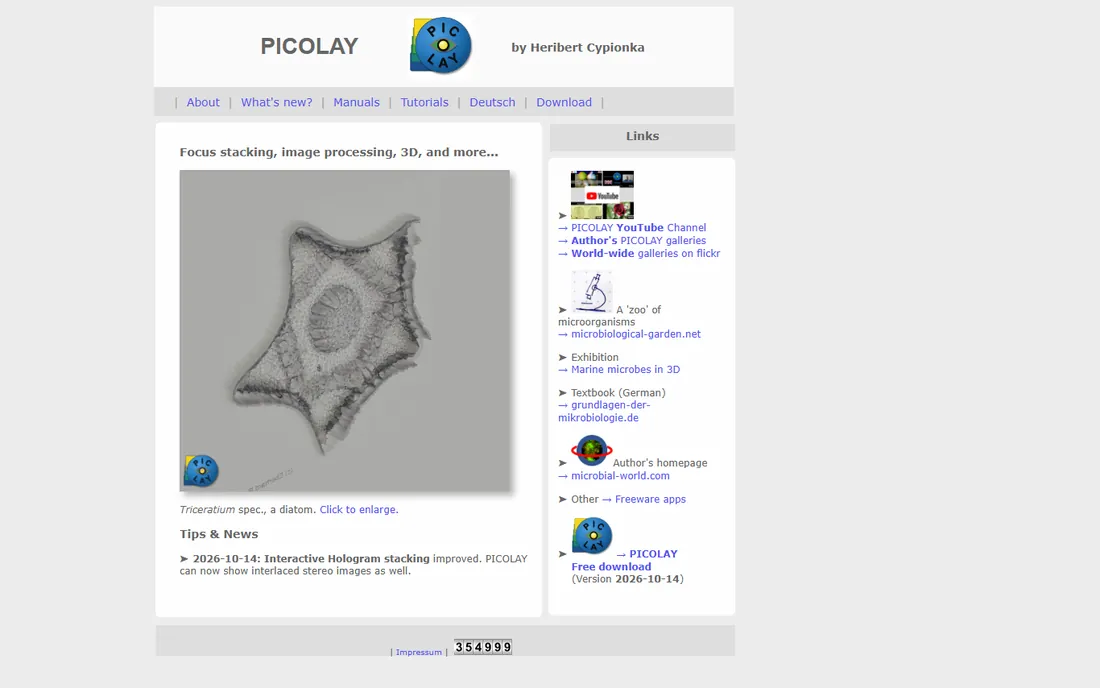
Picolay is a free Windows program by Heribert Cypionka, written originally for microscopy and still actively updated in 2026. Beyond standard stacking, it generates depth maps, 3D projections, stereo pairs, and animations from a single stack, which makes it unusually capable for scientific documentation.
The strength is the niche focus. If your subjects come through a microscope, Picolay's 3D views and hologram-style outputs do things the commercial stackers do not attempt, at no cost for non-commercial use. The weakness is everything around that niche: the interface is plain and technical, documentation reads like a lab manual, and there is no Mac or Linux version. General photographers will find Helicon or Affinity friendlier.
What we like- Free for non-commercial use
- Built for microscopy with 3D and depth-map output
- Tiny portable download
Watch out for- Windows only
- Dated interface aimed at scientists
Starting priceFree
Free planYes
Hugin is famous as a panorama stitcher, but its alignment and blending engine handles focus stacking too, and it is completely free and open source. The workflow is more hands-on than a dedicated stacker: you align the bracket with its control-point tools, then blend with the included Enfuse/Enblend routines.
The strength is the price-to-power ratio for tinkerers. The alignment engine is genuinely sophisticated, and everything runs on Windows, Mac, and Linux. The weakness is that focus stacking is not the program's purpose, so expect manual steps, forum reading, and experimentation where Helicon gives you one button. Patient technical users get capable stacks for nothing; everyone else should pick Picolay or GIMP for free stacking with less friction.
What we like- Free and open source
- Powerful alignment engine
- Cross-platform
Watch out for- Built for panoramas, so stacking takes manual setup
- Steep learning curve
#8
GIMP
Best for: free stacking inside a full image editor
Visit gimp.org
Starting priceFree
Free planYes
GIMP earns its place through the Depth Merge filter, which blends a stack of aligned layers by selecting the sharpest regions. It is free, cross-platform, and surrounded by the largest free plugin ecosystem in image editing. For a photographer who already uses GIMP, stacking a short bracket costs nothing and needs no new software.
The strength is the editor around the stack. After merging, every retouching tool in GIMP is available for cleanup, similar to Photoshop's advantage. The weakness is the manual workflow: you align layers yourself, run the filter, and fix mistakes by hand, which gets tedious beyond a dozen frames. It replaces CombineZP on this list because CombineZP's official site is defunct and the program is discontinued; GIMP is maintained, verifiable, and free.
What we like- Completely free and open source
- Depth Merge stacks aligned brackets
- Enormous plugin ecosystem
Watch out for- Manual multi-step workflow
- Alignment must be done carefully by hand
How we chose
We did not test these tools hands-on. We compared vendor pricing pages and documentation as of October 2026, then checked feature lists, supported platforms, and what macro and product photographers report on G2, Capterra, and Reddit. We favored tools that are available and maintained today, from dedicated stacking applications to editors with real stacking features. Discontinued programs with dead official sites were excluded, and free tools were judged on whether their stacking workflow is practical rather than theoretical.
What matters when you stack
All stackers do the same basic job, but results differ wildly on difficult subjects. These are the factors that separate a clean stack from a frustrating one.
Alignment quality decides everything
Your frames shift slightly as focus changes, and the stacker must align them before blending. This is where Helicon and Zerene earn their prices: their alignment handles magnification changes and subject movement gracefully. Free tools can align simple brackets fine, but deep macro stacks with drift will show the difference.
RAW handling and output depth
If you shoot RAW, check whether the stacker processes RAW natively or needs TIFFs first. Helicon's Pro tier offers a RAW-in, DNG-out mode that preserves editing latitude; Zerene handles 8- and 16-bit throughout. Converting to JPEG before stacking throws away data you will want when grading the final image.
Retouching and batch control
No automatic stack is perfect. The ability to brush in the sharp frame's version of a problem area, which Helicon Pro, Zerene, Photoshop, and Affinity all offer, is what separates professional results from acceptable ones. If you stack hundreds of images weekly, batch processing and folder monitoring matter as much as quality.
Why many macro photographers keep two stackers
It is common in macro photography to own both Helicon Focus and Zerene Stacker. Helicon handles the daily volume quickly, and Zerene takes the nightmare subjects: overlapping hairs, translucent wings, and stacks hundreds of frames deep. At $30 a year plus an $89 one-time purchase, the pair costs less than most camera accessories. If your work is product photography or occasional close-ups rather than extreme macro, one tool, or even Photoshop, is enough.
Frequently asked questions
What is focus stacking?
Focus stacking combines several photos of the same subject, each focused at a different distance, into one image that is sharp throughout. Macro photographers use it because depth of field at high magnification can be thinner than a millimeter. The software aligns the frames and keeps only the sharpest parts of each.
How many photos do I need for a stack?
It depends on magnification and aperture. A product shot might need 5 to 15 frames; extreme macro can need 100 or more. The rule is overlap: each frame's sharp zone should overlap the next. Automated rails and apps like Helicon Remote calculate the step count for you.
Can I do focus stacking in Lightroom?
Lightroom merges HDR and panoramas but not focus stacks; Adobe keeps stacking in Photoshop. ON1 Photo RAW is the main all-in-one alternative that includes stacking alongside RAW editing. Affinity by Canva also stacks for free.
Is Helicon Focus or Zerene Stacker better?
For speed and everyday macro work, most photographers prefer Helicon Focus. For the hardest subjects, with fine hairs, bristles, or very deep stacks, Zerene Stacker usually produces cleaner results. Both offer fully functional 30-day trials, so the honest answer is to test them on your own images.
Can phones do focus stacking?
Some phones and cameras offer in-camera focus bracketing or stacking for simple subjects. For serious macro work, you still want a real camera, a stable rail or tripod, and desktop software. Phone stacking is convenient but gives you no control over alignment or retouching.
Sources we checked (8)
- https://www.heliconsoft.com/helicon-focus-licenses-paypro/
- http://zerenesystems.com/cms/stacker/docs/purchasing
- https://www.adobe.com/creativecloud/plans.html
- https://affinity.serif.com/
- https://www.on1.com/
- http://www.picolay.de/index.html
- https://hugin.sourceforge.io/
- https://www.gimp.org/
Is your product missing or out of date?
We review this list regularly. Vendors can request a listing, send updated pricing or ask about featured placement.

Shihab Mia · Founder, Rankite
Shihab has spent more than a decade helping SaaS and e-commerce brands grow through search. He writes Rankite's software buying guides from pricing pages, documentation and public user reviews. More about Shihab.