How we make this list: we compare pricing pages, product documentation and public user reviews. Rankite is independent; if a vendor ever pays for a featured spot, that listing is clearly labeled Partner.
Key takeaways
- DaVinci Resolve is the only free editor that matches paid professional software, with no watermark and no export limits, if your computer can run it.
- CapCut is the fastest path from idea to a finished social video, with auto captions and templates that the desktop editors do not touch.
- Shotcut and Kdenlive are the best open-source all-rounders for Windows and Linux users who want a real timeline editor without paying.
- The free tier always has a catch somewhere: Lightworks caps exports at 720p, and several editors reserve their best effects for paid versions.
Quick comparison
| Tool | Best for | Starting price | Free plan |
|---|
 DaVinci Resolve DaVinci Resolve | Professional-grade editing and color | Free | Yes |
 CapCut CapCut | Fast social and short-form video | Free | Yes |
 Shotcut Shotcut | Capable open-source editing on any platform | Free | Yes |
 OpenShot OpenShot | Absolute beginners learning to edit | Free | Yes |
 Kdenlive Kdenlive | Advanced open-source multi-track editing | Free | Yes |
 Lightworks Lightworks | Learning a pro workflow for free | Free | Yes |
 Clipchamp Clipchamp | Simple browser-based editing on Windows | Free | Yes |
 VSDC VSDC | Deep features on a Windows PC | Free | Yes |
 VideoProc Vlogger VideoProc Vlogger | Speed ramping and action camera footage | Free | Yes |
 iMovie iMovie | Mac and iPhone owners who want it simple | Free | Yes |
Is your product missing or out of date?
We review this list regularly. Vendors can request a listing, send updated pricing or ask about featured placement.
The best freeware video editing software
Starting priceFree
Free planYes
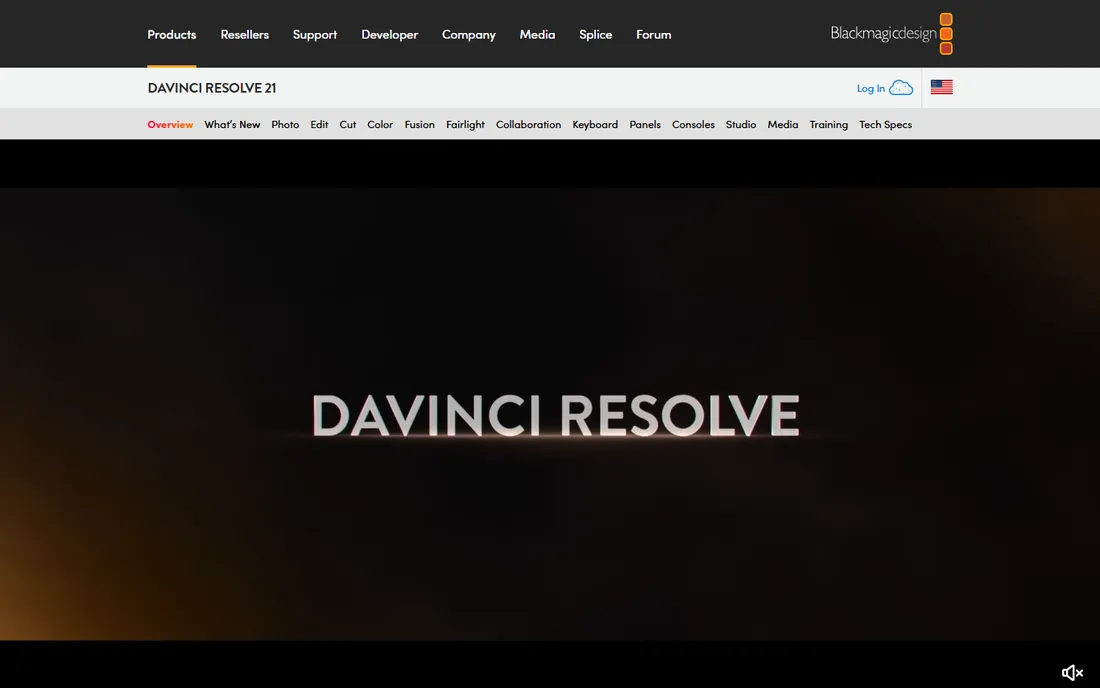
Nobody else gives away this much. DaVinci Resolve is the editor Hollywood colorists and finishing artists actually use, and the free version is not a trial or a crippled demo. You get the cut and edit pages, the Fusion visual effects page, the legendary color page, and the Fairlight audio page in a single application, with no watermark and no limit on project length or export count. Version 21 even adds a Photo page with AI tools like facial refinement and smart reframing.
Blackmagic funds the free version through hardware sales, which is why it can afford to be this generous. The paid Studio version is a $295 one-time purchase that adds team collaboration and some AI tools. Most individual creators never need it.
The catch is the machine under your desk. Resolve wants a capable computer with a decent GPU and plenty of RAM, and it will feel sluggish on an older laptop. The interface also assumes you are willing to learn real editing concepts. If you have the hardware and the patience, nothing free comes close.
What we like- Full editor, color, VFX and audio in one app
- No watermark, no export limits on the free version
- Paid Studio is a $295 one-time purchase, not a subscription
Watch out for- Demanding on hardware
- Steep learning curve for beginners
Starting priceFree
Free planYes
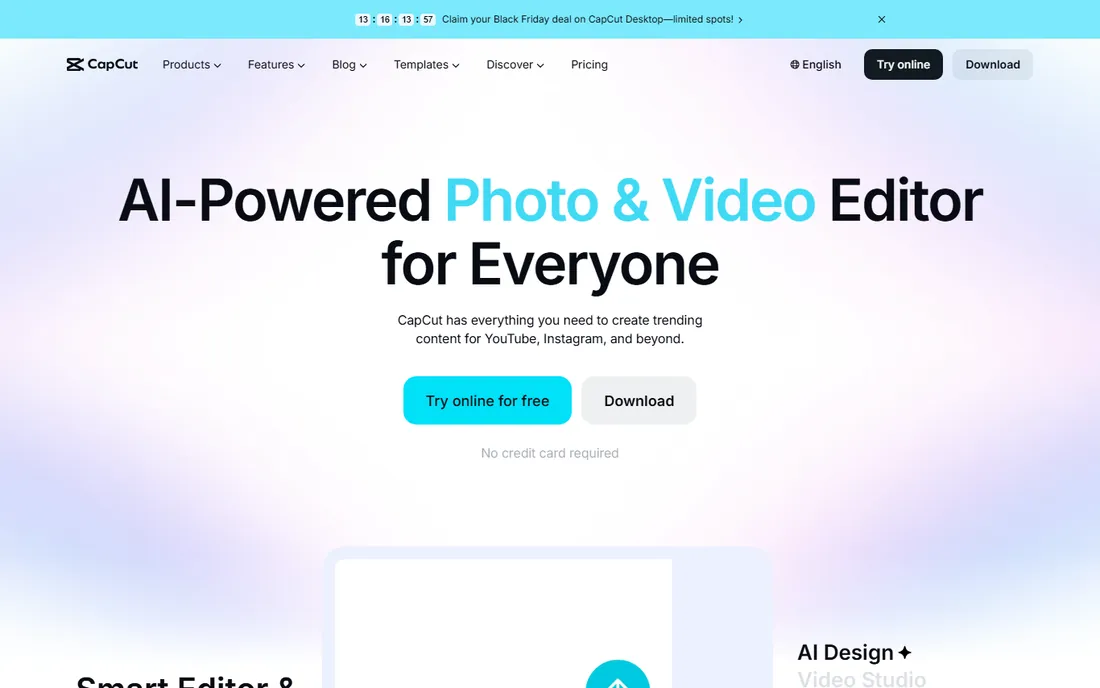
CapCut won the short-form era by removing friction. You open it on the web, desktop, or phone, drop in clips, and the auto subtitle generator captions the whole thing in seconds. Templates turn a handful of clips into a finished-looking video in minutes. The site advertises HD exports without watermark, no credit card required, which covers the manual editing workflow most creators actually use.
The AI layer is the differentiator. Text to speech for voiceovers, background removal, noise removal, and an AI video generator sit alongside the standard cut, trim, and transition tools. For TikTok, Reels, Shorts, and quick YouTube edits, this combination is faster than any traditional timeline editor.
The honest catch is the freemium shape of it. Some templates and premium effects carry branding or sit behind the paid tier, so check the specific template before you build a project around it. Use CapCut for speed, not for depth.
What we like- Auto captions, templates and AI tools built in
- Works on web, desktop and mobile
- Exports without watermark on manual edits
Watch out for- Some templates and effects add branding
- Advanced color and audio tools are thinner than desktop editors
Starting priceFree
Free planYes
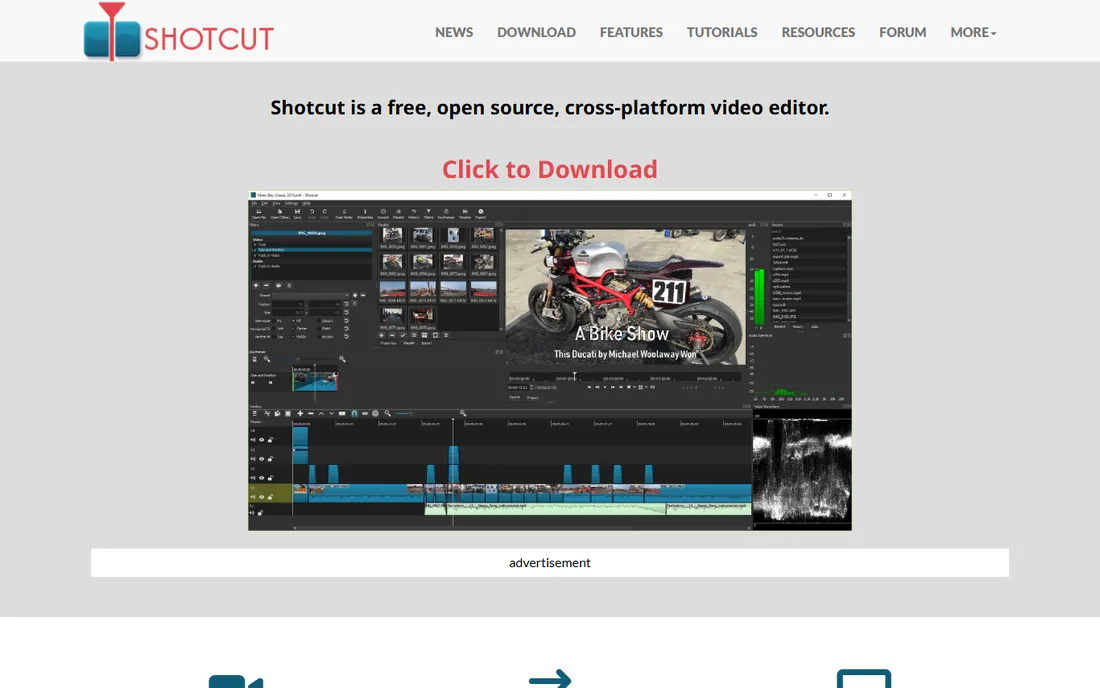
Shotcut is the workhorse of the open-source editing world. It is free forever, cross-platform across Windows, Mac, and Linux, and built on FFmpeg, which means it opens just about any format you throw at it without importing or transcoding first. Multi-format timelines, resolutions up to 4K, and frame-accurate seeking are all in the box.
Its real strength is performance on ordinary machines. Where DaVinci Resolve wants a workstation, Shotcut starts fast and stays usable on a laptop with 8GB of RAM and integrated graphics. The development pace is steady, with new versions roughly every two months adding features like auto ducking and HDR support.
The tradeoff is polish. The clip-based workflow differs from the timeline model most editors teach, so expect a few days of adjustment. For a free editor that handles everyday projects without drama, though, Shotcut is the dependable pick.
What we like- Free and open source, no upsell
- Wide format support through FFmpeg, no import needed
- Runs well on modest hardware
Watch out for- Clip-based workflow takes getting used to
- Filter and audio editing feel fiddly
Starting priceFree
Free planYes
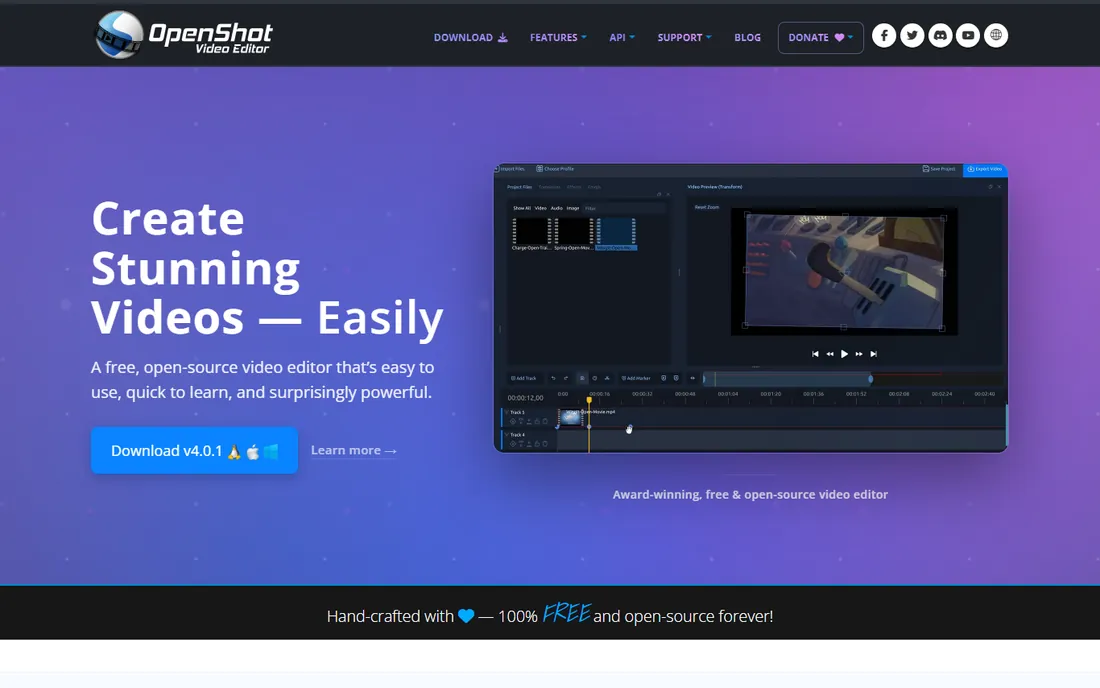
If you have never edited video before, start here. OpenShot is free and open source for Linux, Mac, and Windows, and its pitch is that a teenager can cut a first video within the hour. Drag clips onto the timeline, trim, add titles and transitions, and export. The site is explicit: no subscriptions, no watermarks, no project limits.
Under the simple surface there is more than you would expect. Unlimited tracks, keyframe animation for position, scale, and effects, chroma key, and a real color grading section with wheels, curves, LUTs, and scopes. Recent versions have added interactive video masks and genuinely capable color tools.
The ceiling arrives with project complexity. Effects and keyframing are limited next to Kdenlive or Resolve, and long timelines can make it sluggish. Treat OpenShot as the learning editor: master the basics here, then graduate when you start feeling the walls.
What we like- Simplest interface of the open-source editors
- No watermarks, no subscriptions, no project limits
- Unlimited tracks with keyframe animation
Watch out for- Limited depth for complex projects
- Can get sluggish on long timelines
Starting priceFree
Free planYes
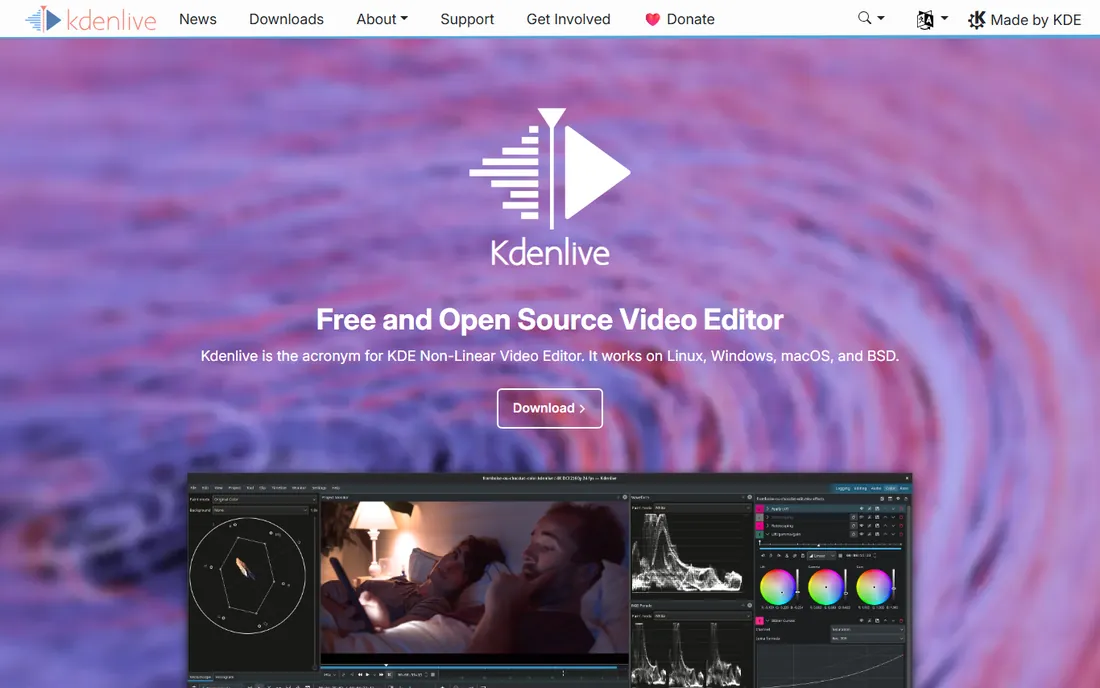
Kdenlive is the answer for editors who want open-source software without the training wheels. Built by the KDE community, it runs on Linux, Windows, macOS, and BSD, and it covers the full pipeline from ingest to delivery: asset management, a customizable multi-track timeline, audio mixing, a deep effects and transitions library, color tools, and subtitle support.
The interface adapts to you rather than the other way around. Layouts are customizable, keyboard workflows are fast once learned, and the effects stack is genuinely deep for a free program. On Linux especially, it is the default serious choice, and the Windows and Mac builds have matured well.
The honest catch is the one that follows every complex free tool: occasional instability on certain hardware configurations. Back up your projects and save often. If open source matters to you and you have outgrown OpenShot, Kdenlive is the destination.
What we like- Deep multi-track editing with customizable interface
- Strong effects, color, and audio toolset
- Active KDE community development
Watch out for- Occasional crashes on some hardware
- Interface can overwhelm beginners
#6
Lightworks
Best for: Learning a pro workflow for free
Visit lwks.com
Starting priceFree
Free planYes
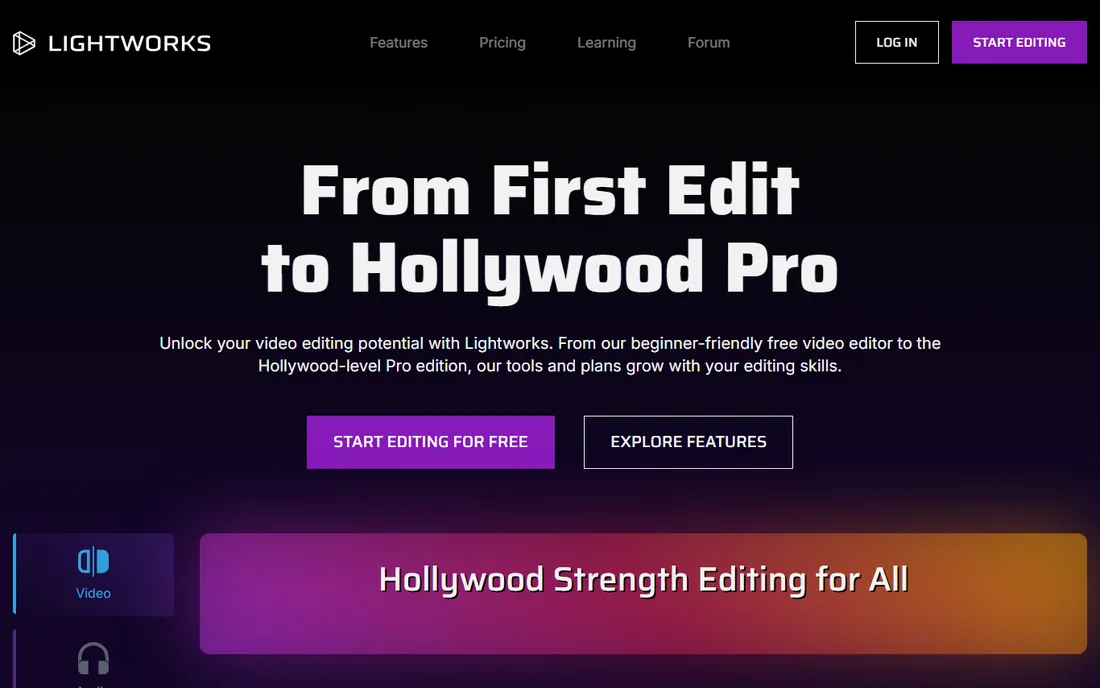
Lightworks has edited actual Hollywood films, which makes its free tier one of the more remarkable deals in software. The free version gives you the real Lightworks editing experience: real-time effects, advanced transitions, HDR workflows, cloud integrations, and direct social media export. It is a professional tool with the price removed.
The catch is printed right on the feature list. Free exports are capped at 720p. That is fine for learning, for drafts, and for social clips where 720p still plays acceptably, but it is not a delivery format for client work or a YouTube channel you are growing. The Create and Pro tiers lift the cap to 4K and add the full proxy, titling, and format toolset.
The interface is also its own thing. Lightworks does not work like Premiere or Resolve, and the first week involves unlearning habits. If you need 4K delivery today, look at Resolve or Shotcut instead.
What we like- Genuine professional editing heritage
- Free tier includes real-time effects and social export
- Paid Create and Pro tiers add 4K
Watch out for- Free exports capped at 720p
- Unusual interface that takes real learning
Starting priceFree
Free planYes
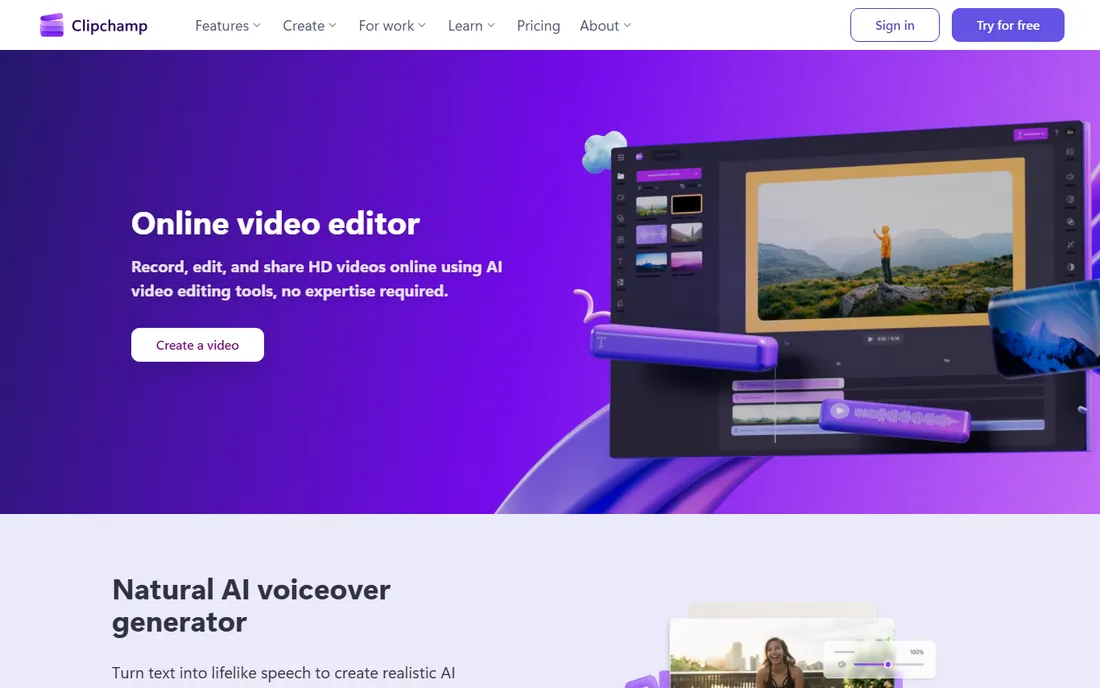
Clipchamp is Microsoft's answer to the casual editor, and its placement is unbeatable: it ships in the Windows 11 Start menu. It is a browser-based editor with AI voiceovers, auto subtitles in over 80 languages, screen and webcam recording, and a stock library of video, music, and graphics. The free tier exports unlimited videos in HD with no watermark, which is generous for a web tool.
For work and school videos, quick explainers, and social content, the template-driven workflow is fast. Record your screen, let the AI clean up the audio and generate captions, drop in stock footage, and export. No install, no learning curve worth naming.
The limits are the web itself. Big projects mean big uploads and downloads, which gets slow on a weak connection. Premium features are reserved for Microsoft 365 subscribers. Think of Clipchamp as the editor for people who do not think of themselves as editors.
What we like- Runs in the browser, nothing to install
- Unlimited HD exports without watermarks on the free tier
- Built into Windows 11
Watch out for- Needs a good internet connection
- Premium features sit behind Microsoft 365
Starting priceFree
Free planYes
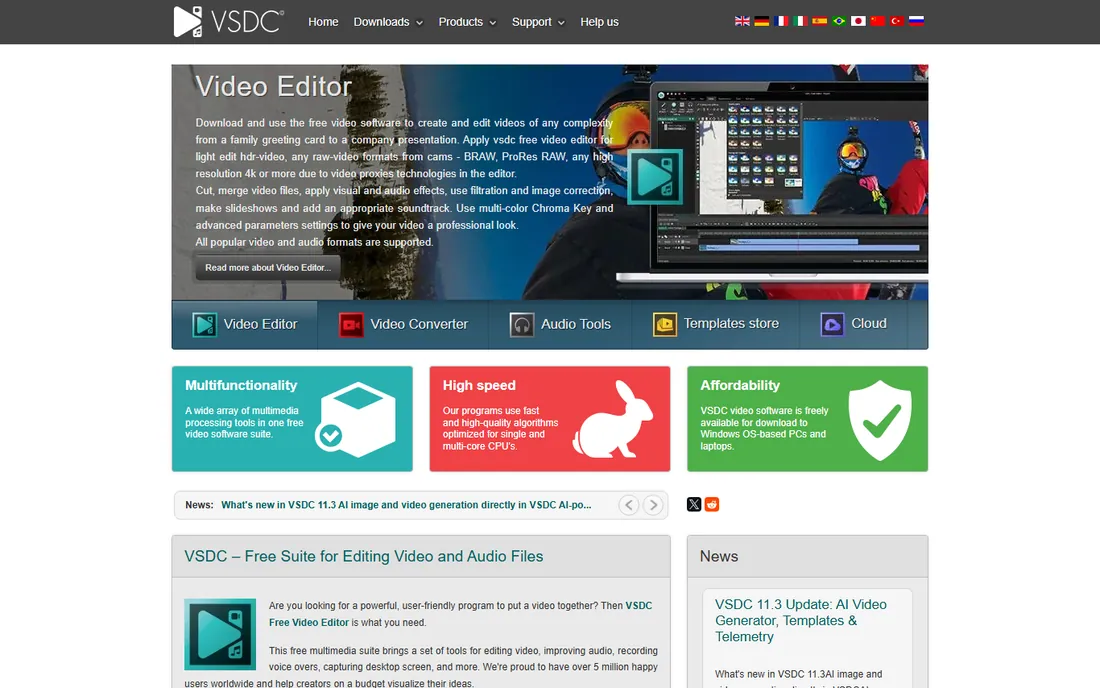
VSDC is the Windows-only free editor that quietly packs in more than editors costing real money. The free version handles 4K and HDR, includes a proper chroma key tool, 360-degree video editing, color correction, and even GPS telemetry widgets that overlay speedometers and maps on GoPro or action camera footage. Exports carry no watermark, and the system requirements are modest enough for older machines.
The non-linear engine supports the tricks that make videos look produced: picture-in-picture, split screen, and objects that change position and appearance over time. A Pro version exists with motion tracking, video stabilization, audio waveform editing, and faster processing for users who want more.
The interface is the price you pay. It is dense, dated, and takes a weekend to learn. But if you are on Windows, want real depth, and will never pay for software, VSDC's free tier is one of the most capable options here.
What we like- Free version exports 4K and HDR with no watermark
- Chroma key, 360 editing, and GPS overlays included free
- Runs on low-spec hardware
Watch out for- Windows only
- Interface feels dated and dense
Starting priceFree
Free planYes
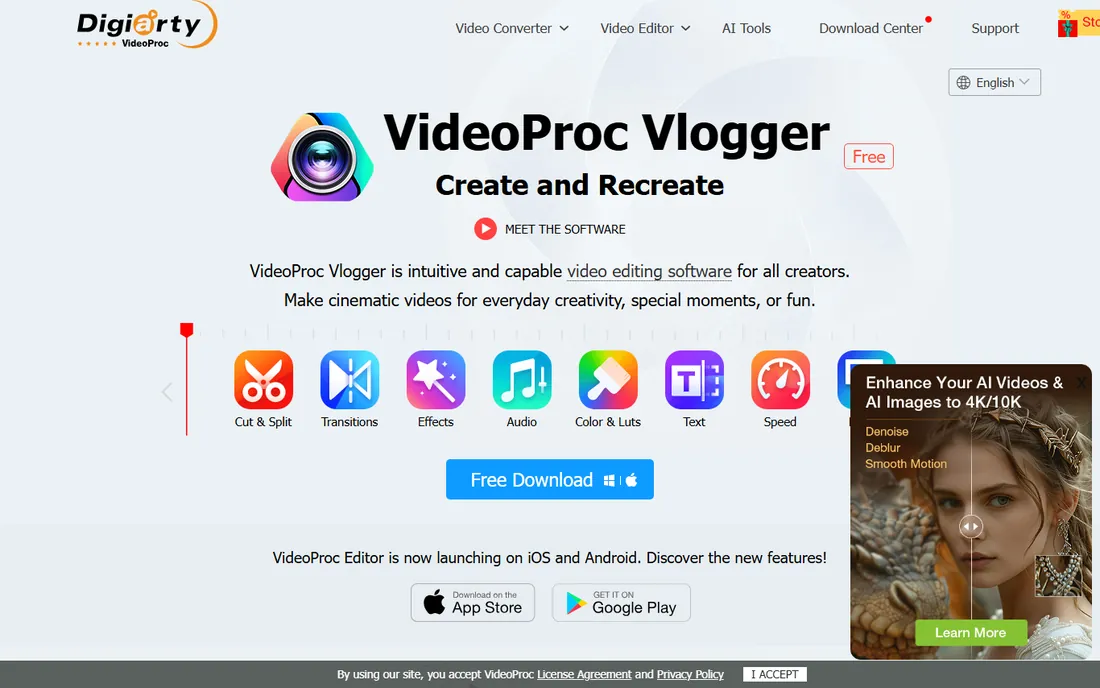
VideoProc Vlogger is the specialist pick for anyone who shoots action. Made by Digiarty, it is free forever with no watermark, no ads, and no limits on video length, file size, resolution, or features. The standout is speed editing: 14 Bezier curve presets for speed ramping, the kind of effect that took Premiere Pro years to add, with a visual curve you can drag and reshape directly.
Under the hood it is built for performance, with hardware acceleration that keeps 4K editing smooth and native support for Apple silicon Macs as well as Windows. Color grading, motion editing with keyframes, studio-grade audio tools with EQ and beat detection, and GoPro lens distortion correction round out a package aimed squarely at vloggers and action shooters.
The catch is administrative, not technical. You register with an email address to get a free license code, which is how Digiarty protects its IP. If your footage comes from a GoPro, a drone, or a phone and you want it to move like a commercial, this is the free editor built for that.
What we like- Free forever with no watermark and no limits
- Speed ramping with Bezier curve presets
- Hardware-accelerated 4K editing
Watch out for- Requires free license registration with an email
- Smaller community than the big open-source editors
#10
iMovie
Best for: Mac and iPhone owners who want it simple
Visit apple.com
Starting priceFree
Free planYes
iMovie is the reason many Mac owners never download another editor. It is free, it is pre-installed on new Macs, iPhones, and iPads, and it is the most polished beginner editor ever made. Trailers, themes, titles, transitions, green screen, and stabilization are all a few clicks away, and projects move between iPhone, iPad, and Mac without friction.
The performance story is real. iMovie is optimized for Apple silicon in a way cross-platform free editors cannot match, so 4K footage that chokes other programs scrubs smoothly here. For family videos, school projects, and quick YouTube uploads, it is genuinely all you need.
The walls are well documented. There is no Windows version, audio tools are basic, and advanced editors will miss multi-cam and deep effects work. But as a free starting point on hardware you already own, iMovie has no equal on its platform.
What we like- Free and pre-installed on Apple devices
- Polished, genuinely easy interface
- Excellent performance on Mac hardware
Watch out for- Apple devices only
- Limited depth for advanced work
How we chose
We started with the editors that working creators actually recommend in 2026: review roundups, Reddit threads from editors and YouTubers, and the open-source community's own shortlists. Then we checked each vendor's own site for the current deal: is it really free, does the export carry a watermark, and where does the free version end. We did not test these hands-on.
Pick by project, not by feature list
Feature tables make every editor look interchangeable. They are not. The right free editor depends on what you are making this month.
Quick social clips and Shorts
CapCut is the fastest tool here, with auto captions and templates that turn phone footage into finished posts. Clipchamp is the pick if you would rather work in a browser on a Windows machine.
A YouTube channel you are growing
DaVinci Resolve is the long-term answer if your computer can run it, because you will never outgrow it. Shotcut is the lighter alternative that still handles real multi-track projects.
Serious film work and color
Resolve again, and it is not close. The color page alone is worth more than most paid software. Kdenlive is the open-source fallback with a real multi-track workflow.
An older or weaker laptop
Shotcut and VSDC are the kindest to modest hardware, and both handle real projects. VideoProc Vlogger's hardware acceleration also helps with 4K on mid-range machines.
Mac or iPhone only
Start with iMovie, which is already on your device and better than it has any right to be. When you hit its ceiling, DaVinci Resolve runs natively on Apple silicon and costs nothing to try.
The watermark trap: read the export terms
"Free" in video editing has a specific enemy: the watermark. Several editors let you edit for free and then stamp their logo on the export, or lock HD export behind payment. Every editor on this list exports without a watermark on its free tier, which is why they are here. The traps to watch are adjacent. Lightworks caps free exports at 720p. CapCut keeps some templates in the paid tier. VSDC reserves motion tracking and stabilization for Pro. Check the export terms before you invest a weekend learning a tool.
Frequently asked questions
What is the best completely free video editing software?
DaVinci Resolve is the best completely free editor for anyone with a capable computer: no watermark, no export limits, professional color and audio tools. For weaker machines, Shotcut is the best free all-rounder.
Is there free video editing software with no watermark?
Yes. All ten editors on this list export without watermarks on their free tiers. Watch for adjacent limits like Lightworks' 720p export cap.
What is the easiest free video editor for beginners?
OpenShot is the easiest desktop editor to learn, and iMovie is the easiest on Apple devices. For social video, CapCut and Clipchamp need almost no learning at all.
Can free video editors handle 4K?
Most of them can. DaVinci Resolve, Shotcut, Kdenlive, VSDC, and VideoProc Vlogger all edit and export 4K for free, though they need decent hardware to do it smoothly. Lightworks is the exception here, capping free exports at 720p.
Is DaVinci Resolve really free?
Yes. The free version has no time limit, no watermark, no project limit, and no paywall on the core editing, color, effects, and audio tools. The $295 one-time Studio version adds team collaboration and some AI tools. Blackmagic funds the free tier through hardware sales.
Which free video editor is best for YouTube?
DaVinci Resolve if your computer can run it, because you will never outgrow it. Shotcut if you want something lighter that still handles real projects. CapCut if your channel is Shorts-first and speed matters more than depth.
Sources we checked (13)
- https://www.blackmagicdesign.com/products/davinciresolve
- https://www.capcut.com
- https://www.shotcut.org/
- https://openshot.org/
- https://kdenlive.org
- https://lwks.com/
- https://www.clipchamp.com
- https://www.videosoftdev.com
- https://www.videoproc.com/video-editing-software/
- https://www.videoproc.com/support/faq-editor-free/
- https://www.apple.com/imovie/
- https://techtippr.com/free-video-editing-software-alternatives/
- https://www.smashingapps.com/best-free-video-editing-software/
Is your product missing or out of date?
We review this list regularly. Vendors can request a listing, send updated pricing or ask about featured placement.

Shihab Mia · Founder, Rankite
Shihab has spent more than a decade helping SaaS and e-commerce brands grow through search. He writes Rankite's software buying guides from pricing pages, documentation and public user reviews. More about Shihab.