How we make this list: we compare pricing pages, product documentation and public user reviews. Rankite is independent; if a vendor ever pays for a featured spot, that listing is clearly labeled Partner.
Key takeaways
- Start free: CapCut, Clipchamp, DaVinci Resolve, and Shotcut cost nothing to learn on, and three of them export without watermarks.
- iMovie remains the easiest first editor on Mac, while Clipchamp is the closest equivalent for Windows and browser users.
- Filmora at $49.99 per year is the best paid starter for template-driven social content; CapCut Pro's $19.99 per month hike makes it a worse value than it used to be.
- DaVinci Resolve's free version is professional-grade, but it asks more from your hardware and your patience than any other pick here.
Quick comparison
| Tool | Best for | Starting price | Free plan |
|---|
 CapCut CapCut | Short-form social video | $19.99 per month (Pro, billed monthly) | Yes |
 iMovie iMovie | Mac owners making their first edit | Free (bundled with Mac) | Yes |
 Clipchamp Clipchamp | Free watermark-free editing on Windows | $99.99 per year (via Microsoft 365 Personal) | Yes |
 Filmora Filmora | Template-driven creators | $49.99 per year (Basic) | Yes |
 DaVinci Resolve DaVinci Resolve | Ambitious beginners going pro | $295 (Studio, one-time) | Yes |
 Shotcut Shotcut | Free open-source editing | Free | Yes |
 OpenShot OpenShot | The simplest free timeline | Free | Yes |
 Movavi Video Editor Movavi Video Editor | Friendly paid Windows editor | $69.95 per year | Free trial |
 PowerDirector PowerDirector | Guided learning modes | $74.99 per year (PowerDirector 365) | Free trial |
 Lightworks Lightworks | Free taste of a pro editor | $9.99 per month (Create) | Yes |
Is your product missing or out of date?
We review this list regularly. Vendors can request a listing, send updated pricing or ask about featured placement.
The best beginner video editing software
Starting price$19.99 per month (Pro, billed monthly)
Free planYes
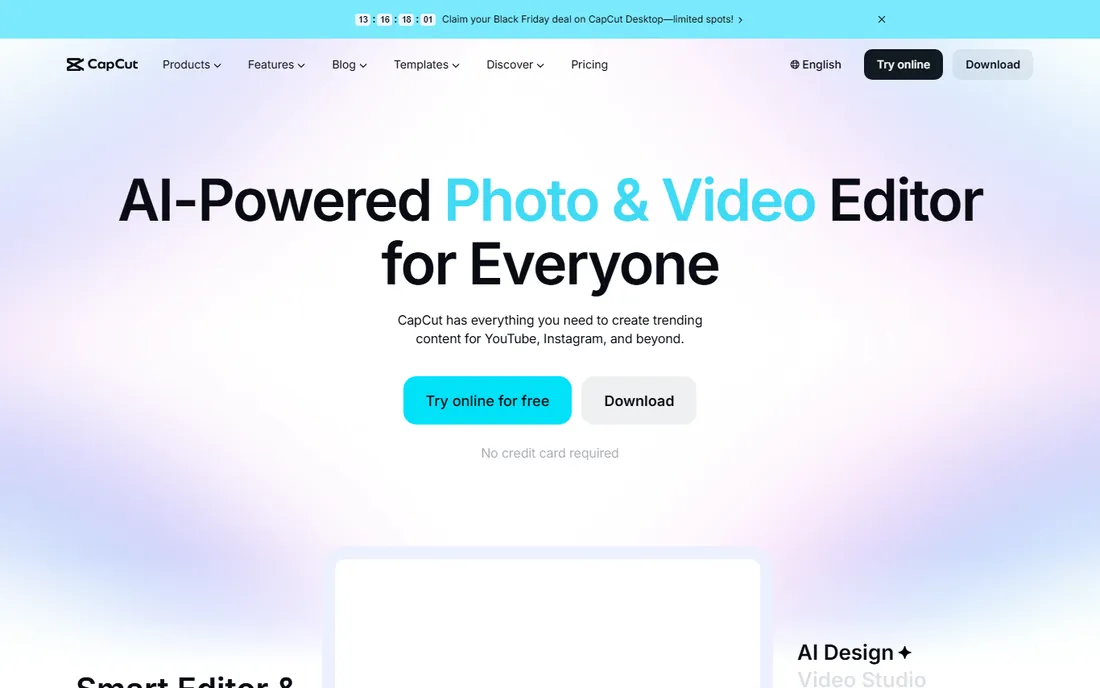
CapCut is where most first-time editors now start, and for good reason. The free version includes the full timeline editor, templates, transitions, background removal, and auto-captions on mobile, desktop, and web, with direct export to TikTok. If your goal is Reels, Shorts, or TikToks, nothing gets you from raw clips to a finished post faster.
The catch is the 2026 price change. CapCut Pro rose from roughly $7.99 to $19.99 per month (or $179.99 per year), and features like 4K export, advanced AI tools, and some effects that used to be free now require the subscription. The free tier remains useful but carries watermarks on some exports and caps exports at 1080p.
There is also the privacy angle. CapCut is owned by ByteDance, and its terms give the company broad license over uploaded content. For casual creators that may not matter. For businesses, read the commercial-use terms before putting client work through it.
What we like- Best auto-captions and beat sync in its class
- Full mobile, desktop, and web editors
- Direct TikTok publishing
Watch out for- Pro price jumped from about $8 per month to $19.99 in 2026
- Once-free features now sit behind the paywall
Starting priceFree (bundled with Mac)
Free planYes
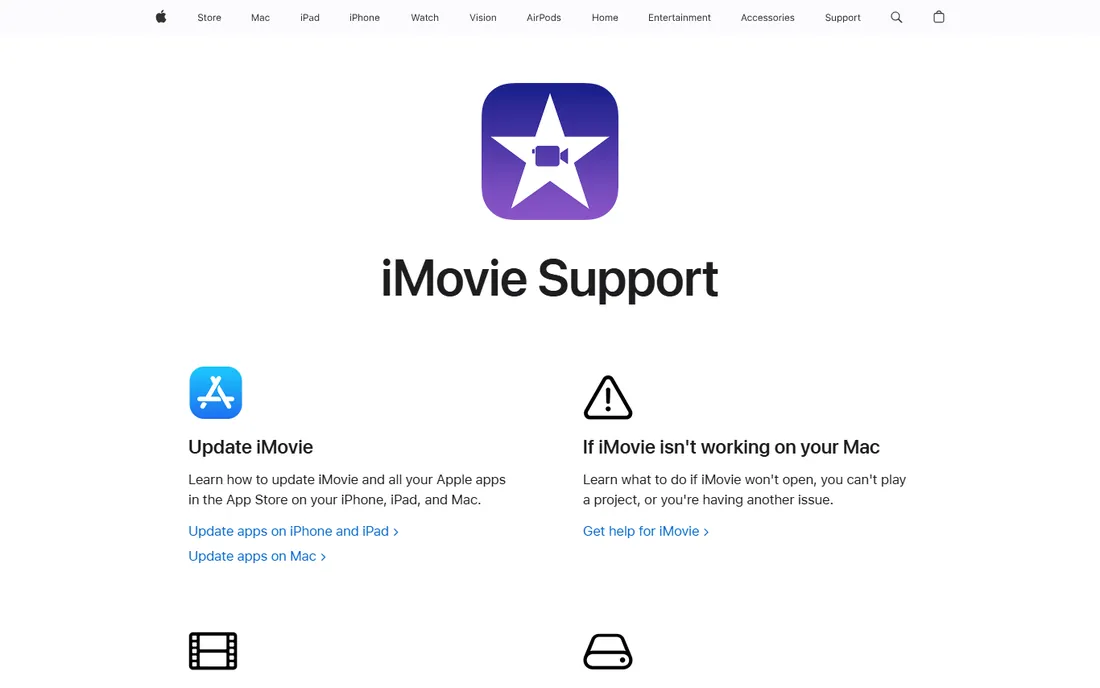
If you own a Mac, you already own a video editor. iMovie ships free with macOS and iOS, exports 4K without a watermark, and handles trailers, green-screen, picture-in-picture, and basic audio enhancement. Storyboards and templates walk first-timers through common formats like product reviews and tutorials.
iMovie's ceiling is low by design. You get two video tracks, no motion tracking, no multicam, and basic color tools. That is the trade for its simplicity: it never asks you to learn what a node graph is. Many editors outgrow it within a year and move to Final Cut Pro or DaVinci Resolve, both of which import iMovie projects.
For a small business owner who just needs to cut a testimonial or a product demo, iMovie is enough and will never cost a dollar. The only real requirement is Apple hardware.
What we like- Already installed on every Mac, iPhone, and iPad
- Zero learning curve for basic edits
- Free 4K export with no watermark
Watch out for- Mac and iOS only
- Limited to two video tracks and basic audio tools
Starting price$99.99 per year (via Microsoft 365 Personal)
Free planYes
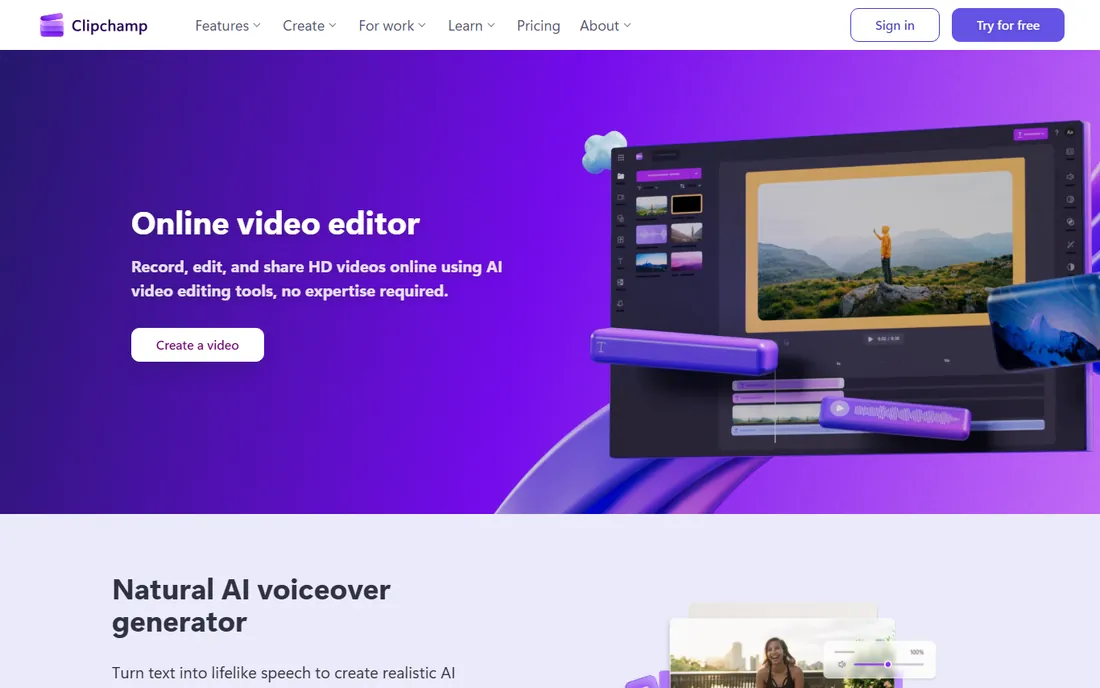
Clipchamp is Microsoft's answer to iMovie, and its free plan is genuinely generous: unlimited exports at 1080p with no watermark, AI subtitle generation in over 80 languages, text-to-speech voiceovers, and screen and webcam recording. It runs in the browser and ships built into Windows 11, so there is nothing to install.
Premium features like 4K export, premium stock assets, and brand kits come only through a Microsoft 365 Personal ($99.99 per year) or Family subscription. There is no standalone Clipchamp paid plan. If you already pay for Microsoft 365, Premium is effectively free. If you do not, $99.99 a year is steep for 4K export.
Note the technical limits: Clipchamp processes video on your machine, not in the cloud, so Microsoft recommends 8 GB of RAM minimum with 16 GB preferred. And it only runs in Chrome and Edge.
What we like- Free plan exports unlimited 1080p videos with no watermark
- Built into Windows 11
- AI subtitles, voiceover, and silence removal included free
Watch out for- Premium features require a Microsoft 365 subscription
- No iOS app and no Firefox or Safari support
Starting price$49.99 per year (Basic)
Free planYes
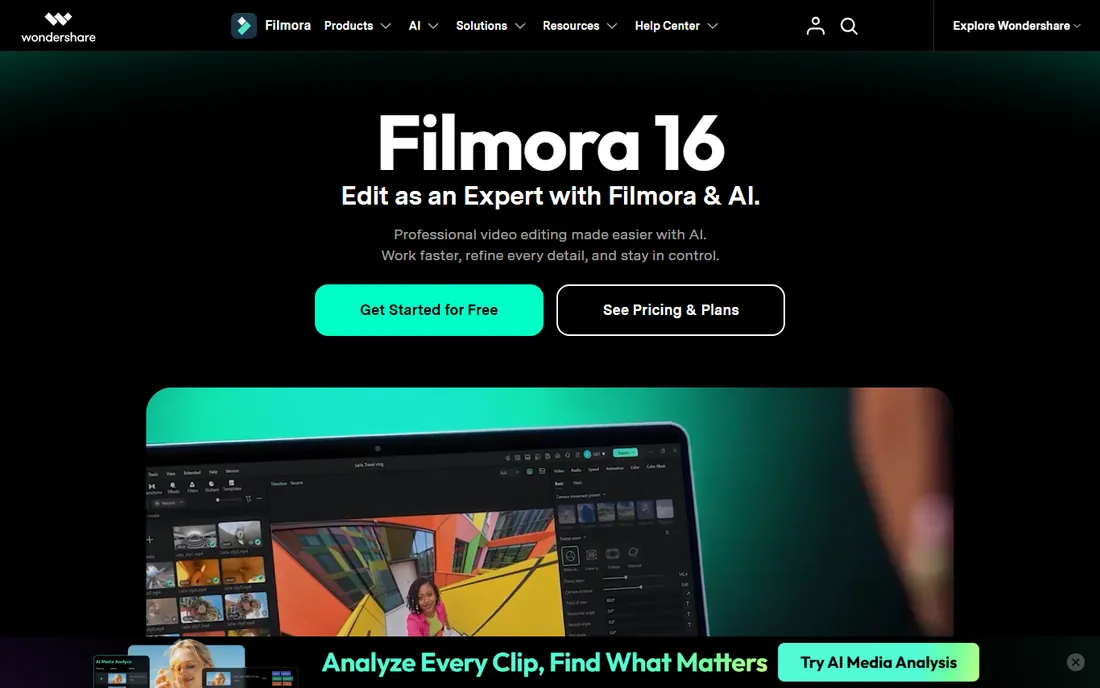
Filmora is the best paid starter for creators who want polished results without learning a pro editor. The timeline is approachable, the template and asset library runs into the millions, and AI features like auto-captions, text-based editing, and AI copilot do real work. Basic at $49.99 per year removes the watermark; Advanced at $59.99 per year adds 1,000 monthly AI credits; Perpetual at $79.99 locks you to the current version.
The free version lets you try everything, but every export carries a Filmora watermark, which makes it a demo rather than a tool. The AI credit system is the other cost to watch: credit prices add up fast for text-to-video or voice cloning, on top of the subscription. Budget for them if AI generation is your use case.
Filmora fits YouTube and TikTok creators who publish weekly and want speed. Color grading and audio tools are shallow compared with DaVinci Resolve, and long projects can strain performance. Know which side of that line you are on before paying.
What we like- Huge library of templates, effects, and stock assets
- AI captions, copilot editing, and motion tracking
- Gentle learning curve
Watch out for- Free exports carry a watermark
- AI features run on separate credit packs
- Heavy upselling inside the app
Starting price$295 (Studio, one-time)
Free planYes
DaVinci Resolve is the odd one out: a Hollywood post-production suite with a free version that outguns most paid beginner editors. The free edition includes multi-track editing, Fusion visual effects, Fairlight audio, and the industry-standard color page, with no watermark and no time limit. Studio at $295 one-time adds HDR tools, more AI features, and higher resolution support.
The trade is difficulty. Resolve has seven workspace pages, node-based compositing, and a learning curve measured in weeks, not hours. It also asks more of your hardware: Blackmagic recommends a discrete GPU and 16 GB of RAM minimum for comfortable work. Beginners with modest laptops will feel the difference.
Choose Resolve if you want your skills to scale all the way to professional work without switching apps later. Choose something simpler if you need a finished video this weekend.
What we like- Free version is professional-grade with no watermark
- One-time Studio license, never a subscription
- Legendary color grading built in
Watch out for- Steepest learning curve here
- Needs a capable GPU and plenty of RAM
- Interface can overwhelm first-timers
Starting priceFree
Free planYes
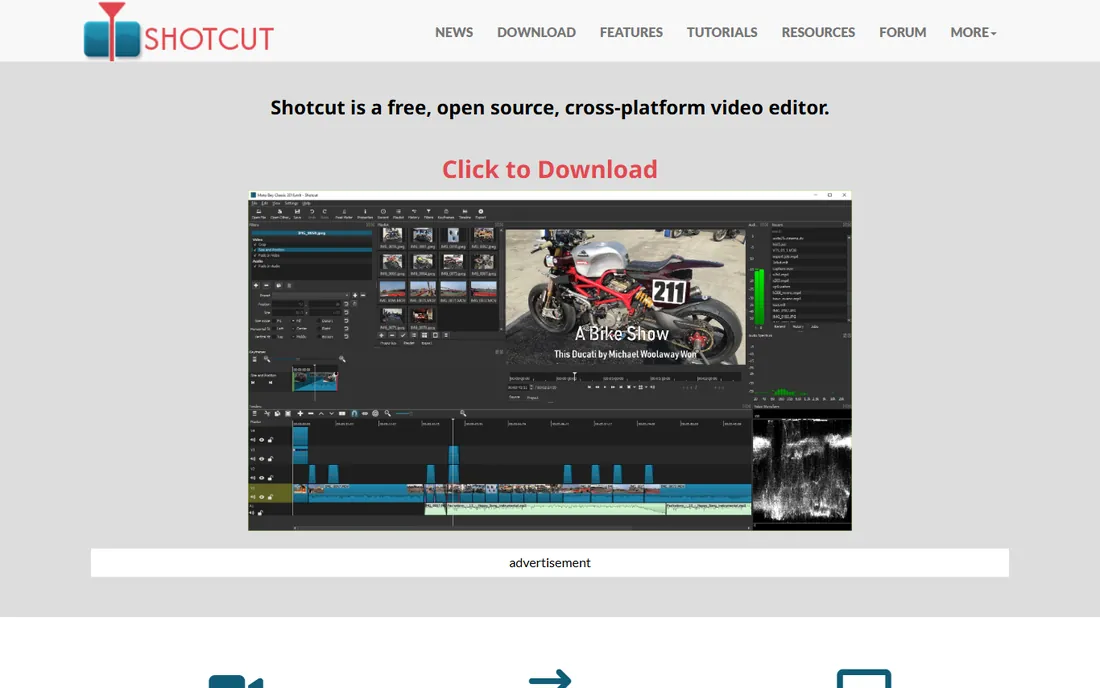
Shotcut is a free, open-source, cross-platform editor that does the core job without any commercial strings. It supports hundreds of formats through FFmpeg, offers multi-track timeline editing, filters, transitions, and 4K export, all with no watermark and no account required. New versions arrive roughly every two months.
It is not a hand-holding app. The interface is functional rather than friendly, templates are thin compared with CapCut or Filmora, and some features like keyframing take more clicks than they should. Beginners who learned editing on CapCut will find Shotcut austere.
The value proposition is honesty: what you download is the whole product, forever, on Windows, Mac, and Linux. For classrooms, nonprofits, and anyone allergic to subscriptions, that matters more than polish.
What we like- Completely free with no watermark, no account, and no upsell
- Wide format support via FFmpeg
- Regular updates from an active project
Watch out for- Interface feels dated and utilitarian
- Fewer guided templates than CapCut or Filmora
- Documentation assumes some technical comfort
Starting priceFree
Free planYes
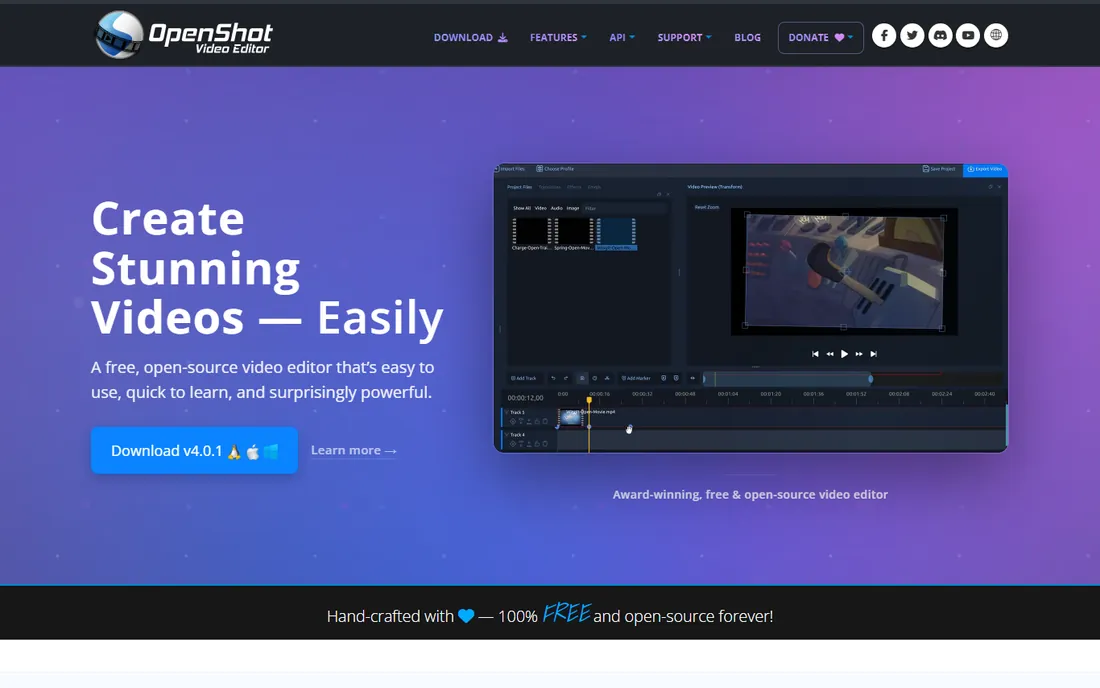
OpenShot is the simplest free video editor on a desktop. Drag clips to the timeline, trim, add transitions and titles, animate with keyframes, export with no watermark. It is open source, cross-platform, and genuinely free with no account or upsell, which makes it a natural first install for students and casual users.
The known weakness is stability on heavier projects. OpenShot can slow down and crash when timelines get complex or effects stack up, so save often and keep projects modest. The effects library is also thinner than Filmora's or CapCut's, and updates arrive less frequently than Shotcut's.
Use OpenShot for simple cuts, slideshows, and school projects. If your edits start needing motion tracking or color work, you have outgrown it and DaVinci Resolve is the free upgrade.
What we like- Easiest learning curve of any free desktop editor
- Unlimited tracks and no watermark
- Runs on Windows, Mac, and Linux
Watch out for- Can be slow and crash on complex projects
- Fewer effects and templates than rivals
- Development pace is modest
Starting price$69.95 per year
Free planFree trial
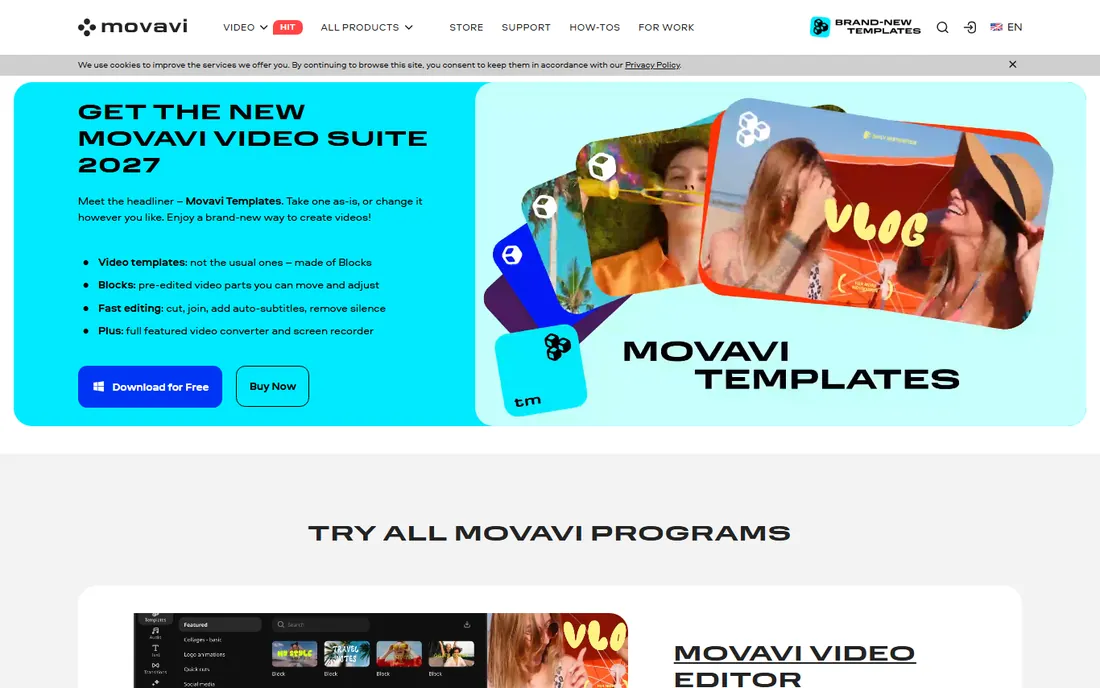
Movavi Video Editor is built for people who found DaVinci Resolve intimidating and CapCut too social-focused. The interface is clean, tooltips explain everything, and features like chroma key, video stabilization, motion tracking, and AI subtitles cover the common beginner needs. The Plus plan at $69.95 per year includes updates; a lifetime license sells for $99.95.
The trial is restrictive: watermarks, limited export length, and locked features at export, so treat it as a demo. Effects packs are a separate subscription on top of the editor, which inflates the real cost for template-heavy creators. Monthly billing at $23.95 exists but is poor value next to the annual plan.
Movavi suits Windows users who want a calm, guided editor and are willing to pay a moderate annual fee. Compare it with Filmora before buying: Filmora's template library is bigger, Movavi's interface is friendlier.
What we like- Very approachable interface with guided help
- Solid chroma key, stabilization, and AI subtitles
- Lifetime license option available
Watch out for- Only a trial is free, with watermark and export limits
- Effects packs cost extra
- Monthly billing at $23.95 is poor value
Starting price$74.99 per year (PowerDirector 365)
Free planFree trial
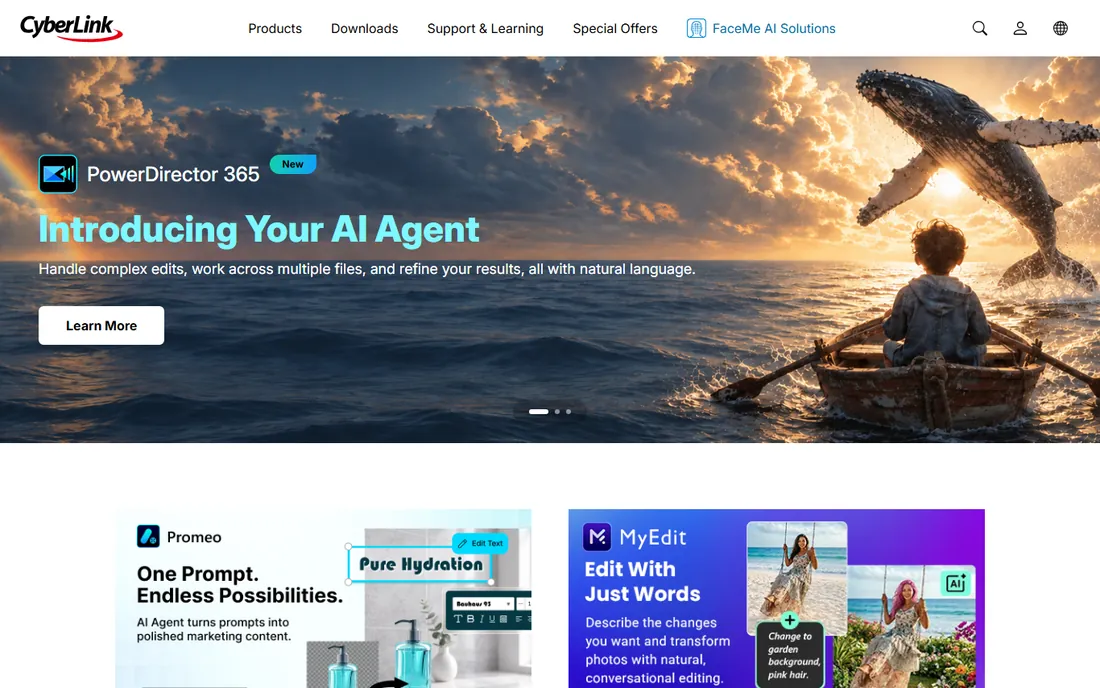
CyberLink PowerDirector is designed around learning modes: an express mode builds a video from templates automatically, while the full editor opens up as your skills grow. That structure makes it one of the best editing software options for beginners who want room to advance. PowerDirector 365 at $74.99 per year includes updates, stock content, cloud storage, and monthly AI credits; a perpetual Ultimate license sells for $139.99.
The free download lets you test the workflow, but exports carry a watermark and advanced tools are locked. The AI credit system adds ongoing costs for heavy AI users, similar to Filmora. And the Mac version historically trails Windows in features, so Mac beginners should check the current feature list before committing.
PowerDirector's rendering speed is a genuine strength: exports finish noticeably faster than in many rivals on the same hardware. If you publish often and time matters, that counts.
What we like- Multiple editing modes grow with your skill
- Fast rendering engine
- Strong stabilization and motion tracking for the price
Watch out for- Free version watermarks exports and locks advanced tools
- Mac version lags behind Windows
- AI features cost separate credits
Starting price$9.99 per month (Create)
Free planYes
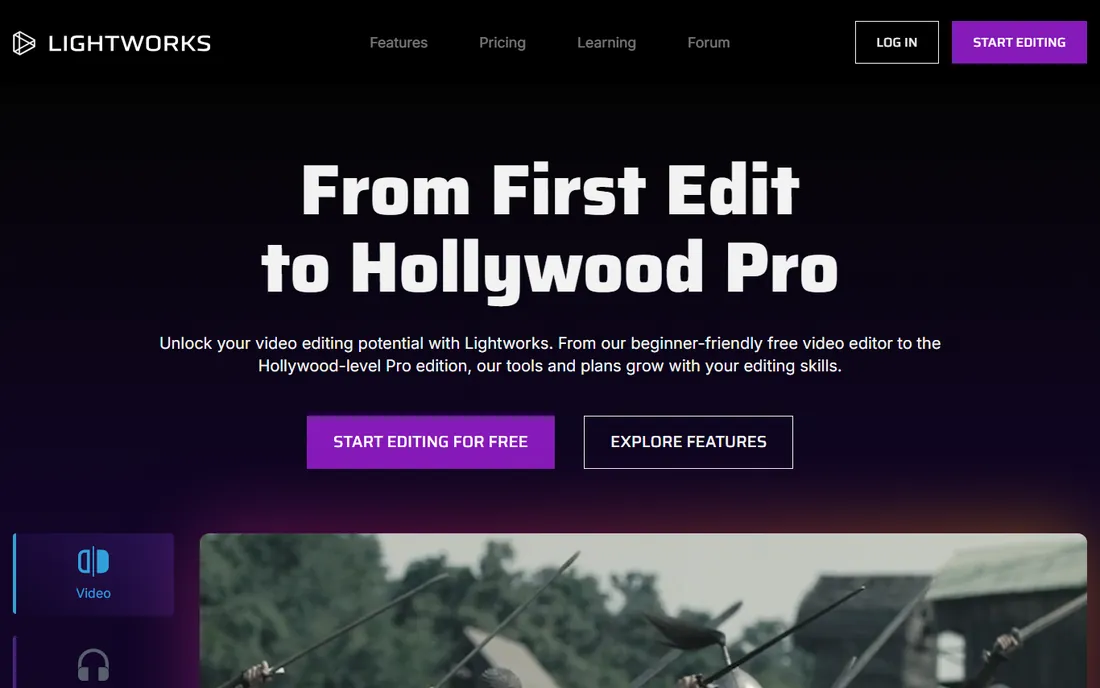
Lightworks has edited Hollywood films, and its free version gives beginners a real pro timeline at no cost: multicam editing, precise trimming, and solid effects, with no watermark. Create at $9.99 per month adds 4K export and more titles; Pro at $23.99 per month targets filmmakers.
The free tier's limits are specific: 720p maximum export, and only to YouTube and Vimeo formats. That is fine for learning but not for portfolio work. The paid tiers are also hard to justify against DaVinci Resolve, which gives away more for free.
Lightworks fits a specific buyer: someone who wants to learn professional editing conventions on a real pro tool without paying. If you just want finished videos, the friendlier picks above will get you there faster.
What we like- Real professional editing heritage
- Free version has no watermark
- Precise trimming and multicam tools
Watch out for- Free exports capped at 720p and limited to YouTube and Vimeo formats
- Paid plans are expensive next to DaVinci Resolve's free tier
Frequently asked questions
What is the easiest video editing software for beginners?
iMovie on Mac and Clipchamp on Windows are the easiest true beginners' editors, both free. On mobile, CapCut's free tier is the fastest path from clips to a finished short. All three hold your hand; DaVinci Resolve does not.
Can I edit videos for free without a watermark?
Yes. Clipchamp's free plan exports 1080p without a watermark, DaVinci Resolve's free version has none at any resolution, and Shotcut and OpenShot are free and open source with no watermarks. CapCut and Filmora add watermarks to free exports.
How much RAM do I need for video editing?
For 1080p editing in beginner tools, 8 GB of RAM works; 16 GB is the comfortable minimum for DaVinci Resolve or 4K timelines. Storage matters too: keep project files on an SSD if you can, since spinning drives slow down editing noticeably.
Should I learn DaVinci Resolve as a beginner?
Only if you want professional skills eventually. Resolve's free version is the best free editor available, but its learning curve is steep and it needs a capable computer. If you need a finished video this week, start with CapCut, Clipchamp, or iMovie and switch later.
What is the difference between Filmora and CapCut?
Filmora is a desktop-first paid editor with a big template library at $49.99 per year; CapCut is a free-first app across mobile, desktop, and web with a $19.99 per month Pro tier. Filmora suits YouTube creators who publish regularly; CapCut suits short-form and mobile creators.
How to pick your first video editor
Start with your device and your destination. Mac owners should try iMovie first since it is already installed and free. Windows users get Clipchamp built into Windows 11 with a genuinely useful free plan. Mobile-first creators editing Reels or TikToks should start with CapCut.
Next, check the free tier's export rules, because that is where beginners get burned. Watermark-free 1080p from Clipchamp, no-watermark 4K from iMovie, and no-watermark everything from DaVinci Resolve, Shotcut, and OpenShot are all safe. CapCut and Filmora watermark free exports, which is fine for learning but not for anything you publish.
Finally, be honest about your ambition. If you want to make videos for fun or for a small business, the simple picks will serve you for years. If you want editing to become a skill or a job, bite the bullet and learn DaVinci Resolve now; every hour you spend in a simpler editor is an hour you will spend relearning later.
When to upgrade to a paid plan
Pay when a free tier blocks something you actually need, not before. The usual triggers: you need 4K export (Clipchamp Premium, CapCut Pro), you are tired of watermarks (Filmora Basic), or you need the stock assets and AI tools that come with paid plans. Until then, the free tiers here are enough to learn on.
When you do pay, compare annual prices carefully. Filmora at $49.99 per year and PowerDirector at $74.99 per year undercut CapCut Pro at $179.99 per year significantly. Lifetime and perpetual licenses from Movavi ($99.95) and PowerDirector ($139.99) can beat subscriptions if you edit casually and do not need yearly updates.
Watch out for the credit systems. Filmora and PowerDirector both sell AI features on credit packs separate from the subscription. If your plan is heavy AI use like text-to-video, add the credit cost to the subscription price before comparing.
How we chose
We checked that every product is still sold and maintained in 2026, then read each vendor's own pricing page for current plans and free-tier limits, since this category changes prices often. Public reviews on G2, Capterra, and Reddit shaped the pros and cons, and we weighted real beginner factors: learning curve, free-tier export rules, hardware demands, and how far each tool grows with your skills. No hands-on testing was done.
Sources we checked (17)
- https://costbench.com/software/video-editing/capcut/
- https://www.capcut.com
- https://www.clipchamp.com
- https://dev.to/fredabila/clipchamp-alternatives-in-2026-an-honest-comparison-from-someone-who-builds-one-1f73
- https://filmora.wondershare.com/
- https://www.testandreviews.com/wondershare-filmora-review/
- https://www.blackmagicdesign.com/products/davinciresolve
- https://markus-hagner-photography.com/davinci-resolve-free-vs-davinci-resolve-studio/
- https://shotcut.org/
- https://www.openshot.org
- https://www.movavi.com
- https://www.digitalcameraworld.com/tech/software/movavi-video-editor-2026-an-affordable-and-feature-packed-non-linear-video-editor
- https://www.cyberlink.com
- https://unifab.ai/resource/cyberlink-powerdirector-review
- https://www.lwks.com
- https://www.techradar.com/versus/adobe-premiere-pro-vs-lightworks
- https://www.apple.com/imovie/
Is your product missing or out of date?
We review this list regularly. Vendors can request a listing, send updated pricing or ask about featured placement.

Shihab Mia · Founder, Rankite
Shihab has spent more than a decade helping SaaS and e-commerce brands grow through search. He writes Rankite's software buying guides from pricing pages, documentation and public user reviews. More about Shihab.