How we make this list: we compare pricing pages, product documentation and public user reviews. Rankite is independent; if a vendor ever pays for a featured spot, that listing is clearly labeled Partner.
Key takeaways
- DaVinci Resolve is the best free video editor overall: professional-grade, no watermark, no time limit, no account required.
- Clipchamp and iMovie are the easiest free picks, giving watermark-free 1080p exports on Windows and Mac respectively.
- Shotcut, OpenShot, Kdenlive, and Avidemux are fully free and open source, with no upsells of any kind.
- Watch the free-tier traps: CapCut and Lightworks both watermark or restrict free exports in ways that matter.
Quick comparison
| Tool | Best for | Starting price | Free plan |
|---|
 DaVinci Resolve DaVinci Resolve | Best free editor overall | $295 (Studio, one-time) | Yes |
 Clipchamp Clipchamp | Easiest free Windows editing | $99.99 per year (via Microsoft 365 Personal) | Yes |
 iMovie iMovie | Easiest free Mac editing | Free (bundled with Mac) | Yes |
 Shotcut Shotcut | No-strings free editing | Free | Yes |
 OpenShot OpenShot | Simplest free timeline | Free | Yes |
 Kdenlive Kdenlive | Feature-rich free editor | Free | Yes |
 CapCut CapCut | Free short-form video | $19.99 per month (Pro, billed monthly) | Yes |
 Avidemux Avidemux | Quick free cuts and conversions | Free | Yes |
 Lightworks Lightworks | Free pro-style editing | $9.99 per month (Create) | Yes |
Is your product missing or out of date?
We review this list regularly. Vendors can request a listing, send updated pricing or ask about featured placement.
The best free editing software
Starting price$295 (Studio, one-time)
Free planYes
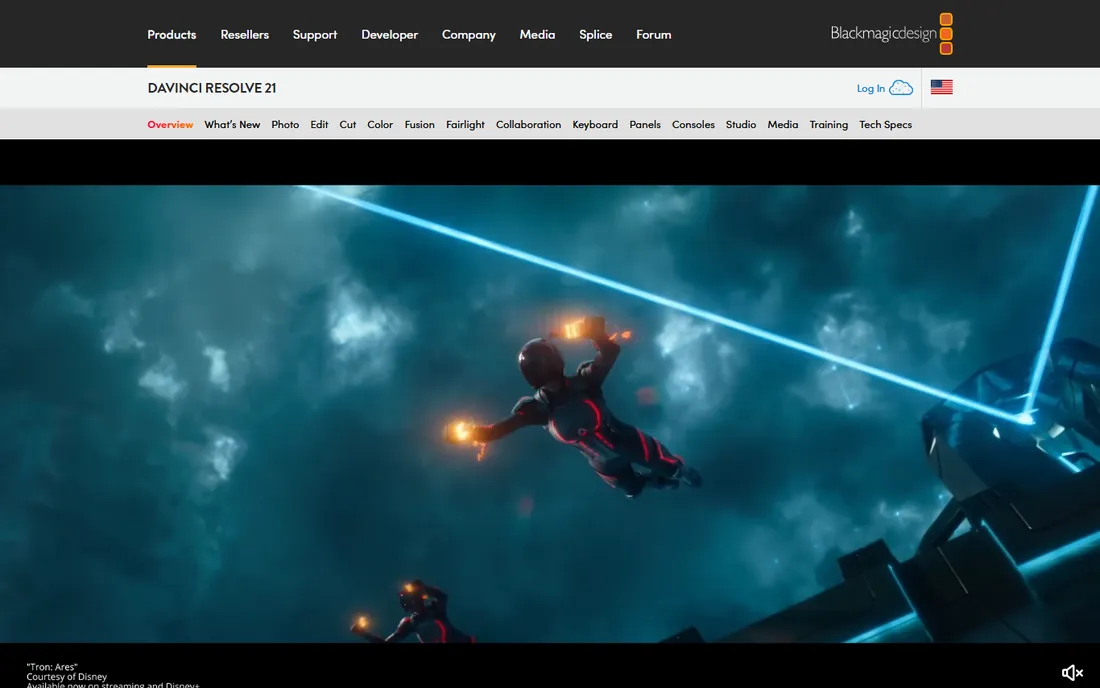
The free version of DaVinci Resolve is not a trial or a teaser. It is a professional post-production suite that Hollywood colorists use, given away with no watermark, no export limits, and no account. Multi-track editing, Fusion visual effects, Fairlight audio, and the industry-standard color page are all included. Nothing else free comes close in capability.
The price is learning effort. Resolve has seven workspace pages and node-based compositing, and a beginner should expect weeks of learning before feeling comfortable. Hardware matters too: without a decent GPU and 16 GB of RAM, the experience degrades fast.
Studio at $295 one-time adds HDR grading, extra AI tools, and higher resolution support. Most free users will never need it. If you want one free editor that can grow into professional work, this is it.
What we like- Professional-grade editing, color, audio, and effects for free
- No watermark, no time limit
- One-time Studio upgrade, never a subscription
Watch out for- Steep learning curve for beginners
- Demands a capable GPU and 16 GB of RAM
Starting price$99.99 per year (via Microsoft 365 Personal)
Free planYes
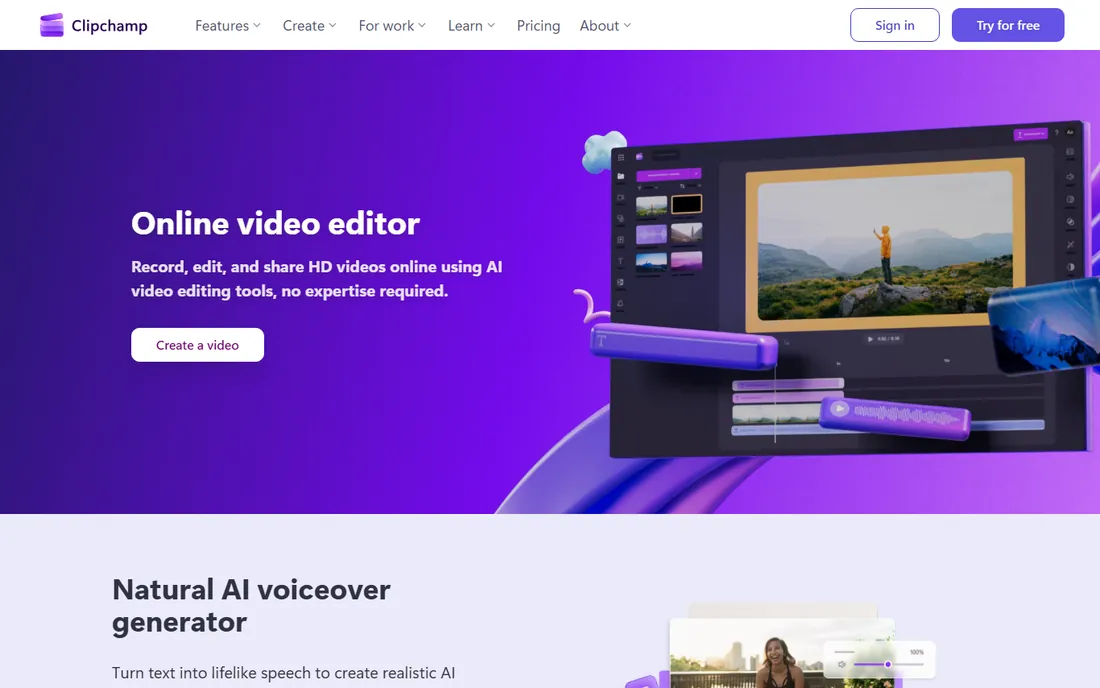
For Windows users who want free and simple, Clipchamp is the answer. The free plan exports unlimited videos at 1080p with no watermark, includes AI subtitle generation in over 80 languages, text-to-speech voiceovers, silence removal, and screen recording. It runs in the browser and comes with Windows 11, so setup is near zero.
Premium features (4K export, premium stock, brand kits) come only through Microsoft 365 Personal at $99.99 per year. There is no standalone paid plan, so if you do not already have Microsoft 365, the upgrade path is expensive for what you get.
Performance is local, not cloud, despite the browser interface. Microsoft suggests 8 GB of RAM minimum and 16 GB preferred. On a modest laptop, keep projects simple and it runs fine.
What we like- Free unlimited 1080p exports with no watermark
- Built into Windows 11
- AI subtitles and voiceover included free
Watch out for- Premium needs Microsoft 365
- Chrome and Edge only
- Processing happens on your machine
Starting priceFree (bundled with Mac)
Free planYes
Mac owners do not need to download anything. iMovie ships with macOS and iOS, exports 4K with no watermark, and handles the basics: trim, transitions, titles, green-screen, picture-in-picture, and audio enhancement. Storyboards walk first-timers through common video types.
The ceiling is deliberate: two video tracks, no motion tracking, no multicam. You will outgrow it if editing becomes serious, and both Final Cut Pro and DaVinci Resolve import iMovie projects when that day comes.
As a free editor it has no catch at all. The only requirement is Apple hardware, which is the catch built into everything Apple.
What we like- Pre-installed on every Mac, iPhone, and iPad
- Free 4K export with no watermark
- Trailers and storyboards guide beginners
Watch out for- Apple only
- Two video tracks and basic audio tools
- Low ceiling
Starting priceFree
Free planYes
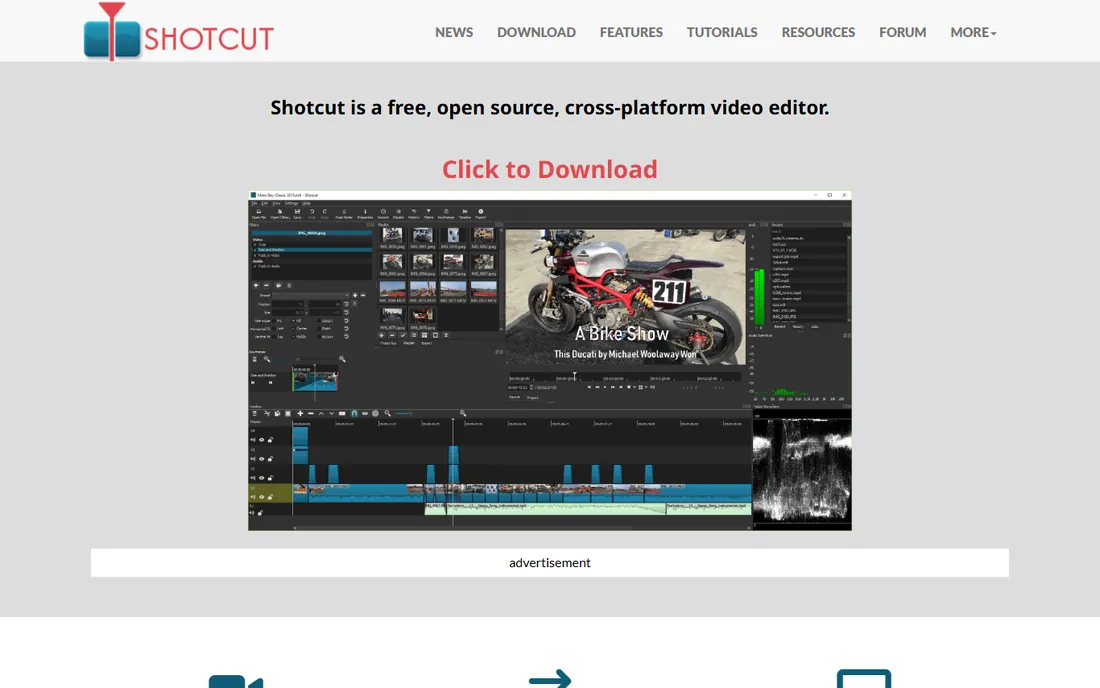
Shotcut is what free software is supposed to be. No account, no watermark, no premium tier, no telemetry games. It is a capable multi-track editor with filters, transitions, keyframes, and 4K export, maintained by an active open-source project with releases roughly every two months.
The interface prioritizes function over friendliness. Beginners coming from CapCut will find it austere, and there are few guided templates. But everything it does, it does honestly, on Windows, Mac, and Linux.
For classrooms, nonprofits, and anyone who refuses subscriptions on principle, Shotcut is the most trustworthy free editor available.
What we like- Free and open source with no watermark, no account, no upsell
- Hundreds of formats via FFmpeg
- Regular updates
Watch out for- Utilitarian interface
- Thin template library
- Assumes some technical comfort
Starting priceFree
Free planYes
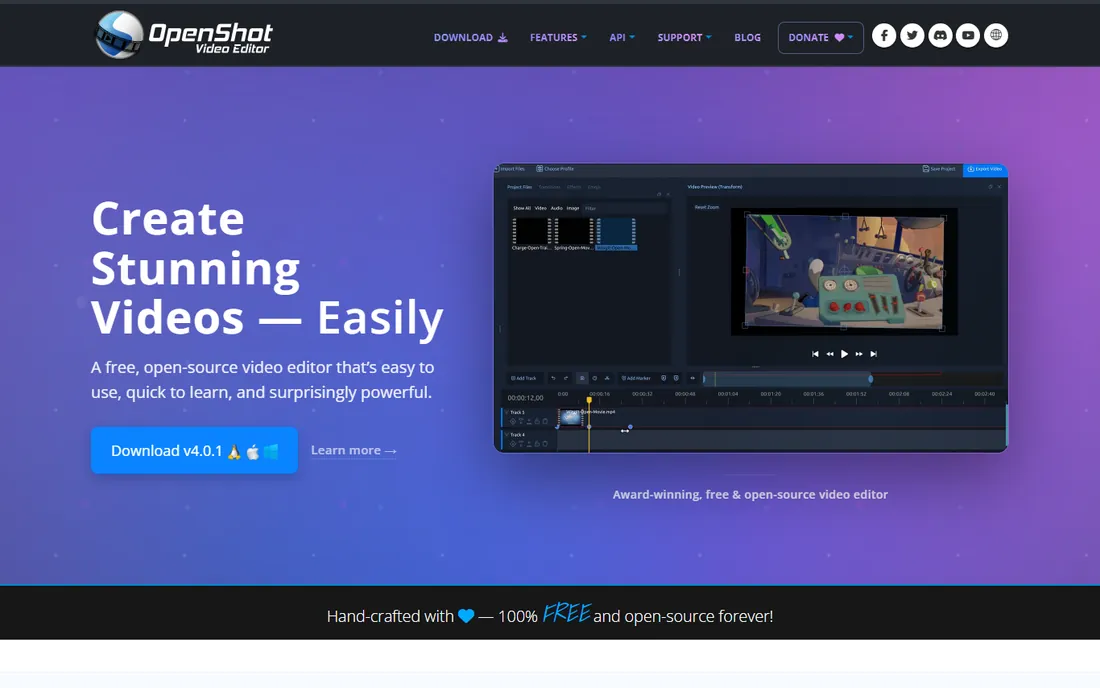
OpenShot is the gentlest introduction to desktop editing that costs nothing. Drag clips onto the timeline, trim, add transitions and animated titles, export with no watermark. It is open source and runs on Windows, Mac, and Linux with no account required.
Stability is the known weakness. OpenShot slows down and can crash on complex timelines, so save often and keep projects modest. The effects and template libraries are thinner than paid rivals.
It is ideal for simple cuts, slideshows, and school projects. When your edits outgrow it, DaVinci Resolve and Shotcut are the free upgrades.
What we like- Easiest learning curve of any free desktop editor
- Unlimited tracks, no watermark
- Cross-platform
Watch out for- Can crash on complex projects
- Thin effects library
- Slower development pace
Starting priceFree
Free planYes
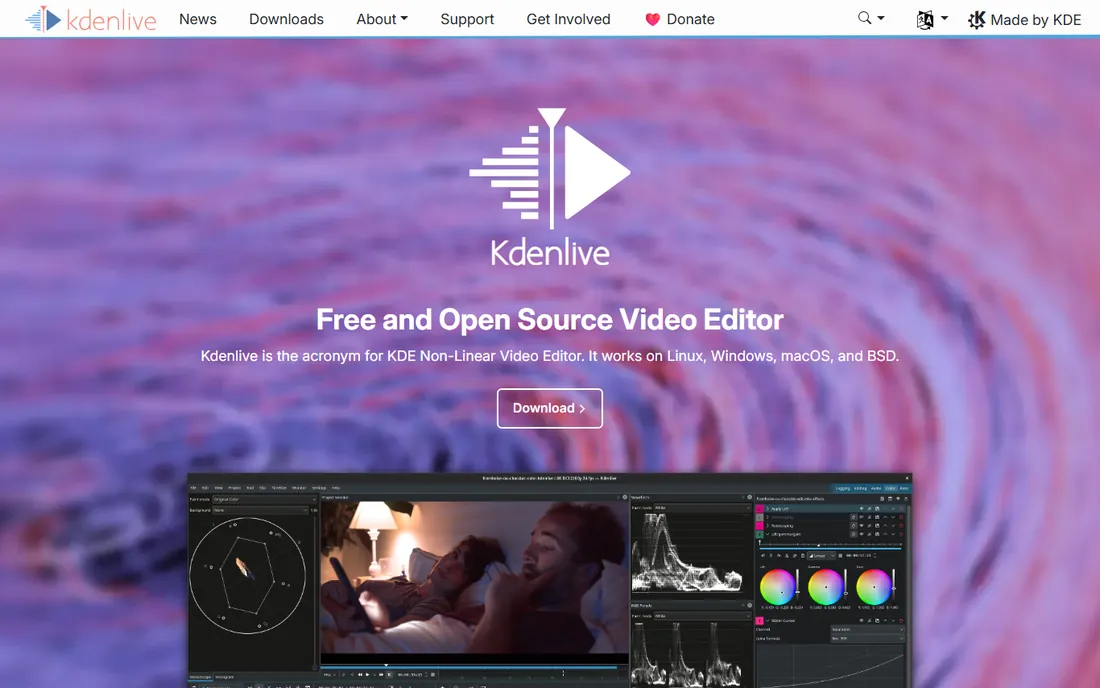
Kdenlive is the free editor power users graduate to. It offers multi-track editing, a wide effects library, keyframeable effects, proxy editing for smooth 4K work, and customizable layouts, all free and open source with no watermark. It runs on Windows, Mac, and Linux.
The interface packs a lot in, which can overwhelm beginners. Documentation and tutorials exist but are thinner than the ecosystems around DaVinci Resolve or CapCut. Windows users should grab the latest release, since older Windows builds had stability issues that are largely fixed.
If Shotcut feels too basic and DaVinci Resolve feels too much, Kdenlive sits in the middle: deeper than the simple free editors, friendlier than the pro one.
What we like- Surprisingly deep feature set for free software
- Multi-track editing with effects and transitions
- No watermark or limits
Watch out for- Interface is dense for beginners
- Historically Windows builds were less stable
- Smaller tutorial community than rivals
Starting price$19.99 per month (Pro, billed monthly)
Free planYes
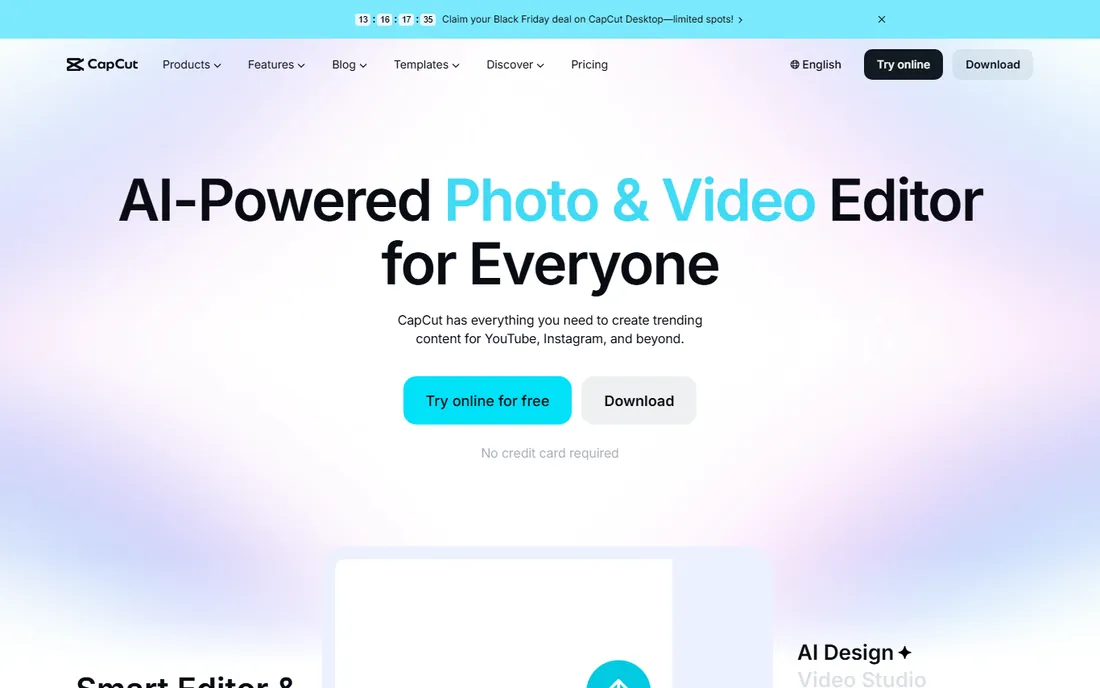
CapCut's free tier remains one of the fastest ways to make a short video. The timeline editor, templates, transitions, background removal, and auto-captions are all free across mobile, desktop, and web, with direct publishing to TikTok.
The 2026 pricing change matters for free users too. Features that were once free, including some effects and higher-quality exports, moved behind Pro at $19.99 per month ($179.99 per year). Free exports cap at 1080p and some carry watermarks.
It is still excellent for learning and for casual social content. Businesses should read the commercial-use terms before publishing client work through it.
What we like- Best free auto-captions and templates for social video
- Mobile, desktop, and web apps
- Direct TikTok export
Watch out for- Free exports can carry watermarks and cap at 1080p
- Pro price jumped to $19.99 per month in 2026
- ByteDance privacy terms
Starting priceFree
Free planYes

Avidemux is not a creative editor; it is a precision tool. It cuts, trims, filters, and converts video files quickly, with no watermark and no cost. For clipping a segment out of a long recording or converting formats, it is faster than opening a full editor.
Do not expect a timeline with multiple tracks, transitions, or templates. The interface is functional and dated, and creative work belongs elsewhere.
Keep it installed as a utility alongside your main free editor. It does one job well and asks nothing in return.
What we like- Tiny, fast, and completely free
- Perfect for cutting and converting clips
- No watermark ever
Watch out for- Not a real multi-track editor
- Dated interface
- No templates or creative effects
Starting price$9.99 per month (Create)
Free planYes
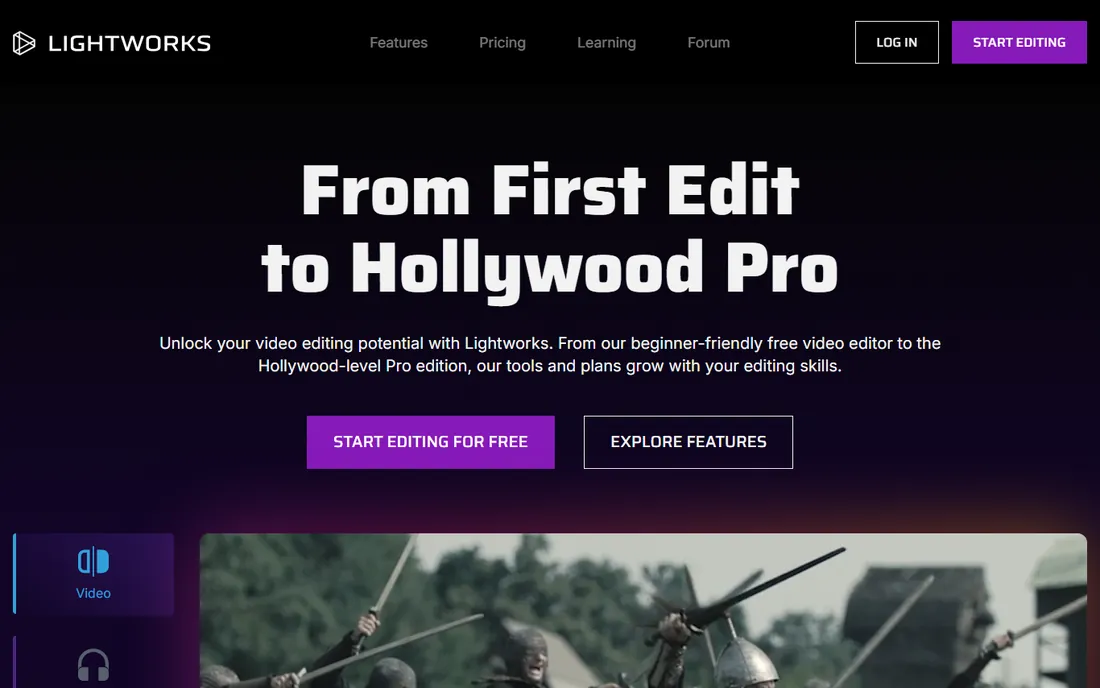
Lightworks brings real film-editing lineage to a free download. The free version includes multicam editing, precise trimming, and solid effects with no watermark, which is remarkable for software that has cut Hollywood features.
The free tier's export limits are specific: 720p maximum, and only to YouTube and Vimeo formats. That is fine for learning the craft but not for deliverables. Create at $9.99 per month enables 4K; Pro at $23.99 per month targets filmmakers.
It is the best free option for learning professional editing conventions. For finished videos, the friendlier free editors above will get you there faster.
What we like- Genuine professional editing heritage
- Free version has no watermark
- Multicam and precise trimming included
Watch out for- Free exports capped at 720p and limited to YouTube and Vimeo formats
- Paid tiers are pricey against free DaVinci Resolve
Frequently asked questions
Is DaVinci Resolve really free?
Yes. The free version includes professional editing, color grading, visual effects, and audio tools with no watermark and no time limit. Blackmagic sells a $295 one-time Studio upgrade with extra features, but most users never need it.
Which free video editor has no watermark?
DaVinci Resolve, Clipchamp, iMovie, Shotcut, OpenShot, Kdenlive, Avidemux, and Lightworks all export without watermarks on their free tiers. CapCut adds watermarks to some free exports, so check before publishing.
What is the easiest free video editor for a complete beginner?
iMovie on Mac and Clipchamp on Windows are the easiest, both free with no watermark. On phones, CapCut's free tier is the fastest start. OpenShot is the simplest free desktop editor across all platforms.
Can free video editors handle 4K?
DaVinci Resolve's free version, iMovie, Shotcut, and Kdenlive all export 4K for free. Clipchamp's free plan caps at 1080p. You will need a reasonably capable computer for smooth 4K editing regardless of software.
Are free open-source video editors safe?
Yes. Shotcut, OpenShot, Kdenlive, and Avidemux are established open-source projects with public code. Download them from their official sites to avoid bundled installers from third-party download portals.
How we chose
We verified every editor is still maintained and free in 2026, then read each vendor's own pages for free-tier limits, since watermark and export rules change often. Public reviews on G2, Capterra, and Reddit shaped the pros and cons, and we weighted the factors that matter most when the price is zero: watermark rules, export limits, learning curve, hardware demands, and whether the free version is the real product or a demo. No hands-on testing was done.
What free editors do well (and where they stop)
Free video editors cover the core job completely: cutting, trimming, transitions, titles, basic color, and audio. DaVinci Resolve's free version goes far beyond that into professional color and effects. For YouTube videos, social content, school projects, and small business marketing, you may never need to pay.
The limits show up in specific places. Free tiers cap export resolution (Clipchamp at 1080p, Lightworks at 720p), lock premium stock assets and templates behind paid plans, and exclude advanced features like HDR grading or AI generation. Support is usually community-based rather than dedicated.
The honest test is the watermark. Editors that watermark free exports (CapCut on some exports) are selling you a demo. Editors with no watermark and no time limit (DaVinci Resolve, Shotcut, OpenShot, Kdenlive, iMovie, Clipchamp) are giving you a tool. Prefer the tools.
Moving from free to paid without losing your work
Start free and upgrade only when a specific limit blocks you. The most common triggers: you need 4K export from Clipchamp, you want CapCut's Pro effects and AI tools, or you need the stock libraries and collaboration features of paid plans.
Before paying, check the upgrade math. CapCut Pro at $179.99 per year is far more than Filmora at $49.99 per year; make sure the features you want exist only in the pricier plan. And DaVinci Resolve Studio's $295 one-time license beats every subscription here if you are going pro.
Protect your projects during any switch. Export finished work before canceling anything, and keep project files from editors you might return to. Most free editors save in proprietary formats that do not open in rivals, so your archive strategy is finished exports, not project files.
Sources we checked (13)
- https://www.blackmagicdesign.com/products/davinciresolve
- https://markus-hagner-photography.com/davinci-resolve-free-vs-davinci-resolve-studio/
- https://www.clipchamp.com
- https://dev.to/fredabila/clipchamp-alternatives-in-2026-an-honest-comparison-from-someone-who-builds-one-1f73
- https://www.apple.com/imovie/
- https://shotcut.org/
- https://www.openshot.org
- https://kdenlive.org
- https://www.capcut.com
- https://costbench.com/software/video-editing/capcut/
- https://www.avidemux.org
- https://www.lwks.com
- https://www.techradar.com/versus/adobe-premiere-pro-vs-lightworks
Is your product missing or out of date?
We review this list regularly. Vendors can request a listing, send updated pricing or ask about featured placement.

Shihab Mia · Founder, Rankite
Shihab has spent more than a decade helping SaaS and e-commerce brands grow through search. He writes Rankite's software buying guides from pricing pages, documentation and public user reviews. More about Shihab.