How we make this list: we compare pricing pages, product documentation and public user reviews. Rankite is independent; if a vendor ever pays for a featured spot, that listing is clearly labeled Partner.
Key takeaways
- Adobe Premiere Pro remains the default for wedding studios because of multicam tools and the huge library of wedding-specific presets and LUTs.
- DaVinci Resolve is the value pick: a genuinely free version with professional color grading that rivals tools costing hundreds of dollars.
- Final Cut Pro suits Mac-only editors who want the fastest render times, but it locks you into Apple hardware.
- Budget editors like Filmora and Movavi are fine for highlight reels and teasers, but most full-time videographers outgrow them within a season or two.
Quick comparison
| Tool | Best for | Starting price | Free plan |
|---|
 Adobe Premiere Pro Adobe Premiere Pro | Professional wedding studios on any platform | See website | Free trial |
 DaVinci Resolve DaVinci Resolve | Color grading and editing without a subscription | See website | Yes (free version) |
 Final Cut Pro Final Cut Pro | Mac editors who want speed | See website | Free trial |
 Wondershare Filmora Wondershare Filmora | Beginners and simple highlight edits | See website | Free trial |
 CyberLink PowerDirector CyberLink PowerDirector | Fast Windows editing with guided tools | See website | Free trial |
 VEGAS Pro VEGAS Pro | Editors who prioritize audio and timeline speed | See website | Free trial |
 Lightworks Lightworks | Editors who want pro tools free | See website | Yes (free plan) |
 Movavi Video Editor Movavi Video Editor | Simple edits with almost no learning curve | See website | Free trial |
 Pinnacle Studio Pinnacle Studio | Hobbyists moving up from free editors | See website | Free trial |
 EDIUS EDIUS | Fast-turnaround broadcast-style editing | See website | Free trial |
Is your product missing or out of date?
We review this list regularly. Vendors can request a listing, send updated pricing or ask about featured placement.
The best wedding video editing software
#1
Adobe Premiere Pro
Best for: Professional wedding studios on any platform
Visit adobe.com
Starting priceSee website
Free planFree trial
Most full-time wedding videographers land on Premiere Pro eventually, and the reasons are practical rather than romantic. Multicam syncing handles ceremony and reception footage from multiple angles with a few clicks. The preset marketplace is unmatched: thousands of wedding-specific color LUTs, transition packs and title templates from third-party creators. And Dynamic Link means titles built in After Effects and audio cleaned in Audition move back and forth without round-tripping files.
The subscription is the real cost to weigh. Over five years it runs well past the price of any one-time purchase competitor, and heavy 4K timelines want 32 GB of RAM and a fast GPU to stay smooth. Premiere also has a reputation for the occasional crash around major updates, so autosave discipline matters. Still, for a studio editing dozens of weddings a year, the ecosystem and workflow speed justify it.
What we like- Excellent multicam editing for 2 to 3 camera ceremony setups
- Huge ecosystem of wedding LUTs, transitions and title templates
- Dynamic Link with After Effects and Audition
Watch out for- Subscription cost adds up over the years
- Large 4K multicam timelines demand strong hardware
Starting priceSee website
Free planYes (free version)
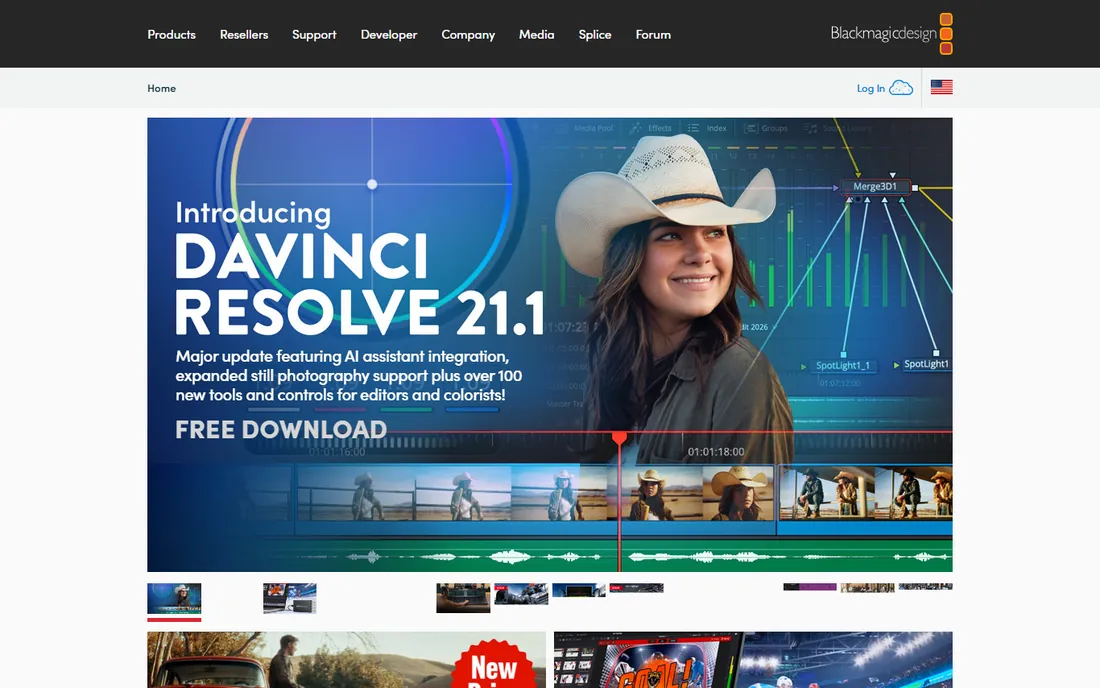
DaVinci Resolve is the rare product where the free version is not a demo. It includes a full non-linear editor, the industry's most respected color grading toolset, Fairlight audio and Fusion effects. Wedding videographers love it for one specific superpower: salvaging badly lit venues. Mixed tungsten and daylight, dark reception halls, harsh ceremony backlight, Resolve's color tools fix what other editors cannot.
The learning curve is real, especially coming from a simpler editor. The interface assumes you will learn its node-based color page and its media management habits. A few high-end features, like some HDR grading tools and advanced noise reduction, require the paid Studio license, which is a one-time purchase. For videographers who would rather buy once than subscribe forever, it is the strongest value in professional editing.
What we like- Free version includes professional-grade editing and color tools
- Best-in-class color grading for rescuing tricky venue lighting
- One-time Studio upgrade, no subscription
Watch out for- Steeper learning curve than consumer editors
- Some advanced effects and HDR tools sit behind the paid Studio version
Starting priceSee website
Free planFree trial
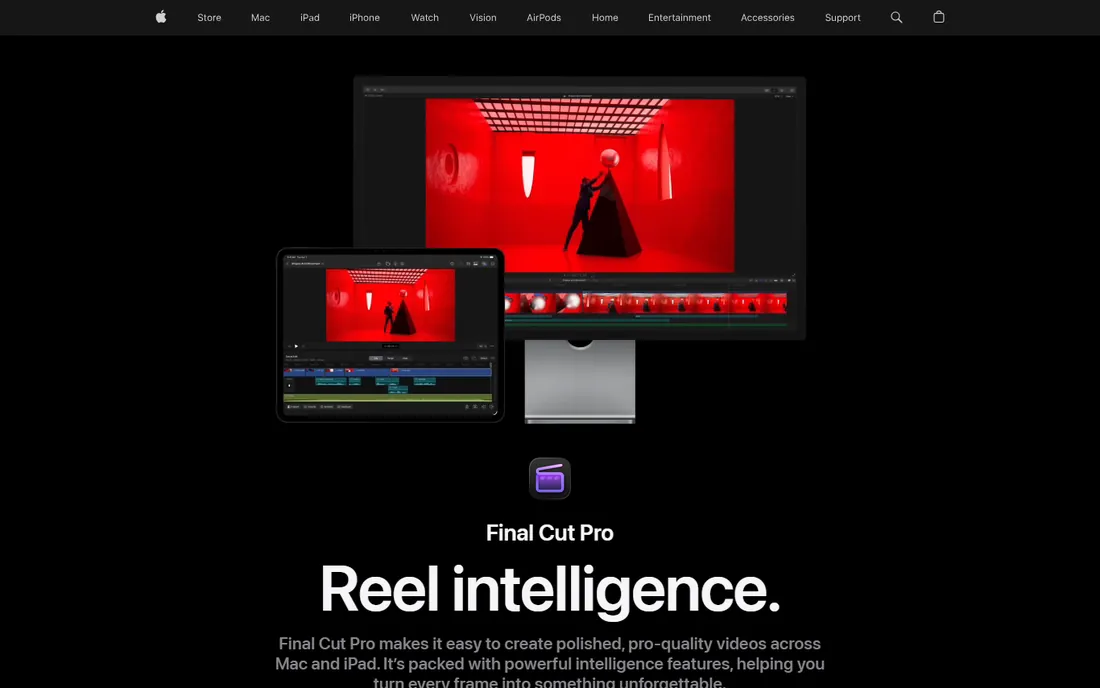
Final Cut Pro is the speed pick. On Apple silicon it renders and exports faster than anything else in its class, and background rendering means you keep cutting while the timeline processes. The magnetic timeline, which snaps clips together and ripples edits automatically, divides opinion at first and then converts most people who stick with it. Multicam syncing is strong, which matters for ceremony coverage.
The boundary is the platform. Final Cut runs on Mac and nothing else, so a studio that mixes Windows and Mac machines cannot standardize on it. The plugin and template ecosystem is healthy but smaller than Premiere's, which means fewer wedding-specific packs. If your whole studio is on Mac and you value turnaround speed during peak season, it is hard to beat for a one-time price.
What we like- Extremely fast rendering and background processing on Apple silicon
- Magnetic timeline makes trimming intuitive
- One-time purchase, no subscription
Watch out for- Mac only, so switching platforms means starting over
- Smaller third-party plugin ecosystem than Premiere
Starting priceSee website
Free planFree trial
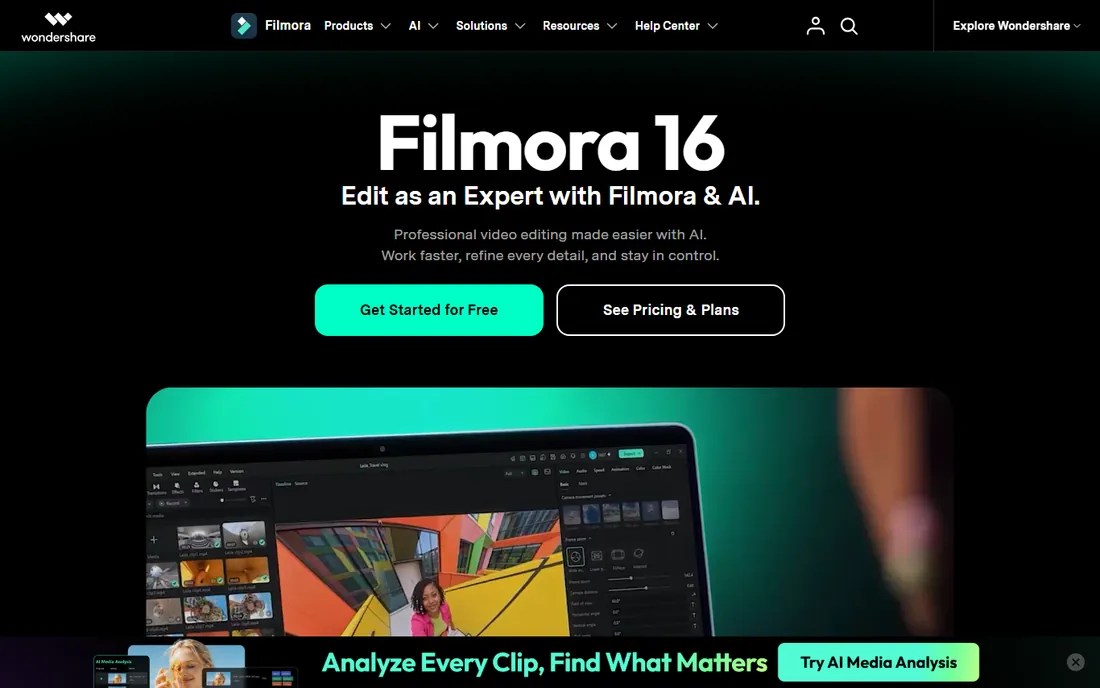
Filmora is where a lot of wedding videographers start, and there is no shame in that. The interface is friendly, effects and titles drag straight onto the timeline, and the built-in asset library covers the basics without a trip to a marketplace. For short highlight reels, social teasers and same-week edits, it gets the job done without a learning cliff.
The ceiling arrives fast for working professionals. Multicam support is limited compared to Premiere or Resolve, color grading is basic, and the proxy and media management workflows that keep big wedding projects organized are thin. Think of it as a stepping stone: perfect for a part-time shooter or a second shooter cutting teasers, but plan to graduate if weddings become your main income.
What we like- Very easy to learn with drag-and-drop effects
- Large built-in library of titles, transitions and stock media
- Affordable compared to professional tools
Watch out for- Lacks true professional multicam and advanced color workflows
- Serious videographers tend to outgrow it quickly
Starting priceSee website
Free planFree trial
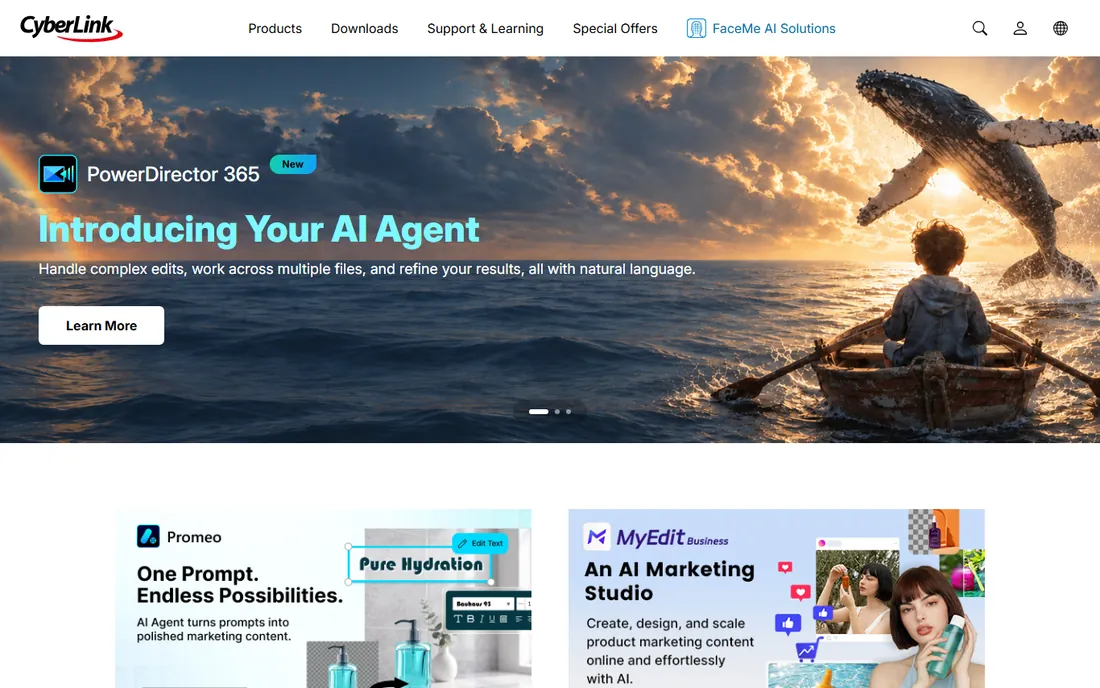
PowerDirector occupies the space between beginner apps and professional suites. It renders quickly on Windows hardware, includes AI-assisted tools for tasks like sky replacement and object removal, and offers both subscription and perpetual licenses. For a Windows-based shooter cutting highlight reels and family edits, the guided workflows save real time.
It is not a professional studio tool, though. The color tools, audio mixing and media management do not match Premiere or Resolve, and collaboration features are minimal. Mac users should look elsewhere. Consider it if you want more than Filmora offers but are not ready for a professional learning curve.
What we like- Quick rendering with hardware acceleration on Windows
- Guided modes and AI-assisted tools speed up simple edits
- Good value subscription or perpetual options
Watch out for- Interface and toolset feel consumer-grade next to pro editors
- Mac support is limited
Starting priceSee website
Free planFree trial
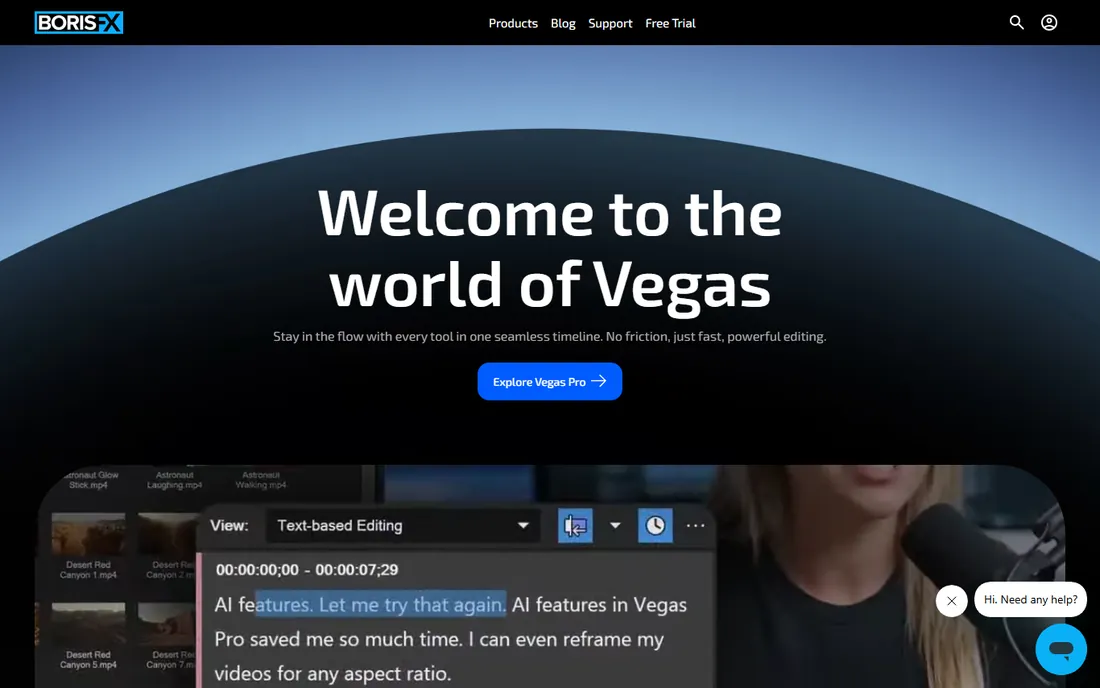
VEGAS Pro grew out of an audio editor, and it shows in the best way. Dialogue cleanup, leveling vows against reception noise, and mixing ceremony audio are smoother here than in most video-first tools. Experienced editors praise the timeline's flexibility: nested timelines, flexible track handling and fast trimming once you learn the shortcuts.
The trade-offs are ecosystem and polish. The community is smaller than Premiere's, so wedding-specific LUT packs and tutorial content are thinner. Some users find the interface dated compared to modern competitors. But for an editor who thinks in terms of sound first, especially with tricky ceremony audio, VEGAS earns its place.
What we like- Strong audio editing heritage, great for vows and speeches
- Fast, flexible timeline for experienced editors
- One-time purchase options available
Watch out for- Smaller community and fewer wedding-specific templates than Premiere
- Interface feels dated to some users
Starting priceSee website
Free planYes (free plan)
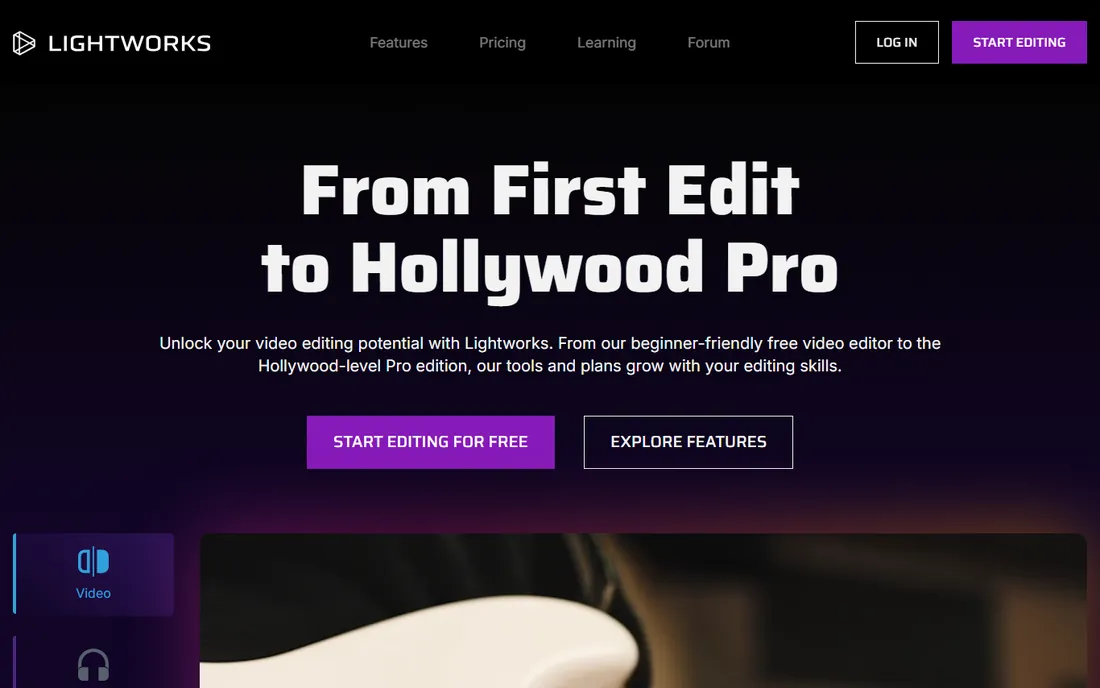
Lightworks has genuine film-industry roots, and its free plan is one of the more generous in editing: real professional trimming, multicam support and effects without paying. The trim tools are famously precise, and editors who learn its keyboard-driven workflow cut very fast.
The free plan's export limitations are the catch to read carefully, since output format and resolution caps decide whether it works for client delivery. Paid plans remove those limits. The community is smaller than Premiere's or Resolve's, so expect to hunt a bit longer for answers. For a budget-conscious shooter who wants professional trimming without a subscription, it deserves a trial.
What we like- Free plan includes professional editing tools
- Fast, precise trimming with a film-industry heritage
- Runs on Windows, Mac and Linux
Watch out for- Free plan limits export formats and resolution
- Smaller tutorial ecosystem than the big names
#8
Movavi Video Editor
Best for: Simple edits with almost no learning curve
Visit movavi.com
Starting priceSee website
Free planFree trial
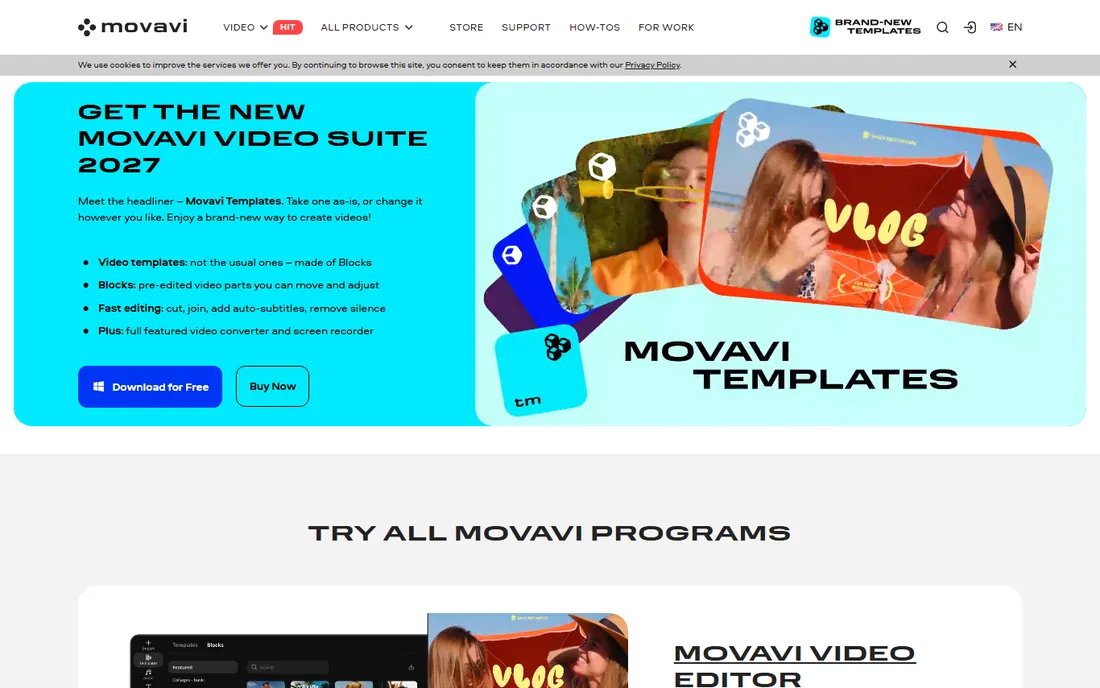
Movavi is the simplest tool on this list, and that is the entire pitch. Open it, drop clips on the timeline, add music and titles, export. For quick social teasers, slideshow-style edits or a shooter who hates editing, it removes every barrier. It also runs happily on modest laptops that would struggle with Premiere.
Nobody should cut a full wedding film in it. Multicam, serious color grading and professional audio tools are absent, and project organization for multi-hour shoots is thin. Use it for fast turnaround content alongside your main editor, not instead of it.
What we like- Extremely simple interface, easy for non-editors
- Quick montage and slideshow tools for teasers
- Lightweight and runs on modest hardware
Watch out for- Not suited to full-length professional wedding films
- Limited color and audio depth
Starting priceSee website
Free planFree trial
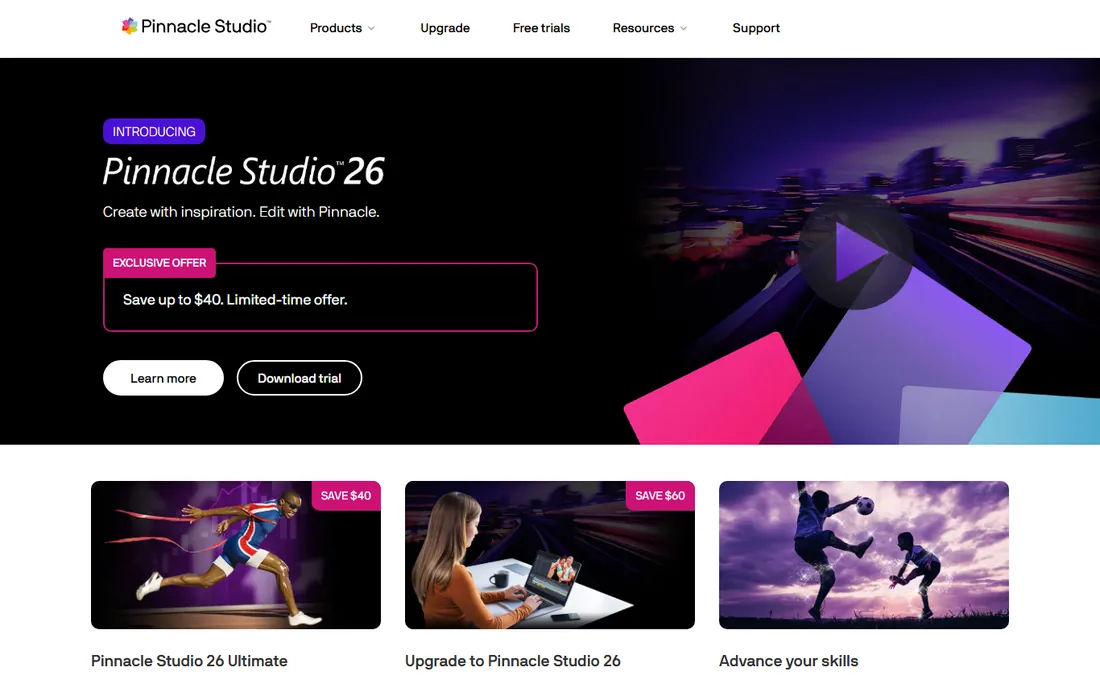
Pinnacle Studio has been the classic step-up editor for years: more capable than the free apps, cheaper than the pro suites, available for a one-time price. Higher tiers include multi-camera editing, which matters for ceremony coverage, and the effects library is respectable. For a serious hobbyist or a part-timer, it covers a lot of ground.
The persistent complaint is stability, and it is worth taking seriously before a deadline-driven season. Working wedding studios rarely standardize on Pinnacle for that reason. Treat it as a capable consumer editor with pro ambitions rather than a pro tool at a consumer price.
What we like- More capable than free editors with multi-camera editing at higher tiers
- One-time purchase
- Decent effects and title tools for the price
Watch out for- Stability complaints persist across versions
- Not a tool working professionals standardize on
Starting priceSee website
Free planFree trial
EDIUS is the insider pick from broadcast news, where editors cut under deadline with whatever formats the cameras produced. Its headline trick is playing mixed codecs and resolutions on the timeline without transcoding, which saves hours on multi-camera wedding shoots with different camera brands. It is stable, fast and genuinely good at multicam.
Almost nobody in the wedding world talks about it, which is the problem. Tutorials, LUT packs and wedding templates are scarce compared to Premiere or Resolve. If you value raw timeline speed and stability over ecosystem, download the trial. If you lean on presets and community resources, the bigger names serve you better.
What we like- Famously fast with mixed formats on the timeline, no transcoding
- Stable under deadline pressure
- Strong multicam performance
Watch out for- Smallest community on this list
- Fewer templates and wedding-specific resources
How wedding videographers should pick an editor
Match the software to your workload, not to someone else's highlight reel. A studio cutting thirty weddings a year needs multicam syncing, proxy workflows, serious color tools and reliable media management. A part-timer cutting five highlight reels needs speed and simplicity. List the three tasks that eat most of your editing time, then check each candidate against those tasks specifically.
Platform comes next. Final Cut Pro only runs on Mac, and switching later means rebuilding muscle memory. Premiere Pro and DaVinci Resolve run on both Windows and Mac, which matters if you hire associate editors with their own machines. Confirm the hardware requirements against your actual computer before you commit to a season on a new tool.
Then think about money over five years, not five months. A subscription that looks cheap monthly can cost triple a one-time purchase over a full career. Weigh that against how often you upgrade: perpetual licenses still charge for major version upgrades, and free tools sometimes monetize through paid add-ons. Pick the model that fits how you actually buy software.
The multicam question
If you shoot ceremonies with two or three cameras plus separate audio recorders, multicam support is non-negotiable. Test syncing with your real footage during the trial, including the external audio. An editor that syncs perfectly in a demo with matching timecode may struggle with your actual ceremony files.
Color grading for bad venues
Reception halls are where color tools earn their keep. Mixed lighting, dark dance floors and skin tones under colored uplighting separate professional results from amateur ones. DaVinci Resolve leads here, Premiere Pro is capable with the right LUTs, and the consumer tools mostly offer presets rather than real control. If your venues are challenging, weight color heavily.
Common mistakes when switching editors
The biggest mistake is switching mid-season. Learn the new tool on one low-pressure project, build your templates and presets, and only then move client work over. The second mistake is importing old habits wholesale: every editor's timeline, shortcuts and media management work differently, and fighting that costs more time than learning the new way. The third is underestimating hardware. A tool that flies on a reviewer's workstation may crawl on your three-year-old laptop, so test with your machine and your footage, not someone else's benchmarks.
How we chose
We compared pricing pages, documentation, public reviews on G2, Capterra and Reddit, and wedding videography communities where working shooters discuss their actual workflows. Every tool listed exists today and handles real wedding footage. We weighted multicam editing, color grading depth, render performance, platform availability and the practical question of subscription versus one-time pricing, because a wedding studio buys a tool for a whole season, not a weekend.
Frequently asked questions
Which video editing software do most wedding videographers use?
Adobe Premiere Pro is the most common choice among full-time wedding studios, mainly for its multicam tools and the huge library of wedding-specific presets and templates. DaVinci Resolve has grown fast as the free alternative, and Final Cut Pro dominates among Mac-only editors. The honest answer is that the top three all produce professional results; workflow preference decides.
Is DaVinci Resolve really free?
Yes, the free version of DaVinci Resolve includes a full editor, professional color grading, Fairlight audio and Fusion effects with no watermark. The paid Studio version adds features like advanced noise reduction, stereoscopic tools and higher frame rate support for a one-time price. For most wedding work, the free version is more than enough to start.
Can I edit wedding videos on a mid-range laptop?
You can, with the right workflow. Use proxy media for 4K footage, which every professional editor on this list supports, and keep your timeline media on a fast external SSD. DaVinci Resolve and Premiere Pro both benefit greatly from extra RAM and a discrete GPU. Consumer tools like Filmora and Movavi are lighter but give up professional features in return.
How much should a wedding videographer spend on editing software?
Anywhere from nothing to a few hundred dollars a year. DaVinci Resolve and Lightworks have capable free versions, Final Cut Pro and VEGAS Pro are one-time purchases, and Premiere Pro is a subscription. Over five years, the subscription costs the most and the free tools cost the least, so decide based on which workflow earns you the most billable hours.
Do I need After Effects too?
Not necessarily. Premiere Pro users often add it for custom titles and motion graphics, and it integrates tightly through Dynamic Link. DaVinci Resolve includes Fusion effects built in, which covers most title and compositing needs for wedding films. Start with your main editor and add motion graphics software only when client work demands it.
What about editing on an iPad for same-day edits?
Some shooters cut same-day teasers on tablets with apps like LumaFusion, then finish the full film on desktop. It works for short social cuts, but multicam ceremony edits and serious color grading still belong on a desktop editor. Treat mobile as a complement for fast turnaround content, not a replacement.
Sources we checked (13)
- https://www.adobe.com
- https://www.blackmagicdesign.com
- https://www.apple.com/final-cut-pro/
- https://filmora.wondershare.com
- https://www.cyberlink.com
- https://www.vegascreativesoftware.com
- https://www.lwks.com
- https://www.movavi.com
- https://www.pinnaclesys.com
- https://www.grassvalley.com
- https://ourstoria.app/blog/best-wedding-videography-editing-software
- https://filmora.wondershare.com/answers/video-editors-for-wedding-videographers.html
- https://www.miracamp.com/learn/video-editing/how-to-become-a-wedding-videographer-2024-a-comprehensive-guide-to-starting-your-career
Is your product missing or out of date?
We review this list regularly. Vendors can request a listing, send updated pricing or ask about featured placement.

Shihab Mia · Founder, Rankite
Shihab has spent more than a decade helping SaaS and e-commerce brands grow through search. He writes Rankite's software buying guides from pricing pages, documentation and public user reviews. More about Shihab.