How we make this list: we compare pricing pages, product documentation and public user reviews. Rankite is independent; if a vendor ever pays for a featured spot, that listing is clearly labeled Partner.
Key takeaways
- Start from the destination. Rive and LottieFiles win for apps and websites, SVGator for web graphics, and Toon Boom Harmony or OpenToonz for cartoons and film.
- Free tools are genuinely capable here. Synfig Studio, OpenToonz and Wick Editor cost nothing and cover real production work, which is rare in creative software.
- Moho is the value pick for character animation on a budget, with a one-time license instead of a subscription. Toon Boom Harmony is the professional standard and priced like one.
- Browser-based tools trade depth for convenience. SVGator and Wick Editor get you animating in minutes, but complex character work still belongs in desktop software.
Quick comparison
| Tool | Best for | Starting price | Free plan |
|---|
 Rive Rive | interactive animation for apps and games | See website | Yes (free tier with limited exports) |
 Synfig Studio Synfig Studio | free 2D animation without frame-by-frame work | Free (open source) | Yes (fully free) |
 Moho Moho | character animation on a budget | $399.99 (one-time, Pro); $59.99 (one-time, Debut) | Free trial (30 days) |
 OpenToonz OpenToonz | serious 2D animation at zero cost | Free (open source) | Yes (fully free) |
 SVGator SVGator | animated web graphics without coding | $20/month (billed annually, Starter) | Yes (free plan with limited exports) |
 LottieFiles LottieFiles | Lottie animations and ready-made assets | $19.99/month (billed annually, Individual) | Yes (free plan) |
 Wick Editor Wick Editor | free animation in the browser | Free (open source) | Yes (fully free) |
 Toon Boom Harmony Toon Boom Harmony | professional 2D cartoon production | $28.50/month (Essentials) | Free trial (21 days) |
Is your product missing or out of date?
We review this list regularly. Vendors can request a listing, send updated pricing or ask about featured placement.
The best vector animation software
#1
Rive
Best for: interactive animation for apps and games
Visit rive.app
Starting priceSee website
Free planYes (free tier with limited exports)
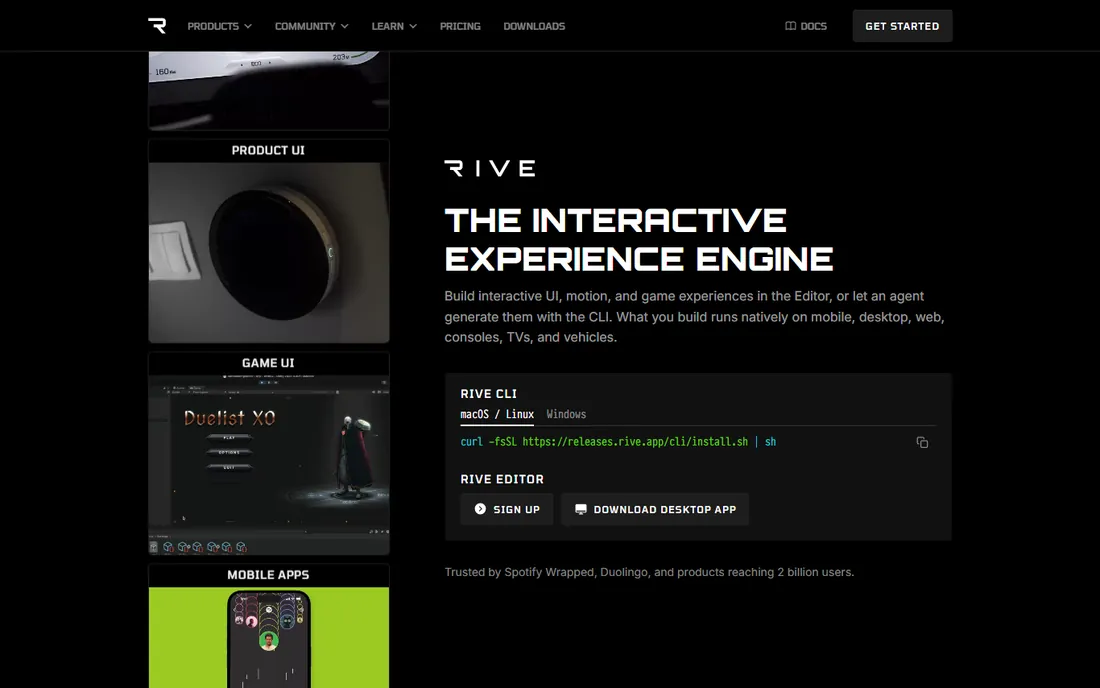
Rive is built for one thing: animation that reacts to the user. Unlike video-style animation that plays start to finish, Rive graphics respond to taps, hovers and game states in real time, which is why app and game teams choose it for interactive UI. The files stay small and render natively on mobile, web and consoles.
The pricing page is genuinely confusing, with plan names and prices that changed across 2026, so get a current quote before budgeting. The state machine concept also takes adjustment if you come from timeline animation. For product teams shipping interactive motion, though, nothing else in this list does the job as directly.
What we like- Animations respond to user input in real time
- Tiny file sizes for mobile
- Strong game engine integrations
Watch out for- Pricing is hard to pin down
- Learning curve for the state machine concept
#2
Synfig Studio
Best for: free 2D animation without frame-by-frame work
Visit synfig.org
Starting priceFree (open source)
Free planYes (fully free)
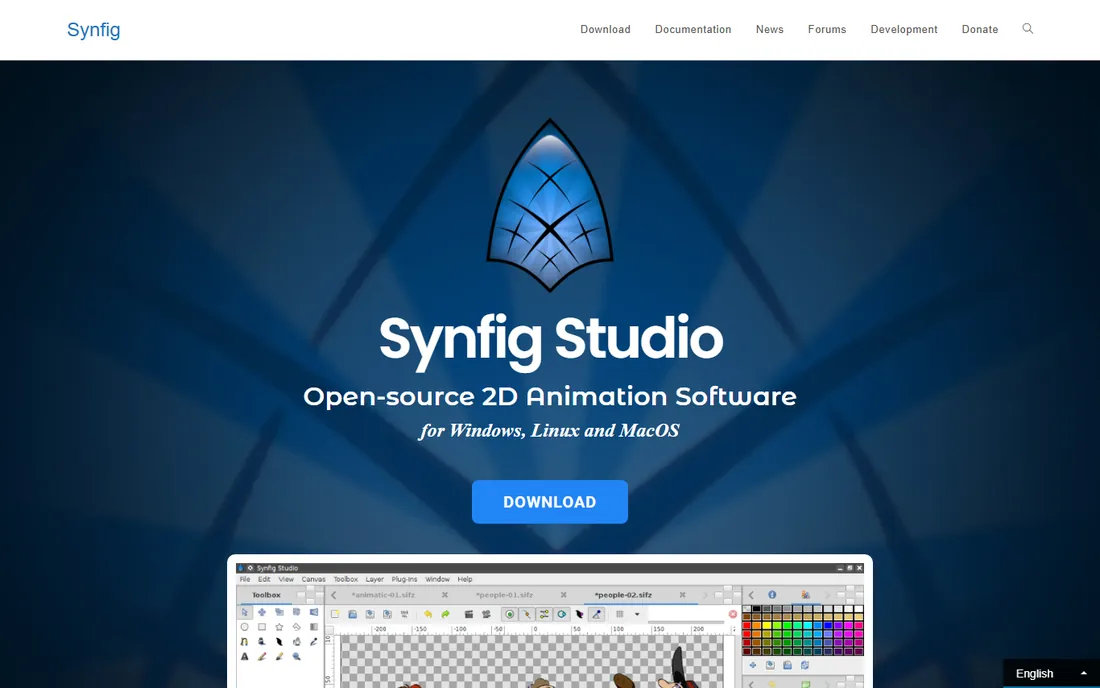
Synfig Studio proves that free software can produce film-quality 2D animation. Its vector tweening calculates in-between frames automatically, so you set key poses and the software handles the rest. The bone system supports cutout character animation, and the whole package costs nothing under an open-source license.
The interface shows the project's age, and you will find fewer modern tutorials than for commercial tools. Rendering can also be slow on complex scenes. For independent animators, students and small studios with more time than budget, those are acceptable trade-offs for a genuinely capable free tool.
What we like- Automatic tweening saves enormous time
- Full-featured bone system
- No cost ever
Watch out for- Dated interface
- Smaller tutorial library than paid rivals
Starting price$399.99 (one-time, Pro); $59.99 (one-time, Debut)
Free planFree trial (30 days)
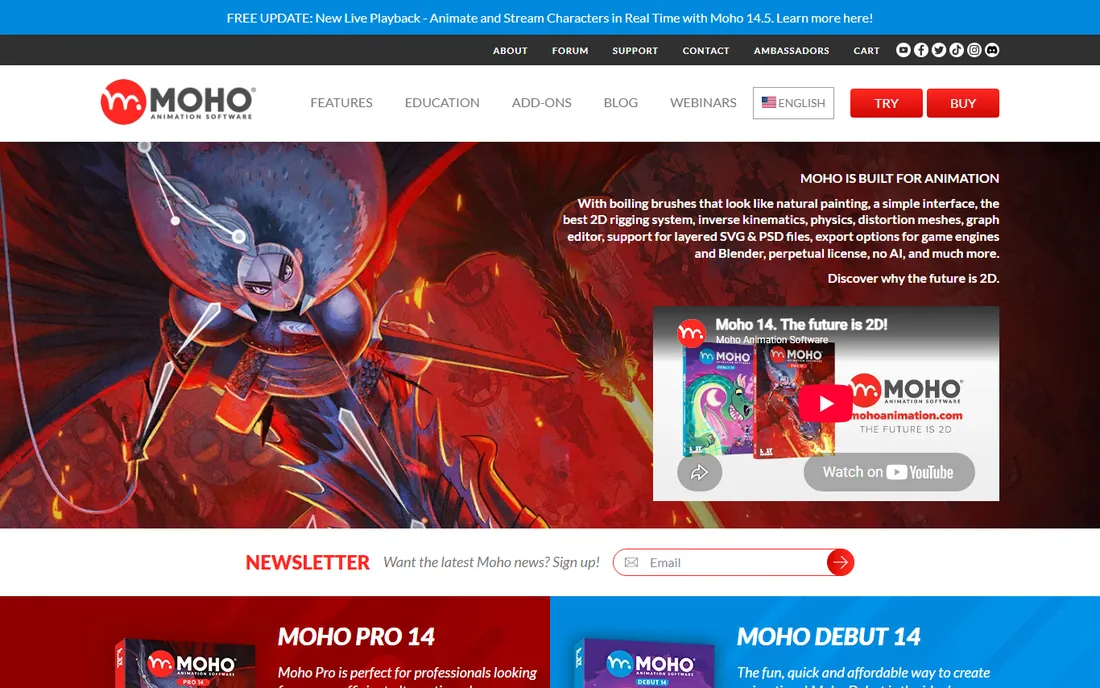
Moho is the character animator's shortcut. Its rigging system lets you build a posable character skeleton quickly, with smart bones, inverse kinematics and physics that would cost far more elsewhere. The one-time pricing stands out in 2026: pay $399.99 for Pro once instead of renting software forever.
The ecosystem is smaller than Toon Boom's, which means fewer tutorials, fewer studio jobs and fewer third-party resources. Debut at $59.99 covers hobbyists, while Pro suits freelancers doing client work. If your goal is animated characters for YouTube, explainer videos or indie games, Moho delivers most of what the expensive tools do.
What we like- Excellent bone rigging for the price
- One-time license, no subscription
- Debut tier is very affordable
Watch out for- Smaller community than Toon Boom
- 3D capabilities are limited
Starting priceFree (open source)
Free planYes (fully free)

OpenToonz carries a serious pedigree. It descends from the software used in production at Studio Ghibli, open-sourced and developed by Dwango. The toolset covers scanning, cleanup, inbetweening, effects and compositing, which is a complete 2D production pipeline for the price of a download.
That power comes with complexity. Beginners face a steep climb, and documentation is patchy compared to commercial products. Studios and experienced animators who invest the learning time get professional capability without licensing costs. For schools and indie productions, it is the most capable free option here.
What we like- Professional pedigree from Studio Ghibli's pipeline
- Full production toolset
- Free for commercial use
Watch out for- Complex for beginners
- Documentation is uneven
Starting price$20/month (billed annually, Starter)
Free planYes (free plan with limited exports)
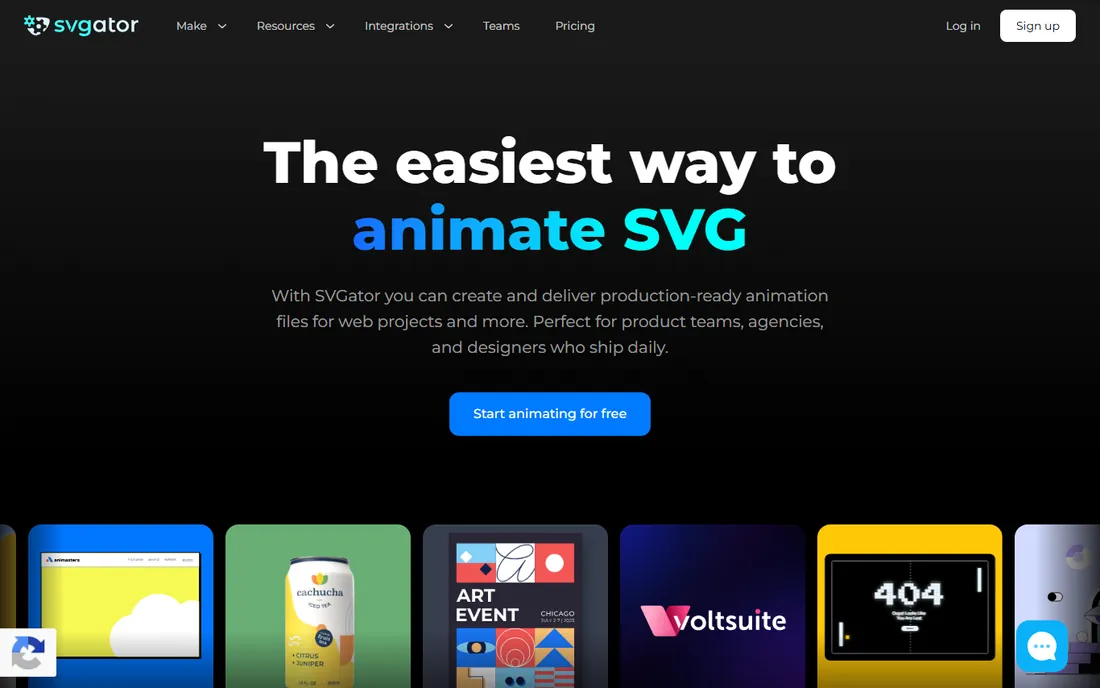
SVGator lives in the browser and thinks in websites. You import or draw vector graphics, animate them on a timeline, and export production-ready SVG, Lottie or video files. For designers animating logos, icons, loaders and illustrations for the web, it removes the need to hand off to a developer or learn After Effects.
The free plan limits exports and watermarks results, so professional use starts at $20 a month billed annually. Character rigging is basic compared to Moho or Toon Boom, which keeps SVGator in the web graphics lane. Within that lane, its combination of ease and export quality is hard to match.
What we like- Runs entirely in the browser
- Exports clean SVG, Lottie and video
- Gentle learning curve
Watch out for- Free plan watermarks exports
- Character animation tools are basic
Starting price$19.99/month (billed annually, Individual)
Free planYes (free plan)
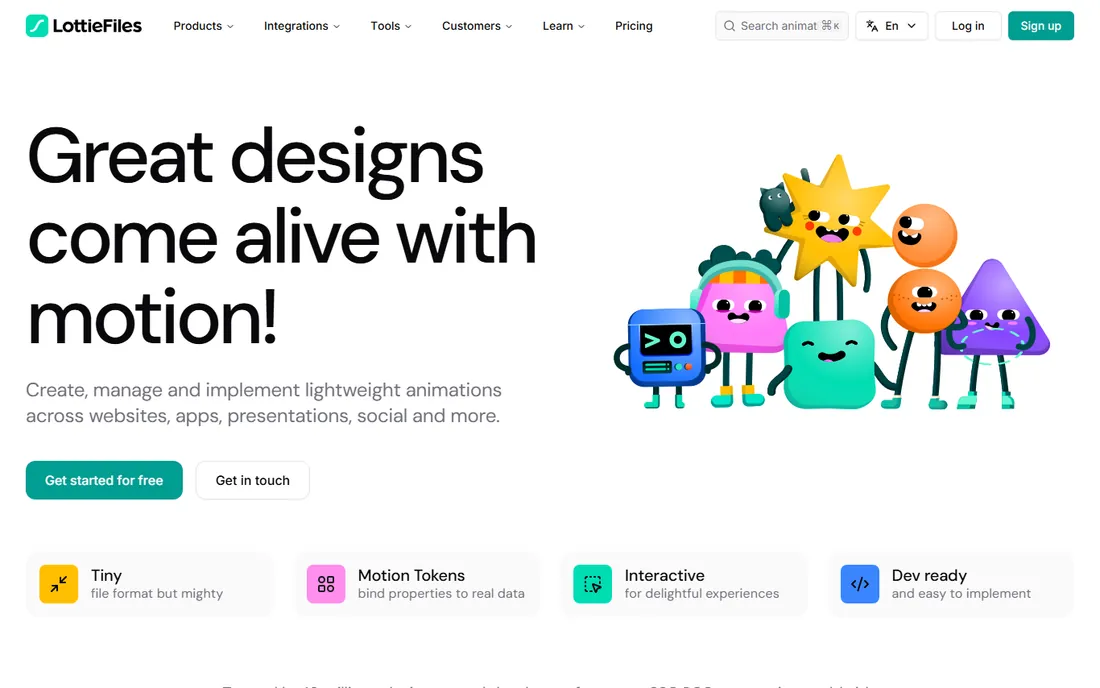
LottieFiles is two things at once: a huge animation library and an editor. Its homepage states that millions of designers and developers use the platform, and the library of lightweight Lottie animations is genuinely enormous. The Lottie Creator tool lets you build animations for web and mobile without deep technical skill.
The catch is that the most useful premium animations and features require paid plans starting at $19.99 a month billed annually. It is also a library-first product: for original character animation from scratch, dedicated tools like Moho or Toon Boom serve better. For product teams that need quality motion assets fast, the library alone can justify the cost.
What we like- Huge library of ready-made animations
- Creator tool for building Lotties
- Wide platform integrations
Watch out for- Best assets sit behind paywalls
- Less suited to original character animation
Starting priceFree (open source)
Free planYes (fully free)
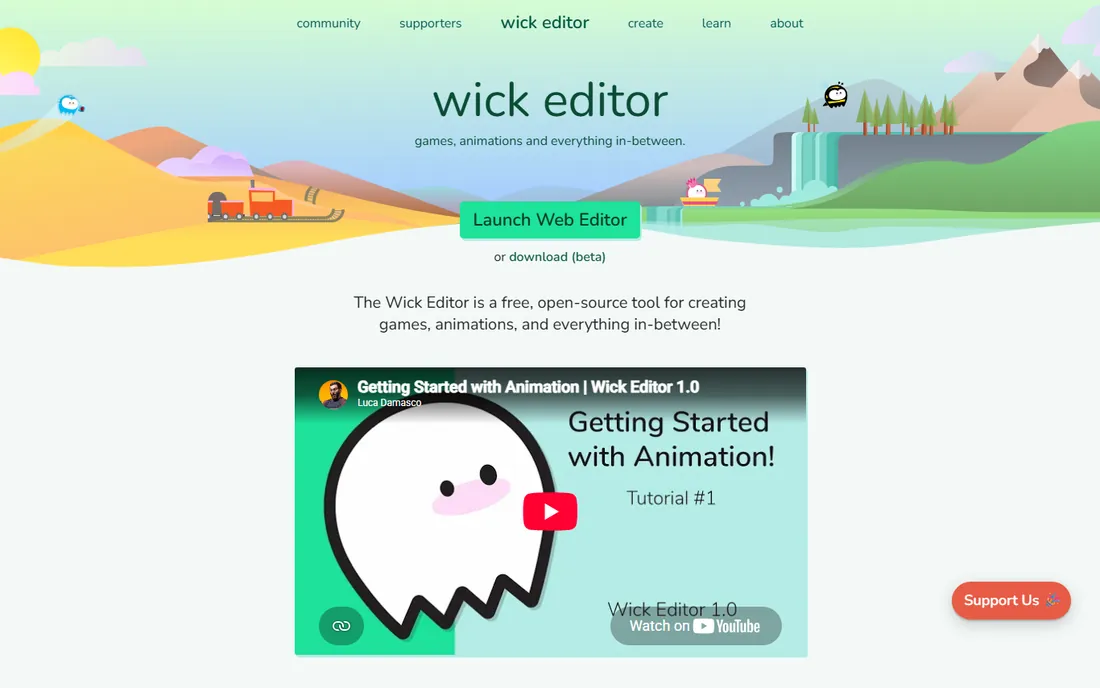
Wick Editor is the free, browser-based successor to the spirit of Flash. It combines timeline animation with JavaScript coding, so beginners can animate while learning interactivity. It runs entirely in the browser with nothing to install, which makes it ideal for classrooms, workshops and quick experiments.
Desktop tools outperform it on complex production work, and the community is modest, so advanced help can be hard to find. But for learning animation principles, prototyping interactive pieces or teaching kids, a free tool that opens instantly in a browser is exactly right. It fills the gap Adobe Animate left behind for casual users.
What we like- Runs in any modern browser
- Timeline animation plus coding
- Great for learning and teaching
Watch out for- Less powerful than desktop tools
- Smaller community
Starting price$28.50/month (Essentials)
Free planFree trial (21 days)
Toon Boom Harmony is the professional standard for 2D cartoon production. Major studios use it for television series and feature films, and its rigging, drawing and compositing tools reflect decades of production demands. The Essentials tier at $28.50 a month gives freelancers an affordable entry point.
Serious production usually needs the higher tiers, where costs climb well beyond Essentials pricing. The learning investment is also real: Harmony rewards training and punishes dabbling. For studios, schools teaching employable skills and freelancers targeting broadcast work, it remains the credential that matters. Hobbyists should start with the free tools above.
What we like- Industry standard for TV and film animation
- Deep rigging and compositing
- Strong studio pipeline support
Watch out for- Expensive at higher tiers
- Significant learning investment
How we chose
We researched each product's pricing page, documentation and feature set, then checked public reviews and community discussions for the issues buyers report after purchase. We covered the three main destinations for vector animation, which are apps and websites, web graphics, and cartoon production, and verified that every product is live and available today. Prices come from the vendors' own pricing pages. We did not claim hands-on testing.
Code, canvas, and no-code: how vector animation gets made
Vector animation splits into three approaches, and the tool you pick depends on which one fits your team. Code-driven tools like Rive and LottieFiles produce tiny files that apps and websites render natively, which matters for performance on mobile. Canvas tools like Toon Boom Harmony, OpenToonz, Synfig and Moho work like digital drawing desks for cartoons and character animation. No-code web tools like SVGator and Wick Editor trade depth for speed, getting designers from idea to animated graphic in an afternoon. None of the three approaches is universally better. A product team needs the first, a cartoon studio needs the second, and a marketing designer usually needs the third.
Start from the destination
Where the animation plays decides the format, and the format decides the tool. App and web animations need Lottie or Rive files, web graphics need SVG, and cartoons need video output. Picking the tool before the destination leads to painful conversions later.
Judge the learning curve honestly
Toon Boom Harmony and OpenToonz reward months of study. Moho and Synfig take weeks. SVGator and Wick Editor take an afternoon. Match the investment to the payoff: a studio career justifies Harmony, while a landing page animation does not.
Check export and ownership
Confirm the tool exports the exact format your project needs, and check what happens to your files if you cancel. Subscription tools may lock project files behind an active plan, while open-source tools keep your work permanently accessible. For client work, file ownership is not a detail.
Frequently asked questions
What is vector animation?
Vector animation moves shapes defined by mathematical paths rather than pixels, so the graphics stay sharp at any size. It powers app interfaces, web graphics, explainer videos and 2D cartoons. The main formats are SVG for the web, Lottie for apps, and video files for film.
Is free vector animation software good enough?
Yes, for many uses. Synfig Studio and OpenToonz handle real cartoon production, and Wick Editor covers learning and prototyping. Free tools demand more patience with interfaces and documentation, but the output quality can match paid software in skilled hands.
Rive vs LottieFiles: which should I choose?
Choose Rive for interactive animation that responds to user input, like game characters or dynamic app UI. Choose LottieFiles for lightweight decorative animation and access to a large ready-made library. Many product teams use both for different jobs.
Can I make cartoons without drawing skills?
Cutout and rigged character animation lowers the drawing barrier. Tools like Moho let you rig and pose characters built from simple shapes, and Daz-style 3D shortcuts exist outside this list. Hand-drawn quality still requires drawing practice, but rigged animation gets you surprisingly far.
What happened to Adobe Animate?
Adobe discontinued Animate in 2026, which pushed many casual animators toward alternatives. Wick Editor is the closest free browser-based replacement for simple timeline animation, while SVGator covers the web graphics use case. Professional studios largely moved to Toon Boom Harmony or Rive years earlier.
Sources we checked (8)
- https://rive.app/
- https://www.synfig.org/
- https://moho.lostmarble.com/
- https://opentoonz.github.io/
- https://svgator.com/
- https://lottiefiles.com/
- https://wickeditor.com/
- https://www.toonboom.com/
Is your product missing or out of date?
We review this list regularly. Vendors can request a listing, send updated pricing or ask about featured placement.

Shihab Mia · Founder, Rankite
Shihab has spent more than a decade helping SaaS and e-commerce brands grow through search. He writes Rankite's software buying guides from pricing pages, documentation and public user reviews. More about Shihab.