How we make this list: we compare pricing pages, product documentation and public user reviews. Rankite is independent; if a vendor ever pays for a featured spot, that listing is clearly labeled Partner.
Key takeaways
- A regular retail POS cannot run a pawn shop: you need pawn ticket tracking, interest math, police reporting and owner-linked inventory in one system.
- Bravo Store Systems and PawnMaster are the two established names, with Bravo leading on cloud and multi-store and PawnMaster on deep on-premise pawn workflows.
- Cloud options like PawnMate and PawnSnap suit single stores that want to skip servers, while CashFootprint appeals to shops that want a one-time purchase.
- Compliance is the real buying criterion: daily law-enforcement reporting and IRS Form 8300 handling matter more than a pretty dashboard.
Quick comparison
| Tool | Best for | Starting price | Free plan |
|---|
 Bravo Store Systems Bravo Store Systems | Single and multi-store pawn businesses | See website | No |
 PawnMaster PawnMaster | Large pawn operations with complex workflows | See website | No |
 PawnMate PawnMate | Shops that want pawn software without servers | See website | No |
 PawnSnap PawnSnap | Shops that want automation and ecommerce | See website | Free trial |
 Pawn Wizard Pawn Wizard | Independent shops watching the budget | See website | No |
 MoneyWell MoneyWell | Small shops that want simple web-based tracking | See website | No |
 CashFootprint CashFootprint | Shops that refuse subscriptions | See website | No |
 SystemSaver Pawn Edition SystemSaver Pawn Edition | Loan-centered small pawn operations | See website | Free trial |
 RepairQ RepairQ | Shops that also run a repair counter | See website | Free trial |
 Hi-Tech Pawn Hi-Tech Pawn | Loan operations with compliance needs | See website | No |
Is your product missing or out of date?
We review this list regularly. Vendors can request a listing, send updated pricing or ask about featured placement.
The best pawn shop software
Starting priceSee website
Free planNo
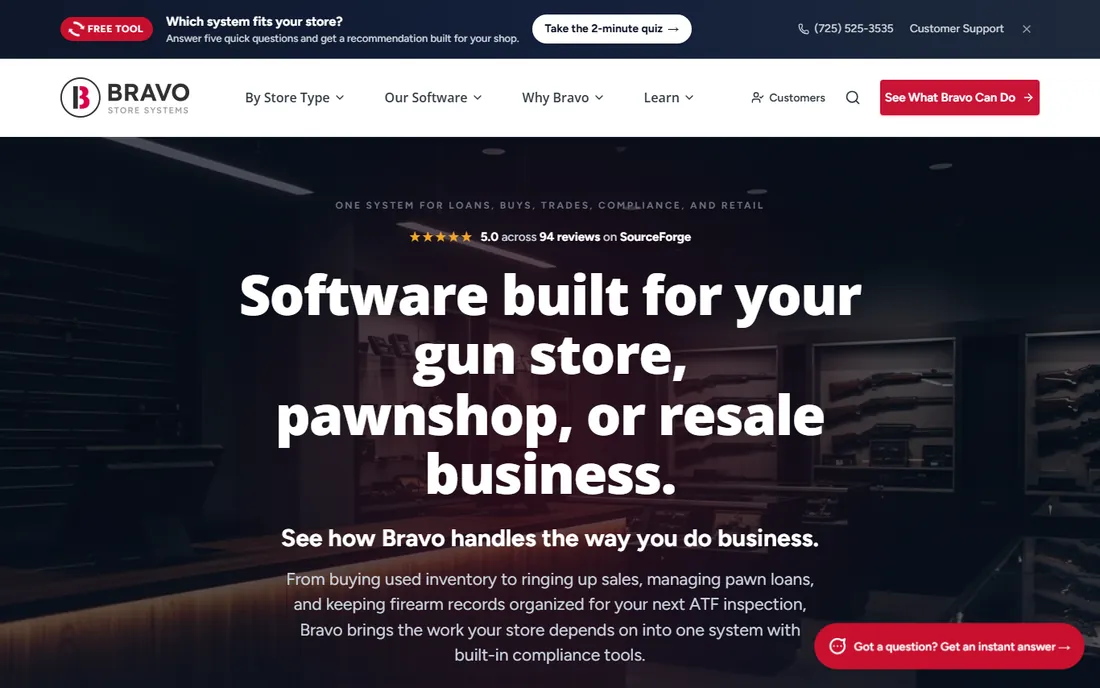
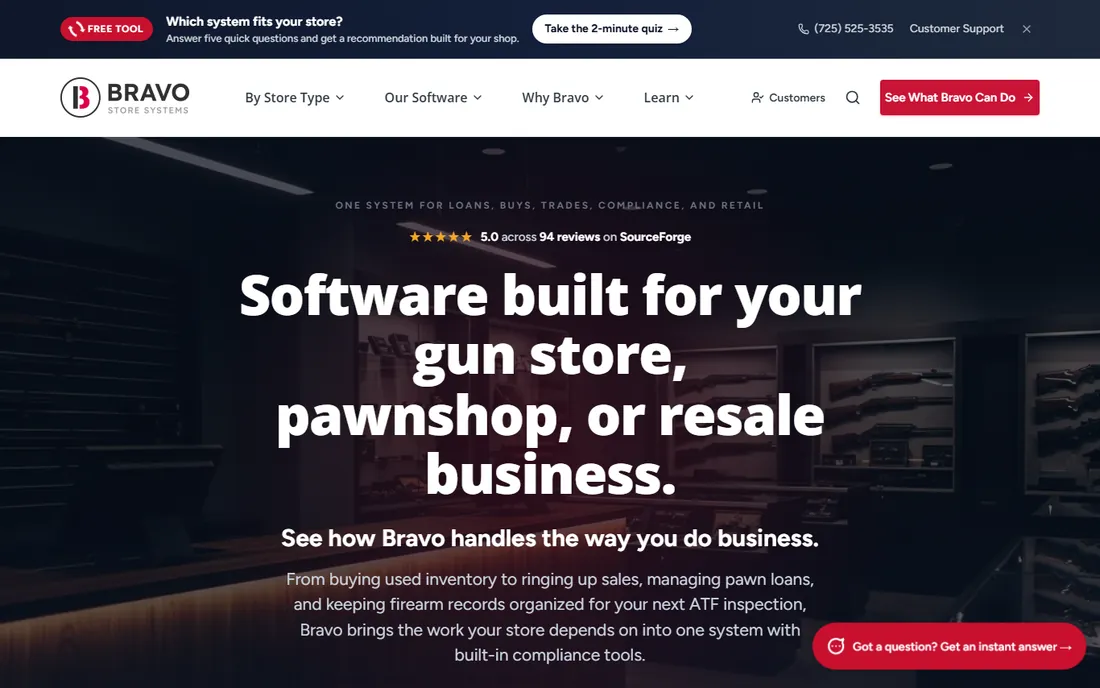
Bravo is the name that comes up first in most pawn software conversations, and the reason is breadth. It combines point of sale, pawn loan management, inventory and ecommerce in one cloud system, so a shop selling in-store and online does not juggle separate tools. Multi-store owners get consolidated reporting, and the loan side handles tickets, renewals and interest calculations the way pawnbrokers actually work.
The buying process is enterprise-style: custom quotes, demos and an implementation project rather than a signup page. Single stores sometimes find it more system than they need, and the price reflects the positioning. If you run more than one location or plan to, Bravo belongs at the top of the shortlist.
What we like- All-in-one POS covering in-store and online sales
- Strong loan tracking and inventory management
- Built for multi-store reporting
Watch out for- Custom quote pricing with no public numbers
- Implementation effort grows with store count
Starting priceSee website
Free planNo
PawnMaster, from Data Age Business Systems, is the industry veteran. It was built specifically for pawnbrokers, and the depth shows in ticket management, loan tracking, reporting and POS integration refined over many years. Large chains and high-volume shops that need every edge case covered tend to land here.
That depth comes with weight. The on-premise roots mean servers, IT attention and a real implementation, though cloud options have grown. Pricing is quote-based and aimed at serious operations. A small single store will likely find lighter tools faster to adopt, but for enterprise pawn businesses, PawnMaster's workflow coverage is hard to match.
What we like- Decades of pawn-specific workflow depth
- Strong reporting and POS integration
- Trusted by enterprise pawn chains
Watch out for- On-premise heritage means heavier IT needs
- Pricing is custom and sales-led
Starting priceSee website
Free planNo
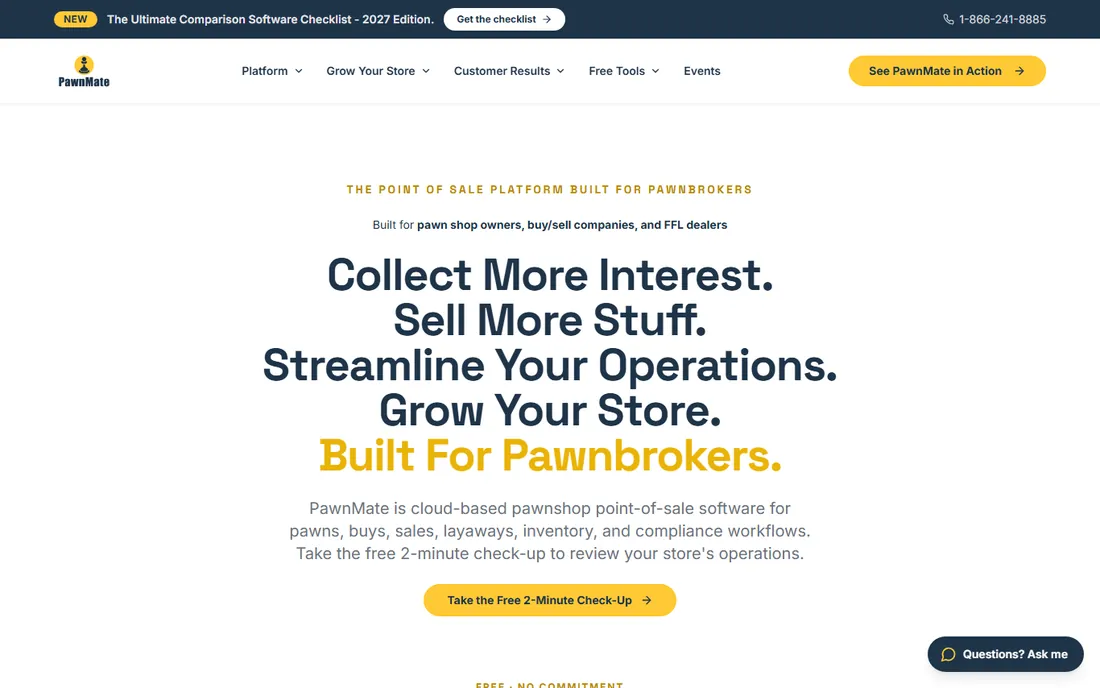
PawnMate pitches itself as the modern alternative to server-room pawn software. Everything runs in the browser: loan management, payment tracking, inventory and customer records, accessible from the counter, the back office or home. For a single store or a small chain, skipping the IT overhead is a genuine advantage.
The trade-off is scale and ecosystem. Very large operations with complex reporting needs will feel the difference next to Bravo or PawnMaster, and the integration catalog is smaller. But most independent shops do not need that depth. If your priority is getting a capable system live quickly without buying hardware, PawnMate is a strong candidate.
What we like- Fully cloud-based with access from anywhere
- Covers loans, payments and inventory in one login
- Simpler setup than legacy systems
Watch out for- Less depth for very large multi-store chains
- Fewer third-party integrations than the big two
Starting priceSee website
Free planFree trial
PawnSnap represents the newer generation of pawn software: cloud-native, automation-heavy and designed around the idea that unredeemed inventory should flow to online sales fast. Barcode scanning speeds up intake, analytics reports show what is actually moving, and the communication tools help with customer follow-up on renewals and redemptions.
Being newer cuts both ways. The interface feels current and the automation saves staff time, but the company has a shorter track record than Bravo or PawnMaster, and long-term support is less proven. Pricing is custom. Shops that like modern software and want ecommerce baked in should trial it alongside the established names.
What we like- Modern interface with automation for routine tasks
- Barcode scanning and analytics built in
- Pushes inventory toward online sales channels
Watch out for- Newer vendor with a shorter track record
- Pricing is quote-based
Starting priceSee website
Free planNo
Pawn Wizard aims at the independent pawnbroker who needs real pawn software without an enterprise price tag. It handles the core job, pawn tickets, customer records, inventory and sales, in a package a small shop can actually adopt. For a first store or a shop replacing paper tickets, that focus is exactly right.
Expect limits at the edges. Multi-store management, deep analytics and advanced ecommerce are not its strengths, and the support team is smaller than the big vendors'. It is a tool for running one shop well, not for building a chain. Within that scope, the value proposition is clear.
What we like- Positioned as affordable for small to mid-size shops
- Covers core pawn ticketing and inventory
- Simpler to adopt than enterprise systems
Watch out for- Fewer advanced features for multi-store operations
- Smaller support organization
Starting priceSee website
Free planNo
MoneyWell keeps things deliberately simple: web-based pawn transaction tracking that a small shop can learn in an afternoon. Third-party directories report pricing around fifty dollars a month, which would make it one of the cheapest options on this list. For a tiny shop where the owner does everything, simplicity beats depth.
The simplicity is also the ceiling. Automation, advanced reporting, ecommerce and multi-store features are thin or absent. Shops that grow will outgrow it. But as an affordable first system for a small operation, it does the core job without drama.
What we like- Simple web-based transaction tracking
- Low reported entry price around $50 a month
- Minimal training needed
Watch out for- Thin on advanced features and automation
- Not built for multi-store growth
Starting priceSee website
Free planFree trial
SystemSaver Pawn Edition focuses on the lending side of the business: loan terms, automated interest math, item redemption schedules and customer tracking. Third-party listings report per-user pricing under ten dollars a month, which is strikingly cheap if it holds. The free trial lets a shop test the loan workflows before committing.
The retail side is thinner than the all-in-one platforms. If your shop is mostly lending with modest retail sales, that focus fits. If retail and ecommerce drive your revenue, look at Bravo or PawnSnap instead. For loan-heavy small operations, it is worth a trial.
What we like- Built around loan terms, interest calculations and redemption schedules
- Low reported per-user pricing
- Free trial available
Watch out for- Narrower retail POS feature set
- Small vendor footprint
Starting priceSee website
Free planFree trial
RepairQ is not pawn software in the strict sense. It is built for repair shops, with ticket tracking, POS, inventory and customer communication. It earns a place here because many pawn shops run a repair counter, especially for phones and electronics, and running one system for both beats running two.
The pawn lending features are basic compared to dedicated tools. If loans are your core business, pair it with real pawn software or choose a dedicated platform. If repairs are a serious revenue line alongside pawning, the hybrid coverage is genuinely useful.
What we like- Combines repair ticketing with POS and inventory
- Good for hybrid pawn and repair businesses
- Integrations with common business tools
Watch out for- Not pawn-specific, so loan workflows are basic
- Overkill if you do no repairs
Starting priceSee website
Free planNo
Hi-Tech Pawn targets the compliance-heavy side of pawnbroking: customer records, loan tracking and police reporting integrated into daily workflows. For shops in jurisdictions with strict reporting rules, having that built in rather than bolted on matters. The cloud delivery keeps setup simple.
Public information about the company is thinner than for the bigger names, and pricing is not published, so diligence matters: ask for references from shops like yours and confirm exactly which reporting integrations are included. For compliance-focused buyers willing to do that homework, it is a legitimate contender.
What we like- Customer records with integrated police reporting
- Covers loan and pawn operations in the cloud
- Compliance-oriented feature set
Watch out for- Smaller vendor with limited public information
- Pricing not published
How we chose
We reviewed pricing pages, documentation, public reviews on Capterra, SoftwareWorld and similar directories, and a 2026 buyer's guide to pawn POS features. Every tool listed exists today and serves pawn shops or closely adjacent businesses. We weighted pawn-specific workflows (ticketing, interest math, redemption tracking), compliance features (law-enforcement reporting, IRS Form 8300 support), deployment model and the practical fit for single stores versus chains. General retail POS systems were excluded no matter how popular, because they cannot track items a shop does not own.
Why pawn shops need specialized software
A pawn shop's inventory problem is unlike any normal retailer's. Most of the stock does not belong to the shop: it is collateral on a loan, and every item must stay tied to the borrower who brought it in until the loan is repaid, renewed or forfeited. A general POS has no concept of a pawn ticket, a grace period or forfeiture, which is why shops that try to adapt one end up tracking loans in spreadsheets.
Then there is compliance, which has quietly become the core of the category. Shops must report transactions to law enforcement daily, often through services like LeadsOnline, and handle IRS Form 8300 for large cash transactions. Firearms add another layer for shops with an FFL. The right software automates this reporting as part of the normal workflow instead of making it a separate end-of-day chore.
What to check before you buy pawn shop software
Start with your state's rules, not the feature list. Pawnbroking is regulated at the state and local level, and interest caps, holding periods and reporting requirements vary. Confirm the software handles your jurisdiction's police reporting format and produces the records your regulator expects. Ask for the names of shops in your state already using it.
Next, map your actual transaction flow. Walk the vendor through a pawn, a renewal, a redemption and a forfeiture, and watch how many clicks each takes at the counter. Counter speed during a busy Saturday matters more than any dashboard. Check barcode and label printing, cash drawer handling and receipt customization, because the unglamorous details decide whether staff adopt the system.
Finally, price the full picture. Ask about per-user versus per-store pricing, onboarding and data migration fees, hardware requirements, and what support costs after the first year. Cloud systems should include backups and updates in the subscription; local systems should spell out exactly what you maintain. Get the renewal terms in writing, and trial the software with your real inventory before signing anything longer than a year.
Questions to ask on the demo
Ask how police reporting works day to day, whose job it is when a report fails, and how the system handles a forfeited item moving to retail inventory. Ask what happens to your data if you cancel. And ask to speak with two customers running a shop your size, not just the vendor's flagship accounts.
Frequently asked questions
Can I just use Square or another regular POS for my pawn shop?
You can process sales with it, but you cannot run the pawn side. Regular POS systems have no pawn tickets, interest calculations, redemption tracking or police reporting. Shops that try end up managing loans in spreadsheets, which creates compliance risk and wastes counter time. The specialized tools on this list exist because the workflow is genuinely different.
What is police reporting in pawn software?
Most jurisdictions require pawn shops to report every transaction to law enforcement, usually daily, so police can check items against theft reports. Pawn software automates this by formatting transaction data for reporting services like LeadsOnline and submitting it on schedule. Confirm your state accepts the vendor's reporting format before you buy.
How much does pawn shop software cost?
Reported entry prices range from around fifty dollars a month for simple web tools to custom enterprise quotes for multi-store platforms. Some vendors charge per user, others per store or per location. Always get pricing from the vendor directly, since directory listings go stale, and ask about onboarding, migration and support fees on top of the subscription.
Is cloud or on-premise better for a pawn shop?
Cloud systems remove server maintenance, include backups and let owners check the business remotely. On-premise systems keep working if the internet drops and involve no monthly fee after purchase. Most new buyers choose cloud for the lower hassle, but shops in areas with unreliable internet or owners who distrust subscriptions still buy local software like CashFootprint.
Do I need special software if my shop also sells firearms?
Yes, or at least a system that handles the extra compliance. Firearms sales involve federal record-keeping on top of pawn regulations. Some pawn platforms include FFL-friendly workflows; others do not. Tell the vendor upfront that you hold an FFL and confirm exactly which firearm compliance features are included.
How long does it take to switch pawn software?
Simple cloud tools can go live in days to a couple of weeks. Larger implementations with data migration from a legacy system typically take four to twelve weeks. The migration itself, cleaning up old tickets, customer records and inventory, is usually the longest part. Run the old and new systems in parallel for at least one full reporting cycle.
Sources we checked (13)
- https://bravostoresystems.com
- https://www.pawnmaster.com/
- https://pawnmate.com
- https://www.pawnsnap.com/
- https://www.pawnwizard.com/
- https://moneywell.com
- https://cashfootprint.com
- https://systemsaver.com
- https://repairq.io
- https://www.hitechpawn.com
- https://www.business-software.com/blog/pawn-shop-pos-software-features/
- https://www.softwareworld.co/pawn-shop-software/
- https://www.capterra.com/pawn-shop-software/s/small-businesses/
Is your product missing or out of date?
We review this list regularly. Vendors can request a listing, send updated pricing or ask about featured placement.

Shihab Mia · Founder, Rankite
Shihab has spent more than a decade helping SaaS and e-commerce brands grow through search. He writes Rankite's software buying guides from pricing pages, documentation and public user reviews. More about Shihab.