How we make this list: we compare pricing pages, product documentation and public user reviews. Rankite is independent; if a vendor ever pays for a featured spot, that listing is clearly labeled Partner.
Key takeaways
- Blender is the only professional-grade 3D tool that costs nothing, which makes it the default starting point for freelancers, students and small studios.
- Maya and 3ds Max dominate film, TV and game pipelines at around $2,000 a year per seat, and studios pay it for the talent pool and plugin ecosystem as much as the features.
- Specialists beat generalists at specific jobs. ZBrush owns digital sculpting, Cinema 4D owns motion graphics, Rhino owns precision modeling, and Fusion 360 owns the path from design to manufacturing.
- SketchUp and Daz 3D lower the skill barrier dramatically. If your team needs buildings or characters without hiring 3D artists, start there before buying a pro seat.
Quick comparison
| Tool | Best for | Starting price | Free plan |
|---|
 Blender Blender | free professional 3D for any project | Free (open source) | Yes (fully free, no paid tier) |
 Autodesk Maya Autodesk Maya | animation and VFX at professional studios | $168/month (billed annually, $2,010/year) | Free trial |
 Autodesk 3ds Max Autodesk 3ds Max | game art and architectural visualization | $2,010/year (annual subscription) | Free trial |
 Cinema 4D Cinema 4D | motion graphics and 3D for designers | See website | Free trial (14 days) |
 ZBrush ZBrush | sculpting characters and organic models | $49/month or $399/year | Free trial (14 days) |
 SketchUp SketchUp | architecture and fast concept modeling | $399/year (Pro) | Yes (free web version) |
 Rhino Rhino | precision product and industrial design | $995 (one-time commercial license) | Free trial (90 days) |
 Houdini Houdini | procedural effects and simulation | $299/year (Indie) | Yes (free Apprentice version for non-commercial use) |
 Fusion 360 Fusion 360 | product design through manufacturing | $57/month (billed annually) | Yes (free version for personal use) |
 Daz 3D Daz 3D | ready-made characters and quick scenes | Free (Daz Studio); content sold separately | Yes (software is free) |
Is your product missing or out of date?
We review this list regularly. Vendors can request a listing, send updated pricing or ask about featured placement.
The best 3D modeling software
Starting priceFree (open source)
Free planYes (fully free, no paid tier)
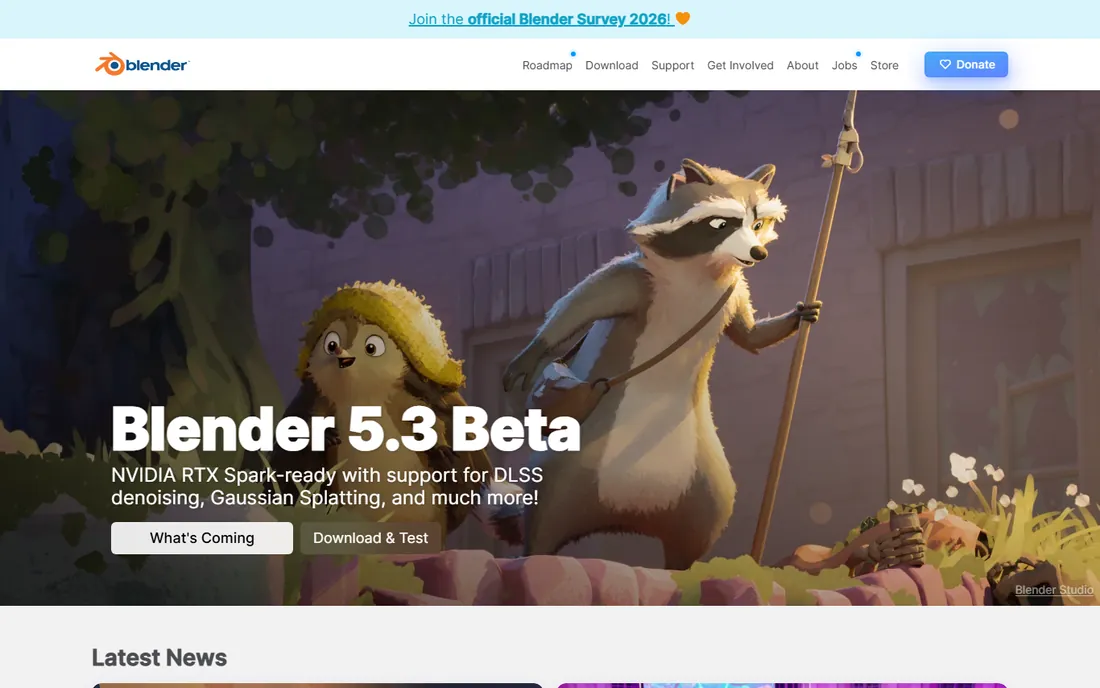
Blender is the one 3D tool that costs nothing and does nearly everything. Modeling, sculpting, animation, rendering, video editing and compositing all ship in a single free download. For freelancers and small studios, removing a four-figure license fee per seat changes the economics of taking on 3D work.
The honest catch is the learning curve and the job market. Blender's interface packs enormous power into dense menus, and beginners should budget weeks, not days, to get comfortable. Studios also hire Maya artists more readily, so Blender specialists sometimes face a thinner job market. For a business producing its own content rather than staffing a pipeline, though, it is hard to beat free.
What we like- Complete pipeline from modeling to rendering
- Huge tutorial community
- No licensing costs ever
Watch out for- Interface overwhelms beginners
- Smaller studio hiring pool than Maya
Starting price$168/month (billed annually, $2,010/year)
Free planFree trial
Maya is the backbone of film and game pipelines, and its price says so. At $2,010 a year per seat, it is a serious line item, but studios pay it because the talent pool, the plugins and the pipeline integrations are unmatched. Character rigging and animation remain its strongest territory, with tools refined over decades of production use.
The cost is only the first hurdle. Maya assumes you know 3D already, and its depth can slow down small teams that need quick results. It also locks you into Autodesk's subscription model with no perpetual option. Buy Maya when you are staffing a professional pipeline or delivering to clients who require it, not for occasional 3D work.
What we like- Industry standard for character animation
- Deep customization with Python and MEL
- Massive plugin ecosystem
Watch out for- Expensive per seat
- Steep learning curve for newcomers
Starting price$2,010/year (annual subscription)
Free planFree trial
3ds Max built its name on architectural visualization and game art. Its polygon modeling tools are fast and precise, and the plugin ecosystem covers everything from particle effects to parametric building generation. Visualization studios and game asset teams have relied on it for decades, and the workflow shows that maturity.
Like Maya, it costs $2,010 a year and offers no perpetual license. It is also Windows only, which rules out Mac-based studios entirely. Choose 3ds Max over Maya when your work centers on environments, products and hard-surface models rather than character animation. Many studios run both, but few small teams need to.
What we like- Excellent hard-surface modeling
- Huge plugin library including tyFlow and Forest Pack
- Strong in archviz
Watch out for- Windows only
- Same steep subscription cost as Maya
Starting priceSee website
Free planFree trial (14 days)
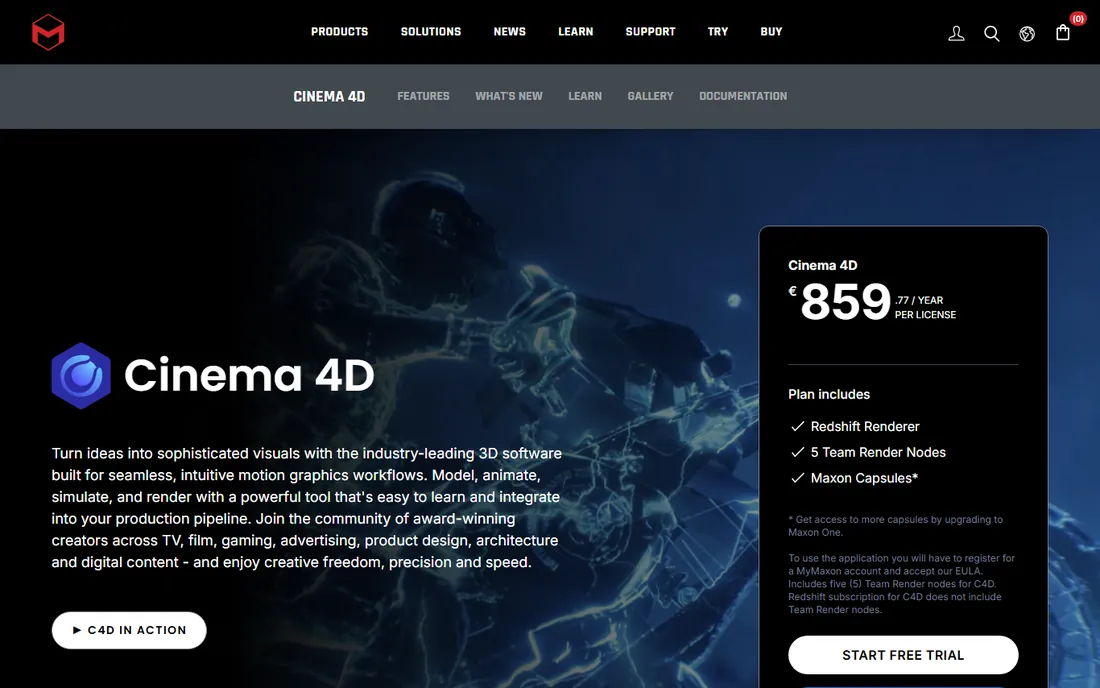
Cinema 4D is the motion designer's way into 3D. Its MoGraph toolset makes procedural animation, cloners and effectors feel intuitive, and the After Effects integration means designers can stay in a familiar pipeline. Agencies producing broadcast graphics, title sequences and product animations consistently pick it over more technical alternatives.
Maxon does not publish simple USD pricing on the product page, so expect a sales conversation or a quote for teams. Character animation and sculpting lag behind Maya and ZBrush, which matters if your projects go beyond motion graphics. For design-led teams, though, the shorter learning curve often pays for the license in saved training time.
What we like- Easiest professional 3D tool to learn
- Best-in-class motion graphics toolset
- Tight After Effects integration
Watch out for- Pricing not published clearly
- Weaker for character animation than Maya
Starting price$49/month or $399/year
Free planFree trial (14 days)
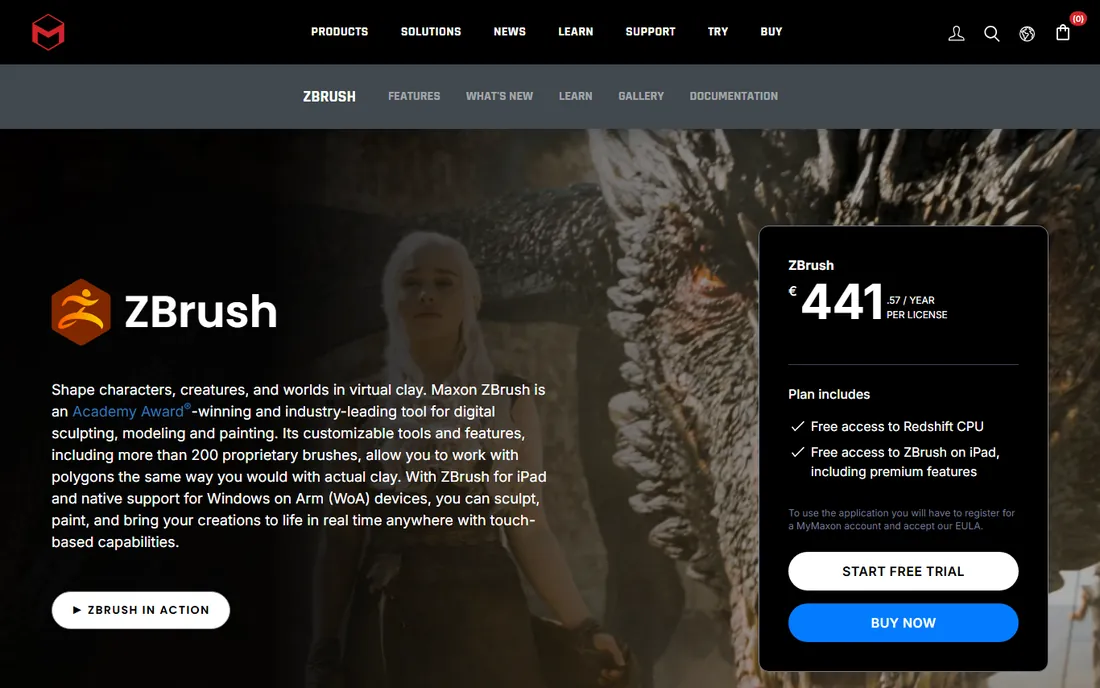
ZBrush treats a 3D model like a lump of clay. Its brush-based sculpting handles tens of millions of polygons in real time, which is why film, game and collectible artists sculpt characters, creatures and fine detail in it before sending models elsewhere for rigging and animation. Nothing else in this list sculpts as well.
The interface is famously idiosyncratic, and new users should expect a real adjustment period. ZBrush is also a specialist: it sculpts and paints brilliantly but does not animate or render full scenes, so it complements a pipeline tool rather than replacing one. At $49 a month or $399 a year, it is a justifiable add-on for any studio doing character work.
What we like- Unmatched digital sculpting with millions of polygons
- Huge brush library
- IPad version included
Watch out for- Unusual interface takes adjustment
- Not a full animation pipeline
Starting price$399/year (Pro)
Free planYes (free web version)
SketchUp is the fastest way from an idea to a 3D building. Architects, interior designers and set builders learn it in days, and the 3D Warehouse provides millions of ready-made models to drop into scenes. The free web version handles basic work, while Pro at $399 a year adds the desktop tools professionals need.
Organic shapes are its weakness. Characters, creatures and flowing forms belong in ZBrush or Blender, not here. Photorealistic rendering also requires extensions or export to another tool. For buildings, interiors and quick spatial concepts, though, nothing beats its speed, and the price undercuts every professional alternative.
What we like- Fastest learning curve in 3D
- Huge 3D Warehouse model library
- Affordable Pro plan
Watch out for- Limited organic modeling
- Rendering needs extensions
Starting price$995 (one-time commercial license)
Free planFree trial (90 days)
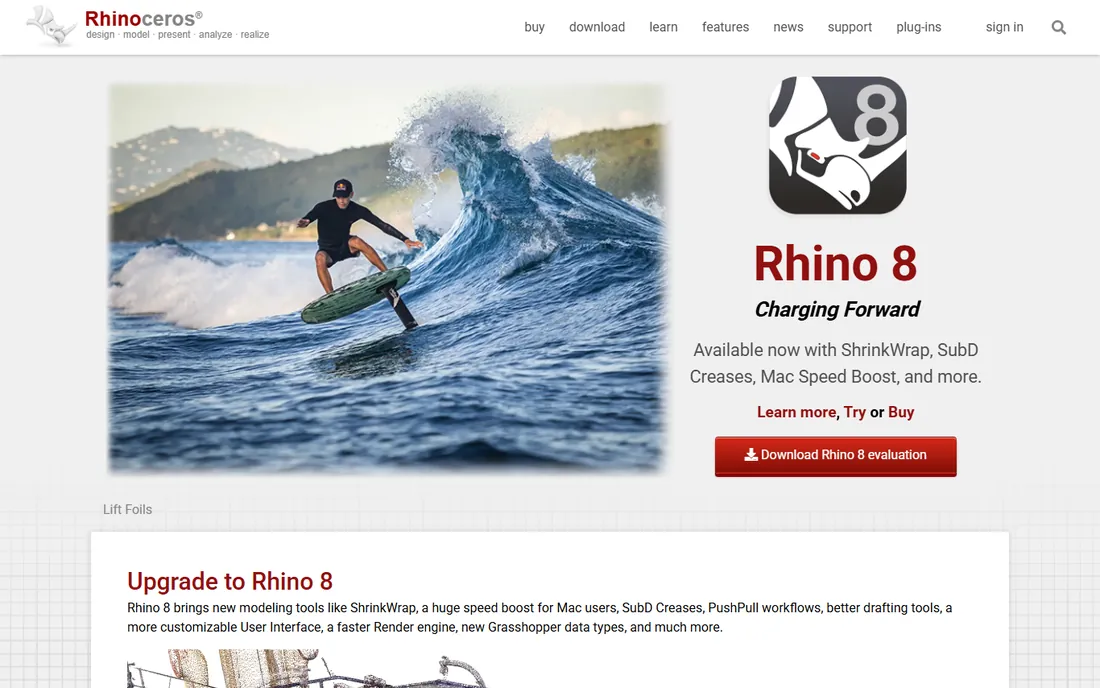
Rhino appeals to designers who need precision, not polygons. Its NURBS modeling suits product design, jewelry, marine and architectural work where exact curves and manufacturable geometry matter. The standout detail in 2026 is the license: $995 once, yours forever, in a market where everything else rents by the month.
That independence comes with trade-offs. Rendering, animation and visualization tools are basic compared to Blender or Cinema 4D, so most Rhino users pair it with a renderer. The interface also shows its age. For industrial designers and fabricators who model for manufacturing, the perpetual license and precision make it a sound long-term buy.
What we like- Perpetual license, no subscription
- Precise NURBS modeling
- Generous 90-day trial
Watch out for- Rendering and animation are basic
- Interface feels dated
Starting price$299/year (Indie)
Free planYes (free Apprentice version for non-commercial use)
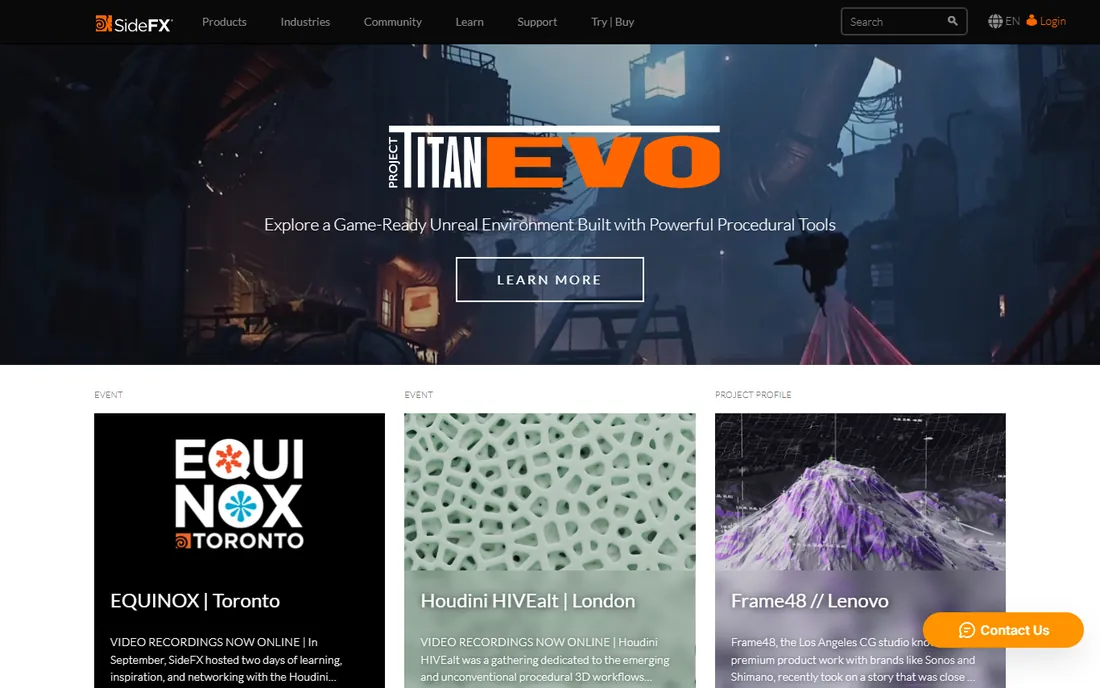
Houdini thinks in procedures, not in mouse clicks. You build networks of operations that generate geometry, particles, smoke, water and destruction effects, which makes it the standard for film-quality simulation. The Indie license at $299 a year puts that power within reach of freelancers earning under the revenue cap.
Everything about Houdini demands commitment. The node-based workflow is a different mental model from direct modeling, and simple tasks take longer until the approach clicks. Studios doing effects work accept this gladly. If you need a character modeled by Friday, use anything else on this list.
What we like- Best procedural and simulation toolset
- Indie license is affordable
- Used on major film effects
Watch out for- Steepest learning curve here
- Overkill for simple modeling
Starting price$57/month (billed annually)
Free planYes (free version for personal use)
Fusion 360 bridges the gap between product design and manufacturing. Parametric CAD, toolpath generation, simulation and electronics design live in one cloud workspace, so a small hardware team can go from sketch to machined part without switching tools. The free personal-use version makes it easy to learn before spending.
The cloud model is the catch. An internet connection is effectively required, and Autodesk controls the terms of your data and your subscription. At $57 a month billed annually per seat, team costs accumulate quickly. For startups shipping physical products, the integrated workflow usually justifies it. For pure 3D art, the modeling tools here are the wrong choice.
What we like- CAD, CAM and simulation in one tool
- Cloud collaboration
- Free personal-use version
Watch out for- Cloud dependency
- Subscription cost adds up for teams
Starting priceFree (Daz Studio); content sold separately
Free planYes (software is free)
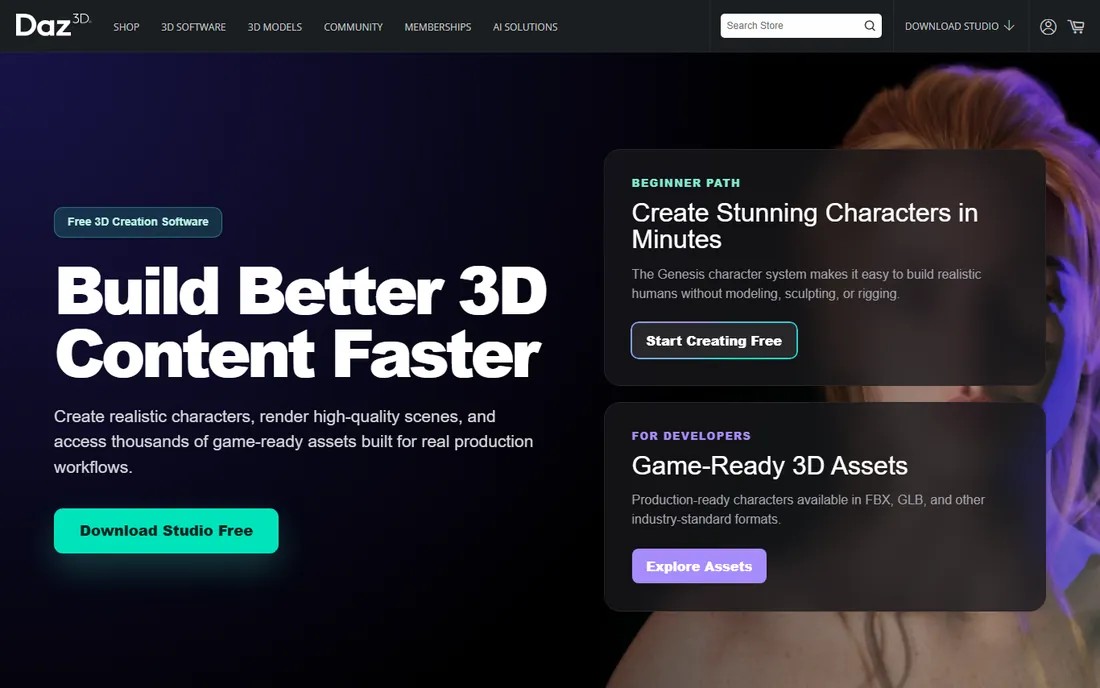
Daz 3D starts from a different place: ready-made characters. Instead of modeling a human from scratch, you pose and customize pre-built figures, dress them from the marketplace, and render a scene in an afternoon. For authors needing book covers, marketers needing quick visuals and hobbyists exploring 3D, that shortcut is the product.
The shortcut shows. Daz renders have a recognizable look that is hard to push past, and building a serious character library means buying marketplace content piece by piece. Think of it as stock photography for 3D: fast, affordable and limited. For original character design or professional production, start with Blender or ZBrush instead.
What we like- Free studio software
- Huge marketplace of characters and scenes
- Very fast results for beginners
Watch out for- Distinctive "Daz look" is hard to escape
- Marketplace costs add up
How we chose
We compared current pricing pages, documentation and feature lists for each product, then checked public reviews on G2, Capterra and Reddit for the problems buyers report after purchase. We favored tools a small or mid-size US business can actually buy and staff, from free open-source options to studio standards, and verified that every product is available today. Prices come from the vendors' own pages. We did not claim hands-on testing, and we treated vendor marketing claims with appropriate skepticism.
How to choose without overspending
Define the job first
The category is too broad for one winner. Character animation points to Maya, motion graphics to Cinema 4D, sculpting to ZBrush, buildings to SketchUp, and manufactured products to Rhino or Fusion 360. Write down the three most common deliverables before comparing features, because the right tool follows the output.
Count the real cost
Subscription math punishes inattention. Maya and 3ds Max cost about $2,000 per seat per year, so a five-person team commits $10,000 annually before plugins. Blender costs nothing, Rhino costs $995 once, and Houdini Indie costs $299 a year. Multiply every candidate by your actual headcount and a three-year horizon before deciding the expensive option is worth it.
Check the pipeline
Software does not work alone. Confirm the tool exports the formats your clients, printers or game engines require, and check that tutorials and freelancers exist for it in your market. A brilliant tool nobody on your team can learn, or nobody you can hire knows, is a liability disguised as software.
Perpetual licenses vs subscriptions
Almost everything in 3D now rents by the month, which makes Rhino's $995 perpetual license and Blender's free license stand out. Subscriptions buy you continuous updates and support, but they also mean the meter never stops: stop paying Autodesk or Maxon and the software stops working. Over five years, a Maya seat costs around $10,000 while a Rhino seat still costs $995. That gap matters most for small studios with stable needs. If your work changes yearly and you need the latest features, subscriptions make sense. If you model the same kinds of products year after year, a perpetual license or free tool keeps more money in the business.
Frequently asked questions
Is Blender really as good as Maya or 3ds Max?
For modeling, rendering and general 3D work, Blender matches or beats them, and it costs nothing. Maya keeps an edge in character animation pipelines and studio integration, and 3ds Max in certain visualization workflows. The practical difference for most small teams is hiring: Maya artists are easier to recruit for studio jobs.
What is the cheapest way to get started with 3D?
Download Blender for free and follow its official tutorials. If you need characters fast, add Daz 3D, also free. If you need CAD for products, Fusion 360's free personal version covers learning. You can reach a professional level in all three without spending anything.
Do I need a powerful computer for 3D modeling?
Modeling itself runs on modest hardware, but rendering is demanding. A discrete GPU shortens render times dramatically in Blender, Maya and Cinema 4D. Start with what you have, and upgrade the GPU when rendering becomes the bottleneck rather than before.
Can I use these tools commercially?
Yes, with attention to licenses. Blender, Daz Studio and Houdini Apprentice terms differ: Blender is fully free for commercial work, while Houdini's free Apprentice version is non-commercial only. Autodesk and Maxon subscriptions include commercial rights. Always confirm the current license for your specific use.
Which 3D software is best for 3D printing?
Fusion 360 and Rhino lead for 3D printing because they model with precision and export clean, watertight meshes. Blender works well too, especially for organic shapes, with its 3D printing toolkit add-ons. SketchUp can work for simple prints but needs care with geometry errors.
Sources we checked (10)
- https://www.blender.org/
- https://autodesk.com/products/maya/overview
- https://autodesk.com/products/3ds-max/overview
- https://www.maxon.net/en/cinema-4d/
- https://www.maxon.net/en/zbrush/
- https://sketchup.com/
- https://rhino3d.com/
- https://sidefx.com/
- https://autodesk.com/products/fusion-360/overview
- https://daz3d.com
Is your product missing or out of date?
We review this list regularly. Vendors can request a listing, send updated pricing or ask about featured placement.

Shihab Mia · Founder, Rankite
Shihab has spent more than a decade helping SaaS and e-commerce brands grow through search. He writes Rankite's software buying guides from pricing pages, documentation and public user reviews. More about Shihab.