How we make this list: we compare pricing pages, product documentation and public user reviews. Rankite is independent; if a vendor ever pays for a featured spot, that listing is clearly labeled Partner.
Key takeaways
- On a tight budget, Corona at $34.50 per month (billed annually) is the cheapest paid route to photorealistic output, and Blender costs nothing at all.
- Product design teams that render daily should start with KeyShot at $1,299 per year. It is built around CAD imports and fast product shots.
- If your team already models in Revit, SketchUp, or Rhino, Enscape at $574.80 per year renders live inside the modeling window, so there is no export step.
- Owners of strong GPUs get the most for their money from OctaneRender at 19.99 euros per month (billed yearly) or Redshift at $289 per year.
Quick comparison
| Tool | Best for | Starting price | Free plan |
|---|
 KeyShot KeyShot | product shots for design and engineering teams | $1,299 per year ($108.25 per user per month, billed annually) | Free trial (14 days) |
 V-Ray V-Ray | photorealistic archviz, product, and VFX work | $45 per month, billed annually ($540 per year) | Free trial |
 Corona Renderer Corona Renderer | archviz artists who want photorealism without a steep learning curve | $34.50 per month, billed annually ($414 per year) | Free trial |
 OctaneRender OctaneRender | GPU-based rendering for motion graphics and VFX artists | 19.99 euros per month, billed yearly | No (free demo build available) |
 Redshift Redshift | animation and VFX studios that render on GPUs | $289 per year, per license | Free trial (14 days) |
 Lumion Lumion | architects who present designs with rich entourage and video | $1,149 per year (Pro, named user) | Free trial (14 days) |
 D5 Render D5 Render | freelancers and small studios that want real-time archviz cheaply | $38 per month or $360 per year (Pro) | Yes (free Community version) |
 Enscape Enscape | architects who want rendering without leaving their CAD tool | $574.80 per year (Solo, named user) | Free trial (14 days) |
 Blender Blender | anyone who wants a complete 3D pipeline for free | Free | Yes (free forever, open source) |
Is your product missing or out of date?
We review this list regularly. Vendors can request a listing, send updated pricing or ask about featured placement.
The best 3D model rendering software
Starting price$1,299 per year ($108.25 per user per month, billed annually)
Free planFree trial (14 days)
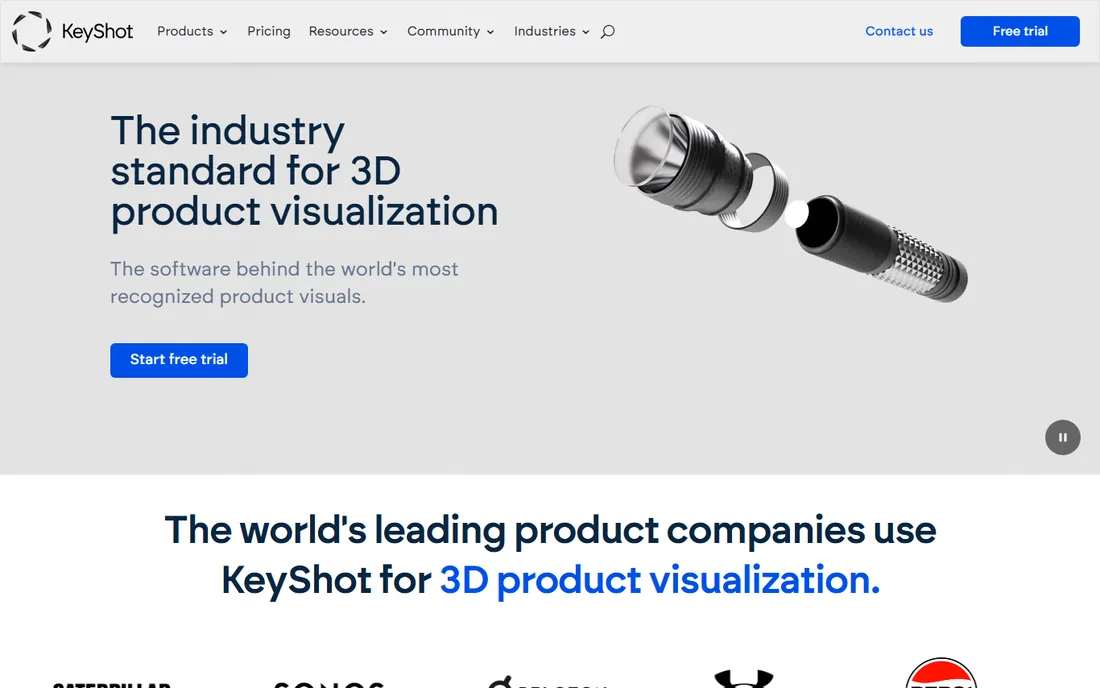
KeyShot is the tool product designers reach for when the model comes from SolidWorks, Rhino, or Creo and the deadline is this week. You import the CAD file, drag a material onto a part, set up an environment, and the preview updates in real time. For teams that produce marketing images and design-review stills every day, that speed matters more than any single feature.
Professional starts at $1,299 per year per seat, and every plan includes the full feature set. The honest catch is that network rendering is locked behind the $1,599 per year Business plan, and the license is rental only. A 14-day trial with full features and no credit card required is enough time to test it on a real project.
What we like- Drag and drop materials with almost no learning curve
- Imports 34 plus CAD formats natively
- Real-time ray traced preview
- Strong animation and VR add-ons
Watch out for- No permanent free tier
- Network rendering requires the more expensive Business plan
- Subscription only, no perpetual license
#2
V-Ray
Best for: photorealistic archviz, product, and VFX work
Visit chaos.com
Starting price$45 per month, billed annually ($540 per year)
Free planFree trial
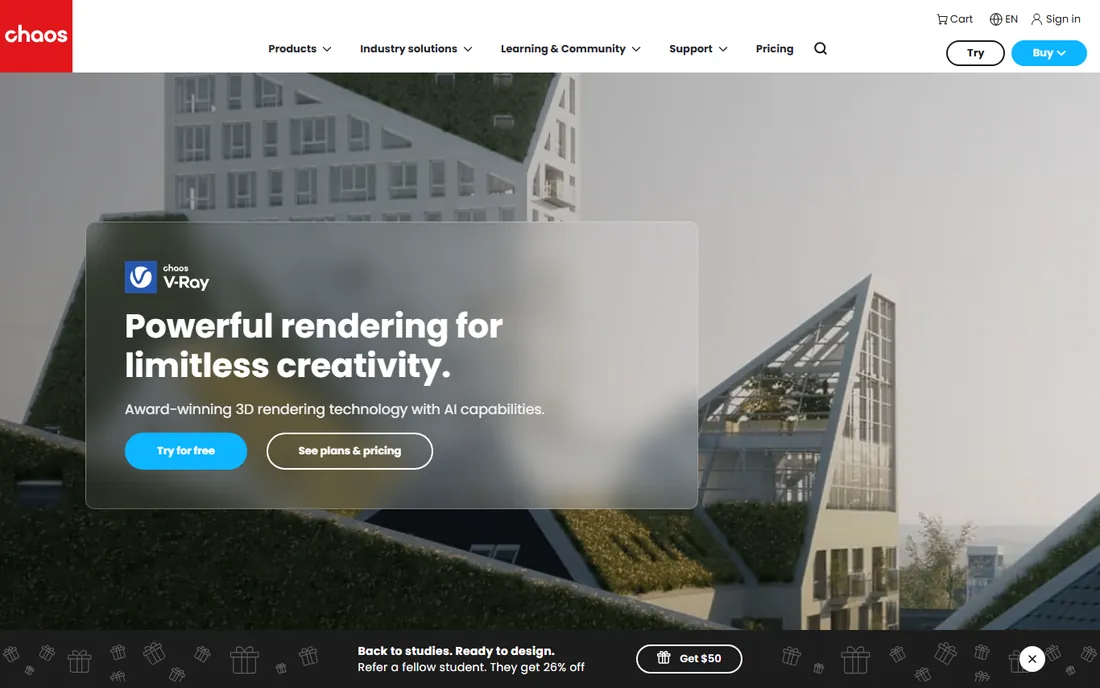
Ask ten visualization studios which renderer defines photorealistic output and most of them will say V-Ray. It is the engine behind countless architectural marketing images and film-quality stills, and Chaos keeps it tightly integrated with the modeling tools studios already use. The Solo plan at $45 per month billed annually includes the renderer, a large asset library, and cloud collaboration.
One detail worth knowing: Chaos released a free Community Edition of V-Ray for Blender, with licenses that renew in three-month cycles. It has some limits on resolution and pipeline features, but for a freelancer testing the engine it costs nothing. The main drawback of paid V-Ray is the learning curve, since dozens of settings affect quality and speed.
What we like- Widely considered the quality benchmark for photorealism
- Runs inside many host apps including 3ds Max, Maya, SketchUp, and Rhino
- Bundled asset library and cloud rendering
- Free Community Edition for Blender
Watch out for- The interface can overwhelm beginners
- Full power needs serious CPU or GPU hardware
- Monthly billing costs more than the annual rate
#3
Corona Renderer
Best for: archviz artists who want photorealism without a steep learning curve
Visit chaos.com
Starting price$34.50 per month, billed annually ($414 per year)
Free planFree trial

Corona built its reputation on a simple promise: it just works. New users open it inside 3ds Max or Cinema 4D, hit render, and get a good-looking image with almost no setup. That ease of use is why so many small archviz studios standardize on it. The Solo plan at $34.50 per month billed annually makes it the cheapest paid engine in this guide.
Because Corona renders on the CPU, you do not need a high-end graphics card, which lowers the total cost for a small studio. The tradeoff is render speed on complex scenes, where GPU engines pull ahead, and the fact that Corona only exists as a plugin for two host applications.
What we like- Famously easy to learn, productive within a day
- CPU-based so it runs without an expensive GPU
- Excellent default lighting that looks good with minimal tuning
Watch out for- Works only inside 3ds Max and Cinema 4D
- CPU rendering is slower than GPU engines on heavy scenes
- Per-seat costs add up for larger teams
#4
OctaneRender
Best for: GPU-based rendering for motion graphics and VFX artists
Visit home.otoy.com
Starting price19.99 euros per month, billed yearly
Free planNo (free demo build available)
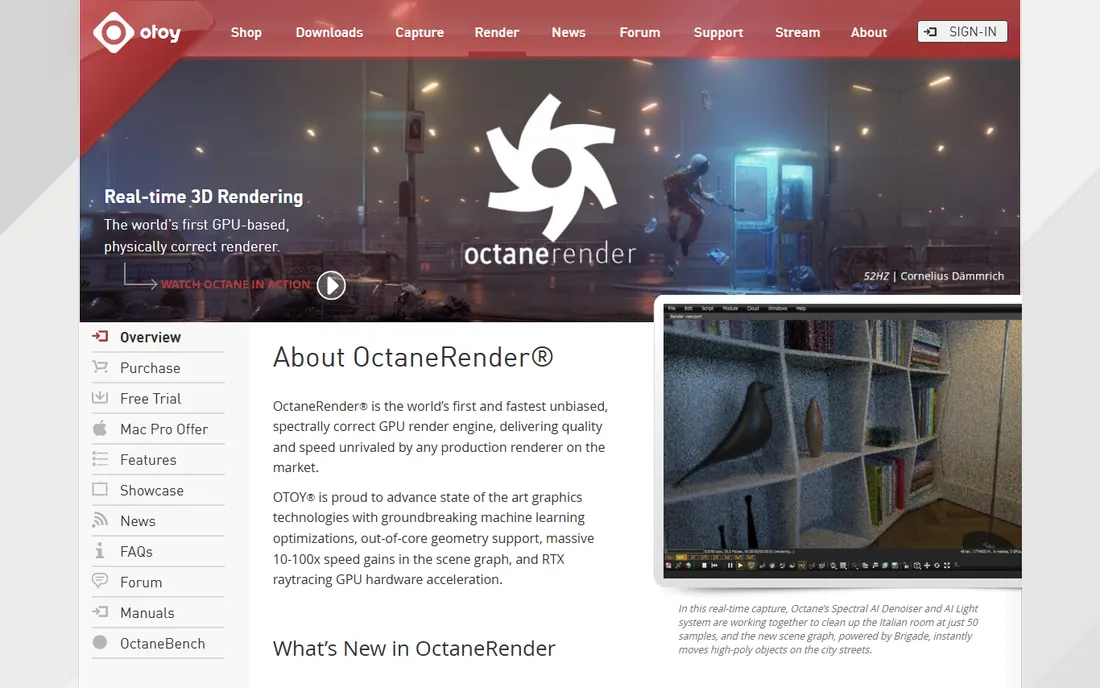
OTOY's OctaneRender was one of the first engines to prove that a graphics card could replace a render farm, and it still has one of the most loyal followings in motion graphics. The Studio+ subscription at 19.99 euros per month billed yearly covers the full plugin ecosystem, Render Network access for cloud jobs, and unlimited network rendering across your own machines.
The catch is hardware dependence. OctaneRender is built for CUDA, so on Windows and Linux it wants an NVIDIA card, and on Mac it requires Apple silicon. If your workstations already have strong GPUs, you will render scenes in a fraction of the time a CPU engine needs. Test compatibility with the free demo build before you commit.
What we like- Very fast on NVIDIA GPUs
- Plugins for more than 20 host applications
- Subscription includes cloud rendering access and unlimited network rendering
- Strong spectral lighting and volumetrics
Watch out for- Needs an NVIDIA GPU or recent Apple silicon to shine
- Priced in euros which complicates US budgeting slightly
- No permanent free tier
#5
Redshift
Best for: animation and VFX studios that render on GPUs
Visit maxon.net
Starting price$289 per year, per license
Free planFree trial (14 days)
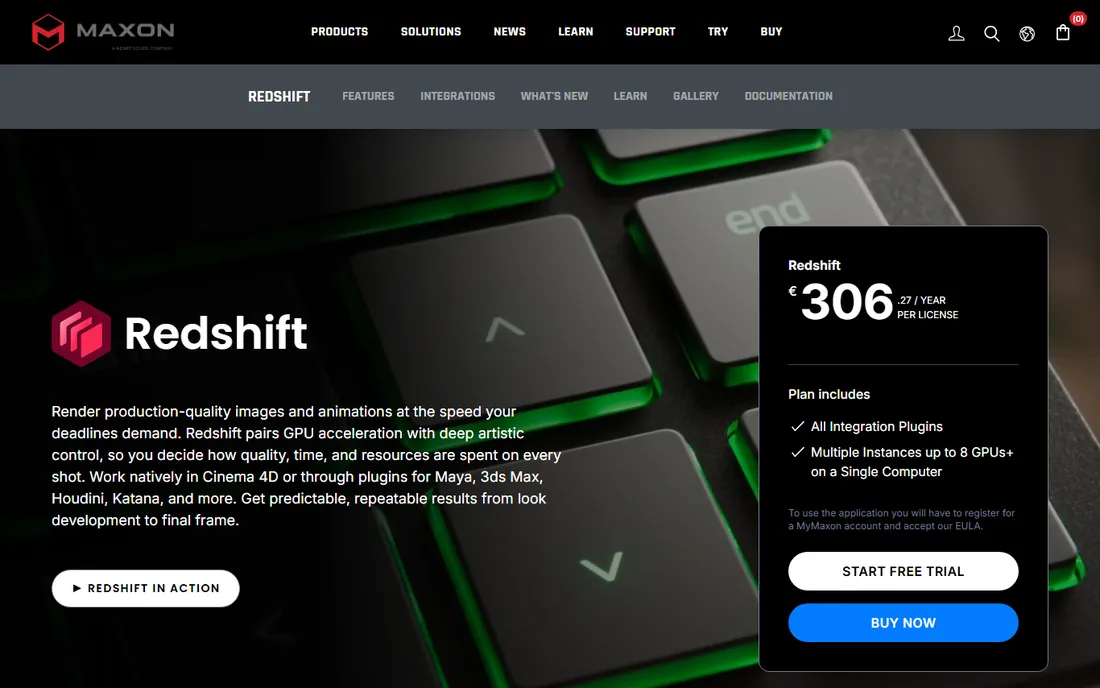
Redshift earned its place in production pipelines by being fast where it counts: final frames. Studios use it for everything from broadcast motion graphics to feature animation. Maxon sells it standalone at $289 per year per license, which is modest next to most competitors here.
Integration is the real selling point. If your team already works in Cinema 4D, Redshift feels like a native part of the software, and it also ships for Maya, Houdini, Blender, and others. One license allows up to 8 GPUs on a single computer, so a well-equipped workstation becomes a small render farm. The honest downside is the learning curve: the material and lighting model rewards study.
What we like- Biased GPU engine tuned for speed on final frames
- Deep integration with Cinema 4D, Maya, and Houdini
- One license covers up to 8 GPUs on a single machine
- Stable and production-proven
Watch out for- Materials and lighting take time to master
- Best value when bought as part of the Maxon ecosystem
- CPU-only machines get little benefit
#6
Lumion
Best for: architects who present designs with rich entourage and video
Visit lumion.com
Starting price$1,149 per year (Pro, named user)
Free planFree trial (14 days)

Lumion is the presentation specialist of this list. Architects drop in a SketchUp or Revit model, add trees, people, cars, and weather effects from the built-in library, and walk a client through the design the same afternoon. The content library is the product as much as the renderer: thousands of ready-made assets that would take weeks to model by hand.
That convenience has a price. Lumion Pro costs $1,149 per year for a named-user license, with a floating license at $1,499 per year, and there is no perpetual license for new customers. It is also Windows only. For firms that win work through compelling presentations, the cost pays for itself. For final marketing images at the highest fidelity, many studios still finish in V-Ray or Corona.
What we like- Enormous built-in library of models, materials, and effects
- Renders stills and videos in real time
- Gentle learning curve for non-specialists
- Strong SketchUp and Revit workflow
Watch out for- The most expensive single seat in this guide
- Windows only
- Output tops out below offline engines for hero marketing images
#7
D5 Render
Best for: freelancers and small studios that want real-time archviz cheaply
Visit d5render.com
Starting price$38 per month or $360 per year (Pro)
Free planYes (free Community version)
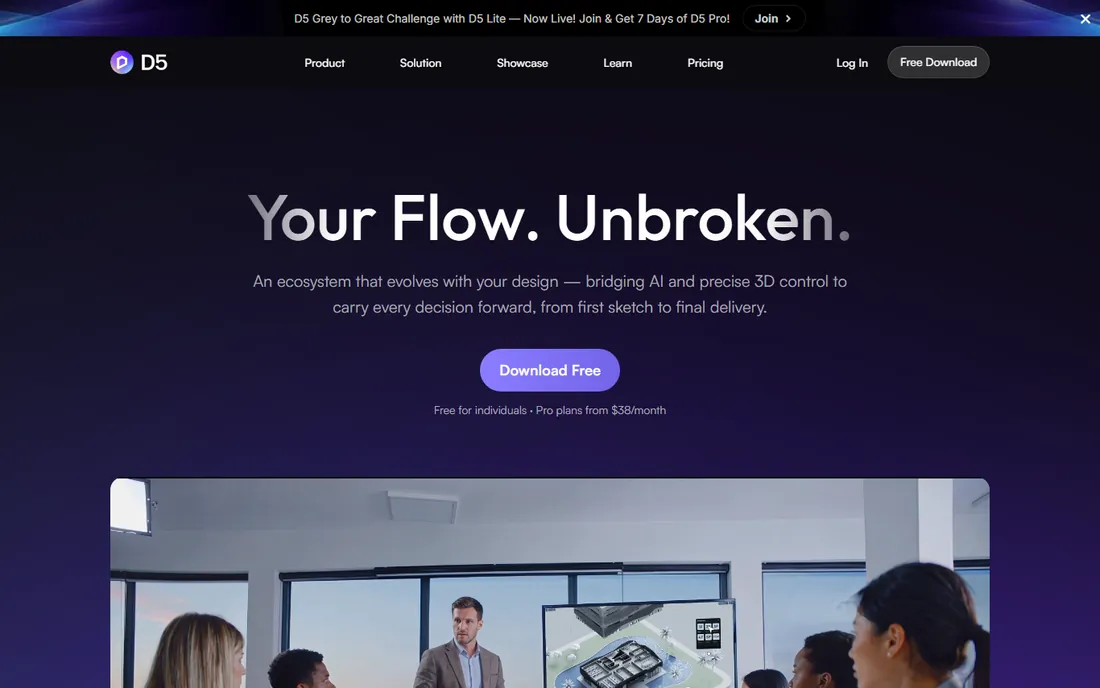
D5 Render is the value disruptor in real-time visualization. The Community version is free with no trial deadline and includes the core renderer plus thousands of assets, which makes it the easiest way to test whether real-time archviz fits your workflow. When client work starts, Pro costs $38 per month or $360 per year and adds the full asset library, commercial rights, and advanced features.
The pricing math is hard to ignore: Pro costs roughly a third of Lumion Pro and clearly less than Enscape Solo. The limitations are platform and hardware. D5 Render runs on Windows only and needs a DirectX 12 capable dedicated GPU, so check your machines before you commit.
What we like- Generous free Community version for learning and personal work
- Pro undercuts Enscape and Lumion on price
- Live sync with SketchUp, Revit, Rhino, and others
- Large and growing asset library
Watch out for- Windows only with DirectX 12, so Mac users are out
- Needs a capable dedicated GPU
- Smaller community and fewer tutorials than older rivals
#8
Enscape
Best for: architects who want rendering without leaving their CAD tool
Visit chaos.com
Starting price$574.80 per year (Solo, named user)
Free planFree trial (14 days)

Enscape's pitch is simple: you never leave your modeling software. It runs as a plugin inside Revit, SketchUp, Rhino, and other CAD tools, opening a live rendered viewport next to your model. Change a wall, and the render updates. That tight loop makes it popular for design development and client meetings, where speed of iteration beats absolute image quality.
Chaos restructured Enscape pricing in 2025. Solo now costs $574.80 per year for a named user, with a Premium tier adding AI visualization tools at $670.80 per year. The honest tradeoff is the quality ceiling: for competition boards and glossy marketing stills, studios often finish in V-Ray.
What we like- Renders live inside Revit, SketchUp, Rhino, ArchiCAD, and Vectorworks
- Near-zero learning curve with good defaults
- Useful for design reviews and client walkthroughs
- Free licenses for students and educators
Watch out for- Output ceiling below offline renderers for hero shots
- Needs a decent GPU for smooth real-time navigation
- Subscription only since Chaos took over
#9
Blender
Best for: anyone who wants a complete 3D pipeline for free
Visit blender.org
Starting priceFree
Free planYes (free forever, open source)
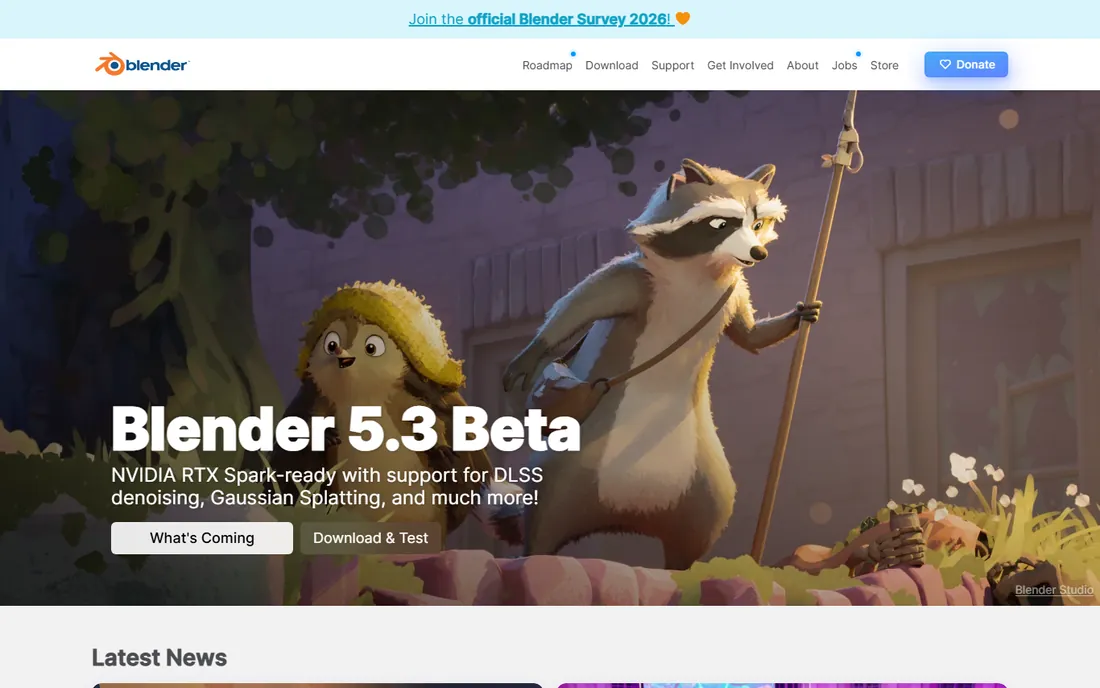
Blender is the outlier here because it costs nothing and does almost everything. It is a full 3D creation suite with two render engines built in: Cycles for path-traced photorealism and Eevee for real-time output. For a small company that needs occasional renders but cannot justify a subscription, it is genuinely hard to beat.
The price of free is complexity. Blender's interface has its own logic, and new users should expect weeks of learning before they work quickly. There is also no vendor support line; when something breaks, the answer comes from forums and tutorials. Still, Cycles output stands up well against paid engines. If your budget is zero, start here.
What we like- Completely free with no watermarks or feature limits
- Cycles and Eevee cover offline and real-time rendering
- Huge community, tutorials, and add-ons
- Runs on Windows, Mac, and Linux
Watch out for- Steep learning curve for beginners
- Interface and workflow differ from commercial tools
- No official support hotline, help comes from the community
How we chose
We compared tools that are actively sold and supported in 2026 and that genuinely render 3D models, not adjacent tools like pure modelers or video editors. For each product we checked the vendor's own pricing page for current plans, read the documentation for platform and hardware requirements, and weighed public reviews on G2 and Capterra, community discussion on Reddit and rendering forums, feature depth, and fit for small and mid-size company workflows. We excluded products that were discontinued or folded into other suites.
What to check before you pay for a renderer
A rendering license is only part of the real cost. Work through these points before you enter a credit card.
Match the engine to your hardware
GPU engines like OctaneRender and Redshift fly on strong graphics cards and crawl without them. CPU engines like Corona and KeyShot care about processor cores and RAM instead. Real-time tools like Enscape, Lumion, and D5 Render need a decent dedicated GPU just to navigate smoothly. Buy the software that fits the machines you already own, or budget for upgrades in the same decision.
Confirm it plugs into your modeler
A renderer that cannot read your files is useless. KeyShot imports dozens of CAD formats directly, V-Ray and Corona live inside 3ds Max and Cinema 4D, and Enscape runs inside Revit and SketchUp. Trial the import path with one of your own real project files, not a sample scene.
Count the seats and the renewal terms
Most of these tools are subscription only, and annual billing is usually 15 to 20 percent cheaper than monthly. Floating licenses cost more but let teams share seats. Several vendors have raised prices or restructured tiers in the last two years, so read the current terms rather than trusting an old quote.
Subscription, perpetual, or free: how renderer pricing works now
Almost every commercial renderer has moved to subscription licensing. KeyShot, V-Ray, Corona, OctaneRender, Redshift, Lumion, D5 Render, and Enscape are all rental only: you pay every year to keep using the software. The upside is continuous updates and lower upfront cost. The downside is that stopping payment means losing access.
Blender is the exception: free forever, open source, no license server, no renewal. D5 Render sits in the middle with a genuinely useful free Community version and a paid Pro tier for commercial work. If cash flow is tight, start with Blender or D5 Community, prove the workflow on real projects, and upgrade when client demands justify the spend.
Frequently asked questions
Do I need an expensive graphics card for 3D rendering?
It depends on the engine. GPU renderers like OctaneRender and Redshift need a strong NVIDIA card or recent Apple silicon. CPU renderers like Corona and KeyShot rely on the processor instead, so a good multi-core CPU and plenty of RAM matter more. Real-time tools like Enscape and D5 Render need a decent dedicated GPU for smooth navigation.
What is the cheapest good 3D rendering software?
Blender is free and genuinely capable, with the Cycles engine producing photorealistic output. Among paid tools, Corona at $34.50 per month billed annually is the cheapest route to professional archviz quality, and D5 Render Pro at $360 per year is the cheapest real-time option.
Can rendering software work inside SketchUp or Revit?
Yes. Enscape runs as a live plugin inside Revit, SketchUp, Rhino, ArchiCAD, and Vectorworks. V-Ray has plugins for SketchUp and Revit among others. D5 Render and Lumion connect through LiveSync plugins. KeyShot imports models from these tools rather than running inside them. Test the connection with your own files during the trial period.
Is a free trial enough to evaluate a renderer?
Usually yes, if you use it on a real project. KeyShot, Enscape, Lumion, and Redshift offer 14-day trials with full features. Run one actual client-style job through the trial, including import, materials, lighting, and final export, and you will know whether the tool fits. V-Ray also offers a free Community Edition for Blender with renewable three-month licenses.
Should a small studio buy one renderer or two?
Many studios use two: a real-time tool like Enscape or D5 Render for fast client iterations, and an offline engine like V-Ray or Corona for final marketing images. If your budget allows only one, pick the tool that matches your most common deliverable. Client presentations favor real-time; portfolio and advertising images favor offline quality.
Sources we checked (11)
- https://www.keyshot.com/pricing/
- https://chaos.com/vray/buy-online
- https://www.chaos.com/corona/buy-online
- https://www.otoy.com/render/octane-render/purchase/
- https://www.maxon.net/en/redshift
- https://www.lumion.com
- https://www.d5render.com/posts/render-pricing-d5-plans
- https://illustrarch.com/articles/design-softwares/73373-enscape-review.html
- https://illustrarch.com/articles/architectural-rendering/78474-lumion-vs-enscape-vs-twinmotion-best-renderer.html
- https://www.animationmagazine.net/2026/04/chaos-launches-free-v-ray-for-blender-community-edition-at-bcon-austin-2026/
- https://www.blender.org
Is your product missing or out of date?
We review this list regularly. Vendors can request a listing, send updated pricing or ask about featured placement.

Shihab Mia · Founder, Rankite
Shihab has spent more than a decade helping SaaS and e-commerce brands grow through search. He writes Rankite's software buying guides from pricing pages, documentation and public user reviews. More about Shihab.