How we make this list: we compare pricing pages, product documentation and public user reviews. Rankite is independent; if a vendor ever pays for a featured spot, that listing is clearly labeled Partner.
Key takeaways
- For most small teams, Canva Pro at $18 per month is the safest default: huge template library, easy editor, and a genuinely useful free plan.
- If infographics are your main output, Piktochart at $10 per month billed annually is cheaper than Canva and more focused, with AI generators built for reports and data visuals.
- Data-heavy teams should look at Infogram at $19 per month billed annually: live Google Sheets sync and interactive charts that Canva cannot match.
- On the tightest budget, VistaCreate Pro at $10 per month billed annually covers 10 team members with no per-seat charge, which undercuts every rival here.
Quick comparison
| Tool | Best for | Starting price | Free plan |
|---|
 Canva Canva | all-round design for non-designers | $18 per month ($144 per year billed annually) | Yes |
 Piktochart Piktochart | infographics, reports, and data visuals | $15 per month ($10 per month billed annually) | Yes |
 Venngage Venngage | business infographics from professional templates | $19 per month ($10 per month billed annually) | Yes (limited to 5 designs) |
 Visme Visme | interactive infographics and presentations | $12.25 per month, billed annually ($147 per year) | Yes |
 Infogram Infogram | data-driven charts, maps, and dashboards | $25 per month ($19 per month billed annually) | Yes |
 Adobe Express Adobe Express | Adobe-quality templates with commercial-safe AI | $9.99 per month | Yes |
 Snappa Snappa | fast graphics for blogs and social media | $15 per month ($10 per month billed annually) | Yes (3 downloads per month) |
 VistaCreate VistaCreate | small teams that want Pro features cheaply | $13 per month ($10 per month billed annually) | Yes |
Is your product missing or out of date?
We review this list regularly. Vendors can request a listing, send updated pricing or ask about featured placement.
The best infographic software
Starting price$18 per month ($144 per year billed annually)
Free planYes
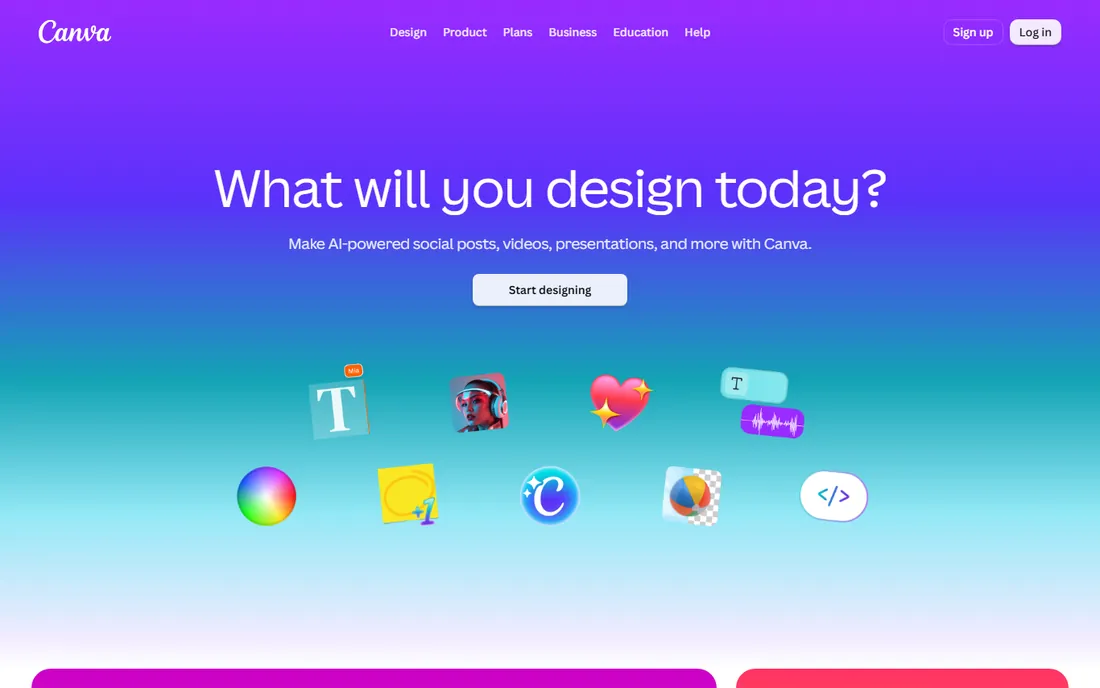
Canva is the default answer for a reason. It has millions of templates, the editor is genuinely easy, and the free plan covers a surprising amount of real work. For a small company where one person makes the infographics, the social posts, and the slide decks, Canva Pro at $18 per month or $144 per year is the path of least resistance.
The honest caveats: Canva has raised Pro pricing twice since 2024, so check the current number in your account rather than trusting old articles. AI features are metered even on paid plans, and if your infographics are really data visualizations with live numbers, a specialist like Infogram or Piktochart will serve you better. For everyone else, this is the safest buy in the category.
What we like- Enormous template and stock library
- Easiest editor for beginners
- Brand kit, background remover, and resize tools
- Generous free plan
Watch out for- Pro price rose in the last two years
- AI features have usage limits even on paid plans
- Charts and data tools are basic next to Infogram
Starting price$15 per month ($10 per month billed annually)
Free planYes
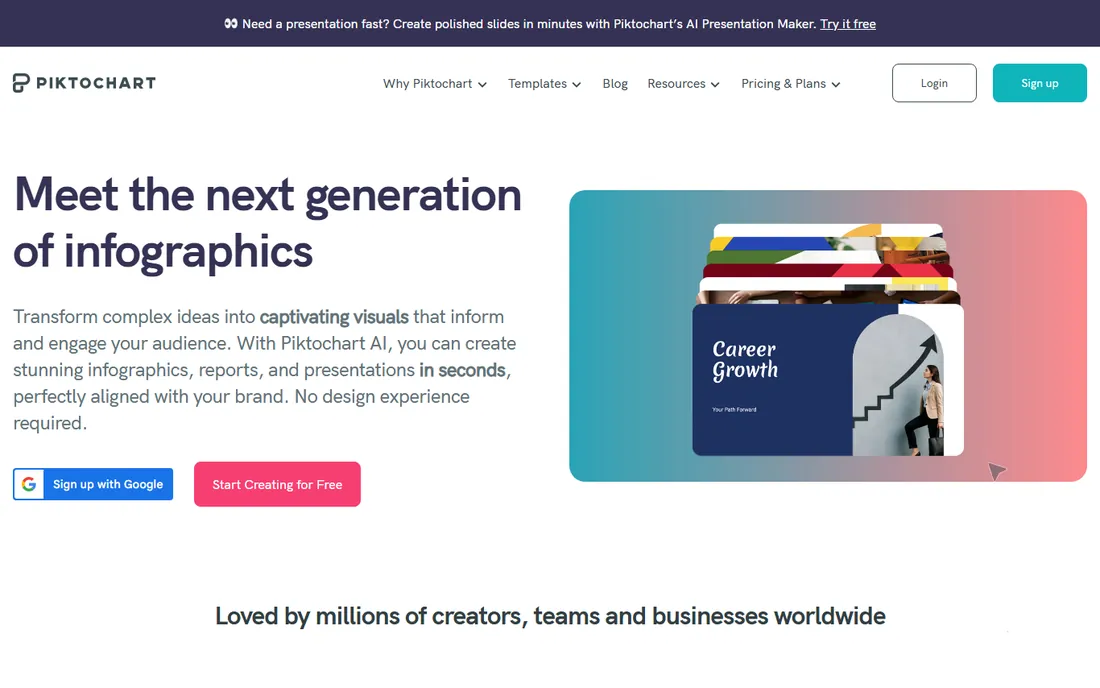
Piktochart does one thing well: turning information into polished visuals. Its AI generators are tuned for infographics, reports, posters, and flyers rather than generic design, and the editor stays out of your way. Pro costs $15 per month or $10 per month billed annually, which undercuts Canva Pro for a narrower but deeper feature set.
Watch the export limits before you buy. Pro downloads are PNG only; PDF and PowerPoint export require the Business plan at $17 per member per month billed annually. If your deliverable is a print-quality PDF for a client, price the Business tier, not Pro. The free plan includes all templates and 60 AI credits a month, which is enough to judge the editor properly.
What we like- Built specifically for infographics and reports
- AI infographic and report generators
- All templates available on the free plan
- Cheaper than Canva for equivalent use
Watch out for- Pro exports are PNG only, PDF and PowerPoint need Business
- Smaller template library than Canva
- No refunds on subscriptions
Starting price$19 per month ($10 per month billed annually)
Free planYes (limited to 5 designs)
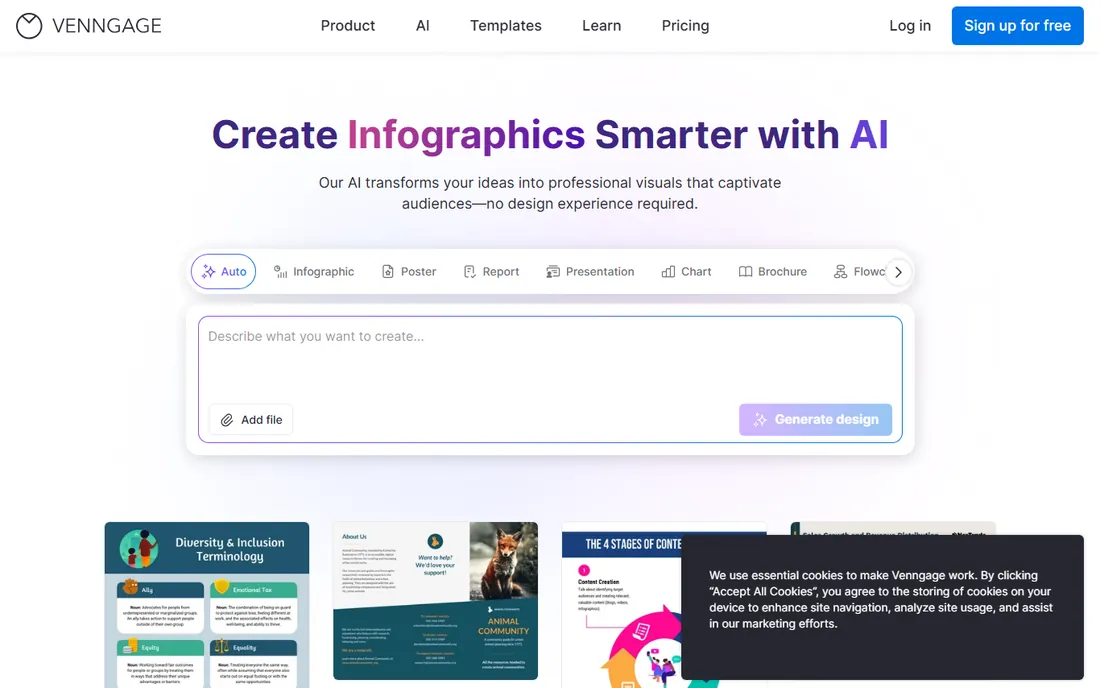
Venngage has been in the infographic game since 2012, and it shows in the template catalog: more than 10,000 professional templates built for business communication. If your team produces a steady stream of reports, one-pagers, and data summaries, the depth here is genuinely useful.
Pricing is $19 per month or $10 per month billed annually for Premium. The free plan is the stingiest in this guide: 5 designs, public sharing only, and locked premium assets. Treat it as a demo, not a working tier. PowerPoint export sits on the Business plan, so teams that live in decks should check that tier's price before committing.
What we like- 10,000 plus professional templates made for business use
- Strong chart and icon libraries
- Accessible editor for non-designers
- Good for branded collateral
Watch out for- Free plan caps you at 5 designs with public-only sharing
- Premium templates and icons locked on free
- Business tier needed for PowerPoint export
#4
Visme
Best for: interactive infographics and presentations
Visit visme.co
Starting price$12.25 per month, billed annually ($147 per year)
Free planYes
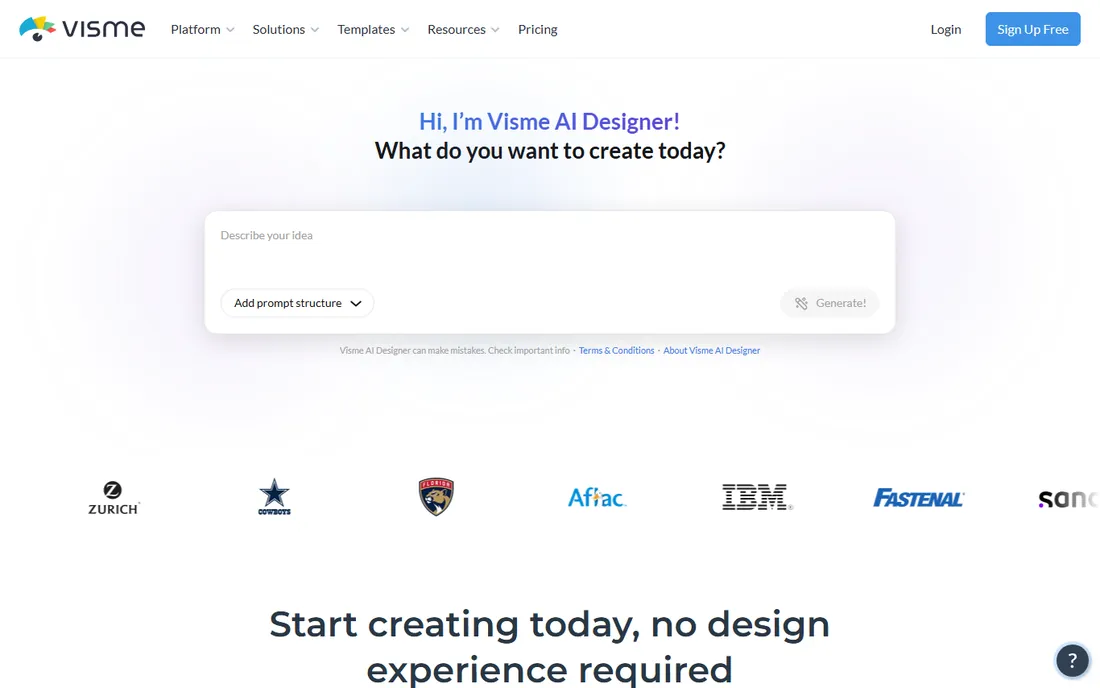
Visme aims higher than static images. It builds interactive infographics with clickable hotspots, animations, and embedded content, plus presentations and documents in the same subscription. For content that lives on the web rather than on paper, that interactivity is a real differentiator.
Starter costs $12.25 per month billed annually, which is competitive. The free Basic plan works for evaluation but watermarks exports, so professional use needs a paid tier. Be honest about your deliverable: if your infographics end up as printed handouts or PDF attachments, you are paying for interactive features you will never use, and a simpler tool wins.
What we like- Interactive and animated content that stands out online
- Covers infographics, presentations, and documents in one tool
- Brand kit and analytics on paid plans
- Reasonable entry price
Watch out for- Free plan watermarks downloads
- Editor has more depth than simpler rivals, so onboarding takes longer
- Interactive features matter less for print
Starting price$25 per month ($19 per month billed annually)
Free planYes
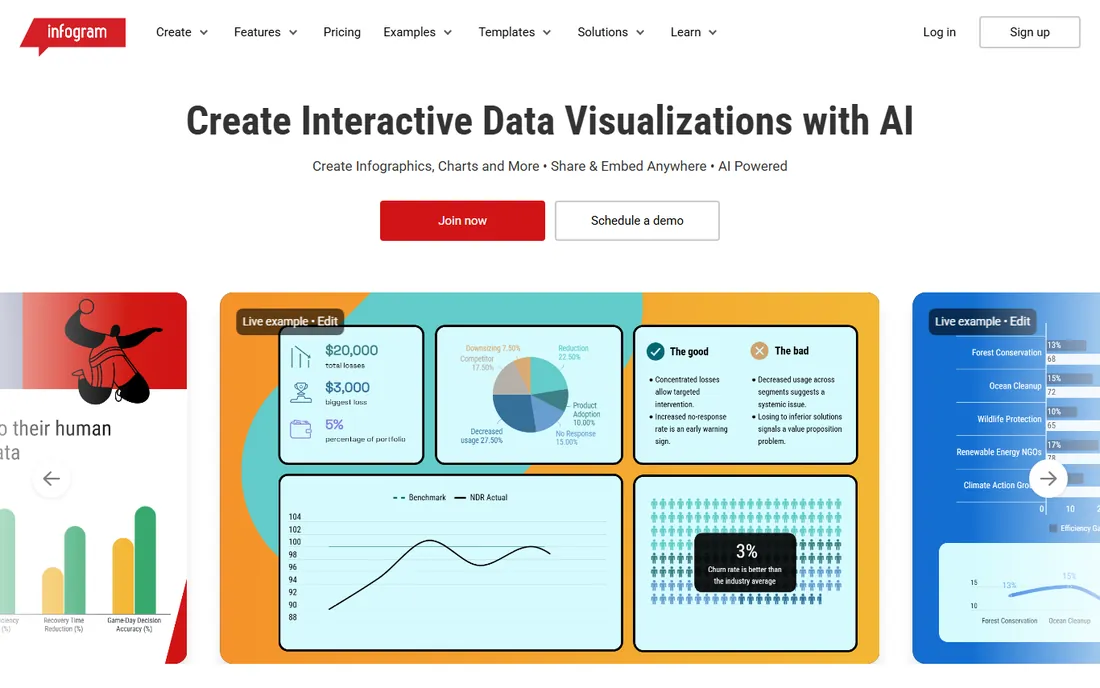
Infogram is the data person's infographic tool. Where Canva gives you a pretty bar chart you update by hand, Infogram connects to Google Sheets and refreshes the numbers for you. It offers dozens of interactive chart types, live dashboards, and embeddable graphics that readers can explore on your site.
That power costs more: Pro is $25 per month or $19 per month billed annually, the highest starting price here. The free Basic plan allows 10 projects but keeps Infogram branding on everything. If your content is numbers-heavy, analyst reports, dashboards, survey results, this is worth the premium. If you mostly need attractive layouts with a few stats, save the money.
What we like- 35 plus interactive chart types with live data sync
- Google Sheets connection updates charts automatically
- Embeddable interactive graphics for websites
- Strong map visualizations
Watch out for- The priciest entry point in this guide
- Design flexibility trails Canva for non-data layouts
- Free plan carries Infogram branding
#6
Adobe Express
Best for: Adobe-quality templates with commercial-safe AI
Visit adobe.com
Starting price$9.99 per month
Free planYes
Adobe Express is the quiet value pick. Premium costs $9.99 per month with no annual commitment required, which undercuts every paid plan here. You get Adobe's template library, Firefly generative AI trained on licensed imagery with IP indemnification for commercial work, and deep links to Photoshop and Illustrator.
The tradeoffs are ecosystem depth and performance. The template library is smaller than Canva's, the browser app is heavier on modest machines, and social scheduling is less refined. But if anyone on your team already pays for Creative Cloud, Express Premium may already be included at no extra cost. For Adobe shops, that makes the decision easy.
What we like- Cheapest paid plan in this guide
- Firefly AI trained on licensed content with IP indemnification
- 30,000 plus Adobe Fonts
- Syncs with Photoshop and Illustrator files
Watch out for- Smaller template library than Canva
- Heavier on system resources
- Social scheduling less polished than Canva's
Starting price$15 per month ($10 per month billed annually)
Free planYes (3 downloads per month)
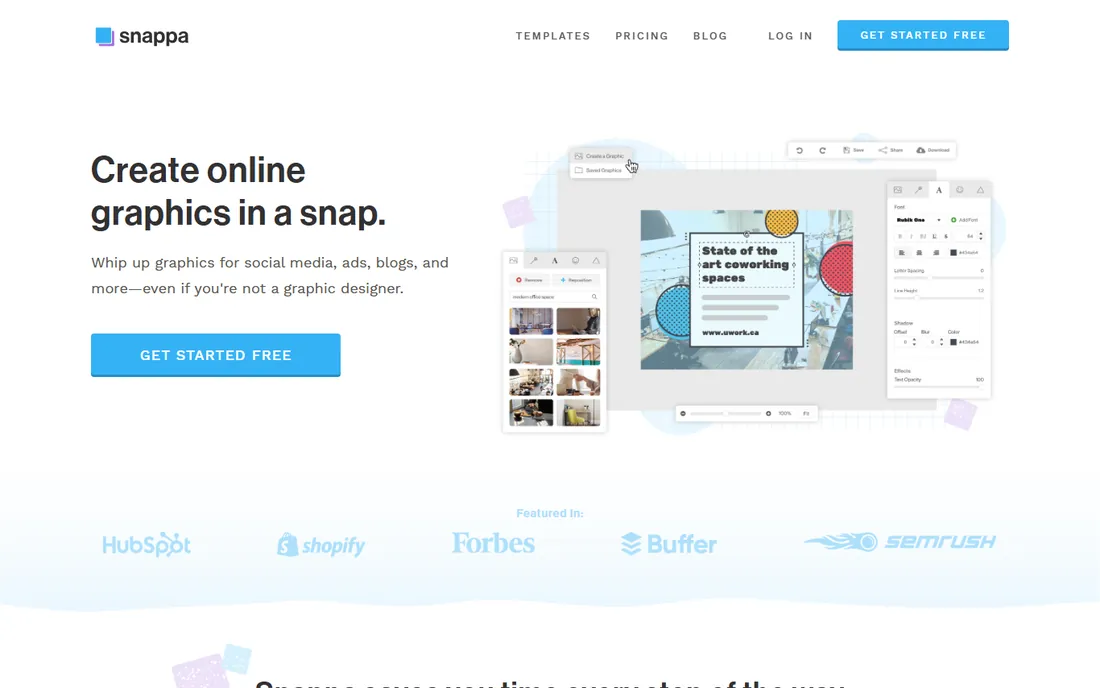
Snappa is built for speed, not depth. Need a blog header, a social graphic, or a simple stat image in five minutes? This is the fastest tool here for that job. Pro costs $15 per month or $10 per month billed annually and adds unlimited downloads, custom fonts, and background removal.
It is not really an infographic tool in the data-visualization sense; charting is basic and templates skew toward social and marketing graphics. The free Starter plan's 3 downloads per month is barely a trial. Buy Snappa when your bottleneck is volume of simple graphics, not when you need serious data storytelling.
What we like- Extremely fast for simple graphics
- One-click background removal and resizing
- Social media integrations
- No learning curve at all
Watch out for- Free plan allows only 3 downloads a month
- Not a real infographic specialist, charts are basic
- Smaller template library than the big names
Starting price$13 per month ($10 per month billed annually)
Free planYes
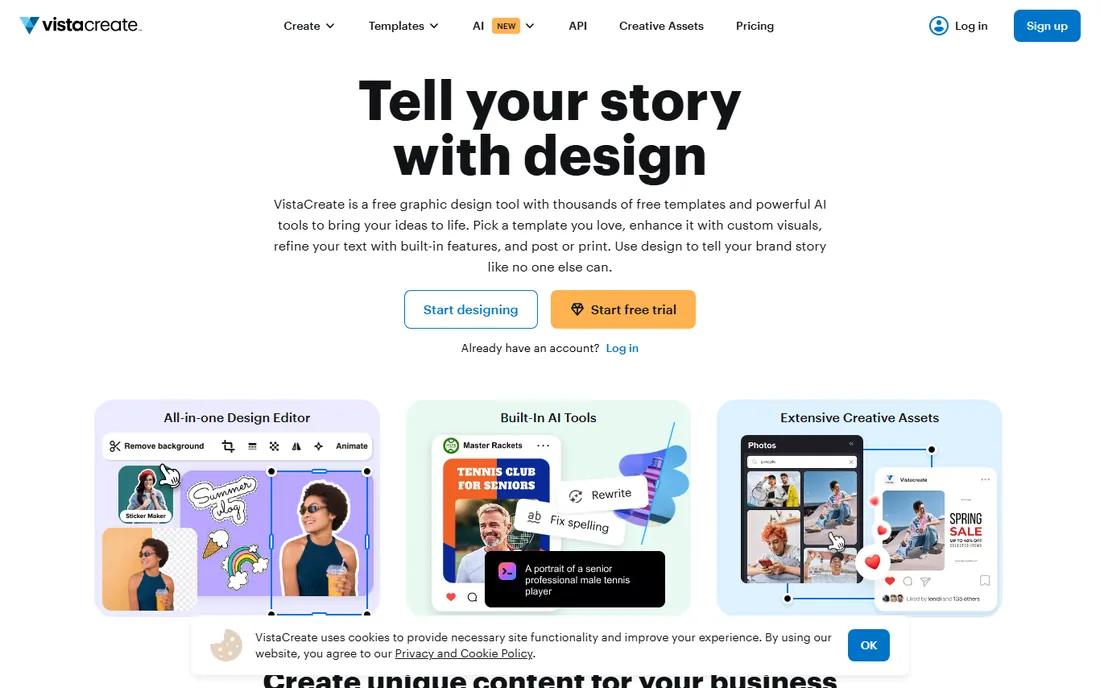
VistaCreate, formerly Crello, is the team-value champion. Pro costs $13 per month or $10 per month billed annually, and that one subscription covers up to 10 team members. Compare that with per-seat pricing everywhere else, and the savings for a small marketing team are dramatic.
The free Starter plan is genuinely useful: 100,000 plus templates, a basic brand kit, and no watermarks. Pro adds the full template library, background removal, one-click resize, and unlimited storage. The catalog is smaller than Canva's and the AI tooling is less advanced, but for teams watching every dollar, this is the most Pro features per dollar in the guide.
What we like- Pro covers up to 10 team members with no per-seat charge
- 200,000 plus templates and huge stock library
- 14-day Pro trial with no card required
- Generous free Starter plan
Watch out for- Smaller template library than Canva
- Fewer advanced AI features
- Less third-party integration depth
What to check before you buy infographic software
The wrong infographic tool is usually wrong in predictable ways. Run through these before you pay.
Start from the deliverable, not the feature list
A LinkedIn stat graphic, a printed one-pager, and an interactive web dashboard are different products. Match the tool to the output: Canva, Snappa, and VistaCreate for quick social graphics; Piktochart and Venngage for reports and one-pagers; Infogram and Visme for interactive or data-driven pieces. Buying a dashboard tool to make Instagram posts wastes money both ways.
Check the export formats on the plan you will actually buy
This is the most common gotcha in the category. Piktochart Pro exports PNG only; PDF and PowerPoint need Business. Venngage needs Business for PowerPoint. Confirm that your plan exports the formats your clients and printers expect, in the resolution they expect, before the first deadline.
Count the seats honestly
Per-seat pricing multiplies fast. A four-person team on Canva Business pays per person per month, while VistaCreate Pro covers ten people on one subscription. Map your real user count against each vendor's team pricing, and check whether viewers or collaborators need paid seats.
Test the free plan with real content
Every tool here has a free tier or trial. Build one actual infographic with your own data and brand colors before buying. You will learn more in an hour of real use than in a week of reading comparison articles, including ours.
Free plans ranked: what you actually get for $0
Not all free plans are equal. VistaCreate's Starter is the most generous: 100,000 plus templates, no watermarks, and 10 GB of storage. Canva's free plan is close behind with a huge template library and no time limit. Piktochart gives you all templates and monthly AI credits on free.
Then there is a drop. Visme watermarks free exports. Infogram brands them. Snappa allows 3 downloads a month, and Venngage caps you at 5 designs with public-only sharing. If you plan to work on free for a while, start with VistaCreate or Canva. If you plan to buy within a month, pick based on the paid features instead and ignore the free tier ranking.
How we chose
We compared tools that are actively sold in 2026 and genuinely built for making infographics and data visuals, not general photo editors or presentation-only apps. For each product we checked the vendor's own pricing page for current plans, read the documentation for export formats and limits, and weighed public reviews on G2 and Capterra, template depth, data features, and fit for small and mid-size company teams. We did not accept marketing claims at face value, and we flagged where key features sit on higher tiers than the headline price suggests.
Frequently asked questions
What is the best free infographic software?
Canva and VistaCreate have the strongest free plans: large template libraries, no watermarks, and no time limits. Piktochart's free plan is also solid with all templates included. If you need data charts on free, Infogram's Basic plan works but keeps Infogram branding on your graphics.
Can I make infographics without design skills?
Yes, that is the whole point of these tools. Canva, VistaCreate, and Snappa are built for non-designers with drag-and-drop editors and ready-made templates. Piktochart and Venngage add AI generators that build a first draft from your text. You will still make better graphics if you learn basic layout principles, but the tools remove the technical barrier.
Which infographic tool is best for data and charts?
Infogram is the specialist: live data connections, dozens of interactive chart types, and embeddable dashboards. Piktochart is a good middle ground with solid chart tools and AI-generated data visuals. Canva's charting is basic by comparison. Choose based on whether your numbers update often enough to need live sync.
Do I need the paid plan or is free enough?
It depends on volume and branding. Free plans work for occasional graphics, but they limit downloads, watermark exports, or lock premium templates. If you publish weekly or need brand kits, background removal, and clean exports, a paid plan pays for itself quickly. Start free, upgrade when a specific limit blocks real work.
Canva vs Piktochart: which should I choose?
Choose Canva if your team makes many kinds of visuals beyond infographics: social posts, presentations, videos, and print. Choose Piktochart if infographics and reports are the main output and you want AI generators tuned for that work at a lower price. Both have strong free plans, so test each with a real project before deciding.
Sources we checked (14)
- https://www.canva.com/
- https://piktochart.com/piktochart-vs-canva-3/
- https://ecommerceparadise.com/piktochart-pricing/
- https://venngage.com/
- https://piktochart.com/piktochart-vs-venngage/
- https://visme.co/blog/canva-alternatives/
- https://aitoolscoop.com/tool/infogram/
- https://www.saasworthy.com/product/infogram/pricing
- https://www.krea.ai/blog/what-is-adobe-express-free-plan-pricing-and-how-it-compares-in-2026
- https://aialleyway.com/canva-vs-adobe-express/
- https://www.saasworthy.com/product/snappa/pricing
- https://wyzowl.com/snappa-review/
- https://create.vista.com/
- https://www.creativevault.net/vistacreate-review
Is your product missing or out of date?
We review this list regularly. Vendors can request a listing, send updated pricing or ask about featured placement.

Shihab Mia · Founder, Rankite
Shihab has spent more than a decade helping SaaS and e-commerce brands grow through search. He writes Rankite's software buying guides from pricing pages, documentation and public user reviews. More about Shihab.