How we make this list: we compare pricing pages, product documentation and public user reviews. Rankite is independent; if a vendor ever pays for a featured spot, that listing is clearly labeled Partner.
Key takeaways
- DaVinci Resolve is free and used on Hollywood productions, making it the best value in video editing by a wide margin.
- OpenShot and Shotcut are free and open source, ideal for simple cuts and YouTube videos with no watermark.
- Filmora is the easiest paid editor for beginners, with templates and AI tools at a budget price.
- Premiere Elements is Adobe's one-time-purchase option for users who refuse subscriptions.
- PowerDirector, VideoStudio, Movavi, and Pinnacle Studio all offer perpetual licenses under $100 for capable desktop editing.
Quick comparison
| Tool | Best for | Starting price | Free plan |
|---|
 DaVinci Resolve DaVinci Resolve | Free professional-grade editing and color grading | Free | Yes |
 Filmora Filmora | Beginners who want templates and AI help | See website | Free trial |
 Adobe Premiere Elements Adobe Premiere Elements | Adobe quality with a one-time purchase | See website | Free trial |
 CyberLink PowerDirector CyberLink PowerDirector | Fast rendering and AI tools on Windows | See website | Free trial |
 Corel VideoStudio Corel VideoStudio | Template-driven editing for beginners | See website | Free trial |
 Movavi Video Editor Movavi Video Editor | Simple drag-and-drop editing for quick projects | See website | Free trial |
 Pinnacle Studio Pinnacle Studio | Enthusiasts who want pro features cheaply | See website | Free trial |
 OpenShot OpenShot | Free open-source editing for simple projects | Free | Yes |
 Shotcut Shotcut | Free open-source editing with broad format support | Free | Yes |
Is your product missing or out of date?
We review this list regularly. Vendors can request a listing, send updated pricing or ask about featured placement.
The best cheap video editing software
YouTube reports that over 500 hours of video are uploaded to its platform every single minute. Behind a growing share of those videos are creators editing on software that costs nothing or under $100, because the gap between free editors and $300 professional suites has narrowed to almost nothing for most projects. The nine tools below prove you do not need a big budget to cut clean, good-looking video.
Starting priceFree
Free planYes
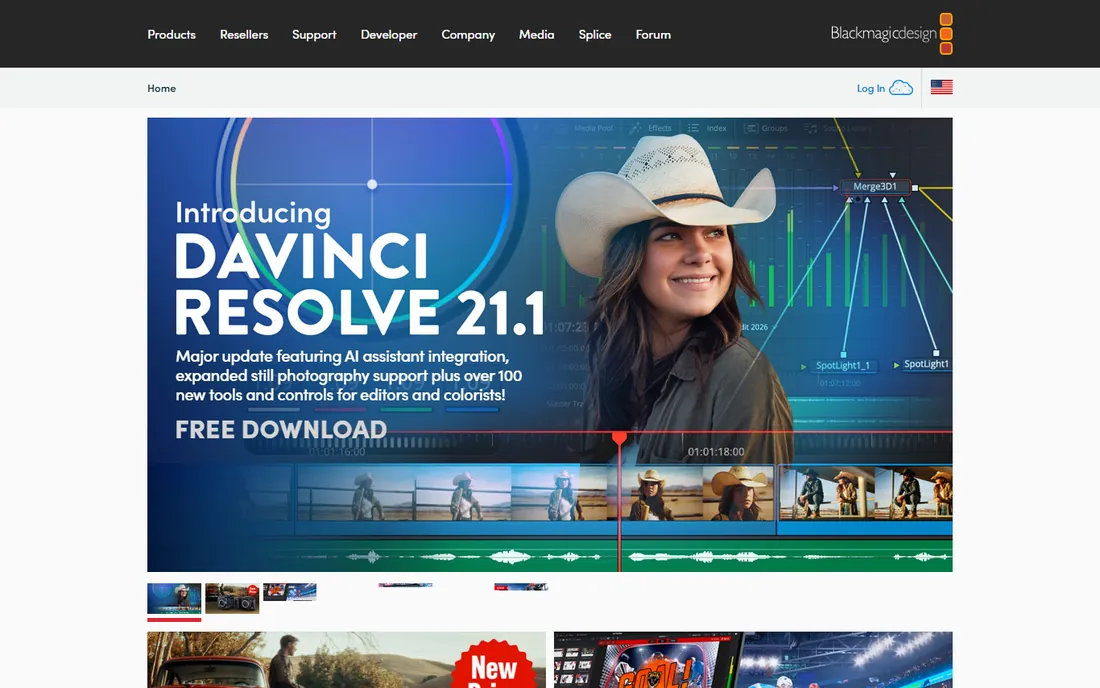
DaVinci Resolve is the reason this list exists. Blackmagic Design gives away a version of its professional editing, color grading, visual effects, and audio software that is used on actual Hollywood productions, free with no watermark and no catch. The cut page handles quick assembly, the edit page covers full timelines, and the color page is the industry standard for grading.
The free version is so capable that most creators never need the $295 Studio upgrade, which mainly adds AI tools, stereoscopic 3D, and higher frame rates. The real cost is hardware and learning: Resolve wants a modern GPU and rewards study. But for zero dollars, nothing else is close.
What we like- Hollywood-grade color and editing tools for free
- No watermark
- Regular major updates
Watch out for- Steep learning curve
- Needs a powerful computer
- Studio extras cost $295
Starting priceSee website
Free planFree trial
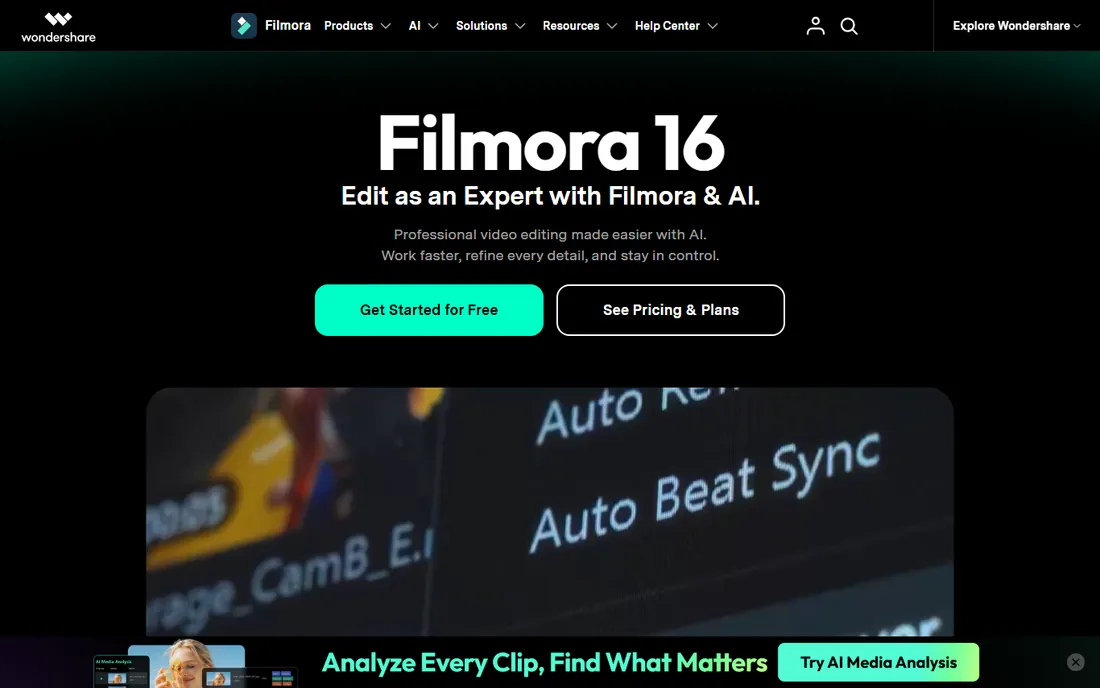
Filmora is the friendly face of budget video editing. Wondershare built it for creators who want to drag, drop, and publish, with thousands of templates, transitions, titles, and effects that make videos look polished without skill. AI features now auto-generate captions, remove silences, and suggest cuts, which saves hours on talking-head and vlog content.
It is a subscription product, and the free trial watermarks exported videos, so budget for the paid plan. Serious editors will eventually hit its limits on color control and precision. But for YouTubers, teachers, and marketers who need good video fast, it is the easiest on-ramp on this list.
What we like- Extremely easy to learn
- Huge template and effect library
- AI tools for captions and editing
Watch out for- Subscription pricing
- Free trial watermarks exports
- Pros will outgrow it
#3
Adobe Premiere Elements
Best for: Adobe quality with a one-time purchase
Visit adobe.com
Starting priceSee website
Free planFree trial
Premiere Elements is Adobe's answer for everyone who refuses subscriptions. You pay once and own it, getting a capable editor with guided edits that walk beginners through effects step by step, plus automated features for color, audio cleanup, and slideshows. It shares DNA with Premiere Pro, so skills transfer if you ever upgrade.
It is deliberately simpler than Premiere Pro: fewer tracks, less precise color tools, and no team collaboration. New versions arrive every year or two as paid upgrades. But for home movies, family projects, and straightforward YouTube videos from a trusted brand, the one-time price is fair.
What we like- One-time purchase, no subscription
- Guided edits teach as you go
- Solid auto-features
Watch out for- Less powerful than Premiere Pro
- Upgrades cost extra
- Smaller effect library than Filmora
Starting priceSee website
Free planFree trial
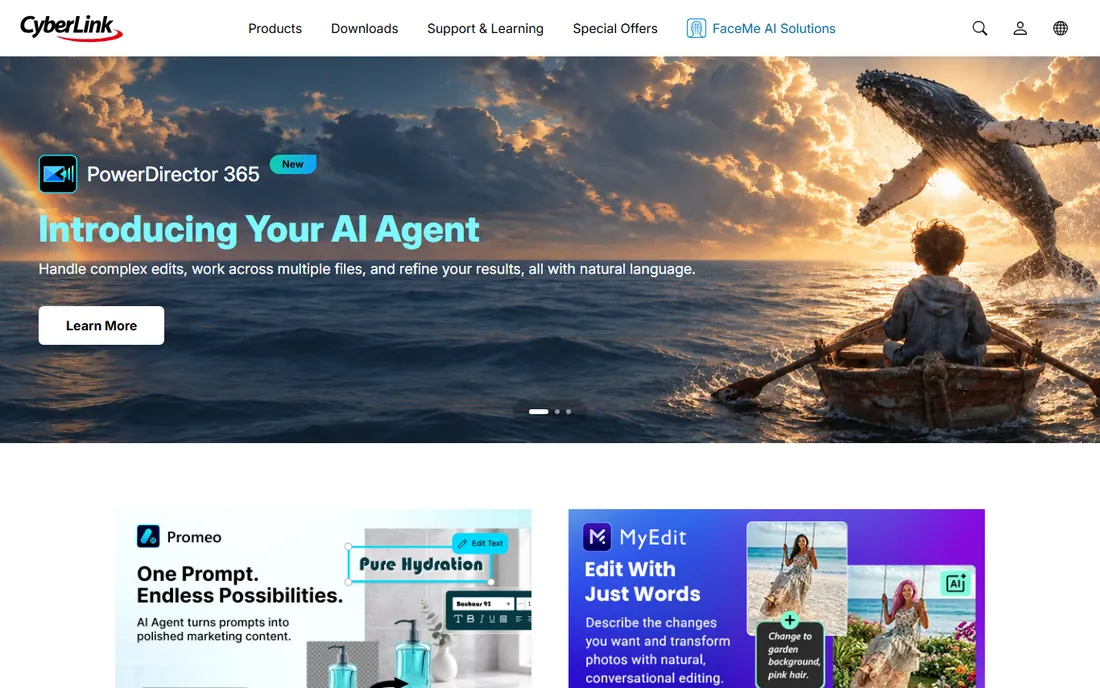
PowerDirector has long been the Windows enthusiast's pick, and it keeps earning it. Rendering speeds are among the fastest in this price class, the interface balances approachability with real depth, and AI tools handle sky replacement, object detection, and voice enhancement. It is a genuine middle ground between beginner toys and professional suites.
CyberLink nudges hard toward subscriptions, though perpetual licenses have been available. The free trial caps export quality, so test with that in mind. Mac users should look elsewhere, as the Windows version leads. For PC creators who want speed and features without a pro price, it is a strong contender.
What we like- Very fast rendering
- Strong AI features
- Polished interface with pro depth
Watch out for- Subscription push
- Best on Windows
- Free trial limits output quality
Starting priceSee website
Free planFree trial
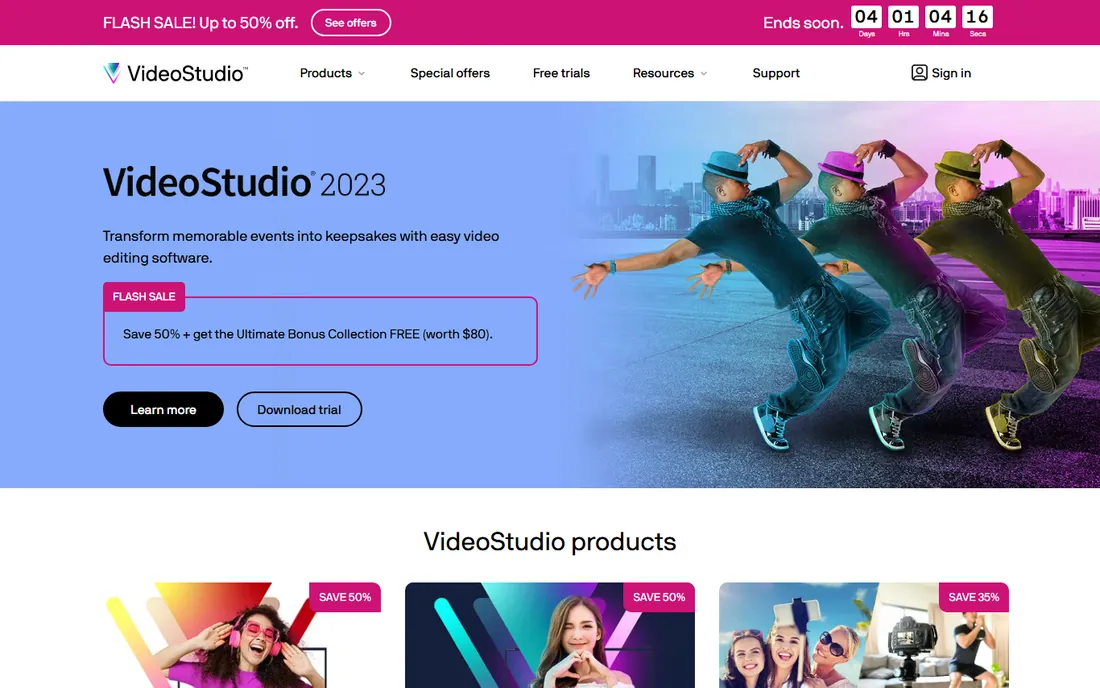
VideoStudio, from Corel (now part of Alludo), targets the same beginner-to-enthusiast space as Filmora and Premiere Elements. Its strength is templates: instant project templates, title presets, and effects that assemble a decent video quickly. Multi-camera editing and 360-degree support punch above its price.
Development has been quieter than competitors, and the interface shows its age. It is Windows only. But one-time purchase pricing and a gentle learning curve keep it relevant for hobbyists who want to buy once and edit for years without subscriptions or cloud accounts.
What we like- Very approachable
- Good template and title library
- One-time purchase options
Watch out for- Interface feels dated
- Less innovation than rivals
- Windows only
#6
Movavi Video Editor
Best for: Simple drag-and-drop editing for quick projects
Visit movavi.com
Starting priceSee website
Free planFree trial
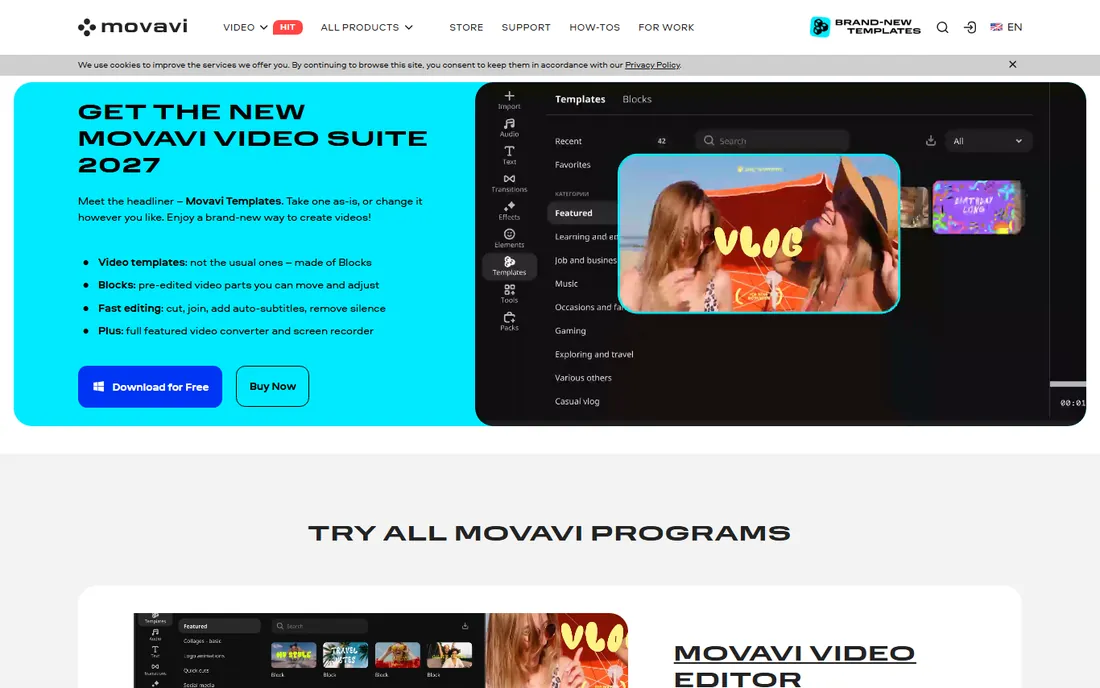
Movavi pitches itself as video editing for the rest of us, and it delivers on simplicity. The timeline is intuitive, basic cuts and transitions take minutes to learn, and built-in titles, filters, and stickers cover casual projects. It is a comfortable step up from phone apps for anyone moving to desktop.
Advanced users will miss keyframing precision, deep color tools, and multicam. Movavi's pricing mixes subscriptions and yearly plans with in-app upsells, so read the terms. For family videos, school projects, and quick social clips, its ease justifies the price.
What we like- Very easy to learn
- Fast for simple projects
- Good built-in titles and transitions
Watch out for- Limited advanced features
- Upsells within the app
- Subscription or yearly plans
Starting priceSee website
Free planFree trial
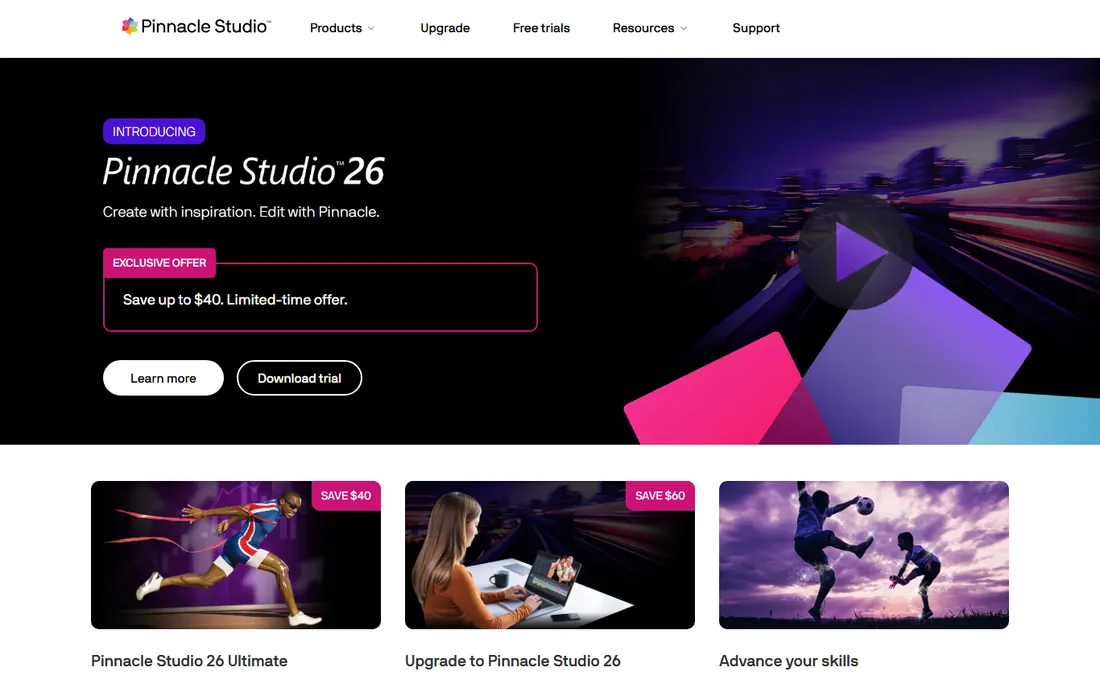
Pinnacle Studio is the sleeper pick for enthusiasts. Beneath a modest price it offers keyframe controls, multi-camera editing, motion tracking, and precise trimming that rival software costing far more. Corel (Alludo) has kept it capable for users who outgrow beginner editors but will not pay pro prices.
It demands more learning than Filmora or Movavi, and it is Windows only. The interface is functional rather than beautiful. But for hobbyists who want real editing craft, like precise keyframes and color controls, without subscriptions, it offers remarkable depth per dollar.
What we like- Pro-level features like keyframing and multicam
- One-time purchase
- Precise editing tools
Watch out for- Learning curve steeper than Filmora
- Windows only
- Interface less modern
Starting priceFree
Free planYes
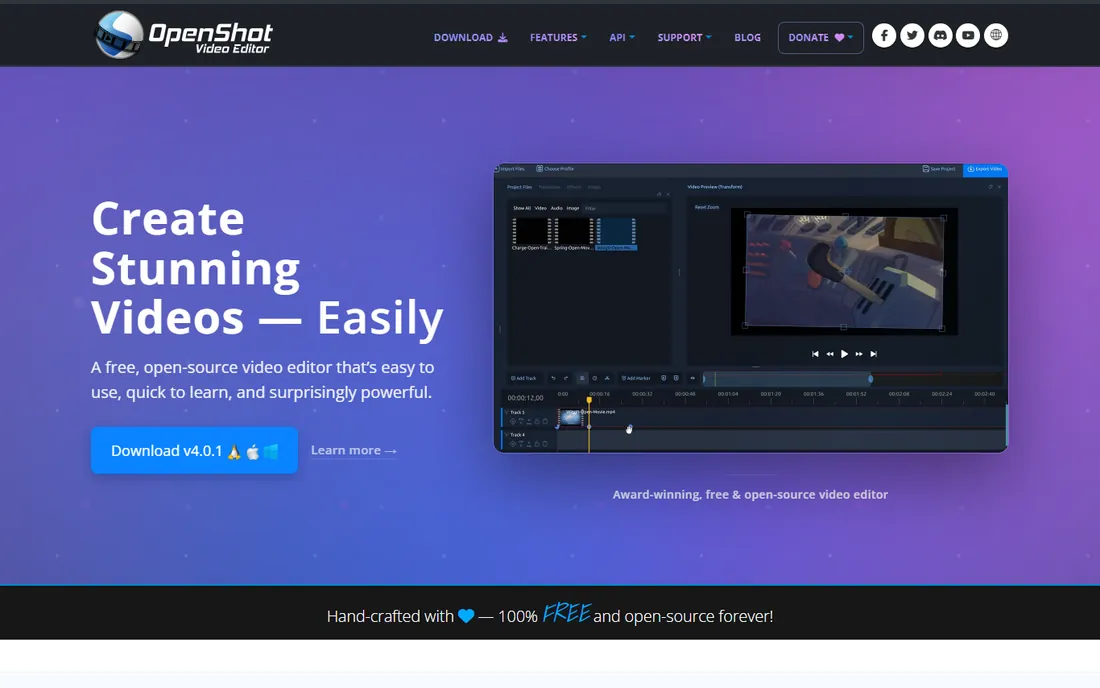
OpenShot is the simplest free path to edited video. It is open source, runs on Windows, Mac, and Linux, and handles the basics: trimming, transitions, titles, and simple effects, with no watermark and no cost. For school projects, simple YouTube videos, and quick cuts, it gets the job done.
It has a reputation for instability on complex timelines, so save often and keep projects modest. The effect library is thin compared to Filmora or even Shotcut. But as a free, honest, no-strings editor for straightforward work, it remains a worthy download.
What we like- Completely free with no watermark
- Easy basic timeline
- Cross-platform
Watch out for- Can be unstable on large projects
- Fewer effects than paid rivals
- Slower development
#9
Shotcut
Best for: Free open-source editing with broad format support
Visit shotcut.org
Starting priceFree
Free planYes
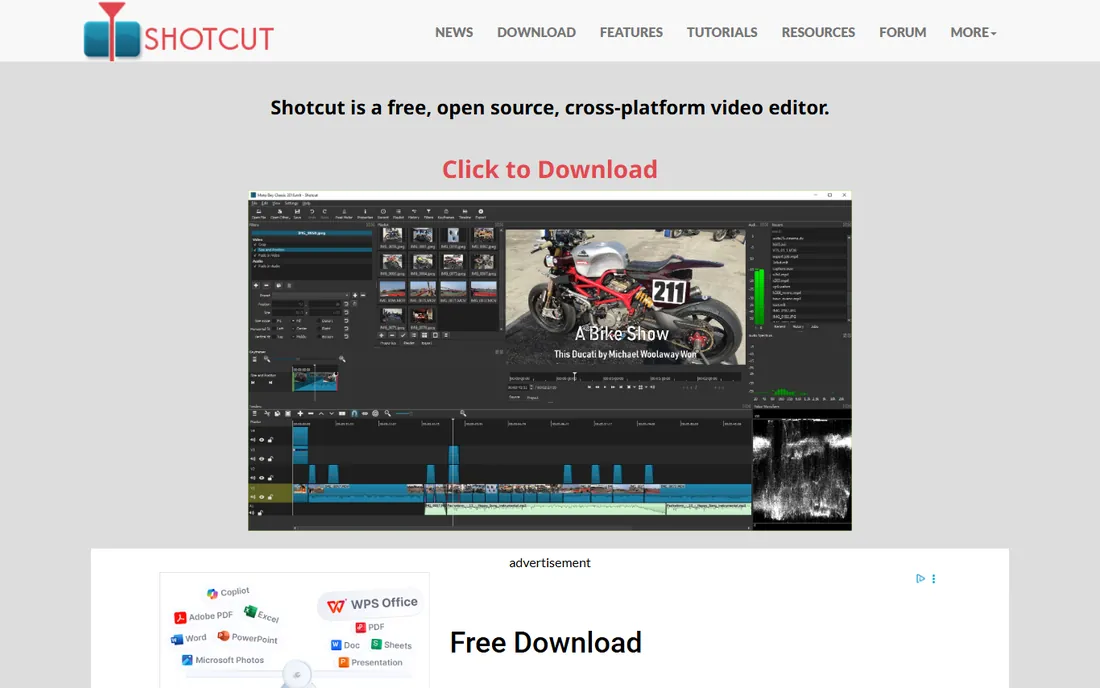
Shotcut is the more capable of the two free open-source editors here. Built on FFmpeg, it opens just about any video format without conversion, supports 4K, and offers filters, keyframes, and audio tools that go well beyond basics. It is cross-platform and completely free with no watermark.
The interface prioritizes function over friendliness, and beginners face a learning curve. You will not find Filmora's template candy. But for creators who want free software that can actually finish a real project, including 4K YouTube videos, Shotcut is the stronger free pick.
What we like- Free with no watermark
- Excellent format support via FFmpeg
- More powerful than OpenShot
Watch out for- Interface is utilitarian
- Learning curve for beginners
- Fewer templates and effects
How we chose
We focused on editors that cost nothing or stay under the budget tier: free professional tools, free open-source options, and paid editors with one-time or low subscription prices. Every pick is actively maintained and suitable for creators, educators, and hobbyists rather than Hollywood finishing suites. Prices come from vendor pages where we could confirm them; where current pricing was not verifiable on the vendor's own site, we wrote See website instead of quoting third parties. We excluded discontinued products and trialware that watermarks everything with no free path.
What to look for in cheap video editing software
Start with your actual projects. If you cut talking-head videos, vlogs, or family movies, ease matters more than depth: Filmora, Movavi, or Premiere Elements will get you publishing fastest. If you are learning editing as a craft, DaVinci Resolve's free version teaches professional workflows that transfer anywhere. If you just need simple trims and titles for free, OpenShot or Shotcut handle it.
Then weigh three constraints. First, your computer: DaVinci Resolve and PowerDirector want modern hardware and GPUs, while OpenShot, Shotcut, and Movavi run on modest machines. Second, the pricing model: Resolve, OpenShot, and Shotcut are free forever; Premiere Elements, VideoStudio, and Pinnacle Studio sell one-time licenses; Filmora, PowerDirector, and Movavi lean on subscriptions. Third, watermarks: free trials of paid editors usually watermark exports, so confirm what the free tier actually lets you export before investing time.
Free versus paid: where the line really sits
The free options here are remarkably strong. DaVinci Resolve alone covers professional editing and color grading at no cost, while Shotcut and OpenShot handle simpler projects without watermarks. A beginner who learns Resolve may never need to pay for editing software.
Pay when simplicity or specific features save you real time. Filmora earns its price when templates and AI captions compress hours of work into minutes. Premiere Elements earns its one-time cost for buyers who want Adobe quality without a subscription. PowerDirector earns it on Windows when render speed matters. The right cheap editor is the one whose strengths match your bottleneck: learning time, render time, or creative limits.
Frequently asked questions
What is the best cheap video editing software for beginners?
Filmora, because its templates, drag-and-drop timeline, and AI tools get beginners to a finished video fastest. If you prefer free, start with Shotcut for simple projects or DaVinci Resolve if you want to learn professional editing from the start.
Is DaVinci Resolve really free?
Yes. Blackmagic Design offers DaVinci Resolve free with no watermark, including professional editing, color grading, effects, and audio tools. A paid Studio version ($295) adds AI features and advanced capabilities, but most creators never need it.
Can I get Adobe video editing without a subscription?
Yes. Adobe Premiere Elements is sold as a one-time purchase, unlike Premiere Pro which is subscription only. It is simpler than Premiere Pro but handles most consumer and YouTube projects well.
What is the best free video editing software with no watermark?
DaVinci Resolve for professional-grade work, Shotcut for capable free editing with wide format support, and OpenShot for the simplest projects. All three are free with no watermarks on exports.
Do cheap video editors handle 4K?
Most do. DaVinci Resolve, Shotcut, PowerDirector, Filmora, and Premiere Elements all support 4K editing and export. The real question is your hardware: 4K timelines need a modern processor, plenty of RAM, and ideally a dedicated GPU regardless of software price.
Sources we checked (9)
- https://www.blackmagicdesign.com/
- https://filmora.wondershare.com/
- https://www.adobe.com/
- https://www.cyberlink.com/
- https://www.videostudiopro.com/
- https://www.movavi.com/
- https://www.pinnaclesys.com/
- https://www.openshot.org/
- https://www.shotcut.org/
Is your product missing or out of date?
We review this list regularly. Vendors can request a listing, send updated pricing or ask about featured placement.

Shihab Mia · Founder, Rankite
Shihab has spent more than a decade helping SaaS and e-commerce brands grow through search. He writes Rankite's software buying guides from pricing pages, documentation and public user reviews. More about Shihab.