How we make this list: we compare pricing pages, product documentation and public user reviews. Rankite is independent; if a vendor ever pays for a featured spot, that listing is clearly labeled Partner.
Key takeaways
- Clipchamp has the most genuinely free video editor: unlimited 1080p exports with no watermark, and AI captions and text-to-speech cost nothing.
- CapCut is the best free pick for short-form social video, with 1080p editing that stays watermark-free on plain edits.
- Lumen5, Fliki, Synthesia, Kapwing, FlexClip, and VEED all have free tiers, but every one adds a watermark, a resolution cap, or a monthly minute limit.
- Pictory has no permanent free plan at all, only a 14-day trial, so it belongs on a shortlist only if you plan to pay.
Quick comparison
| Tool | Best for | Starting price | Free plan |
|---|
 Lumen5 Lumen5 | Blog-to-video repurposing | $19 per month (billed annually) | Yes (watermarked, 720p, 5 videos per month) |
 InVideo InVideo | Template-driven AI video | See website | Yes (limited, watermarked exports) |
 Pictory Pictory | Faceless YouTube automation | $25 per month (billed annually) | No (14-day free trial, 3 watermarked projects) |
 Fliki Fliki | Text-to-speech video at scale | $21 per month (billed annually) | Yes (about 5 minutes per month, 720p, watermarked, no commercial use) |
 Synthesia Synthesia | AI avatar presenters | $18 per month (billed annually) | Yes (10 minutes per month, watermarked, no downloads) |
 Kapwing Kapwing | Fast browser-based editing | $16 per month (billed annually) | Yes (watermarked, 720p, limited exports) |
 FlexClip FlexClip | Beginners making promo clips | $11.99 per month (billed annually) | Yes (watermarked, 720p, 12 projects, 10-minute videos) |
 Clipchamp Clipchamp | Truly free editing on Windows | See website | Yes (unlimited 1080p exports, no watermark) |
 VEED VEED | Subtitles and talking-head clips | $12 per month (billed annually) | Yes (watermarked, 720p, 10 minutes per month) |
 CapCut CapCut | Short-form social video | $15 per month (billed annually) | Yes (1080p editing, plain edits without watermark) |
Is your product missing or out of date?
We review this list regularly. Vendors can request a listing, send updated pricing or ask about featured placement.
The best free AI-powered video creation software
Starting price$19 per month (billed annually)
Free planYes (watermarked, 720p, 5 videos per month)
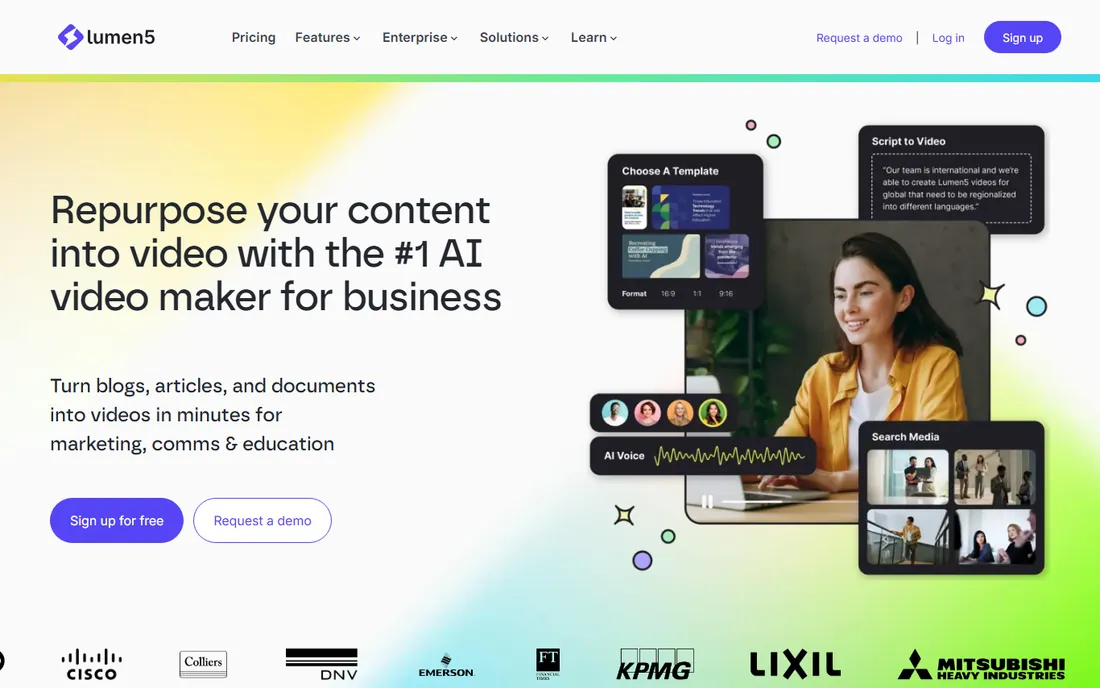
Lumen5 turns a blog post or article into a social-ready video by pulling out key sentences and matching them with stock footage. For content marketers sitting on a backlog of written posts, it is the fastest path from text to a finished clip. The editor is storyboard-based, so you arrange scenes rather than wrestling with a timeline.
The free tier is honest about its limits: 5 videos a month, 720p resolution, a Lumen5 watermark, and a 2-minute maximum per video. That is enough to test the workflow and to make occasional social clips, but not enough to run a channel. The Basic plan at $19 per month on annual billing ($29 month-to-month) removes the watermark and raises the limits. If repurposing written content is your main use case, start free and upgrade only when the watermark starts embarrassing you.
What we like- Excellent text-to-video workflow
- Large stock media library
- Simple storyboard editor
Watch out for- Free exports carry a watermark and cap at 720p
- Videos limited to 2 minutes on free
Starting priceSee website
Free planYes (limited, watermarked exports)
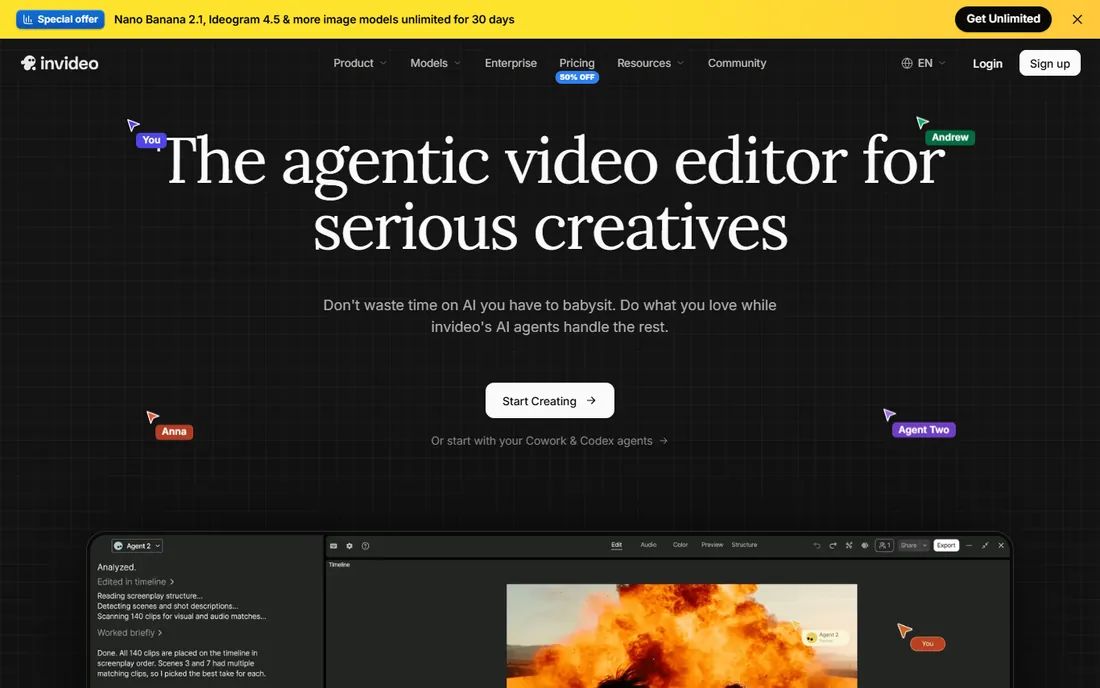
InVideo aims at marketers who want a finished-looking video without learning editing. Thousands of templates cover ads, explainers, and social posts, and the AI features write scripts, generate voiceovers, and assemble scenes from a prompt. The workflow feels closer to filling in a form than editing a timeline, which is the point.
Pricing deserves a warning. InVideo is moving to a credit-based model, and published figures from different months disagree with each other, which is why we list the starting price as See website. Check the current pricing page before you commit to anything. The free tier exists and lets you build real projects, but exports carry a watermark and the feature set is trimmed. It is a capable tool wrapped in a confusing price page.
What we like- Huge template library
- AI script and voiceover generation
- Good for ads and promos
Watch out for- Pricing is in transition to a credit model, so plans are hard to compare
- Free exports are watermarked
Starting price$25 per month (billed annually)
Free planNo (14-day free trial, 3 watermarked projects)
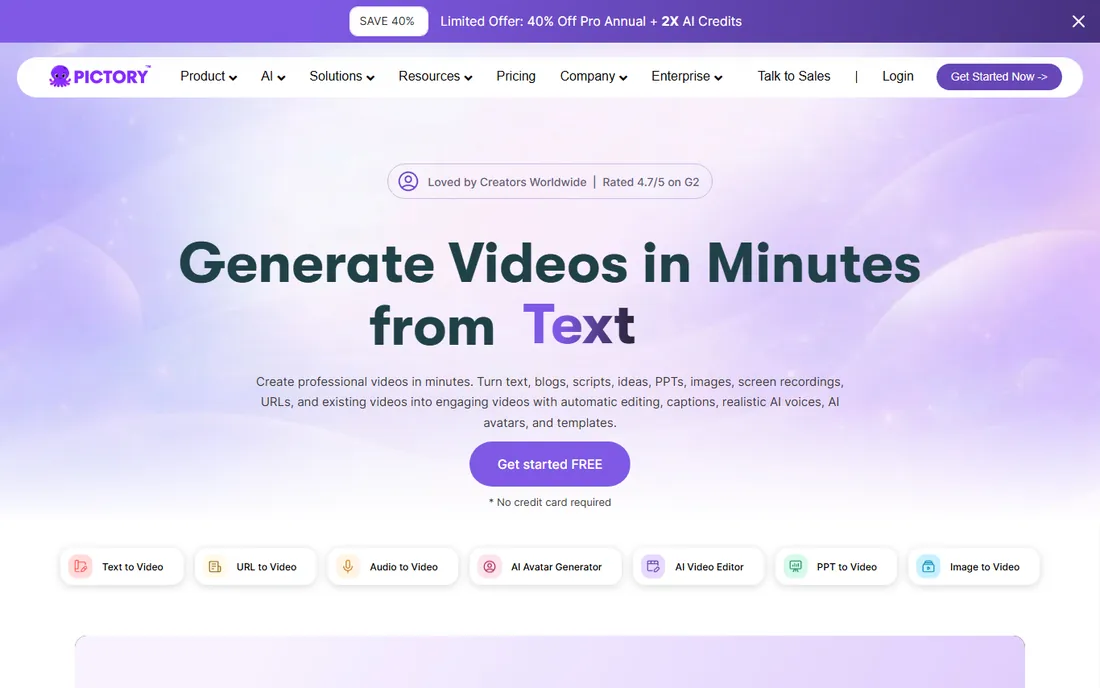
Pictory is built for a specific buyer: someone producing faceless videos at volume, often for YouTube channels or course content. Paste a script or a blog URL and it builds scenes with stock footage, AI voiceover, and captions. The long-video-to-shorts feature, which cuts highlight clips from webinars and podcasts, is genuinely useful for repurposing.
There is no free plan here, only a 14-day trial with 3 watermarked projects. If you need free forever, skip to the next tool. The Starter plan is $25 per month on annual billing and $29 month-to-month, which buys 30 videos a month. Pictory earns its place on this list because the trial is generous enough to evaluate, and because buyers searching for free AI video tools consistently land on it and deserve to know the real terms.
What we like- Strong script-to-video automation
- Automatic captions and highlights
- Good for long-form repurposing
Watch out for- No permanent free plan
- Monthly billing jumps to $29
Starting price$21 per month (billed annually)
Free planYes (about 5 minutes per month, 720p, watermarked, no commercial use)
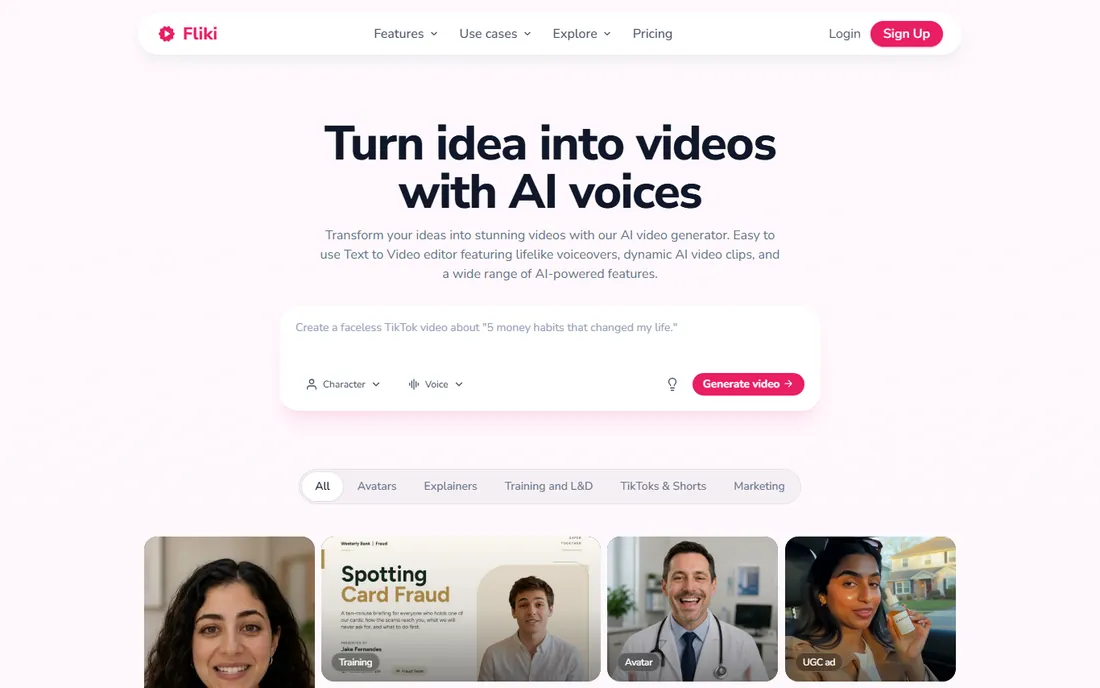
Fliki's strength is voice. The text-to-speech engine offers hundreds of voices across dozens of languages, and the quality is a clear step above the robotic narration of older tools. Pair a script with stock visuals and you have a narrated video in minutes, which makes it popular for explainer content and multilingual versions of the same video.
The free tier gives you roughly 5 minutes of credit a month at 720p with a watermark, and the license excludes commercial use, so monetized channels cannot legally use free exports. The Standard plan is $21 per month on annual billing ($28 month-to-month) and raises the minute allowance substantially. If voice quality is the deciding factor, Fliki's free tier is the best audition on this list.
What we like- Large library of realistic AI voices
- Fast blog-to-video pipeline
- Supports many languages
Watch out for- Free tier forbids commercial use
- Monthly minute caps are tight
Starting price$18 per month (billed annually)
Free planYes (10 minutes per month, watermarked, no downloads)
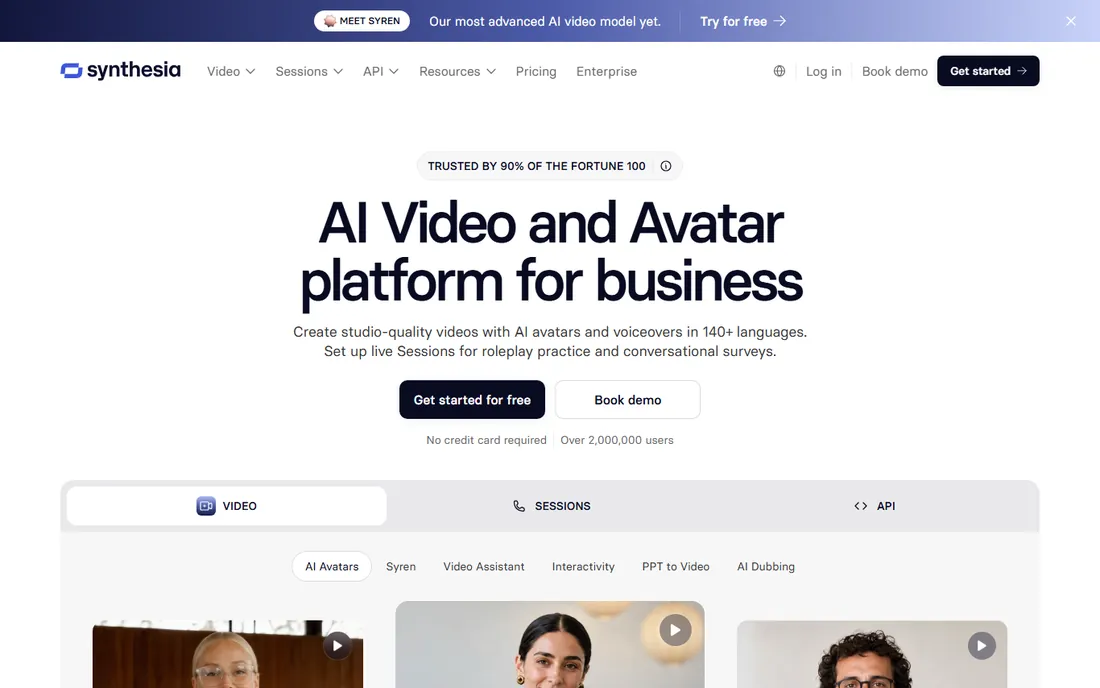
Synthesia replaces the camera with an AI presenter that speaks your script. For training videos, product updates, and internal comms, that removes scheduling, filming, and re-shoots from the process entirely. Updating a video means editing text, not re-recording. The avatar quality and lip-sync are the best in this category, and the language support covers most global teams.
The free Basic plan allows 10 minutes a month, but exports are watermarked and cannot be downloaded, which limits it to in-browser evaluation. The Starter plan at $18 per month on annual billing ($29 month-to-month) adds downloads and higher limits. Synthesia is a poor fit for emotional or sensitive content, where a synthetic face reads as wrong, but for routine corporate video it is the most polished option here.
What we like- Most lifelike AI avatars in the category
- 140-plus languages
- Easy script updates
Watch out for- Free plan blocks downloads
- Avatar videos can feel uncanny for sensitive topics
Starting price$16 per month (billed annually)
Free planYes (watermarked, 720p, limited exports)
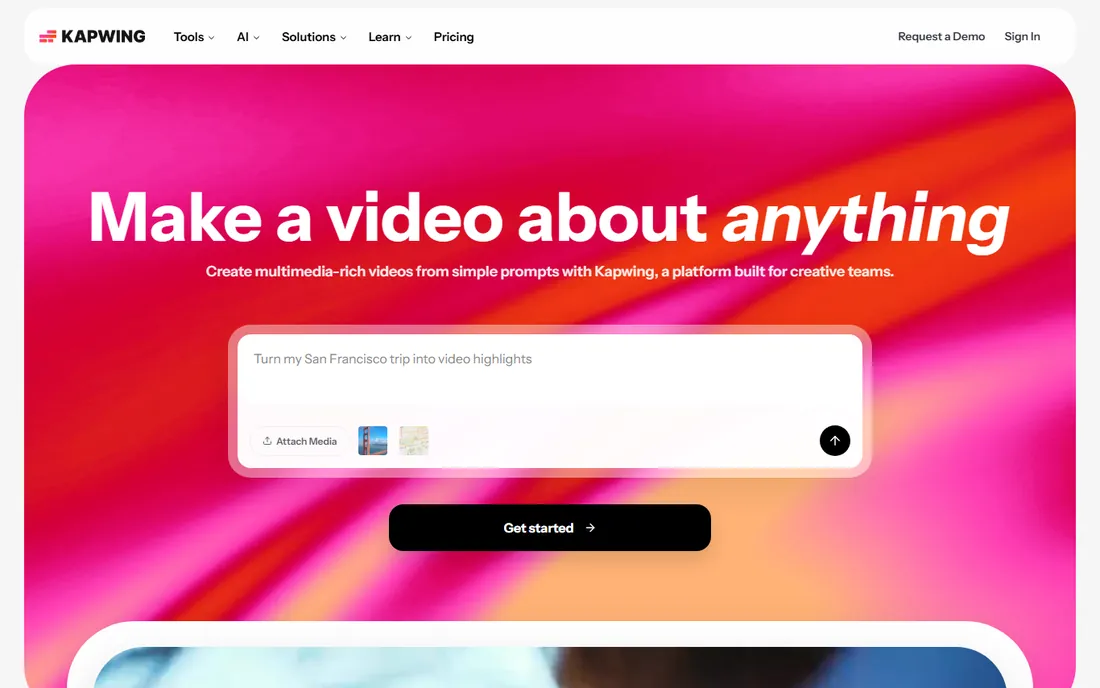
Kapwing is less an AI video generator and more a complete editor that happens to include AI tools: auto-subtitles, background removal, text-to-speech, and script generation sit inside a normal timeline editor. That makes it the flexible pick. You can generate a draft with AI, then cut, caption, and polish it in the same tab without exporting between tools.
The free plan watermarks exports, caps resolution at 720p, and limits how much you can create, so it works for drafts and personal projects rather than client work. Pro is $16 per month on annual billing ($24 month-to-month). If you want one browser tab that covers the whole job from AI draft to final caption burn-in, Kapwing is the most complete free starting point.
What we like- Full editor in the browser, no install
- Strong meme and social templates
- Collaborative editing
Watch out for- Free exports are watermarked at 720p
- AI features are thinner than specialists
Starting price$11.99 per month (billed annually)
Free planYes (watermarked, 720p, 12 projects, 10-minute videos)
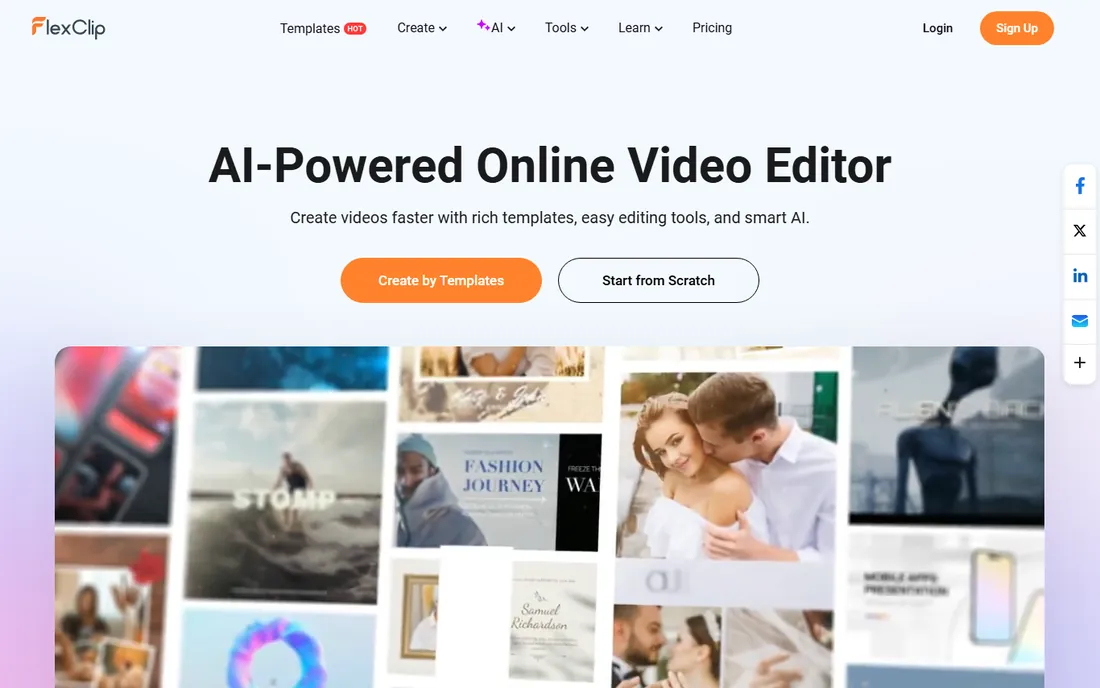
FlexClip is the tool you hand to someone who has never edited video. The interface is spare, the templates are straightforward, and the free plan allows 12 projects with videos up to 10 minutes each, which is more headroom than most rivals give away. One stock video or audio asset per project on the free tier is the main creative constraint.
The Plus plan at $11.99 per month on annual billing ($19.99 month-to-month) removes the watermark and the caps, and it is one of the cheaper paid upgrades here. FlexClip will not impress a professional editor, but for a small business owner making their own promo clips, the learning curve is close to zero. That is a real advantage the spec sheets miss.
What we like- Simplest interface on this list
- Generous free project allowance
- Good stock media
Watch out for- Watermark and 720p cap on free
- Only 1 stock asset per project on free
Starting priceSee website
Free planYes (unlimited 1080p exports, no watermark)
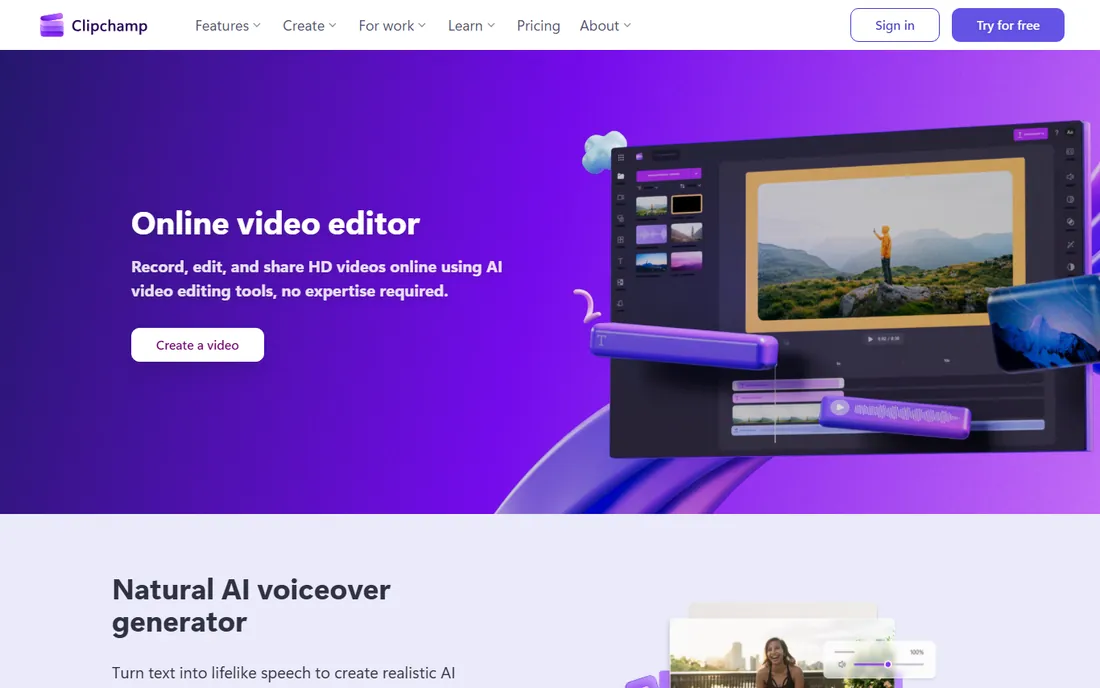
Clipchamp is the outlier in this roundup: the free tier includes unlimited 1080p exports with no watermark, and the AI captions and text-to-speech voices are free too. Because Microsoft owns it and ships it with Windows, there is nothing to install and no account maze for basic use. For a buyer whose main question is "what can I actually get for zero dollars," the answer is Clipchamp.
The tradeoff is on the AI generation side. Clipchamp's text-to-video and avatar features are thinner than Pictory or Synthesia, and the premium stock library sits behind the paid Premium plan (also available bundled with Microsoft 365). Think of it as a genuinely free editor with AI helpers, not an AI video generator with a free tier. For talking-head videos, tutorials, and captioned clips, that distinction rarely matters.
What we like- Free tier has no watermark and full 1080p
- AI captions and text-to-speech are free
- Built into Windows
Watch out for- AI generation features are basic
- Premium stock library needs a paid plan
Starting price$12 per month (billed annually)
Free planYes (watermarked, 720p, 10 minutes per month)
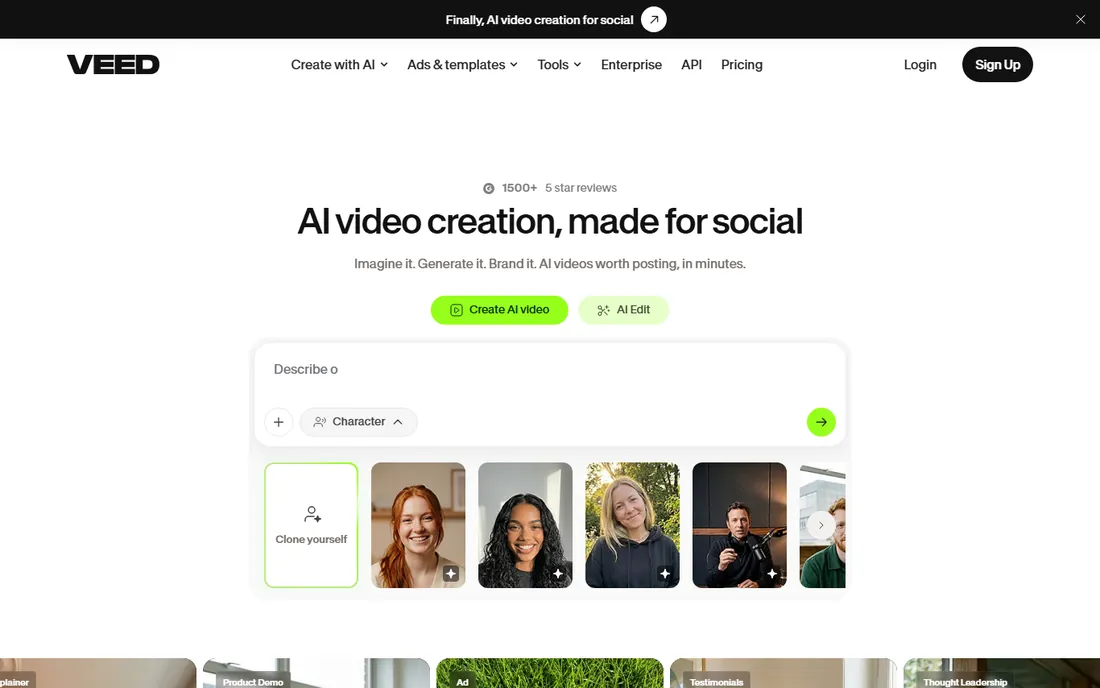
VEED built its reputation on subtitles, and the auto-captioning with styling options is still the smoothest in this group. The AI features around it, text-to-speech, avatars, background removal, and clip repurposing, make it a strong pick for creators who publish talking-head content and short clips weekly. Recording your screen and camera directly in the browser keeps the workflow in one place.
The free plan gives you 10 minutes of video a month at 720p with a watermark, which runs out fast if you publish regularly. The Lite plan at $12 per month on annual billing ($19 month-to-month) removes the watermark and raises limits. VEED is the tool to shortlist when captions are the job: its subtitle accuracy and styling beat every generalist here.
What we like- Best-in-class auto-subtitling
- Clean simple interface
- Good screen and webcam recording
Watch out for- Free tier is tightly capped at 10 minutes a month
- Watermark on all free exports
Starting price$15 per month (billed annually)
Free planYes (1080p editing, plain edits without watermark)
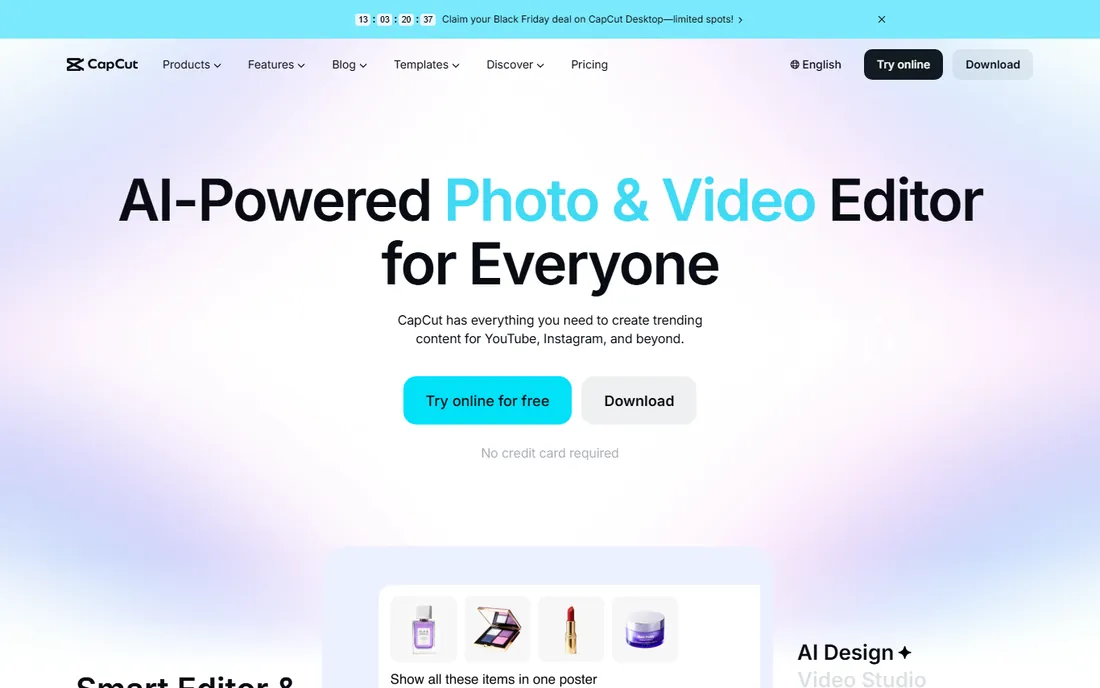
CapCut is the default editor for TikTok, Reels, and Shorts creators, and the free tier is the reason. Plain editing at 1080p exports without a watermark, which is more than most paid tools offer for free. The template and effects library is enormous, and the desktop and mobile apps stay in sync. AI features like auto-captions, background removal, and script-to-video are included, with the fancier ones reserved for Pro.
Pro costs $15 per month on annual billing ($19.99 month-to-month, $179.99 per year). The main annoyance is the upsell pressure: premium effects, cloud storage prompts, and AI credits nudge you toward paying. If your output is vertical short-form video and you never want to pay, CapCut's free tier goes further than anything else on this list except Clipchamp.
What we like- Generous free editor with no watermark on basic edits
- Huge effects and template library
- Desktop and mobile apps
Watch out for- AI features and premium effects push toward Pro
- Some users dislike the account and cloud prompts
What free really means in this category
Free in AI video software almost always means one of three things, and knowing which one you are getting saves disappointment. The first is a capped free tier: a watermark, a resolution cap at 720p, and a monthly minute or video limit. Lumen5, Fliki, Synthesia, Kapwing, FlexClip, and VEED all work this way. The caps are real constraints, not fine print, and they are designed to convert you to paid.
The second is a free trial with an expiration date. Pictory's 14-day trial is the example here: full-ish access for two weeks, then nothing. Trials are fine for evaluation and useless as a long-term plan. The third is genuinely free software with paid upgrades for extras. Clipchamp and CapCut live here, and they are the only tools on this list where "free" means you can publish finished work indefinitely without paying.
Two more details to check before you rely on a free tier. First, commercial use: Fliki's free plan explicitly forbids it, and several others restrict it in their terms. If the video earns money, directly or for a client, read the license. Second, AI credits: most tools meter AI generation separately from editing, so a plan that advertises "unlimited editing" can still charge per AI-generated minute. Ask what counts against the AI allowance before you build a workflow around it.
How we chose
We searched for every tool commonly recommended as a free AI video maker, then verified each one against its own homepage and pricing page in October 2026. Tools were kept only if a free tier or free trial actually exists today; anything discontinued was dropped. For each tool we recorded what the free tier includes and where it stops: watermarks, resolution caps, minute or video limits, and commercial-use restrictions. Prices come from vendor pricing pages, except InVideo, whose pricing is mid-transition to a credit model with conflicting published figures, so we list it as See website rather than print a number we cannot stand behind. We did not claim hands-on testing; the comparison rests on pricing pages, documentation, and public reviews.
When a free plan stops being enough
The upgrade triggers are consistent across this category. The watermark is usually first: the moment a video represents your business, a vendor logo in the corner costs more in credibility than the subscription. The second trigger is volume. Five videos a month or ten minutes of AI generation covers experimentation, not a publishing schedule, and overage pricing is rarely kind.
Resolution is the third trigger, and it sneaks up on people. 720p looks fine on a phone but soft on a desktop embed or a presentation screen. If your videos live on a website hero or in sales decks, 1080p is the minimum, which pushes you to Clipchamp or CapCut for free, or to any paid plan elsewhere. The honest math: a creator publishing weekly will outgrow every capped free tier within two months. Budget $12 to $25 a month from the start and treat the free tier as the audition, not the plan.
Frequently asked questions
Which free AI video tool has no watermark?
Clipchamp exports 1080p video with no watermark on its free tier, with no monthly export limit. CapCut also exports plain edits at 1080p without a watermark. Every other tool on this list watermarks free exports.
Can I use free AI video tools for commercial work?
Sometimes. CapCut and Clipchamp allow commercial use of free exports, but Fliki's free tier explicitly forbids it. Stock footage and AI voices often carry their own license terms separate from the editor. Check the terms of service for the specific tool before publishing client or monetized work.
What is the catch with Pictory's free option?
There is no permanent free plan, only a 14-day trial with 3 watermarked projects. After the trial you need the Starter plan at $25 per month on annual billing. It is included here because buyers keep finding it while searching for free tools, and the trial is enough to judge whether the paid plan fits.
How many minutes of AI video do free plans include?
It varies widely: Synthesia gives 10 minutes a month, Fliki about 5, VEED 10, and Lumen5 caps you at 5 videos of up to 2 minutes each. Clipchamp and CapCut do not meter basic editing by minutes at all. Always check whether AI generation minutes and editing are metered separately.
Is InVideo really free?
InVideo has a free tier with watermarked exports and reduced features, but its pricing is currently transitioning to a credit model and published prices conflict across sources. Treat the free tier as a trial, verify the current price on invideo.io before paying, and compare the final number against Lumen5 and Fliki.
Do I need to install anything?
No. Lumen5, InVideo, Pictory, Fliki, Synthesia, Kapwing, FlexClip, Clipchamp, and VEED all run in the browser. CapCut offers desktop and mobile apps alongside its web version, which is useful if you edit on a phone.
Sources we checked (10)
- https://lumen5.com/pricing/
- https://invideo.io/
- https://pictory.ai/pricing/
- https://fliki.ai/pricing
- https://www.synthesia.io/pricing
- https://www.kapwing.com/pricing
- https://www.flexclip.com/pricing/
- https://www.clipchamp.com/
- https://www.veed.io/pricing
- https://www.capcut.com/
Is your product missing or out of date?
We review this list regularly. Vendors can request a listing, send updated pricing or ask about featured placement.

Shihab Mia · Founder, Rankite
Shihab has spent more than a decade helping SaaS and e-commerce brands grow through search. He writes Rankite's software buying guides from pricing pages, documentation and public user reviews. More about Shihab.