How we make this list: we compare pricing pages, product documentation and public user reviews. Rankite is independent; if a vendor ever pays for a featured spot, that listing is clearly labeled Partner.
Key takeaways
- Descript vs the field: text-based editing remains unmatched for talking-head and podcast video.
- CapCut vs VEED: the free-tier showdown, with CapCut winning on mobile and VEED on browser-based teamwork.
- Runway vs Pictory vs InVideo: generative video compared, from pro-grade generation to script-to-video simplicity.
- Opus Clip owns the repurposing niche, turning long videos into shorts better than any general editor.
- Filmora is the comparison pick for editors who want a traditional timeline with AI assists rather than AI-first workflows.
Eight editors, four different jobs
Comparing AI video editors only makes sense once you admit they are not all doing the same job. One group edits existing footage with AI assistance: transcription, silence removal, captions. Another generates video from text, images, or prompts. A third repurposes long content into short clips. And a fourth gives beginners a traditional timeline with AI features sprinkled on top. Putting a text-based editor against a text-to-video generator is like comparing a word processor to a printing press. Both involve words; the jobs differ.
This comparison is organized around those jobs. For each tool we cover what it actually does best, where it beats its direct rivals, and where it loses. Prices come from vendor pricing pages where published, and every tool here has a free tier or trial so you can test the comparison yourself before spending anything.
If you already know your job, jump to the relevant section. If you do not, the buying guide at the end maps jobs to tools.
Quick comparison
| Tool | Best for | Starting price | Free plan |
|---|
 Descript Descript | Text-based video editing | See website | Yes |
 CapCut CapCut | Free editing everywhere | See website | Yes |
 VEED VEED | Browser-based team editing | See website | Yes |
 Runway Runway | Pro AI video generation | See website | Yes |
 Pictory Pictory | Script-to-video simplicity | See website | Free trial |
 InVideo InVideo | AI marketing videos | See website | Yes |
 Opus Clip Opus Clip | Long-to-short repurposing | See website | Yes |
 Filmora Filmora | Timeline editing with AI assists | See website | Free trial |
Is your product missing or out of date?
We review this list regularly. Vendors can request a listing, send updated pricing or ask about featured placement.
The best AI video editing software compared for 2026
Starting priceSee website
Free planYes
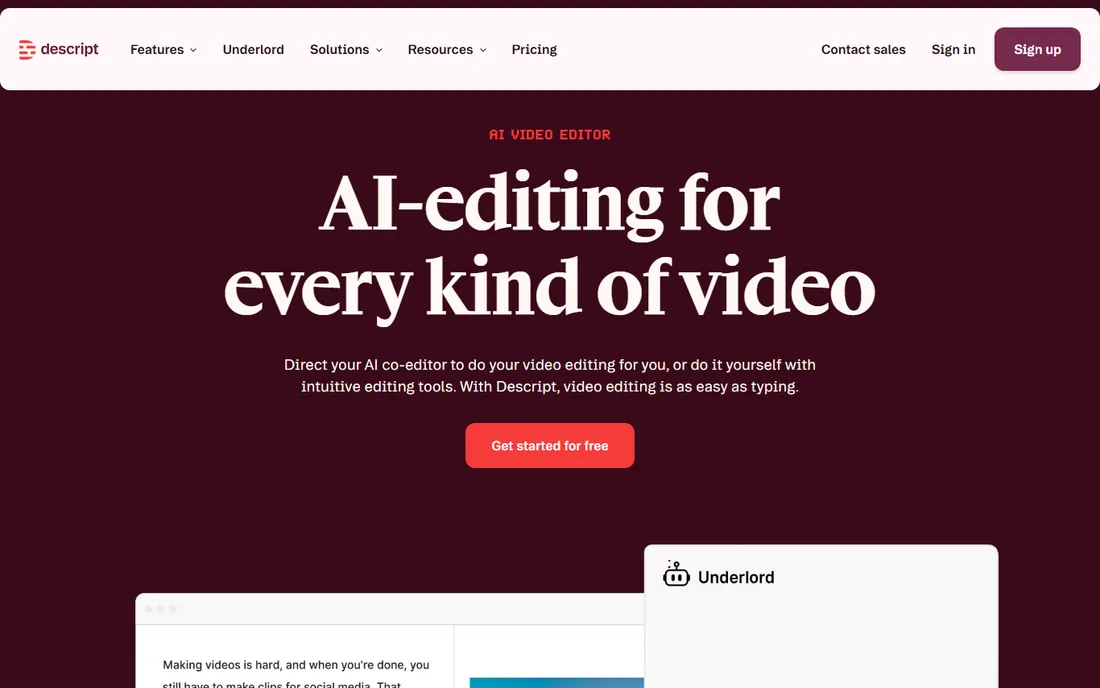
Descript's comparison advantage is its editing model: the transcript is the timeline. Delete a sentence in the text and it disappears from the video. For talking-head content, interviews, tutorials, and podcasts, nothing else edits this fast. Rivals have copied the idea, but Descript's transcription quality and the maturity of the workflow keep it ahead.
Compared to CapCut or VEED, Descript is less of an all-round creative editor and more of a spoken-word machine. Compared to Runway, it edits reality rather than generating it. If your content is you talking, Descript wins the comparison outright. If your content is cinematic b-roll, look elsewhere.
What we like- Edit video by editing text, Excellent transcription accuracy, Overdub voice cloning, Good podcast workflows
Watch out for- Less strong for cinematic editing, Webcam-style recording focus, Pricing tiers gate features
Starting priceSee website
Free planYes
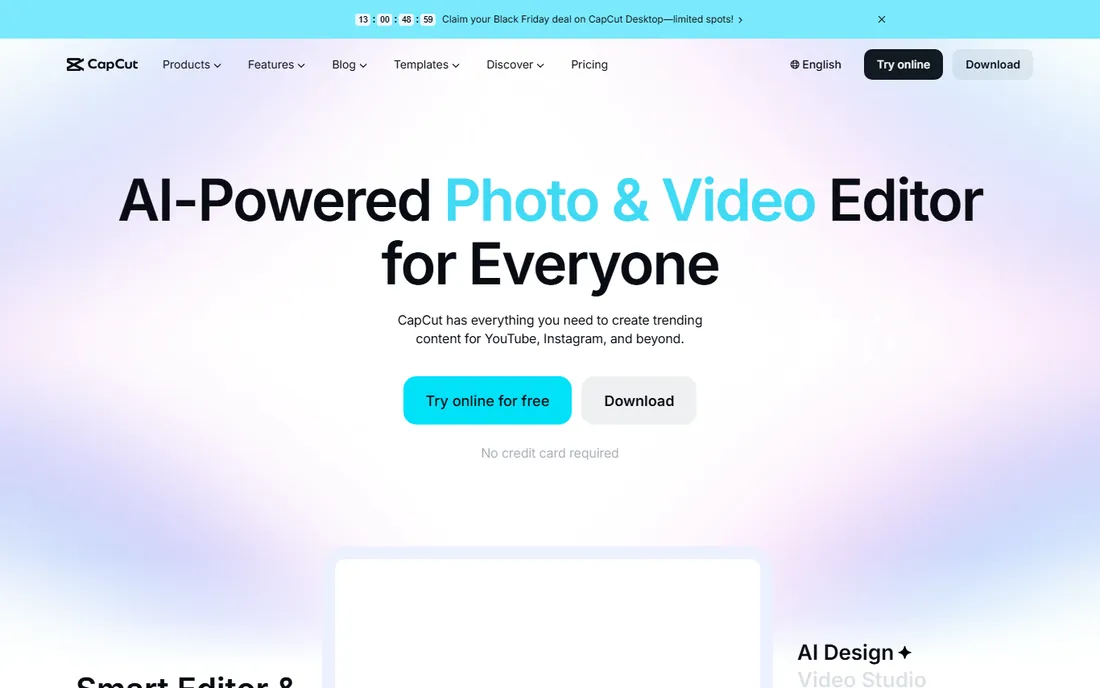
CapCut's comparison case is value: a free tier that covers most creator needs, on phone, desktop, and web. The template library and effects keep social content fresh, and the TikTok integration makes publishing frictionless. Against VEED, CapCut wins on mobile and on the sheer volume of free creative assets.
The desktop app lags the mobile experience for serious editing, and some AI features sit behind the Pro subscription. But for creators who edit on their phones and publish to social, the comparison is not close: CapCut gives away what others charge for.
What we like- Generous free tier, Excellent mobile app, Huge template and effect library, TikTok integration
Watch out for- Desktop less powerful than mobile, Some features need Pro, Privacy questions persist
Starting priceSee website
Free planYes
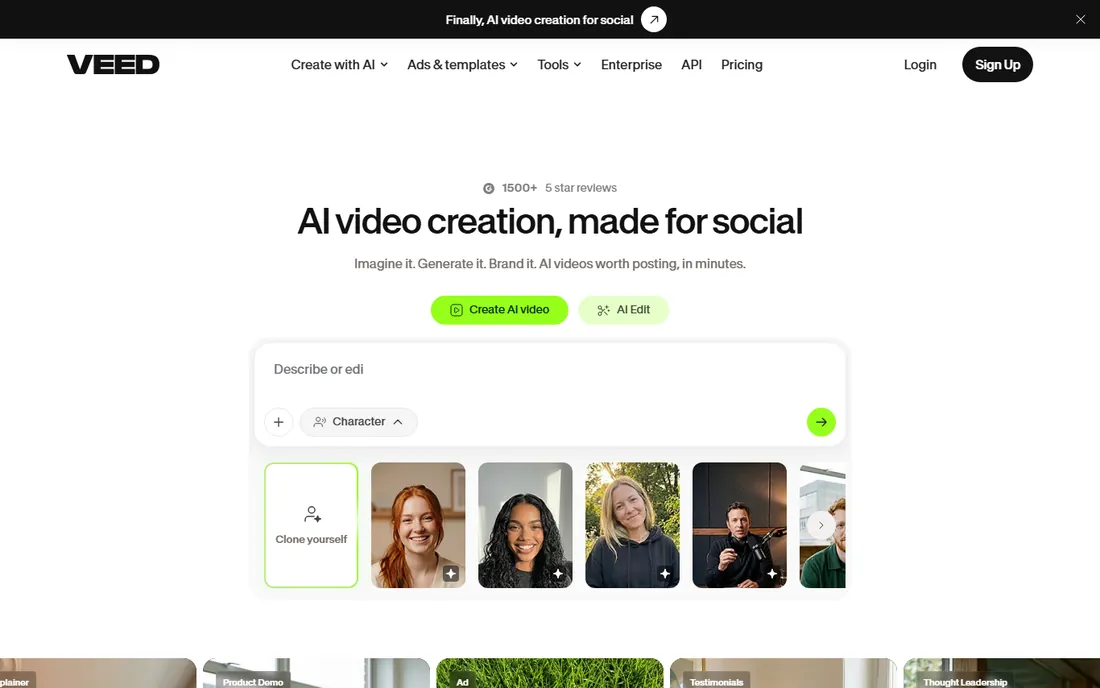
VEED's comparison advantage is the browser: no install, works on any machine, and teams can collaborate on the same project. The auto-subtitling is excellent, and the workflow suits marketing teams producing talking-head and screen-recorded content. Against CapCut, VEED wins for teams and for anyone who cannot install software.
The free tier watermarks exports, which pushes serious users to paid plans, and heavy projects can strain browsers. But for distributed teams that need to edit together without IT involvement, VEED's browser-native comparison case is strong.
What we like- No install, runs in browser, Good collaboration, Strong auto-subtitles
Watch out for- Free tier has watermarks, Browser performance limits, Less template depth than CapCut
Starting priceSee website
Free planYes
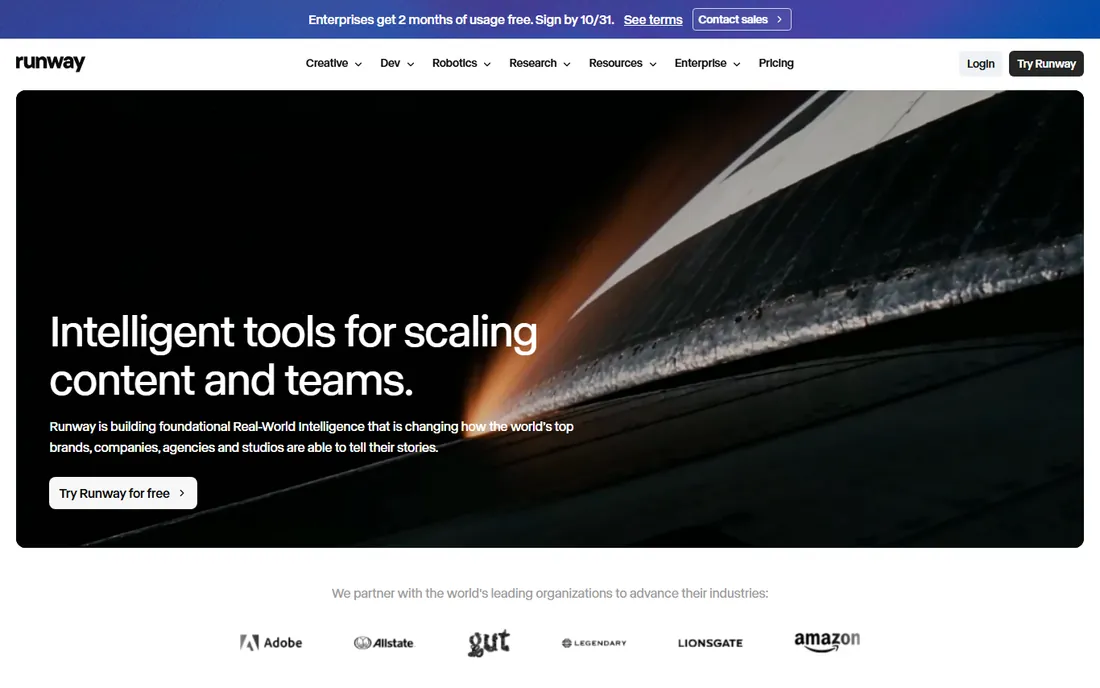
Runway leads the generative comparison: text-to-video and image-to-video quality that working professionals use in real productions. Beyond generation, the editing tools include inpainting, motion tracking, and effects that treat AI as a creative instrument rather than a shortcut. Against Pictory and InVideo, Runway is the professional's choice: more control, better output, higher ceiling.
That control costs money and learning time. Casual users will find Pictory simpler and cheaper. But when the comparison is generative quality and creative depth, Runway currently has no equal in this list.
What we like- Best-in-class generative video, Professional creative tools, Strong motion and effects, Used by studios
Watch out for- Expensive at scale, Learning curve, Generation still unpredictable
Starting priceSee website
Free planFree trial

Pictory's comparison case is simplicity: paste a script or article, get a finished video with voiceover, stock footage, and captions. Against InVideo, Pictory is the simpler tool with less to learn; against Runway, it is the accessible alternative for non-creatives. Bloggers turning posts into videos and marketers repurposing webinars are the core users.
The output looks assembled rather than crafted, because it is. For volume content where speed beats artistry, that is the right trade. For brand-defining video, hire the craft or use Runway.
What we like- Easiest script-to-video, Good stock media matching, Fast turnaround, No editing skills needed
Watch out for- Output can feel templated, Less creative control, Subscription needed for volume
Starting priceSee website
Free planYes
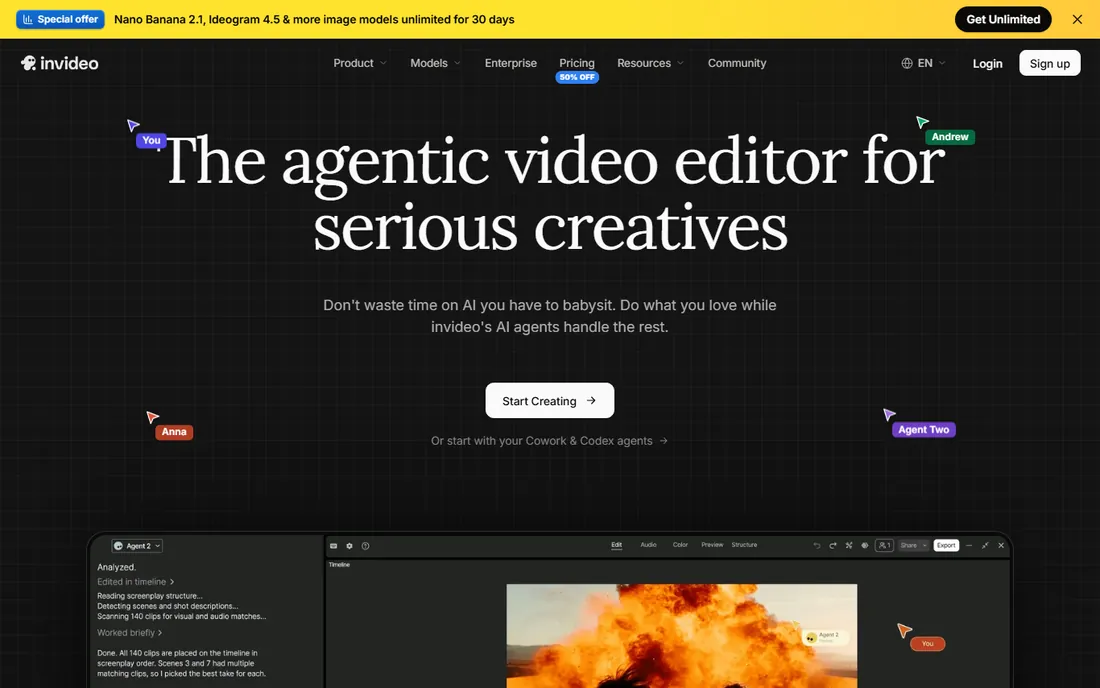
InVideo compares as the marketing video workhorse: thousands of templates for ads, promos, and social content, with AI helping on scripts and assembly. Against Pictory, InVideo offers more templates and marketing-specific formats; against CapCut, it offers more structure for teams producing at volume.
The results look like template video, which is fine for performance marketing and less fine for brand storytelling. For marketers who need ten video variants by Friday, InVideo's comparison case is throughput.
What we like- Huge template library, Good for ads and promos, AI script assistance, Affordable plans
Watch out for- Templated feel, Less generative depth than Runway, Interface can overwhelm
Starting priceSee website
Free planYes
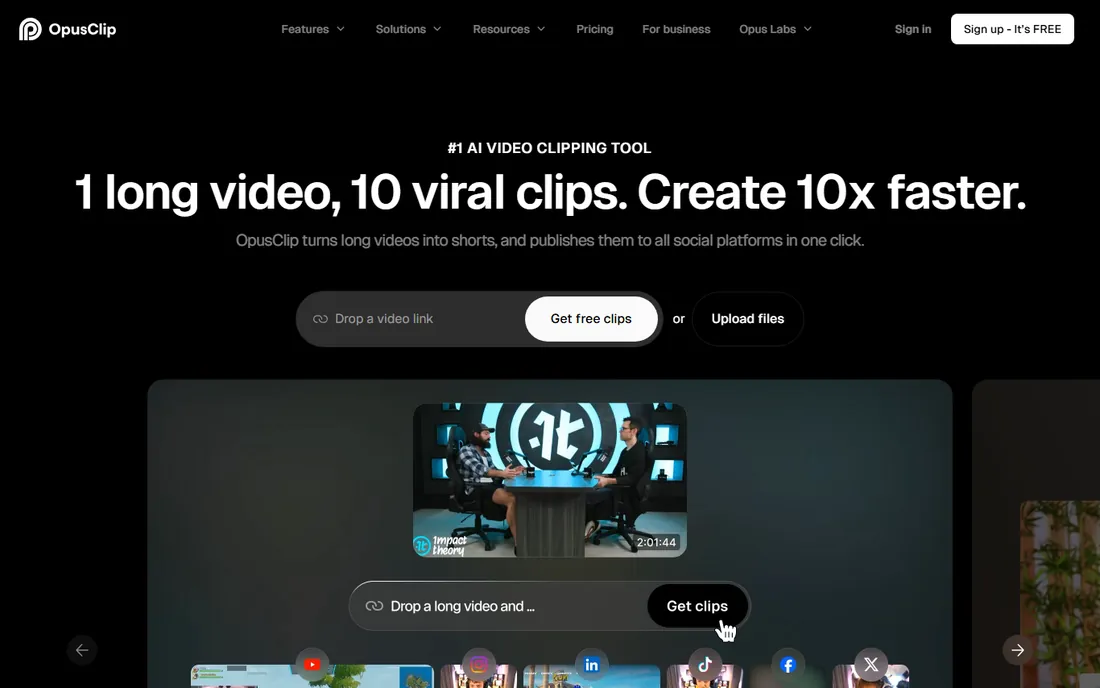
Opus Clip wins the repurposing comparison by focusing on one job: turning podcasts, webinars, and long videos into scored short clips. The AI picks moments, reframes for vertical, adds captions, and even scores viral potential. Against general editors with clip features, Opus Clip's dedicated models produce better selections.
It is a single-purpose tool, so it complements rather than replaces an editor. But if your strategy is one long recording feeding a week of shorts, no general tool in this comparison repurposes as well.
What we like- Best long-to-short AI, Virality scoring, Auto-reframing, Fast workflow
Watch out for- Single-purpose tool, Needs long-form source content, Quality varies by source
Starting priceSee website
Free planFree trial
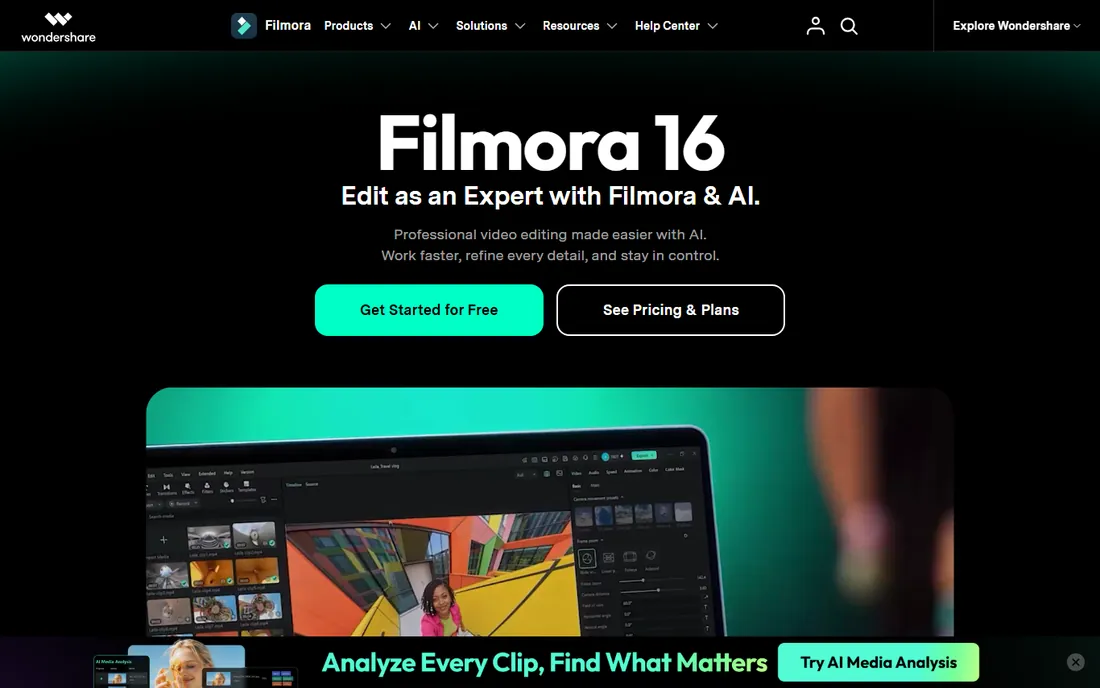
Filmora's comparison case is familiarity: a traditional timeline editor that a Premiere user recognizes, with AI features like silence detection, auto-reframe, and text-to-speech assisting rather than replacing the craft. Against the AI-first tools, Filmora is for editors who want to stay in control.
The AI is less ambitious than Descript's or Runway's, and free exports carry watermarks. But for creators growing from beginner to intermediate who want AI help without surrendering the timeline, Filmora is the comfortable comparison pick.
What we like- Familiar timeline editing, Good AI assists, Affordable, Gentle learning curve
Watch out for- Less AI-native than rivals, Watermark on free exports, Pro features cost extra
How we chose
We compared tools across the four real jobs: AI-assisted editing, generative video, repurposing, and AI-enhanced traditional editing. Every tool here leads or contends in its job. We excluded pure text-to-video research demos and enterprise-only platforms, focusing on tools working creators can actually buy and use.
We weighted output quality, ease of use, pricing, and the strength of the free tier, since most buyers test before committing. Head-to-head framing reflects how buyers actually shop: they compare two or three finalists, not eight abstract feature lists.
Which editor for which job
If you film yourself talking, start with Descript. The text-based workflow will change how fast you publish. If you edit on your phone for social, start with CapCut. If your team edits together in browsers, start with VEED. These three cover the assisted-editing job; pick by device and team.
If you need video without filming, choose by ambition. Pictory and InVideo generate serviceable marketing video from scripts fast. Runway generates genuinely impressive video if you invest the learning time. Match the tool to the quality bar your audience expects.
If you publish long content and need shorts, add Opus Clip to whichever editor you use. And if you want a traditional timeline that respects your editing instincts while adding AI convenience, Filmora is the bridge. Whichever job you start with, use the free tier seriously for a week before paying: the differences between these tools only become clear with your own footage and your own deadlines.
One practical tip: pricing pages change often, so confirm the current plan details on the vendor's own site before you commit. Most of the tools above offer a free trial or a free tier, and running a short pilot with your real data is the fastest way to judge fit.
Frequently asked questions
Which AI video editor is best for beginners?
CapCut for phone-first creators, VEED for browser-based teams, and Descript for talking-head content. All three have free tiers and gentle learning curves. The best choice depends on what you film, not on feature lists.
Can AI video editors replace professional editors?
For routine content like social clips, tutorials, and marketing videos, largely yes. For brand films, narrative work, and anything where craft is the product, AI assists professionals rather than replacing them. Runway is the closest to changing that equation.
Do I need to film anything to make videos with these tools?
Not with Pictory, InVideo, or Runway, which generate video from scripts, prompts, or stock media. Descript, CapCut, VEED, and Filmora edit footage you provide. Opus Clip needs your long-form source video.
How much does AI video editing software cost?
Most tools here have usable free tiers. Paid plans typically run $15 to $30 per month for creators, with professional and team tiers higher. Generative video pricing often includes credit limits, so check what your usage actually costs.
Will AI-generated video look fake?
Increasingly less so, but it depends on the tool and the use. Runway's best output passes casual inspection; template-based tools look assembled by design. For talking-head and testimonial content, editing real footage still beats generation for authenticity.
Sources we checked (8)
- https://www.descript.com/
- https://www.capcut.com/
- https://veed.io/
- https://runway.com/
- https://pictory.ai/
- https://invideo.io/
- https://www.opus.pro/
- https://filmora.wondershare.com/
Is your product missing or out of date?
We review this list regularly. Vendors can request a listing, send updated pricing or ask about featured placement.

Shihab Mia · Founder, Rankite
Shihab has spent more than a decade helping SaaS and e-commerce brands grow through search. He writes Rankite's software buying guides from pricing pages, documentation and public user reviews. More about Shihab.