How we make this list: we compare pricing pages, product documentation and public user reviews. Ratings come from G2, Capterra or Trustpilot, with the date we checked them.

Key takeaways
- Synthesia is the best pick when your text is a training script and you want a presenter video without filming.
- HeyGen wins for marketing and multilingual video, with more lifelike avatars and translation with lip sync.
- Pictory and Lumen5 are built for turning articles into social videos, with Pictory offering stronger repurposing features.
- InVideo and Fliki suit creators who publish often and want script-to-video with stock footage and voices.
- Runway, Kapwing, and VEED add generative footage and full editing for creators who want more control over the final cut.
Quick comparison
| Tool | Best for | Starting price | Free plan |
|---|
 Synthesia Synthesia | Training scripts to presenter video | $18 per month (billed annually) | Yes |
 HeyGen HeyGen | Marketing scripts to avatar video | $24 per month (billed annually) | Yes |
 Pictory Pictory | Articles and scripts to video | $25 per month (billed annually) | Free trial |
 InVideo InVideo | Prompts and scripts to marketing video | $20 per month (billed annually) | Yes |
 Fliki Fliki | Scripts to voiceover video | $21 per month (billed annually) | Yes |
 Lumen5 Lumen5 | Blog posts to social video | $19 per month (billed annually) | Yes |
 Runway Runway | Text prompts to generative footage | $12 per month (billed annually) | Yes |
 Kapwing Kapwing | Text to edited social video | $16 per month (billed annually) | Yes |
 VEED VEED | Scripts to edited video with AI assists | See website | Yes |
Is your product missing or out of date?
We review this list regularly. Vendors can request a listing, send updated pricing or ask about featured placement.
The best ai tool to create video from text
#1Synthesia
Best for: Training scripts to presenter video4.6/5 on
G2 (2,804 reviews, checked Oct 2026)
Visit synthesia.io
Starting price$18 per month (billed annually)
Free planYes
Synthesia is the most direct answer to creating video from text for business use. Paste a script, choose an avatar and voice, pick a template, and the tool renders a presenter video that reads your words. That workflow removes filming, scheduling presenters, and re-recording when a policy or product detail changes, since an edit is just a text change.
The result is a presenter video, not a film, and viewers will recognize the avatar format. For training, onboarding, compliance updates, and product explainers, that format is efficient and consistent. Starter pricing is around $18 per month billed annually, with a free Basic plan for limited monthly minutes, making it easy to test with a real script before buying.
What we like- Paste a script and get a presenter video
- 160 plus languages
- Templates for learning and internal communication
Watch out for- Presenter style only, no cinematic footage
- Monthly video minutes are capped on lower plans
#2HeyGen
Best for: Marketing scripts to avatar video4.8/5 on
G2 (1,973 reviews, checked Oct 2026)
Visit heygen.com
Starting price$24 per month (billed annually)
Free planYes
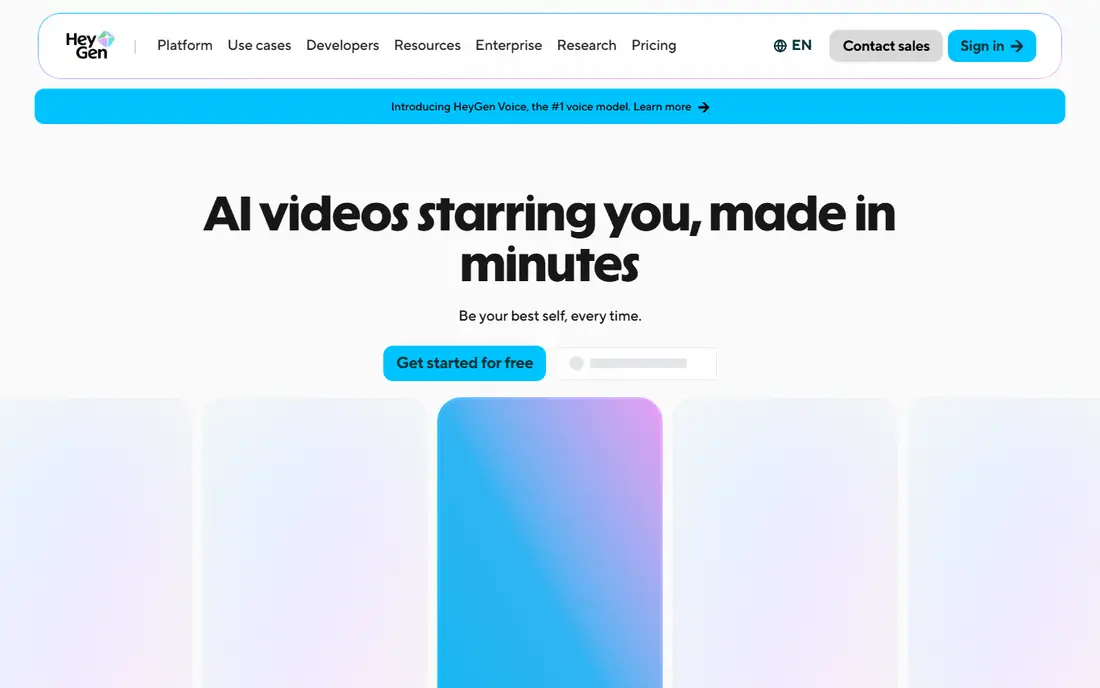
HeyGen turns text into avatar video with a stronger marketing feel than Synthesia. Avatars move more naturally, voices sound less flat, and the translation feature converts a finished video into other languages with matched lip sync, which is a major advantage for global campaigns. Social and ad templates help marketers publish quickly without a full production team.
Credit management is the main skill to learn, since video length, avatar type, and translation all consume credits. Creator pricing is around $24 per month billed annually, with a free plan allowing a few videos per month. For marketing teams that need avatar video at scale and in several languages, HeyGen is the best text-to-video pick in this group.
What we like- Lifelike avatars and voices
- Video translation with lip sync
- Templates for ads and social content
Watch out for- Credits limit longer videos
- Team features need higher plans
#3Pictory
Best for: Articles and scripts to video4.6/5 on
G2 (81 reviews, checked Oct 2026)
Visit pictory.ai
Starting price$25 per month (billed annually)
Free planFree trial
Pictory is built for repurposing text. Paste an article or script, and Pictory selects stock scenes, adds voiceover and captions, and assembles a finished video in minutes. It also pulls highlights from webinars and podcasts, which helps content teams turn one long asset into many short videos. That speed is the reason marketers with large archives choose it.
The trade-offs are price and style. There is no free plan, only a 14-day trial, and Starter pricing is around $25 per month billed annually. Visuals follow templates, so a brand that wants a unique look must customize scenes, fonts, and music. For teams that publish repurposed content weekly, Pictory's workflow still saves more time than manual editing.
What we like- Turns articles, scripts, and URLs into video automatically
- Highlight extraction from long recordings
- Captions and voiceover included
Watch out for- Trial only, no free plan
- Template-led visuals need customization for a distinctive brand
#4InVideo
Best for: Prompts and scripts to marketing video4.2/5 on
G2 (183 reviews, checked Oct 2026)
Visit invideo.io
Starting price$20 per month (billed annually)
Free planYes
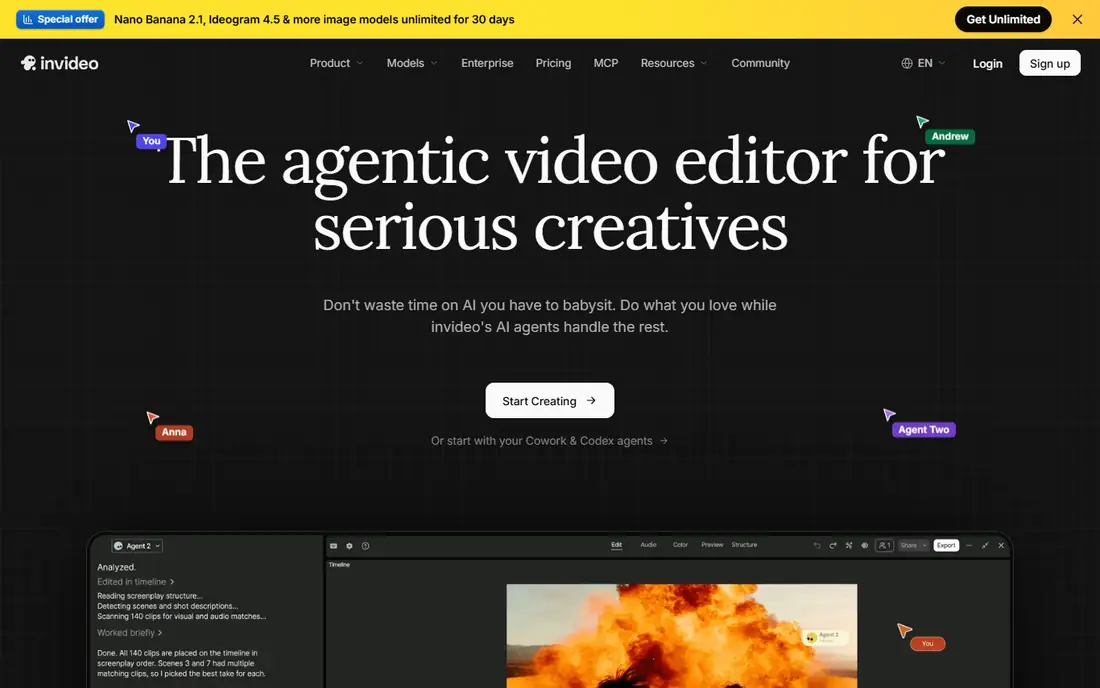
InVideo handles the broadest range of text inputs on this list. A short prompt, a full script, or just a topic can become a draft video with stock footage, generated clips, voiceover, music, and captions, ready for editing. That flexibility suits YouTube creators, marketers, and small businesses that need different video types from one tool.
Draft quality varies, and generated scenes sometimes miss the script's meaning, so a human edit pass is part of the workflow. Paid plans start around $20 per month billed annually, with a free plan offering watermarked exports. For creators who value breadth and publishing speed over a single specialized workflow, InVideo is a strong all-rounder.
What we like- Prompt, script, or topic to finished draft
- Stock plus generative models
- Large template library
Watch out for- Credit costs vary by model
- Drafts often need manual fixes to pacing and scene choice
#5Fliki
Best for: Scripts to voiceover video4.7/5 on
G2 (179 reviews, checked Oct 2026)
Visit fliki.ai
Starting price$21 per month (billed annually)
Free planYes
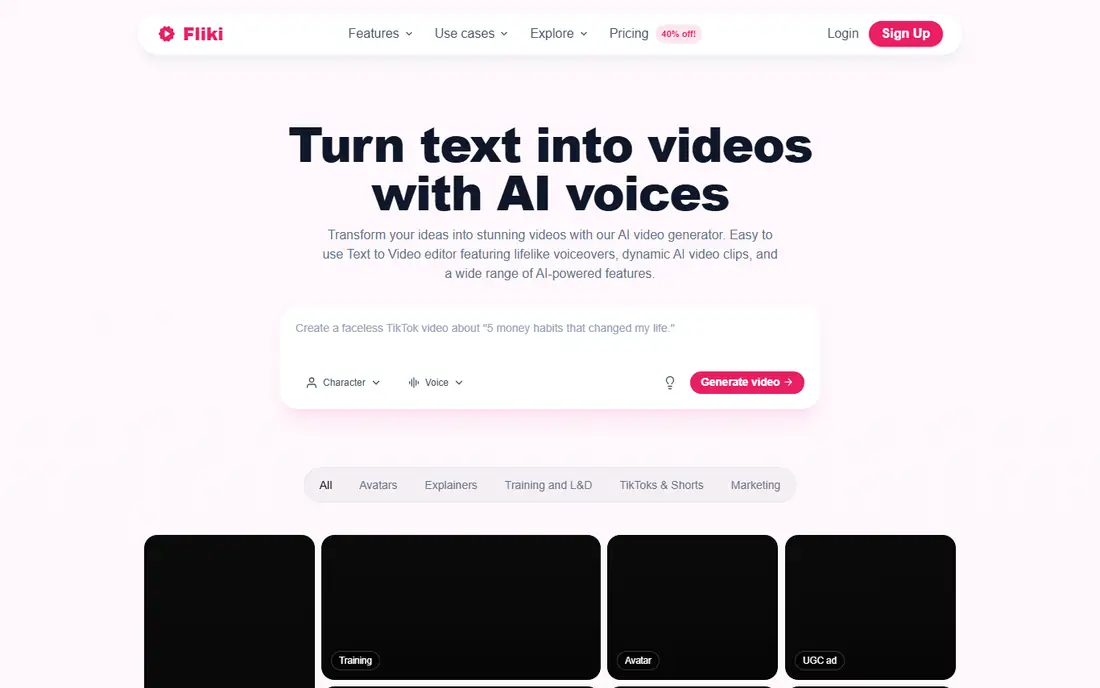
Fliki is designed for creators who write a script and want a finished voiceover video fast. Its voice library is one of the largest in this category, covering many languages and styles, and its script-to-video workflow matches scenes to stock footage or AI images automatically. Faceless channels, explainers, and news-style videos are the natural fit.
Visual originality is the limit, since stock footage repeats across channels, and creators who want a distinctive look should add custom images or generative clips. Standard pricing is around $21 per month billed annually, with a free plan for testing. For high-volume publishing on a budget, Fliki's voice quality gives it an edge over cheaper, thinner tools.
What we like- Thousands of voices in many languages
- Script-to-video with stock and AI images
- Avatar options on higher plans
Watch out for- Stock-heavy visuals can look generic
- Free plan limited to a few minutes per month
#6Lumen5
Best for: Blog posts to social video4.5/5 on
G2 (69 reviews, checked Oct 2026)
Visit lumen5.com
Starting price$19 per month (billed annually)
Free planYes
Lumen5 converts a blog post or script into a social video by matching text to stock scenes and adding text overlays, music, and voiceover. Its editor is deliberately simple, which suits marketing teams without video skills. A free Community plan allows a few videos per month, and paid plans start around $19 per month billed annually in published comparisons.
The honest limitation is style. Lumen5 videos look like Lumen5 videos unless heavily customized, and higher resolutions have required higher plans in published comparisons. For quick social clips from articles, that is acceptable, and speed matters more than cinematic quality. Teams that need distinctive visuals should pair Lumen5 with a generative tool such as Runway.
What we like- Fast blog-to-video workflow
- Simple editor for non-designers
- Brand kit and templates
Watch out for- Animation style is template-led
- 1080p output needs a higher plan in published comparisons
#7Runway
Best for: Text prompts to generative footage4.1/5 on
G2 (105 reviews, checked Oct 2026)
Visit runwayml.com
Starting price$12 per month (billed annually)
Free planYes
Runway answers a different version of text-to-video: instead of a presenter or stock montage, a prompt becomes original moving footage. Its Gen-4.5 model handles camera movement, style, and scene changes better than most rivals, and its editing tools let creators extend, restyle, and combine clips into longer sequences. That makes Runway the choice for creative, cinematic, and advertising work.
The workflow is less automatic than Pictory or Fliki, since each clip is short and needs assembly into a finished video. Standard pricing is $15 per month, or $12 per month billed annually, with 125 one-time free credits. Creators who want original visuals and are willing to edit should choose Runway; creators who want a finished video from a script should choose an avatar or stock tool instead.
What we like- Text prompts become original generative footage
- Camera control and editing tools
- Strong model quality
Watch out for- Clips are short and credit-based
- Free credits are one-time only
#8Kapwing
Best for: Text to edited social video3.9/5 on
G2 (40 reviews, checked Oct 2026)
Visit kapwing.com
Starting price$16 per month (billed annually)
Free planYes
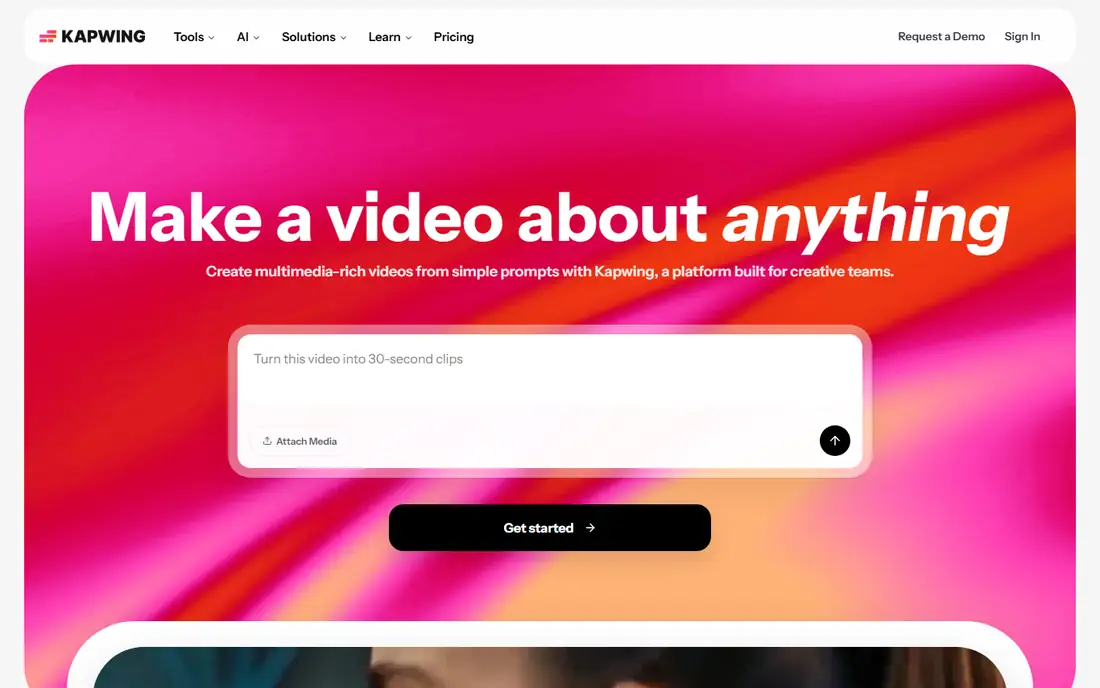
Kapwing turns articles, PDFs, and topics into video drafts, then lets you finish them properly on a timeline. That combination matters, because most text-to-video drafts need trimming, caption fixes, branding, and resizing for each platform. Kapwing handles all of that in the browser, with collaboration for teams that review together.
Free exports are watermarked at 720p with length limits, and Pro pricing is around $16 per month billed annually. Kapwing suits social teams that want AI to start the video and a real editor to finish it, rather than a one-click tool that leaves no room for craft. It is a practical middle ground between pure generators and desktop editors.
What we like- Article-to-video and faceless video makers inside a full editor
- Subtitles in many languages
- Team collaboration
Watch out for- Free exports watermarked at 720p
- AI generation is a starting point, not a finished video
#9VEED
Best for: Scripts to edited video with AI assists4.6/5 on
G2 (2,175 reviews, checked Oct 2026)
Visit veed.io
Starting priceSee website
Free planYes
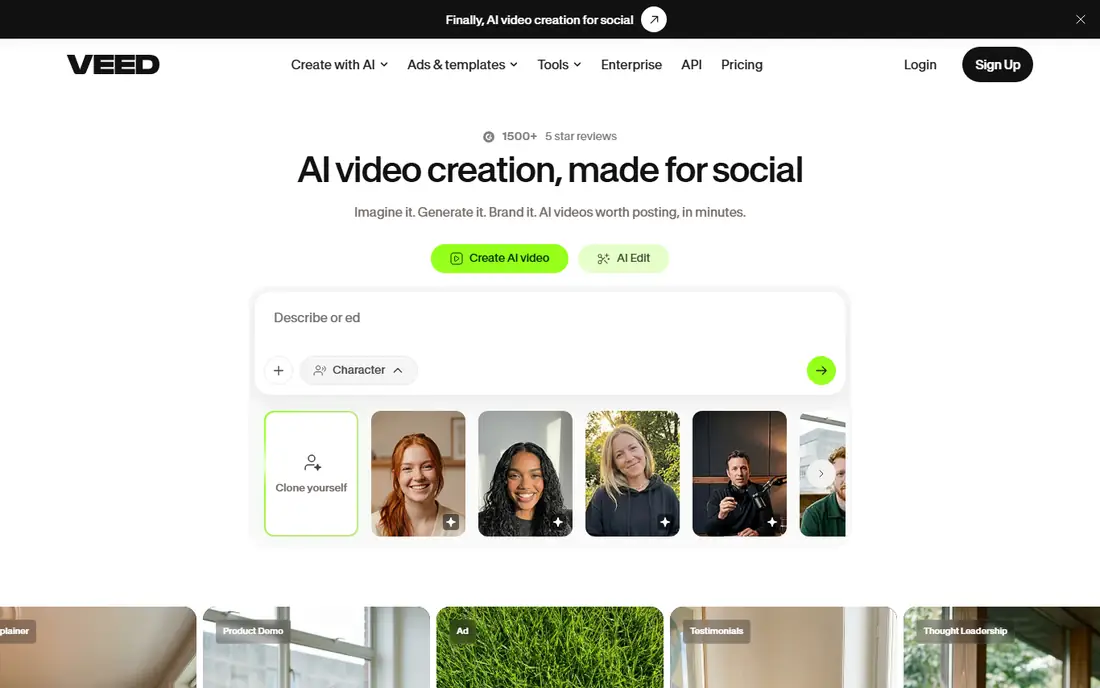
VEED covers the full journey from script to published video. Its text-to-video tools create a rough cut, its AI avatars and voices add presentation, and its editor handles subtitles, translation, branding, and trimming. For teams that want one browser tool for the whole process, VEED reduces the need to move files between apps.
Pricing should be checked on the vendor page at purchase time, since plans have changed, and free exports are watermarked at 720p. VEED is best for marketing and social teams that value an all-in-one editor, while creators who only need generation may find InVideo or HeyGen faster for their specific job.
What we like- Script-to-video plus full browser editing
- AI avatars, voiceover, subtitles, and translation
- Team workspaces
Watch out for- Pricing and credit rules change often
- Free exports watermarked at 720p
How we chose
We compared vendor pricing pages, product documentation, and public reviews, and we required each tool to accept text as the main input and return a watchable video without filming. Tools were judged on input flexibility, voice and avatar quality, visual originality, editing control, export limits, and pricing clarity. Where pricing varied by billing period, we gave the annual figure and advised checking the vendor page.
Choosing by your starting material
Your starting material should decide the tool. A training script belongs in Synthesia or HeyGen, where a presenter delivers it clearly. A blog post belongs in Pictory or Lumen5, which are built to convert articles into scenes. A short creative prompt belongs in Runway, where the model generates original footage. A marketing brief belongs in InVideo or Kapwing, where a draft can be edited into a campaign asset.
From draft to publishable video
No tool on this list produces a perfect video on the first try. Budget time for a review pass: check scene relevance, voice pronunciation, caption accuracy, pacing, and branding. Fix the script first when something is wrong, since regenerating from corrected text is faster than patching a flawed video scene by scene.
Voices, captions, and accessibility
Voice quality decides whether viewers finish a video. Test voices on your actual script, not on a demo sentence, and check pronunciation of product names and technical terms. Add accurate captions for silent viewing and accessibility, and confirm the tool exports caption files or burned-in captions in the format each platform needs.
Frequently asked questions
What is the best AI tool to create video from text?
It depends on your text. Synthesia is best for training scripts, HeyGen for marketing and multilingual avatar video, Pictory for articles, InVideo for general marketing drafts, and Runway for original generative footage. Match the tool to your starting material, not to a single overall winner.
Can I create a video from text for free?
Yes, with limits. Synthesia, HeyGen, InVideo, Fliki, Lumen5, Runway, Kapwing, and VEED all offer free plans or free credits, usually with watermarks, lower resolution, or minute limits. Pictory offers a trial instead of a free plan. Free tiers suit testing, but regular publishing needs a paid plan.
How long does it take to make a video from text?
A short script-to-video draft can take minutes, while a polished marketing video with review and edits takes longer. Avatar and stock-based tools are fastest, since they assemble existing assets, while generative tools such as Runway need more time for generation, selection, and assembly.
Do I need video editing skills to use these tools?
No, for the basic workflow. Paste text, choose a voice or avatar, and export. Editing skills help for polishing pacing, captions, branding, and scene choice, and tools such as Kapwing and VEED reward that extra effort with a better final result.
Will AI video from text look professional?
Presenter and stock-based videos can look professional for training, explainers, and social content, especially with consistent branding and accurate captions. Generative footage looks best in short clips and needs editing for longer work. Review every video before publishing, since AI scene choices and pronunciations still make mistakes.
Can I use my own voice or avatar?
Several tools offer voice cloning and custom avatars on higher plans, including HeyGen, Synthesia, and Fliki. Custom voices and avatars usually require consent recordings and verification, and they cost more than stock options. Check the vendor's policy and pricing for custom features before promising them to a client.
Sources we checked (9)
- https://www.synthesia.io/pricing
- https://www.heygen.com/pricing
- https://pictory.ai/pricing
- https://invideo.io/pricing
- https://fliki.ai/pricing
- https://lumen5.com/pricing
- https://runwayml.com/pricing
- https://www.kapwing.com/pricing
- https://www.veed.io/pricing
Is your product missing or out of date?
We review this list regularly. Vendors can request a listing, send updated pricing or ask about featured placement.

Shihab Mia · Founder, Rankite
Shihab has 5+ years in B2B and SaaS SEO. He writes Rankite's software buying guides from pricing pages, documentation and public user reviews. More about Shihab.