How we make this list: we compare pricing pages, product documentation and public user reviews. Ratings come from G2, Capterra or Trustpilot, with the date we checked them.
Key takeaways
- Runway and Google Veo lead for cinematic text to video work, while Kling offers the strongest free tier value for daily testing.
- Most text to video tools make short clips, usually 5 to 16 seconds, so longer videos need editing and stitching.
- Credits burn quickly, so compare credits per clip, not just the monthly price, before choosing a plan.
- Avatar tools such as HeyGen and Synthesia suit talking head training videos, but they are not the same as cinematic clip generators.
- OpenAI Sora is not listed as a buyable option here, because its consumer app was discontinued in April 2026 in reports checked for this article.
Quick comparison
| Tool | Best for | Starting price | Free plan |
|---|
 Runway Runway | Professional text to video control | $12 per month | Yes |
 Kling AI Kling AI | Low cost realistic motion | See website | Yes |
 Pika Pika | Short social clips and effects | $8 per month | Yes |
 Google Veo Google Veo | Cinematic clips with audio | See website | Yes |
 Luma Dream Machine Luma Dream Machine | High quality realistic clips | $30 per month | Free trial |
 Hailuo AI Hailuo AI | Low cost motion clips | See website | Yes |
 Adobe Firefly Video Adobe Firefly Video | Brand safe commercial video | See website | Yes |
 HeyGen HeyGen | Avatar marketing videos | See website | Yes |
 Synthesia Synthesia | Training and corporate video | See website | Free trial |
Is your product missing or out of date?
We review this list regularly. Vendors can request a listing, send updated pricing or ask about featured placement.
The best text to video AI tools
#1Runway
Best for: Professional text to video control4.1/5 on
G2 (105 reviews, checked Oct 2026)
Visit runwayml.com
Starting price$12 per month
Free planYes
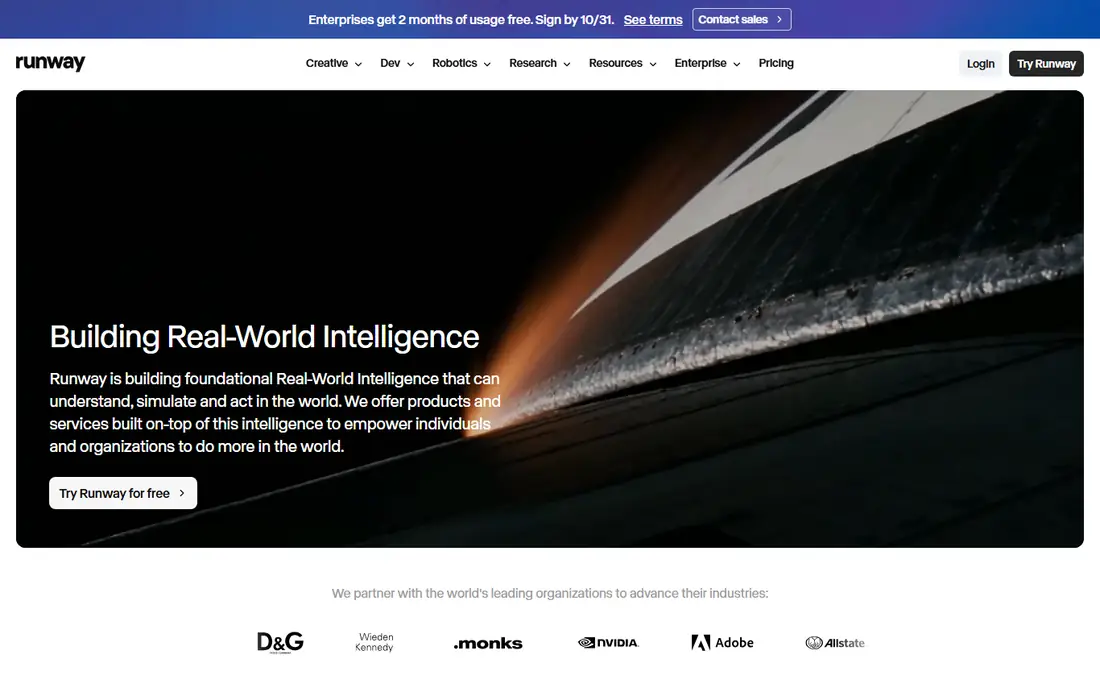
Runway is the closest thing in this list to a production tool for short AI clips. Camera controls for pan, zoom, and orbit help a clip feel directed rather than random, and the timeline editor lets you assemble, trim, and manage assets without leaving the platform. Gen-4 models handle text to video and image to video, which suits creators who start from a product photo or a storyboard frame.
The main cost is credits. A lower plan covers only a limited number of seconds per month at higher quality, so a creator who makes many clips will need a higher plan. The free tier gives a small one time credit amount for evaluation. Runway fits filmmakers, agencies, and creators who value control and editing in one place, and who can plan clip counts before subscribing.
What we like- Strong camera control and editing tools
- Gen-4 models for text and image to video
- Timeline editor for assembling clips
Watch out for- Credits burn fast on higher quality models
- Free credits are one time only
- Best results need prompt practice
Starting priceSee website
Free planYes

Kling AI stands out for value. Reports checked for this article describe daily free credits, which let a creator test prompts, motion, and style without paying on day one. Human motion, including walking and gestures, is a strength, and lip sync features help for short dialogue style clips. Paid plans scale credits for regular production.
Free output is not the same as commercial output, so check watermark, resolution, and commercial use terms on your plan. Kling also needs careful prompting for complex scenes, where hands, faces, or physics can still look off. For creators on a budget who want realistic motion and frequent testing, Kling is a strong first pick.
What we like- Generous daily free credits in reports
- Strong human motion and lip sync
- Good value on paid plans
Watch out for- Free clips may carry limits or watermarks
- Interface and support are less polished for some users
- Longer clips need higher plans
Starting price$8 per month
Free planYes
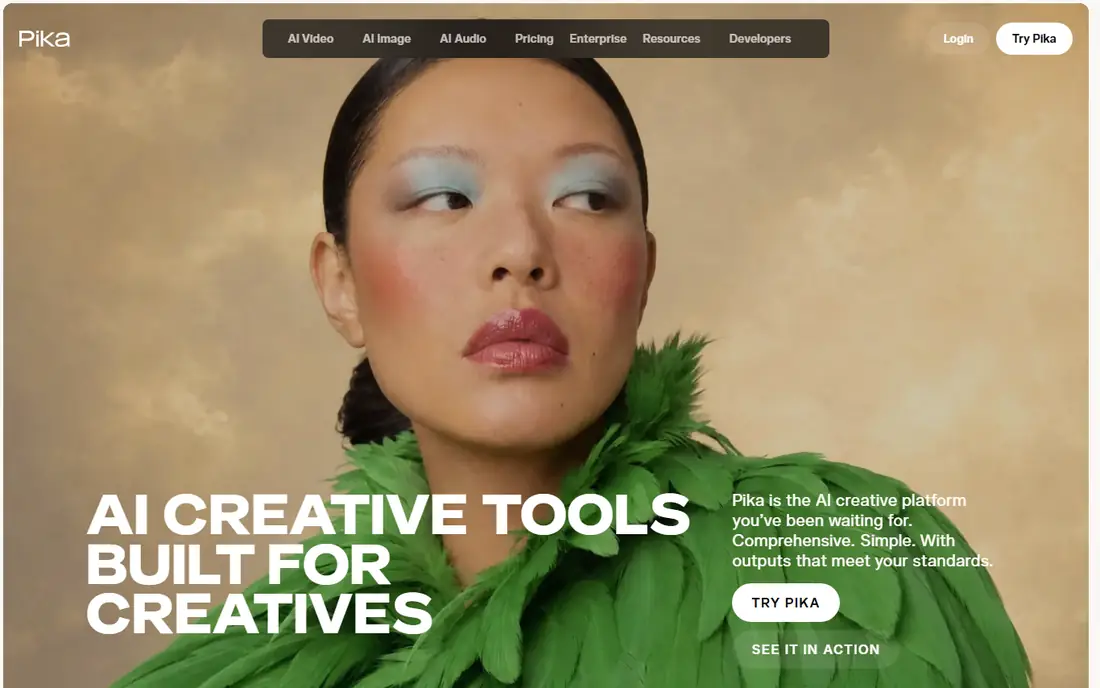
Pika suits social creators who need quick, stylized clips for short form video. Effects, transitions, and illustrated looks are easy to try, and the entry paid plan is lower than many cinematic tools. That makes it a good testing ground for ideas before spending credits on a higher end generator.
Clip length is the limit. Most Pika outputs are short, so a longer story needs several clips and editing in another app. Quality also varies by prompt, and realistic human motion can be less consistent than in Kling or Runway. Use Pika when speed, style, and social formats matter more than long, realistic scenes.
What we like- Fast generation for social formats
- Creative effects and stylized looks
- Lower entry price than many rivals
Watch out for- Default clips are short
- Free plan credits are limited
- Less suited to long cinematic scenes
Starting priceSee website
Free planYes
Google Veo, from Google DeepMind, is a leading choice for realistic clips with sound. Veo can generate dialogue, sound effects, and ambience in the same clip, which removes a separate audio step for many short videos. Access comes through the Gemini app, the Flow filmmaking tool, and Google AI Studio or Vertex AI for developers, so the best entry point depends on whether you want a consumer app or a production workflow.
Cost is the main caution. Free access is limited, and paid Google AI plans or API use can get expensive when you generate many clips. Veo also applies watermarking to generated video, which matters for some commercial uses. For creators who want the highest realism and native audio, Veo is worth testing on a paid plan before committing to volume.
What we like- Strong realism and prompt accuracy
- Native audio including dialogue and sound effects
- Access through Gemini and Flow tools
Watch out for- Credits and API costs add up at scale
- Availability varies by Google plan
- Watermarking applies to generated clips
Starting price$30 per month
Free planFree trial
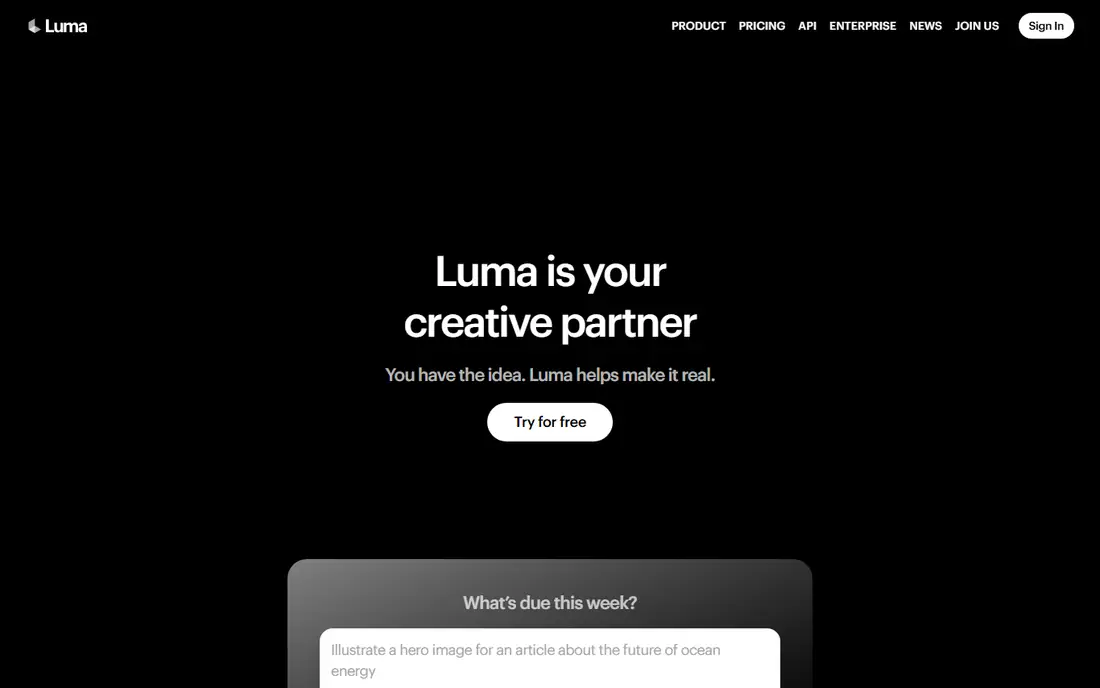
Luma Dream Machine targets creators who want polished, realistic clips and are willing to pay for quality. Lighting, texture, and scene detail are strengths, and the tool handles product shots and atmospheric scenes well. For a creator making a small number of high value clips, the quality per clip can justify the higher entry price.
Budget users should note the trade. Luma has no generous ongoing free tier in recent reports, and the paid entry plan starts higher than Kling or Pika. Clip counts still depend on credits, so a high volume social workflow may be cheaper elsewhere. Luma fits when each clip matters, such as a product launch, a brand film, or a portfolio piece.
What we like- High resolution and realistic lighting
- Good for product and scene shots
- Ray models suit detailed prompts
Watch out for- Entry paid plan is higher than budget tools
- No ongoing free tier in recent reports
- Credits still limit volume
Starting priceSee website
Free planYes
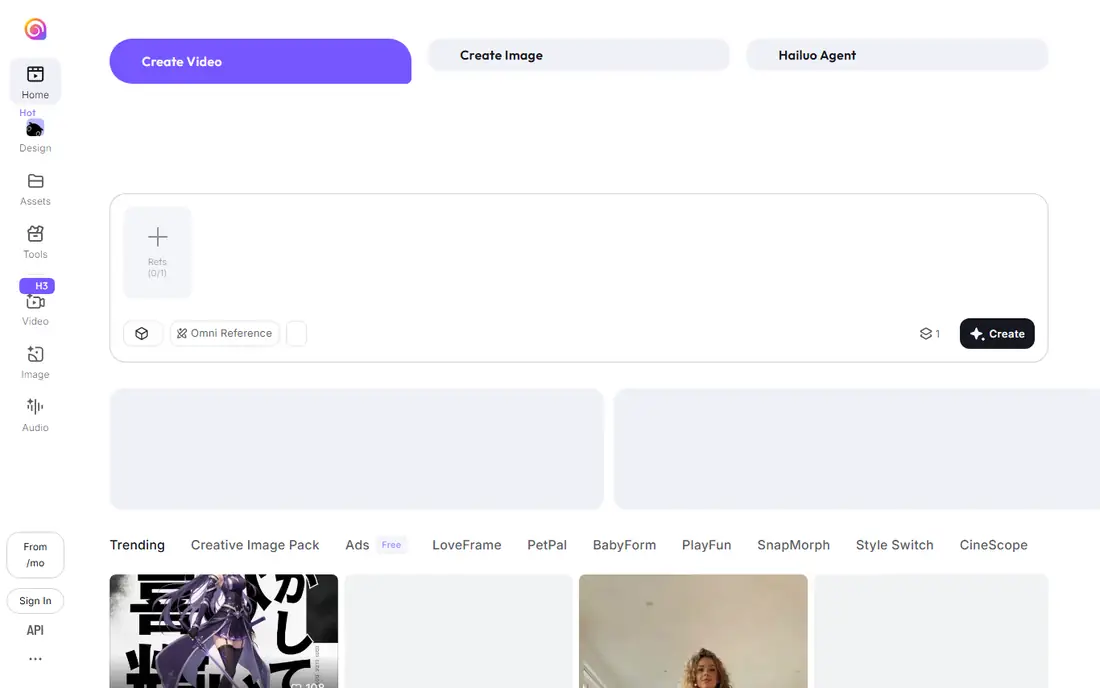
Hailuo AI, from MiniMax, is a budget option for creators who want motion clips without a high monthly fee. Daily credits let you test ideas often, and the tool handles short creative scenes with strong motion. It suits social creators, students, and small teams that need regular short clips rather than a single cinematic masterpiece.
Quality control is the work. Some prompts produce artifacts, odd motion, or inconsistent faces, so expect to regenerate clips. Editing and assembly also need another app for longer videos. Hailuo is best as a low cost generator in a workflow that includes a separate editor, rather than as a single all in one studio.
What we like- Low cost entry for motion video
- Daily credits for testing
- Good motion for short creative clips
Watch out for- Output quality varies by prompt
- Commercial terms need checking
- Less editing depth than Runway
#7
Adobe Firefly Video
Best for: Brand safe commercial video
Visit adobe.com
Starting priceSee website
Free planYes
Adobe Firefly Video appeals to brands and agencies that need to be careful about commercial rights. Adobe positions Firefly as trained on licensed content, which helps teams that worry about using AI video in client work. Integration with Premiere Pro and other Adobe apps also shortens the path from a generated clip to a finished edit.
Raw cinematic quality can lag behind the top specialist generators for complex scenes, and credit limits matter on lower Adobe plans. Firefly fits Adobe users who already pay for Creative Cloud and want a safe, integrated video generator. Teams that do not use Adobe should compare clip quality and credits with Runway and Kling before choosing.
What we like- Designed for commercial use within Adobe terms
- Integrates with Premiere and other Adobe apps
- Credits included on Adobe plans
Watch out for- Less cinematic depth than Veo or Runway for some prompts
- Credit limits on lower plans
- Best value only for Adobe users
#8HeyGen
Best for: Avatar marketing videos4.8/5 on
G2 (1,973 reviews, checked Oct 2026)
Visit heygen.com
Starting priceSee website
Free planYes
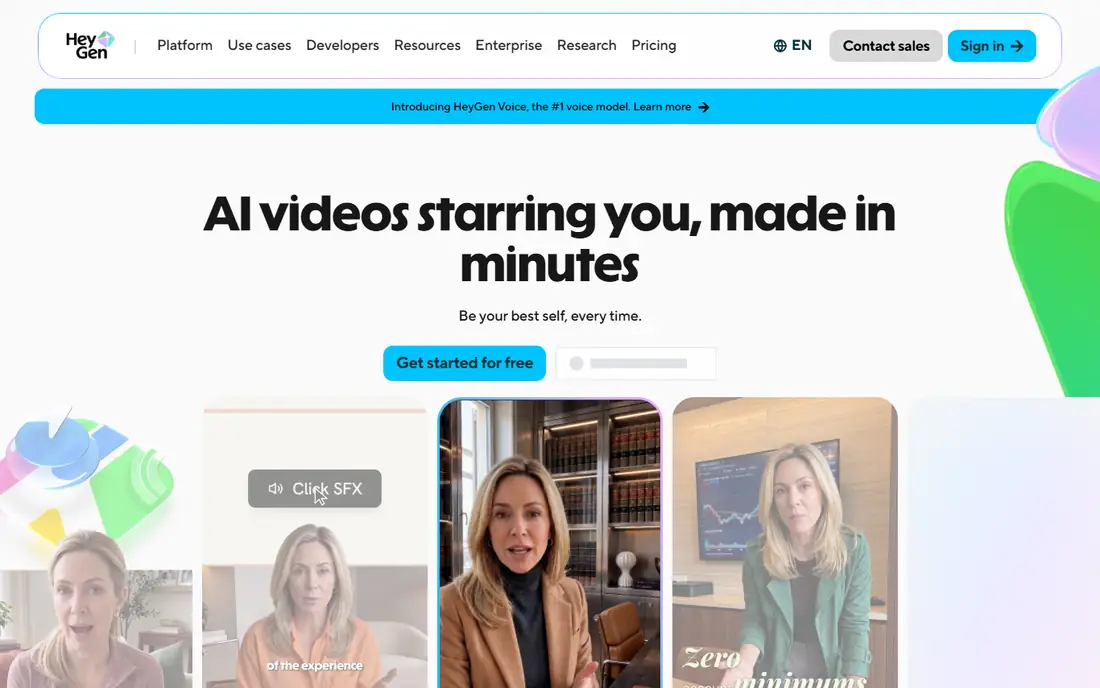
HeyGen solves a different video problem. Instead of generating a cinematic scene from text, it creates an avatar presenter who speaks a script, which suits product explainers, sales outreach, and social ads. Translation features let one script reach several language audiences without reshooting, and voice options help match a brand tone.
The limit is scope. HeyGen does not replace a text to video scene generator, and free output is limited to a short trial amount. Longer videos, custom avatars, and higher resolution need paid plans. Use HeyGen when a talking presenter is the format, and use Runway, Veo, or Kling when you need a scene, a product shot, or a story clip.
What we like- Realistic avatars for spokesperson videos
- Translation and voice cloning options
- Fast production for marketing and sales
Watch out for- Avatar video is not cinematic text to video
- Free output is very limited
- Higher plans needed for longer videos
#9Synthesia
Best for: Training and corporate video4.6/5 on
G2 (2,804 reviews, checked Oct 2026)
Visit synthesia.io
Starting priceSee website
Free planFree trial
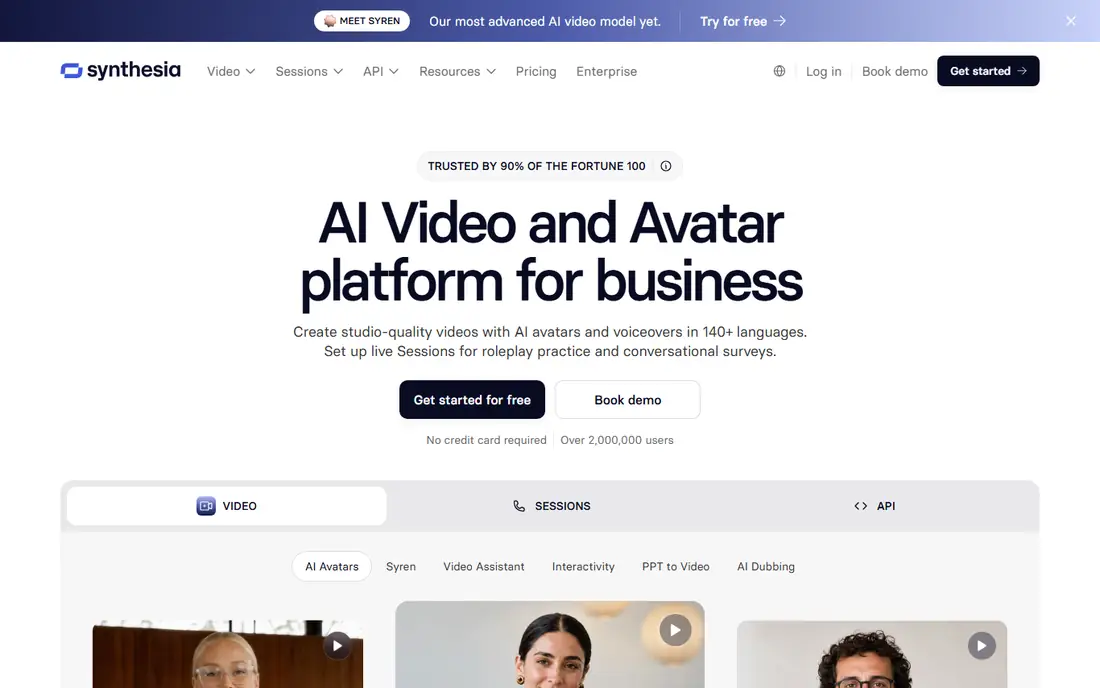
Synthesia is built for training, onboarding, and internal communications. A team can turn a script into a presenter led video in many languages, update it by editing text, and keep a consistent format across courses. That update speed is a major advantage over reshooting a presenter every time a policy or product changes.
Social and cinematic creators may find the avatar style too formal, and the tool is not designed for scene generation. Pricing is aimed at teams, with a trial rather than a free ongoing plan. Synthesia fits learning teams, HR, and operations groups that produce many similar videos and need fast updates.
What we like- Fast training video production at scale
- Many avatars, voices, and languages
- Templates for corporate learning
Watch out for- Avatar style can feel formal for social content
- No free ongoing plan
- Customization is limited compared with filming
How we chose
We compared vendor pricing pages, product documentation, and public reviews on G2, Capterra, and Reddit, and we checked clip length, resolution, audio support, credit models, free tiers, and commercial use terms. A tool made this list only if it exists today as a buyable product and can generate video from text or from a text plus image prompt, or, for avatar tools, from a script. We excluded Sora as a buyable option because reports checked for this article state its consumer app was discontinued in April 2026.
Credit models were a key test, because monthly price alone hides how many clips you actually get. We favored tools with clear credit terms and a usable free tier or trial, and we noted where free output carries limits. Readers should still generate the same test prompt in two tools before paying, because style, motion, and audio quality vary by prompt type.
What to check before you pay for credits
Count clips, not months. A plan that looks cheap can cover only a few high quality clips, while a higher plan may include far more seconds of video. Check whether credits expire, whether higher resolution or audio costs extra credits, and whether failed generations still use credits. Those details decide the true cost per finished clip.
Clip length, resolution, and rights
Most tools in this list make clips of 5 to 16 seconds, so plan for editing if you need a 60 second video. Check maximum resolution, whether the free tier adds a watermark, and whether your plan allows commercial use. For client work, also check whether generated video can be used in ads, and whether the vendor requires disclosure that a clip was AI generated.
Prompting and editing workflow
Write prompts with subject, action, camera move, lighting, and setting in plain order, and keep one element constant when you test variations. Generate a short clip first, check motion and faces, then generate a longer or higher quality version only when the short version works. Keep a separate editor for stitching clips, adding captions, and fixing audio, because few generators replace a full editor.
Frequently asked questions
How long can AI text to video clips be?
Most tools make clips of 5 to 16 seconds, with some paid plans allowing longer outputs. Avatar tools are different, because a presenter can speak for several minutes from a script. For a story or ad, plan to stitch several clips together in an editor.
Which text to video tool has the best free plan?
Kling AI offers the strongest free value in reports checked for this article, with daily credits for testing. Runway gives a small one time credit amount, and Pika and Hailuo also offer free tiers with limits. Free plans usually limit resolution, add watermarks, or restrict commercial use, so check terms before publishing.
Is Sora still available?
Reports checked for this article state that OpenAI discontinued the Sora consumer app in April 2026. Sora style cinematic generation is still available through other tools in this list, such as Veo, Runway, and Kling. Do not pay for a third party service that claims to sell Sora access without verifying it through OpenAI.
Can I use AI generated video for commercial work?
It depends on the tool and plan. Adobe Firefly is positioned for commercial use under Adobe terms, while other tools vary by plan on commercial rights, watermarks, and disclosure. Read the license for your plan, keep a record of the prompt and output, and check client or platform rules before using AI video in ads.
Why do AI videos sometimes look wrong?
Hands, faces, physics, and complex motion are still hard for video models, especially in longer or crowded scenes. Shorter clips, simpler actions, and clear prompts reduce errors. Generate several versions, pick the best, and avoid relying on a single generation for a critical shot.
Do I need video editing skills to use these tools?
Basic editing helps, because most projects need clip selection, trimming, captions, and audio mixing. Many creators use a separate editor such as Premiere Pro, CapCut, or DaVinci Resolve after generation. Avatar tools need less editing, since the presenter video is closer to finished after generation.
Sources we checked (9)
- https://runwayml.com/pricing
- https://klingai.com/pricing
- https://pika.art/pricing
- https://deepmind.google/models/veo
- https://lumalabs.ai/pricing
- https://hailuoai.video/pricing
- https://www.adobe.com/products/firefly/pricing
- https://www.heygen.com/pricing
- https://www.synthesia.io/pricing
Is your product missing or out of date?
We review this list regularly. Vendors can request a listing, send updated pricing or ask about featured placement.

Shihab Mia · Founder, Rankite
Shihab has 5+ years in B2B and SaaS SEO. He writes Rankite's software buying guides from pricing pages, documentation and public user reviews. More about Shihab.