How we make this list: we compare pricing pages, product documentation and public user reviews. Rankite is independent; if a vendor ever pays for a featured spot, that listing is clearly labeled Partner.

Key takeaways
- Most AI video platforms now price by credits or video minutes, not flat subscriptions. Read the usage allowance before the headline price.
- Synthesia and HeyGen lead on AI avatars for training and marketing; Runway leads on generated footage; Pictory, InVideo, and Lumen5 lead on turning existing text into video.
- Free plans exist at almost every vendor, but exports are usually watermarked, capped at 720p, or limited to a few minutes.
- Credits rarely roll over. If you publish in bursts, an annual plan that pools minutes for the year can cost less per finished video.
- For talking-head content you already filmed, Descript is a different category entirely: an editor that fixes your footage with AI rather than generating a video from nothing.
Quick comparison
| Tool | Best for | Starting price | Free plan |
|---|
 Synthesia Synthesia | corporate training and onboarding videos | $29/month ($18/month billed annually) | Yes (Basic, 10 minutes of video per month) |
 HeyGen HeyGen | localized marketing videos and ads | $29/month ($24/month billed annually) | Yes (3 videos per month) |
 Runway Runway | generated cinematic clips and creative footage | $12/month (billed annually) | Yes (125 one-time credits) |
 Pictory Pictory | turning blogs and webinars into short video | $25/month | Free trial (14 days) |
 InVideo InVideo | budget social video teams | $10 per seat/month (billed annually) | Yes |
 Lumen5 Lumen5 | blog-to-video content marketing | $19/month (billed annually) | Yes (Community plan, watermarked) |
 Descript Descript | editing filmed talking-head video and podcasts | $16 per person/month (billed annually) | Yes (60 media minutes per month) |
 Colossyan Colossyan | training teams that want a real free tier | Free (Professional from $59/month) | Yes (Starter, 20 minutes per month) |
 VEED VEED | subtitled social video and fast marketing clips | $19/month ($9/month billed annually) | Yes (watermarked, 720p) |
Is your product missing or out of date?
We review this list regularly. Vendors can request a listing, send updated pricing or ask about featured placement.
Starting price$29/month ($18/month billed annually)
Free planYes (Basic, 10 minutes of video per month)
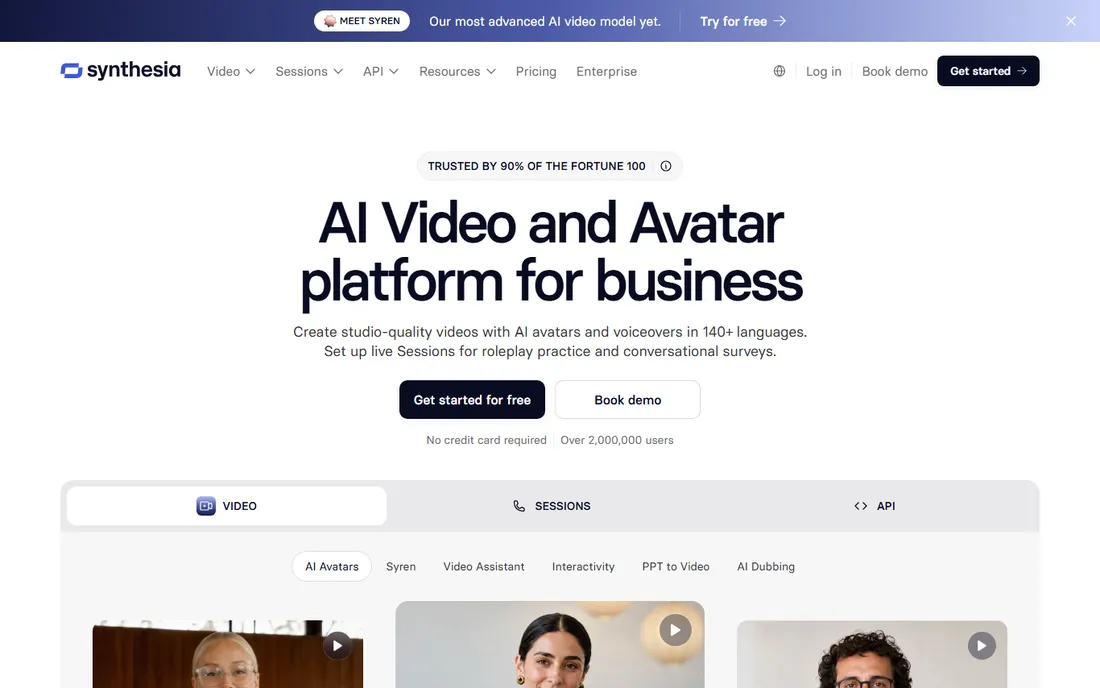
Synthesia is the default pick when a company needs training content that looks consistent. The avatar library runs past 125 stock presenters on Starter, personal avatars let a subject-matter expert clone themselves, and the platform treats video, dubbing, and translation as one workflow, which matters when the same module has to ship in a dozen languages. The free Basic plan covers about ten minutes a month, enough to test whether the avatar style fits your brand.
The catch is the metering. Credits are the shared currency across everything you create, and a minute of video costs roughly 100 to 120 credits, so Starter's allowance resolves to around twelve minutes a month on top of the free allowance. Dubbing draws from the same pool, so a localization-heavy workflow spends its budget faster than the plan page implies. If you publish one ten-minute training module a month, Starter works. If you publish weekly, budget for Pro or Enterprise, where minutes scale and SCORM export becomes available for LMS delivery.
What we like- Polished avatar quality
- Enterprise security stack (SOC 2 Type II, ISO 27001, GDPR)
- Interactive video and SCORM exports
Watch out for- Credits cap finished minutes more than the plan names suggest
- Weekly publishing burns through the Starter pool quickly
- Premium studio avatars cost extra
Starting price$29/month ($24/month billed annually)
Free planYes (3 videos per month)

HeyGen aims at creators and marketers rather than L&D departments, and it shows in the feature set. The free plan hands you three videos a month to test the workflow, and the Creator plan at $29 a month adds 1080p exports, watermark removal, voice cloning, and a brand kit. Translation is a genuine strength: the same spot can ship in 175 languages and dialects with lip-sync, which is why performance marketers use it to localize ad creative cheaply.
The honest math lives in the credit table. A minute of video can cost anywhere from 4 to 48 credits depending on which avatar model you pick, so the same 600-credit Creator allowance buys very different amounts of finished video. Monthly subscribers get one month of credit rollover, and annual subscribers accumulate credits until renewal, which softens the blow for uneven publishing schedules. Just know that voice cloning, priority processing, and extra avatar slots are separate line items, and budget for them before you commit.
What we like- Monthly credit rollover on annual plans
- 175+ languages and dialects
- Strong avatar realism across Avatar IV and V
Watch out for- Credit cost per minute swings widely by avatar model
- Real monthly spend can pass the headline price with add-ons
- Advanced features are metered despite "unlimited video" wording
Starting price$12/month (billed annually)
Free planYes (125 one-time credits)
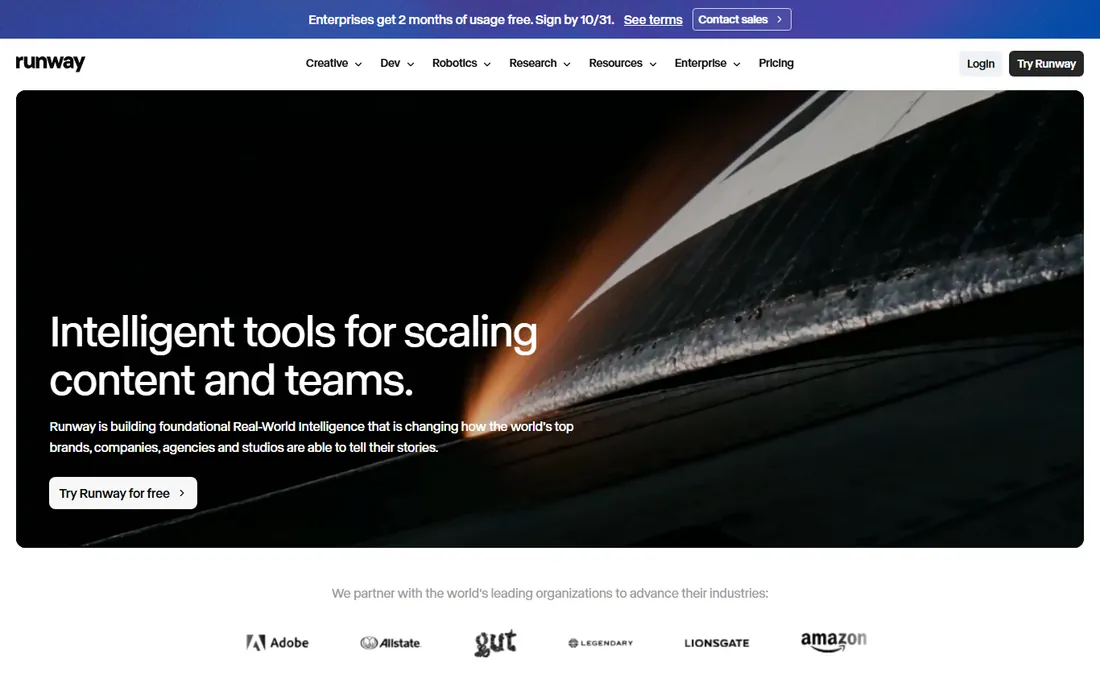
Runway is the odd one out here: it generates footage from prompts instead of assembling presenters and stock. The Standard plan at $12 a month on annual billing opens the full model lineup, removes watermarks, and adds 4K upscaling, which makes it the best value for anyone who needs short cinematic shots for ads, product pages, or social content. The free plan's 125 credits never expire, so you can experiment without a clock running.
The constraint is volume. At 12 credits per second, Gen-4.5 eats the 625-credit monthly allowance in roughly 52 seconds of finished video, which is about ten five-second clips. Switching to the cheaper Gen-4 Turbo stretches the same credits to around two minutes. If you generate a few clips a week, Standard is plenty. Daily short-form production pushes you to Pro at $28 a month annual, and Max at $76 is the honest tier for heavy users who want credit rollover.
What we like- Access to every video and image model on the Standard plan
- 4K upscaling
- The cheapest serious entry point in this list
Watch out for- 625 monthly credits buy about 52 seconds of top-tier Gen-4.5 video
- Credits reset monthly with no rollover on Standard
- The API bills separately
#4
Pictory
Best for: turning blogs and webinars into short video
Visit pictory.ai
Starting price$25/month
Free planFree trial (14 days)
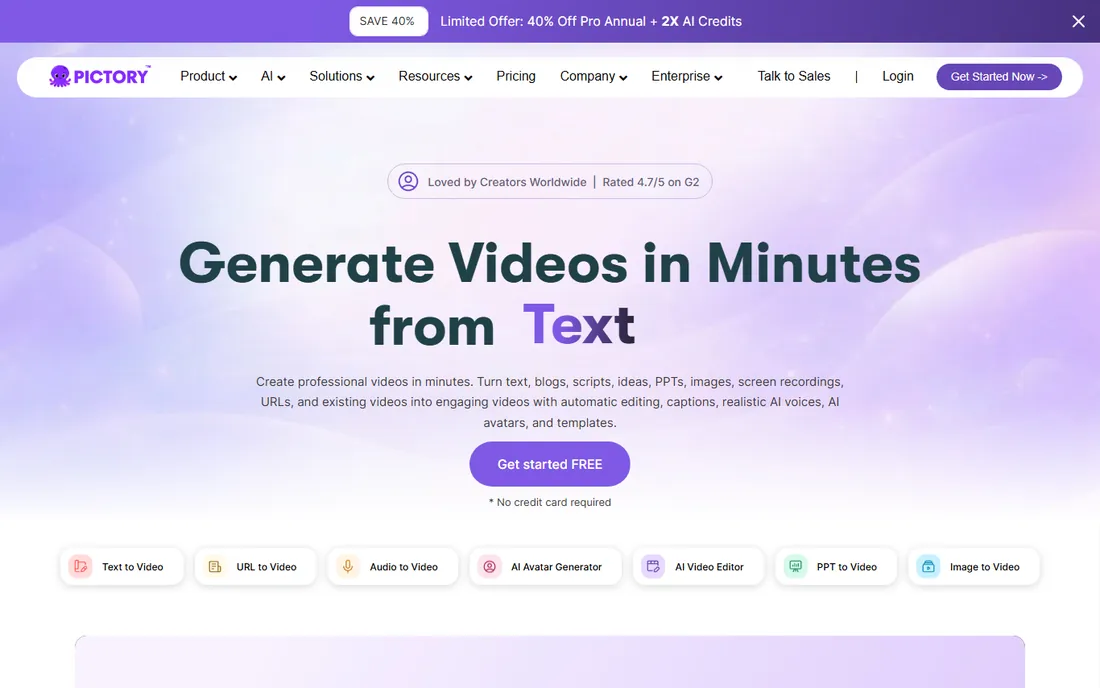
Pictory's pitch is repurposing: paste a blog post or drop in a webinar recording and get a finished video assembled from stock footage, captions, and AI voiceover. The metering is unusually fair, because previewing, editing, and sharing inside your account cost nothing. Minutes leave your balance only when you export. Annual subscribers get the entire year's minute allocation on day one, so a burst of publishing in one quarter does not break the plan.
The Starter plan at $25 a month includes 200 video minutes, which is generous if your inputs are long articles. Professional doubles down with 600 minutes and stronger AI voices. The trade-off against newer generative tools is style: Pictory assembles rather than generates, so the results look like well-made stock videos rather than original footage. For content teams sitting on a library of written posts, that is exactly the point.
What we like- Video minutes are only deducted on export, not while editing
- Annual plans pool a full year of minutes upfront
- Large licensed stock library included
Watch out for- No permanent free plan, only a 14-day trial
- Monthly minute quotas do not roll over
- Output has a recognizable automated feel at standard settings
Starting price$10 per seat/month (billed annually)
Free planYes
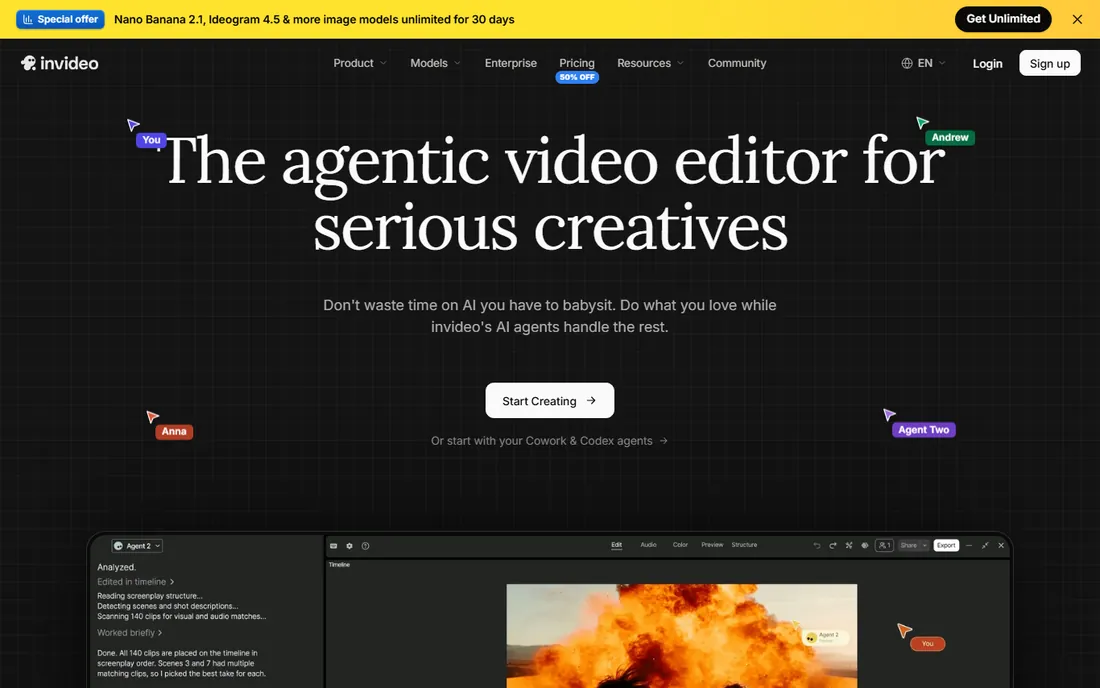
InVideo rebuilt its pricing around credits, and the entry point is aggressive: Starter at $10 per seat a month on annual billing, with a full timeline editor, multiplayer editing, and professional color, audio, and 3D tools included. Plus at $30 a seat adds 2,000 credits a month, frontier AI agents, and ten free guest seats, which is a practical setup for a small marketing team that collaborates on every asset.
The model to understand is the credit economy. Generation costs are priced at roughly the models' own API rates, credits reset monthly with no rollover, and heavier outputs like Seedance 2.5 video burn through them quickly. Forty hours of timeline editing, on the other hand, costs nothing, which tells you where the value sits: this is an editor with AI generation attached, not a slot machine. If your team mostly assembles and polishes, InVideo is hard to beat on price. If you generate everything from prompts, compare the credit math against Runway before choosing.
What we like- Full timeline editor on every plan
- Current pricing includes frontier generation models
- Plus and Max include free guest seats
Watch out for- Unused credits expire every month
- Per-seat pricing climbs fast for larger teams
- The 50% launch discount may not last
Starting price$19/month (billed annually)
Free planYes (Community plan, watermarked)

Lumen5 has been converting articles into videos longer than almost anyone in this list, and the workflow shows the polish of years: paste text, let the AI match scenes to stock footage, adjust with a drag-and-drop editor, publish. The free Community plan allows unlimited creation with a watermark, which is genuinely useful for testing whether the format works for your audience before spending anything.
The pricing ladder runs from Basic at $19 a month on annual billing to Starter at $59 and Pro at $149, with month-to-month rates running higher. Compared with the credit-priced newcomers, Lumen5 reads expensive, and that is the fair criticism: you pay a premium for the template-driven workflow and brand controls. It still fits marketing teams that want predictable, on-brand social clips from written content without thinking about credits per second. It fits less well if you want fully generated visuals or API access, which the standard plans do not include.
What we like- Free plan allows unlimited video creation
- Long track record on text-to-video
- AI voiceover and AI avatars on paid plans
Watch out for- Costs more per finished video than newer rivals
- Generative AI minutes are metered tightly
- Basic exports cap at 720p
Starting price$16 per person/month (billed annually)
Free planYes (60 media minutes per month)
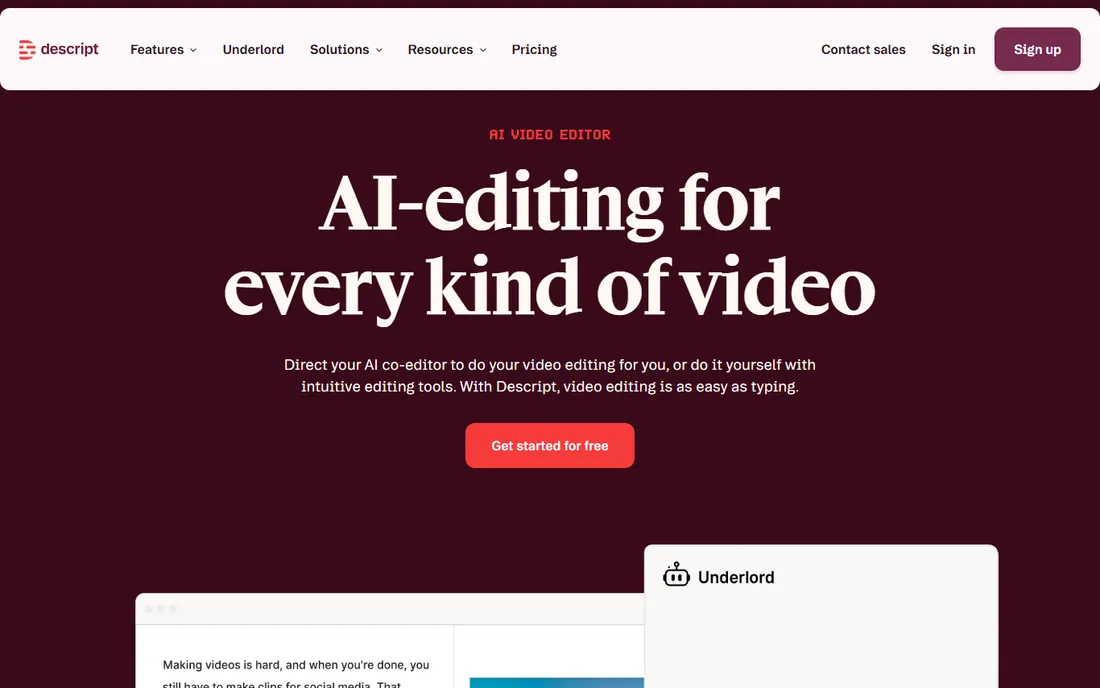
Descript belongs in this list sideways: it does not generate video from nothing. You record or upload footage, and the transcript becomes your editing timeline. Delete a sentence in the text and it disappears from the video. For founders, coaches, and podcasters who film themselves, this removes the skill barrier that makes editing painful, and features like filler-word removal, eye contact correction, and Studio Sound handle the polish automatically.
Pricing is per person and runs on two meters at once. Media minutes count every minute of raw footage you import or record, 10 hours a month on the $16 Hobbyist plan, 30 on the $24 Creator plan. AI credits cover the generative features like Overdub and avatar generation, and both allowances reset monthly without rollover. The free plan's hour of media time a month is enough to learn the workflow. Pick Descript when you already have footage and want it cleaned up, not when you want a video created from a script alone.
What we like- Edit video by editing its transcript
- Studio Sound cleans audio in one click
- Overdub clones your voice for fixes
Watch out for- Media minutes meter what you upload, not what you export
- AI credits are a separate allowance
- The annual rate is charged upfront
Starting priceFree (Professional from $59/month)
Free planYes (Starter, 20 minutes per month)
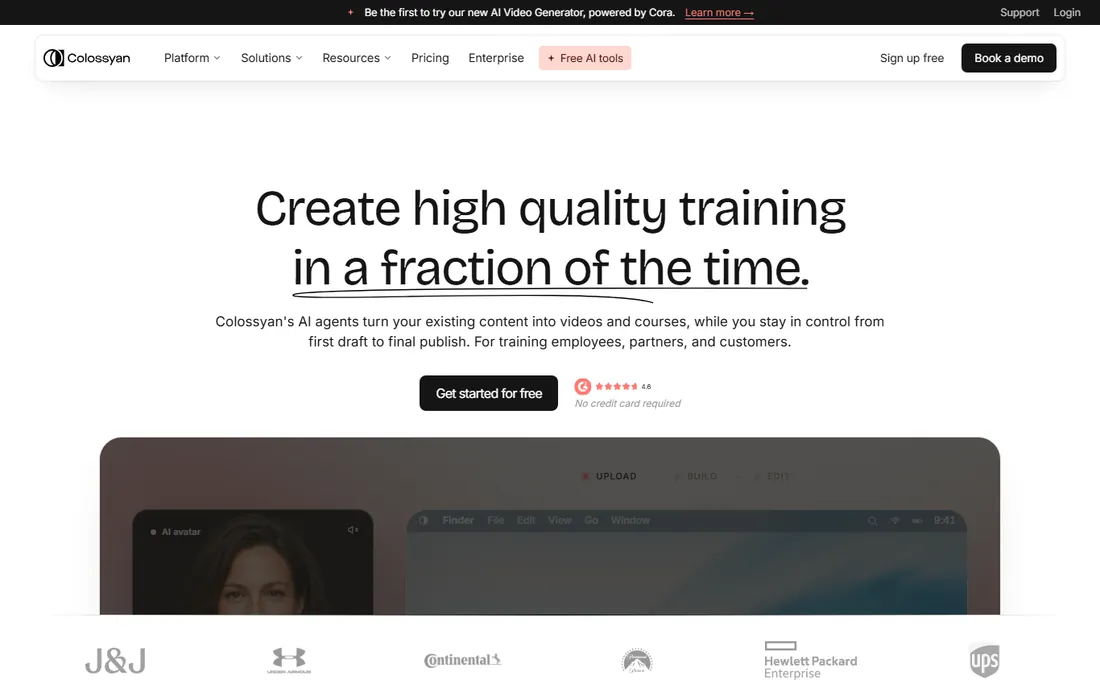
Colossyan targets the same training use case as Synthesia but with a freer entry: the Starter plan costs nothing, requires no credit card, and still gives you 20 minutes a month with the full avatar library, 15 custom avatars, brand kits, and auto-translation. That is enough for a small company to produce its onboarding videos without paying at all.
Professional at $59 a month on annual billing adds unlimited downloads, watermark removal, SCORM exports, AI image generation, and up to three editor seats, which is the tier for teams shipping courses regularly. Enterprise goes custom with SSO, data residency, and unlimited minutes. The free tier is the standout here: few competitors hand you this much avatar quality for nothing. The honest limit is minutes, which do not roll over, so plan your publishing cadence against the 20-minute monthly ceiling.
What we like- Free plan includes the full 300+ avatar library
- SCORM exports for LMS delivery on Professional
- Accounts can pause for up to two months
Watch out for- Professional at $59 a month is a real jump from free
- Unused minutes do not roll over
- Only annual minutes pool for the year
#9
VEED
Best for: subtitled social video and fast marketing clips
Visit veed.io
Starting price$19/month ($9/month billed annually)
Free planYes (watermarked, 720p)
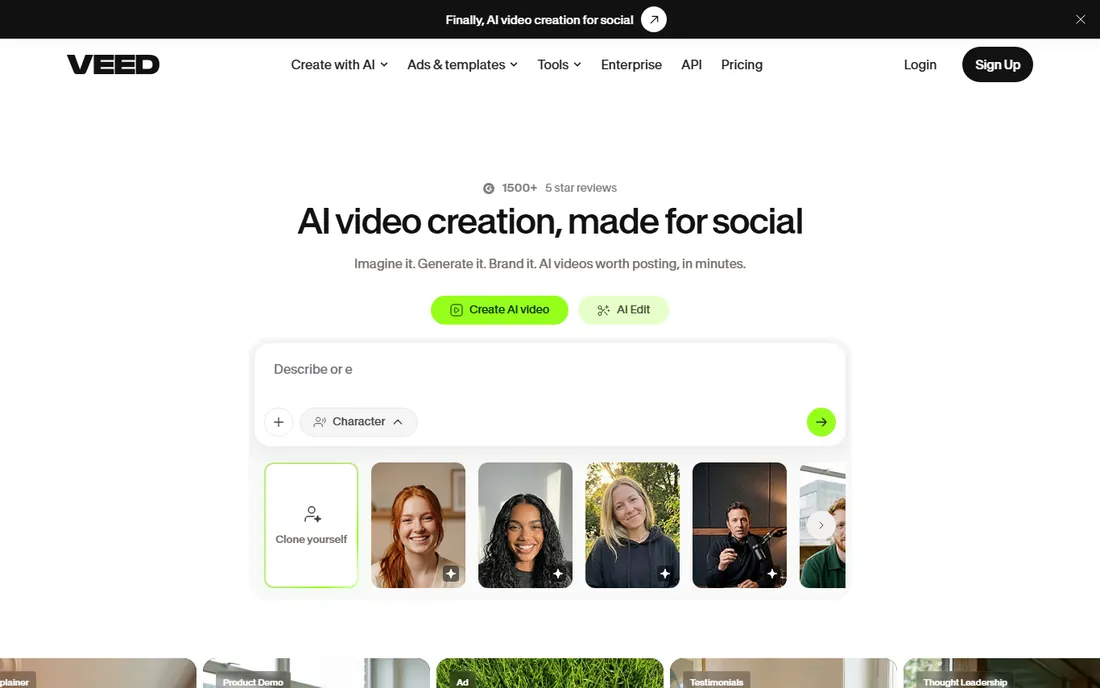
VEED started as an online editor and grew into a full AI video platform, and the editing roots show: screen and webcam recording, a timeline editor, templates, and collaboration live next to text-to-video generation, AI avatars, and dubbing into 50+ languages. The free plan covers the core editing workflow with watermarked 720p exports, which is enough to evaluate the product properly.
Lite at $19 a month removes the watermark, adds 1080p and brand kits, while the annual rate drops the effective price to about $9 a month. Pro at $49 a month, or $24 on annual billing, is where the AI layer opens up: avatars, text-to-video, translation, and a yearly pool of AI credits. The annual discount is steep, close to half off, so treat the monthly rate as the price of flexibility rather than the price of the product. If your workflow is subtitle-heavy social content, VEED's caption accuracy alone can justify it.
What we like- Auto-subtitles are among the most accurate in the category
- Fully browser-based with no install
- Pro adds AI avatars, dubbing, and 4K
Watch out for- The real price requires the annual plan
- Premium AI features run on separate credit allowances
- Free exports carry a watermark
How we chose
We started from vendor pricing pages, documentation, and feature lists, then checked them against recent third-party reviews and community discussion on sites like G2, Capterra, and Reddit. Every price and plan detail above comes from the vendor's own pricing page, read in October 2026, or is marked as a trial where the vendor offers no permanent free tier. We favored tools with published pricing, a real free or trial entry point, and a clear fit for small to mid-size US companies, and we excluded tools whose homepages could not be verified or whose products had been shut down or folded into something else. We did not test any of these tools hands-on; this is a research comparison, not a review of personal use.
What to check before you pay
Minutes, credits, or seats: know what you are buying
Every tool here meters something different. Synthesia, Pictory, and Colossyan count finished video minutes. HeyGen, Runway, and InVideo count credits, and the exchange rate between credits and seconds varies by model. Descript counts the raw footage you upload. Map the meter to your publishing cadence before comparing headline prices: a cheap plan with a tight meter can cost more per finished video than a pricier plan with a generous one.
Free plan versus free trial
A free trial runs on a clock; a free plan does not. Pictory gives you 14 days with full features, which is fine if you can evaluate quickly, but the decision pressure is real. Synthesia, HeyGen, Runway, Lumen5, Descript, Colossyan, VEED, and InVideo all offer permanent free tiers, so you can test output quality, avatar style, and export workflow at your own pace. Watermarks and resolution caps are the usual trade-off.
Rollover and pooling
If you publish unevenly, usually in bursts, rollover rules decide the real value. HeyGen rolls credits forward, Runway's Max plan rolls them for one month, and Pictory's annual plan hands you the full year's minutes upfront. Synthesia, Descript, InVideo, and Colossyan reset monthly with no rollover, so unused allowance simply expires. Match the billing model to how you actually produce.
Export quality and branding
Check two things on the free tier: resolution and watermark. Most free exports cap at 720p with a vendor logo, and removing both is the most common reason to upgrade. If the videos go on your website or in ads, confirm the paid plan exports at 1080p or 4K and drops the watermark before you commit.
Avatar video versus generative video: pick your lane
These nine tools split into two jobs that look similar but are not. Synthesia, HeyGen, and Colossyan put a virtual presenter on screen reading your script, which suits training, explainers, and any content where a consistent human face builds trust. Runway generates the footage itself from prompts, which suits ads, product shots, and creative work where no presenter is needed. Pictory, InVideo, Lumen5, and VEED sit in the middle, assembling stock footage, templates, and AI voiceover into finished videos from your text.
Descript is the outlier: it assumes you already filmed yourself and makes editing painless. Buying the wrong lane is the most common regret in this category, so decide which of these jobs you are actually hiring for, then compare only the tools in that lane.
Frequently asked questions
Can I really make videos without filming anything?
Yes, for most of these tools. Synthesia, HeyGen, and Colossyan generate a presenter from your script, Pictory and Lumen5 assemble stock footage from your text, and Runway generates footage from prompts. Descript is the exception: it edits video you already recorded rather than creating it from nothing.
Do the free plans let me publish finished videos?
Usually with limits. Free exports are typically watermarked and capped at 720p, and most free plans restrict minutes or credits. They are good for testing the workflow and the output style, but client-facing or ad content will need a paid plan for clean, high-resolution exports.
How much does a finished minute of AI video actually cost?
It depends on the meter. On credit-based plans, a minute of top-quality avatar or generated video can consume a large share of a monthly allowance, which is why the plan's credit total matters more than the subscription price. On minute-based plans like Pictory's, the math is simpler: divide the monthly price by the included minutes, then check whether unused minutes roll over.
Will the avatars look realistic enough for my brand?
Avatar quality has improved sharply, and the newest models from Synthesia and HeyGen handle gestures and lip-sync well for training and marketing content. They still read as synthetic on close inspection, which is fine for explainers and onboarding but worth testing with your actual audience before using them in high-trust placements.
Can these tools translate my videos into other languages?
Most can. HeyGen and Synthesia offer AI dubbing with lip-sync across 100+ languages, Colossyan localizes avatar narration and on-screen text together, and VEED and Descript cover translation and dubbing at more modest scales. Dubbing usually draws from the same credit or minute pool as video creation, so budget for it.
What is the difference between Pictory and InVideo?
Both turn text into video, but Pictory meters finished export minutes and only charges them when you export, while InVideo runs a credit economy where generation costs vary by model and unused credits expire monthly. Pictory is simpler to budget; InVideo includes a full timeline editor and more generation models for a lower entry price.
Sources we checked (19)
- https://www.synthesia.io/pricing
- https://www.heygen.com/pricing
- https://runwayml.com/pricing
- https://pictory.ai/pricing
- https://invideo.io/pricing
- https://www.descript.com/pricing
- https://www.colossyan.com/pricing
- https://veed.io/learn/veed-vs-capcut
- https://www.zebracat.ai/post/best-alternatives-lumen
- https://facelessdesk.com/descript-pricing-explained/
- https://www.synthesia.io
- https://www.heygen.com
- https://runwayml.com
- https://pictory.ai
- https://invideo.io
- https://lumen5.com/
- https://www.descript.com
- https://www.colossyan.com
- https://veed.io/
Is your product missing or out of date?
We review this list regularly. Vendors can request a listing, send updated pricing or ask about featured placement.

Shihab Mia · Founder, Rankite
Shihab has spent more than a decade helping SaaS and e-commerce brands grow through search. He writes Rankite's software buying guides from pricing pages, documentation and public user reviews. More about Shihab.