How we make this list: we compare pricing pages, product documentation and public user reviews. Rankite is independent; if a vendor ever pays for a featured spot, that listing is clearly labeled Partner.
Key takeaways
- Text-to-video splits into two jobs: avatar presenters that read your script (Synthesia, HeyGen, Colossyan) and generative tools that create footage from a prompt (Runway, Pika, Luma). Buy for the job you actually have.
- Script-to-video editors like Fliki, Pictory, and InVideo sit in the middle, turning blog posts and scripts into finished videos with stock footage, captions, and AI voiceover.
- Nearly every tool here prices on credits or minutes, not seats. Your monthly cost depends on how much video you generate, so estimate your volume before comparing plans.
- Free plans and trials are common. Generate the same test script in two or three tools before committing, because output quality varies more than feature lists suggest.
Quick comparison
| Tool | Best for | Starting price | Free plan |
|---|
 Synthesia Synthesia | corporate training videos with avatars | See website | Yes |
 HeyGen HeyGen | marketing videos with realistic avatars | See website | Yes |
 Colossyan Colossyan | team training and onboarding videos | See website | Free trial |
 Fliki Fliki | turning scripts into narrated videos fast | See website | Yes |
 Pictory Pictory | repurposing long content into short video | See website | Free trial |
 InVideo InVideo | social and promo videos from prompts | See website | Yes |
 Runway Runway | generative video for creative projects | See website | Yes |
 Pika Pika | short generative clips and effects | See website | Yes |
 Luma Luma | realistic text-to-video generation | See website | Yes |
Is your product missing or out of date?
We review this list regularly. Vendors can request a listing, send updated pricing or ask about featured placement.
The best text to video ai software
Starting priceSee website
Free planYes
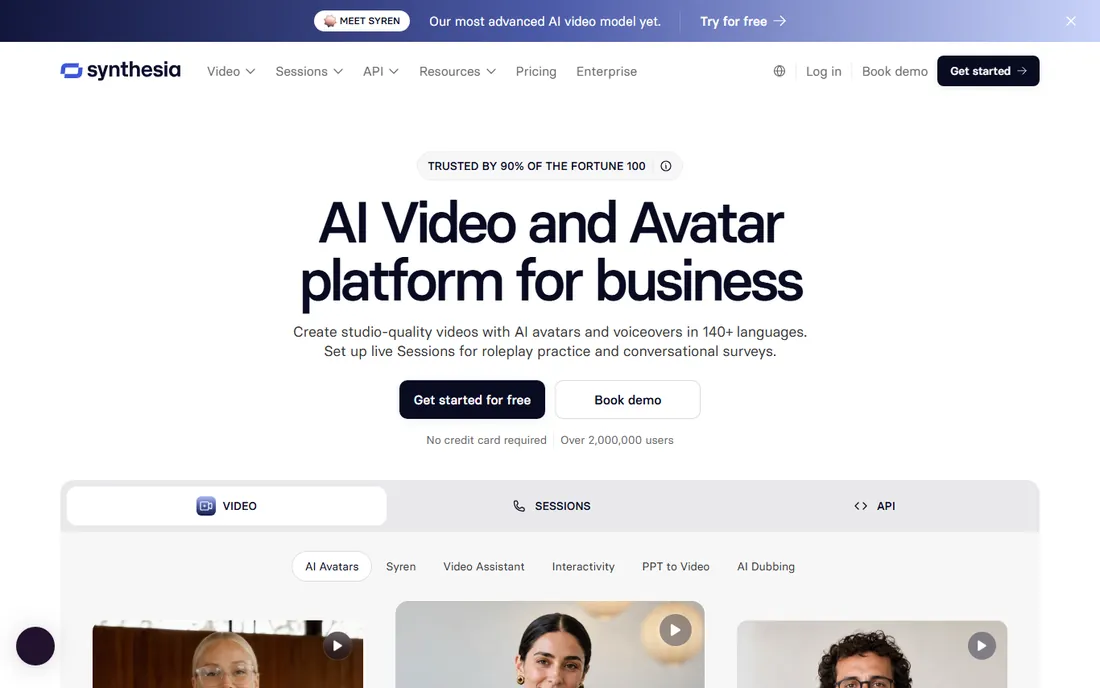
Synthesia is the default choice when a company needs a presenter without booking a studio. You paste a script, pick an AI avatar and voice, and get a talking-head video in minutes. It is built for the unglamorous bulk of business video: training modules, onboarding, product updates, and internal announcements, with templates, screen recording, and multi-language support that fit how L&D teams actually work.
The honest catch is creative range. The avatars look professional but unmistakably synthetic, and the format is a presenter reading to camera, not cinematic footage. If your use case is a YouTube channel or an ad campaign, a generative tool will serve you better. If it is forty training videos a quarter, Synthesia's workflow features, shared workspaces, review links, and brand kits, matter more than any single avatar's realism.
What we like- Large library of AI avatars and voices
- Built for training and internal comms
- Collaboration and review workflows
Watch out for- Avatar style suits corporate content more than creative work
- Pricing scales with video minutes
Starting priceSee website
Free planYes
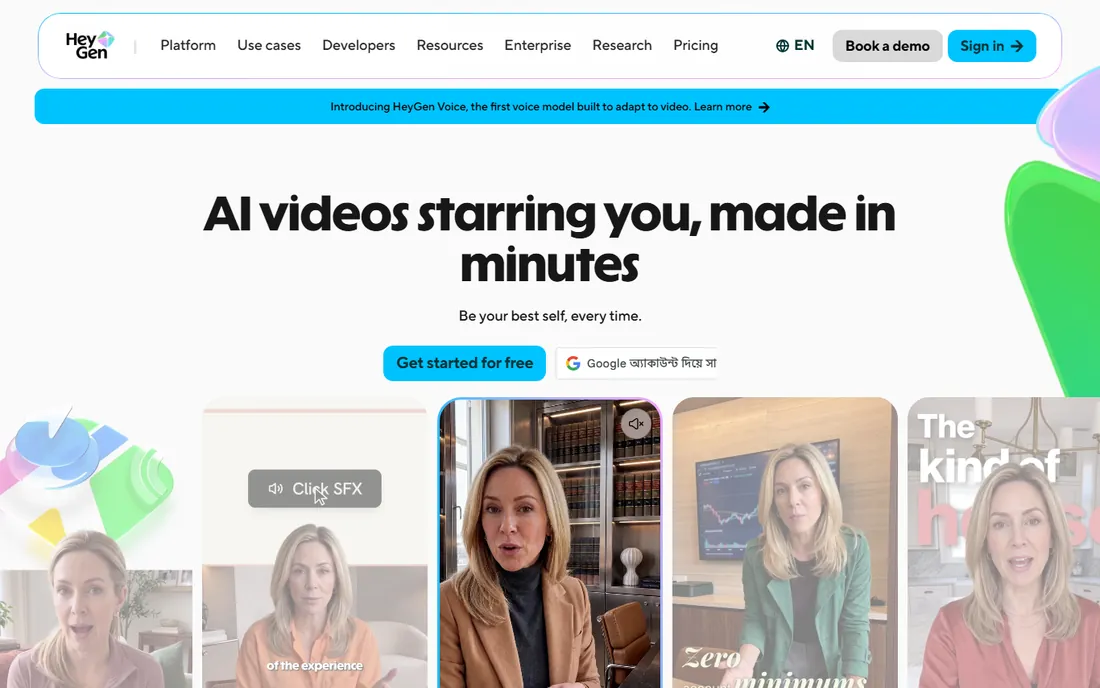
HeyGen competes head-on with Synthesia but leans toward marketing rather than training. The avatars are expressive, the lip sync holds up across dozens of languages, and you can create a personal avatar from your own footage for a consistent on-camera presence without filming. Templates cover product explainers, ads, and social clips, and the editor is quick to learn.
Where it differs is polish for outward-facing content. HeyGen's output tends to look a shade more natural in close-up, which matters when the video represents your brand to customers. The trade-off is the credit model: minutes of generated video consume credits, and a team producing regularly will feel the meter running. Test your real scripts on the free plan and watch how many credits a typical video costs before picking a tier.
What we like- Expressive avatars with good lip sync
- Fast generation
- Strong template library for marketing
Watch out for- Credit costs add up at volume
- Advanced customization needs higher tiers
Starting priceSee website
Free planFree trial
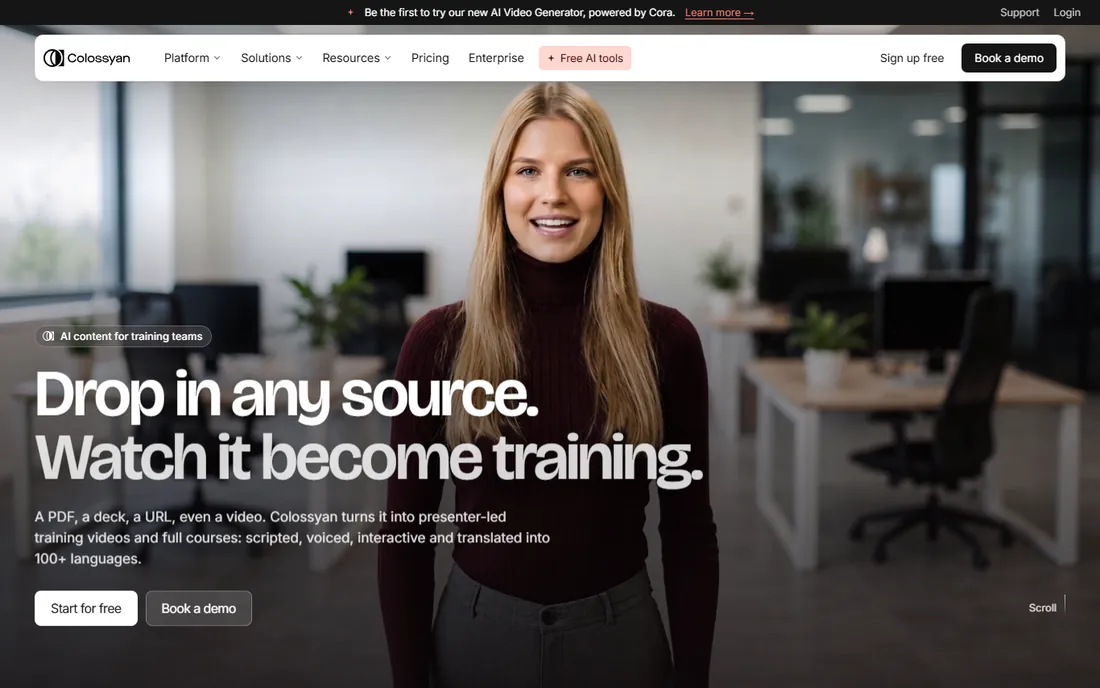
Colossyan picked a lane and stayed in it: workplace learning. Instead of chasing every video use case, it builds for training teams with features like branching scenarios, quizzes, and conversation-style practice videos where the AI avatar plays a role. If your job is onboarding new hires or rolling out compliance training, that focus shows in the templates and the workflow.
The flip side is that it is not the tool for marketing videos or creative projects. The avatar library and visual styles are smaller than the bigger platforms, and the editor assumes your script is instructional. That is fine if training is the job. It is the wrong pick if you want one tool for training, ads, and social content, since the generalists cover more ground.
What we like- Focused on learning and development workflows
- Scenario-based training formats
- Simple editor
Watch out for- Narrower use case than general video tools
- Smaller avatar and template range
#4
Fliki
Best for: turning scripts into narrated videos fast
Visit fliki.ai
Starting priceSee website
Free planYes
Fliki is the speed pick. Paste a script or a blog URL and it assembles a narrated video with stock footage, captions, and an AI voice in minutes. The voice library is large, with convincing options across languages and tones, which is why faceless YouTube channels and content repurposers gravitate to it. For turning one piece of writing into video, little else is this fast.
The catch is sameness. Videos built from stock footage and templates can look interchangeable, and you get limited control over shot selection compared to editing the footage yourself. Fliki is best treated as a production accelerator for content that needs to ship in volume, not as a tool for distinctive creative work. If every video needs a unique look, budget editing time on top.
What we like- Fast script-to-video workflow
- Large AI voice library
- Blog-to-video conversion
Watch out for- Output can feel template-driven
- Limited fine control over visuals
Starting priceSee website
Free planFree trial
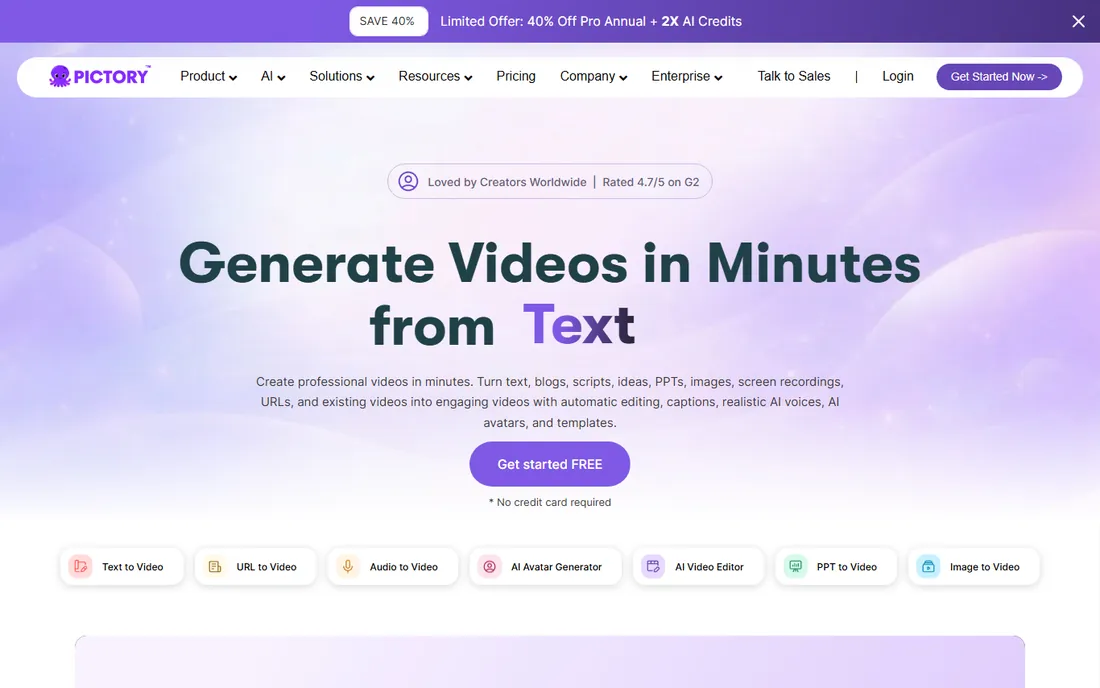
Pictory's best trick is compression: feed it a webinar recording, a long video, or a blog post, and it pulls out the highlights as short, captioned clips. For teams sitting on hours of content and needing social cutdowns, that is genuinely useful work that used to take an editor a day. Automatic captions, silence removal, and highlight detection are built in.
Like Fliki, it leans on stock footage for visuals, so the output suits informational content better than brand storytelling. And it is a repurposing tool first: if you are starting from a blank page with an original concept, a generative tool or a traditional editor gives you more creative control. Buy Pictory for the backlog, not for the blank canvas.
What we like- Strong long-form to short-form repurposing
- Automatic captions and highlights
- Webinar and blog conversion
Watch out for- Stock-footage dependence
- Less suited to original creative concepts
Starting priceSee website
Free planYes
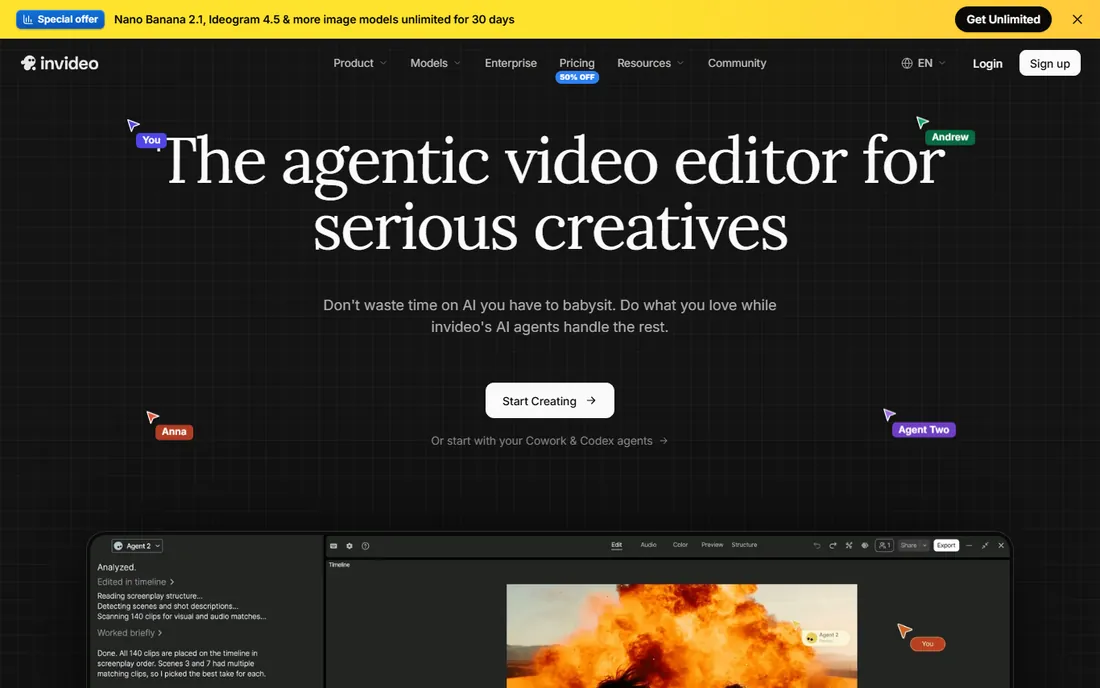
InVideo aims at the broad middle: marketers and creators who want a finished video from a text prompt without learning editing software. Describe the video, and it generates a script, picks stock footage, adds voiceover and captions, then lets you edit scene by scene. The template library is enormous, covering ads, explainers, and social formats, which makes it easy to start from something close to what you want.
The honest catch applies to the whole category: AI first drafts need a human pass. Pacing, footage relevance, and voiceover emphasis all benefit from review, so budget that time. The free plan is genuinely usable for testing but watermarks exports. InVideo is a strong pick for volume social content where speed matters more than cinematic originality.
What we like- Prompt-to-video with editable scenes
- Huge template and stock library
- Beginner-friendly
Watch out for- AI generations need human review
- Watermark on the free plan
Starting priceSee website
Free planYes
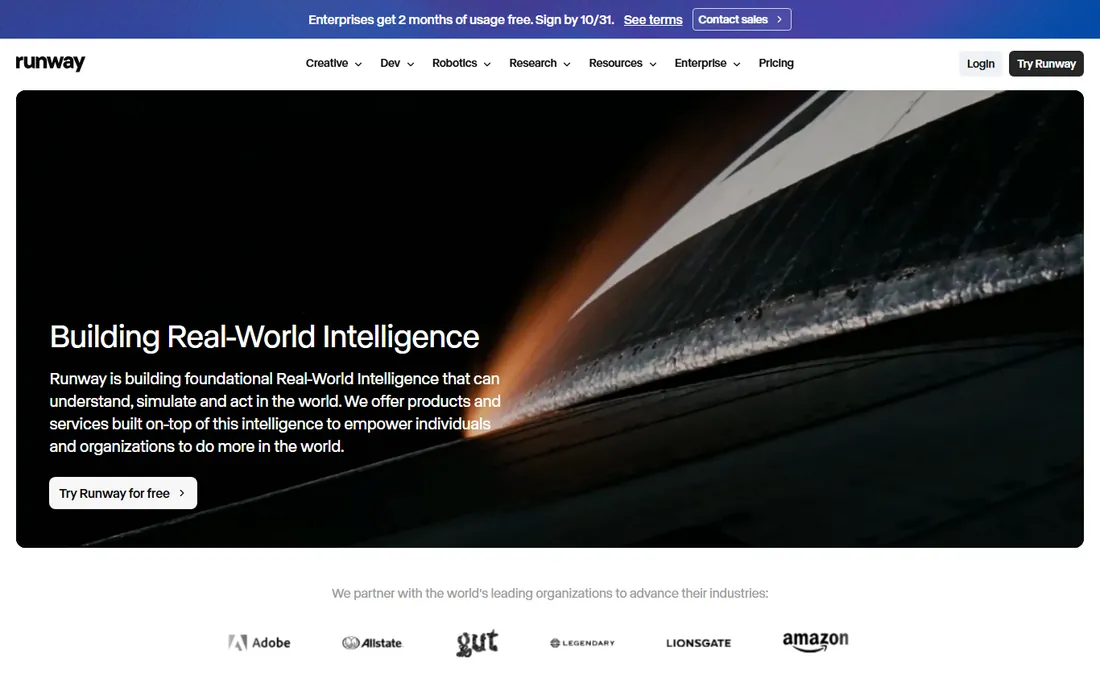
Runway is the creative professional's pick in generative video. Its models turn text prompts and still images into moving footage with a quality level that has landed in real film and advertising production. Beyond generation, the platform includes editing tools like inpainting, background removal, and motion control that treat AI video as raw material to shape rather than a finished product.
That power comes with a learning curve. Good results need prompt craft and iteration, and each generation costs credits, so experimenting freely gets expensive. Runway suits creators and studios who want AI as part of a production pipeline, not a magic button. If you want finished videos from a single prompt with no fuss, the script-to-video tools above are simpler.
What we like- Leading text-to-video and image-to-video quality
- Inpainting and motion tools
- Used in professional production
Watch out for- Learning curve for best results
- Generation costs scale with experimentation
Starting priceSee website
Free planYes
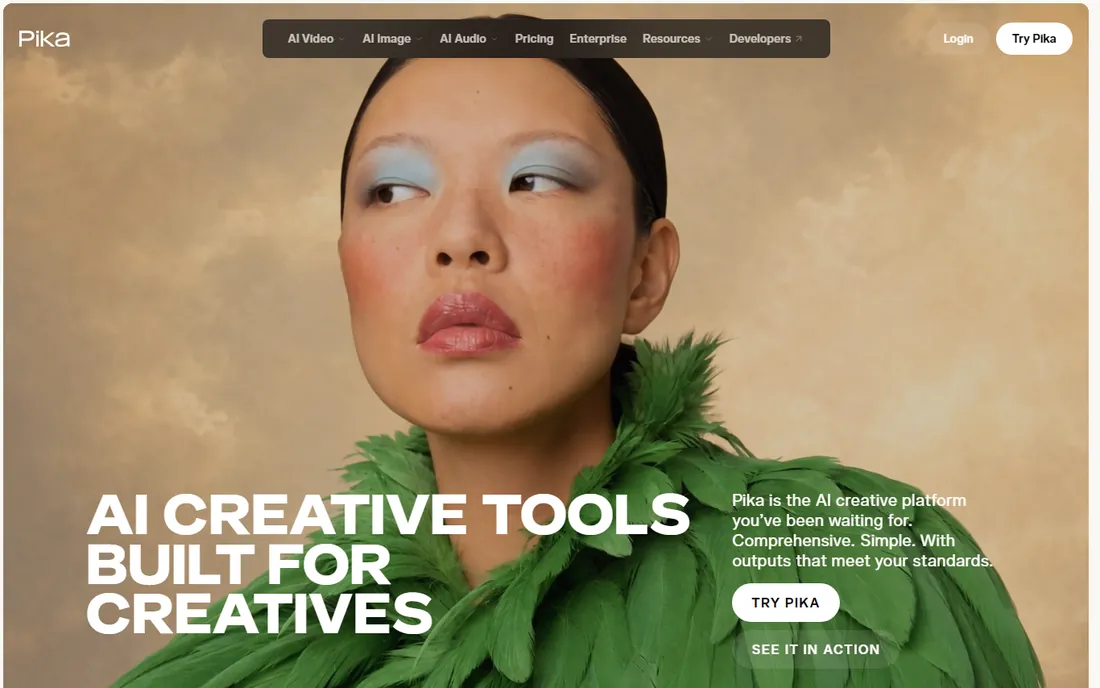
Pika made its name with playful, shareable generative video: style transfers, effects, and short clips that look great on social feeds. The interface encourages fast iteration, and the community around it produces a constant stream of examples to learn from. For creators who need eye-catching seconds rather than minutes, it is one of the quickest ways to get there.
The limits are structural. Clips are short, narrative control is loose compared to a timeline editor, and the aesthetic skews stylized rather than photorealistic. Pika is a spice, not the meal: use it for hooks, transitions, and visual moments inside videos you assemble elsewhere. For sustained storytelling, pair it with an editor.
What we like- Fun effects and style transfers
- Fast iteration on short clips
- Active creative community
Watch out for- Clip length limits
- Less suited to long-form narrative
Starting priceSee website
Free planYes

Luma's Dream Machine earned attention for the realism of its text-to-video output, particularly natural camera movement and coherent motion, which are where many generators stumble. The interface is simple: describe the shot, generate, iterate. For B-roll, establishing shots, and visual concepts, the results can be strikingly usable.
Like all generative tools, it is probabilistic. You will generate several versions to get the one you want, and fine control over exactly what happens in the frame is limited. Queues can slow things down when demand spikes. Luma fits creators who need realistic generated footage as ingredients, and who are comfortable iterating toward the shot they want.
What we like- Strong realism in generated footage
- Dream Machine is easy to try
- Good camera movement
Watch out for- Generation queues at peak times
- Limited editing beyond the prompt
The category name hides three different products. Pick the wrong type and no feature list will save you.
If you need a presenter, choose an avatar platform. Synthesia, HeyGen, and Colossyan turn scripts into talking-head videos. They are ideal for training, onboarding, internal updates, and explainers where a human face builds trust and the script does the work.
If you need finished videos from existing content, choose a script-to-video editor. Fliki, Pictory, and InVideo convert scripts, blog posts, and recordings into captioned videos with stock footage and AI voiceover. They are built for volume: social clips, repurposed webinars, faceless channels.
If you need original footage that does not exist, choose a generative tool. Runway, Pika, and Luma create video from text or image prompts. They suit creative projects, ads, and B-roll where the visual itself is the point, and they demand more iteration and taste.
Many teams end up with two: an avatar tool for training and a generative tool for creative work. That is normal. One tool rarely covers both well.
How AI video pricing actually works
Almost nobody here charges per seat the way traditional software does. The common models are credits and minutes, and understanding them prevents bill shock.
Credit systems give you a monthly allowance where each generated second or video consumes credits. Heavy experimentation, long videos, and high resolutions burn credits fast. Minute-based plans are simpler: your tier includes a number of generated video minutes per month.
Three questions clarify any plan. First, how much finished video will you produce monthly, in minutes. Second, how many generations it takes you to get one keeper, since discarded attempts often cost credits too. Third, whether unused credits roll over, because most do not.
The practical move: run your real workload on a free plan or trial for two weeks, track consumption, then buy the tier that covers it with headroom. Comparing sticker prices without knowing your burn rate is guesswork.
How we chose
We mapped the category into its three real jobs, avatar presenters, script-to-video editors, and generative video, and picked established tools in each with active development and real user bases. We checked vendor sites and documentation, read creator and L&D team reviews, and compared how each product handles the full path from script or prompt to finished video. We did not generate test videos ourselves. Prices change often in this category and are credit-based, so we point you to each vendor's pricing page rather than quoting figures that would be stale within weeks.
Frequently asked questions
What is the best text to video AI software for beginners?
InVideo and Fliki are the gentlest starts: describe what you want or paste a script, and you get an editable video in minutes. If you specifically want an AI presenter reading your script, HeyGen's free plan is an easy first test. Try the same script in two tools and compare.
Can AI video replace a human presenter?
For training, onboarding, and straightforward explainers, avatar video is already good enough for many teams, and it wins on speed and cost for multilingual content. For brand campaigns and anything where authenticity carries the message, human presenters still read as more trustworthy to most audiences.
How much does text-to-video software cost?
It varies more than traditional software because most tools price on generated minutes or credits rather than seats. Light use often fits in free plans or entry tiers, while teams producing hours of video monthly should expect costs to scale with volume. Check each vendor's pricing page against your expected minutes.
What is the difference between avatar video and generative video?
Avatar video shows a synthetic presenter reading your script, which suits training and explainers. Generative video creates the footage itself from a text prompt, which suits creative shots, B-roll, and ads. Some teams use both for different jobs.
Do I own the videos I create?
Generally yes for paid plans, but check the terms. Some free plans limit commercial use or claim broader license rights over generated content. If the videos will run as ads or represent your brand, read the license terms on a paid tier before publishing.
Will viewers know the video is AI-generated?
Often, yes. Avatar presenters are recognizable as synthetic on close inspection, and generative footage can have telltale artifacts. Disclosure is increasingly expected and in some jurisdictions required for ads and political content. Plan for transparency rather than hoping nobody notices.
Sources we checked (9)
- https://www.synthesia.io/
- https://www.heygen.com/
- https://www.colossyan.com/
- https://www.fliki.ai/
- https://www.pictory.ai/
- https://www.invideo.io/
- https://www.runwayml.com/
- https://www.pika.art/
- https://lumalabs.ai/
Is your product missing or out of date?
We review this list regularly. Vendors can request a listing, send updated pricing or ask about featured placement.

Shihab Mia · Founder, Rankite
Shihab has spent more than a decade helping SaaS and e-commerce brands grow through search. He writes Rankite's software buying guides from pricing pages, documentation and public user reviews. More about Shihab.