How we make this list: we compare pricing pages, product documentation and public user reviews. Ratings come from G2, Capterra or Trustpilot, with the date we checked them.
Key takeaways
- Google Veo leads on realism and native audio, but its best quality sits behind Google AI plans and API pricing that rises fast at volume.
- Kling is the value pick for creators who want strong motion and longer clips without paying premium prices.
- Runway suits professionals who want camera control and editing around generation, not just a prompt box.
- Pika and Hailuo are the cheapest ways to experiment, with free credits and low monthly plans for social clips.
- Clip length, resolution, and audio differ sharply between tools, so compare cost per finished clip, not just monthly price.
Quick comparison
| Tool | Best for | Starting price | Free plan |
|---|
 Google Veo Google Veo | Realistic clips with native audio | $19.99 per month (Google AI Pro) | Yes |
 Kling Kling | Value and human motion | $6.99 per month | Yes |
 Runway Runway | Professional control and editing | $12 per month (billed annually) | Yes |
 Pika Pika | Short social clips and effects | $8 per month (billed annually) | Yes |
 Hailuo (MiniMax) Hailuo (MiniMax) | Expressive motion on a budget | $9.99 per month | Yes |
 Luma Dream Machine Luma Dream Machine | Cinematic camera motion | $30 per month | No |
 Adobe Firefly Video Adobe Firefly Video | Brand-safe commercial work | $9.99 per month | Yes |
 LTX Studio LTX Studio | Multi-shot narrative video | $15 per month | Yes |
 Synthesia Synthesia | Script-to-video with avatars | $18 per month (billed annually) | Yes |
Is your product missing or out of date?
We review this list regularly. Vendors can request a listing, send updated pricing or ask about featured placement.
The best text to video ai tools
Starting price$19.99 per month (Google AI Pro)
Free planYes
Google Veo, reached through the Gemini app, Google Flow, and the Gemini API, is the strongest all-round text-to-video model in this comparison. It generates synchronized dialogue and sound with the picture, which removes a separate audio step for many short clips. Prompt accuracy and physical motion are consistently strong, and reference images help keep characters and objects consistent across shots.
The cost is the catch. Free access is limited, and paid quality comes through Google AI Pro at around $19.99 per month or Ultra at around $250 per month, with API pricing per second on top for developers. Every clip also carries an invisible SynthID watermark. For a creator who needs a few standout clips, Veo is the default; for bulk social output, it gets expensive fast.
What we like- Strong realism and prompt accuracy
- Generated dialogue, sound effects, and ambience
- 1080p and 4K options
Watch out for- Credits burn quickly at scale
- API pricing rises fast with audio and higher resolution
Starting price$6.99 per month
Free planYes
Kling, from Kuaishou, is the value leader in this comparison. Its standard plan starts around $6.99 per month, with free daily credits for testing, and it handles human motion, lip sync, and multi-shot sequences better than most tools at this price. Creators on a budget who need regular short clips will get more finished video per dollar here than from premium rivals.
Kling is less polished as a professional suite. Camera control and editing tools are thinner than Runway, and results can vary between generations, so expect retries. For social content, ads, and storyboards, though, that trade is easy to accept. Test your most common prompt types on the free credits before committing to a monthly plan.
What we like- Strong human motion at a low price
- Clips up to 15 seconds and longer multi-shot options
- Daily free credits
Watch out for- Prompt control is less precise than Runway
- Output quality varies by model version
#3Runway
Best for: Professional control and editing4.1/5 on
G2 (105 reviews, checked Oct 2026)
Visit runwayml.com
Starting price$12 per month (billed annually)
Free planYes
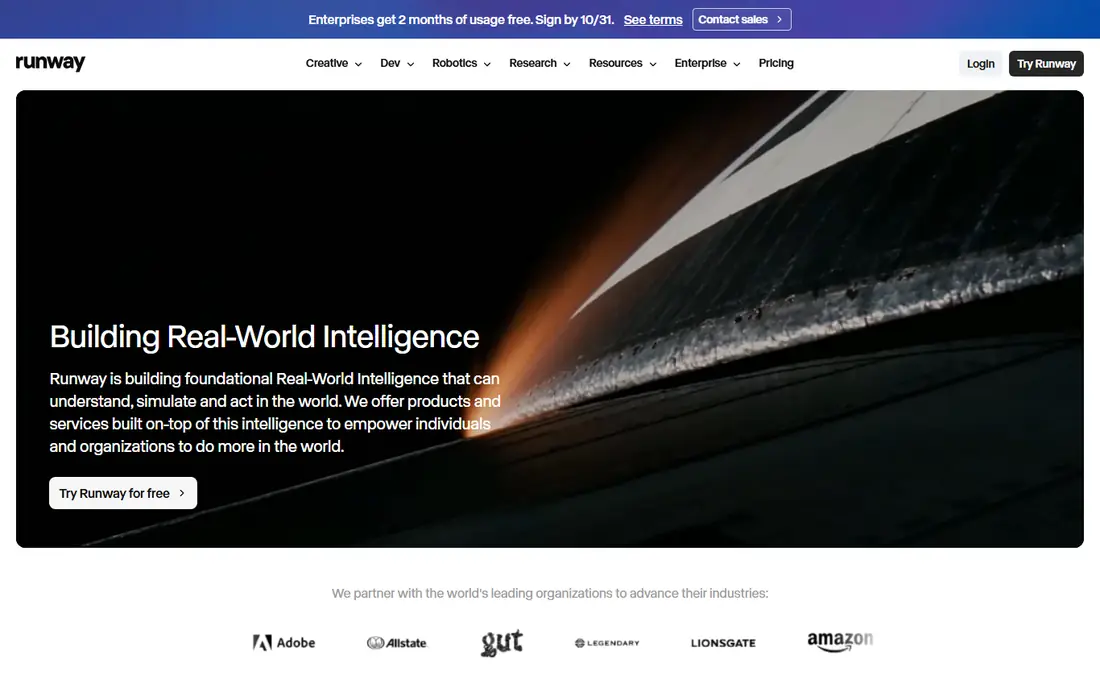
Runway pairs its Gen-4.5 video model with a full creative suite, which is why professionals prefer it over prompt-only tools. You can generate a shot, extend it, restyle it, or clean it up without leaving the platform, and camera controls give directors more say over movement than most rivals offer. Standard pricing is $15 per month, or $12 per month billed annually, with a free plan of 125 one-time credits.
The frustration is credits. Different models and resolutions consume credits at different rates, and published conversions do not always agree, so budgeting requires a real test. Runway suits creators who value control and post-generation editing enough to learn the system, while casual users may prefer the simpler pricing of Kling or Pika.
What we like- Gen-4.5 model with strong camera control
- Editing, extension, and restyling tools
- Hosts other models too
Watch out for- Credit math is confusing
- Free credits are one-time only
Starting price$8 per month (billed annually)
Free planYes
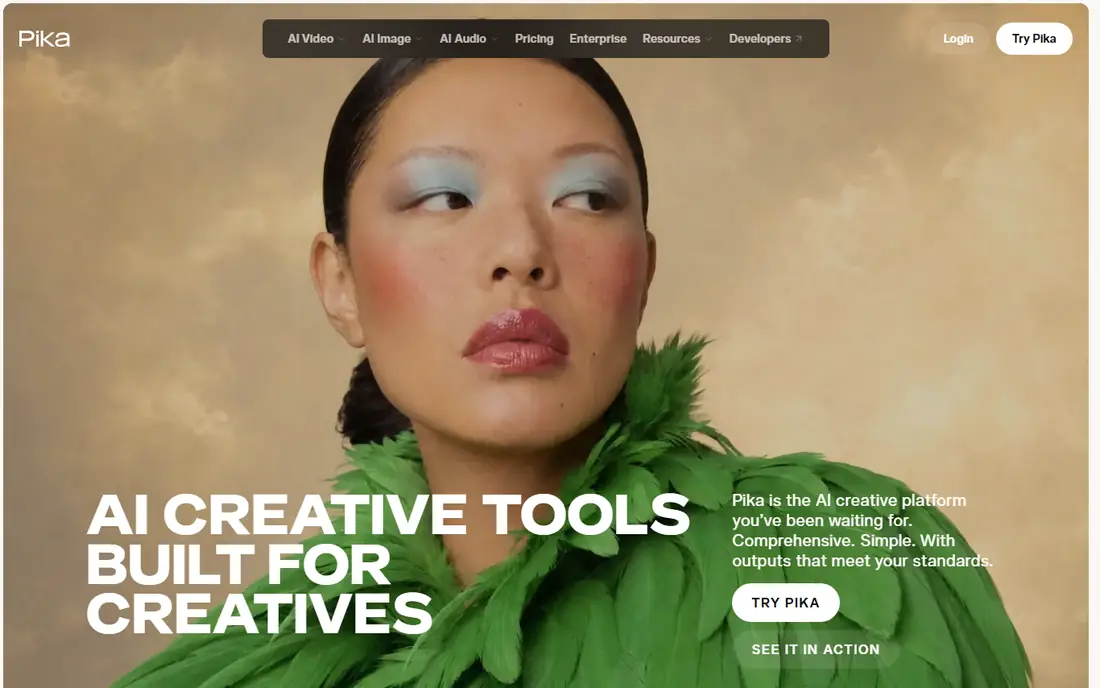
Pika is built for short, shareable video. Its effects, transformations, and image-to-video tools make it easy to turn a photo or a short prompt into a social clip in minutes. Paid plans start around $8 per month billed annually, with a free plan that includes monthly credits at lower resolution with a watermark.
Pika will not match Veo for photorealism or Runway for directed shots, and its clips are best kept short. For memes, product teasers, and playful social content, that is often exactly what is needed. Beginners who want to learn text-to-video without a large bill should start here or with Hailuo.
What we like- Easy to learn
- Fun effects and transformations
- Free plan with monthly credits
Watch out for- Clips are short and stylized
- Realism lags Veo and Kling
Starting price$9.99 per month
Free planYes
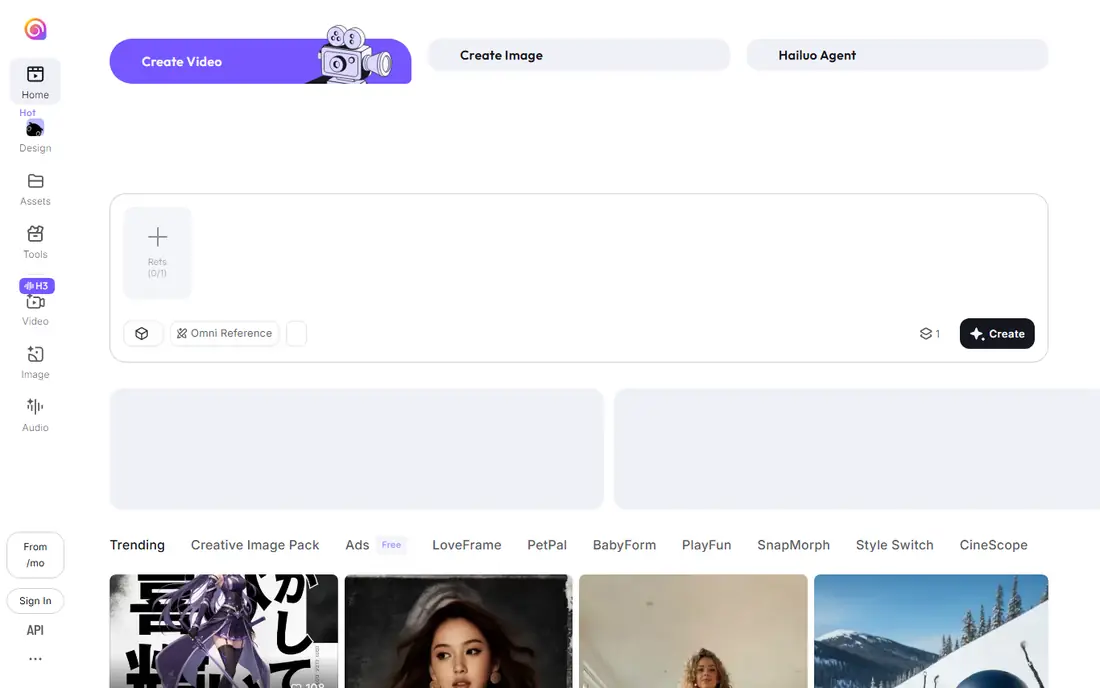
Hailuo, from MiniMax, is one of the cheapest credible text-to-video tools, with a standard plan around $9.99 per month and free daily credits. It excels at expressive motion and stylized clips, and its 1080p output is competitive for social and marketing use. Creators who generate many drafts will appreciate the low cost per attempt.
The weaknesses are consistency and polish. Prompts sometimes need rewriting, and the product experience feels less refined than Google or Adobe offerings. Hailuo is a strong second tool for experimentation and volume, even if your hero clips come from Veo or Runway. Check commercial use terms for your market before using output in paid advertising.
What we like- Expressive character motion
- Low entry price
- Daily free credits
Watch out for- Prompt understanding can be uneven
- Interface and support are less polished for US buyers
Starting price$30 per month
Free planNo
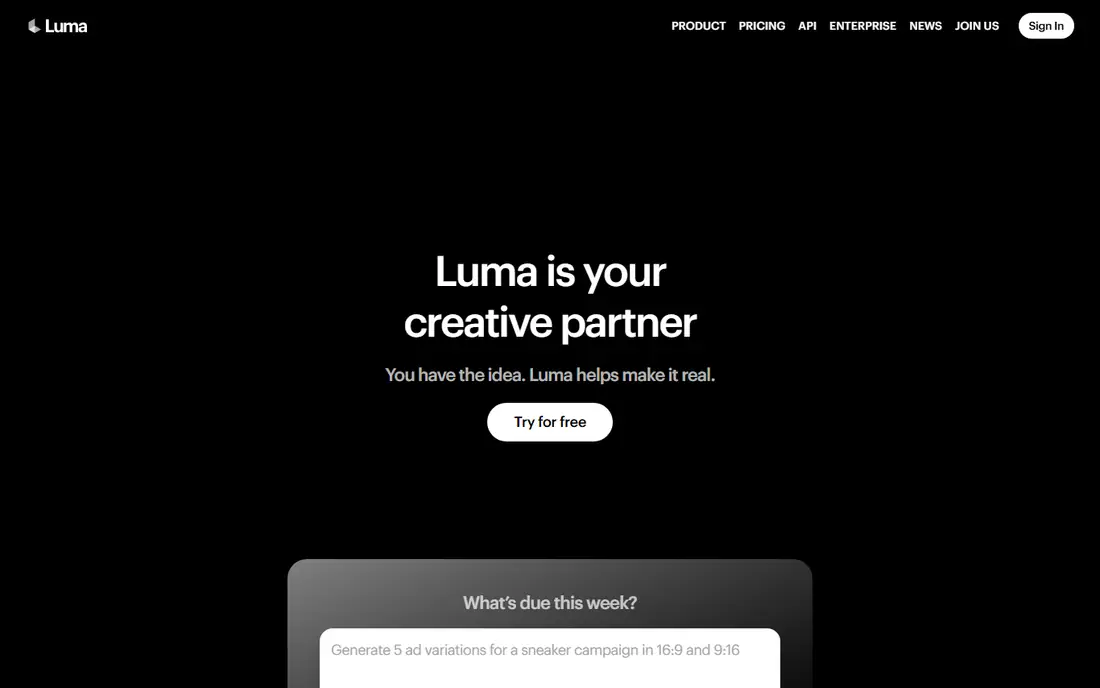
Luma Dream Machine, now built around its Ray models, is known for smooth camera motion and a cinematic feel. It handles text-to-video, image-to-video, and video-to-video restyling, which makes it useful for creators who start from existing footage and want a new look. Output quality is high, and the interface is approachable for a professional tool.
Current pricing lists Plus at $30 per month with 10,000 credits, and no free individual plan, so testing requires payment. A five-second 1080p clip costs around 400 credits, which means a Plus allowance covers roughly 25 such clips before retries. Luma suits creators who need cinematic motion and can plan their generations carefully, rather than bulk experimenters.
What we like- Smooth, cinematic camera movement
- Strong restyling of existing footage
- High-resolution output
Watch out for- No free individual plan on current pricing
- Plus plan credits cover only about 25 short 1080p clips
Starting price$9.99 per month
Free planYes
Adobe Firefly Video is the safest choice for brands worried about training data and licensing. Firefly models are trained on licensed Adobe Stock and public domain content, and Adobe provides content credentials that record provenance. Integration with Premiere Pro and Adobe Express also helps teams that already edit in Adobe tools, since generated clips drop straight into existing projects.
Firefly clips are short, typically around five seconds, and the tool is less experimental than Runway or Kling. For marketing teams that need usable, defensible clips rather than the most spectacular generation, that trade is sensible. Standard pricing starts around $9.99 per month, with free daily generations for testing.
What we like- Trained on licensed content for commercial safety
- Integrates with Premiere Pro and Express
- Clear provenance features
Watch out for- Clip length is short
- Model variety is narrower than open marketplaces
Starting price$15 per month
Free planYes

LTX Studio, from Lightricks, takes a different approach: it treats video as a story with scenes, shots, characters, and sound, rather than as isolated clips. That makes it a strong fit for short films, ads with a narrative arc, and branded stories where consistency across shots matters. The Lite plan starts around $15 per month, with a free tier for initial testing.
The platform asks more of the user than a simple prompt box, and creators who only need one-off clips may find it heavy. API pricing per second also needs care for longer work. For storytellers who plan scenes in advance, LTX Studio offers structure that clip generators do not, and that structure is its main selling point.
What we like- Storyboard and multi-scene workflows
- Character consistency tools
- Free tier for testing
Watch out for- Learning curve for narrative features
- Per-second API pricing adds up for long projects
#9Synthesia
Best for: Script-to-video with avatars4.6/5 on
G2 (2,804 reviews, checked Oct 2026)
Visit synthesia.io
Starting price$18 per month (billed annually)
Free planYes
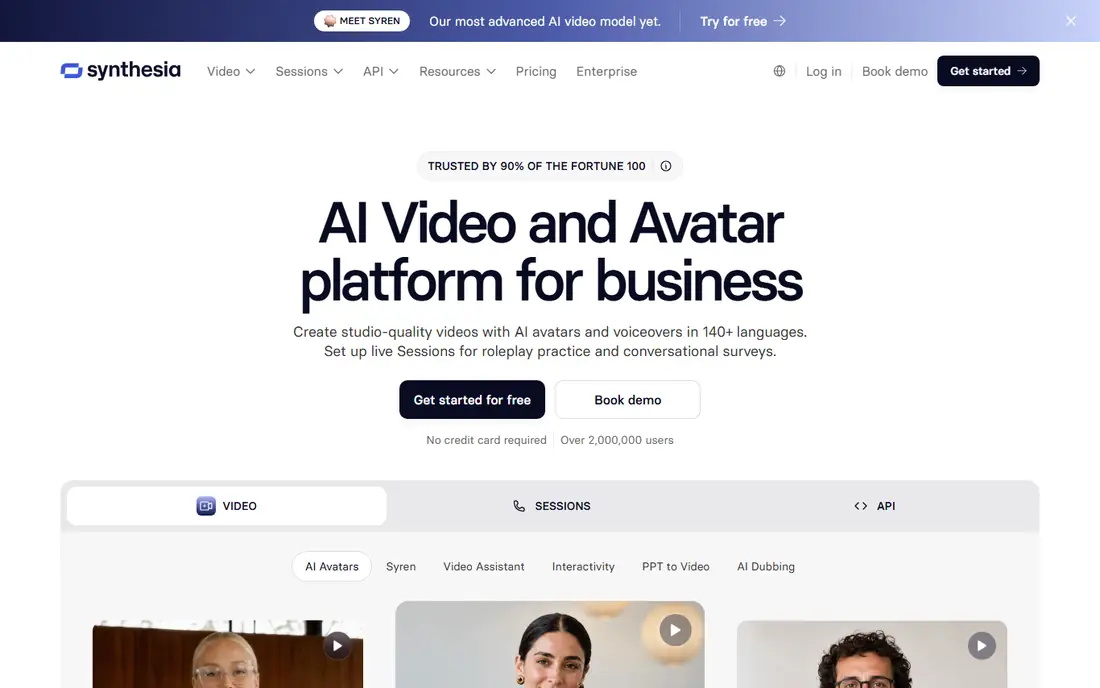
Synthesia belongs in this comparison because its workflow starts with text: paste a script, pick an avatar and voice, and receive a finished presenter video. That is text-to-video in the practical sense most business buyers mean, even though the output is a talking presenter rather than generated scenery. Starter pricing is around $18 per month billed annually, with a free Basic plan offering limited monthly minutes.
Synthesia will not make a cinematic short film, and its avatar style is recognizable. For training, onboarding, internal updates, and multilingual explainers, it is faster and cheaper than filming a presenter, and it updates easily when a script changes. Teams that need both presenter video and cinematic clips should pair Synthesia with Kling or Runway.
What we like- Script-to-video with realistic avatars
- 160 plus languages
- Templates for training and internal communication
Watch out for- Output looks like a presenter video, not cinematic footage
- Avatar plans limit video minutes
How we chose
We compared vendor pricing pages, model documentation, and public reviews, and we required each tool to accept a text prompt and return video, whether as generated footage or as a presenter-led video from a script. Tools were judged on output quality, clip length, audio, free access, pricing clarity, and commercial use terms. Where pricing varied by billing period or promotion, we gave the annual or standard figure and advised readers to check the vendor page before buying.
Comparing cost per finished clip
Monthly price alone misleads in this category. A $30 plan that yields 25 short clips costs more per clip than a $7 plan that yields 60, even before retries. Count how many generations you actually need, including failed attempts, and divide the plan price by that number. Also check resolution, watermark, and audio: a cheap clip that needs rework in another tool is not cheap.
Audio, length, and resolution
Veo and Kling lead on native audio, with dialogue and sound effects generated alongside picture. Runway and Luma offer more limited or separate audio handling, so budget for sound design if you choose them. Clip length ranges from about five seconds on Firefly to 15 seconds or more on Kling, and multi-shot tools such as LTX Studio extend further by chaining scenes.
Rights and commercial use
Read the license before using generated video in ads or client work. Adobe Firefly offers the clearest commercial safety story, while other vendors vary by plan and region. Keep records of prompts, plans, and terms, and confirm whether output can be used commercially, whether attribution is required, and whether the vendor claims any rights over generations.
Frequently asked questions
What is a text-to-video AI tool?
A text-to-video AI tool turns a written prompt, and sometimes a script or image, into a video clip. Some tools generate realistic or stylized footage, while others create presenter videos with avatars and voices. The best choice depends on whether you need cinematic footage, social clips, or training videos.
Which text-to-video tool is best for beginners?
Pika and Hailuo are the easiest starting points, with free credits and low monthly prices. Kling is also approachable and offers better quality for a small extra cost. Start with free credits on two tools, compare results on your own prompts, and only then pick a paid plan.
How long are AI-generated video clips?
Most single generations run from five to 15 seconds, depending on the tool and model. Longer videos are made by chaining clips, using multi-shot tools such as LTX Studio, or editing generated shots together in a video editor. Check the maximum clip length before buying, since it affects project planning.
Do these tools generate audio?
Some do. Veo generates dialogue, sound effects, and ambience with the video, and Kling offers native audio on many generations. Other tools focus on picture and require separate voiceover or music. If audio matters, test it on your prompts, since quality varies widely.
Can I use AI video commercially?
It depends on the vendor and plan. Adobe Firefly is designed for commercial use with licensed training data, while other tools vary by tier and region. Read the terms for your plan, keep proof of your subscription, and get legal advice for high-value advertising campaigns.
Why do prices change so often in this category?
Models improve quickly, credit costs shift with compute prices, and vendors run promotions that change entry prices. Treat any price in a comparison as a snapshot, and always check the vendor pricing page on the day you buy. Credit-based billing makes this especially important, since the cost per clip matters more than the headline monthly fee.
Sources we checked (9)
- https://deepmind.google/models/veo/pricing
- https://klingai.com/pricing
- https://runwayml.com/pricing
- https://pika.art/pricing
- https://hailuoai.video/pricing
- https://lumalabs.ai/pricing
- https://www.adobe.com/products/firefly/pricing
- https://www.ltx.studio/pricing
- https://www.synthesia.io/pricing
Is your product missing or out of date?
We review this list regularly. Vendors can request a listing, send updated pricing or ask about featured placement.

Shihab Mia · Founder, Rankite
Shihab has 5+ years in B2B and SaaS SEO. He writes Rankite's software buying guides from pricing pages, documentation and public user reviews. More about Shihab.