How we make this list: we compare pricing pages, product documentation and public user reviews. Ratings come from G2, Capterra or Trustpilot, with the date we checked them.
Key takeaways
- After Effects remains the standard for 2D motion graphics and compositing, while Cinema 4D, Houdini, and Blender cover the 3D side of the same projects.
- Blender and Cavalry are both free for individuals, making them the best starting points for learning motion design without a subscription.
- DaVinci Resolve combines editing, compositing, and color in one free download, which suits creators who want a single app for video and graphics.
- Rive is the outlier here: it builds interactive animations for apps, games, and websites rather than rendered video, so choose it only when interactivity matters.
Quick comparison
| Tool | Best for | Starting price | Free plan |
|---|
 Adobe After Effects Adobe After Effects | 2D motion graphics and compositing | See website | No |
 Maxon Cinema 4D Maxon Cinema 4D | 3D motion graphics for broadcast | See website | No |
 Blender Blender | Free 3D animation and motion graphics | Free | Yes |
 Houdini Houdini | Procedural 3D and visual effects | See website | Yes |
 DaVinci Resolve DaVinci Resolve | Editing plus Fusion compositing | See website | Yes |
 Apple Motion Apple Motion | Mac-based titles and effects for Final Cut | See website | No |
 Cavalry Cavalry | Free real-time 2D animation | Free | Yes |
 Rive Rive | Interactive animation for apps and games | See website | No |
Is your product missing or out of date?
We review this list regularly. Vendors can request a listing, send updated pricing or ask about featured placement.
The best motion graphics software
#1Adobe After Effects
Best for: 2D motion graphics and compositing4.6/5 on
G2 (1,094 reviews, checked Oct 2026)
Visit adobe.com
Starting priceSee website
Free planNo
After Effects is the tool most motion designers learn first, and for good reason: it handles animated titles, explainer graphics, logo animation, compositing, and visual effects in one timeline-based workspace, and it works directly with the rest of Adobe's Creative Cloud, including Premiere Pro for editing and Illustrator for vector art. Its plugin and template ecosystem is unmatched, so a technique you need almost always has a ready-made solution.
The trade-off is the subscription model, with no permanent free plan beyond a trial, and the performance demands of long compositions with many layers and effects. After Effects also leans on Cinema 4D integration for true 3D work rather than doing it natively. For a professional motion graphics career, or for a team already in Adobe's ecosystem, After Effects is still the safest first choice.
What we like- Industry standard for motion graphics
- Deep integration with Premiere Pro, Photoshop, and Illustrator
- Huge plugin and template ecosystem
Watch out for- Subscription-only with no free plan
- Needs a strong machine for complex compositions
#2Maxon Cinema 4D
Best for: 3D motion graphics for broadcast4.6/5 on
G2 (136 reviews, checked Oct 2026)
Visit maxon.net
Starting priceSee website
Free planNo
Cinema 4D is the 3D tool of broadcast motion design: title sequences, product animations, and channel branding. Its MoGraph toolset, built specifically for motion graphics, lets artists clone, animate, and vary large numbers of objects with effectors, which is why it pairs so often with After Effects in broadcast pipelines. Maxon's homepage shows Cinema 4D alongside Redshift rendering, Red Giant effects, and ZBrush sculpting in the Maxon One bundle.
Cinema 4D's strength is speed of learning relative to Houdini or Maya, and its integration with After Effects through Cineware keeps 2D and 3D work in one pipeline. It is less suited to heavy simulation or film effects, where Houdini leads, and it is subscription-only. For a motion designer adding 3D to an After Effects workflow, Cinema 4D is the most direct path.
What we like- Fast, artist-friendly 3D workflow
- MoGraph toolset built for motion graphics
- Redshift rendering and Red Giant effects in the Maxon One bundle
Watch out for- Subscription pricing with no free plan
- Less suited to film-level effects work than Houdini
#3Blender
Best for: Free 3D animation and motion graphics4.6/5 on
G2 (319 reviews, checked Oct 2026)
Visit blender.org
Starting priceFree
Free planYes
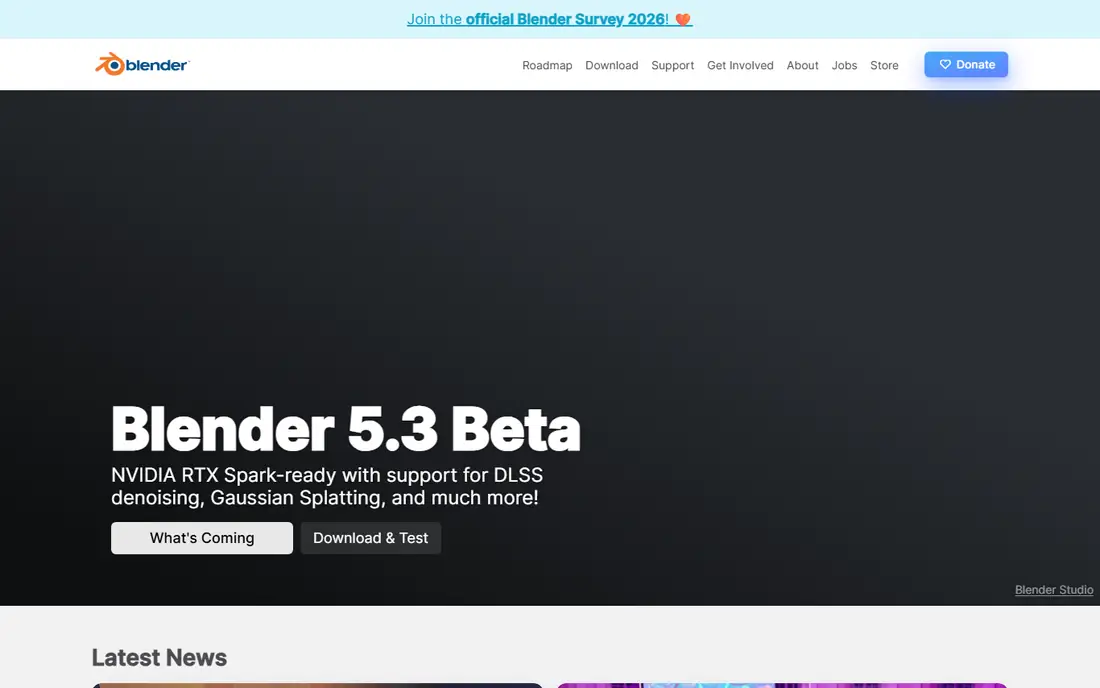
Blender is free and open source software, forever, in its own words, licensed under the GNU GPL and owned by its contributors. It covers modeling, sculpting, UV editing, animation and rigging, VFX tracking, and rendering with the Cycles path-tracer, plus a video sequencer and 2D animation tools in the same program. It is supported by major hardware vendors including AMD, Apple, Intel, NVIDIA, and Qualcomm, and it is used for short films, advertisements, TV series, and feature films.
For motion graphics, Blender's grease pencil 2D tools and its animation editors make it a capable choice, though its workflow is less purpose-built for broadcast graphics than Cinema 4D's MoGraph. The price, zero, makes that trade easy to accept. For a beginner, a freelancer, or a studio that wants a full 3D pipeline without licence costs, Blender is the obvious starting point.
What we like- Completely free and open source under the GNU GPL
- Full modeling, animation, VFX, and Cycles rendering
- Large community and tutorial ecosystem
Watch out for- Interface takes time to learn
- Motion graphics workflow is less specialized than Cinema 4D's MoGraph
#4Houdini
Best for: Procedural 3D and visual effects4.5/5 on
G2 (35 reviews, checked Oct 2026)
Visit sidefx.com
Starting priceSee website
Free planYes
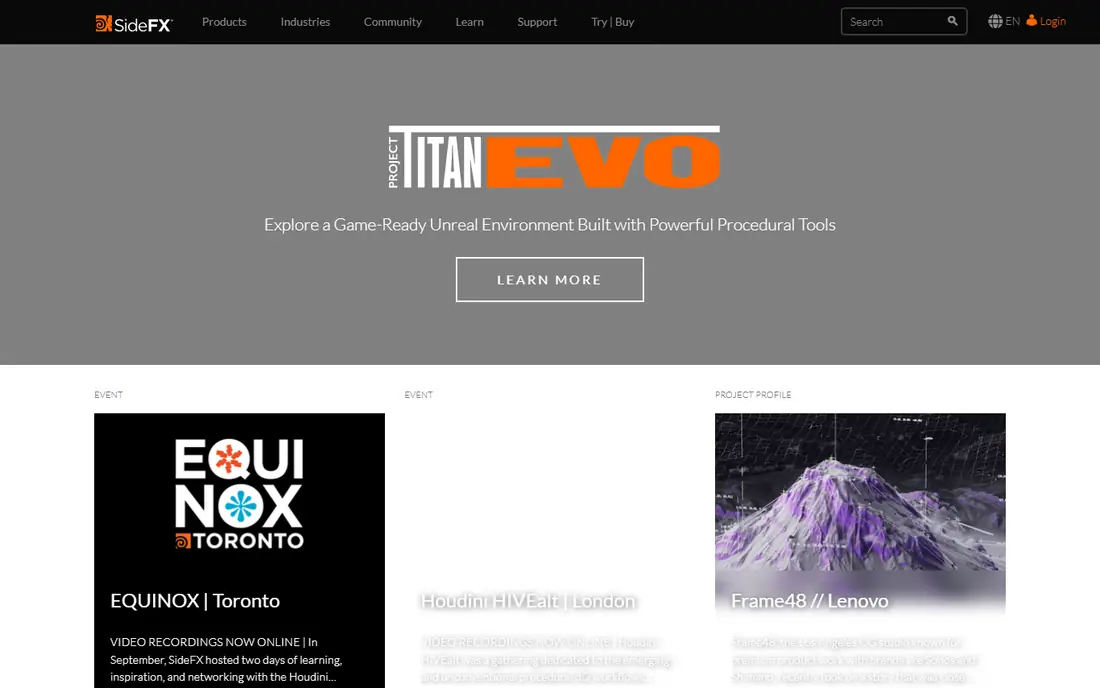
Houdini, from SideFX, is built around procedural generation: artists build networks of nodes that generate geometry, animation, and effects, so a change early in the network updates everything downstream. That approach powers the large-scale destruction, smoke, water, and crowd work seen in film and high-end commercials, and SideFX's homepage highlights recent work including a game-ready Unreal environment and effects for major productions.
Houdini's free Apprentice edition lets students and hobbyists learn the full tool for non-commercial use, which softens the learning investment. The commercial learning curve remains the steepest here, and pricing is by quote for studio licences. For effects-heavy motion work, or for a technical artist who wants maximum control, Houdini has no real rival.
What we like- Procedural, node-based workflow that scales to huge scenes
- Industry standard for effects
- Free Apprentice edition for non-commercial learning
Watch out for- Steepest learning curve on this list
- Commercial pricing by quote
Starting priceSee website
Free planYes
DaVinci Resolve, from Blackmagic Design, is primarily a video editor and color tool, but its built-in Fusion page makes it a genuine motion graphics option: node-based compositing, titles, particle effects, and 3D text live inside the same timeline as the edit. Blackmagic's homepage currently promotes a sale on DaVinci Resolve Studio, while the standard version remains free to download, which makes Resolve the cheapest way to combine editing and motion graphics.
The catch is that Fusion's node-based approach takes longer to learn than After Effects' layer timeline, and some advanced effects and AI tools require the paid Studio version. For a creator who edits and animates in the same project, especially on a budget, Resolve removes the need for two subscriptions and keeps the whole pipeline in one app.
What we like- Editing, Fusion compositing, color, and audio in one app
- Free version available
- Studio version adds advanced AI and effects tools
Watch out for- Fusion's node workflow takes learning
- Studio features require a paid upgrade
#6Apple Motion
Best for: Mac-based titles and effects for Final Cut4.2/5 on
G2 (26 reviews, checked Oct 2026)
Visit apple.com
Starting priceSee website
Free planNo

Apple Motion is Apple's motion graphics tool for Mac, designed to build titles, transitions, generators, and effects for Final Cut Pro, with real-time playback that avoids long render waits during design. Its one-time purchase model contrasts with Adobe's subscription, and for a Final Cut editor it is the natural companion app, since Motion templates can be published directly into Final Cut.
Two limits apply. Motion runs only on Mac, so mixed-platform teams cannot share it, and its plugin and template ecosystem is smaller than After Effects'. Note also that we verified Motion through Apple's vendor homepage, which loads and belongs to Apple, rather than a dedicated Motion product page. For a Mac-only Final Cut workflow, Motion is fast, affordable, and well integrated.
What we like- Real-time design for titles, transitions, and effects
- Tight integration with Final Cut Pro
- One-time purchase rather than a subscription
Watch out for- Mac-only
- Smaller plugin ecosystem than After Effects
- Apple homepage does not surface Motion directly
Starting priceFree
Free planYes
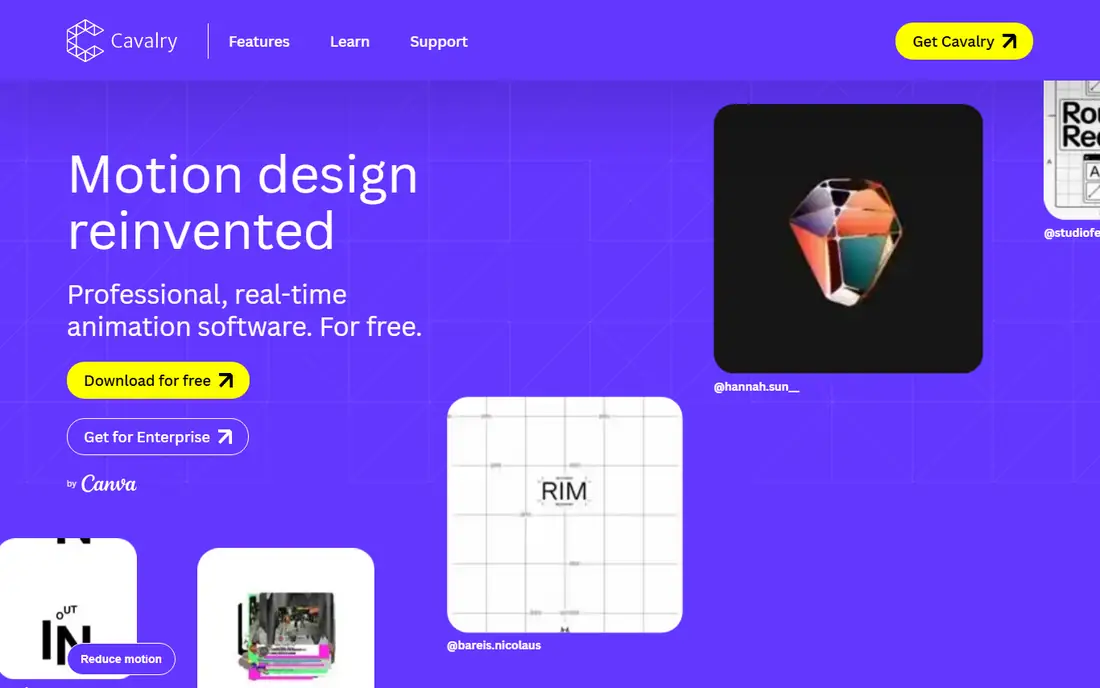
Cavalry describes itself as motion design reinvented: professional, real-time 2D animation software, free for individuals. Its homepage stresses that changing one value ripples through entire systems, that rendering runs at full speed with no preview lag, and that spreadsheets can drive animation at scale. Features include rig controls, text animation, duplicators, falloffs, dynamics, and Lottie export for web and app use, with brands such as Amazon, Google, Nike, and Netflix among its users.
Cavalry is now brought to you by Canva, and a Canva account is required to use it, with enterprise access through Canva Enterprise or Education accounts. It is 2D only, so 3D projects need Blender or Cinema 4D alongside it. For a 2D motion designer who wants a free, modern tool built for real-time work, Cavalry is the strongest new option here.
What we like- Free for individuals with professional features
- Real-time rendering with no preview lag
- Data-driven animation from spreadsheets
- Lottie export
Watch out for- 2D only, so 3D work needs another tool
- Now requires a Canva account
- Enterprise use goes through Canva
#8Rive
Best for: Interactive animation for apps and games4.9/5 on
G2 (9 reviews, checked Oct 2026)
Visit rive.app
Starting priceSee website
Free planNo
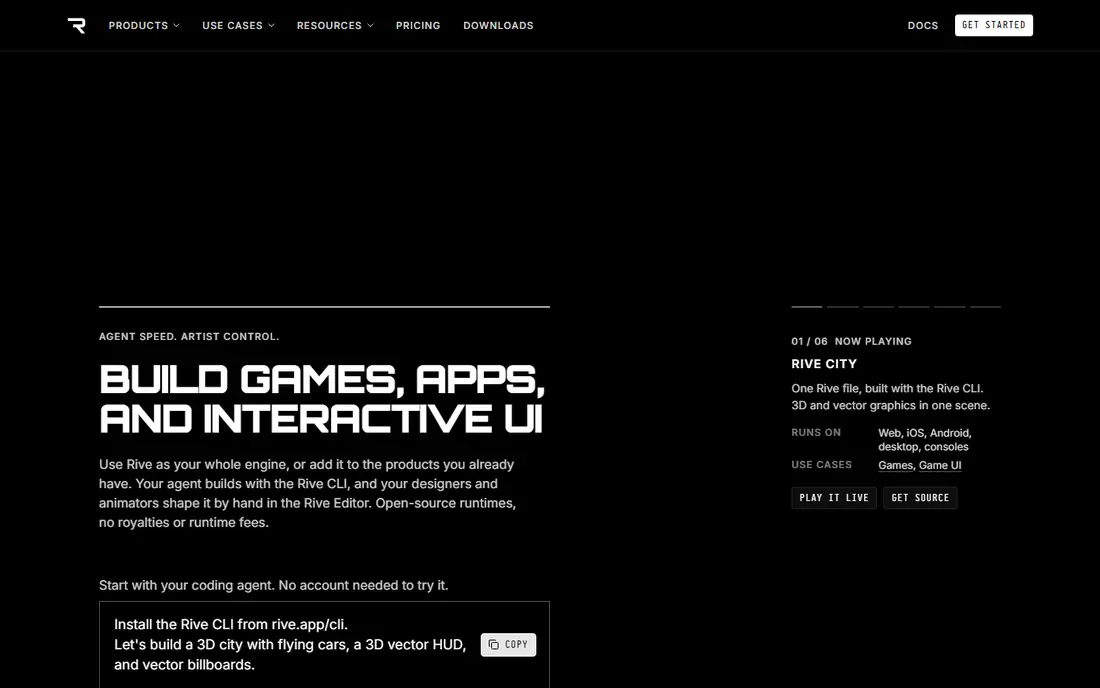
Rive is an interactive animation engine for games, apps, and UI, and it works differently from every other tool here. Instead of rendering video, Rive produces a single file that plays natively across web, mobile, desktop, game engines, consoles, TVs, and cars, driven by the same runtime. Its editor offers a graph editor, timelines, bones and constraints, animation joysticks, and state machines, so characters and interfaces can react to user input in real time.
Rive's own homepage is candid about when not to use it: for mostly text pages, for content that needs search indexing, or for a simple web-only effect, plain HTML or CSS is the better call. Rive pays off when motion is heavy, interactive, and shipped on more than one platform. For app and game teams, it replaces a pile of per-platform animation code with one shared file.
What we like- One file plays natively on web, iOS, Android, desktop, consoles, and TVs
- State machines and bones for interactive characters
- Designers and developers share the same file
Watch out for- Built for interactive use, not rendered video
- Overkill for a simple web effect that CSS could handle
How we chose
We compared tools that produce real motion graphics work, across 2D, 3D, compositing, and interactive animation, and we opened each vendor homepage to confirm it loads and belongs to that product. We weighed workflow fit, rendering, ecosystem, and price, including genuinely free options. Where a price could not be confirmed on the vendor's own page, we list "See website" rather than repeating a third-party figure. Apple Motion was verified through Apple's vendor homepage rather than a dedicated product page, as noted above.
Buying guide: how to pick motion graphics software
Start with your output. If you deliver rendered video for social, broadcast, or clients, After Effects or Cavalry for 2D, and Cinema 4D or Blender for 3D, cover nearly every job. If you deliver interactive animation for apps and games, Rive is the only tool here built for that job. If you edit and animate in one pipeline, DaVinci Resolve or the Final Cut plus Motion combination saves a subscription.
Next, weigh learning time against earning time. Houdini rewards deep study with unmatched effects power, but a freelancer who needs paying work this month will earn faster in After Effects or Cavalry. Blender's zero price removes financial risk, but its breadth means learning takes longer than a focused 2D tool.
Finally, check the machine you own. Motion graphics software is demanding, especially for 3D rendering and long compositions, so confirm system requirements and try the free version or trial on your own hardware before buying. A tool that stutters on your machine will cost more in lost time than any subscription saves.
Frequently asked questions
What is the best motion graphics software for beginners?
Blender and Cavalry are the best free starting points, since both cost nothing for individuals. After Effects is the best paid starting point for a professional career, because most studios and clients already use it.
Is After Effects or Cinema 4D better for motion graphics?
They do different jobs and are often used together. After Effects leads for 2D graphics, titles, and compositing, while Cinema 4D leads for 3D graphics, with MoGraph tools built for broadcast animation.
Can I do motion graphics for free?
Yes. Blender covers 3D animation and compositing at no cost, Cavalry covers real-time 2D animation at no cost for individuals, and DaVinci Resolve covers editing plus Fusion compositing with a free version.
What is the difference between motion graphics and animation?
Motion graphics is animation applied to graphic design elements such as text, shapes, and logos, usually to explain or promote something. Animation is the broader art of bringing characters and stories to life frame by frame.
Do I need a powerful computer for motion graphics?
For simple 2D work, a mid-range machine is enough. For 3D rendering, long compositions, and particle effects, a strong CPU, plenty of RAM, and a capable GPU make a large difference in preview speed and render times.
Sources we checked (0)
Is your product missing or out of date?
We review this list regularly. Vendors can request a listing, send updated pricing or ask about featured placement.

Shihab Mia · Founder, Rankite
Shihab has 5+ years in B2B and SaaS SEO. He writes Rankite's software buying guides from pricing pages, documentation and public user reviews. More about Shihab.