How we make this list: we compare pricing pages, product documentation and public user reviews. Rankite is independent; if a vendor ever pays for a featured spot, that listing is clearly labeled Partner.
Key takeaways
- Adobe After Effects is still the industry default for 2D motion graphics and compositing, at $22.99 per month with a 7-day trial.
- DaVinci Resolve's free version covers editing, Fusion motion graphics and color in one download, with a one-time Studio upgrade for professionals.
- Blender does real 3D motion graphics for nothing, though its learning curve is the steepest on this list.
- Cavalry became fully free for individuals in 2026 after Canva's acquisition, making it the best no-cost procedural animation tool.
- Rive is the pick for interactive and UI animation that ships to apps, games and the web, with a free tier and paid plans from $9 per seat per month.
Quick comparison
| Tool | Best for | Starting price | Free plan |
|---|
 Adobe After Effects Adobe After Effects | Professional 2D motion graphics, compositing and visual effects | $22.99/month (annual plan, billed monthly) | 7-day free trial |
 DaVinci Resolve DaVinci Resolve | Editors who want motion graphics, color and audio in one free application | Free | Yes |
 Blender Blender | 3D motion graphics, animation and rendering on a zero budget | Free | Yes |
 Cinema 4D Cinema 4D | Professional 3D motion design, especially broadcast and advertising work | See website | Free trial |
 Apple Motion Apple Motion | Mac-based editors creating titles, transitions and effects for Final Cut Pro | $49.99 one-time | No |
 Cavalry Cavalry | Procedural 2D animation, data-driven graphics and generative motion design | Free | Yes |
 Rive Rive | Interactive animations for apps, games, websites and interfaces | Free | Yes |
 Natron Natron | Free node-based compositing in the style of Nuke | Free | Yes |
 Synfig Studio Synfig Studio | 2D vector animation with automatic tweening, free of charge | Free | Yes |
Is your product missing or out of date?
We review this list regularly. Vendors can request a listing, send updated pricing or ask about featured placement.
The best software for motion graphics
#1
Adobe After Effects
Best for: Professional 2D motion graphics, compositing and visual effects
Visit adobe.com
Starting price$22.99/month (annual plan, billed monthly)
Free plan7-day free trial
Nobody gets hired as a motion designer without knowing After Effects, and that network effect is the product's real moat. The software itself is a deep compositing and animation environment: keyframed animation, expressions, tracking, keying, particles and a 3D space that keeps improving, with the 2026 release adding animated variable fonts and native 3D primitives for dimensional logos and product-style animation without leaving the app. Templates and presets number in the hundreds of thousands, so deadline work rarely starts from a blank composition.
The price is the standard Adobe bargain and the standard Adobe complaint. The single-app plan runs $22.99 per month on an annual commitment, a month-to-month option costs more at $34.49, and there is no way to buy it outright. A 7-day trial lets you confirm it runs well on your machine before committing. If you freelance in the US market, clients will send you After Effects project files, which makes the subscription less a choice than a cost of doing business.
What we like- The largest template, plugin and tutorial ecosystem in the business
- Tight integration with Premiere Pro and Photoshop
- 2026 release added keyframeable variable fonts and native 3D primitives
Watch out for- Subscription only with no perpetual license
- Needs 16 GB of RAM minimum and ideally 32 GB for 4K work
Starting priceFree
Free planYes
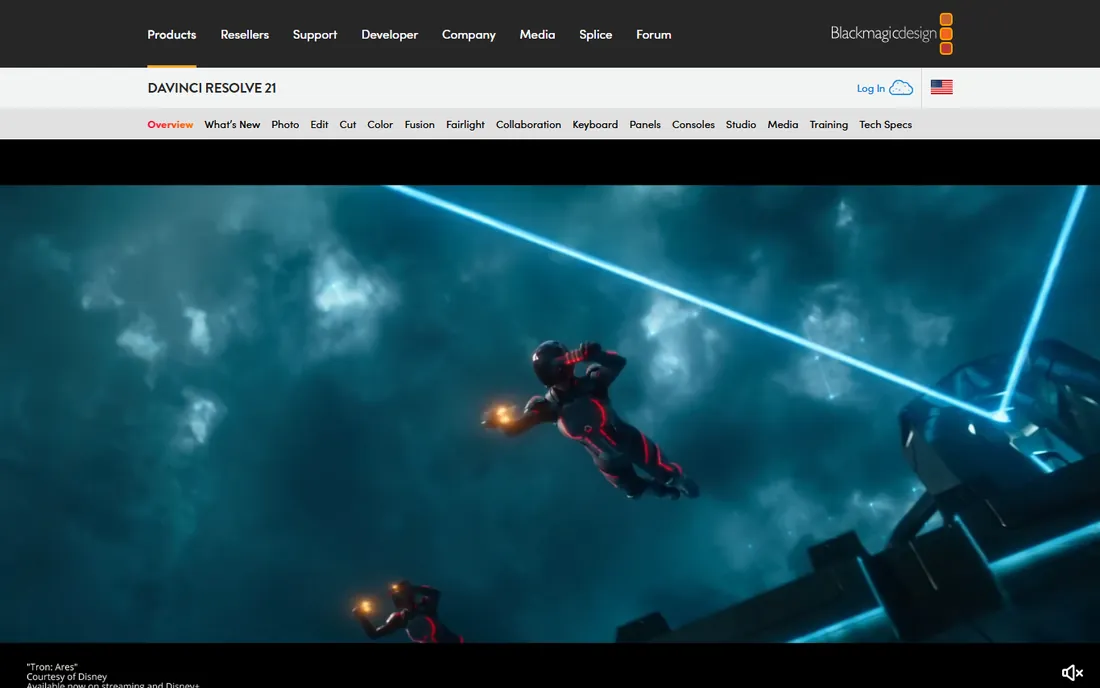
Blackmagic's strategy with Resolve is simple: give away software that used to cost thousands, and sell cameras and control panels. The free version includes the full editor, the Fusion page for node-based motion graphics and compositing, professional color grading and Fairlight audio, working with 8-bit video up to Ultra HD. For a small studio or a YouTuber doing their own graphics, it replaces two or three paid apps at once.
The paid DaVinci Resolve Studio is a one-time purchase that adds the neural engine AI tools, extra effects, noise reduction, stereoscopic tools and high frame rate support. Blackmagic lists regional store prices rather than one global figure, so check the current US price on their site. The honest catch is Fusion itself: node-based compositing is powerful but unfamiliar if you come from After Effects layers, and good Fusion training takes weeks. Still, as a free starting point with a professional ceiling, nothing else on this list matches it.
What we like- The free version is remarkably complete, including the Fusion page for motion graphics
- No subscription
- Runs on Windows, Mac and Linux
Watch out for- The Fusion page has a real learning curve
- Studio-only features like AI tools and 120 fps timelines need the paid upgrade
#3
Blender
Best for: 3D motion graphics, animation and rendering on a zero budget
Visit blender.org
Starting priceFree
Free planYes
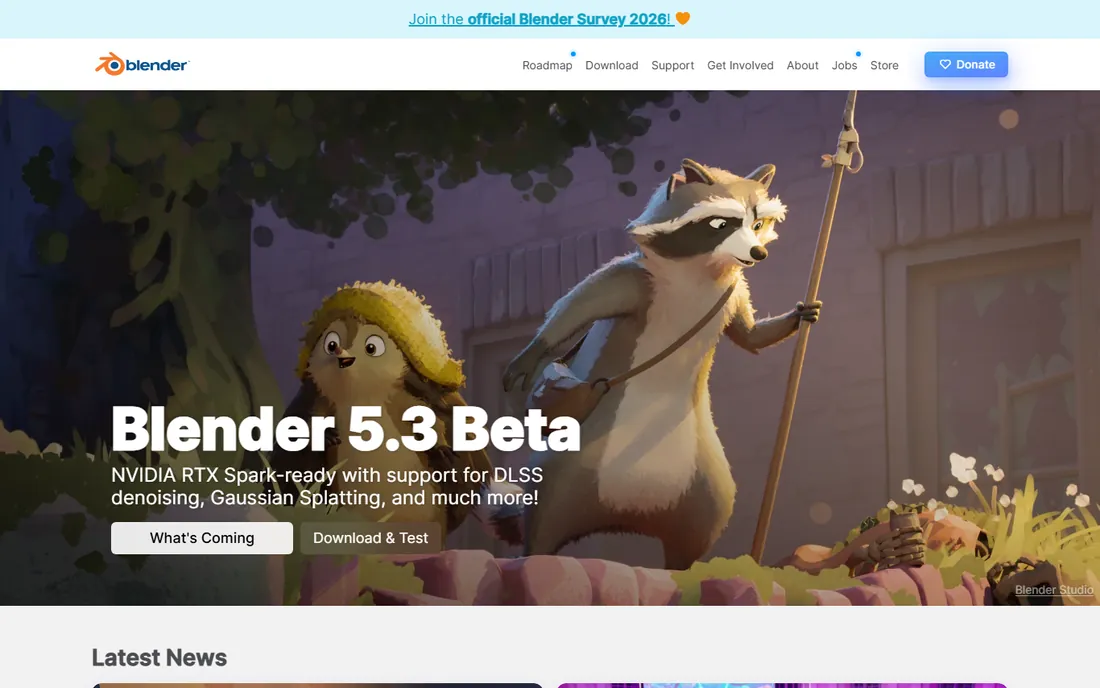
Blender is the reason "free" stopped meaning "toy" in 3D. It handles the full motion design pipeline: modeling, rigging, animation, particles, fluid and smoke simulation, compositing and even video editing, all in one open-source package maintained by the Blender Foundation. Independent motion designers produce client-ready 3D animation with it every day, and its Grease Pencil tools blur the line between 2D and 3D in ways paid apps are still catching up to.
The cost is measured in time rather than money. Blender's interface packs an enormous feature set into dense panels and hotkey-driven workflows, and the first month feels like learning an instrument. Studios built around Cinema 4D and After Effects may also ask for project files Blender cannot natively provide, though exported renders and standard formats bridge most gaps. If your budget is zero and your ambition is 3D, start here and do not look back.
What we like- Completely free and open source with no tiers or watermarks
- Covers modeling, animation, simulation and video editing
- Huge community and tutorial base
Watch out for- The interface overwhelms beginners
- Some studio pipelines still expect Cinema 4D or Maya files
#4
Cinema 4D
Best for: Professional 3D motion design, especially broadcast and advertising work
Visit maxon.net
Starting priceSee website
Free planFree trial
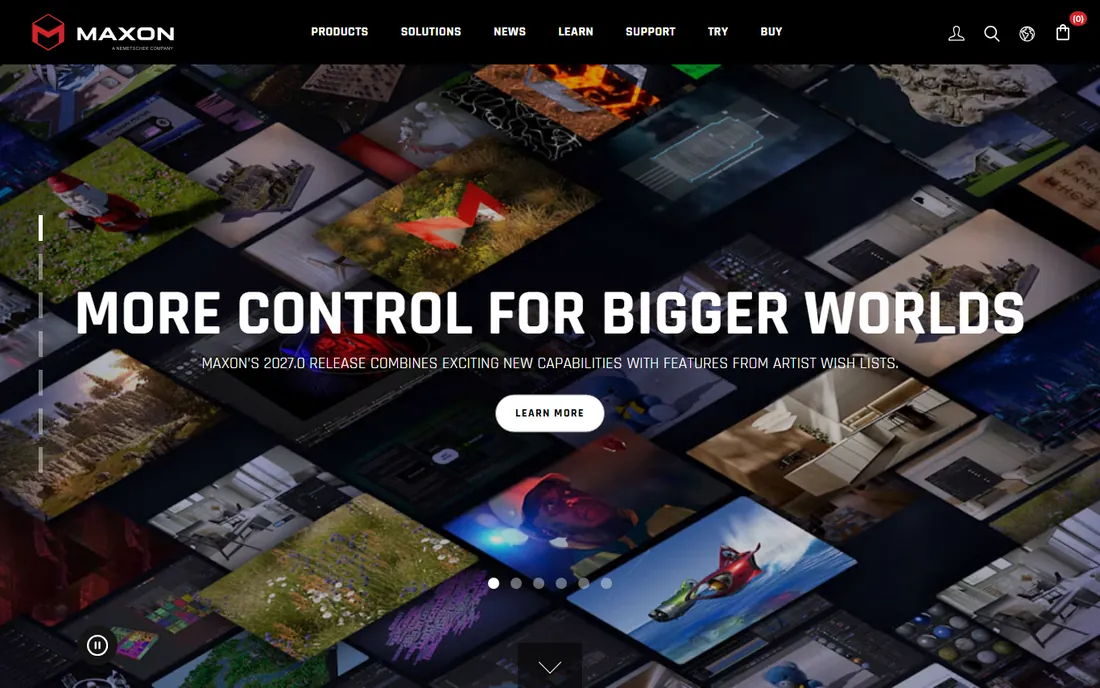
Ask broadcast designers which 3D app they reach for and most say Cinema 4D. Maxon's reputation rests on approachability: the interface reads clearly, the MoGraph module makes cloners, effectors and procedural animation genuinely fun, and Cineware integration pipes 3D scenes straight into After Effects compositions. It is the standard for 3D title sequences, product animation and broadcast packages, and it stays stable when scenes get heavy.
Maxon moved to subscription-only licensing, so you rent it monthly or annually, with a 14-day trial to evaluate. Annual billing costs substantially less per month than month-to-month, and the Maxon One bundle adds ZBrush, Red Giant and Redshift for studios that want everything. Check current US pricing on Maxon's site, since it shifts with promotions. For freelancers, the math is simple: if client work pays for the subscription, Cinema 4D's speed repays it quickly.
What we like- The friendliest professional 3D interface, with the famous MoGraph toolset
- Excellent After Effects integration
- Stable on complex scenes
Watch out for- Subscription only since 2024, with no perpetual license
- The full Maxon One bundle tempts you to spend more
#5
Apple Motion
Best for: Mac-based editors creating titles, transitions and effects for Final Cut Pro
Visit apps.apple.com
Starting price$49.99 one-time
Free planNo
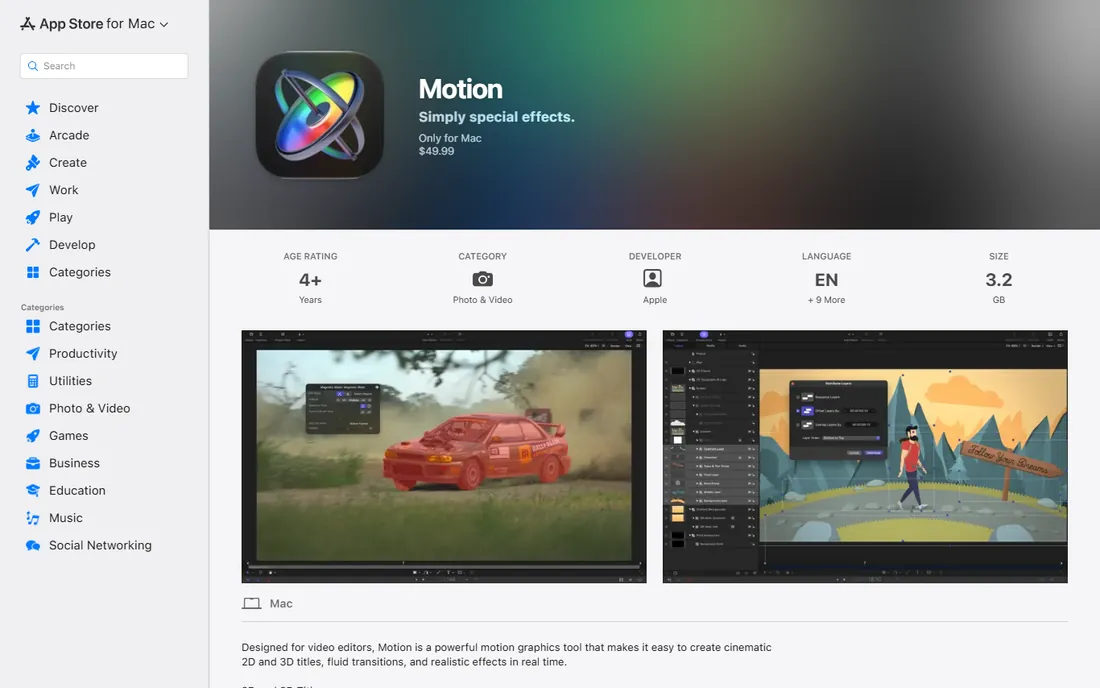
Apple Motion is the best value in professional motion graphics, full stop. For a single $49.99 purchase on the Mac App Store you get a real-time motion graphics tool with 2D and 3D titles, over 230 behaviors for keyframeless animation, particle emitters, masking and tracking, and deep integration with Final Cut Pro: anything you build can be saved as a template and adjusted inside the editor. It is fast, stable and absurdly cheap for what it does.
The limits are platform and ecosystem. It runs on Mac only, and while it exports standard video files usable in any editor, the template workflow only pays off inside Final Cut Pro. The third-party template and plugin market is a fraction of After Effects', so unusual effects may need building by hand. For Mac editors who live in Final Cut Pro, though, Motion plus Final Cut is a complete motion graphics pipeline for the price of two months of an Adobe subscription.
What we like- One-time $49.99 purchase with no subscription
- Real-time playback and behaviors that animate without keyframes
- Templates publish directly into Final Cut Pro
Watch out for- Mac only
- A smaller ecosystem of templates and plugins than After Effects
#6
Cavalry
Best for: Procedural 2D animation, data-driven graphics and generative motion design
Visit cavalry.studio
Starting priceFree
Free planYes
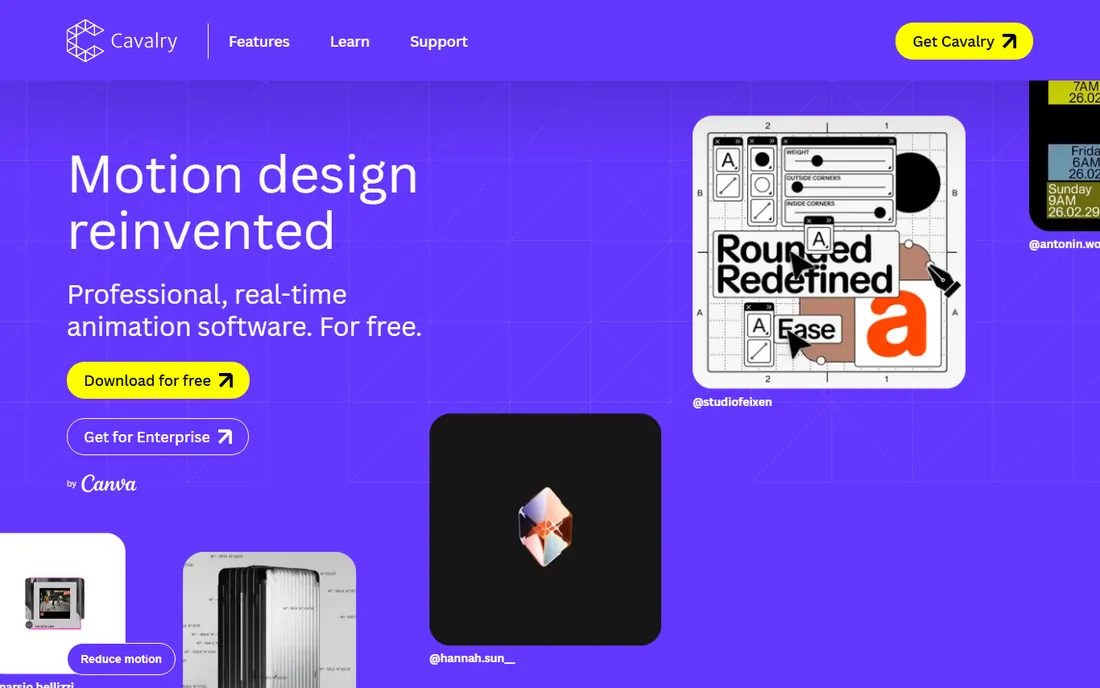
Cavalry had the most dramatic pricing story of 2026. After Canva acquired the company, the previously paid Professional tier was scrapped entirely, and the full application became free for individual artists, including commercial projects. What you get is a professional-grade 2D motion design tool built around procedural workflows: instead of keyframing every movement, you connect elements so they react dynamically to data and parameters, which makes it exceptionally strong for infographics, advertising versioning and generative art.
The trade-off is philosophical. Timeline animators used to After Effects sometimes bounce off the node-and-behavior approach before it clicks, and there is no 3D dimension to fall back on. But for designers who think in systems, Cavalry now delivers capabilities that used to cost a monthly subscription, for nothing. Enterprise users still need a paid license, so teams should check Canva's current terms.
What we like- The full professional version is now free for individuals, including commercial use
- Procedural workflow scales work that keyframes cannot
- Real-time playback
Watch out for- 2D only, with no 3D toolset
- The procedural mindset takes adjustment for timeline animators
#7
Rive
Best for: Interactive animations for apps, games, websites and interfaces
Visit rive.app
Starting priceFree
Free planYes
Rive occupies a category of its own: animation as interactive software rather than rendered video. You design in the browser-based editor, build state machines that let animations react to input, and ship files that run natively in apps, games and websites at a fraction of the size of video or Lottie exports. Product teams use it for onboarding flows, game characters, interactive icons and animated interfaces that respond to the user.
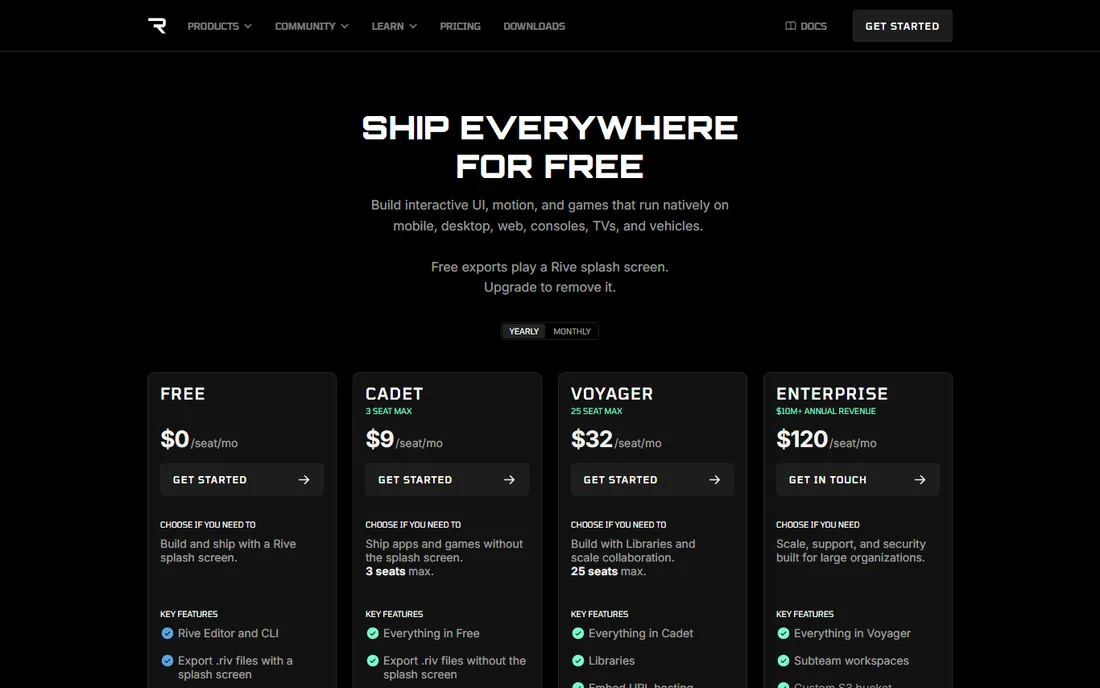
The free tier covers the editor with unlimited personal files and a few collaborative files, though exports carry a Rive splash screen. Paid plans start at $9 per seat per month on the Cadet tier, which removes the splash screen and allows unlimited files, with higher tiers adding libraries, hosting and team management. If your motion graphics end up as video files, look elsewhere on this list. If they end up inside a product, Rive is the modern answer.
What we like- Tiny runtime files that play natively on mobile, web, desktop and consoles
- Real-time collaboration in the browser
- State machines for interactive animation
Watch out for- Not a video tool, so it will not replace After Effects for rendered motion graphics
- Removing the splash screen requires a paid plan
Starting priceFree
Free planYes
Natron is the open-source answer to high-end compositing. Its node-graph workflow mirrors Nuke's approach: you chain image-processing operations into a graph rather than stacking layers, which scales better for complex VFX shots. It handles keying, tracking, rotoscoping and multi-pass compositing, runs on all three desktop platforms, and costs nothing under its GPLv2 license.
Honesty requires noting the project's pace. Releases arrive infrequently and the interface shows its age, so do not expect the polish or the update cadence of DaVinci Resolve's Fusion page. For students learning node-based compositing, freelancers who need Nuke-style workflows without Nuke prices, and Linux users with few commercial options, Natron remains a legitimate working tool rather than a curiosity.
What we like- Free and open source under the GPL
- Node-graph workflow familiar to Nuke users
- Cross-platform on Windows, Mac and Linux
Watch out for- Development moves slowly, with long gaps between releases
- The interface feels dated next to commercial compositors
#9
Synfig Studio
Best for: 2D vector animation with automatic tweening, free of charge
Visit synfig.org
Starting priceFree
Free planYes
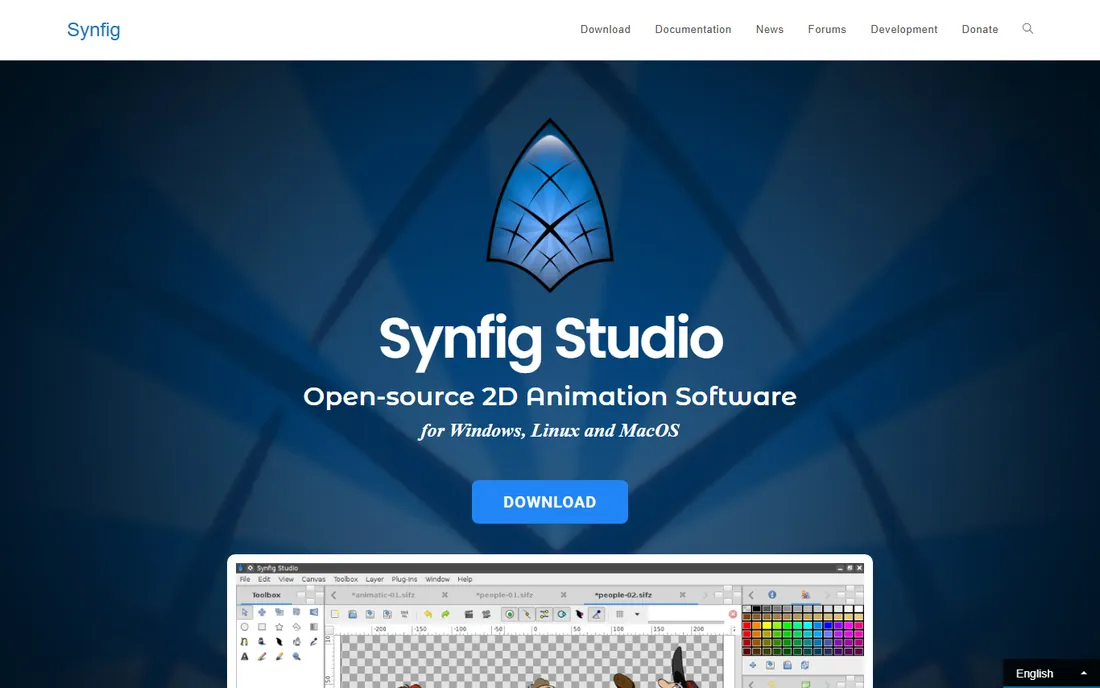
Synfig Studio's headline feature is its reason to exist: draw two keyframes and the software tweens the vector animation between them, removing the frame-by-frame labor that makes 2D animation expensive. It offers over fifty layer types, a bone system for cutout-style character animation, and parameter linking through mathematical expressions for effects-driven work. It runs on Windows, Mac and Linux and is free and open source.
The price of that power is a learning curve compounded by thin documentation. Synfig's workflow follows its own logic, and beginners should expect to lean on community tutorials while the official docs catch up. Complex scenes can also render slowly. For hobbyists, educators and small studios doing 2D animation on no budget, though, it is the most capable free vector animation tool available.
What we like- Free and open source
- Vector tweening eliminates most frame-by-frame work
- Bone system for cutout character animation
Watch out for- The workflow is idiosyncratic and sparsely documented
- Rendering can be slow on complex scenes
Motion graphics is a wide field, and the right tool depends on where your work ends up. Start with the deliverable and work backward. Broadcast titles, advertising and social video point to After Effects or DaVinci Resolve. True 3D product and broadcast work points to Cinema 4D or Blender. Interactive product and game animation points to Rive. Infographics and data-driven content point to Cavalry. Compositing-heavy VFX points to Fusion inside Resolve or Natron.
Then weigh the business model against your situation. Subscriptions make sense when client work pays for them and when you need the industry-standard file formats. One-time purchases suit Mac editors and anyone allergic to rent. Free tools suit beginners, students and anyone whose work does not require handing off project files to an agency pipeline.
Finally, be honest about the learning curve you can afford. After Effects and Cavalry reward weeks of study. Blender and Fusion reward months. If a deadline is next week, pick the tool you already know or the one with the biggest template library, and save the ambitious learning for between projects.
How we chose
We reviewed vendor pricing pages, documentation and feature lists, and checked real-world usage against public reviews on G2, Capterra and Reddit, where working motion designers debate these tools daily. Every product listed is available and maintained today. We covered the full price spectrum from free to professional subscription, included both 2D and 3D workflows, and made sure Mac, Windows and Linux users each have options. We did not claim hands-on testing of every tool; the picks reflect documented features, pricing, platform fit and professional reputation.
The free-software question: what you give up
Free motion graphics software in 2026 is genuinely capable, but free is not the same as equal. What you usually give up is ecosystem: fewer templates, fewer plugins, fewer freelancers who know the tool, and fewer studios that accept its project files. After Effects' real advantage was never its feature list; it is the hundreds of thousands of templates and the fact that clients send you project files in its format.
What you do not give up is rendering quality. Blender, DaVinci Resolve and Cavalry produce professional output that clients cannot distinguish from paid tools. For independent creators who deliver finished video rather than project files, the free tier is often the rational choice, and the money saved buys hardware or training instead.
The middle path works too. Many professionals pair a free 3D tool like Blender with a paid 2D tool like After Effects, or use DaVinci Resolve free for editing and color while renting Cinema 4D for 3D months. There is no prize for using one tool for everything.
Frequently asked questions
What is the best motion graphics software for beginners?
DaVinci Resolve's free version is the strongest starting point because it teaches editing, compositing and color in one professional application at no cost. Apple Motion is the easiest paid option at $49.99 if you are on a Mac. Avoid starting with node-based tools like Fusion or Natron until you understand timeline animation basics.
Is After Effects worth the subscription in 2026?
For professionals, usually yes. The $22.99 monthly cost is small against freelance rates, and clients expect After Effects project files. For hobbyists and students, DaVinci Resolve, Blender and Cavalry cover most of the same ground for free, so the subscription is harder to justify until paid work demands it.
Can I do professional 3D motion graphics without Cinema 4D?
Yes. Blender handles modeling, animation, simulation and rendering at a professional level for free, and many independent designers work exclusively in it. Cinema 4D's advantages are its gentler learning curve, the MoGraph toolset and its acceptance in broadcast pipelines, which matter most when collaborating with studios.
What is the difference between motion graphics software and video editing software?
Video editing software assembles footage into sequences. Motion graphics software creates the animated elements themselves: titles, infographics, transitions, visual effects and 3D animation. Tools like DaVinci Resolve and After Effects blur the line by doing both, but dedicated graphics work still benefits from dedicated tools.
Do I need a powerful computer for motion graphics?
It helps more than in most creative work. After Effects wants 16 GB of RAM minimum and 32 GB for 4K, 3D tools want a capable GPU for rendering, and complex scenes punish weak machines in every app on this list. That said, Cavalry, Rive and Synfig run comfortably on modest hardware, so 2D work is accessible on most modern laptops.
Sources we checked (11)
- https://www.adobe.com/products/aftereffects.html
- https://www.blackmagicdesign.com/products/davinciresolve
- https://www.blender.org/
- https://www.maxon.net/
- https://apps.apple.com/us/app/motion/id434290957?mt=12
- https://cavalry.studio/en/
- https://rive.app/pricing
- https://natrongithub.github.io
- https://www.synfig.org/
- https://80.lv/articles/motion-design-software-cavalry-is-now-free
- https://www.ranchcomputing.com/en/what-is-cinema-4d/
Is your product missing or out of date?
We review this list regularly. Vendors can request a listing, send updated pricing or ask about featured placement.

Shihab Mia · Founder, Rankite
Shihab has spent more than a decade helping SaaS and e-commerce brands grow through search. He writes Rankite's software buying guides from pricing pages, documentation and public user reviews. More about Shihab.